Casino
PC, Mobile, Surface Hub, HoloLens
Windows 10 version 17763.0 or higher
Chinese (Simplified), Dutch, English (United States), French, German, Italian, Japanese, Polish, Portuguese, Russian, Spanish
If you're a fan of classic card games looking for a smooth, engaging, and visually appealing experience on your Windows device, Blackjack Professional delivers just that with a modern twist. Designed to appeal to both casual players and seasoned gamblers alike, this app promises an enjoyable journey into the world of blackjack, right at your fingertips.
Developed by Random Salad Games LLC, a team renowned for crafting straightforward yet captivating games that emphasize quality and user experience. Their focus on simplicity combined with a touch of elegance resonates in Blackjack Professional, making it accessible without sacrificing depth.
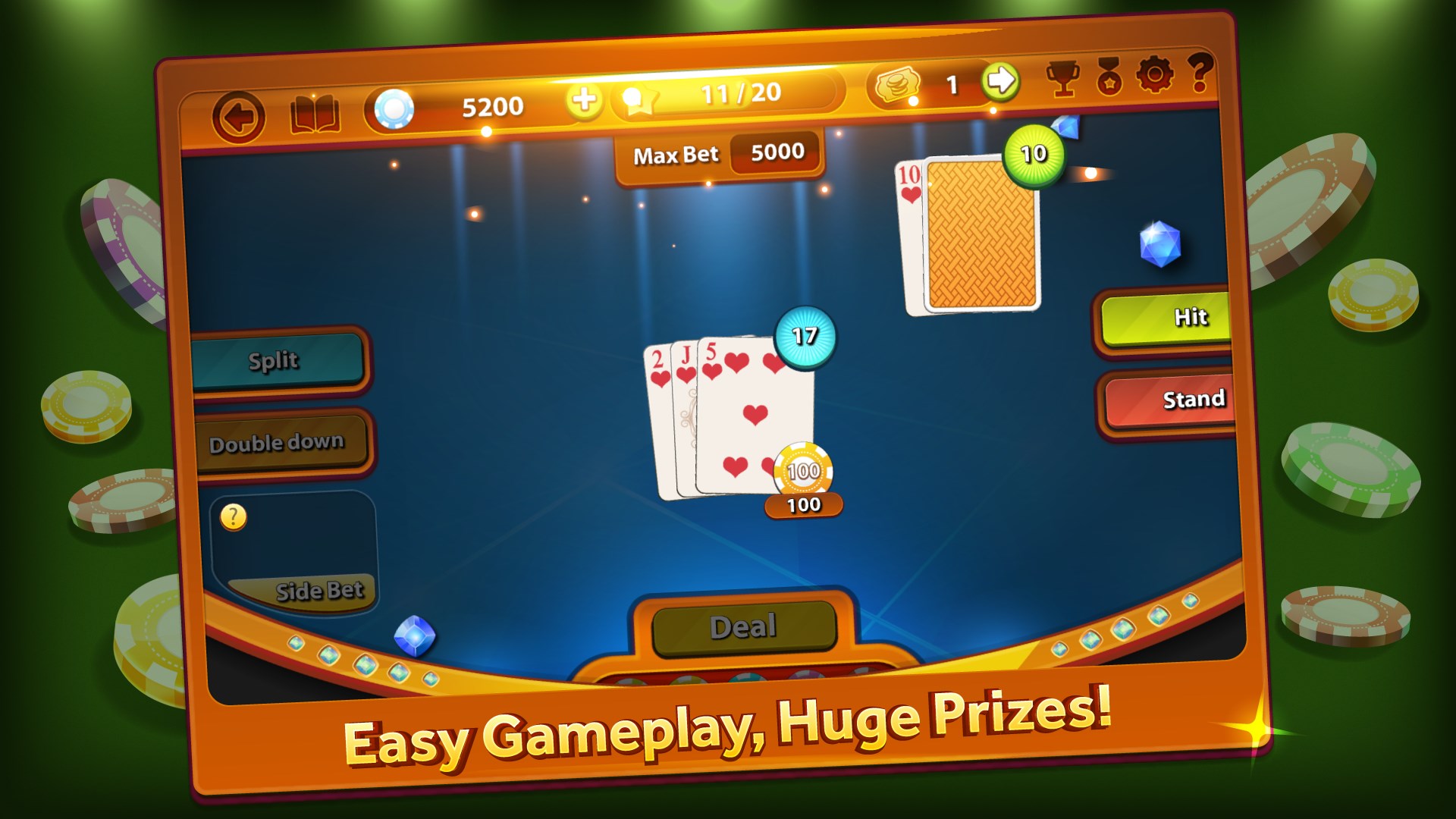
From the moment you launch Blackjack Professional, you'll notice its sleek aesthetic—think of it as stepping into a well-lit, modern casino room right on your computer. The interface is smooth, with crisp visuals and intuitive controls that make placing bets, hitting, standing, or doubling down feel natural, almost like handling real chips and cards.
Navigation is straightforward; buttons are logically placed, and animations are subtle yet satisfying, providing feedback without causing any lag or confusion. The game adapts well across different screen sizes, ensuring that players on various Windows devices—be it a tablet, laptop, or desktop—can enjoy a seamless experience.
Learning curve? Very gentle. The tutorial mode, when available, guides new players step-by-step, while experienced blackjack veterans can jump right into the action. Overall, the app's design emphasizes clarity and ease of use, making the game accessible without sacrificing sophistication.
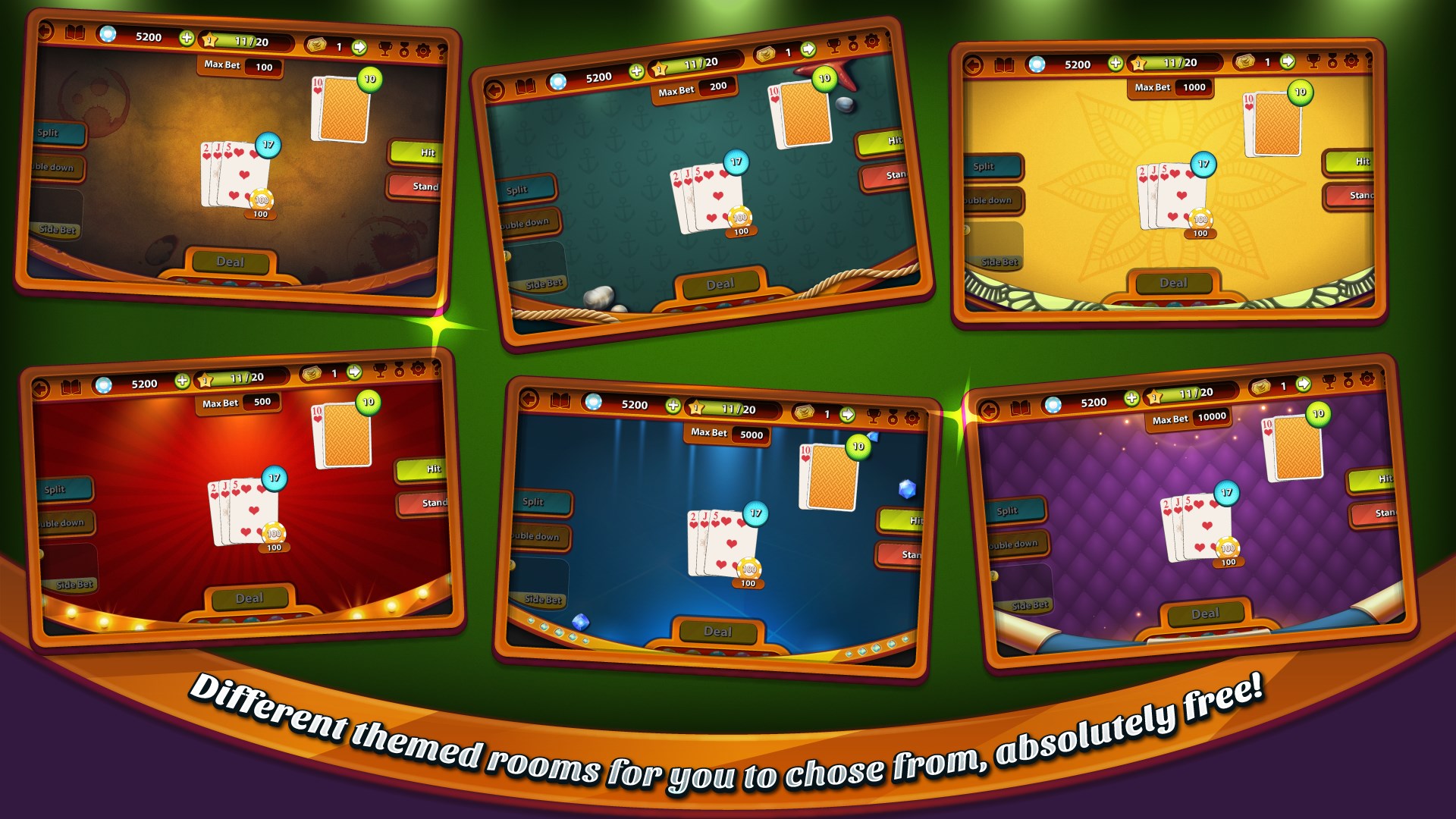
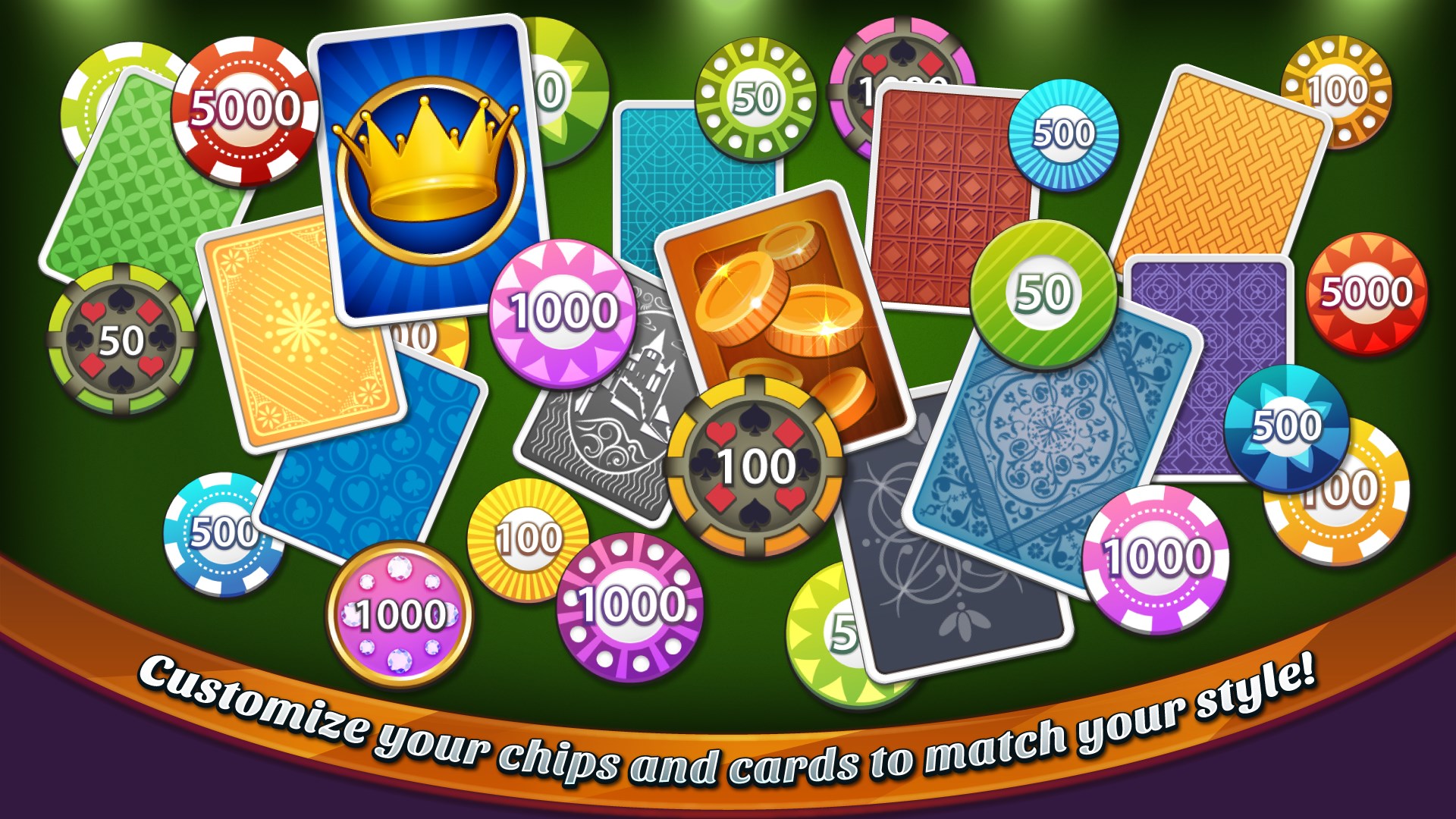
Most casino apps tend to focus primarily on realism or competitive features, but Blackjack Professional emphasizes user customization and versatility. Its standout feature lies in its broad array of game modes combined with personalized themes, making each session feel uniquely tailored. This flexibility caters to varying player preferences—whether you're testing your skills in a high-stakes environment or casually practicing your blackjack strategy for fun.
Additionally, the offline mode is a significant plus for those who prefer playing without Wi-Fi or data worries, setting it apart from many multiplayer-heavy casino apps. The well-balanced interface and multiple game options showcase a thoughtful approach to delivering quality entertainment that balances professionalism with approachability.
All in all, Blackjack Professional for Windows is a competent and compelling choice for anyone interested in blackjack or card games in general. Its user-friendly design, customization options, and offline play make it a handy app for both casual enthusiasts and more dedicated players seeking a reliable digital blackjack experience.
If you're looking for a visually appealing, straightforward, and versatile blackjack app that feels close to the real thing without the complexities, I'd recommend giving this game a try. It's suitable for quick training sessions or leisurely game nights, and with its intuitive interface, you'll be dealing the chips like a pro in no time. Overall, a solid addition to the Windows gaming library that doesn't overpromise but delivers on quality and enjoyment.
Intuitive User Interface
Realistic Card Animations
Multiple Game Modes
Offline Play Support
Regular Updates and Bug Fixes
Limited Customization Options
No Tutorial for Beginners
Ads Interrupt Gameplay
Limited Statistics Tracking
Sound Effects Could Be More Dynamic

for Windows
 4.9
4.9

for Windows
4.9

for Windows
4.9

for Windows
4.9

for Windows
4.9

for Windows
4.8

for Windows
4.8

for Windows
4.8

for Windows
4.7

for Windows
4.7

for Windows
4.7

for Windows
4.6

for Windows
5

for Windows
5

for Windows
5

for Windows
5

for Windows
5

for Windows
5

for Windows
5

for Windows
5

for Windows
5

for Windows
5