Casino
Ricky Walker
PC, Mobile, Surface Hub, HoloLens
Windows 10 version 17763.0 or higher
English (United States)
Blackjack Master 3 for Windows provides an engaging, realistic take on the classic card game, combining quality graphics with intuitive gameplay that appeals to both novice players and seasoned blackjack enthusiasts.
Developed and published by Ricky Walker, a solo developer dedicated to creating accessible and enjoyable digital card games, this application reflects careful craftsmanship tailored for Windows users.
The target audience primarily includes casual gamers who appreciate straightforward casino games, blackjack enthusiasts seeking a reliable simulation, and players new to digital card games experimenting with different variants.
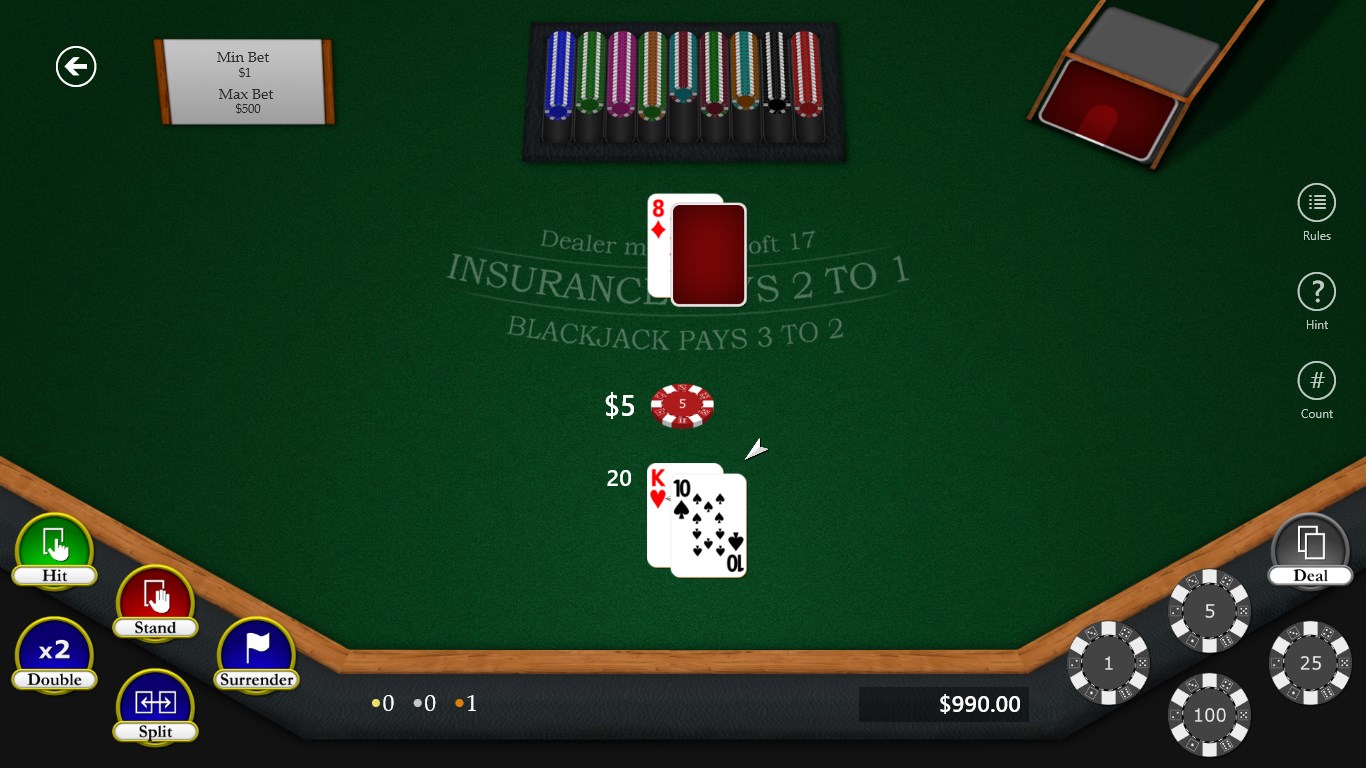
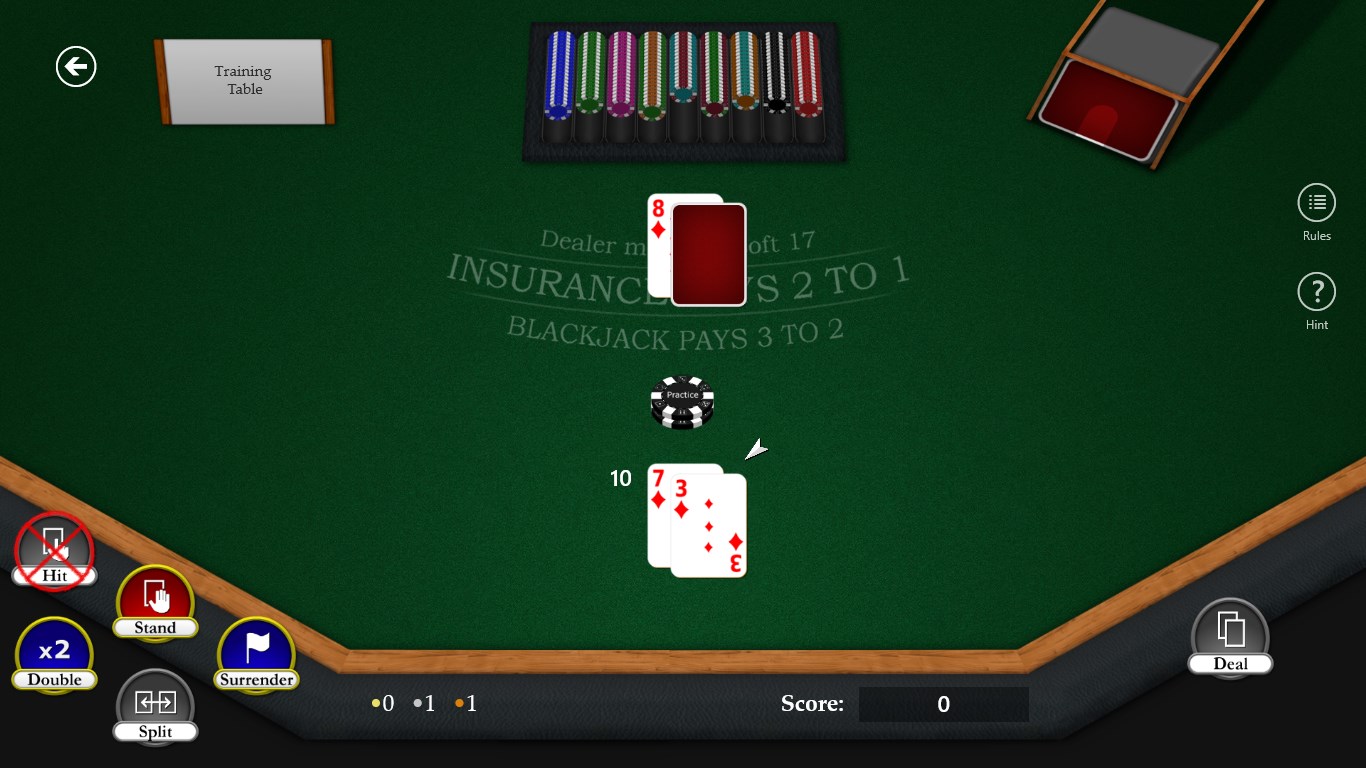
Launching Blackjack Master 3 feels akin to stepping into a cozy, well-lit casino lounge—tables laid out precisely, cards shuffling in a satisfying rhythm, and the dealer beckoning with a friendly nod. The interface balances elegance and simplicity; sleek black backgrounds contrasted with crisp white text, and intuitive controls ensure you're never lost in labyrinthine menus. This attention to detail fosters an immersive experience, making users feel like they're sitting at a real blackjack table without the distraction of overly flashy elements.
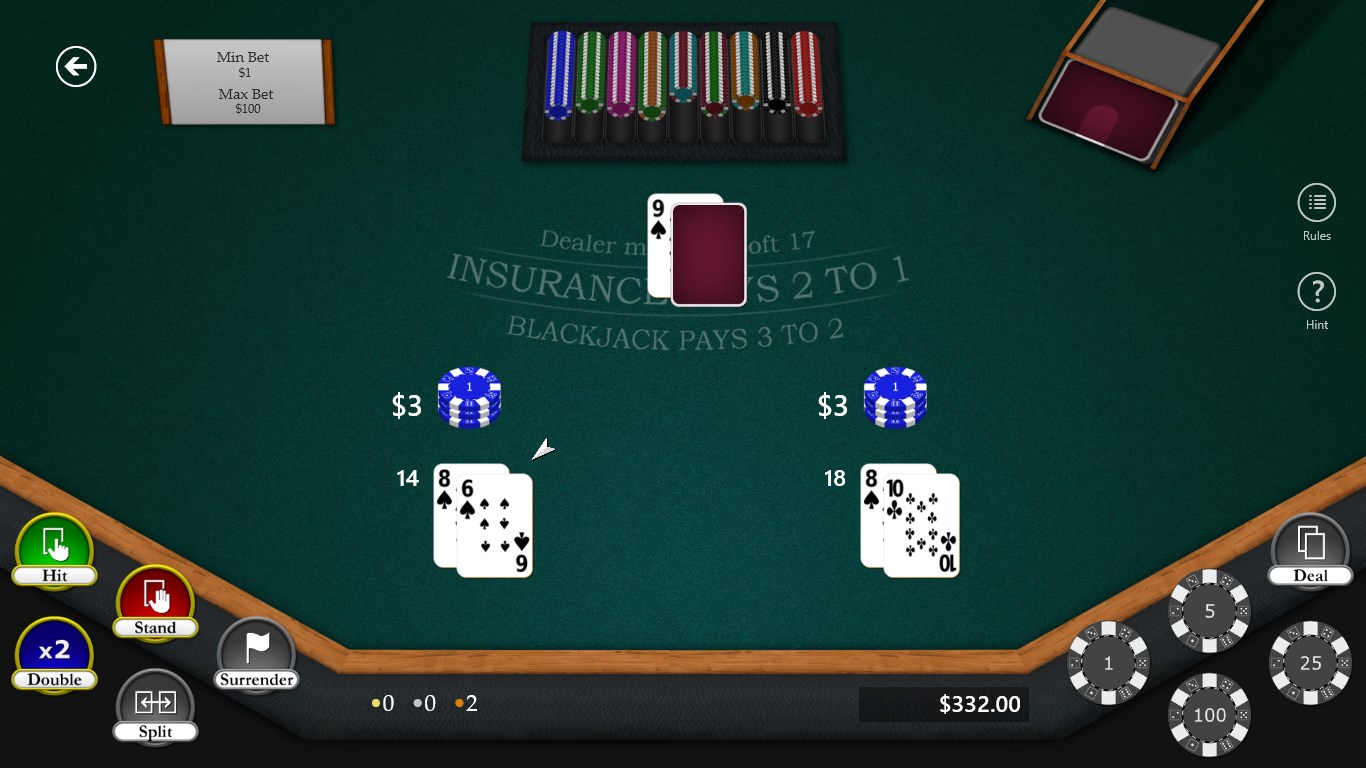
The game's primary allure lies in its multiple modes. The classic mode faithfully replicates the standard blackjack gameplay, where players aim to beat the dealer without busting. Side bets add an extra layer of thrill, allowing for more strategic decisions and higher payouts, reminiscent of casino floor excitement. Quick-play mode is perfect for those who prefer a brisk gaming session—press "deal" and jump right into the action—ideal for busy professionals or casual players testing their luck and skill.
From a mechanics standpoint, the dealer's behavior is programmed to mimic real-world casino logic, including nuanced decisions like hitting or standing based on card counts. The game also offers adjustable bet sizes and easy chip management, allowing players to set their risk appetite comfortably.
Navigation is smooth, with responsive controls designed for both mouse clicks and keyboard shortcuts, ensuring an effortless user journey. The learning curve is gentle; beginners can quickly grasp game rules through optional tutorials, while experienced players can delve into various betting strategies. The fluidity of animations—cards flipping, chips stacking—is visually pleasing but not distracting, creating a balanced sensory experience. Overall, Blackjack Master 3 proves to be accessible yet rich enough for repeated play.
While many casino apps lean heavily on flashy graphics or overly complicated features, Blackjack Master 3 stands out with its commitment to authenticity and ease of use. Its most unique feature is the realistic dealer simulation combined with multiple game modes that cater to diverse player preferences, from casual quick sessions to more strategic gameplay. Additionally, the game's lightweight design makes it highly accessible across a wide range of PC specifications, setting it apart from more resource-intensive competitors.
Overall, blackjack enthusiasts and casual gamers alike will find Blackjack Master 3 a solid, enjoyable experience. Its blend of authentic gameplay, user-centric design, and versatile game modes make it a recommended choice for Windows users seeking a reliable blackjack simulation. While it may not offer extensive customization or multiplayer features, its core strengths lie in delivering a straightforward, gratifying card game without unnecessary distractions.
If you're looking for a no-nonsense, well-crafted blackjack app that respects the traditional game while providing modern conveniences, Blackjack Master 3 is a worthy addition to your Windows gaming library. Ideal for quick practice sessions or casual play, it's a quiet powerhouse that treats the game with professionalism and a touch of friendly charm.
User-friendly interface
Smooth gameplay experience
Variety of difficulty levels
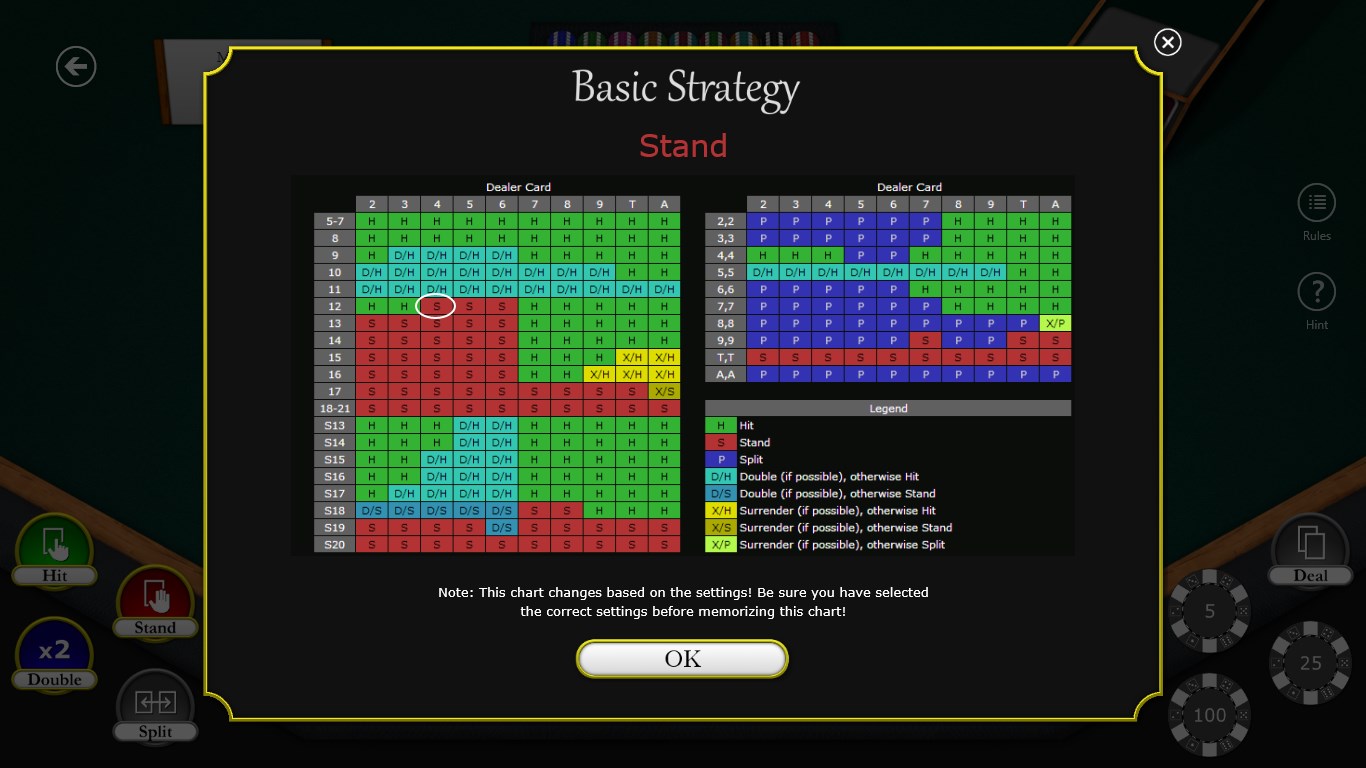
In-game tutorials and tips
Regular updates and bug fixes
Limited multiplayer options
In-app purchase reliance
Ads interrupt gameplay
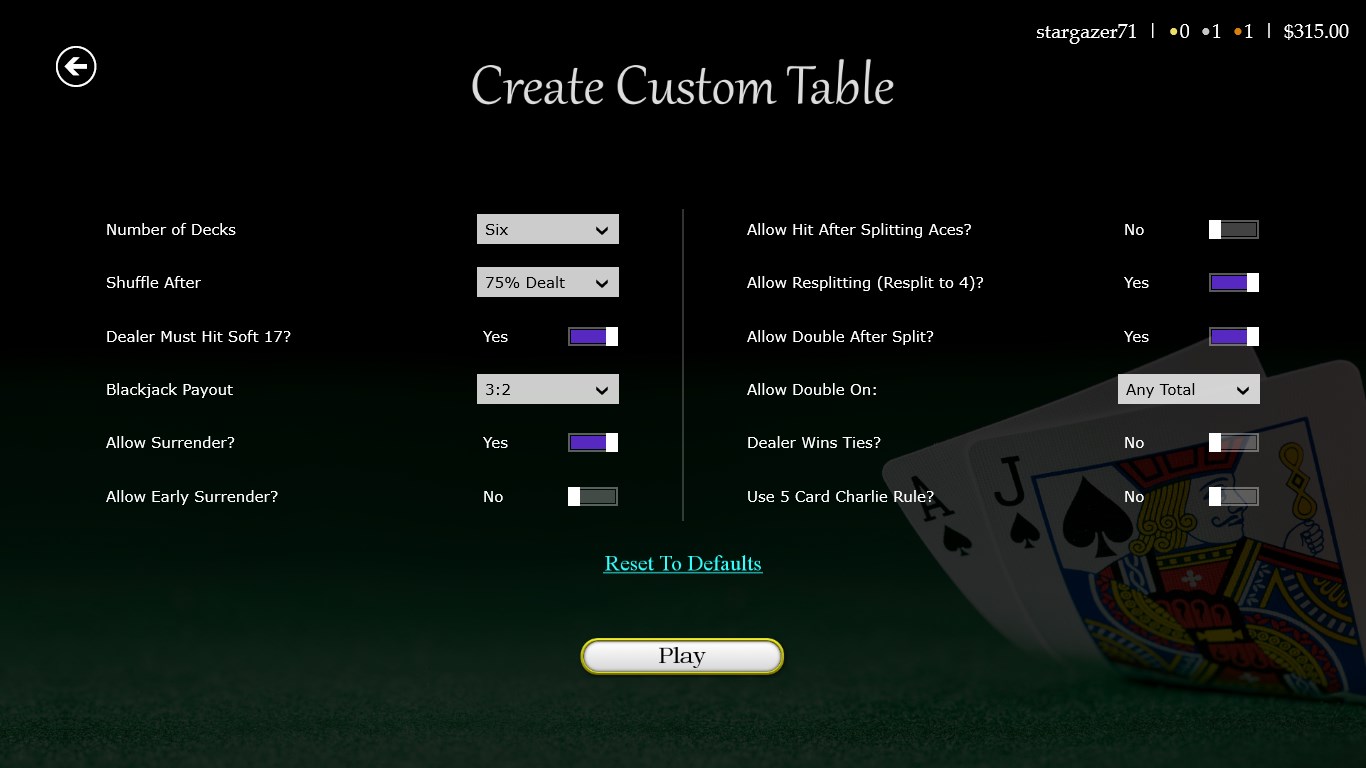
Limited customization options
Battery consumption possibly high

for Windows
 4.9
4.9

for Windows
4.9

for Windows
4.9

for Windows
4.9

for Windows
4.9

for Windows
4.8

for Windows
4.8

for Windows
4.8

for Windows
4.7
for Windows
4.7

for Windows
4.7

for Windows
4.6

for Windows
5

for Windows
5

for Windows
5

for Windows
5

for Windows
5

for Windows
5

for Windows
5

for Windows
5

for Windows
5

for Windows
5