Casino
Rolling Donut Apps
PC
Windows 8.1 or higher
English (United States)
If you're a fan of classic bingo but crave a modern, engaging twist, Bingo Star offers a delightful gaming experience directly on your Windows device. It combines the timeless charm of bingo with sleek interface design and intuitive gameplay, making it accessible for both newcomers and seasoned players alike.
Developed and published by Rolling Donut Apps, a company known for creating casual and engaging mobile and desktop games, Bingo Star benefits from their focus on user-friendly design and smooth gameplay experiences.
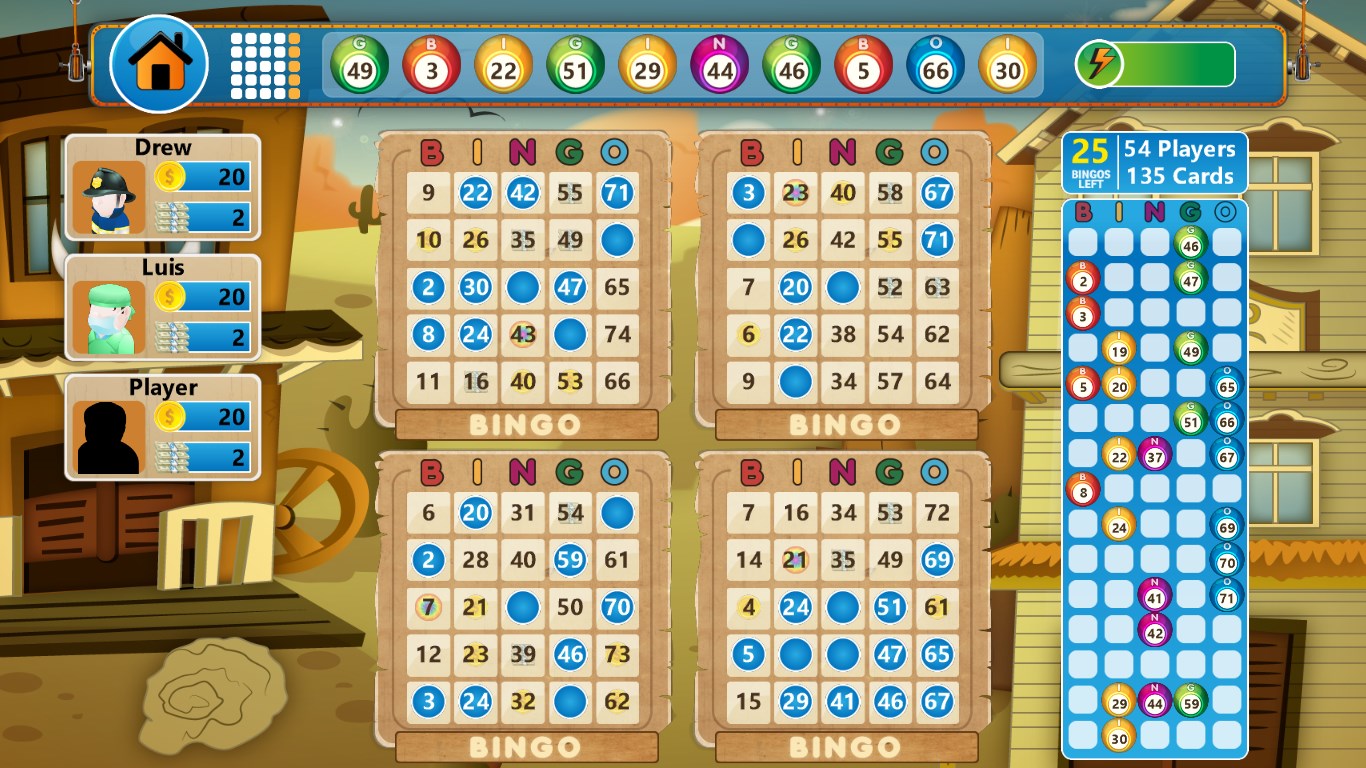
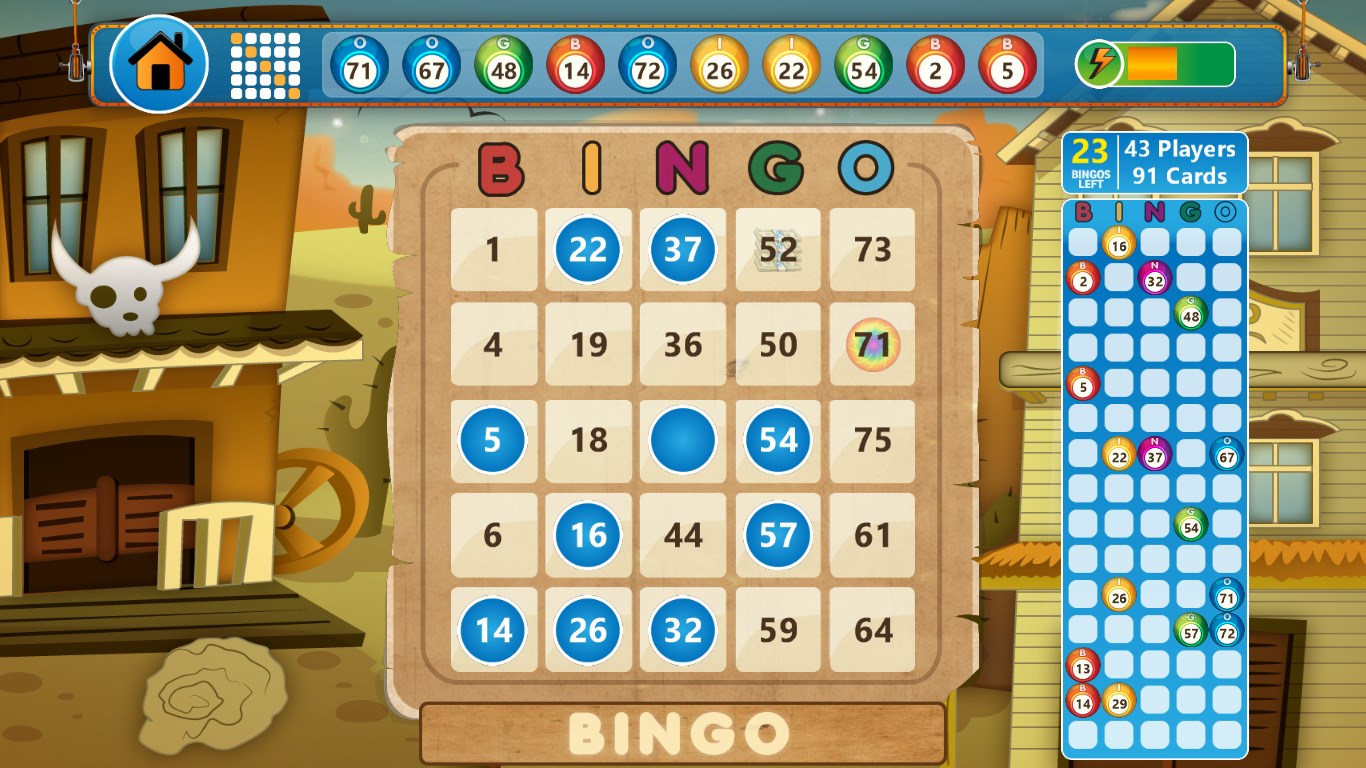
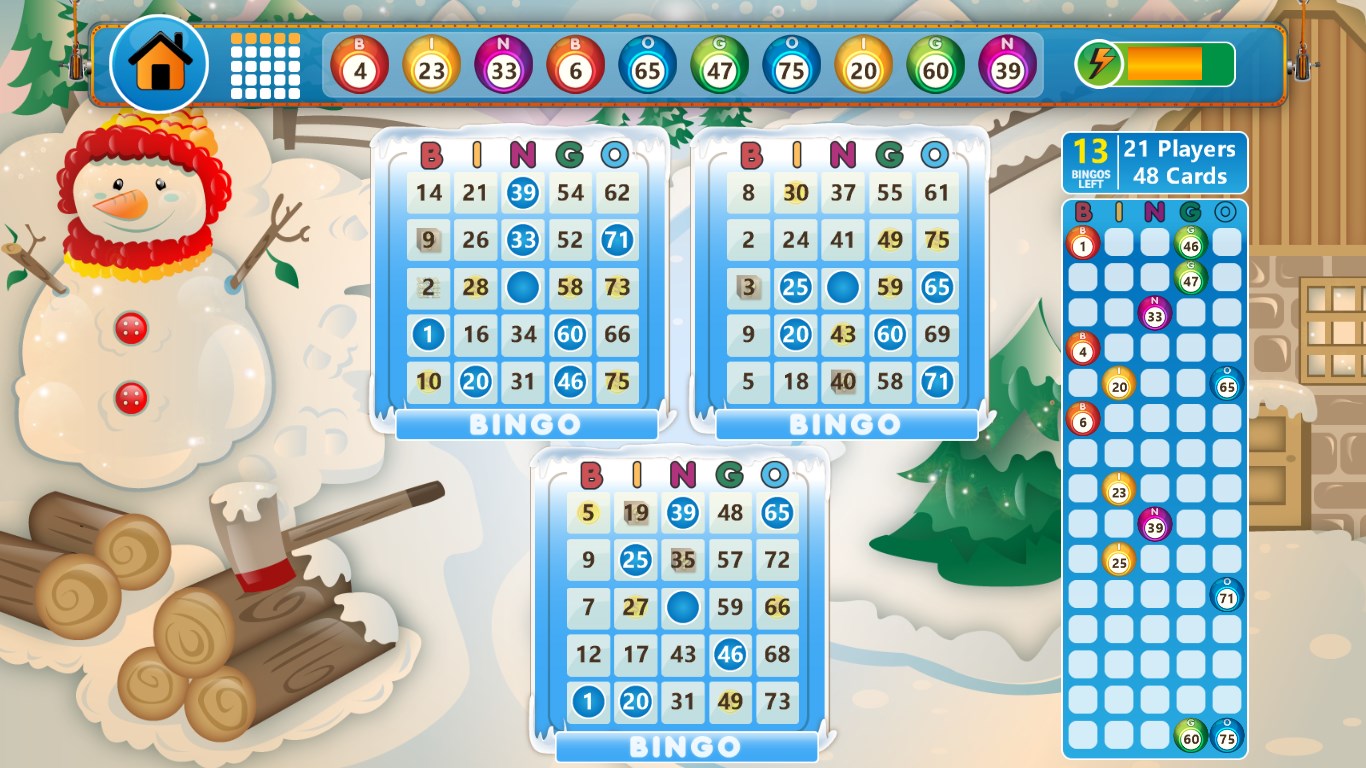
Stepping into Bingo Star for Windows feels like entering a lively bingo hall, but from the comfort of your own couch. The interface design is bright, colorful, and intuitively structured—imagine a well-organized bingo parlor where every detail is crafted to make you feel welcome and excited. The gameplay runs smoothly, with quick number draws and seamless card updates, ensuring you stay immersed without frustrating lags.
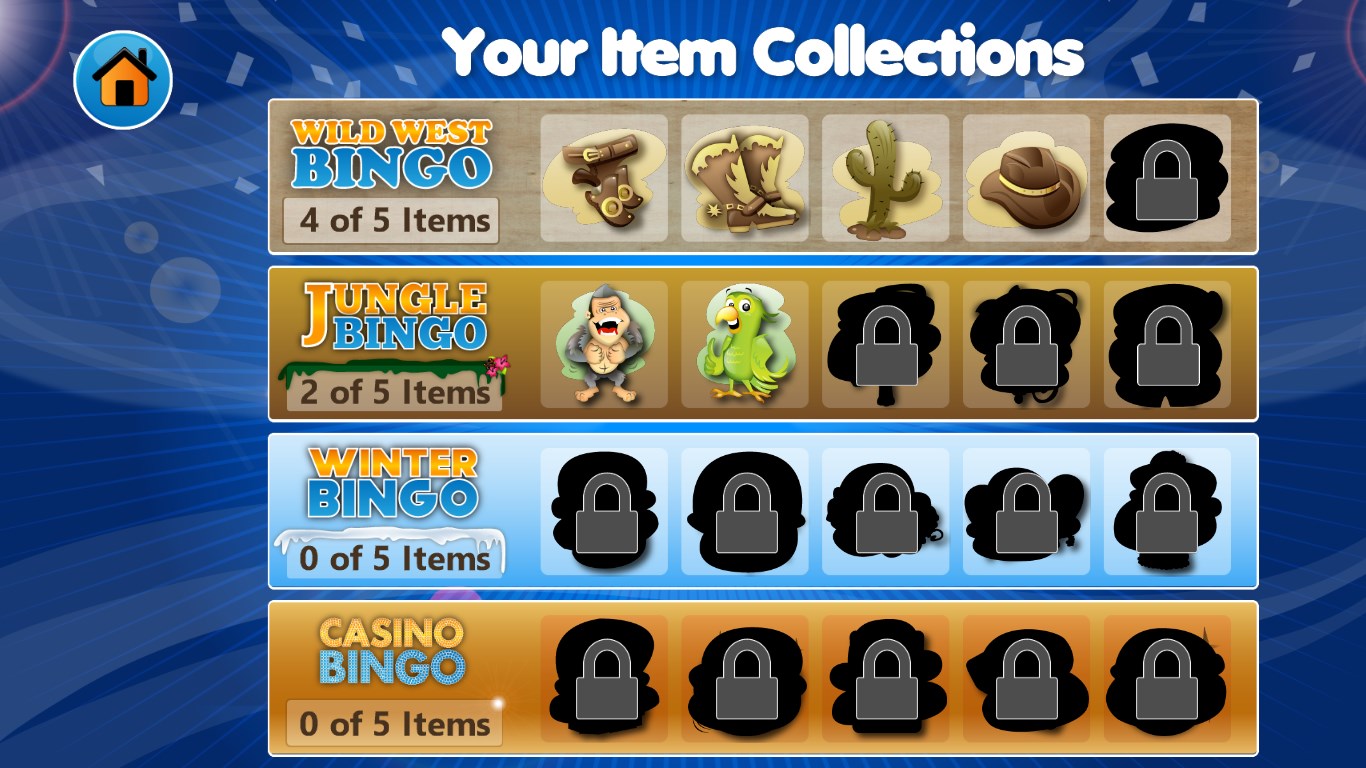
The core of Bingo Star's appeal lies in its rich gameplay options. Beyond standard bingo, the game offers special modes like “Speed Bingo” and “Score Challenge,” adding layers of variety. The multiplayer feature elevates the experience, turning solo sessions into lively social sessions—imagine competing with friends across continents, each calling out their numbers with anticipation and joy.
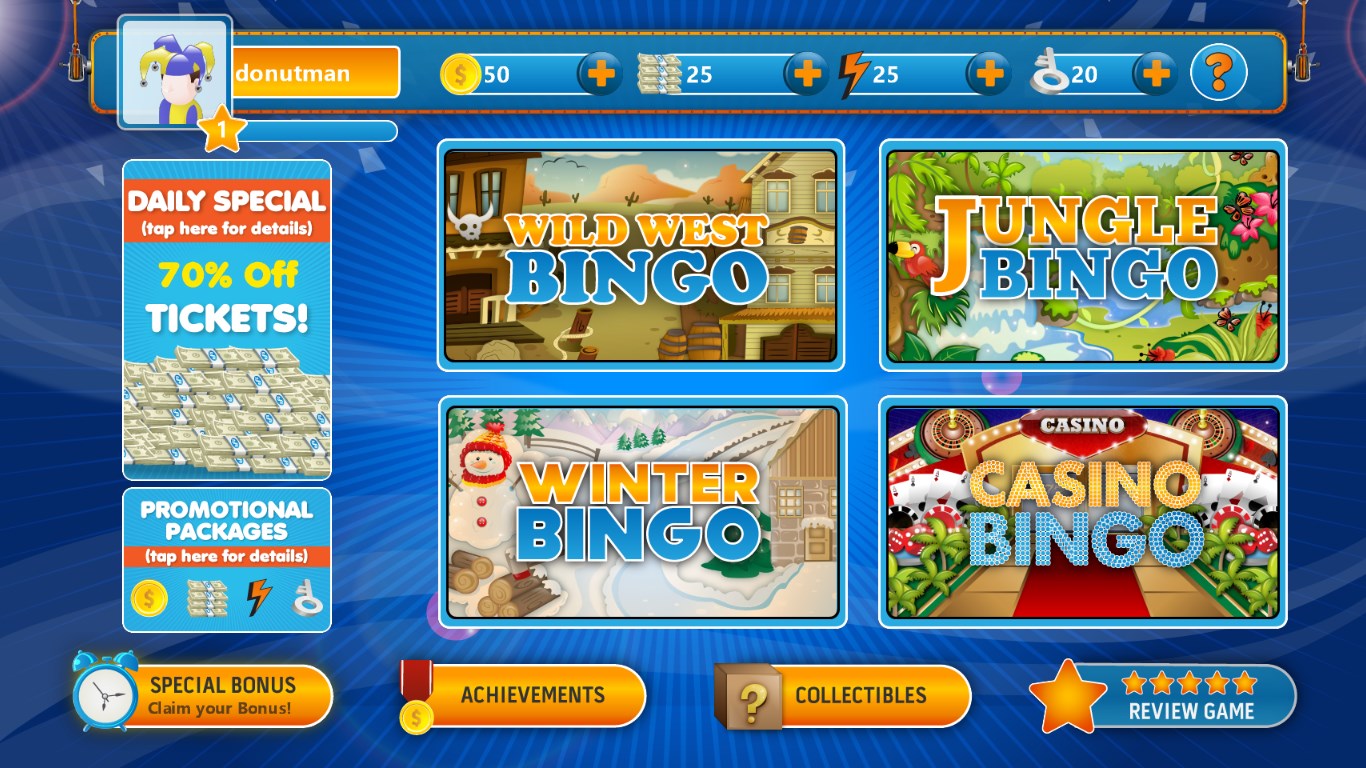
The design prioritizes ease of use, with clear instructions and minimal clutter, making onboarding quite straightforward. Even new players quickly grasp how to select cards, join different game rooms, and track their progress. The controls are responsive, and navigating menus feels natural—like flipping through a familiar game book rather than wrestling with complicated menus.
Compared to other casino-style applications, Bingo Star's standout feature is its harmonious blend of traditional bingo comfort with modern multiplayer social networking. Its multiplayer modes are robust and engaging, creating a lively community where players can chat, compete, and share milestones. Unlike many apps that focus solely on gambling mechanics, Bingo Star emphasizes casual fun and shared experiences, making it more approachable for players who enjoy casual gaming rather than high-stakes gambling.
I'd recommend Bingo Star for anyone looking for a refreshing, friendly bingo game that balances simplicity with excitement. Whether you're a seasoned bingo veteran or a curious newcomer, this app offers enough variety and social features to keep you coming back. It's best enjoyed when you're ready for a relaxing session with friends or seeking a fun, challenge-driven experience. Just remember—like any game with social features, it's best played responsibly, keeping the fun light and social engagement positive.
Intuitive Gameplay
Engaging Visuals
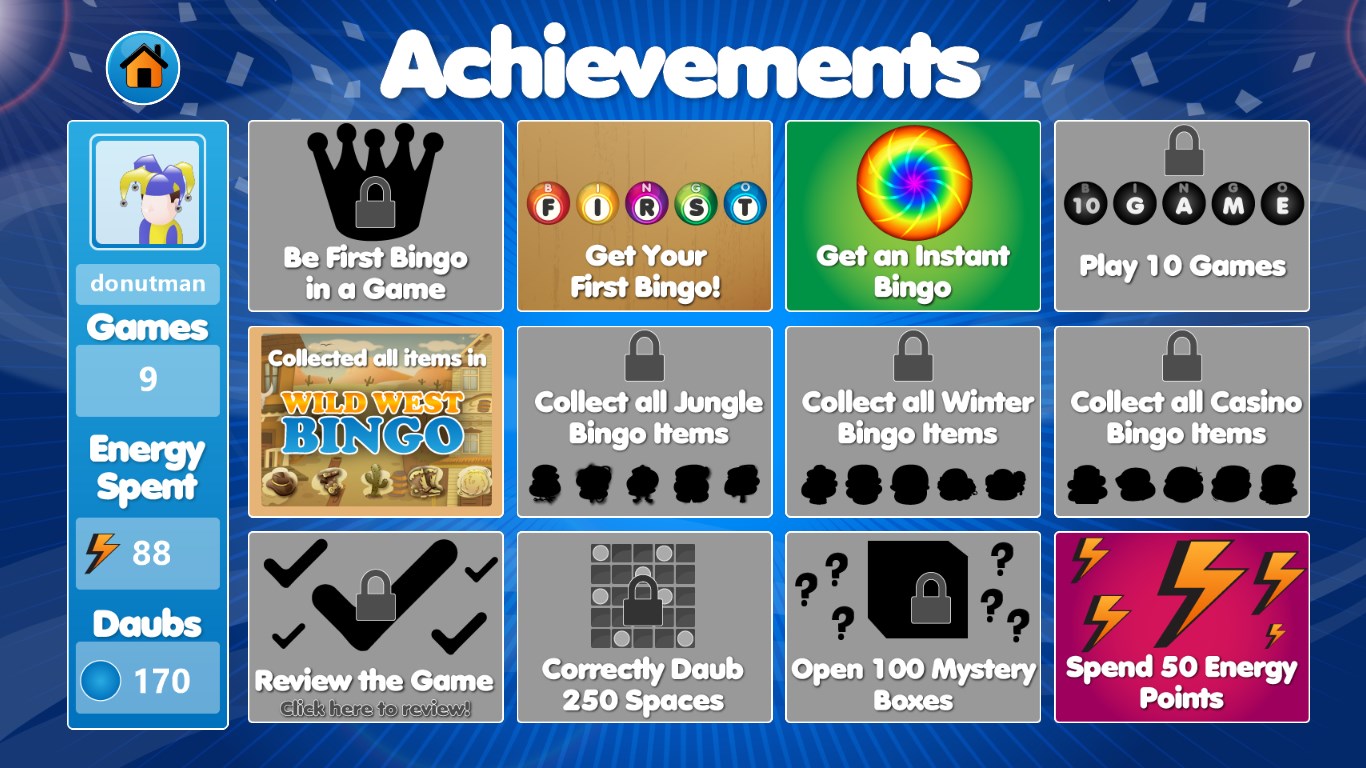
Daily Rewards System
Multiple Game Modes
Offline Mode Available
Limited Social Interaction
In-App Purchases Can Be Pricy
Repetitive Gameplay
Ad Frequency Is Noticeable
Performance on Older Devices

for Windows
 4.9
4.9
for Windows
4.9

for Windows
4.9
for Windows
4.9
for Windows
4.9

for Windows
4.8
for Windows
4.8
for Windows
4.8
for Windows
4.7

for Windows
4.7

for Windows
4.7
for Windows
4.6

for Windows
5

for Windows
5

for Windows
5

for Windows
5

for Windows
5

for Windows
5

for Windows
5

for Windows
5

for Windows
5

for Windows
5