Books & reference
PC, Mobile, Surface Hub
Windows 10 version 17763.0 or higher
Afrikaans, Arabic, Chinese (Simplified), Chinese (Traditional Chinese), Chinese (Traditional), Dutch, English (United States), French, German, Italian, Japanese, Korean, Portuguese, Russian, Spanish
If you're seeking a versatile Bible app that caters to both casual readers and serious students of scripture, Bible - Multi Version for Windows by NxeCcde24 Labs is worth a look. This application aims to bring multiple Bible translations into one accessible platform, making it easy to explore different versions without juggling multiple apps or printed books.
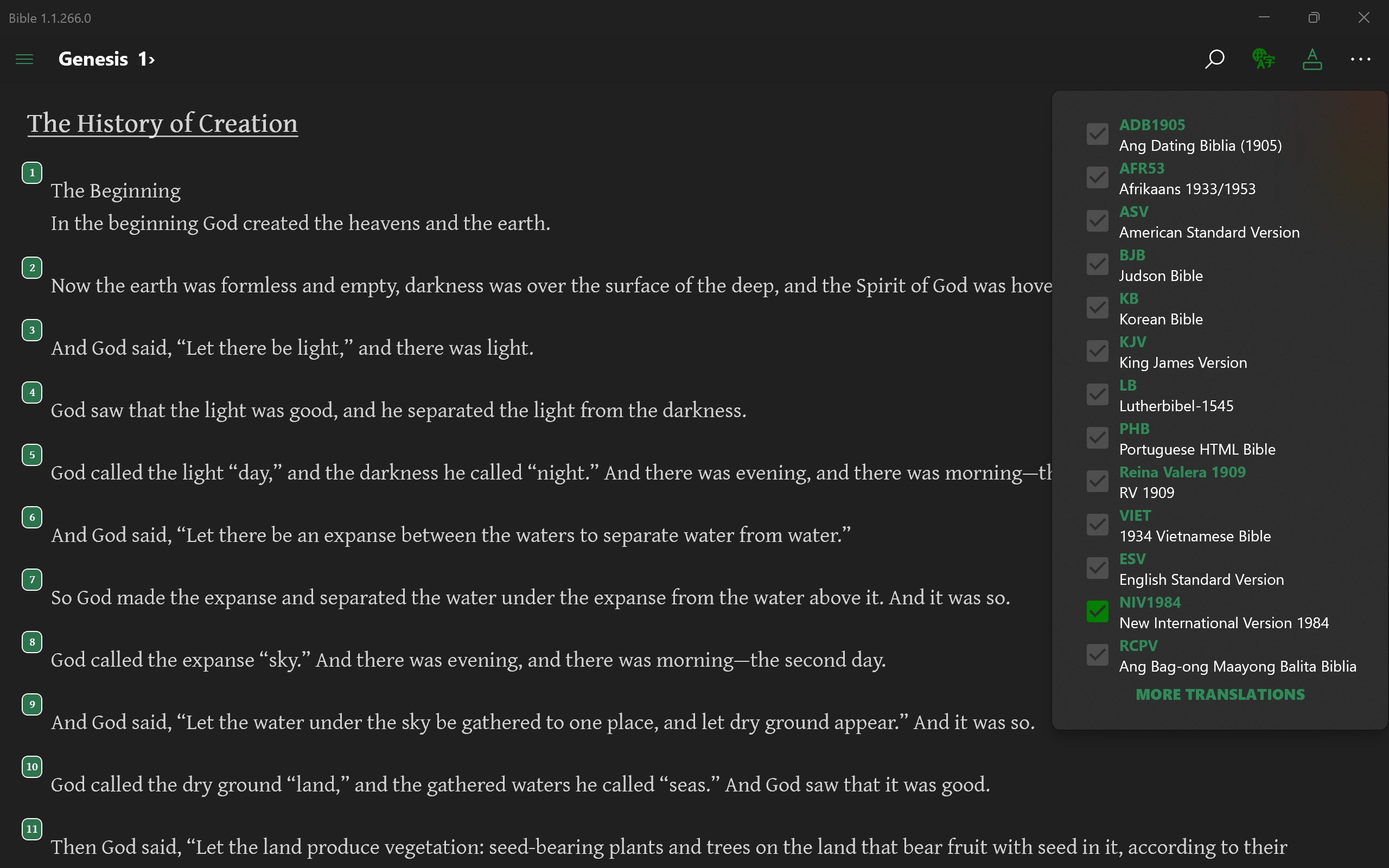
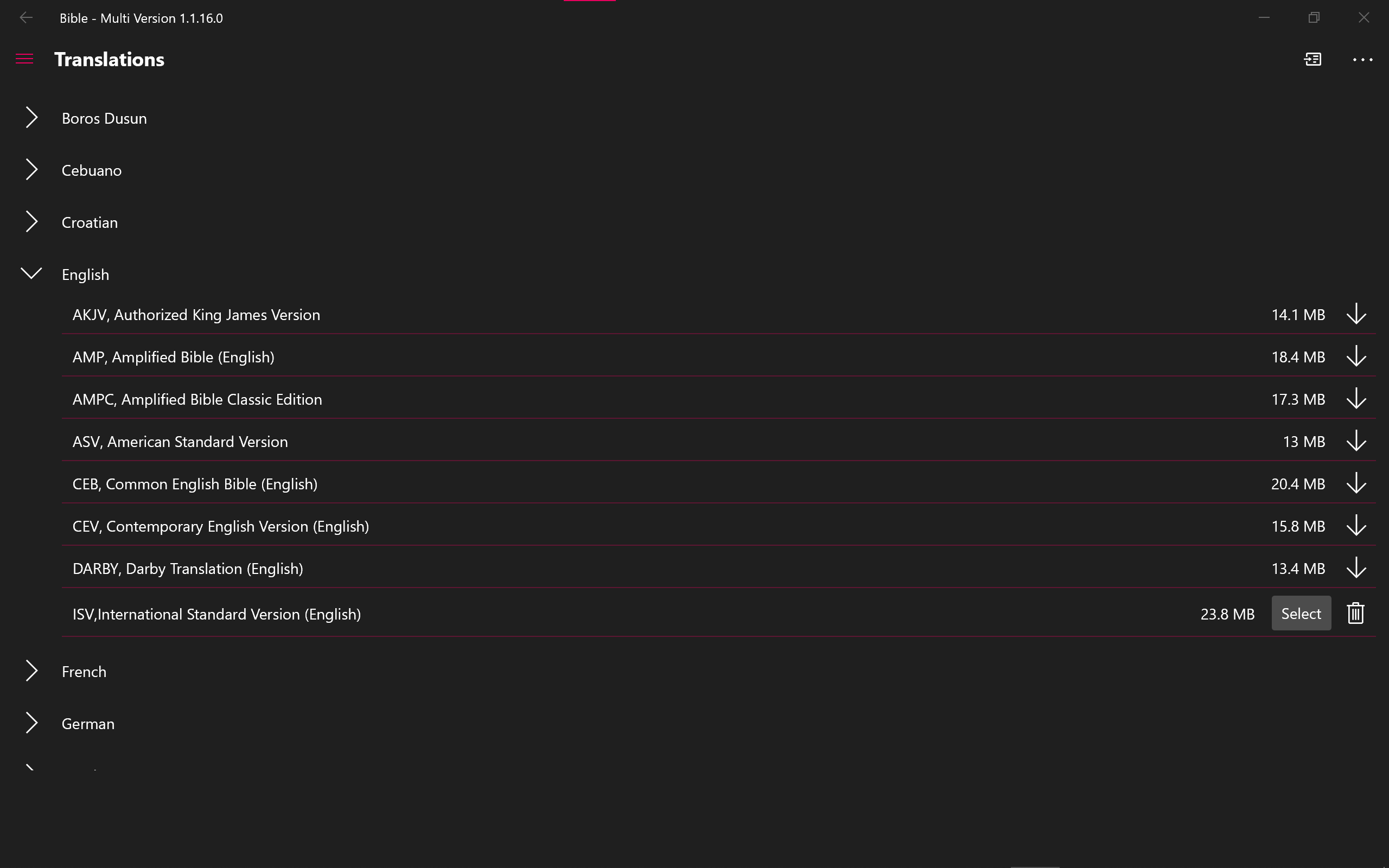
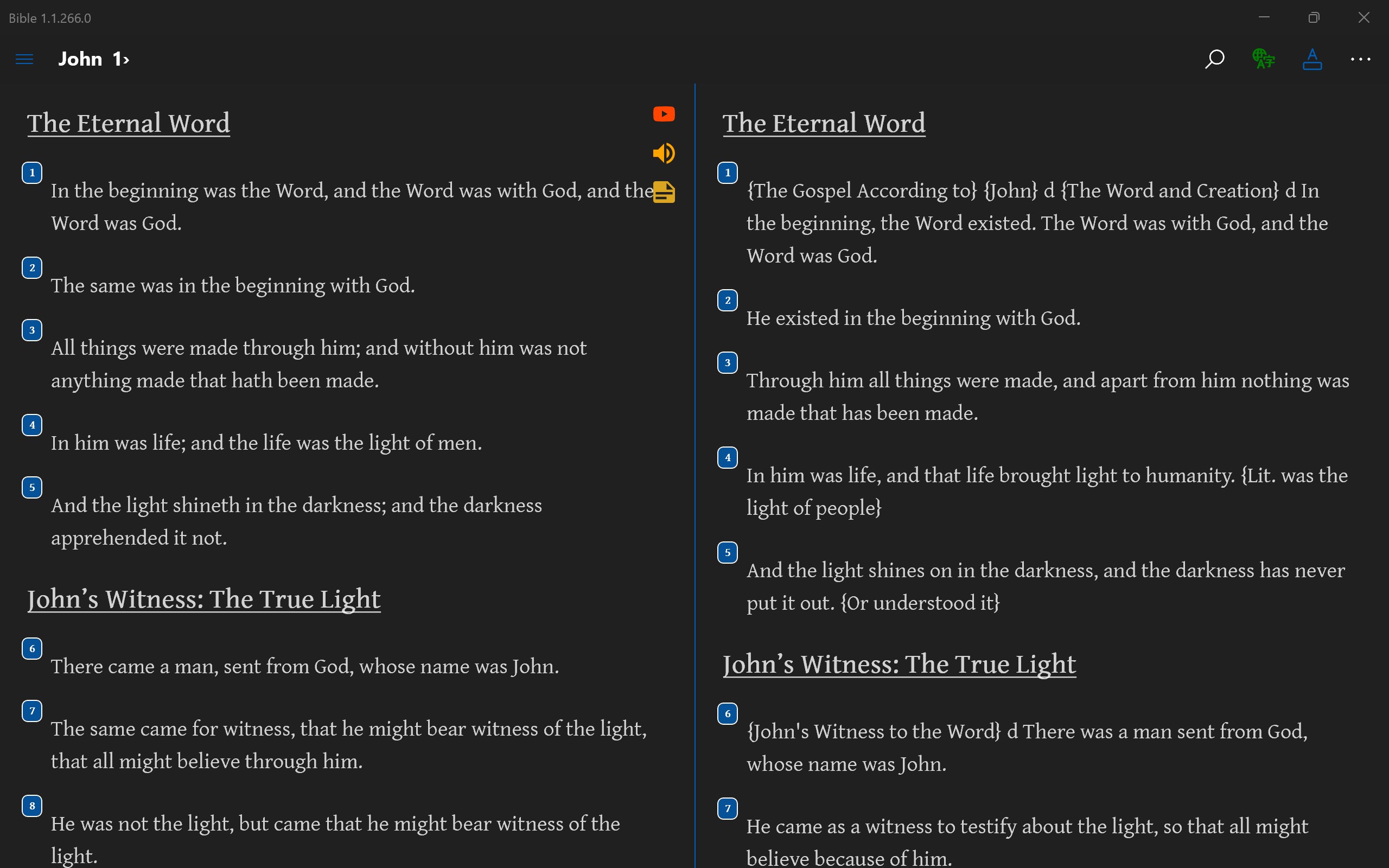
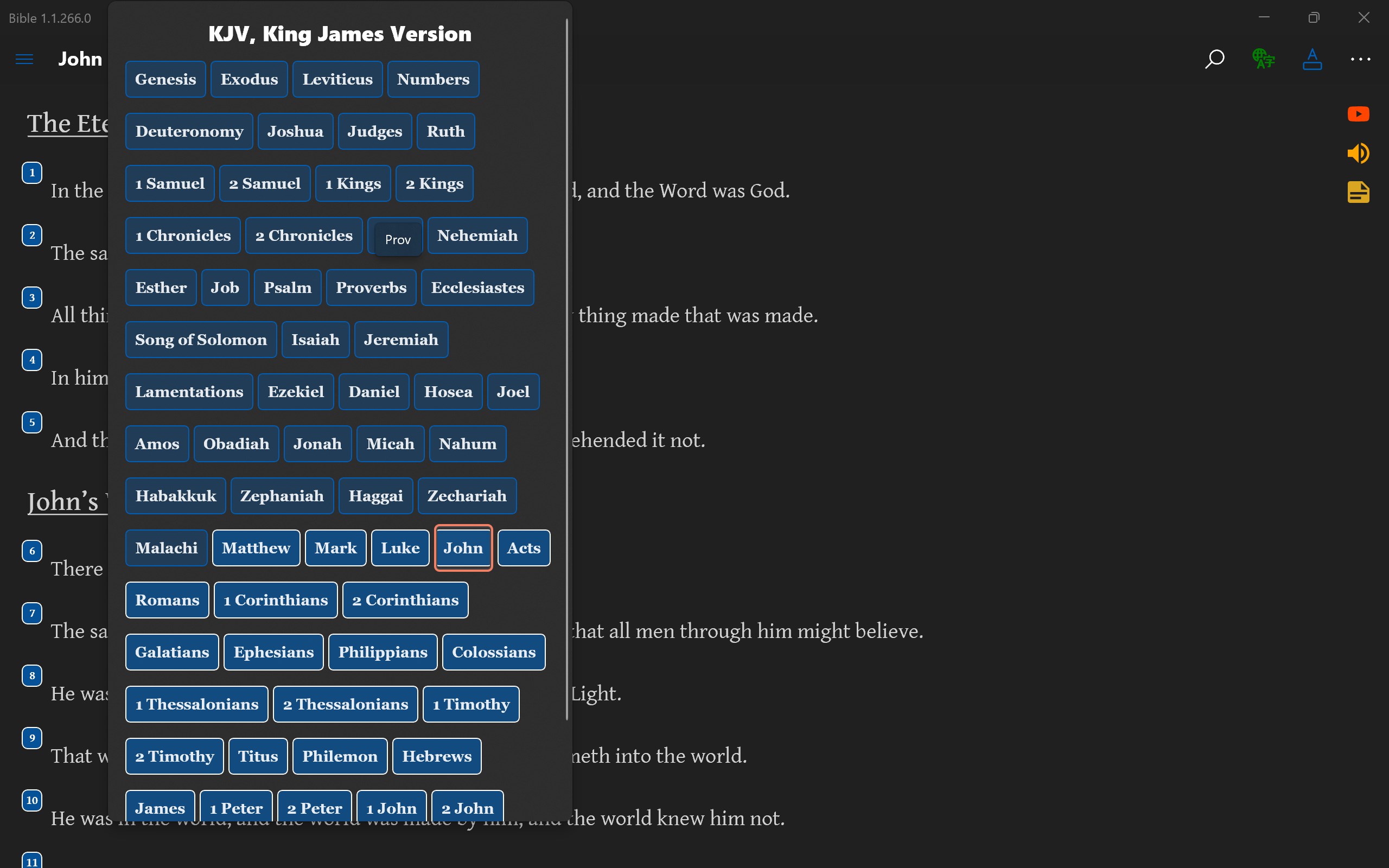
The standout feature of this app is its ability to switch seamlessly between various Bible translations. Whether you prefer the classic King James Version, the poetic New International Version, or other translations, all are available within a single interface. This makes comparative reading and study significantly more straightforward, akin to having a digital concordance at your fingertips.
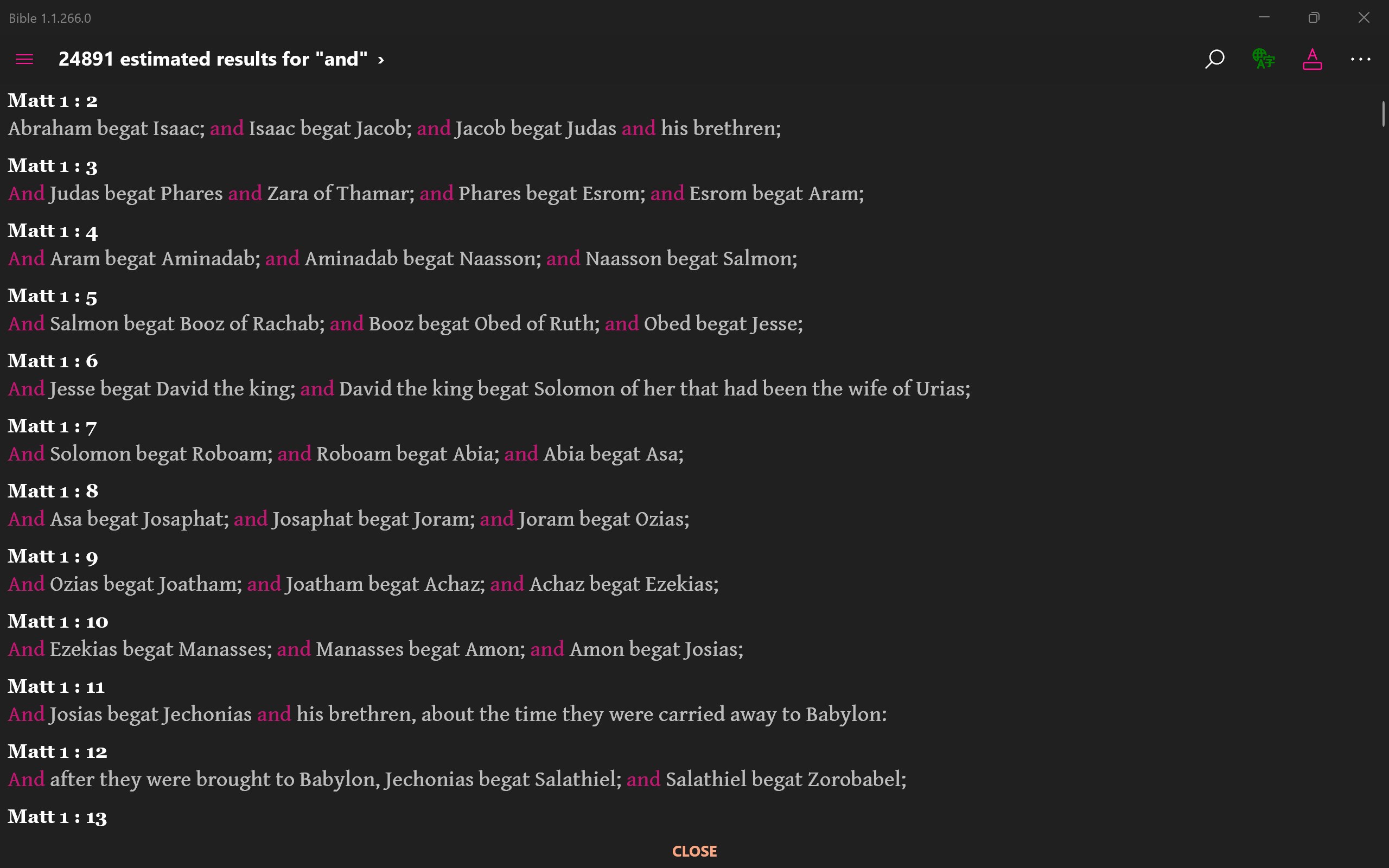
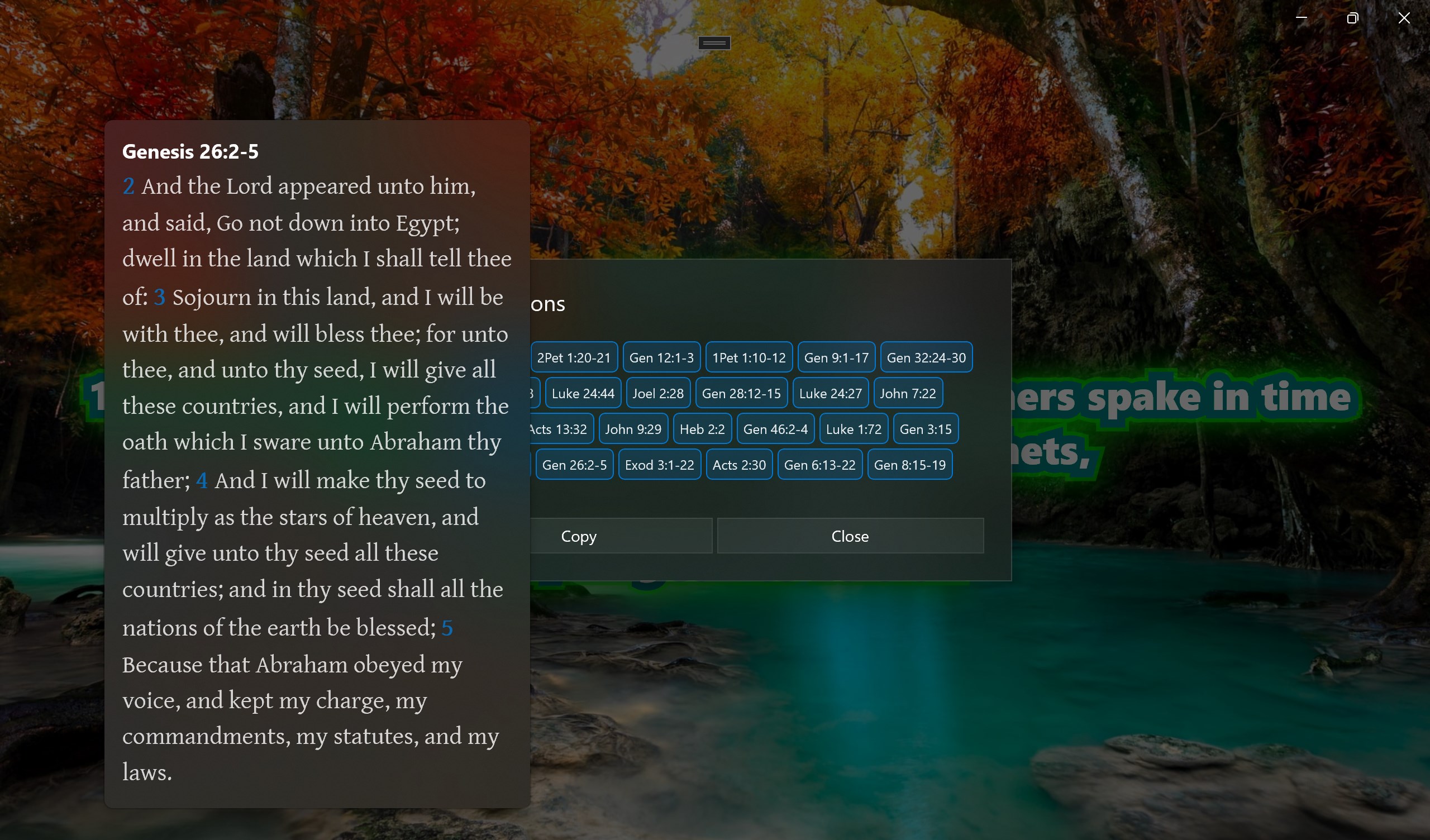
Searching for specific passages, keywords, or topics is effortless thanks to an efficient search engine that supports both simple and advanced queries. This feature transforms the app into a practical tool for those preparing sermons, study sessions, or personal reflection, much like having a knowledgeable guide navigating a vast library with ease.
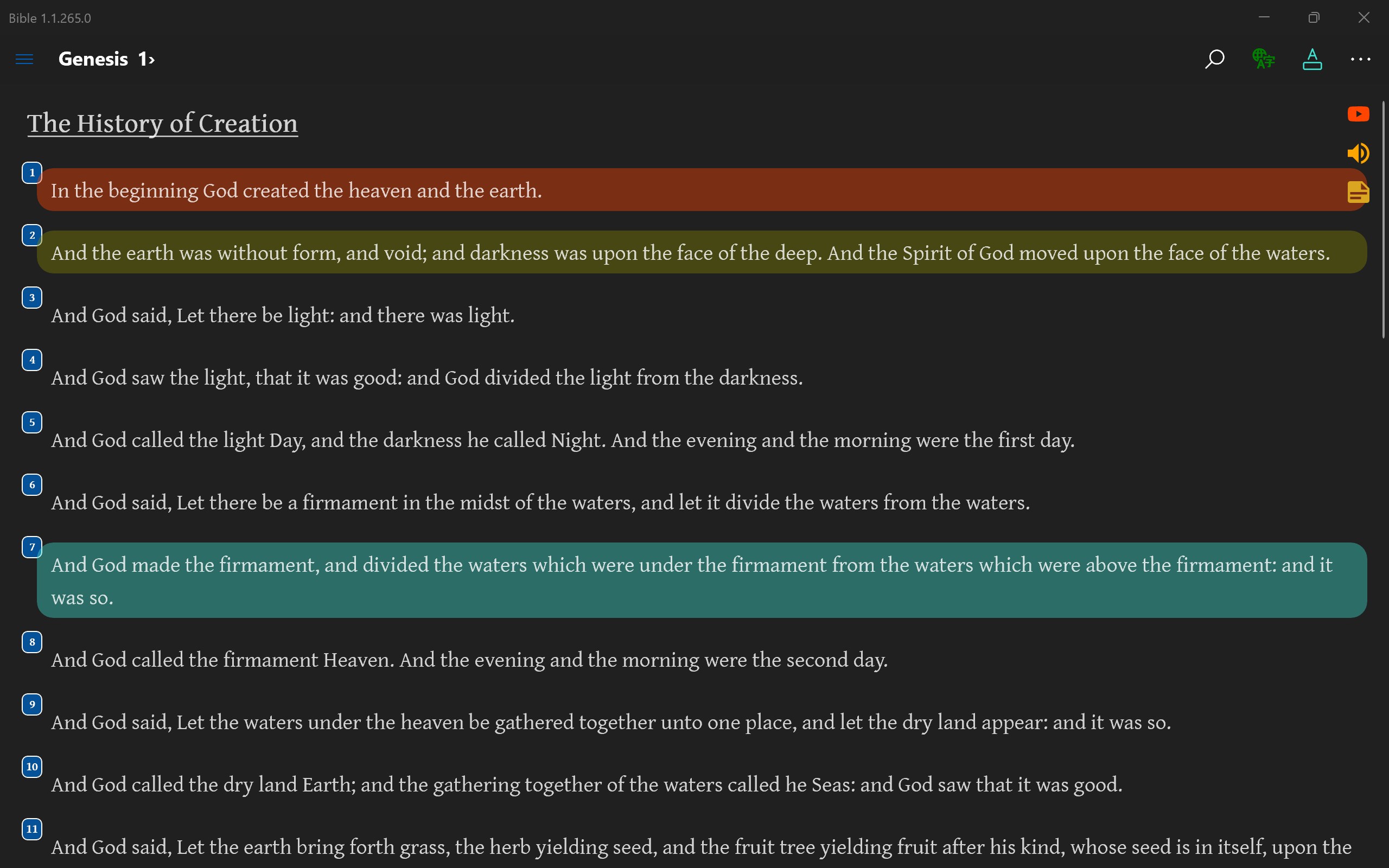
The app boasts a clean, organized interface that resembles a well-illuminated bookshelf—easy to browse and find your desired passages. Navigation is fluid, with smooth loading times and responsive controls, even on lower-end devices. The learning curve is gentle, making it accessible to newcomers while still appealing to long-time Bible readers.
The design of Bible - Multi Version for Windows emphasizes clarity and simplicity. It presents verses in a straightforward, legible font, allowing for comfortable reading over extended periods—much like settling into a cozy reading nook. The app's layout minimizes clutter, focusing your attention on the text itself, which is crucial for meditation or study.
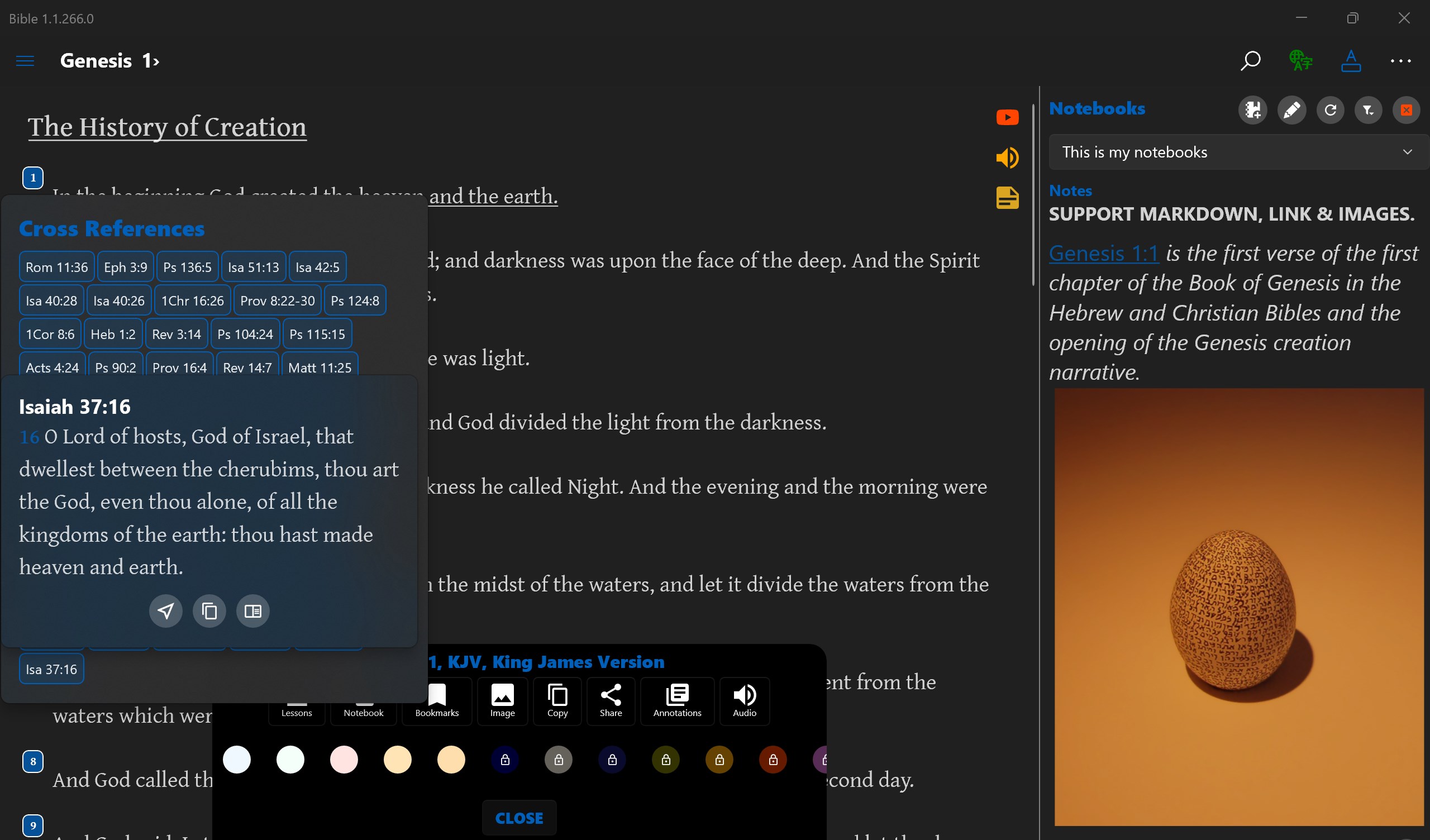
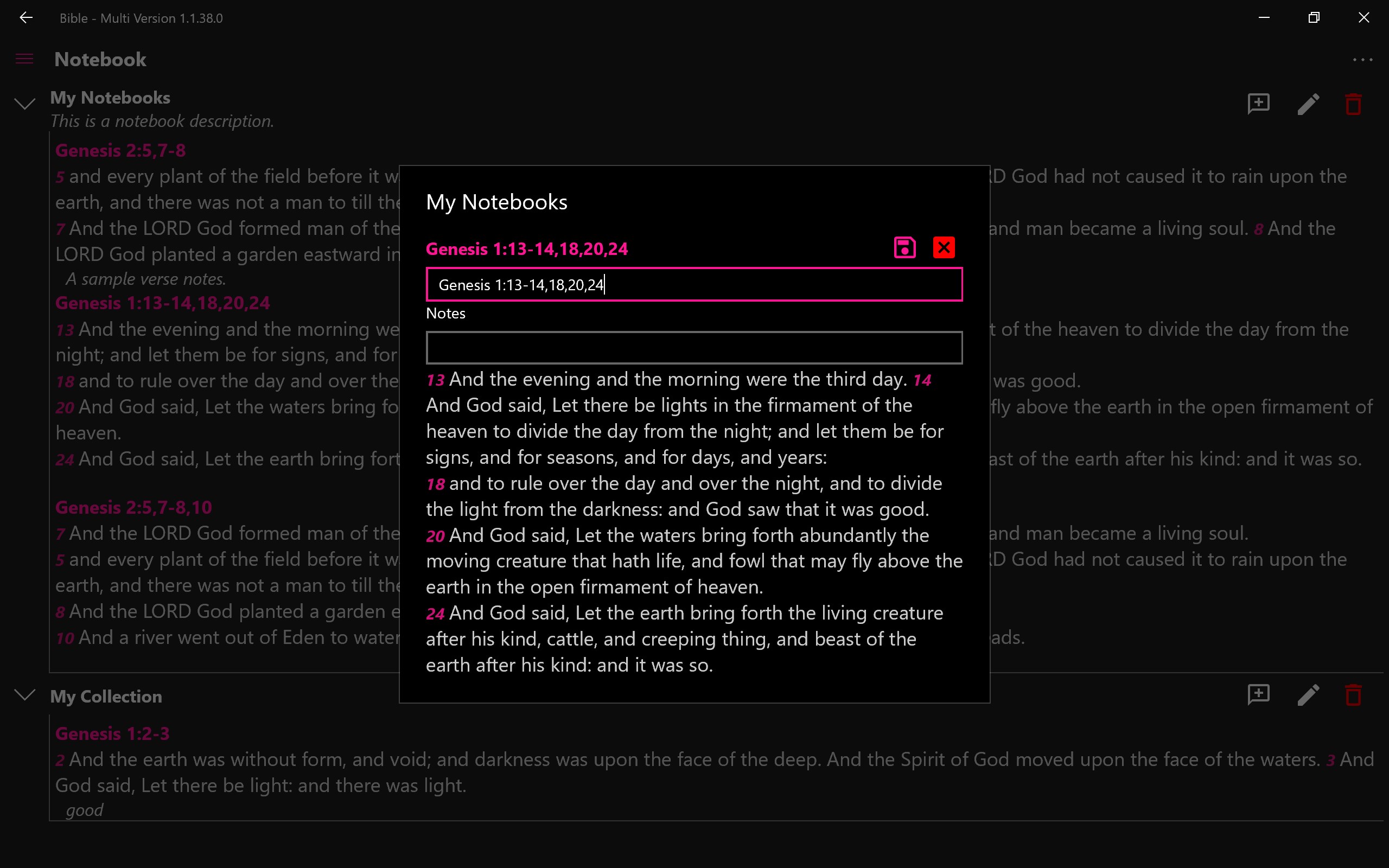
Operation-wise, users will find the process of switching versions or searching passages pleasantly smooth. The app integrates familiar Windows-style navigation, so users familiar with desktop applications will find it intuitive. The options for bookmarking, highlighting, or adding notes enrich the reading experience, fostering engagement without overwhelming the user with unnecessary complexity.
Compared to other Bible apps or reference tools, Bible - Multi Version for Windows distinguishes itself by prioritizing the multi-version aspect combined with ease of use. While many apps focus solely on one translation or require multiple downloads, this app consolidates numerous translations into a unified platform, making comparative studies much more practical. Its straightforward design and robust search capabilities make it a reliable companion for both personal devotion and scholarly research.
Another unique advantage is its free accessibility and focus on minimalism—lacking intrusive ads or unnecessary features—placing genuine scripture reading above all else. This purity of purpose makes it stand out amid a crowded market of feature-heavy, often cluttered reference apps.
I would recommend this app to anyone interested in Bible study, from casual readers to serious scholars. Its multi-version approach offers enriching perspectives, fostering a deeper understanding of scripture. The user-friendly interface makes it suitable for all age groups, and the smooth operation ensures that technical issues won't hinder your devotional or study time.
For best results, explore the bookmarking and note-taking features to build a personalized study resource. While it functions well as a standalone reading tool, pairing it with other study aids or commentaries can yield even greater insights. If your goal is straightforward, multi-version scripture access on a Windows platform without frills, this app is a dependable choice.
Extensive multi-version Bible access
User-friendly interface
Offline reading mode
Search and highlighting features
Additional study tools
Limited customization options
Occasional syncing issues with cloud data
Resource consumption on older devices
Limited audiobook functionality
Minor bugs in search functionality

for Windows
 4.9
4.9

for Windows
4.8

for Windows
4.8
for Windows
4.8

for Windows
4.1

for Windows
4

for Windows
2.7

for Windows
1.4

for Windows
0

for Windows
5

for Windows
5

for Windows
5

for Windows
5

for Windows
5

for Windows
5

for Windows
5

for Windows
5

for Windows
5

for Windows
5