Books & reference
PC, Mobile, Surface Hub
Windows 10 version 16299.0 or higher
English (United States), German, Portuguese, Portuguese (Brazil), Russian, Spanish, Spanish (Spain)
Bible by Olive Tree for Windows is a thoughtfully designed application that transforms your digital reading experience into an immersive journey through sacred texts. With a focus on accessibility, customization, and interactive study, it aims to serve both casual readers and serious students of the Bible alike.
Developed by Gospel Technologies LLC, a company dedicated to creating innovative Christian educational tools, this app reflects their commitment to enriching spiritual lives through technology. Their team combines expertise in software development, biblical studies, and user experience design to deliver a polished and reliable product.
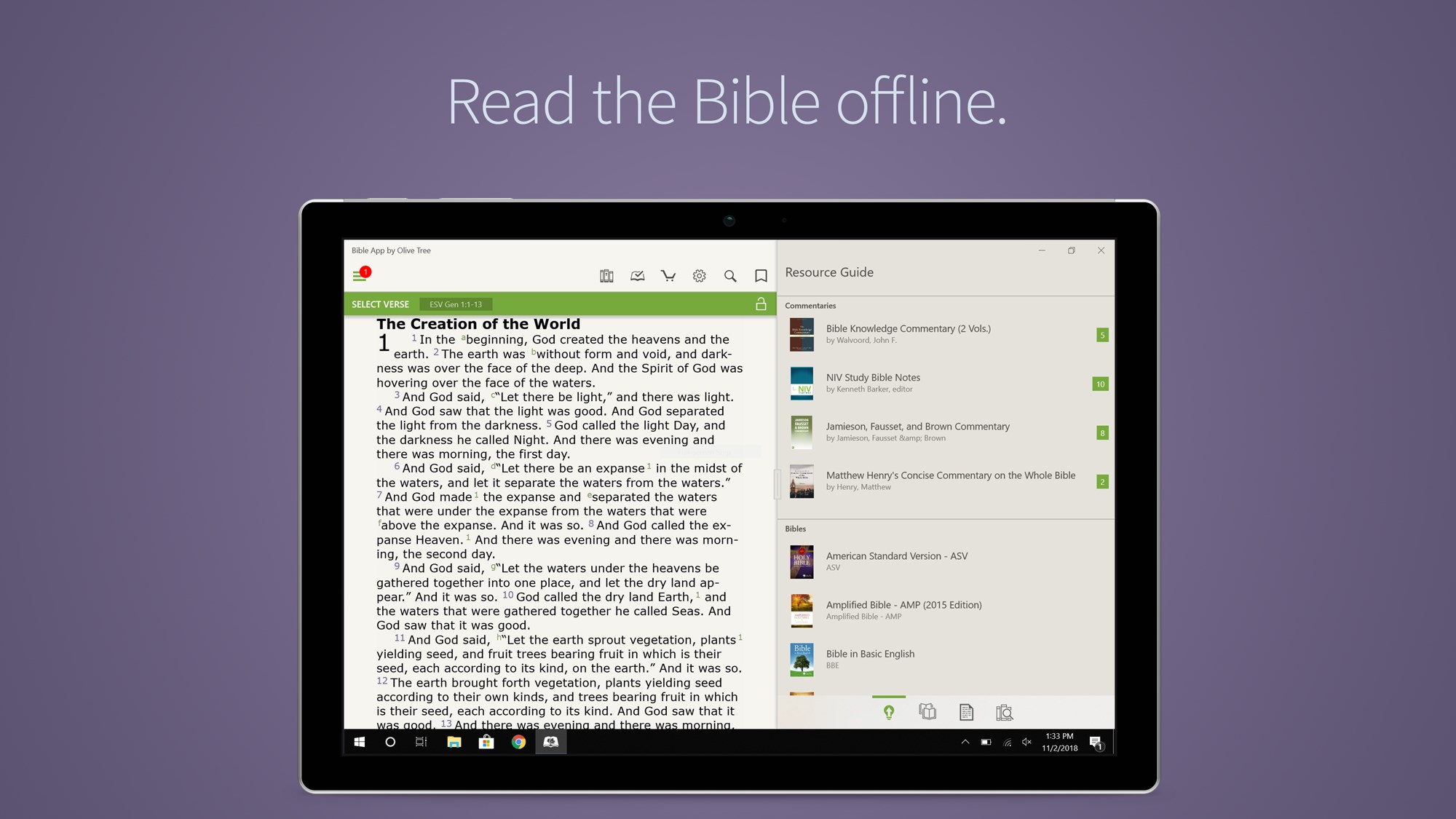
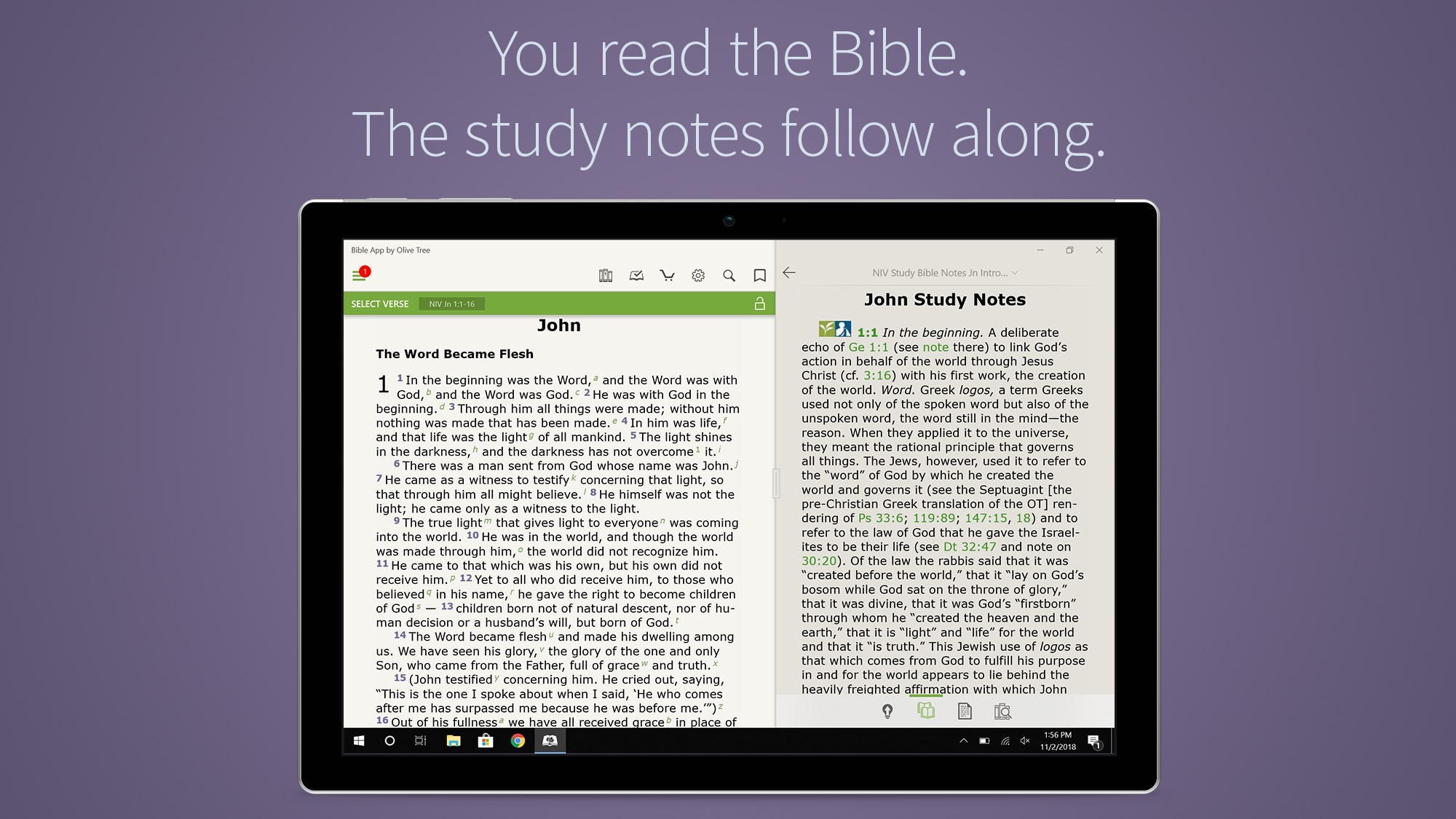
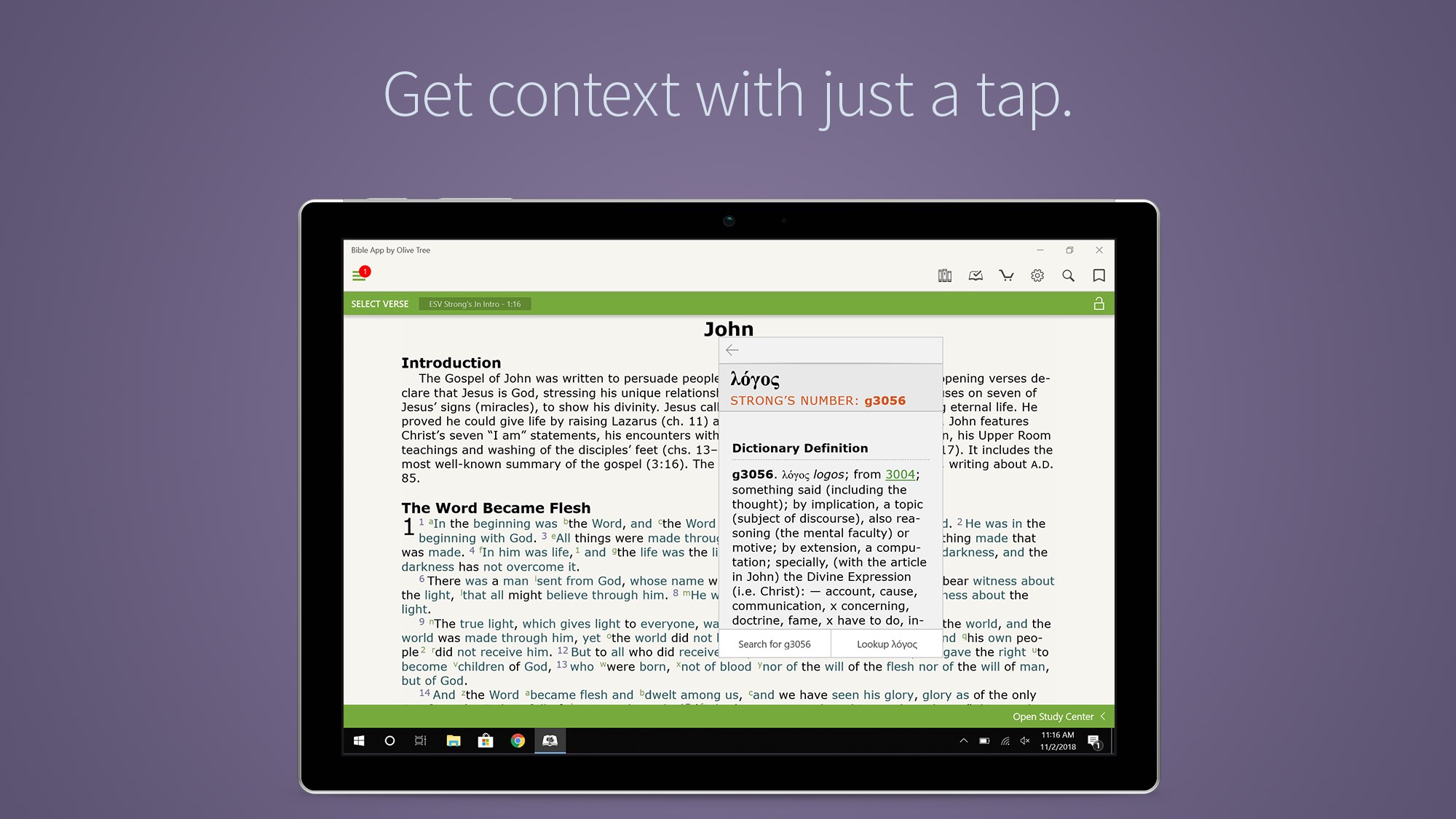
1. Extensive Bible Translations & Study Resources: Access a broad library of Bible versions alongside commentaries and study guides.
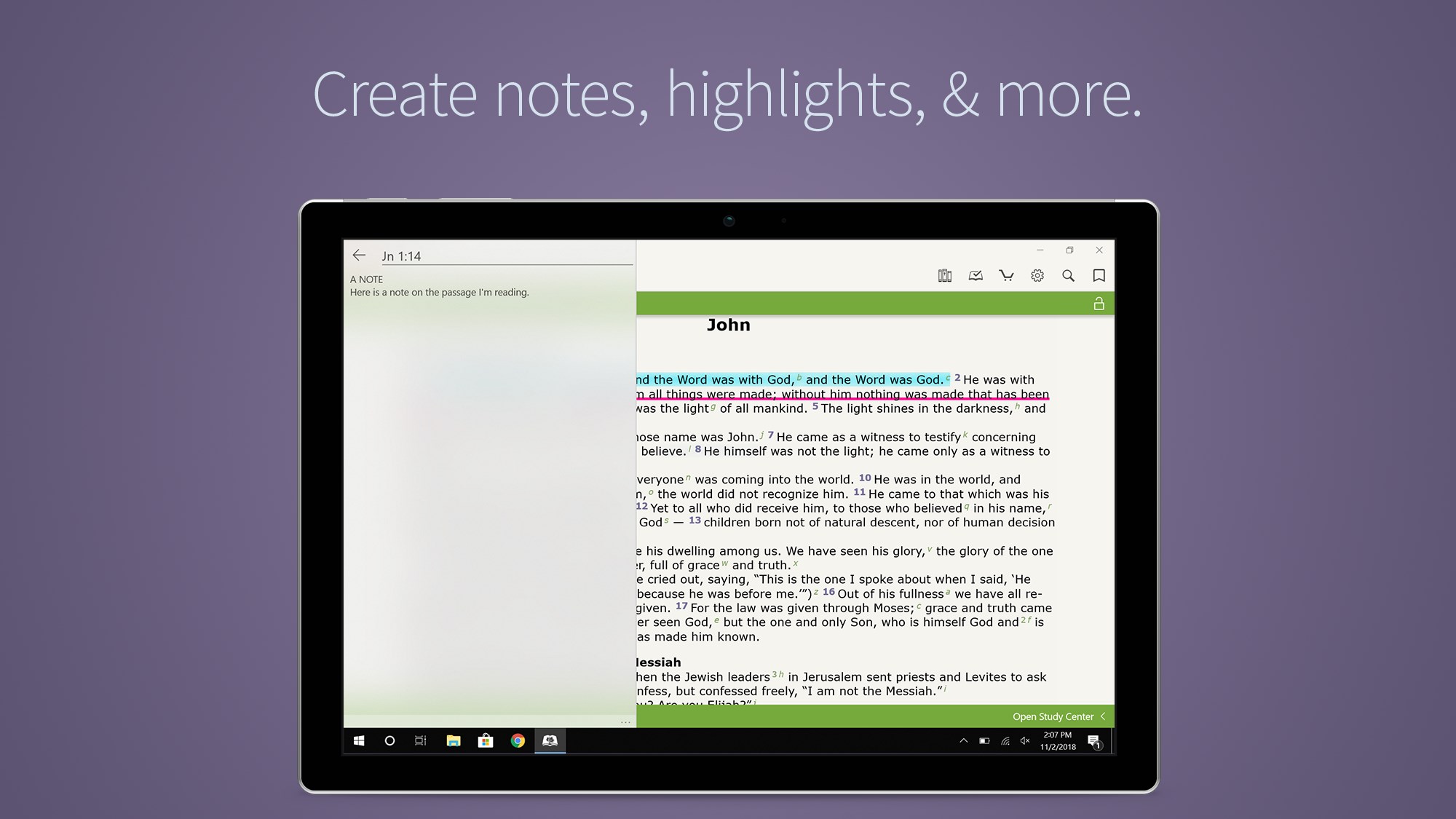
2. Customizable Reading & Highlighting Tools: Personalize your reading experience with notes, highlights, and bookmarks tailored to your preferences.
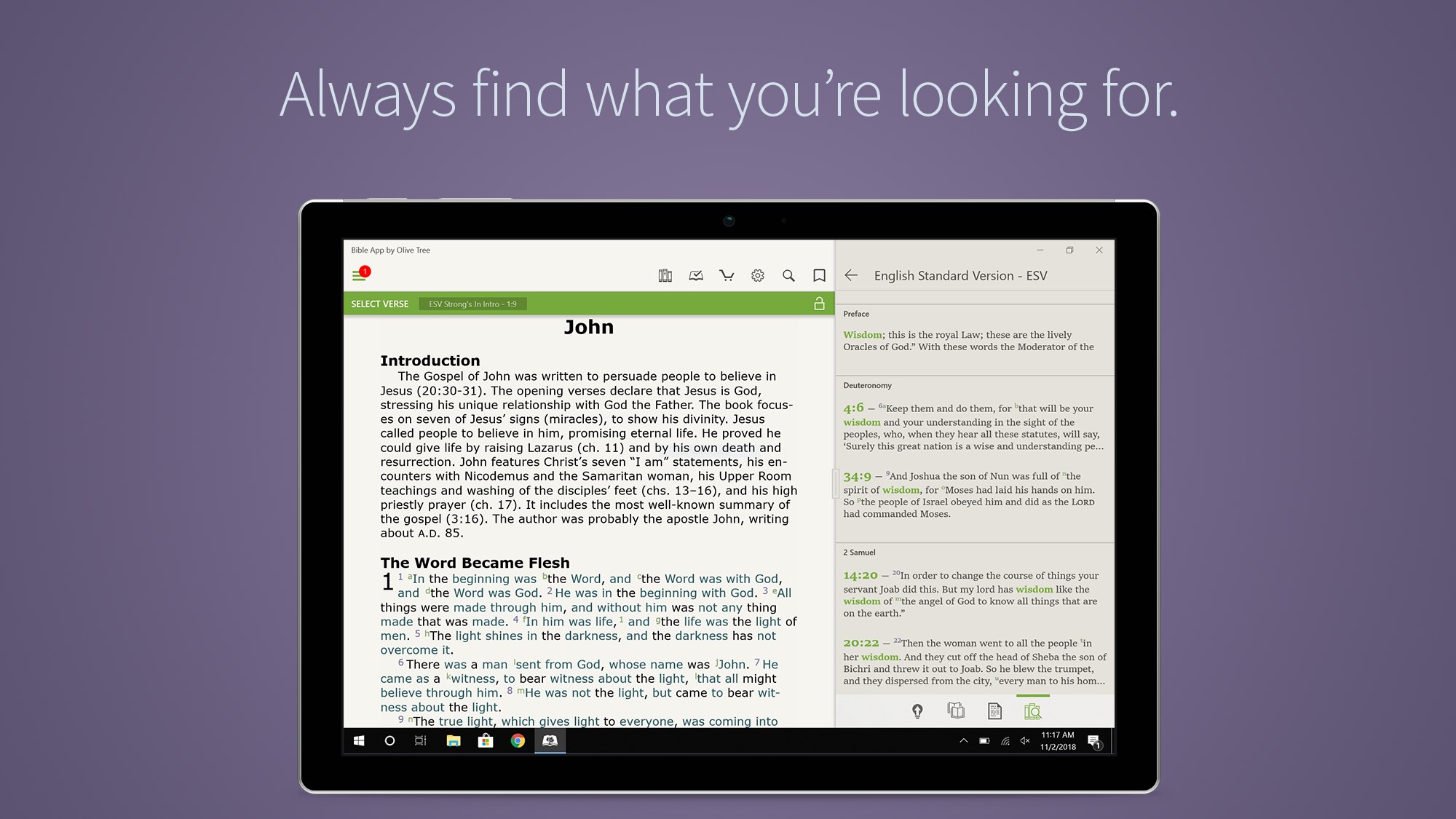
3. Advanced Search & Verse Lookup: Quickly find passages or topics with a robust search function, enhancing your study or devotion time.
4. Offline Access & Syncing Capabilities: Keep your Bible content accessible anywhere, even without an internet connection, with seamless synchronization across devices.
Imagine opening a Bible that not only holds your favorite passages but also adapts to your study style—highlighting, annotating, and organizing with just a few clicks. Bible by Olive Tree invites you into a world where scripture feels alive, flexible, and tailored to your spiritual journey. Whether you're preparing for a sermon, or simply seeking daily inspiration, this app transforms a static text into an interactive experience comparable to a personal Bible scholar by your side.
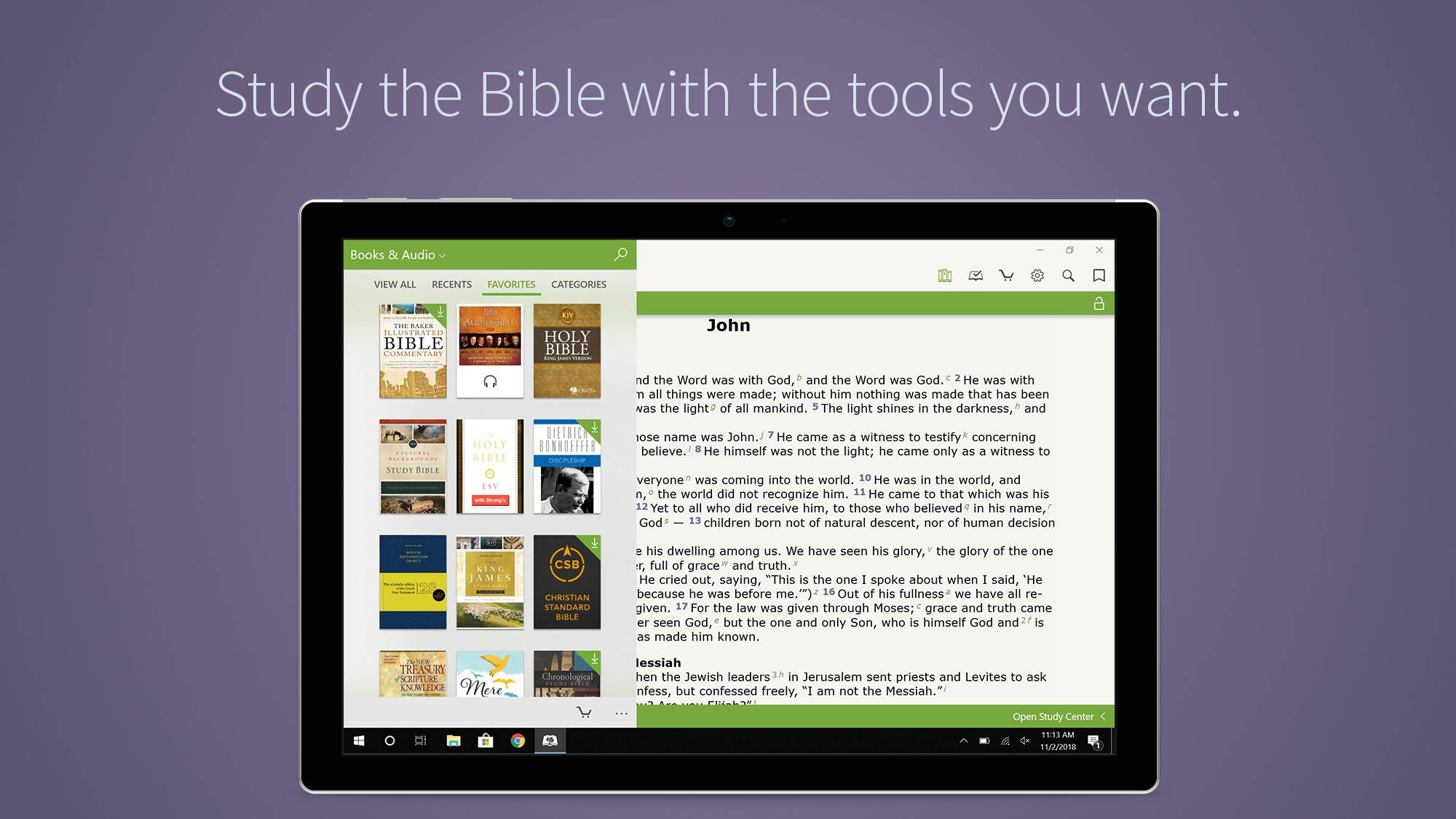
The app's interface is designed with clarity and ease at its core. Bible versions are presented in a clean, searchable library, making it effortless to switch translations or locate specific chapters. The navigation flow is smooth—swiping between books and chapters feels natural, as if flipping through pages in a well-worn leather-bound Bible but with all the advantages of digital mobility. The user interface remains unobtrusive, allowing the text to stay front and center.
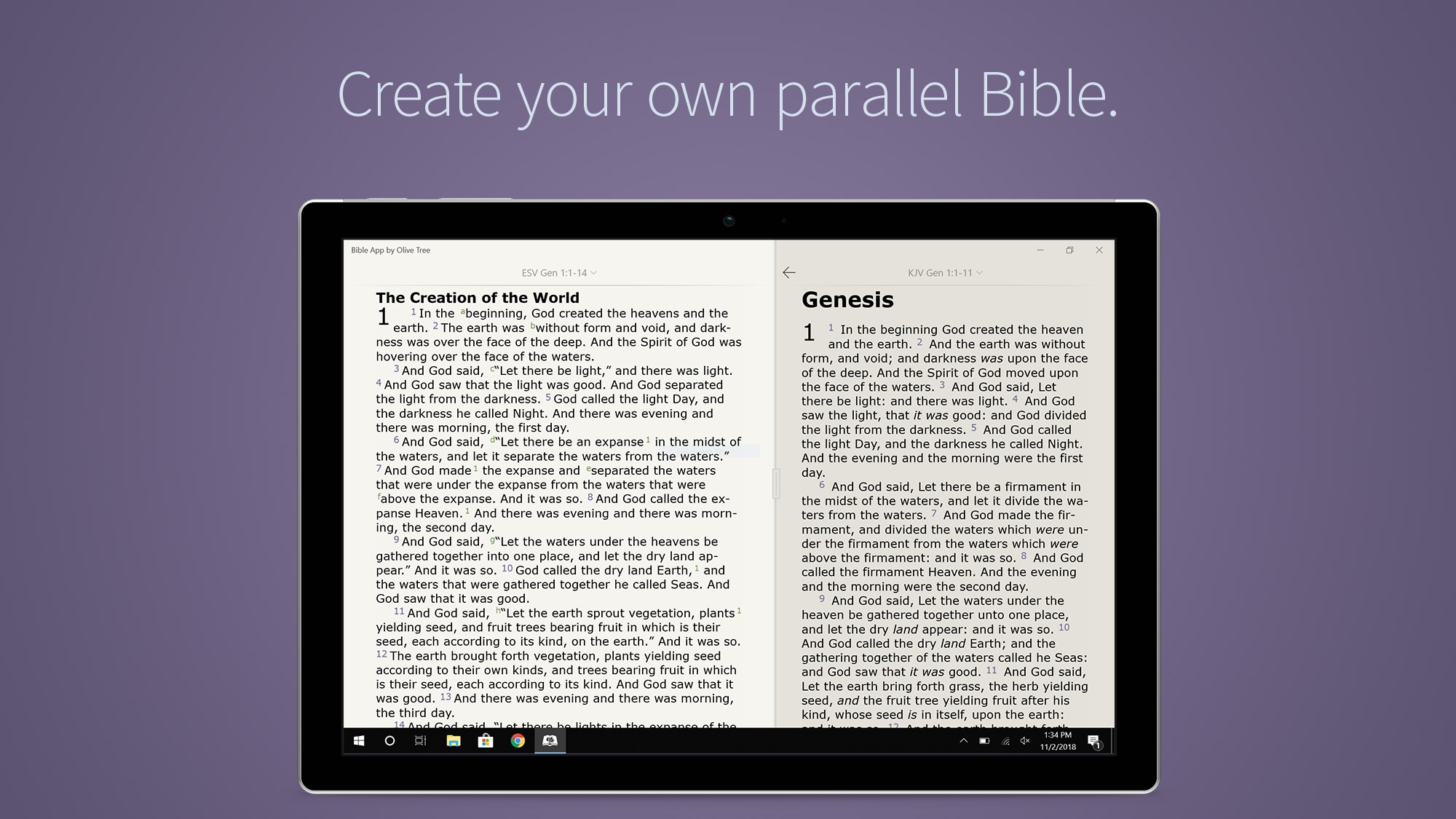
The standout feature of this app is its ability to seamlessly integrate various study resources. You can add personal notes, highlights, and bookmarks that stay organized within your library. The highlighting tools are particularly flexible, offering multiple colors and styles, enabling you to categorize themes or insights visually. The search function is highly effective, giving you quick access to passages or keywords, making complex topics easier to explore. Additionally, the app supports multiple Bible translations simultaneously, facilitating a comparative reading experience—particularly valuable for theological studies or language learners.
From the moment you open the app, the design exudes a warm, inviting tone—much like entering a well-lit study room filled with familiar books. The learning curve is gentle; most features can be understood and utilized intuitively, even for those new to digital Bible study. Responsiveness and operation flow smoothly, ensuring that your focus remains on the content rather than battling the interface. Offline mode works seamlessly, so your study is uninterrupted by connectivity issues. Overall, the app offers a balanced combination of simplicity and depth, making it accessible for all levels of familiarity with digital tools.
While many Bible applications focus purely on reading, Bible by Olive Tree emphasizes customization and interactive study. Its unique ability to combine multiple translations with personalized annotation layers creates a versatile toolkit for deeper engagement. The app's architecture encourages personal organizing—notes, highlights, and bookmarks are stored systematically, mimicking the tactile feel of a dedicated study Bible but with enhanced digital functionality. This approach makes it distinct from more static e-Bibles, providing an almost real-time study room experience that is both familiar and innovative.
Based on its features and user-friendly design, Bible by Olive Tree is highly recommended for anyone invested in serious Bible study or devotional practices. It's particularly well-suited for pastors, biblical scholars, or individuals eager to deepen their understanding through comparison and annotation. For casual readers, the app's straightforward navigation and offline capabilities make daily reading more manageable and engaging. To maximize its potential, invest some time exploring its annotation and search functions—these are the core tools that truly elevate your study experience.
In conclusion, Bible by Olive Tree for Windows offers a robust, customizable, and user-focused digital Bible experience. Its strongest features—particularly the multi-translation comparison and comprehensive annotation tools—set it apart from many peers in the field. If you are looking for an app that combines the feel of a physical Bible with the power of modern technology, this application is a worthy addition to your spiritual toolkit. It's a reliable, flexible, and engaging platform to explore scripture deeply and meaningfully—highly recommended for those who want more than just reading, but a true digital study companion.
Comprehensive Bible Library
Intuitive User Interface
Robust Study Tools
Offline Access
Sync Across Devices
Limited Customization Options
Occasional App Freezes
In-App Purchase Prompts
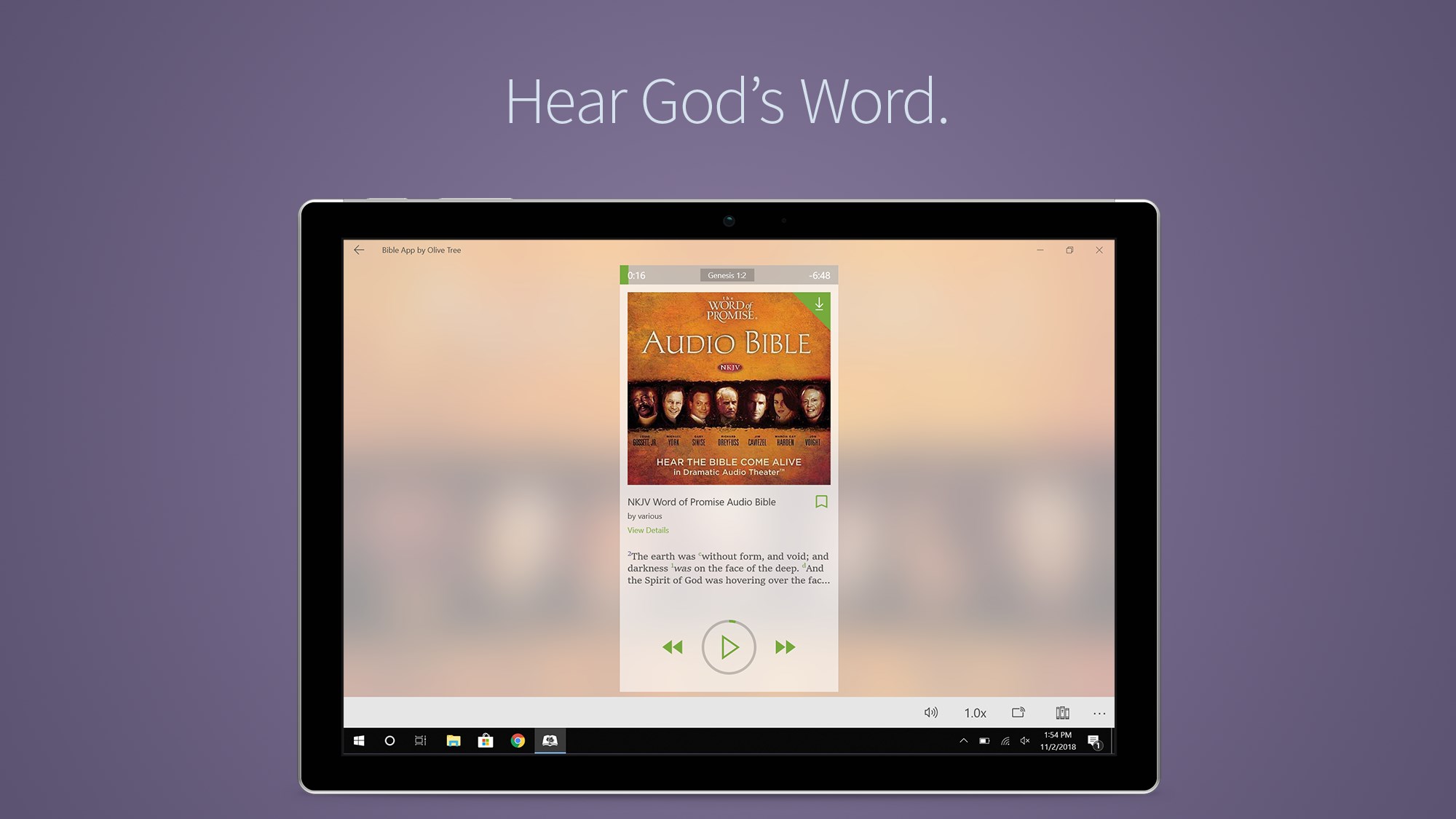
Limited Audio Features
Heavy App Size

for Windows
 4.9
4.9
for Windows
4.8

for Windows
4.8

for Windows
4.8

for Windows
4.1

for Windows
4

for Windows
2.7

for Windows
1.4

for Windows
0

for Windows
5

for Windows
5

for Windows
5

for Windows
5

for Windows
5

for Windows
5

for Windows
5

for Windows
5

for Windows
5

for Windows
5