


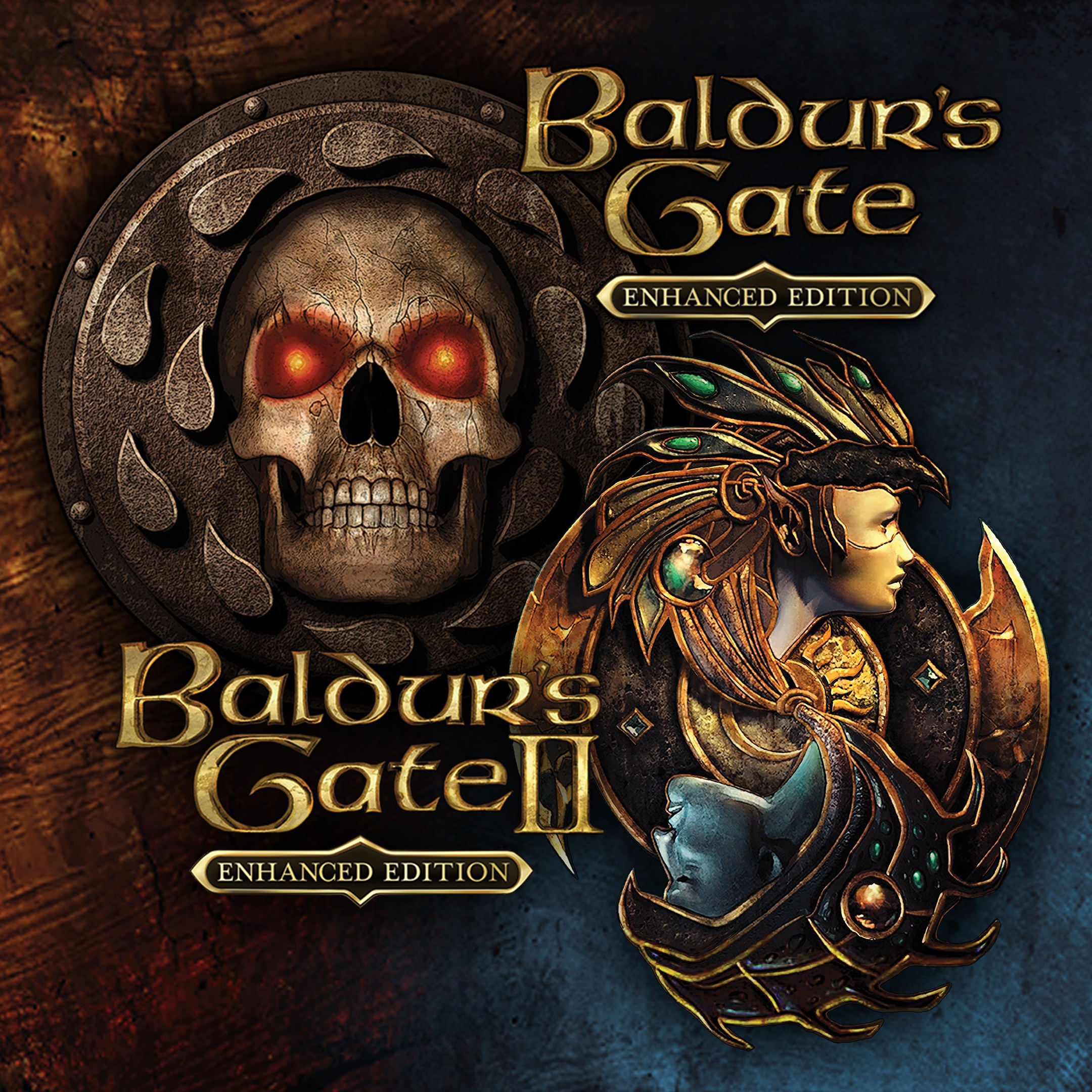
Role playing
Baldur's Gate and Baldur's Gate II: Enhanced Editions offer a nostalgic yet refreshed dive into the legendary D&D universe, bringing timeless role-playing adventures to today's gamers with modern enhancements. Developed by Beamdog, these titles meld classic storytelling with updated visuals and mechanics, making them accessible to both longtime fans and newcomers.
Positioning: A comprehensive remastering of the beloved classic role-playing games, delivering nostalgic gameplay with modern polish.
Developer/Team: Beamdog, a renowned studio dedicated to reviving and enhancing classic PC games for contemporary audiences.
Main Features and Highlights:
Target Audience: Fans of classic role-playing games, D&D enthusiasts, players seeking deep storytelling and strategic gameplay, and newcomers interested in exploring iconic RPG worlds.
Imagine stepping into a rich fantasy world where every decision can spell victory or disaster—Baldur's Gate's enhanced editions deliver just that. The games are like a beautifully illustrated storybook brought to life, with characters that breathe, quests that surprise, and combat that demands tactical thought. Accessing these adventures on a modern system feels smooth, fluid, and remarkably faithful to the original experience, while offering just enough polish to keep today's gamers engaged.
The interface in both editions has been thoughtfully redesigned to minimize clutter and maximize clarity. Menus are intuitive, allowing newcomers to jump into the game comfortably, while veterans will appreciate the customization options. The game runs smoothly on Windows PCs; transitions between menus and gameplay are seamless, making it easy to immerse oneself without distractions. The learning curve can be moderate, especially for newcomers unfamiliar with D&D-style mechanics, but the game offers tooltips and tutorials that gently ease players into complex strategic choices.
Among the enriched features, two stand out as particularly compelling:
Compared to other role-playing titles, Baldur's Gate's strong point lies in its rich storytelling and intricate character progression system. Unlike many modern RPGs, which often focus on flashy visuals or fast-paced combat, these editions excel in strategic depth and narrative complexity. The character development system allows players to craft unique heroes, with choices influencing not just stats but entire relationships and story branches.
In terms of overall experience, if you're a fan of thoughtful storytelling and classic RPG mechanics, these enhanced editions are highly recommended. They're perfect for players who appreciate a slow-paced, narrative-driven game that emphasizes strategic planning and role-playing depth. For those new to the series or RPGs, quick tutorials, and the ability to toggle visuals make them accessible starting points.
Overall, Baldur's Gate and Baldur's Gate II: Enhanced Editions on Windows are a testament to enduring game design—delivering old-school charm with modern usability. While they aim at classic fans with their faithful recreation, they also invite newcomers to experience storytelling at its most immersive. Whether you're looking to relive nostalgic adventures or explore a richly crafted universe for the first time, these editions are well worth the journey.
Rich Storytelling and Deep Campaigns
Enhanced Graphics and UI Improvements
Compatibility with Modern Systems
Additional Content and Quality-of-Life Features
Strong Modding Support and Community Content
Occasional Performance Issues
UI Scaling Problems on High-Resolution Displays
Limited Support for Older Operating Systems
In-game Text Localization Constraints
Absence of Built-in Voice Acting

for Windows
 4.9
4.9

for Windows
4.9

for Windows
4.8

for Windows
4.8

for Windows
4.8
for Windows
4.7

for Windows
4.6

for Windows
4.6
for Windows
4.6
for Windows
4.6

for Windows
4.5
for Windows
4.4

for Windows
5

for Windows
5

for Windows
5

for Windows
5

for Windows
5

for Windows
5

for Windows
5

for Windows
5

for Windows
5

for Windows
5

