


Role playing
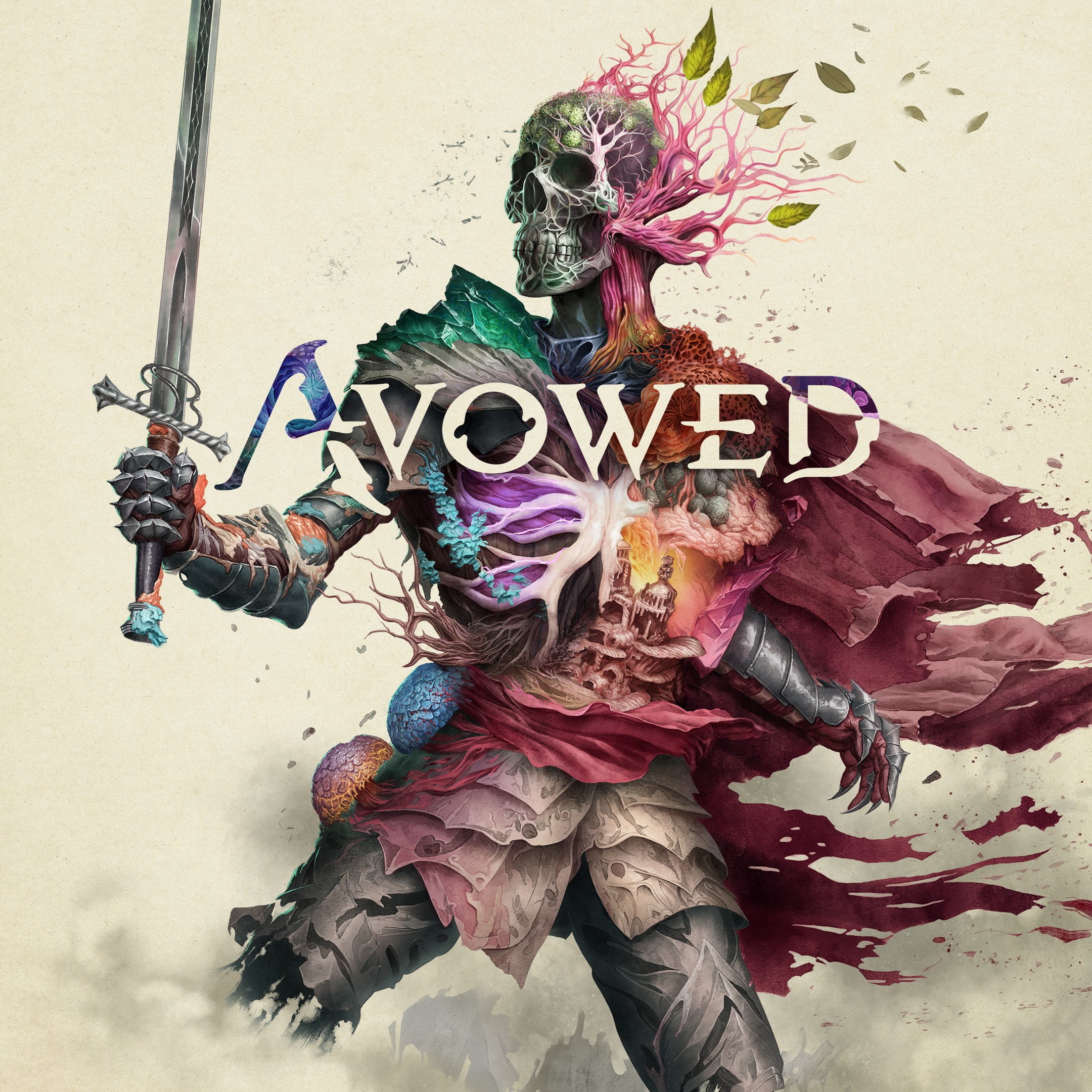
Avowed Standard Edition is an immersive action role-playing game developed by Xbox Game Studios, promising players an expansive fantasy adventure right on their Windows PCs. Designed to captivate fans of rich storytelling and detailed world-building, it aims to carve out a unique space within the crowded RPG genre.
Imagine stepping into a land where every rustle in the leaves hints at mysteries waiting to be unraveled, and each shadow conceals a new threat or treasure. Avowed manages to blend the thrill of exploration with the satisfaction of character mastery, offering a gaming experience that feels like wandering through a living, breathing storybook. Whether you're a seasoned RPG veteran or a newcomer craving adventure, this title invites you to lose yourself in its sprawling, visually mesmerizing universe.
The user interface in Avowed is thoughtfully designed—intuitive menus, clear icons, and contextual prompts make navigation smooth, even during intense combat or complex dialogue scenes. The interface harmonizes with the game's dark, atmospheric art style, enhancing immersion without feeling cumbersome. Transitioning between exploration, combat, and dialogue feels seamless, promising a fluid experience that won't break your immersion.
Gameplay in Avowed strikes a fine balance between depth and accessibility. Combat feels visceral and satisfying: your character's abilities flow smoothly, with responsive controls that make each encounter feel like a choreography of magic and steel. The learning curve is well-managed; new players can easily pick up the basics, while veterans can experiment with advanced tactics and skill combinations. The game's design ensures that mastery feels rewarding without being daunting, much like learning a complex dance—initially challenging, but ultimately graceful and rewarding.
One of the most impressive aspects of Avowed is its emphasis on narrative choice and character development. Unlike many RPGs where story decisions are surface-level, Avowed's system emphasizes consequence depth—your choices ripple through the game world, altering factions, alliances, and even the fate of entire regions. Coupled with a rich progression system that allows nuanced character evolution—whether focusing on magical prowess, combat efficiency, or diplomatic skills—players can craft a truly unique hero. This layered system provides a level of personalization absent in some contemporaries and elevates the game from simple escapism to a meaningful storytelling experience.
Overall, Avowed Standard Edition offers a compelling mix of captivating visuals, robust gameplay mechanics, and meaningful narrative progression. It is particularly recommended for players who appreciate detailed character customization and intricate storylines driven by player choices. The game feels like a living novel, where your decisions shape the unfolding saga. For those seeking a fantasy RPG that balances accessibility with depth, Avowed stands out as a solid choice.
Stunning Visual Design
Engaging Storyline
Smooth Performance
Rich Customization Options
Strong Mod Support
Large Download Size
Occasional Graphics Glitches
Limited Multiplayer Features
High System Requirements
Occasional Loading Delays

for Windows
 4.9
4.9

for Windows
4.9
for Windows
4.8

for Windows
4.8

for Windows
4.8
for Windows
4.7

for Windows
4.6

for Windows
4.6

for Windows
4.6
for Windows
4.6

for Windows
4.5
for Windows
4.4

for Windows
5

for Windows
5

for Windows
5

for Windows
5

for Windows
5

for Windows
5

for Windows
5

for Windows
5

for Windows
5

for Windows
5

