Security
PC
Windows 10 version 0.0 or higher
Integrated Keyboard
Integrated Mouse
Chinese, Chinese (Simplified), Chinese (Traditional Chinese), Czech, Danish, Dutch, English, English (United Kingdom), Finnish, French, German, Hungarian, Indonesian, Italian, Japanese, Korean, Malay, Norwegian, Polish, Portuguese, Portuguese (Brazil), Portuguese (Portugal), Russian, Serbian, Slovak, Spanish, Swedish, Turkish
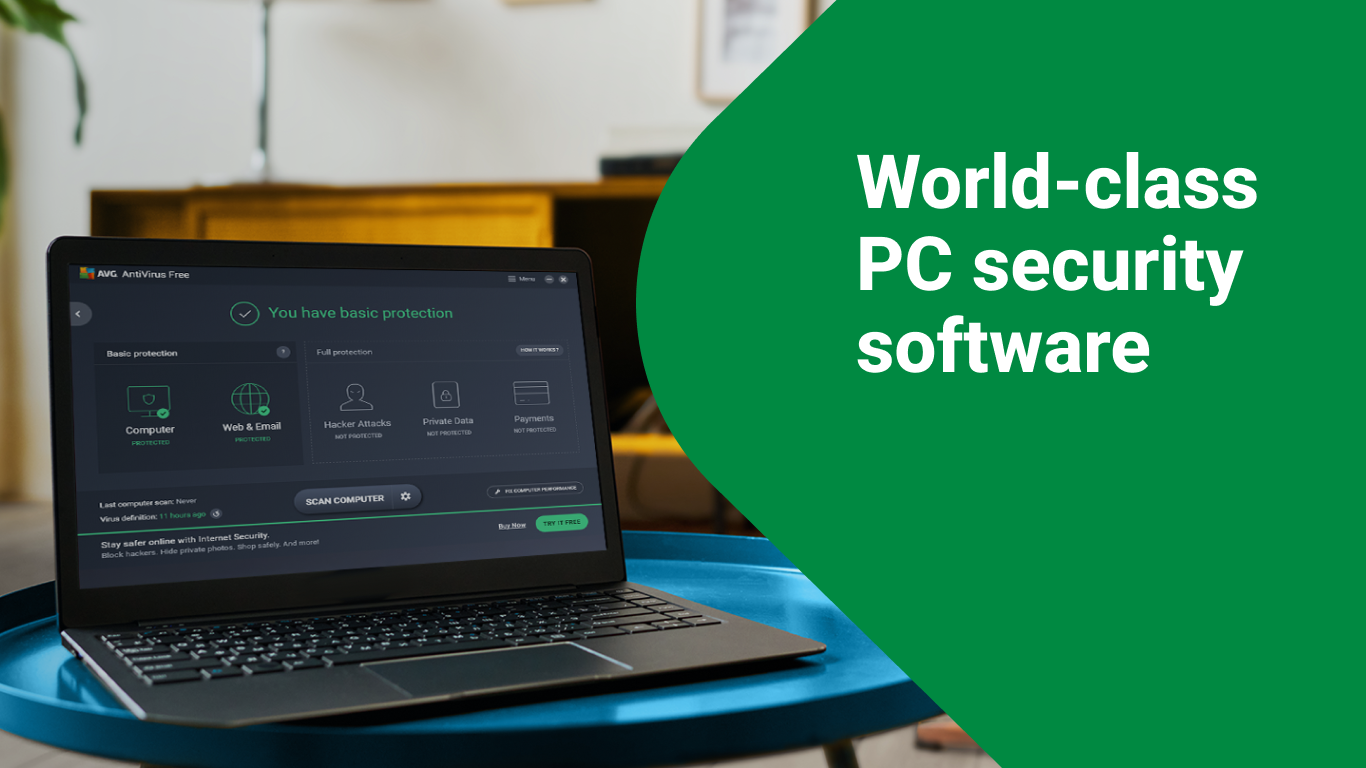
In the cluttered landscape of cybersecurity tools, AVG AntiVirus Free for Windows stands out as a reliable, user-friendly defender that balances robust protection with ease of use. Developed by AVG Technologies, a well-established name in digital security, this free antivirus solution aims to safeguard your PC from a multitude of online threats without the need for a hefty investment. Whether you're a casual user or someone with sensitive data, AVG's free offering promises essential security features wrapped in a straightforward package.
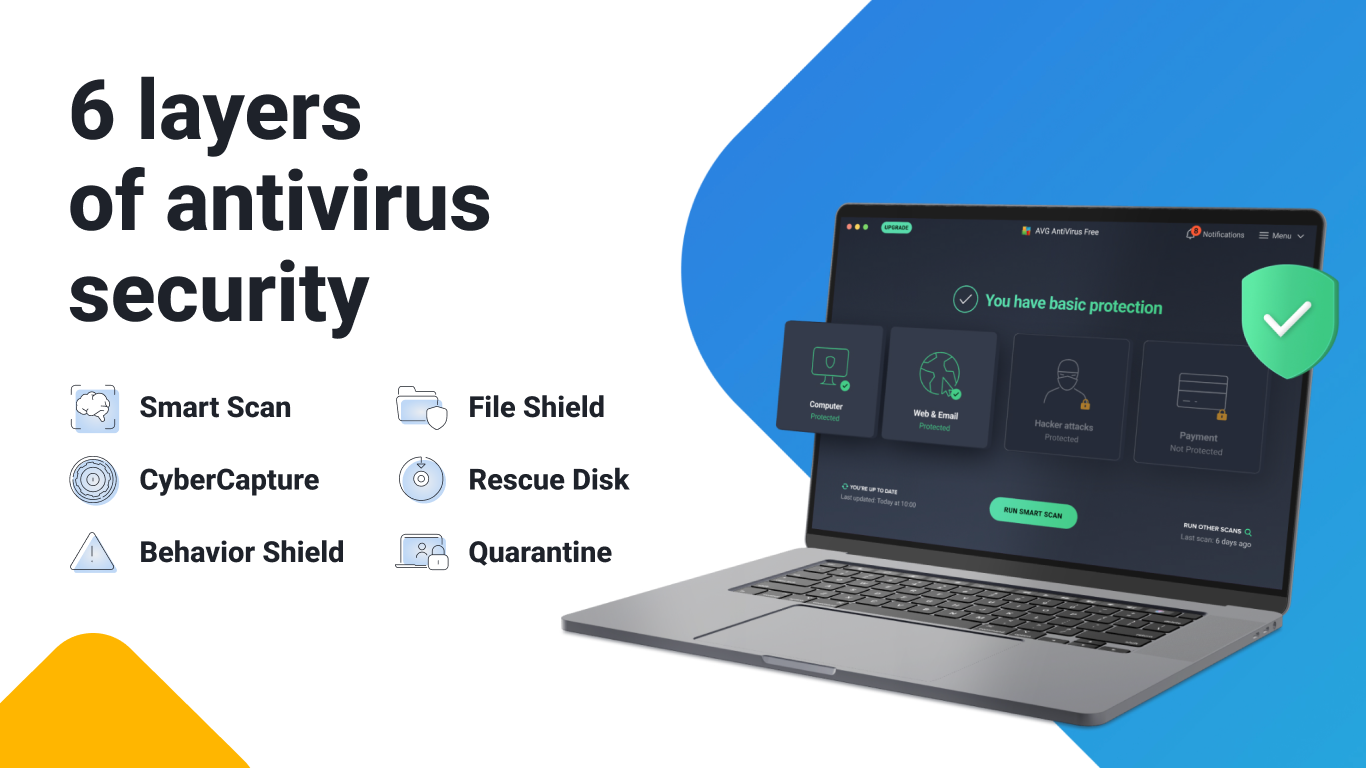
Imagine having a vigilant sentinel continuously patrolling your digital domain. AVG's real-time scanning constantly hovers over your system, quickly identifying and neutralizing viruses, malware, spyware, and ransomware before they can cause any harm. Its adaptive algorithms learn from emerging threats, ensuring your PC remains shielded from the latest cyber dangers without constant manual updates.
In an age where your information is as valuable as gold, AVG offers features like built-in email and web protection. This means that emails containing malicious links or attachments are flagged immediately, and risky websites are blocked—saving you from falling prey to phishing scams or inadvertently downloading harmful content. This proactive approach gives users peace of mind when browsing, shopping, or conducting online transactions.
Beyond security, AVG AntiVirus Free also helps maintain your PC's health. With tools to clean temporary files, manage startup items, and identify resource-hungry processes, it acts like a fitness trainer for your system. This dual role ensures your device runs smoothly, complementing the security features with performance enhancements that prolong your computer's lifespan.
The interface of AVG AntiVirus Free is akin to a well-designed dashboard—clean, clear, and uncluttered. Navigating through the app feels like flipping through the pages of a user-friendly manual, thanks to intuitive menus and straightforward options. The real-time protection notifications are unobtrusive yet easily accessible, and the setup process is streamlined, requiring just a few clicks.
Operation remains smooth even when scanning large files or during system updates, indicating optimized performance under the hood. The learning curve is gentle; even first-timers can grasp the essential features within minutes without feeling overwhelmed. The design's simplicity does not compromise functionality—every key security aspect is just a click away.
While many free antivirus programs offer basic protection, AVG's standout feature is its combination of comprehensive threat detection with performance optimization. Its intelligent real-time scanner, powered by deep learning, offers a proactive defense that adapts to new threats—much like having a cybersecurity expert constantly refining their tactics. Additionally, AVG's user-centric design ensures that even those less tech-savvy can operate the software comfortably.
Another unique aspect is AVG's minimal impact on system resources. Unlike some security tools that bog down your PC, AVG runs quietly in the background without slowing down your workflow—making it ideal for everyday use, whether for work, gaming, or casual browsing.
Overall, AVG AntiVirus Free for Windows is a solid choice for users seeking a free, reliable, and unobtrusive cybersecurity partner. Its intelligent threat detection coupled with system optimization features makes it more than just a basic antivirus—it's a comprehensive protector that integrates security seamlessly into daily computing activities.
We recommend this app to anyone wanting trustworthy basic protection without complex configurations. For users with higher security needs or advanced features, exploring AVG's premium offerings might be beneficial. But for everyday users who value simplicity, efficiency, and solid core features, AVG AntiVirus Free is definitely worth a try.
Real-time malware protection
User-friendly interface
Effective virus detection rates
Automatic updates
Lightweight system impact
Limited additional features
Frequent advertisements for upgrades
Scanning speed may vary
False positives possible
Initial setup can be time-consuming

for Windows
 4.8
4.8

for Windows
4.7

for Windows
4.7

for Windows
4.7

for Windows
4.6

for Windows
4.6

for Windows
4.5

for Windows
4.4

for Windows
4.4

for Windows
4.3

for Windows
4.3

for Windows
4.3

for Windows
5

for Windows
5

for Windows
5

for Windows
5

for Windows
5

for Windows
5

for Windows
5

for Windows
5

for Windows
5

for Windows
5