Education
Billsoft
PC, Mobile, Surface Hub, HoloLens
Windows 10 version 20348.0 or higher
English (United States)
If you're looking to bring automation into your daily tasks without the hassle of coding, n8n for Windows by Billsoft might just be the tool to turn that dream into reality. Designed to empower users with limited or no programming experience, this application promises to make workflow automation both accessible and efficient—think of it as your personal digital assistant, ready to handle repetitive chores with a simple drag-and-drop interface.
n8n for Windows is a no-code automation platform that enables users to create complex workflows with ease. Developed and published by Billsoft, the app emphasizes simplicity without sacrificing power, making automation approachable for a broad audience.
Imagine waking up to a world where your computer anticipates your needs—automatically backing up data, posting updates on social media, or organizing your emails—all orchestrated seamlessly behind the scenes. That's the promise of n8n for Windows: an automation symphony conducted with the ease of a maestro, yet powered entirely by a user-friendly interface that doesn't require a deep dive into programming jargon. As a technology enthusiast, I found this app's approach quite refreshing—it's like having a personal assistant who learns your routines and acts upon them without the steep learning curve.
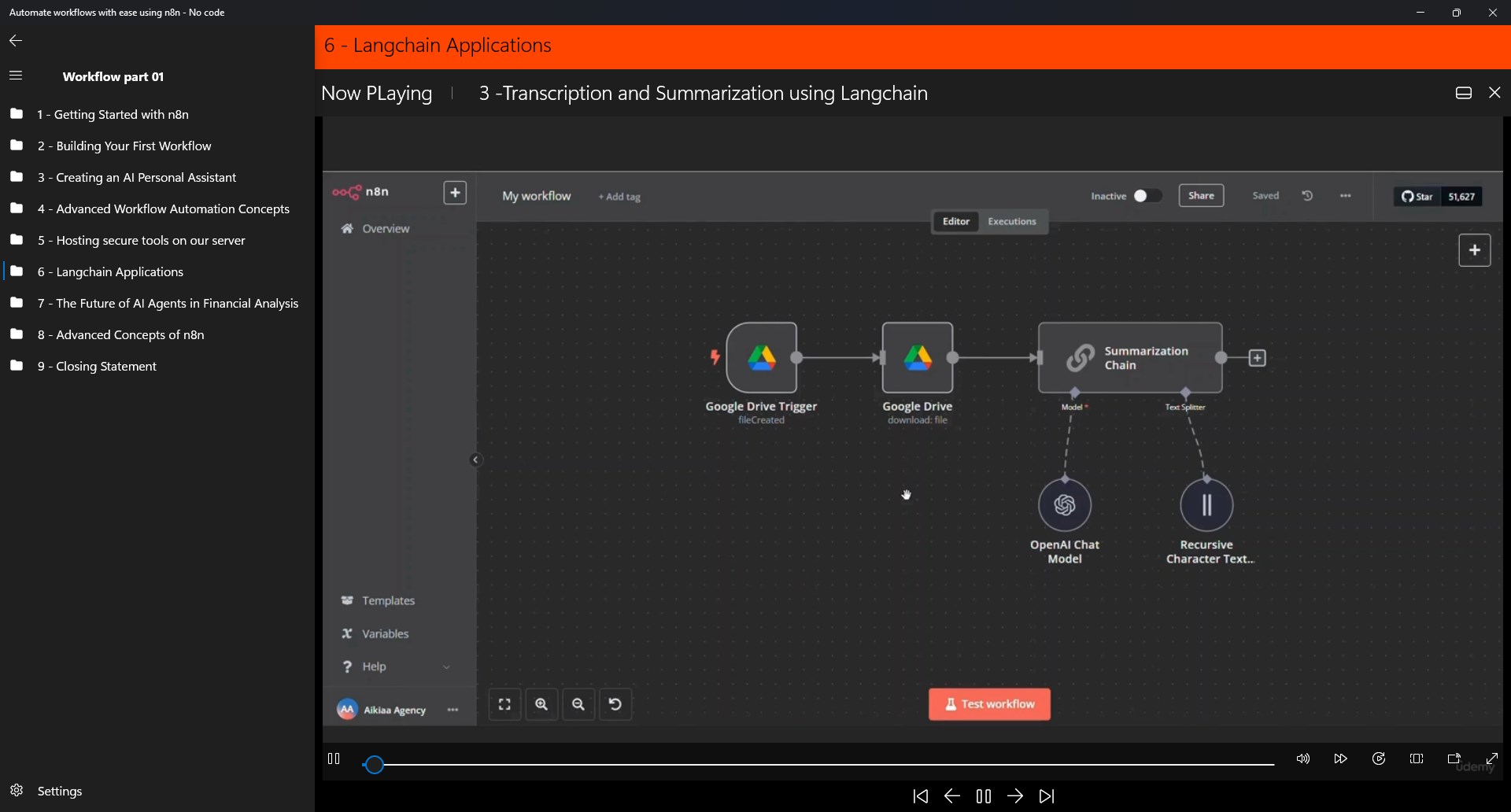
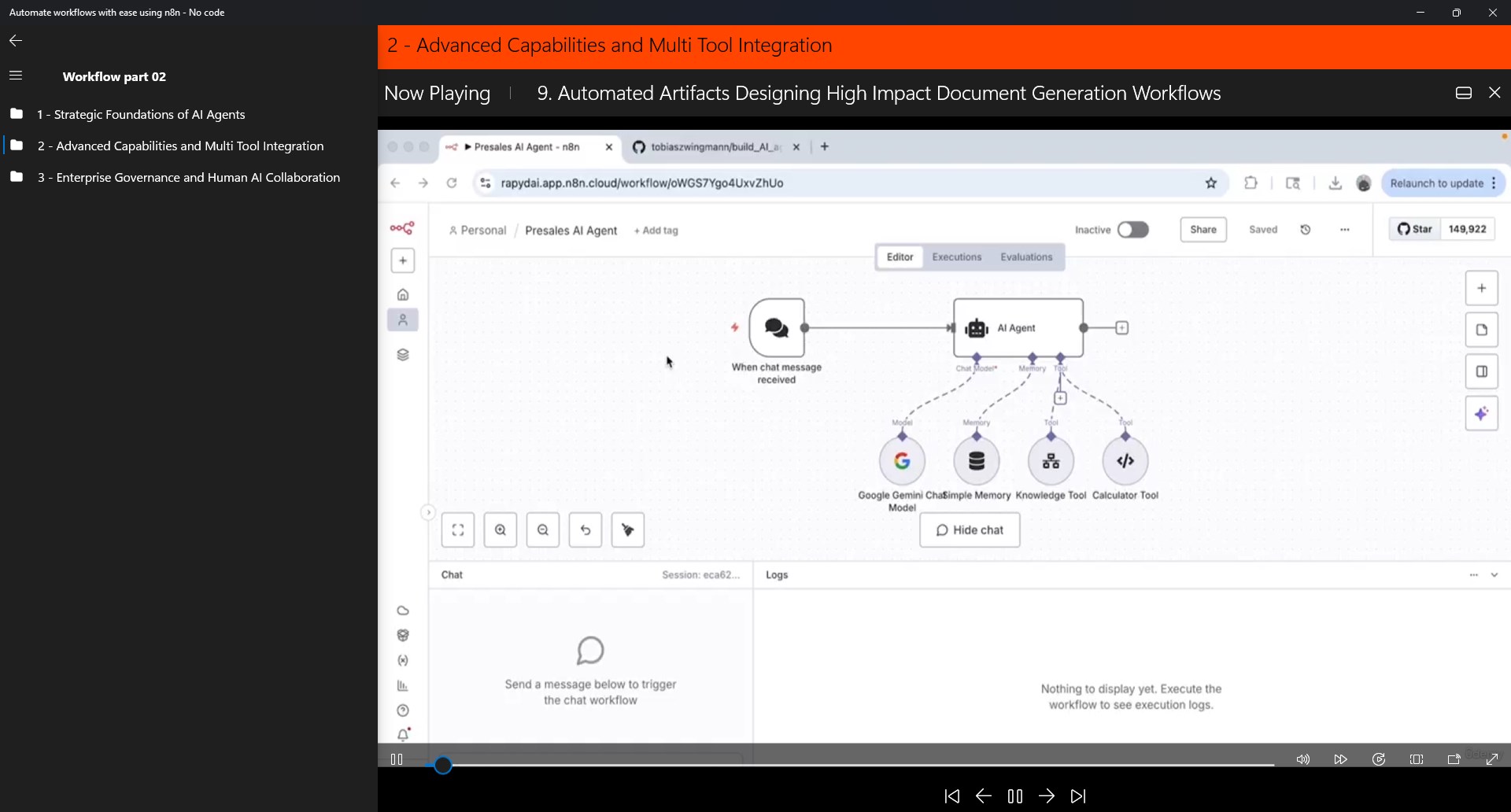
The standout feature of n8n is undoubtedly its visual workflow builder. Think of it as constructing a flowchart with Lego blocks—each block representing a different action or data source. Drag, drop, connect, and configure — the process is akin to crafting a recipe. What impressed me most was how smoothly the interface responds, with real-time updates making editing straightforward. The builder effectively reduces the intimidation factor, turning what could be a complex programming task into a task anyone can master.
Connecting with third-party services is often a headache for automation tools. Here, n8n shines by offering a vast array of integrations—social media, cloud storage, email services, and more—without requiring users to write custom code. The platform also supports advanced features like conditional logic, loops, and data transformation, enabling intricate workflows. I experimented with automating file organization and notification alerts, and the process was surprisingly intuitive. This flexibility makes n8n stand out against more rigid or limited automation apps, especially for users who need tailored solutions.
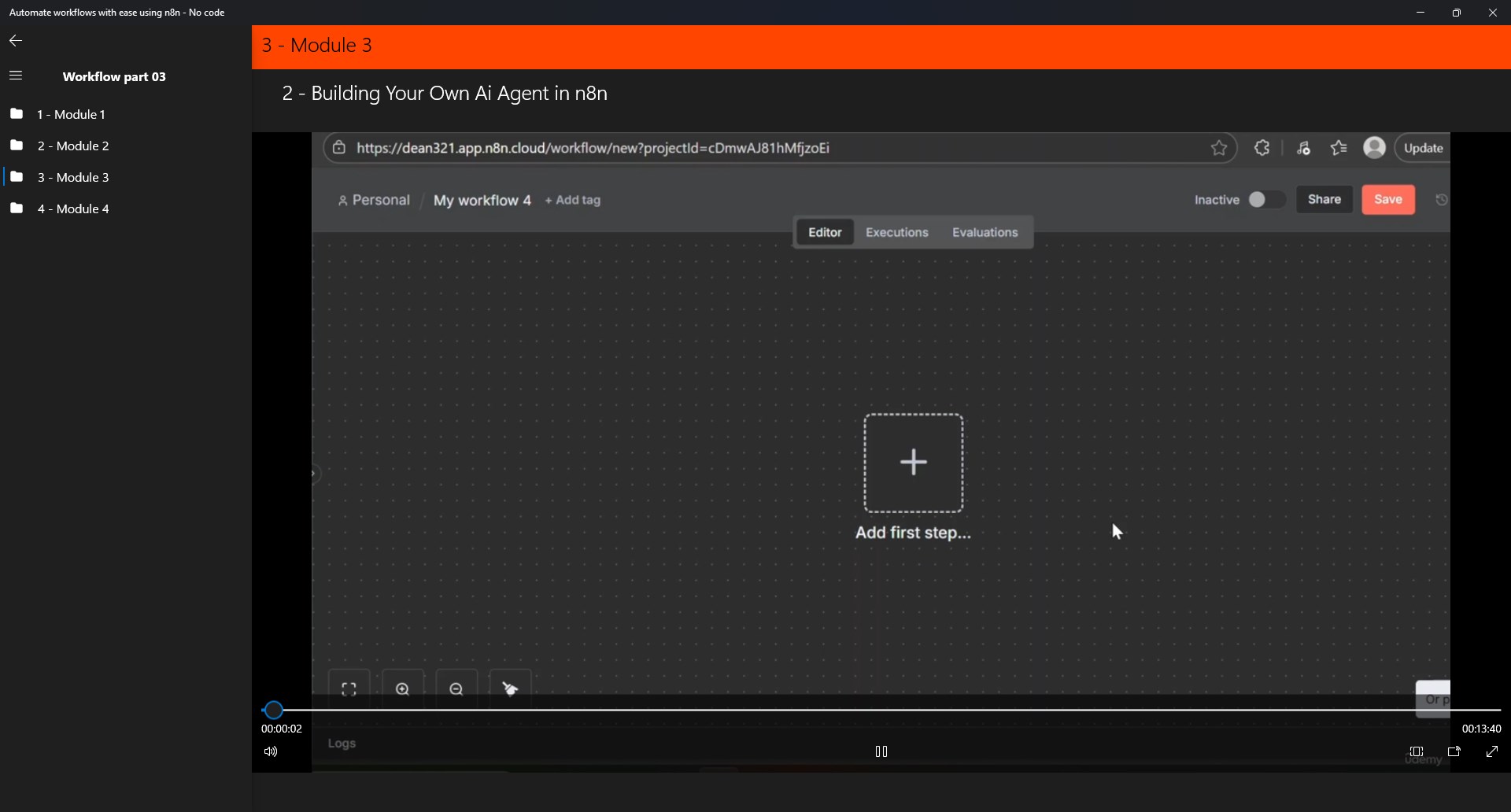
From a user experience standpoint, n8n is well-designed. The interface adopts a clean, modern aesthetic that resembles a friendly puzzle—each piece fits neatly, and the navigation feels natural. The app runs fluidly on Windows, with minimal lag even when handling complex workflows. For newcomers, the learning curve is gentle; the onboarding prompts and documentation help users quickly grasp fundamental concepts. Advanced users, meanwhile, will appreciate the depth of customization available, which allows scaling workflows from simple tasks to elaborate automations.
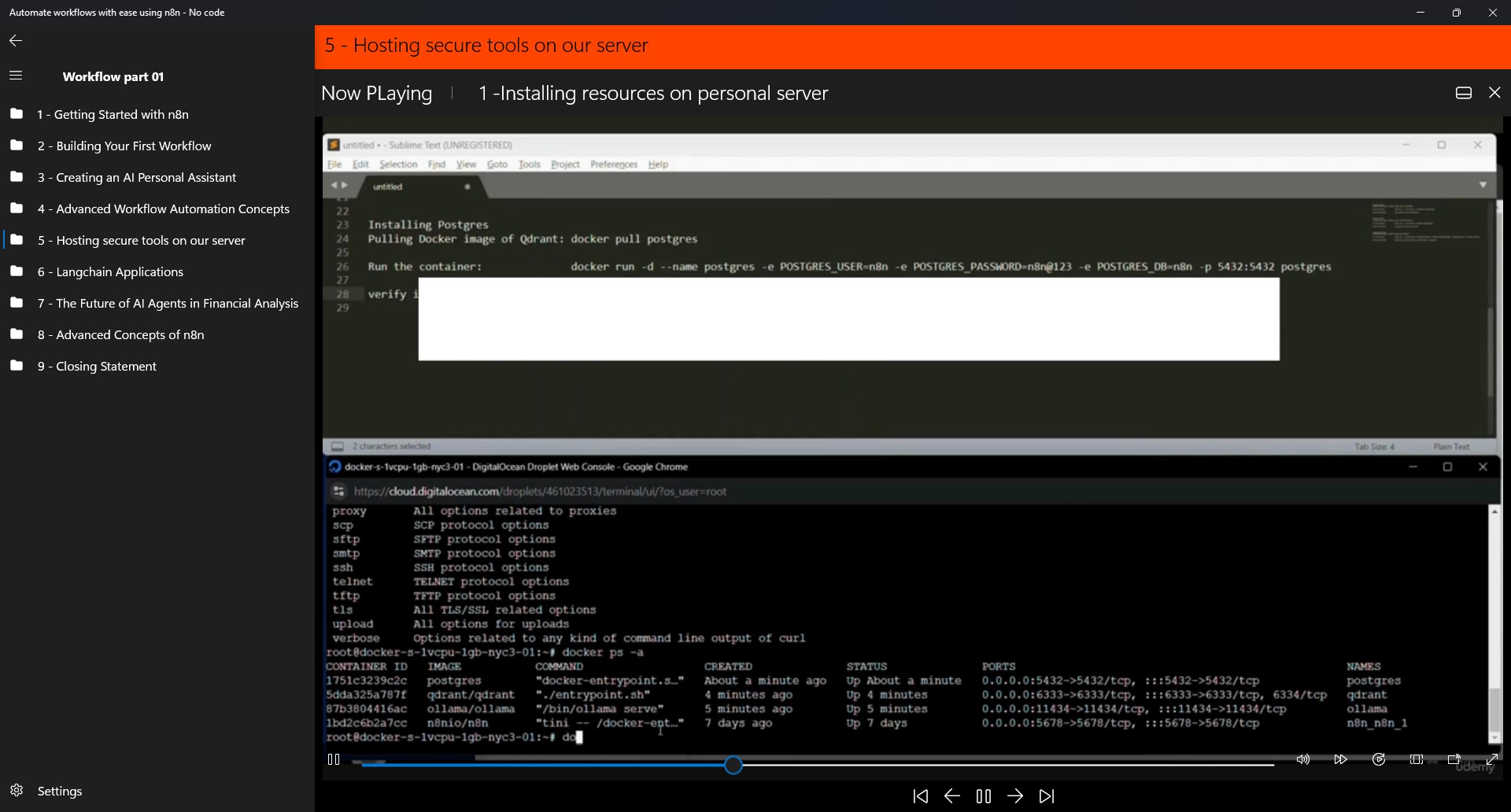
Unlike many other no-code automation platforms focused solely on enterprise solutions, n8n for Windows offers a compelling combination of privacy, flexibility, and local control. Its capability for local execution means sensitive data stays on your machine, a critical advantage for privacy-conscious users. Moreover, its extensive list of integrations and support for complex logic positions it as a versatile toolkit for diverse automation needs.
In terms of content accuracy and authority, n8n distinguishes itself by being open-source under the Apache 2.0 license, fostering transparency and community-driven improvements. Its modular architecture encourages personalized workflows, akin to tailoring a suit to fit precisely—unlike rigid, one-size-fits-all solutions.
Based on my experience, I recommend n8n for Windows to anyone eager to automate repetitive tasks but hesitant to dive into coding or complex platforms. Its most special features—especially the visual workflow builder combined with high customization and local execution—make it a unique gem in the no-code automation landscape. For those seeking a hands-on tool to streamline their productivity without sacrificing control over their data, this app is an excellent choice.
While not necessarily intended for complete beginners unfamiliar with basic concepts of automation, n8n strikes a commendable balance between usability and depth. For professionals, entrepreneurs, or tech-curious individuals looking to enhance their daily routines, giving n8n a shot could lead to more free time and fewer manual chores—an invaluable gain indeed.
User-friendly no-code interface
Wide range of integrations
Automation saves time
Customizable triggers and actions
Strong community support
Limited advanced features compared to professional tools
Performance on large workflows can be sluggish
Documentation could be more comprehensive
Limited offline capabilities
Learning curve for advanced features

for Windows
 4.8
4.8

for Windows
4.7

for Windows
4.7

for Windows
4.6

for Windows
4.6

for Windows
4.6

for Windows
4.5

for Windows
4.5

for Windows
4.4

for Windows
4.4

for Windows
4.4

for Windows
4.4

for Windows
5

for Windows
5

for Windows
5

for Windows
5

for Windows
5

for Windows
5

for Windows
5

for Windows
5

for Windows
5

for Windows
5