Lifestyle
PC, Mobile, Surface Hub, HoloLens
Windows 10 version 17763.0 or higher
English (United States)
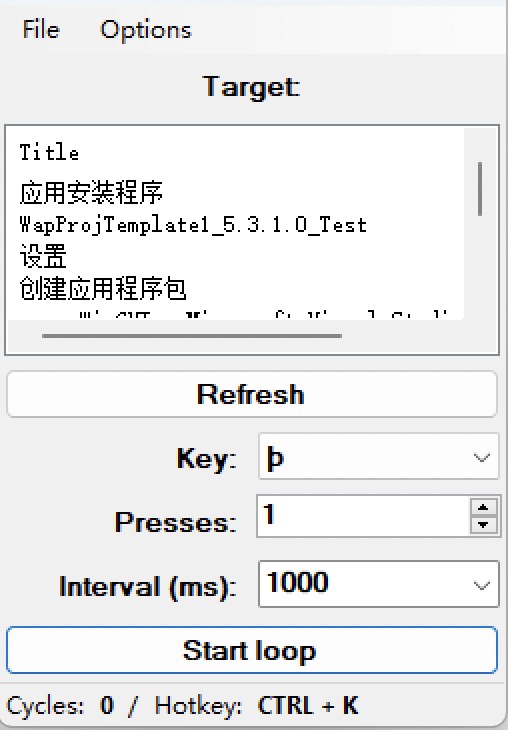
Auto Key Presser by Mia Sarah is designed to simplify repetitive keyboard tasks on Windows, acting as a reliable digital assistant that saves you time and effort.
Developed by Mia Sarah, a passionate software creator, this app reflects a commitment to providing practical automation tools that cater to everyday computer users seeking efficiency and convenience.
Picture this: you're grinding through a game, or filling out repetitive forms, wishing there was a way to take a short break without losing your progress. Auto Key Presser steps into this scenario like a helpful robotic assistant, silently working in the background to press buttons or type sequences for you. Its promise? Turning tedious tasks into effortless routines, all with just a few clicks.
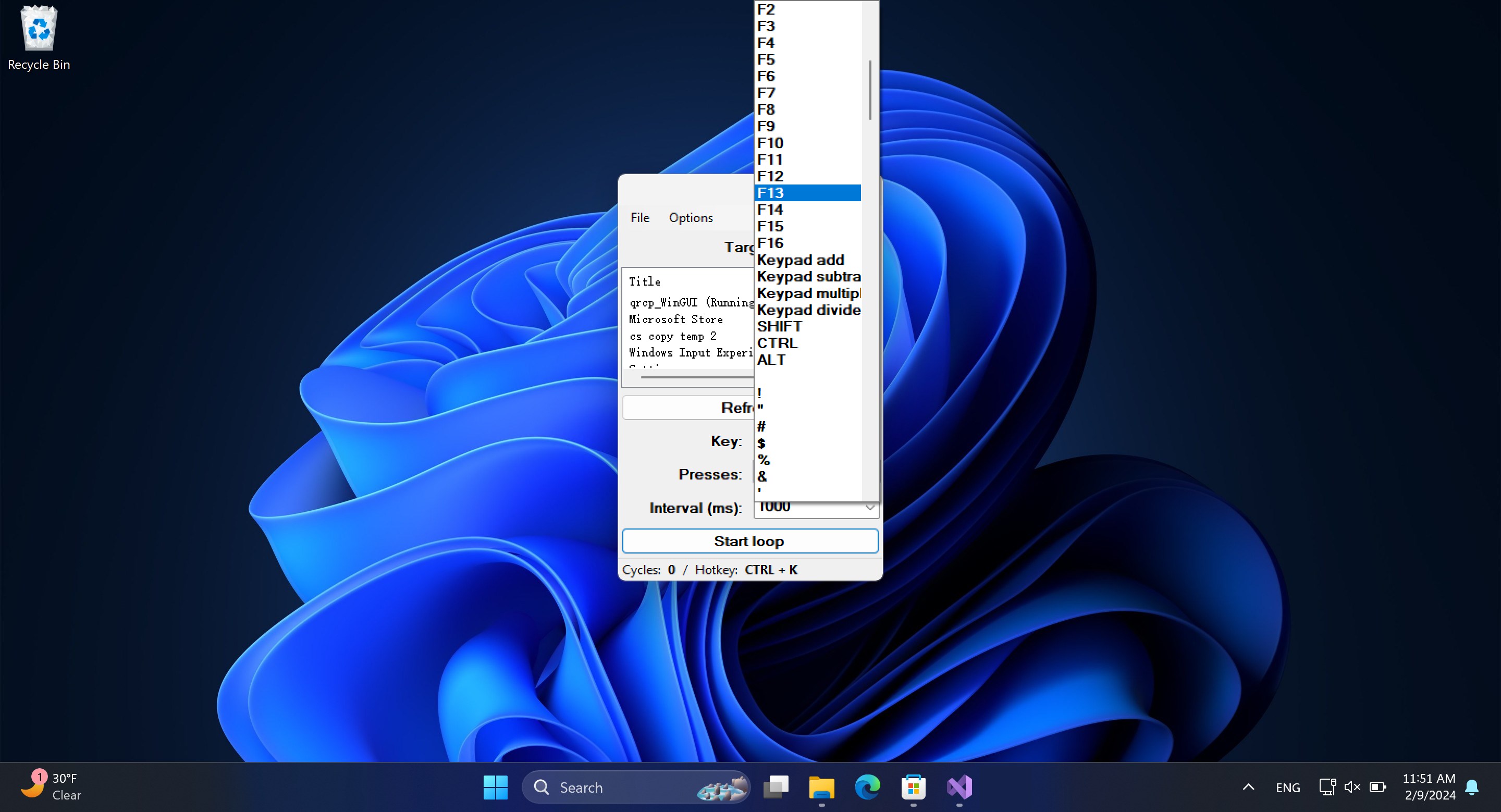
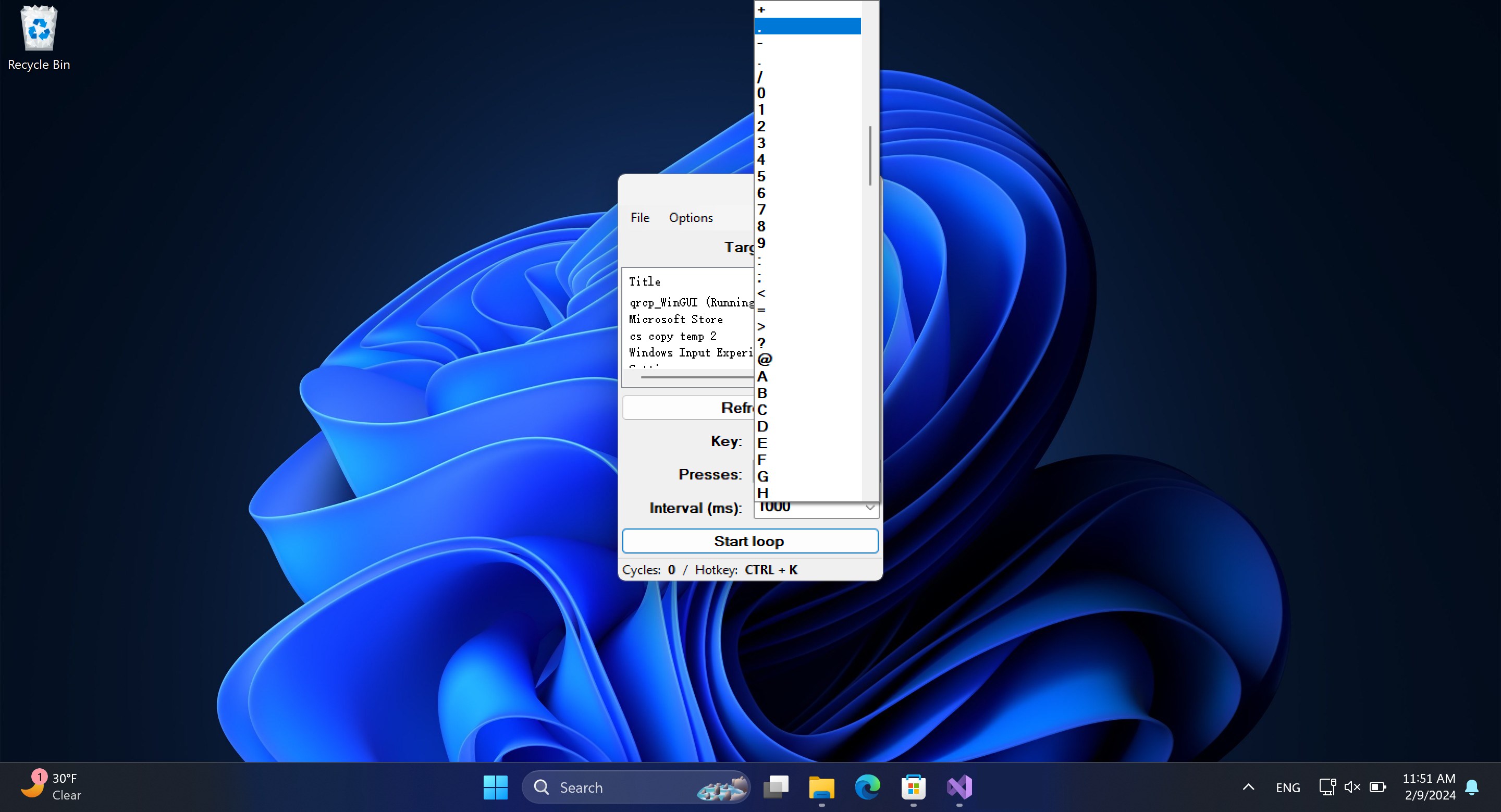
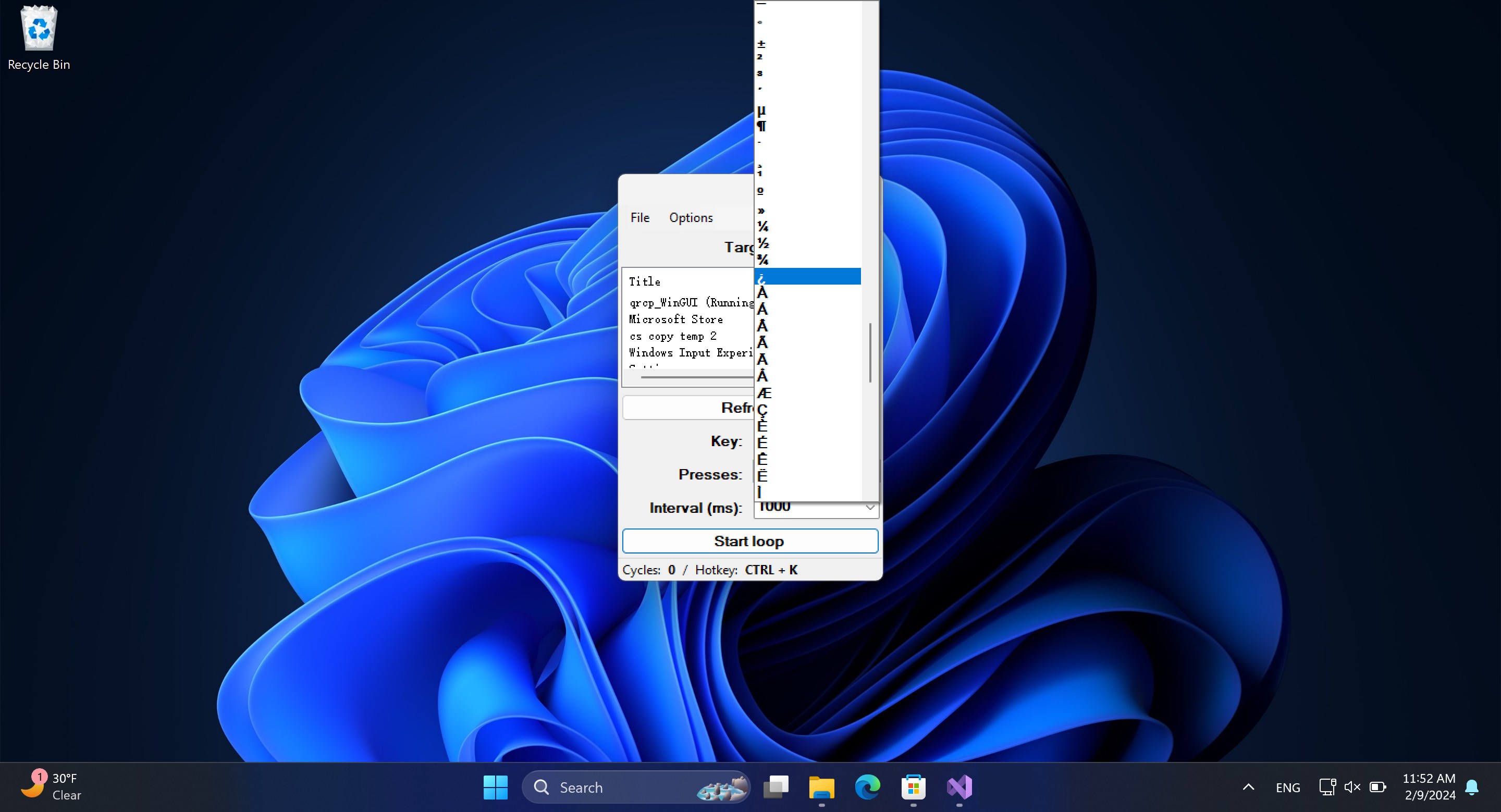
The heart of Auto Key Presser lies in its ability to record and automate key sequences. Whether you want to spam a particular key in gaming, or repeatedly input standard responses in a customer service app, the app allows you to create macros with ease. Its interface resembles a simple notepad—drag, drop, and customize. Managing these presets is intuitively straightforward, making it easy to switch between different tasks without fuss.
What makes this app noteworthy is its versatility—users can set specific intervals, repetitions, or conditions for each macro. Imagine programming an automatic "Press Enter" every few seconds, or a sequence of key presses that mimic human behavior, including randomized delays to avoid detection. This level of control empowers users to tailor automation precisely to their needs, whether for gaming, data entry, or other repetitive activities.
The interface strikes a balance between simplicity and functionality, resembling a minimalist dashboard. It's easy to comprehend for newcomers, yet offers enough depth for advanced users to craft complex sequences. The app responds swiftly to input commands, with no noticeable lag or crashes, making the automation process feel natural and unobtrusive. For those with minimal technical background, initial setup may seem daunting but quickly becomes manageable with a few minutes of exploration. Overall, it provides a smooth and approachable experience that doesn't require steep learning curves.
While many productivity tools focus on task management, Auto Key Presser emphasizes precise, customizable automation at a granular level, filling a niche often overlooked by standard utility apps. Its standout feature—advanced macro control with timing and randomized delays—mirrors expert-level scripting found in enterprise automation but packaged in an accessible form. Additionally, its authenticity stems from user-driven customization, allowing the app to adapt to specific workflows rather than offering generic, one-size-fits-all solutions. This makes it especially appealing for users who demand both simplicity and power.
Auto Key Presser is a solid, well-crafted application suitable for anyone seeking to streamline repetitive tasks on Windows. Its blend of user-friendly design with sophisticated macro capabilities sets it apart in the automation landscape. I would recommend this app particularly to gamers, data entry personnel, or anyone looking to reduce mundane keyboard work—provided they understand the importance of responsible use, especially in contexts like gaming.
In summary, this app earns a confident thumbs-up for its practicality, reliability, and ease of use. For new users or those with moderate automation needs, it's an ideal companion. Power users can dive deeper into its customization features for more advanced workflows. Overall, a worthwhile tool in the realm of lifestyle productivity apps—simple to get started, yet capable of handling complex tasks with finesse.
Highly customizable key presses
User-friendly interface
Lightweight and fast
Supports multiple key patterns
No need for scripting knowledge
Limited to basic key pressing functions
Potential for accidental key presses
Inconsistent performance on some devices
Lack of scheduling or timing delays
No official support for macro recording

for Windows
 4.9
4.9
for Windows
4.8

for Windows
4.8

for Windows
4.8

for Windows
4.7

for Windows
4.2

for Windows
4.2

for Windows
4

for Windows
3

for Windows
3

for Windows
2.4

for Windows
2.3

for Windows
5

for Windows
5

for Windows
5

for Windows
5

for Windows
5

for Windows
5

for Windows
5

for Windows
5

for Windows
5

for Windows
5