Security
FirstOrder.AI
PC
Windows 10 version 17763.0 or higher
Integrated Keyboard
Integrated Mouse
English (United States)
In today's digital age, safeguarding your online accounts is more critical than ever. The Authenticator App for Windows by FirstOrder.AI offers a streamlined, reliable solution for enabling two-factor authentication (2FA), ensuring your sensitive data stays protected. Whether you're a tech enthusiast or a casual user, this app aims to make 2FA both accessible and effortless right on your Windows device.
FirstOrder.AI is a dedicated developer focusing on security and productivity solutions. Their expertise in crafting user-centric security tools reflects in their approach to ensuring both usability and robust protection for end-users. With a focus on cross-platform functionality, FirstOrder.AI aims to deliver simple yet powerful security apps for everyday use.
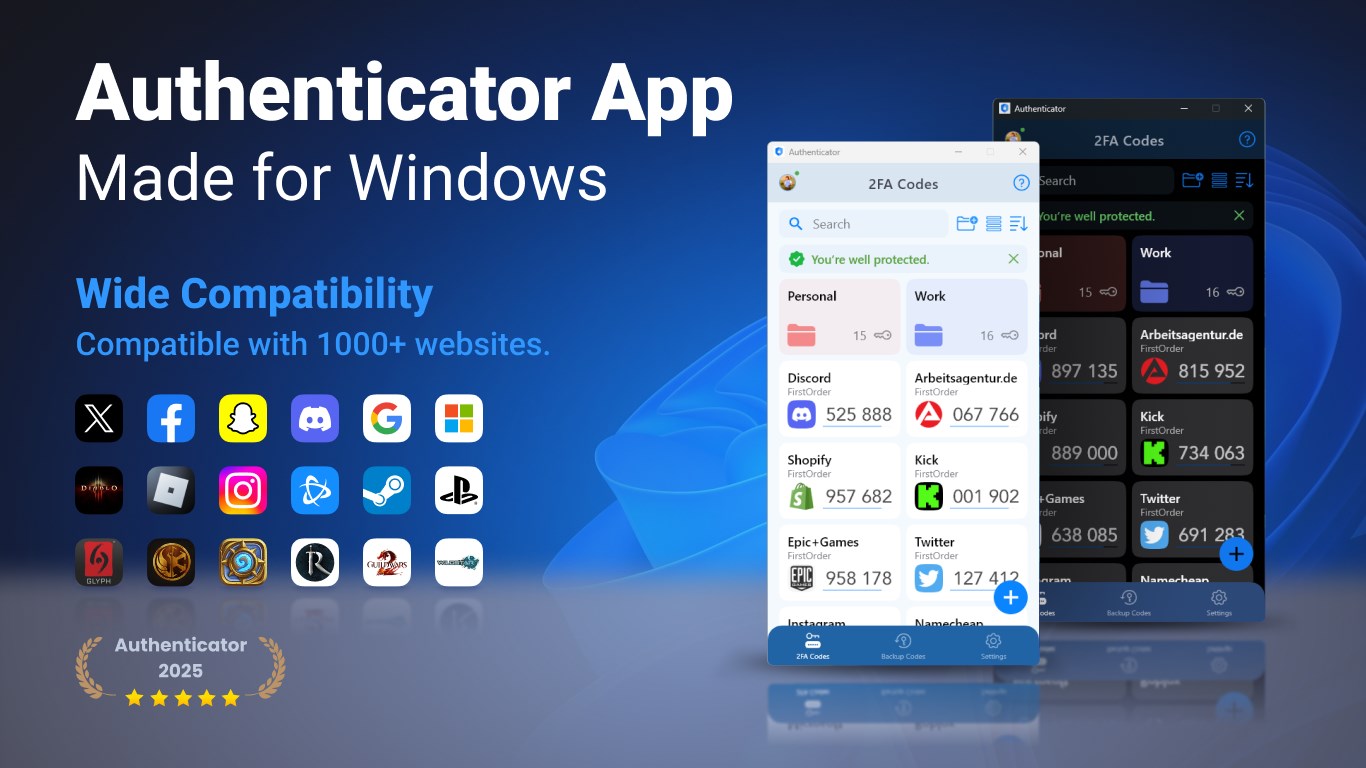
If you've ever handled a traditional safe deposit box at the bank, you'll appreciate the intuitive layout of this app—organized, no-nonsense, yet polished. The interface adopts a modern, clean design with clearly labeled buttons and codes, making it feel welcoming even for first-time users. The app's responsiveness is smooth—rapidly generating six-digit codes with a satisfying click, reminiscent of a well-oiled machine ticking away in the background.
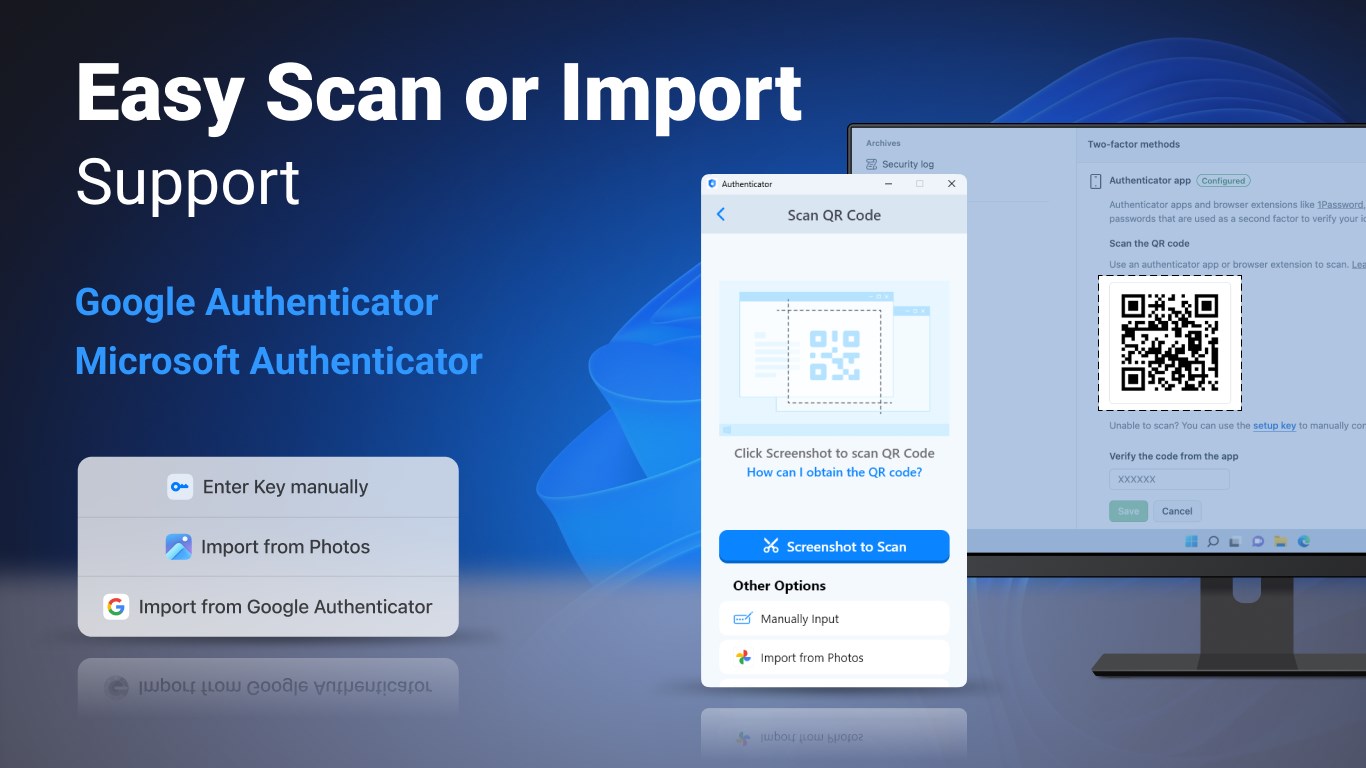
Getting started is as simple as scanning a QR code or entering a secret key—no need to crack complex instructions or wrestle with confusing menus. Once configured, switching between different accounts feels effortless, thanks to a well-structured dashboard that keeps everything within easy reach. The learning curve is gentle, enabling newbies to start using the app confidently within minutes.
The app's interface boasts a sleek, modern aesthetic that rivals more popular security tools in both look and feel. Underlying this visual appeal is a robust backend—fast, reliable, and stable with minimal lag. The app's performance remains consistent even when managing a large number of accounts, which is essential for users who juggle multiple online identities. It feels like a trusted, familiar companion rather than a clunky, intimidating utility.
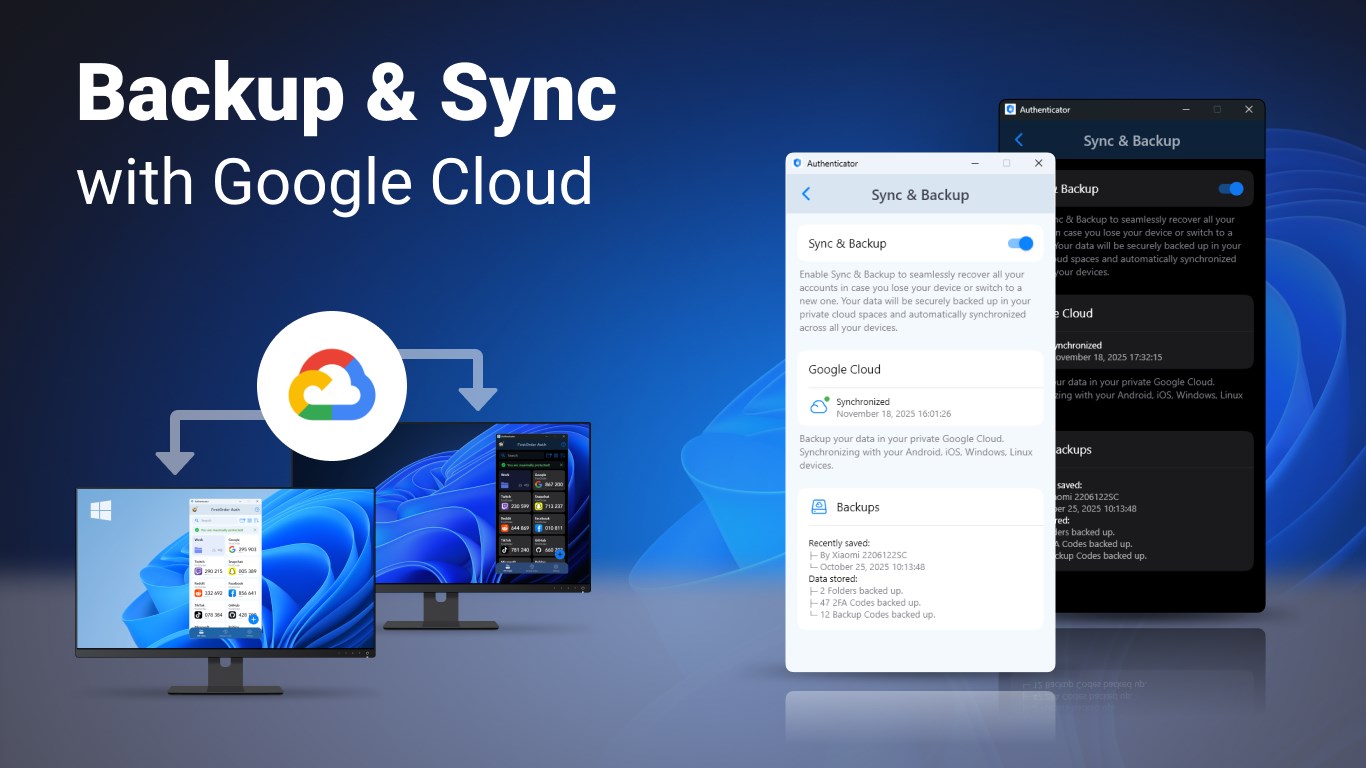
Most 2FA apps are similar in core functions, but where Authenticator App for Windows shines is in its emphasis on simplicity combined with security. Its offline capabilities eliminate dependency on internet connectivity, reducing attack vectors, while its backup feature offers peace of mind—no more frantic searches for secret keys or losing access to your 2FA codes. Furthermore, the app's focus on Windows-specific integration makes it an especially convenient choice for users predominantly operating within the Microsoft ecosystem, setting it apart from less integrated or cross-platform options.
Overall, the Authenticator App for Windows presents itself as a trustworthy, user-friendly solution for managing 2FA. It's particularly ideal for users who value straightforward functionality paired with strong security measures. I'd recommend it to anyone looking to streamline their account protection without sacrificing ease of use. Whether you're securing personal accounts or managing employee credentials in a small business, this app offers a reliable, unobtrusive layer of defense.
User-friendly interface
Strong security features
Seamless integration with Microsoft services
Cross-platform compatibility
Offline access to codes
Limited third-party app support
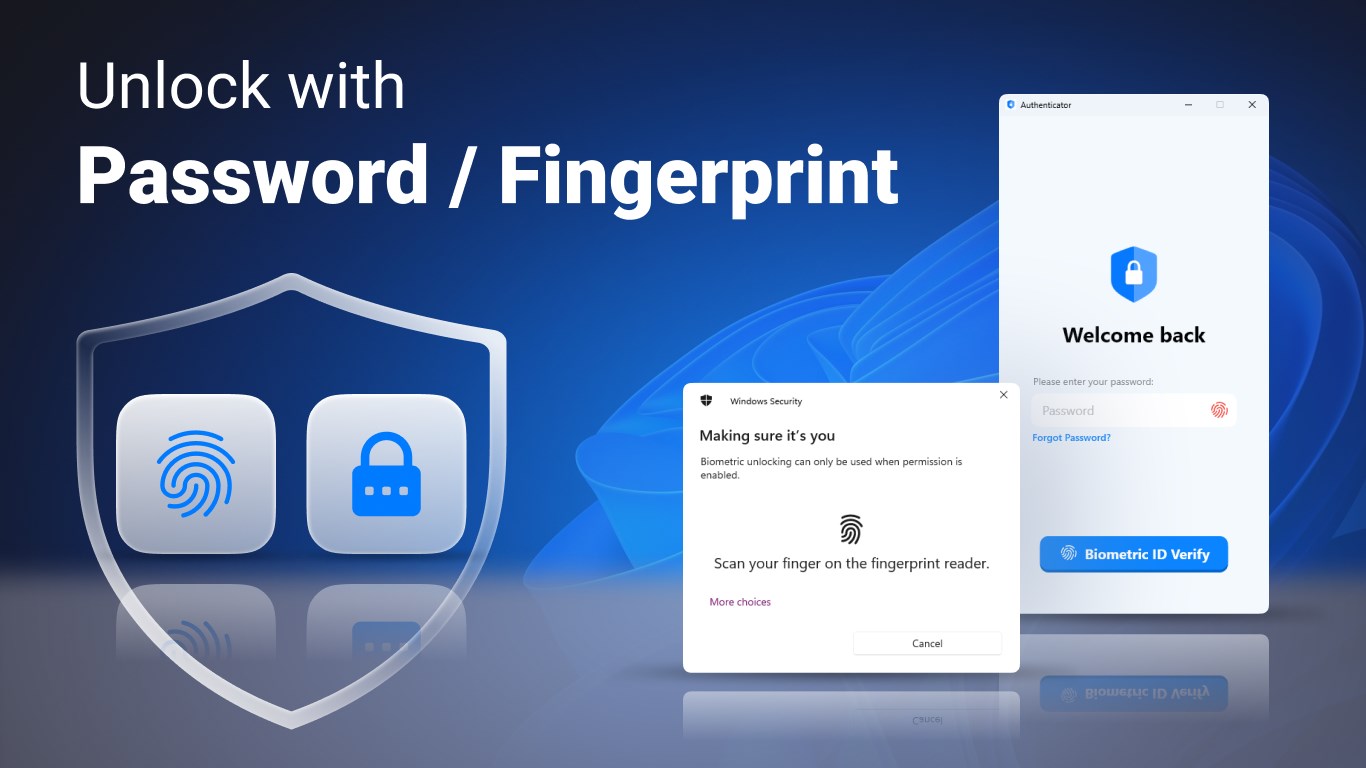
No biometric authentication for app unlocking
Occasional sync delays on new devices
Lacks customization options
No backup feature for tokens
for Windows
 4.8
4.8

for Windows
4.7

for Windows
4.7

for Windows
4.7

for Windows
4.6

for Windows
4.6

for Windows
4.5

for Windows
4.4

for Windows
4.4

for Windows
4.3

for Windows
4.3

for Windows
4.3

for Windows
5

for Windows
5

for Windows
5

for Windows
5

for Windows
5

for Windows
5

for Windows
5

for Windows
5

for Windows
5

for Windows
5