Books & reference
PC, Mobile, Surface Hub, HoloLens
Windows 10 version 17763.0 or higher
English (United States)
Audible Book Player & Downloader for Windows by Summer Apps 10 offers a streamlined solution for audiobook lovers looking to enjoy and manage their subscriptions seamlessly on their desktop. Whether you're commuting, relaxing at home, or catching up during breaks, this app promises to make listening to your favorite stories more accessible and organized.
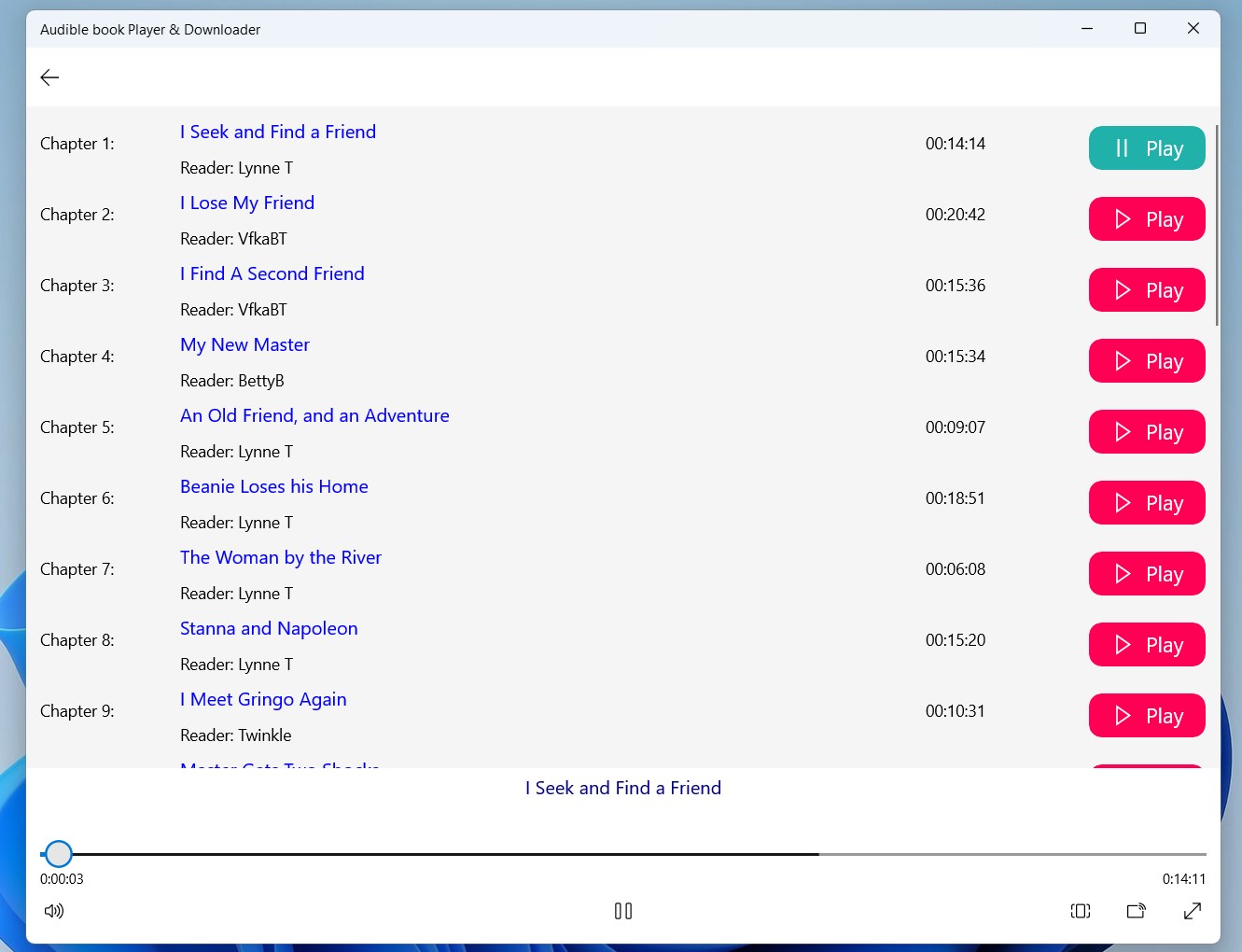
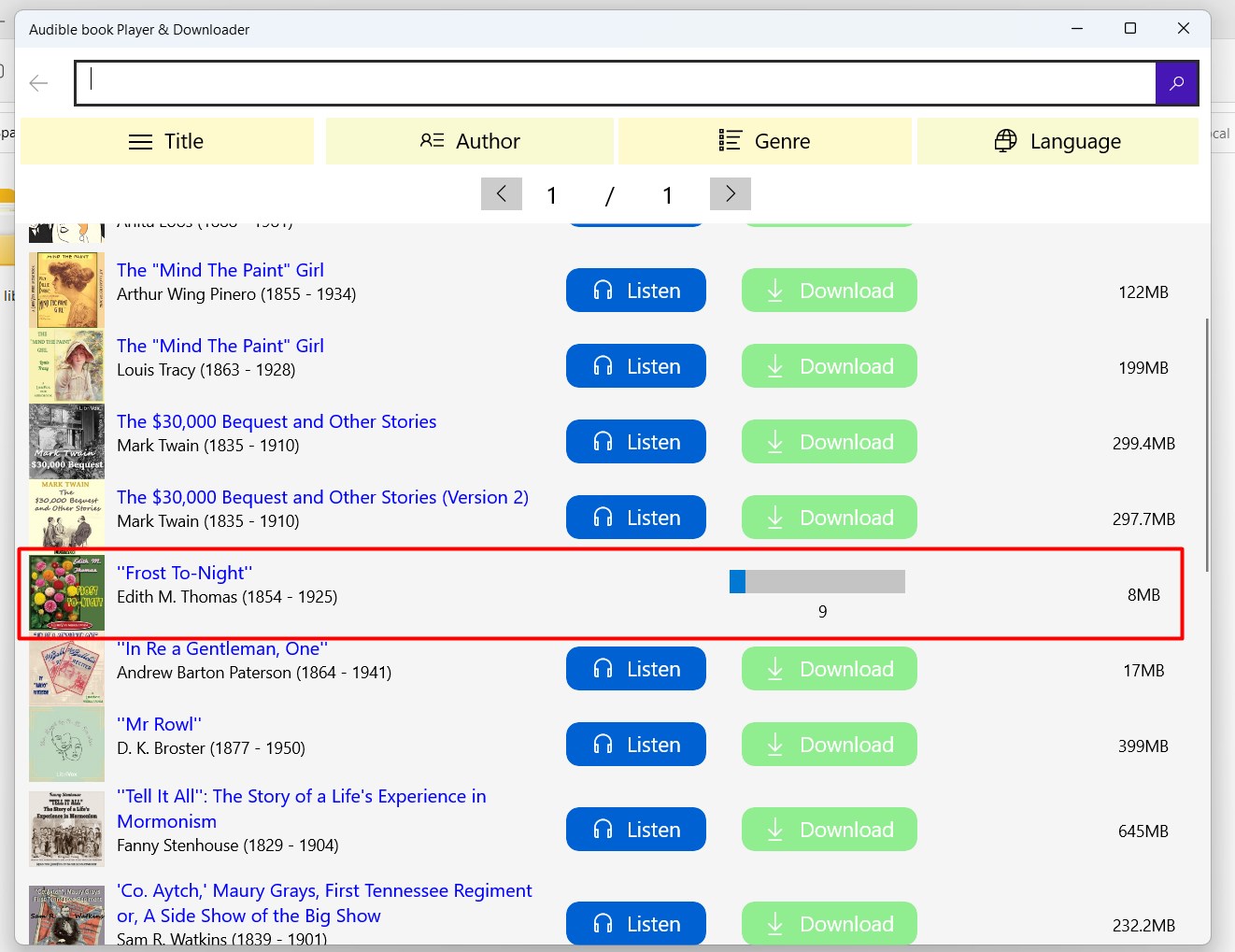
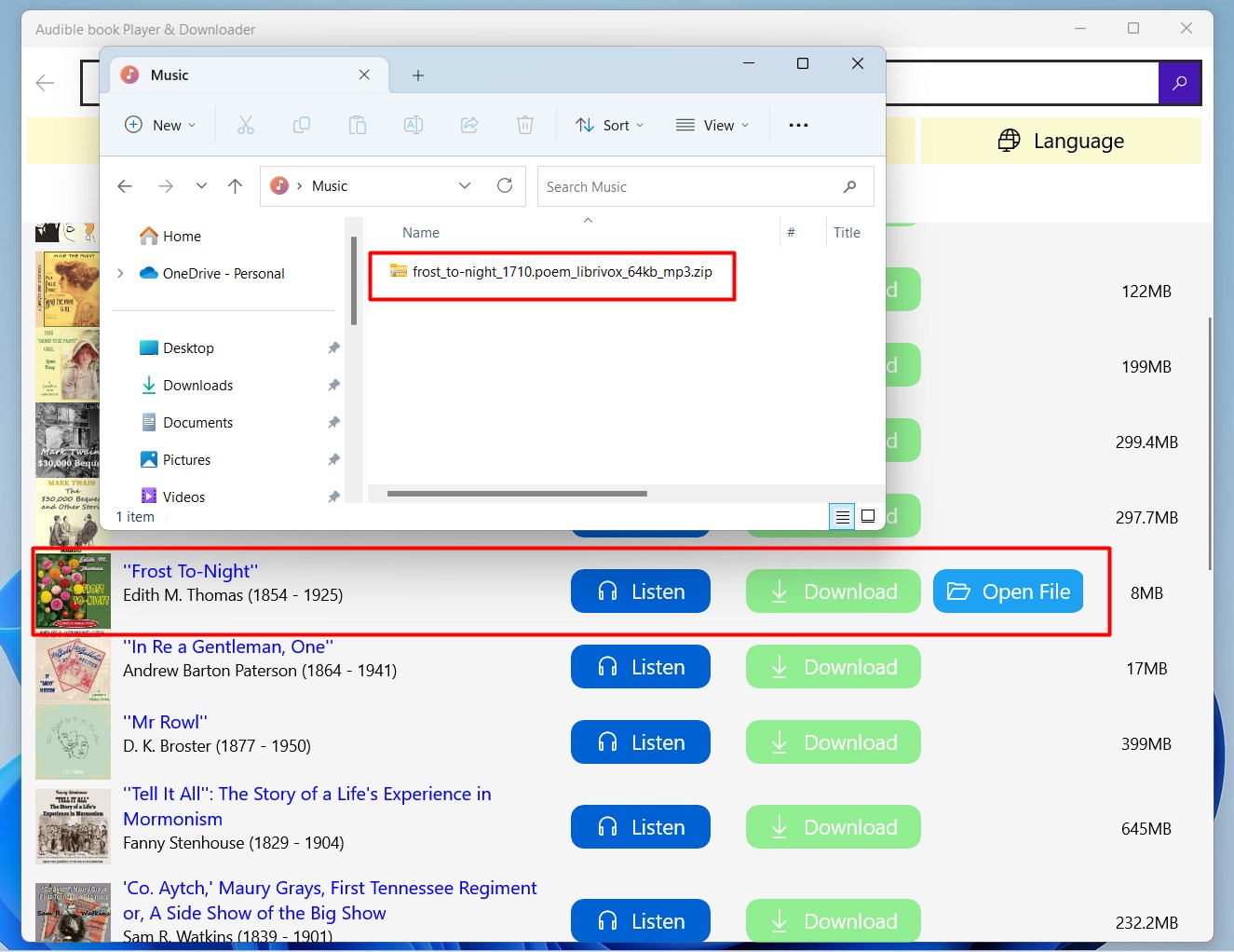
The app's core strength lies in its ability to effortlessly download Audible books for offline listening, eliminating the need for constant internet connection. Once downloaded, switching between devices becomes smooth, and the player supports bookmarking, resume functions, and adjustable playback speed. Imagine having your entire library at your fingertips, ready to dive into wherever you are—no more hunting for files or dealing with complicated syncs.
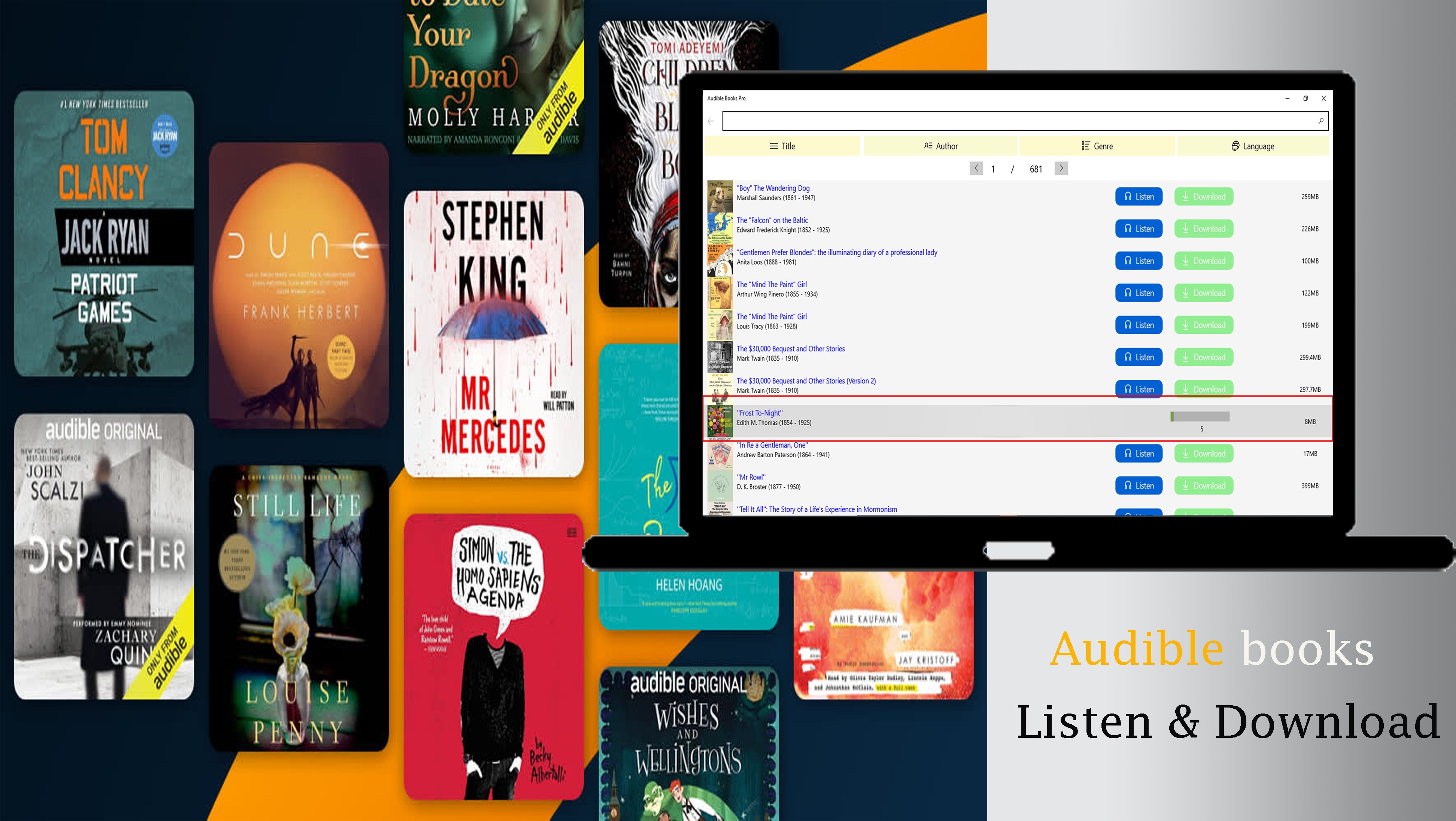
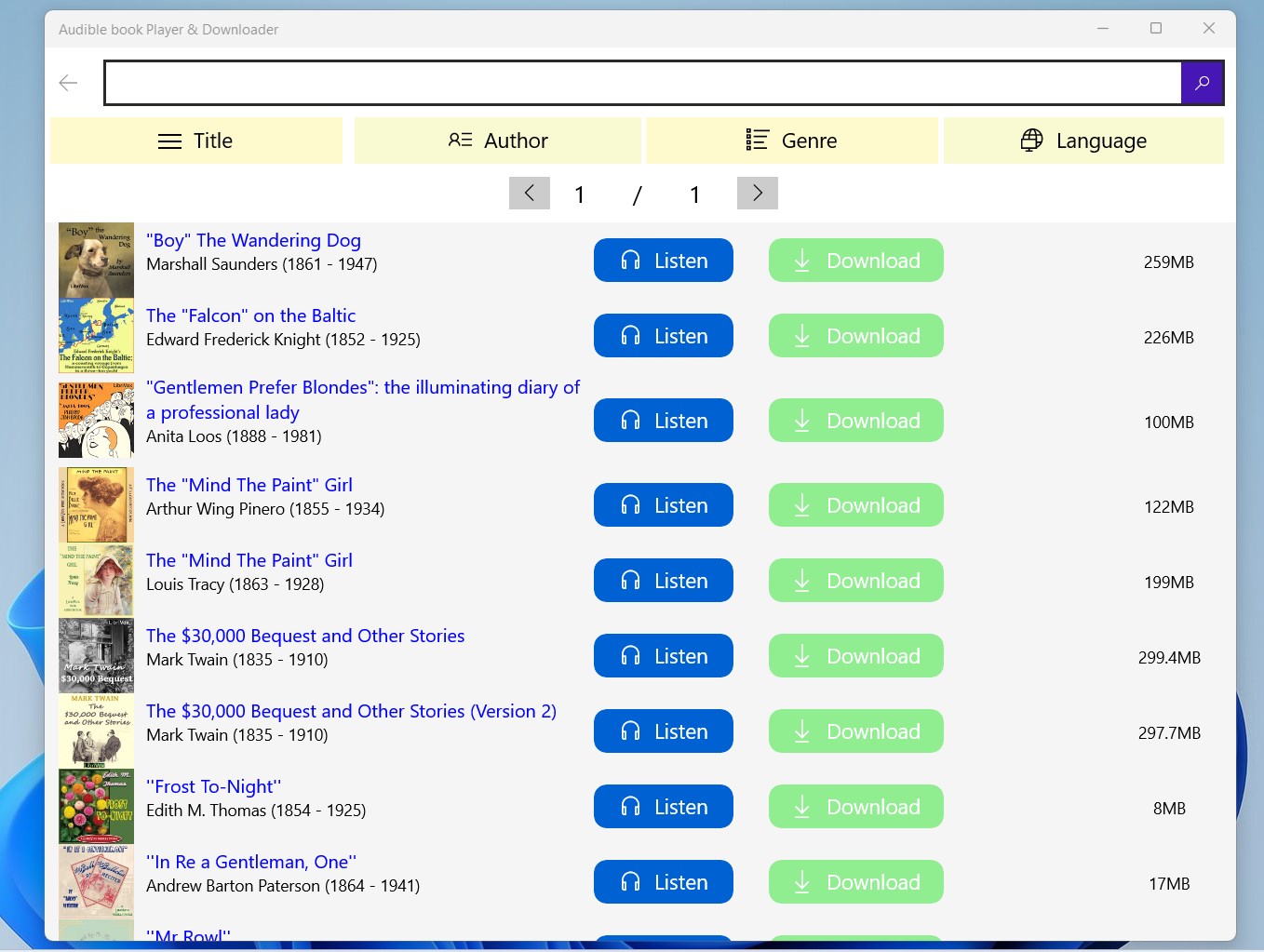
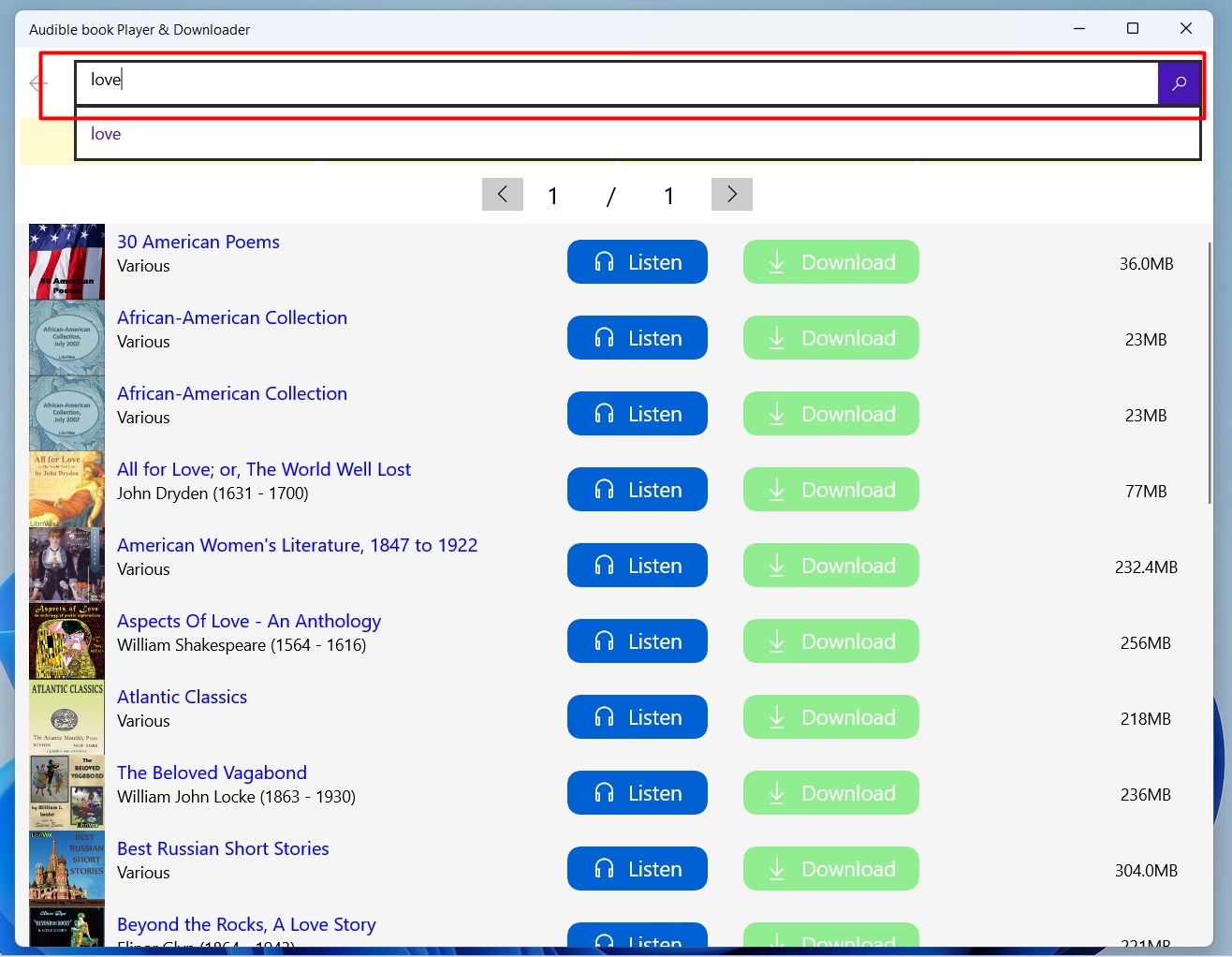
With a clean, well-organized interface inspired by modern design principles, the app is approachable even for tech novices. Its layout resembles a well-arranged bookshelf, making it easy to find and select titles. The playback controls are intuitively placed, and the app's responsiveness ensures smooth operation without lag. Even users unfamiliar with similar apps will find the learning curve minimal, thanks to clear icons and straightforward menus.
Unlike many generic media players, this application specializes in audiobooks, offering features tailored to this format. For example, it provides detailed metadata management, allowing users to categorize and search titles efficiently. Its most distinctive feature is the built-in downloader that facilitates quick access to Audible books without relying solely on the Audible app or website. This means you can build a personalized offline library and control playback without restrictions—ideal for travelers or those with limited internet access.
All in all, Audible Book Player & Downloader for Windows stands out as a dedicated tool that enhances the audiobook experience. Its combination of straightforward download management, sleek interface, and focus on audiobook-specific features make it a valuable addition for audiobook enthusiasts. While it may not replace full-featured media players for other formats, for users committed to Audible content, this app can significantly boost convenience and organization.
We recommend this tool to avid audiobook listeners who value easy offline access and a tidy browsing experience. However, if you seek advanced customization or integration with other media libraries, you might want to explore additional options. Still, for a user-friendly and efficient audiobook companion, this app is worth a try—consider it your digital bookshelf assistant that travels with you wherever your audio adventures take you.
User-Friendly Interface
Offline Listening Support
Seamless Integration with Audible Account
Customizable Playback Speed
Extensive Library Access
Limited Bookmarking Features
Occasional Syncing Delays
App Size Could Be Reduced
Limited Customization Options
Bug Reports Awaiting Fix

for Windows
 4.9
4.9

for Windows
4.8

for Windows
4.8

for Windows
4.8

for Windows
4.1

for Windows
4

for Windows
2.7

for Windows
1.4
for Windows
0

for Windows
5

for Windows
5

for Windows
5

for Windows
5

for Windows
5

for Windows
5

for Windows
5

for Windows
5

for Windows
5

for Windows
5