Multimedia design
Muse Group & The Audacity Open Source Community
PC
Windows 10 version 0.0 or higher
Afrikaans, Arabic, Bangla, Belarusian, Catalan, Croatian, Czech, Danish, Dutch, English, French, German, Greek, Indonesian, Irish, Italian, Norwegian, Polish, Portuguese (Brazil), Portuguese (Portugal), Romanian, Slovenian, Valencian, Welsh, Basque, Persian/Farsi, Finnish, Hebrew, Hindi, Hungarian, Japanese, Georgian, Khmer, Korean, Lithuanian, Macedonian, Marathi, Russian, Slovak, Serbian, Swedish, Tamil, Tajik, Turkish, Ukrainian, Vietnamese, Chinese (Simplified), Chinese (Traditional Chinese)
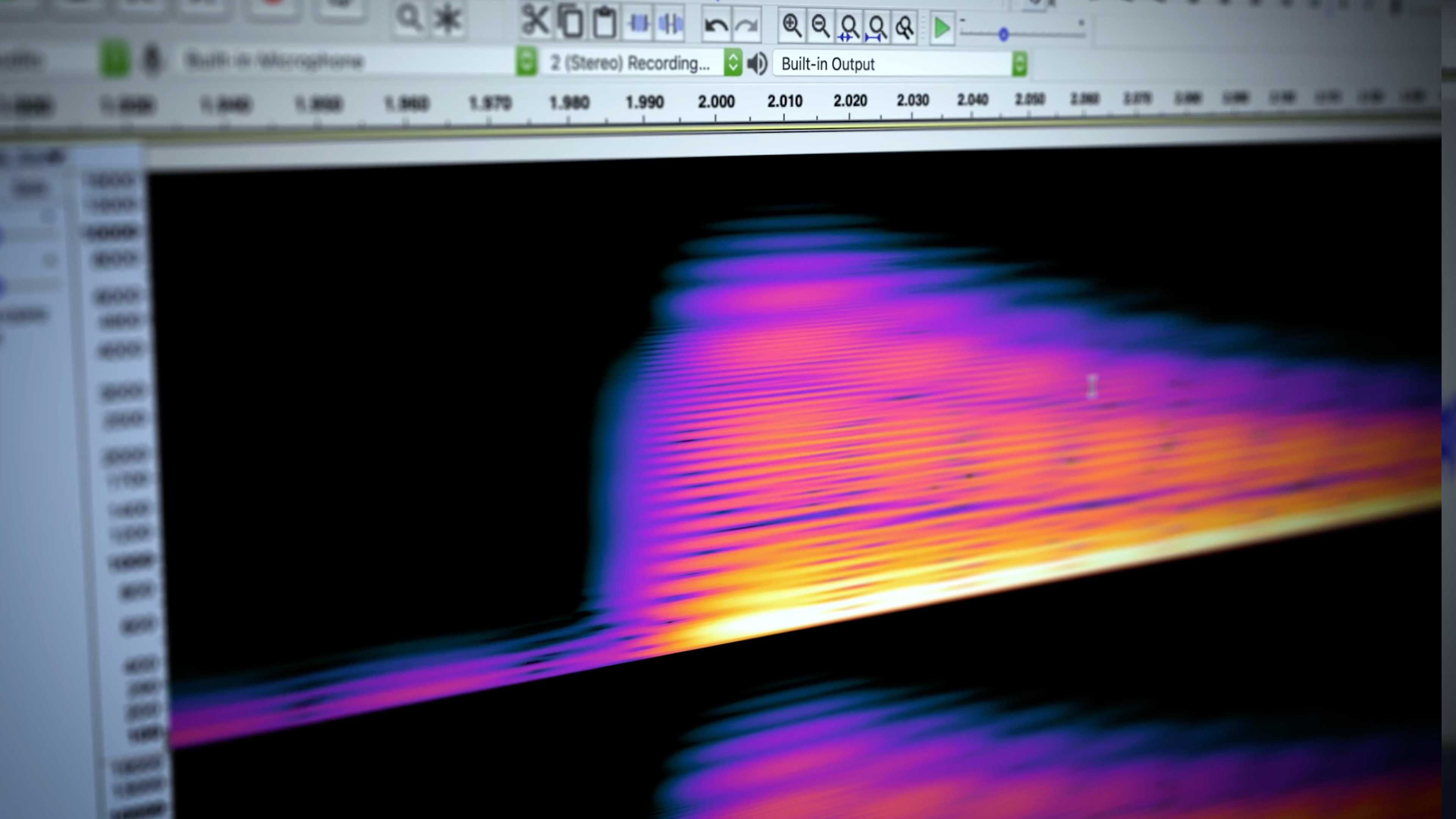
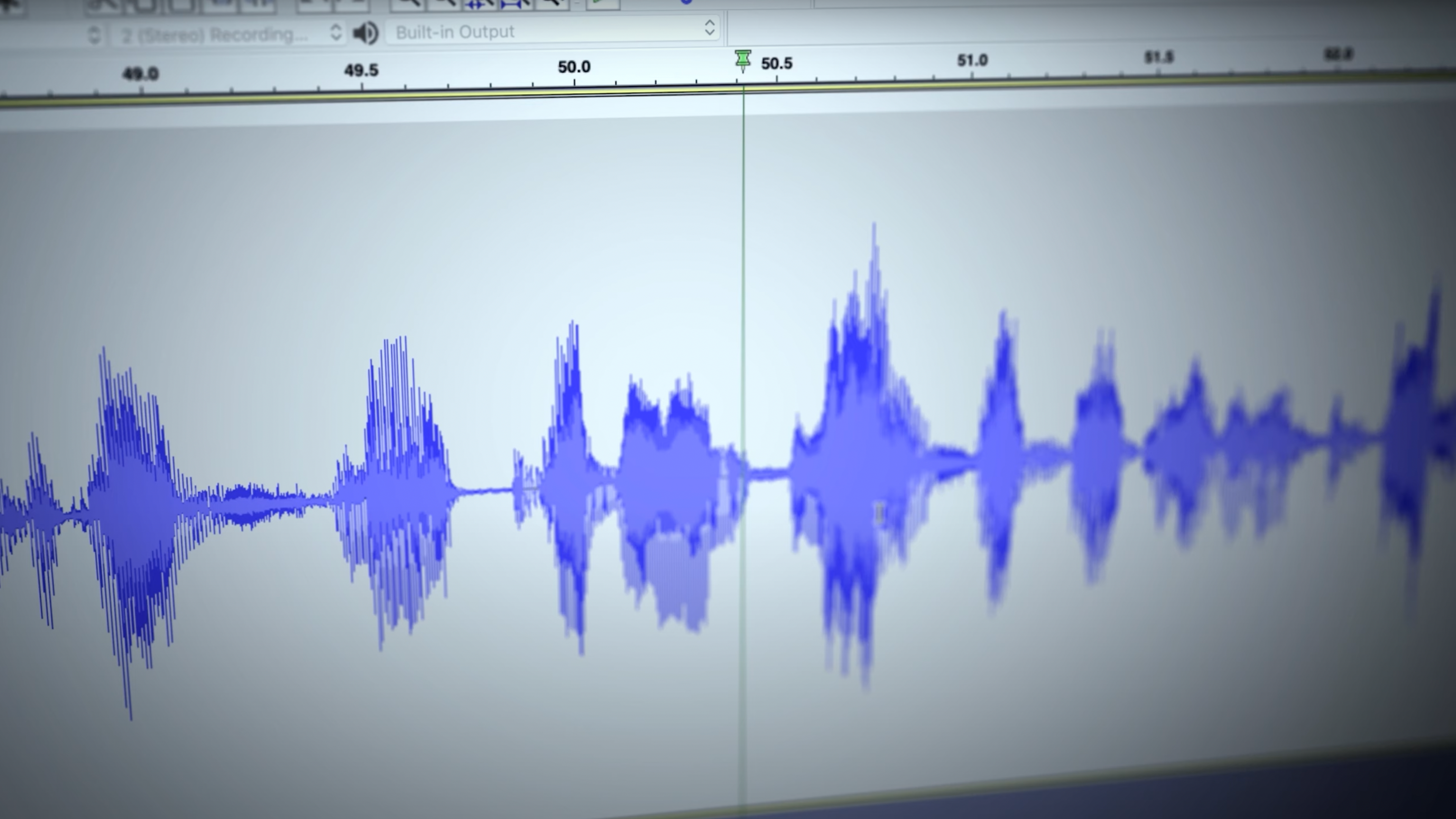
Audacity for Windows stands out as a versatile and powerful open-source audio editing tool suitable for a wide range of users—from novice podcasters to seasoned sound engineers—seeking a feature-rich yet accessible audio workspace.
Developed by Muse Group in collaboration with the passionate Audacity Open Source Community, this application benefits from a dedicated team committed to continuous improvement and community-driven features. Their collaborative effort ensures that Audacity remains a free, reliable, and evolving platform for audio editing enthusiasts worldwide.
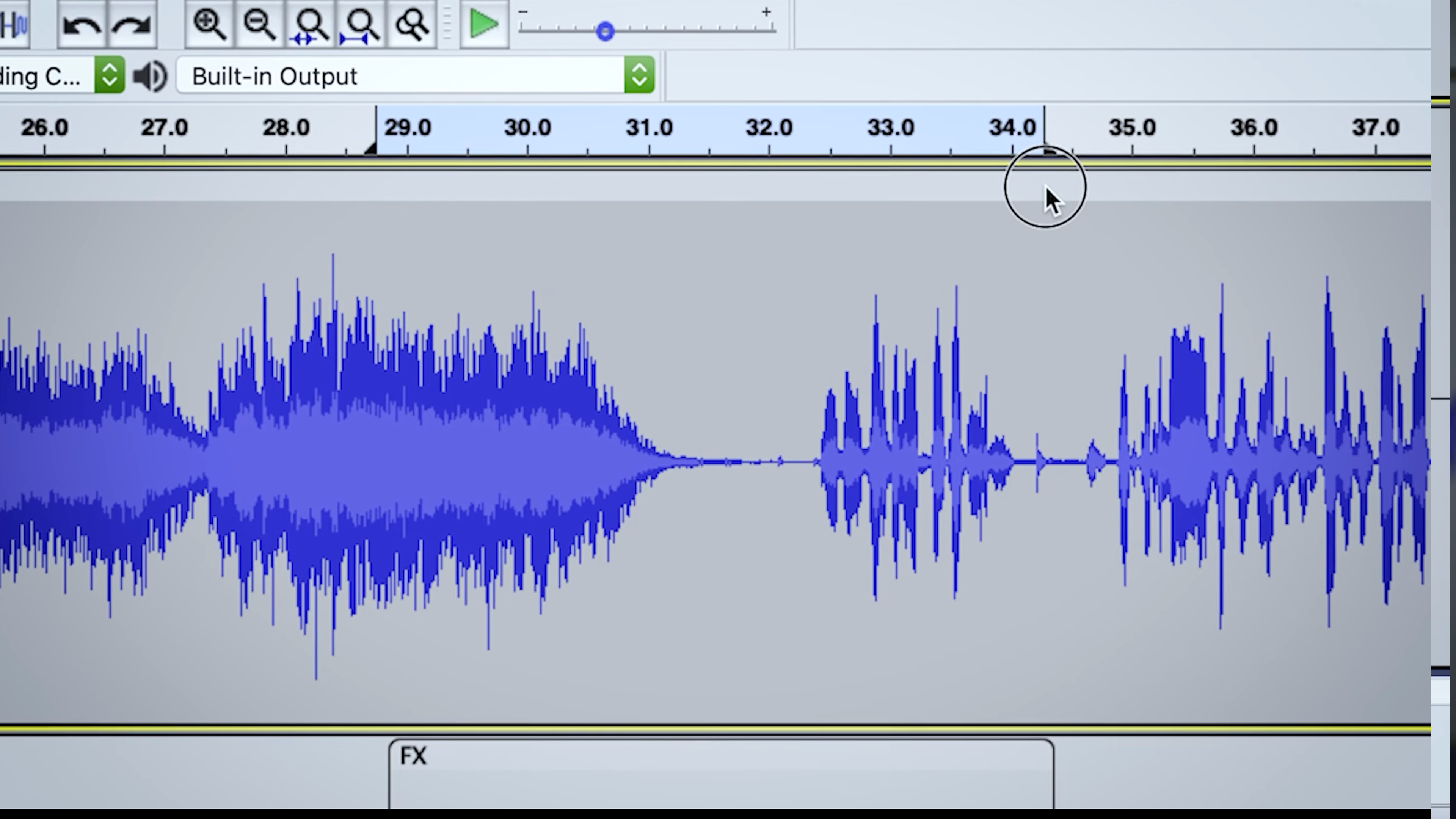
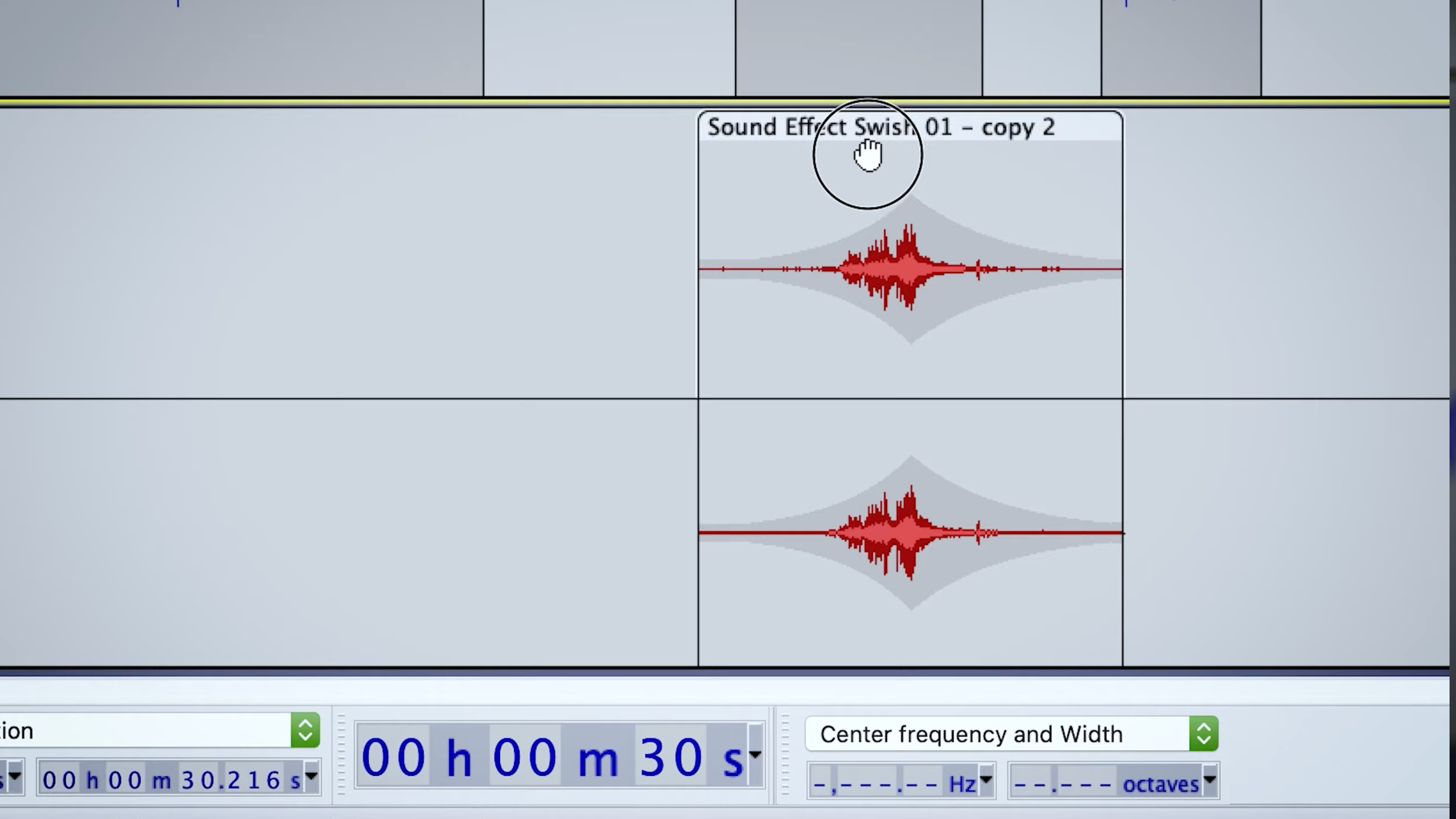
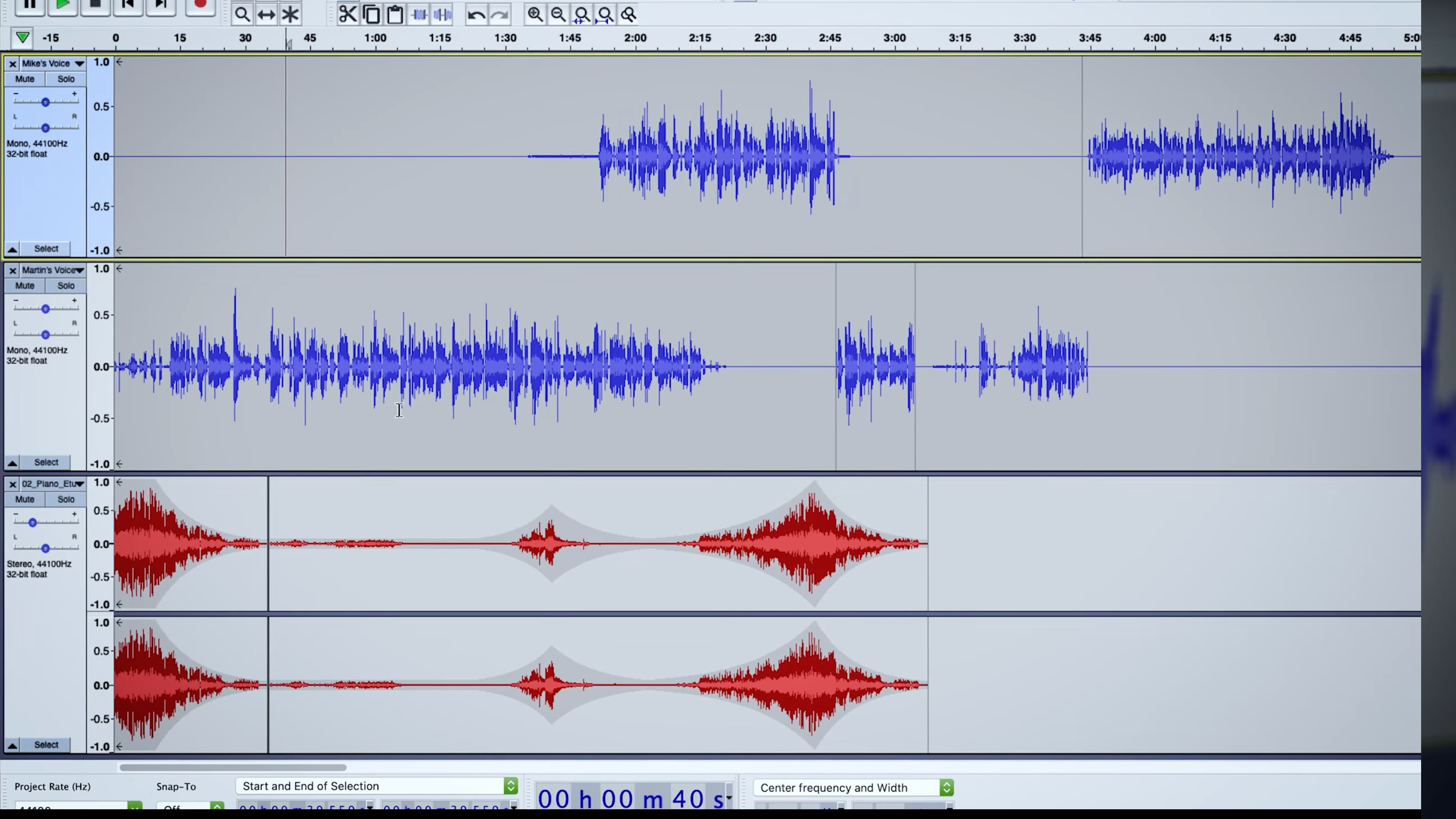
Imagine opening a digital audio workspace that feels both familiar and inviting—Audacity welcomes you with its tidy interface and intuitive layout. Whether you're slicing a podcast episode or layering ambient sounds for a creative project, it's like having a professional studio right on your desktop. The responsiveness is smooth; dragging clips, applying effects, or undoing actions feels natural, ensuring your workflow is uninterrupted. Newcomers may need a brief tutorial period, but the platform's thoughtful design minimizes the learning curve, making advanced editing accessible without fuss.
Compared to other multimedia editing applications, Audacity's highlight lies in its open-source ethos combined with robust functionality. Its active community constantly contributes to updates, plugins, and tutorials, creating a collaborative ecosystem that empowers users to experiment freely. Unlike some paid counterparts with more rigid infrastructures, Audacity's flexibility in customizing workflows and extensive format support make it a standout choice. Additionally, its nondestructive editing methodology ensures original recordings remain untouched, allowing for experimentation without fear of data loss.
For anyone seeking a free, reliable, and feature-focused audio editor, Audacity for Windows is highly recommended. It's particularly ideal for beginner to intermediate users eager to explore digital audio editing or professionals needing a quick, efficient tool for editing multiple tracks. While it may not boast the most modern visual interface compared to some commercial alternatives, its depth of features and community support make it a valuable staple in any audio toolkit. Whether you're trimming a podcast, enhancing live recordings, or crafting complex soundscapes, Audacity proves to be a dependable and powerful companion—worthy of a spot on your desktop.
Open-source and free to use
Multi-platform support
Wide range of audio editing features
Regular updates and active community
Supports numerous file formats
User interface can be cluttered
Limited real-time effects processing
Setup for certain plugins can be complex
Lacks advanced audio analysis tools
Occasional stability issues with large files

for Windows
 4.8
4.8

for Windows
4.8

for Windows
4.7

for Windows
4.7

for Windows
4.6

for Windows
4.6

for Windows
4.6

for Windows
4.6

for Windows
4.5

for Windows
4.5

for Windows
4.5

for Windows
4.5

for Windows
5

for Windows
5

for Windows
5

for Windows
5

for Windows
5

for Windows
5

for Windows
5

for Windows
5

for Windows
5

for Windows
5