Racing & flying
PC, Mobile, Surface Hub, HoloLens
Windows 10 version 17763.0 or higher
Arabic, Chinese (Simplified), Chinese (Traditional), English (United States), French, German, Indonesian, Italian, Japanese, Korean , Portuguese (Brazil), Russian, Spanish (Spain), Thai, Turkish
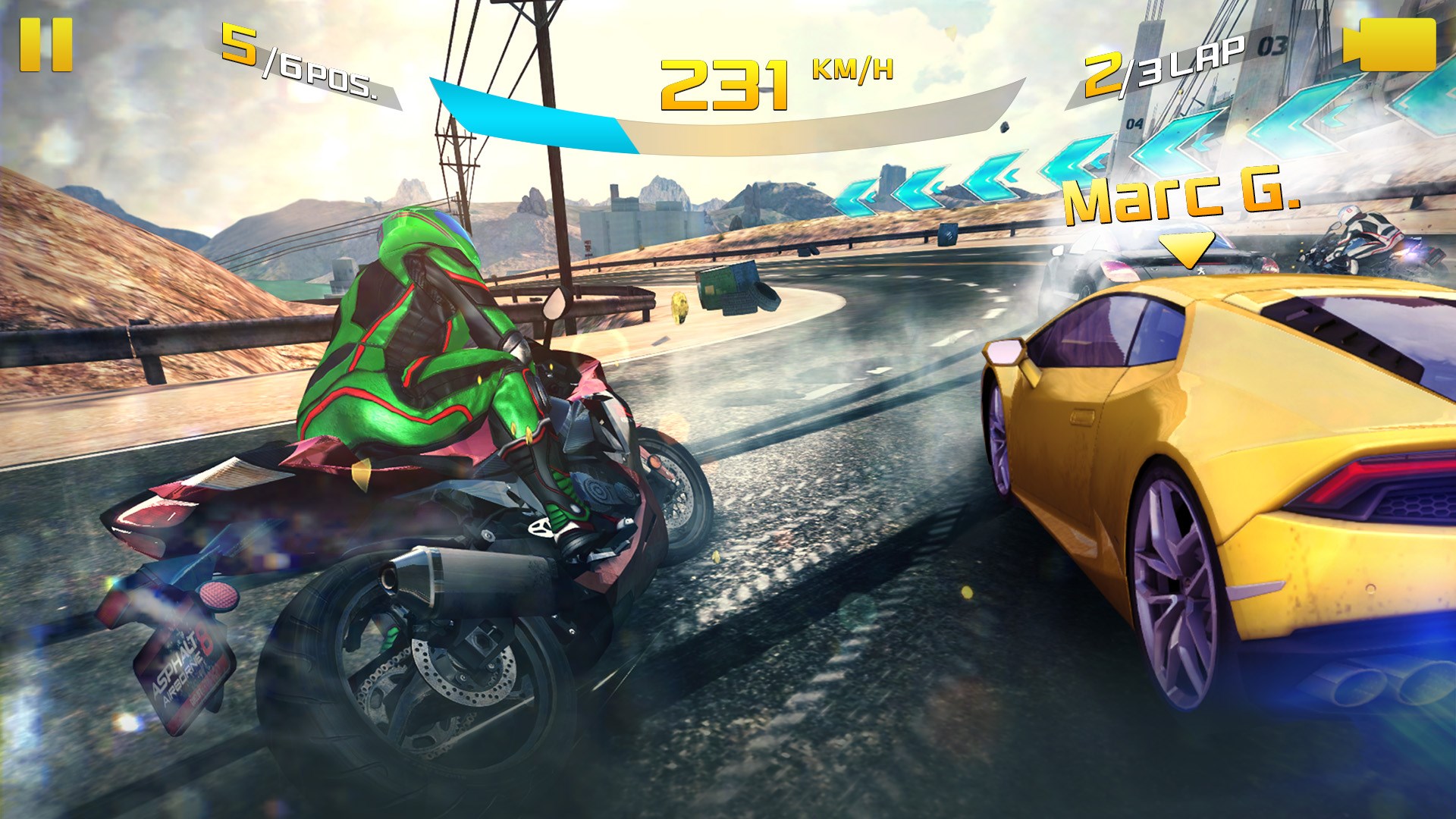
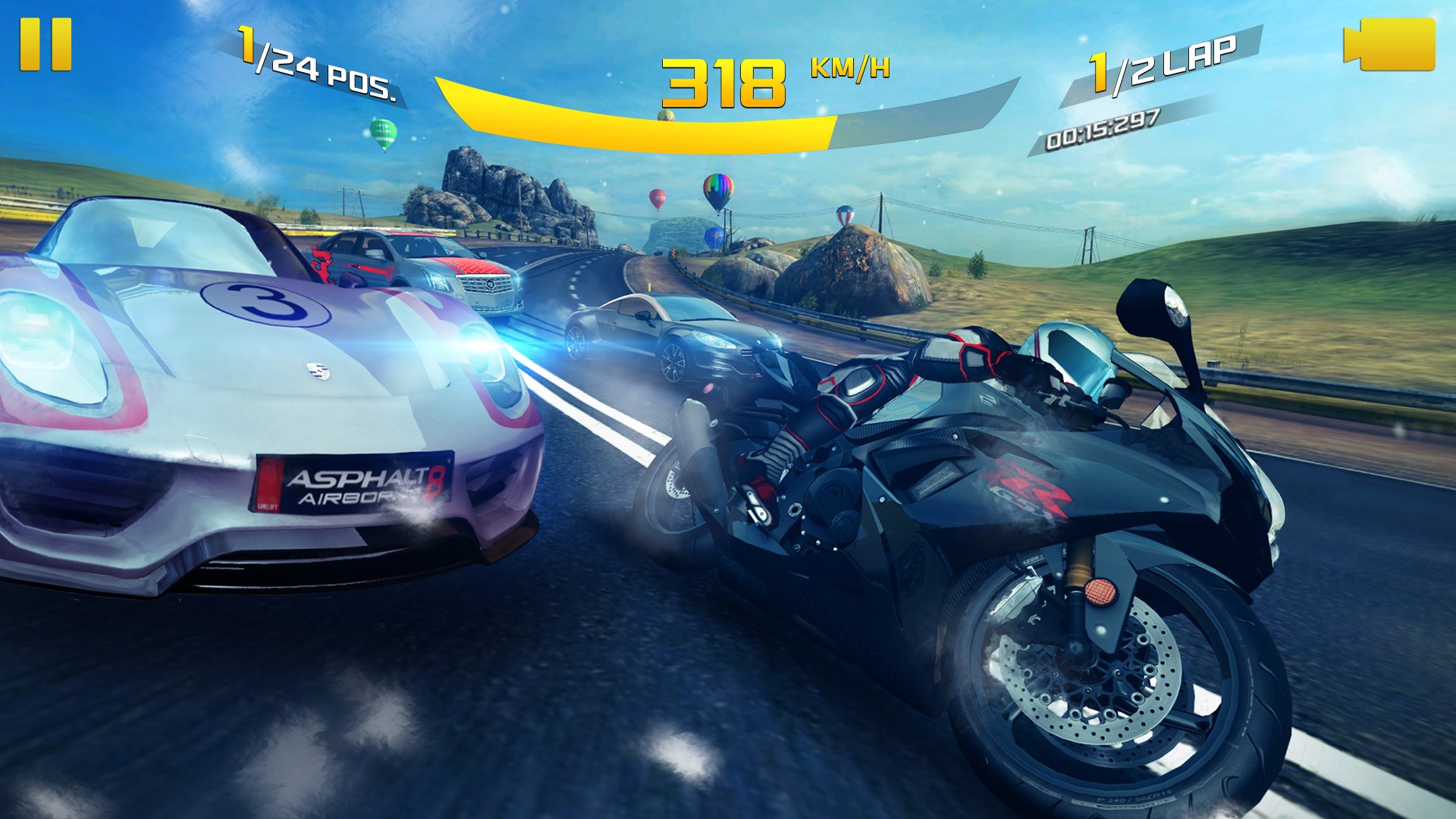
Asphalt 8: Airborne for Windows is a renowned racing game that promises adrenaline-pumping aerial stunts and stunning visuals. Developed by Gameloft SA, it aims to deliver a console-quality racing experience directly on your PC. Perfect for racing fans and adrenaline aficionados alike, this app combines fast-paced gameplay with sophisticated graphics, making every race feel like a cinematic action scene.
Positioned as a top-tier arcade racing game, Asphalt 8: Airborne offers an immersive, high-octane experience on the Windows platform. Developed by Gameloft SA, a leader in mobile and PC gaming, the game showcases their expertise in creating visually spectacular racing environments.
Core highlights include:
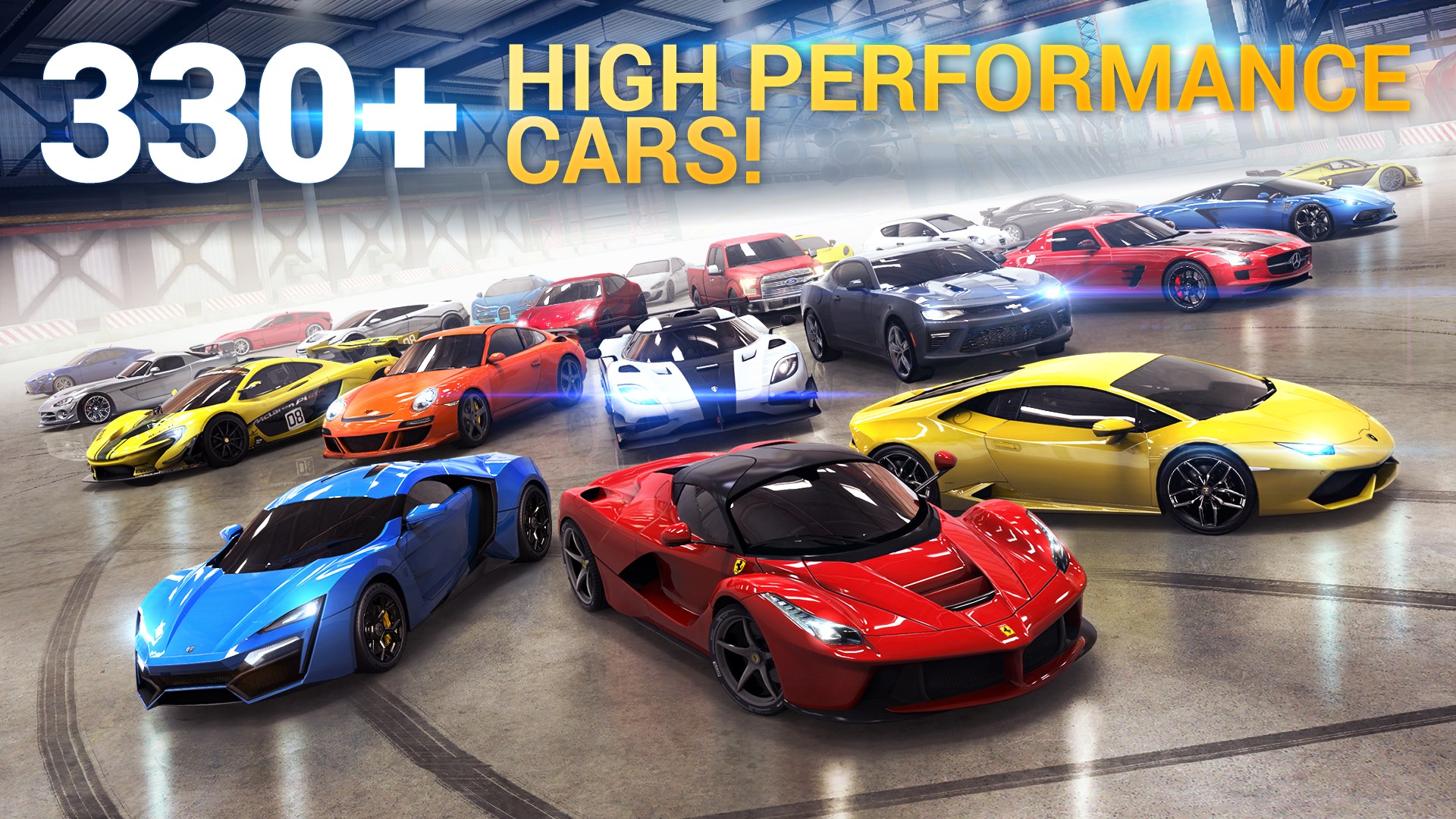
1. Intense lightning-fast racing with over 240 high-performance cars to choose from.
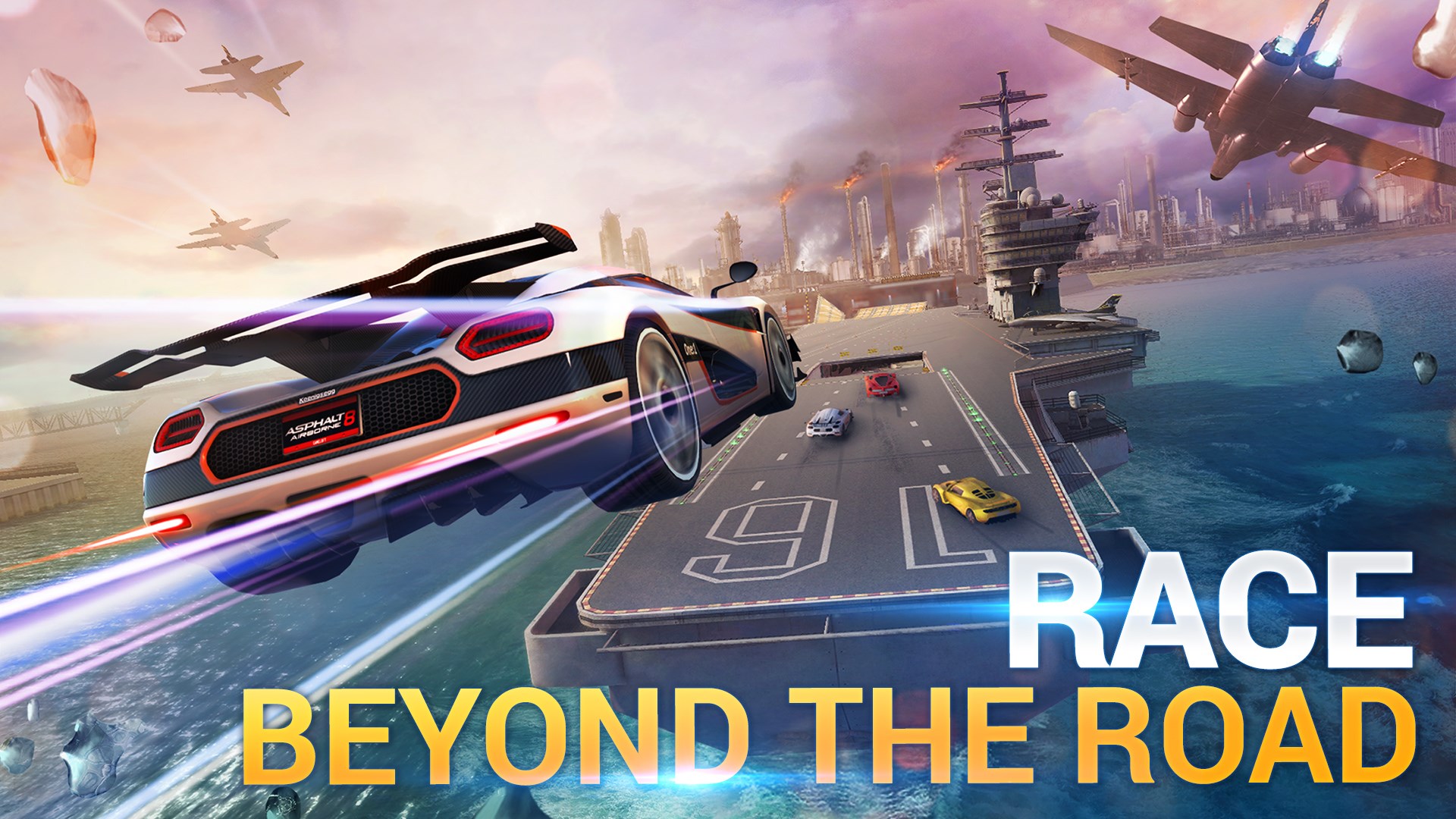
2. Unique aerial stunts and jumps that add a layer of excitement beyond traditional racing.
3. Diverse locations worldwide, from neon-lit cityscapes to lush mountain roads, providing visual variety and challenge.
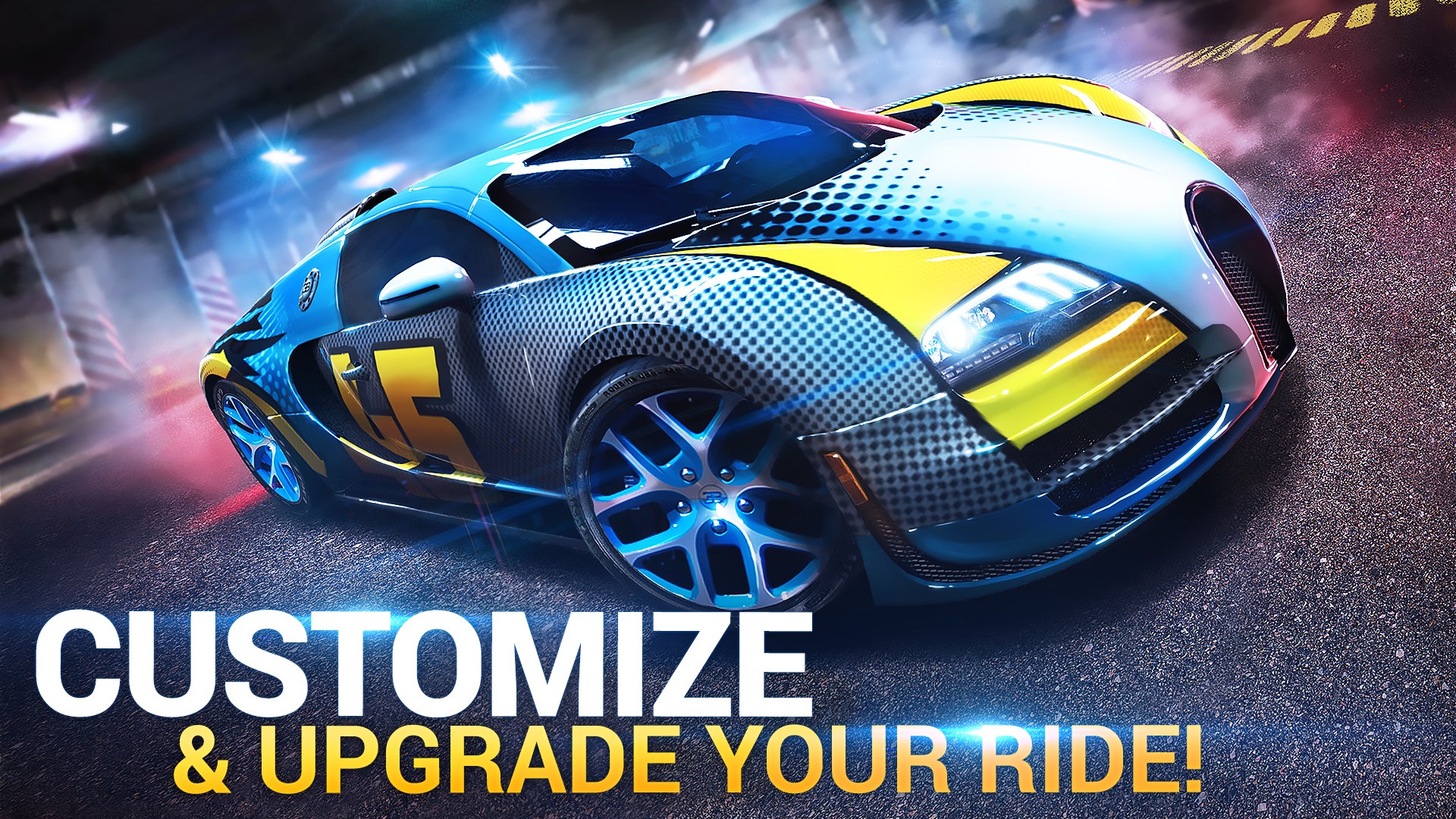
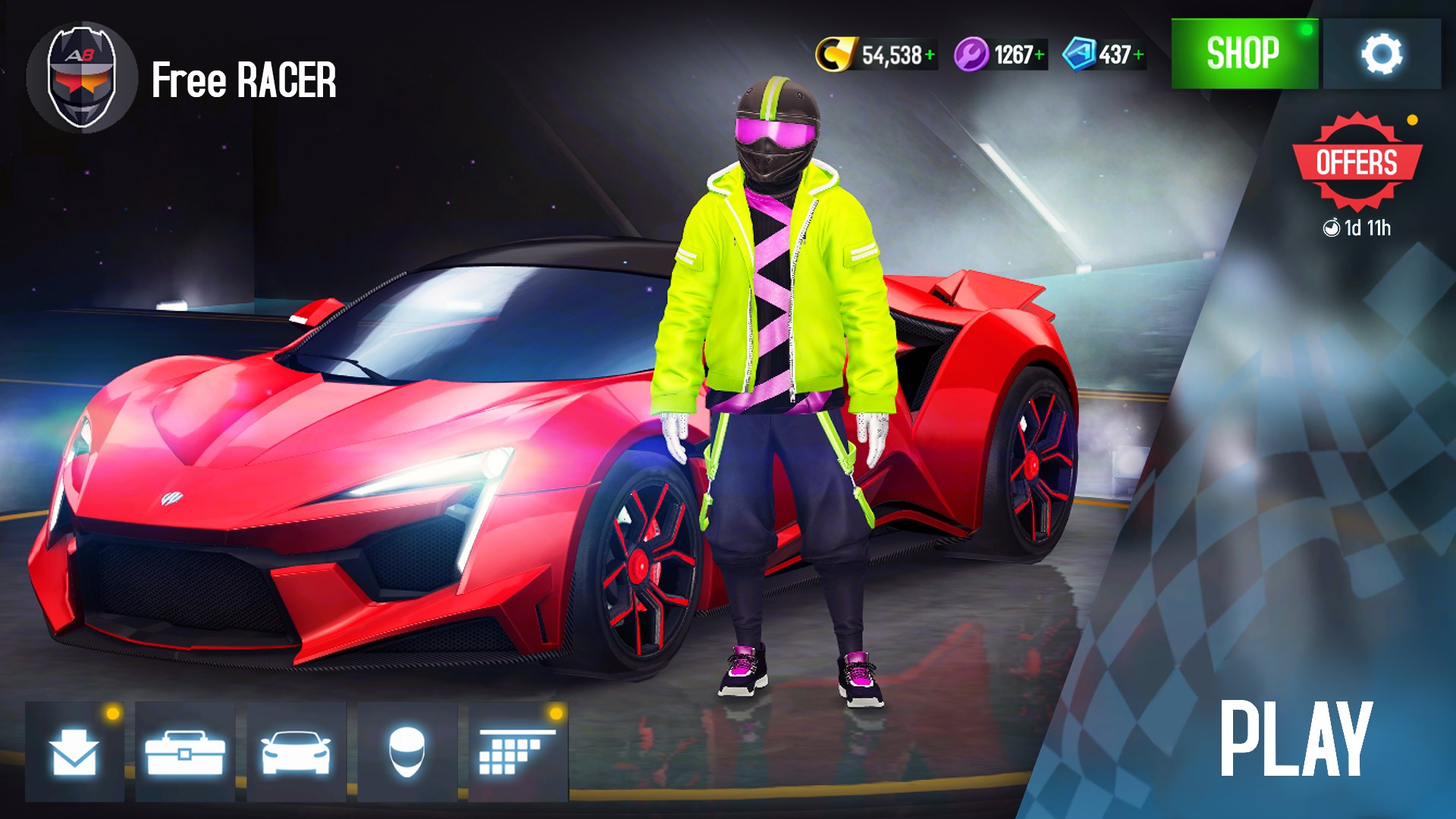
4. Customizable cars and upgrade systems, allowing players to fine-tune their vehicles for optimal performance.
Targeted primarily at racing game enthusiasts, casual gamers seeking visually stunning experiences, and those who enjoy arcade-style gameplay, Asphalt 8 appeals to a broad spectrum of players craving adrenaline and spectacle.
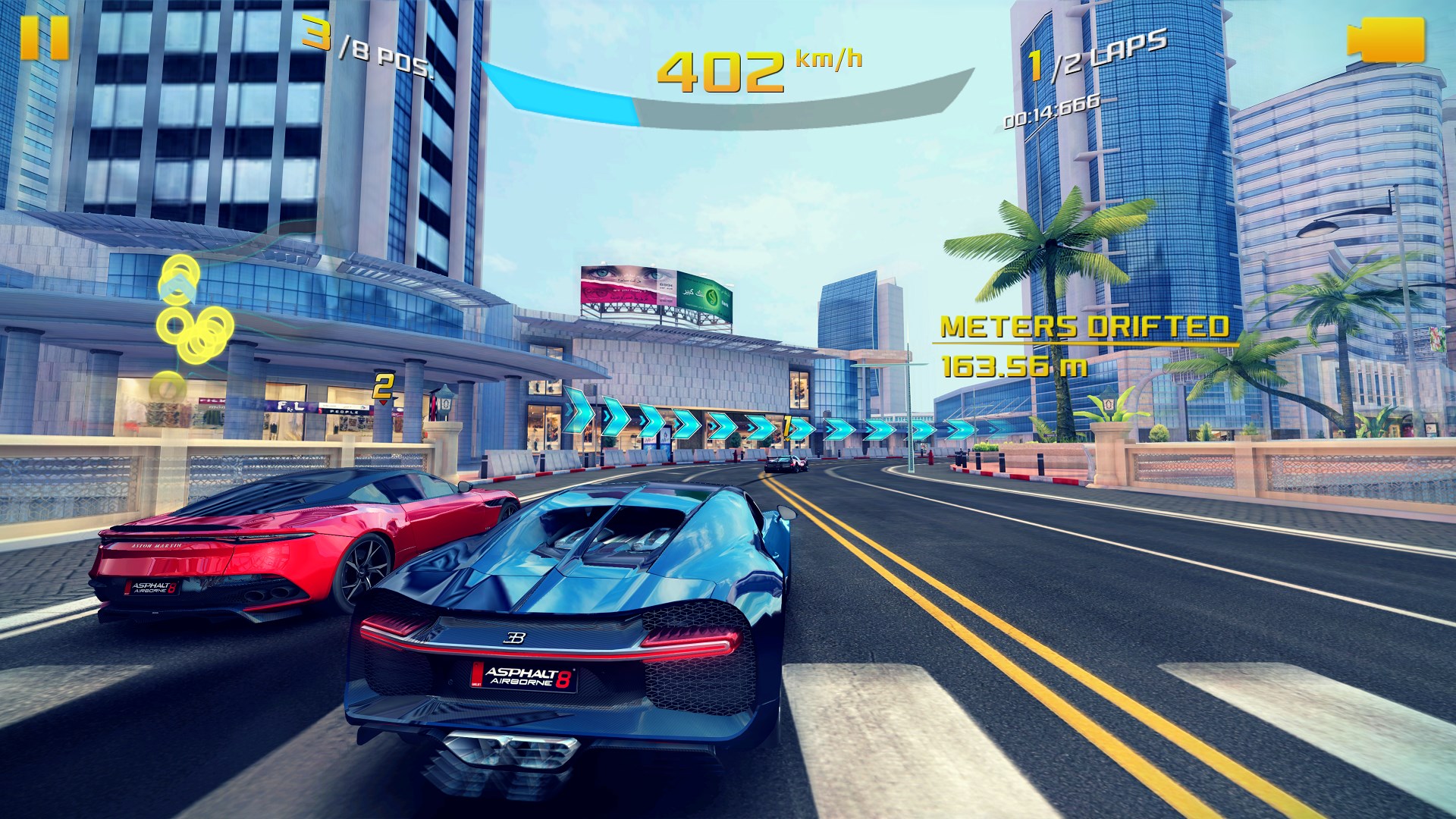
Imagine strapping into a sleek supercar, ready to zigzag through breathtaking landscapes at breakneck speeds—Asphalt 8 makes that fantasy real with its dazzling graphics and seamless controls. From the first moment you launch the game, the interface welcomes you with a sleek, modern design that feels both intuitive and stylish. Navigating menus is smooth, and the game's controls respond swiftly to inputs, ensuring your racing experience is fluid and engaging.
One of the game's shining qualities lies in its mastery of visual design. The vibrant environments, detailed car models, and dynamic lighting effects create a sense of immersion akin to a cinematic driving experience. The game's graphics are both ambitious and polished, making even routine races feel like high-stakes events.
Regarding user experience, the learning curve is thoughtfully designed. New players can quickly grasp handling and stunt mechanics, while seasoned racers will find depth through car customizations and strategic upgrades. The game strikes a fine balance between accessible gameplay for newcomers and challenging elements for veterans.
Among the myriad of racing games available, Asphalt 8's standout feature is its aerial stunt mechanic, which turns traditional racing into a spectacle of acrobatics. Unlike many competitors that stick to ground-level racing, Asphalt 8 allows vehicles to jump off ramps, perform mid-air tricks, and land stylishly—delivering an adrenaline rush and an element of skill mastery. This feature is akin to flying a fighter jet in the middle of a race, heightening the excitement and visual appeal.
Another compelling advantage is the game's extensive car customization options. Players can upgrade their vehicles' speed, handling, and nitro acceleration, letting them craft a personalized racing beast tailored to their style. Coupled with a diverse track roster spanning iconic locations, the game offers a fresh experience in every race.
All in all, Asphalt 8: Airborne for Windows earns a solid recommendation for players looking for a high-quality, visually impressive racing game that goes beyond mere speed to include daring stunts and customization. It's particularly suitable for players who enjoy arcade racing with a touch of spectacle and those wanting an engaging game that balances accessibility with depth.
For optimal experience, ensure your PC has a decent graphics card and enough processing power to handle the game's visual demands. Taking a few moments to familiarize yourself with the controls and stunt mechanics will pay off in mastering the thrill of airborne racing. Dive into Asphalt 8 if you crave fast-paced excitement, stunning scenery, and a gameplay experience that feels as exhilarating as a rollercoaster ride on four wheels.
Intuitive and immersive gameplay
Stunning graphics and visual effects
Wide selection of cars and customization options
Multiple game modes and events
Offline mode available
Large storage requirement
Frequent ads in free version
Battery consumption is high
Occasional lag during multiplayer matches
In-app purchases are prevalent

for Windows
 4.8
4.8
for Windows
4.8

for Windows
4.7
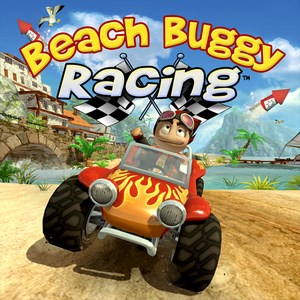
for Windows
4.7

for Windows
4.6

for Windows
4.6

for Windows
4.6

for Windows
4.5
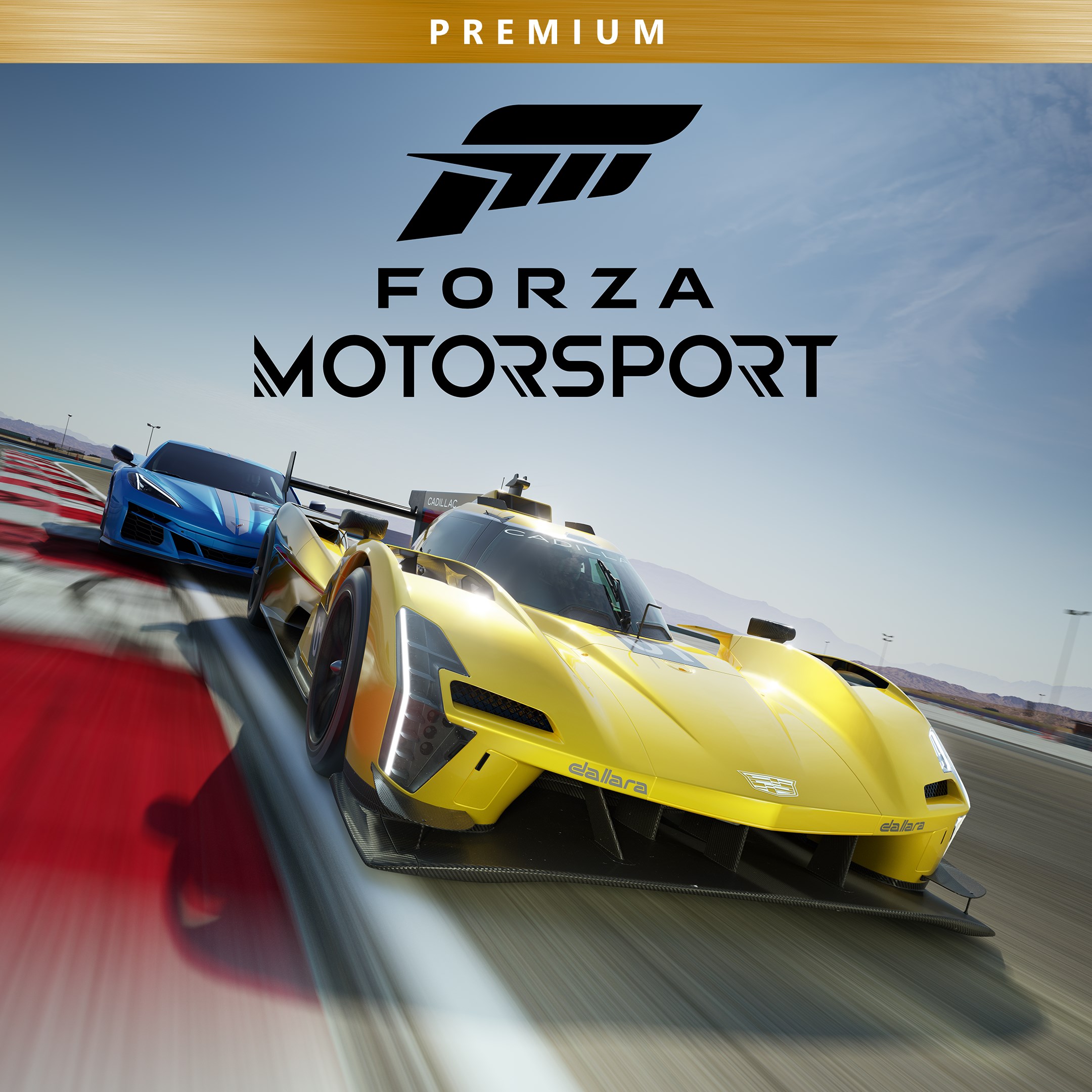
for Windows
4.3
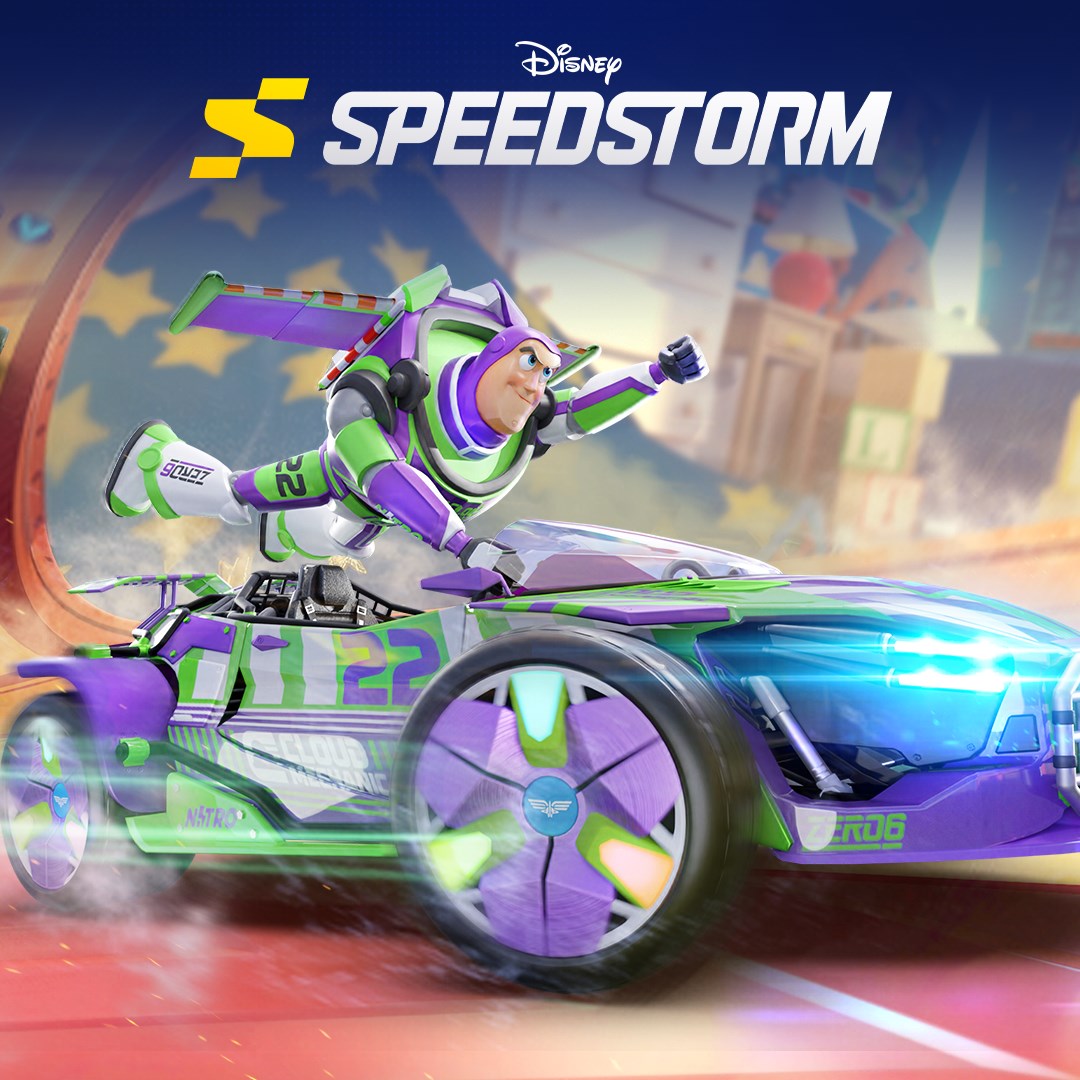
for Windows
4.2
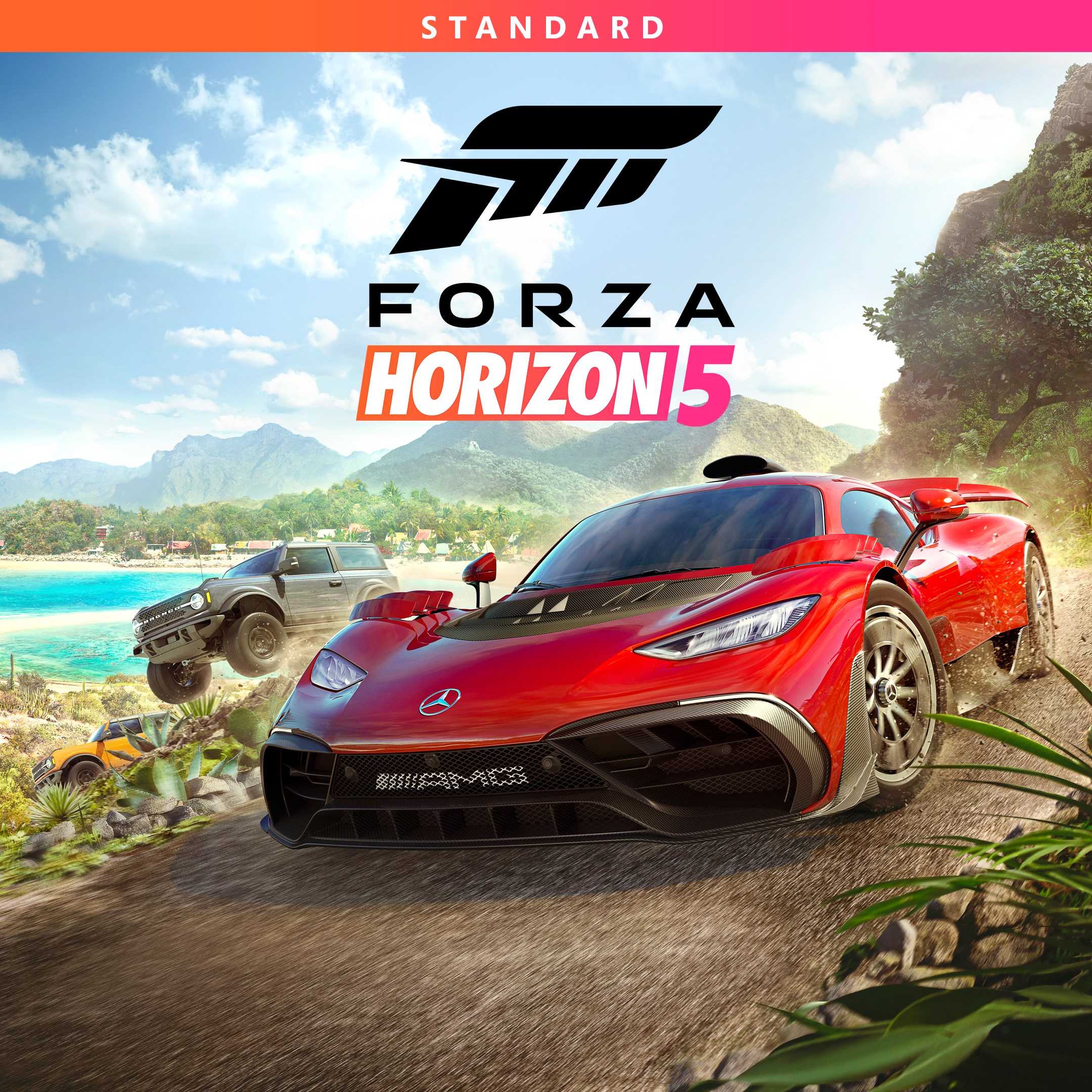
for Windows
4.2
for Windows
4.2

for Windows
5

for Windows
5

for Windows
5

for Windows
5

for Windows
5

for Windows
5

for Windows
5

for Windows
5

for Windows
5

for Windows
5