Multimedia design
Ambient Design Ltd.
PC
Windows 10 version 17763.0 or higher
Integrated Keyboard
Integrated Mouse
1 GB
Dutch, English, French, German, Italian, Japanese, Portuguese, Russian, Spanish
ArtRage Vitae, developed by Ambient Design Ltd., is a comprehensive digital painting application that aims to bring the tactile feel of traditional art into the digital realm. Designed for artists seeking an intuitive yet powerful tool, Vitae combines realistic painting textures with innovative features, making it a compelling choice for hobbyists and professionals alike.
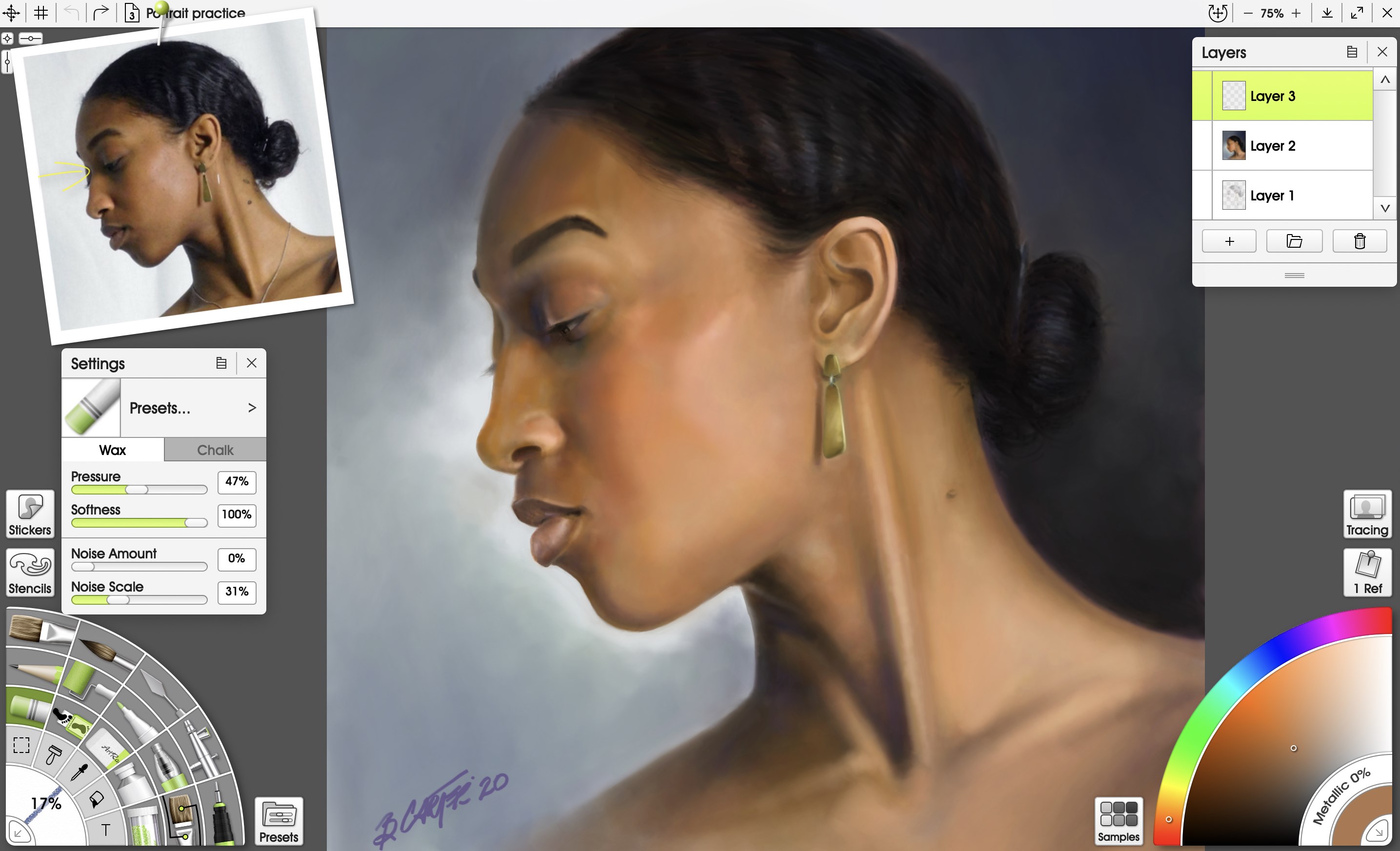
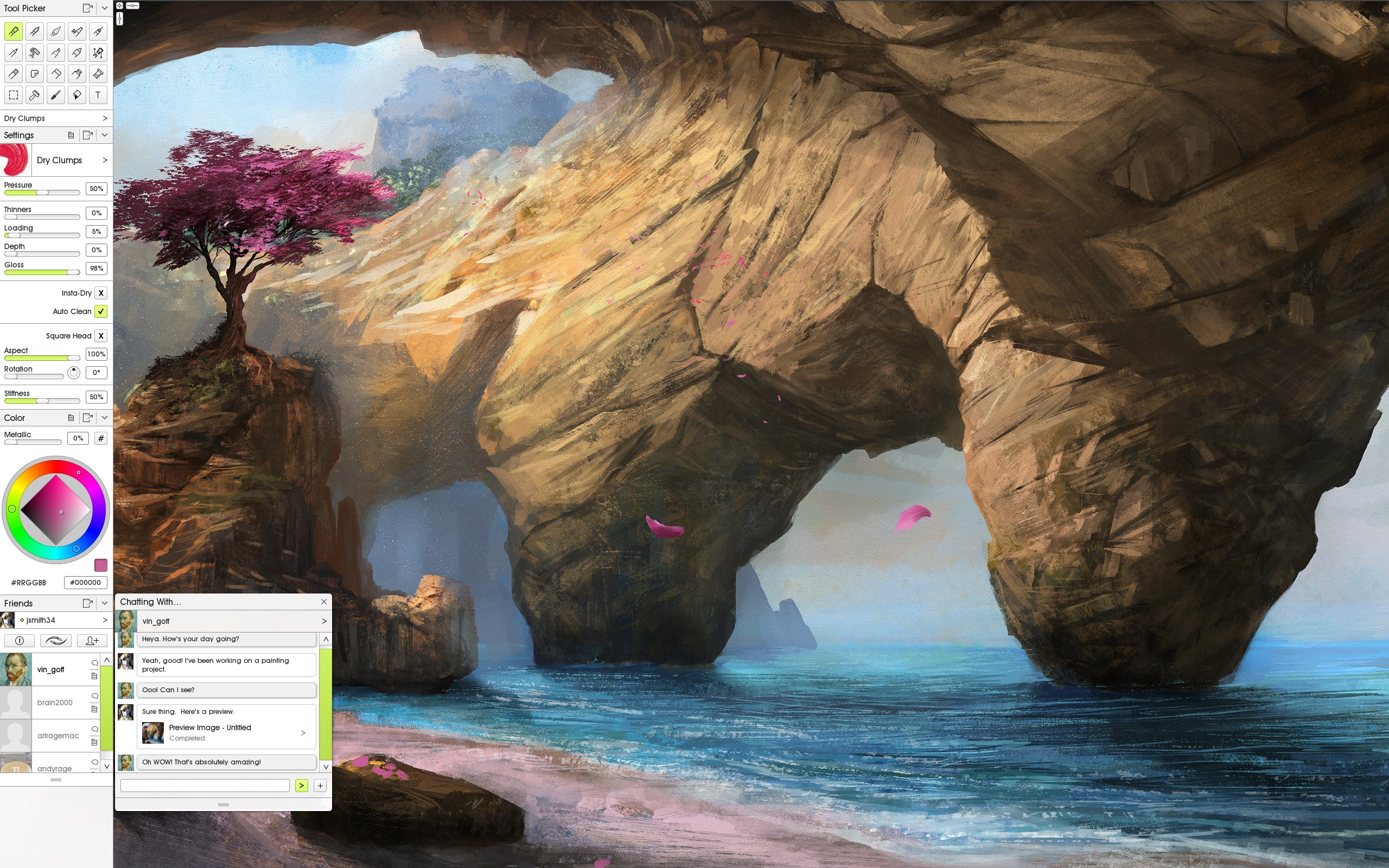
The app shines with its ability to simulate a wide array of traditional art supplies — from oil paints and watercolors to pastels and pencils. Whether you're layering translucent washes or blending oil pigments, Vitae captures that authentic brush-on-canvas feel, giving your digital artwork a natural, tactile quality.
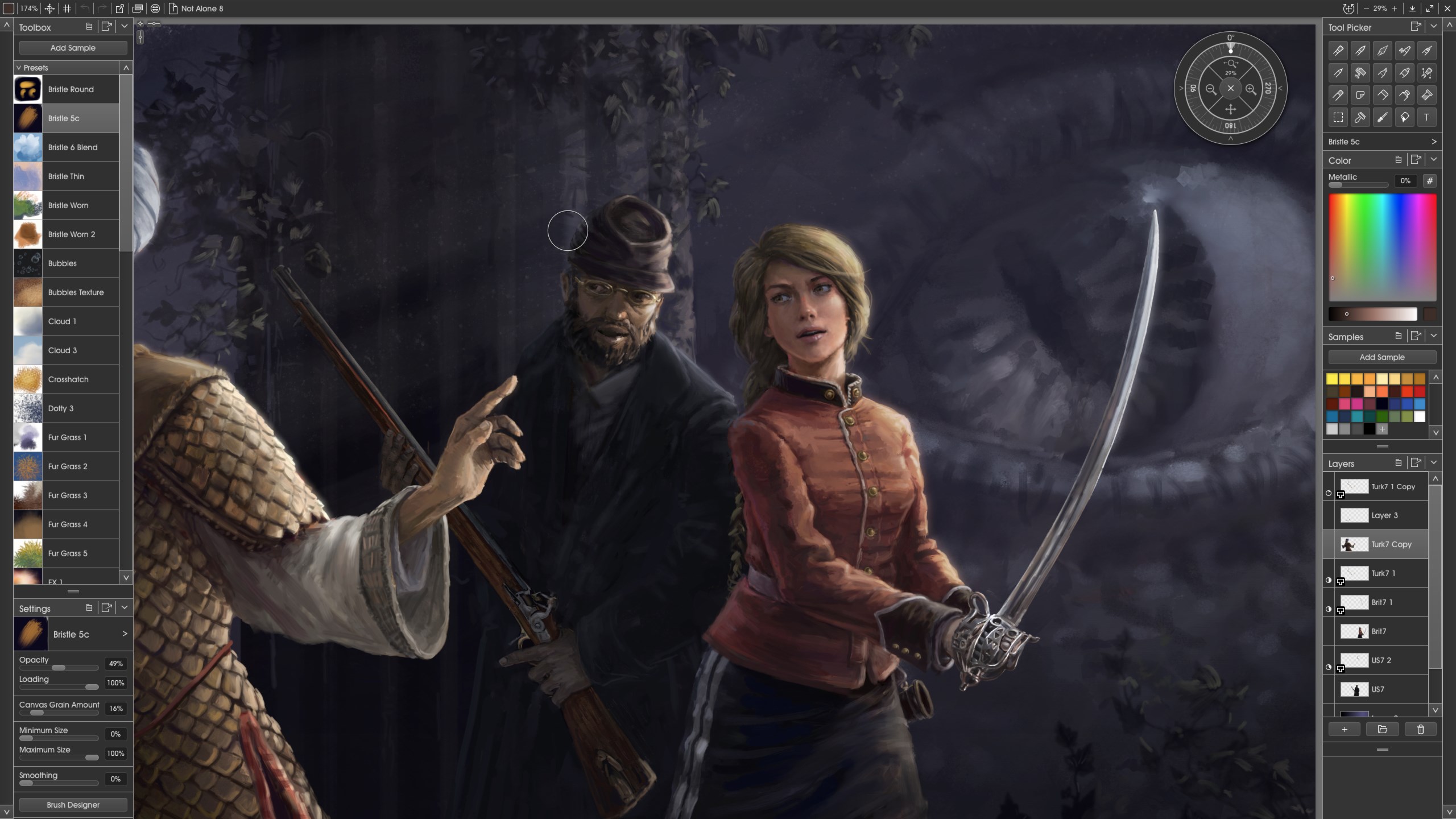
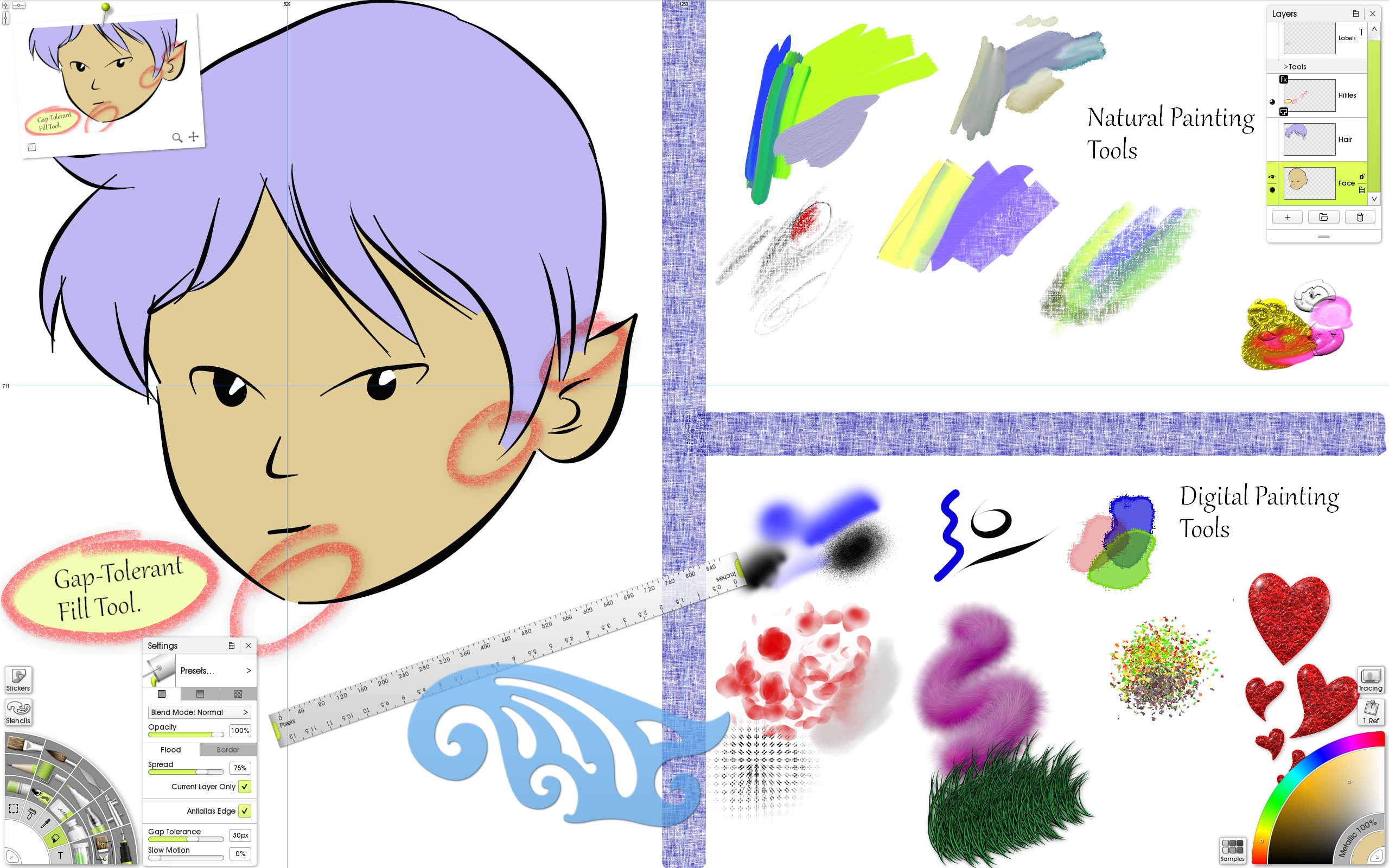
Vitae offers granular control over brushes and tools. Artists can tweak brush dynamics such as pressure, tilt, and flow, allowing for personalized, expressive strokes that respond as naturally as their physical counterparts. This flexibility is especially appreciated during detailed work or when trying to recreate the nuances of real-world textures.
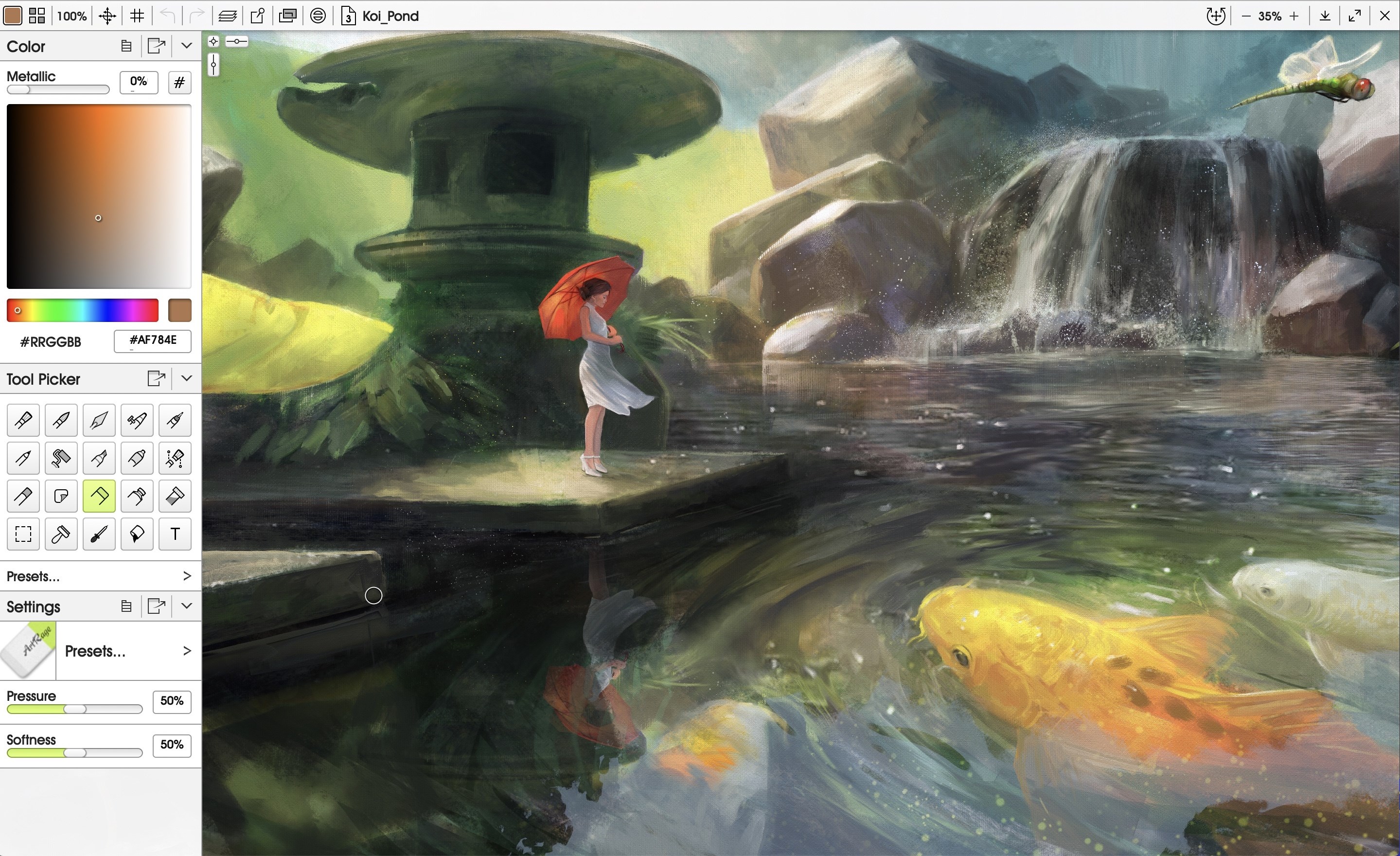
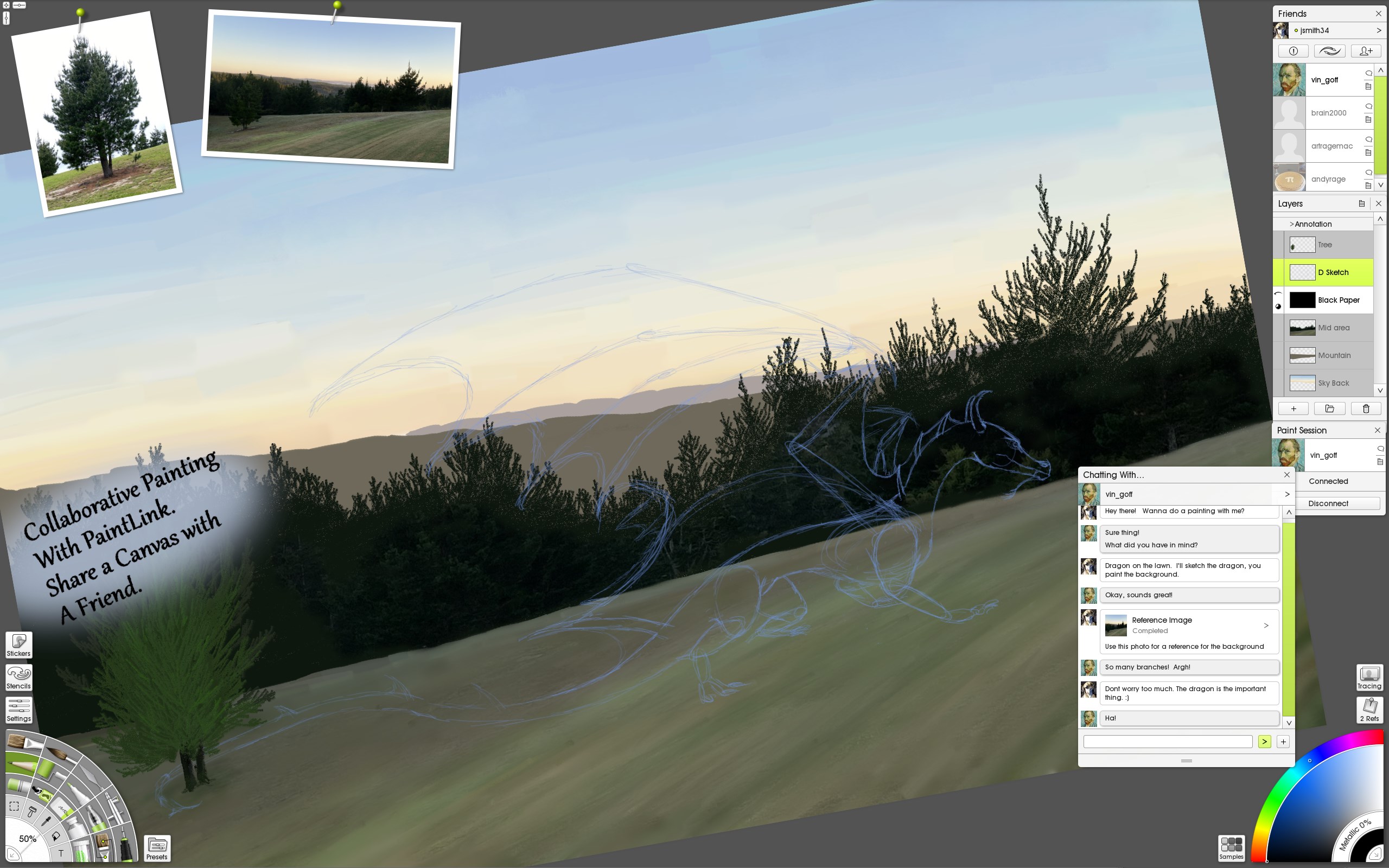
The interface is thoughtfully designed, with a clean layout that minimizes clutter and emphasizes the creative workspace. Contextual menus and customizable shortcut keys streamline workflows, enabling users to focus on creating without wrestling with the software. Plus, the app's responsive performance ensures a smooth experience, whether working on detailed illustrations or large canvas projects.
Using ArtRage Vitae feels like stepping into a well-equipped art studio, where every tool feels familiar yet enhanced by digital magic. The moment you launch it, you're greeted with a warm palette of colors and a workspace tailored for inspiration. As you dab, blend, and layer your way through a piece, Vitae's responsive brush engine makes you feel as if you're truly applying paint to canvas. It's this seamless interaction that turns digital painting into an immersive experience, encouraging experimentation and artistic confidence.
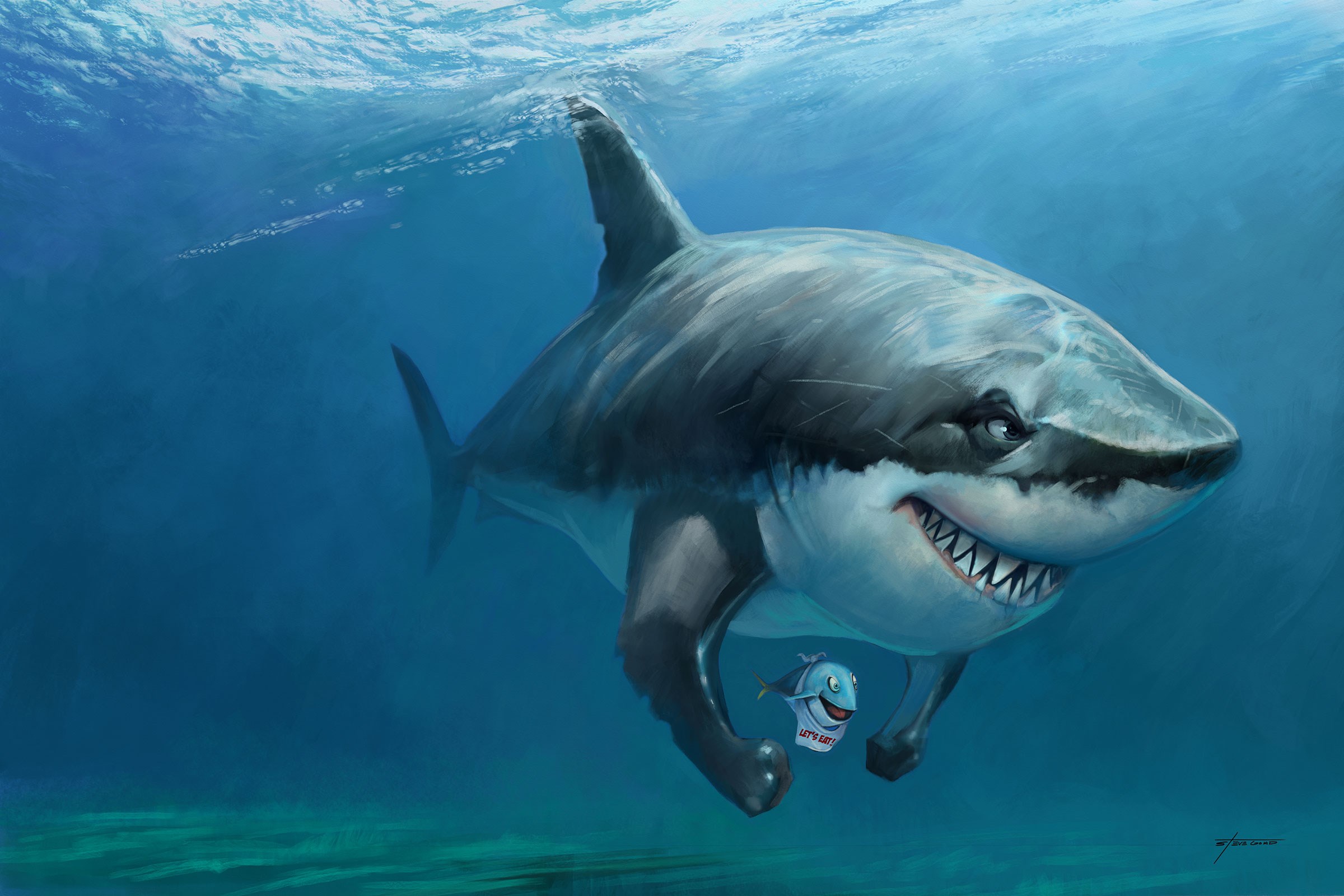
One of Vitae's standout offerings is its remarkable rendering of traditional media. The brushes mimic real-world paint behavior with impressive authenticity—oil paints thickly layering, watercolors bleeding into paper, or pastels smudging with a gentle touch. Texture options like canvas, rough paper, or specialized surfaces further heighten the realism, making this app particularly appealing for artists aiming for a natural look. Compared to other multimedia apps that often lean towards cartoonish or simplified effects, Vitae's textural fidelity sets it apart, serving artists who desire lifelike tactile results.
Customization is king here. You can craft your own brushes or modify existing ones to match your style precisely. The software supports pressure sensitivity and tilt controls, enabling expressive strokes that respond dynamically to your input device. Such fine-tuned control is especially beneficial for illustrators and concept artists wanting to imbue their pieces with personal flair. While many similar applications offer adjustable brushes, Vitae's intuitive interface makes these adjustments straightforward, providing an immersive creative process.
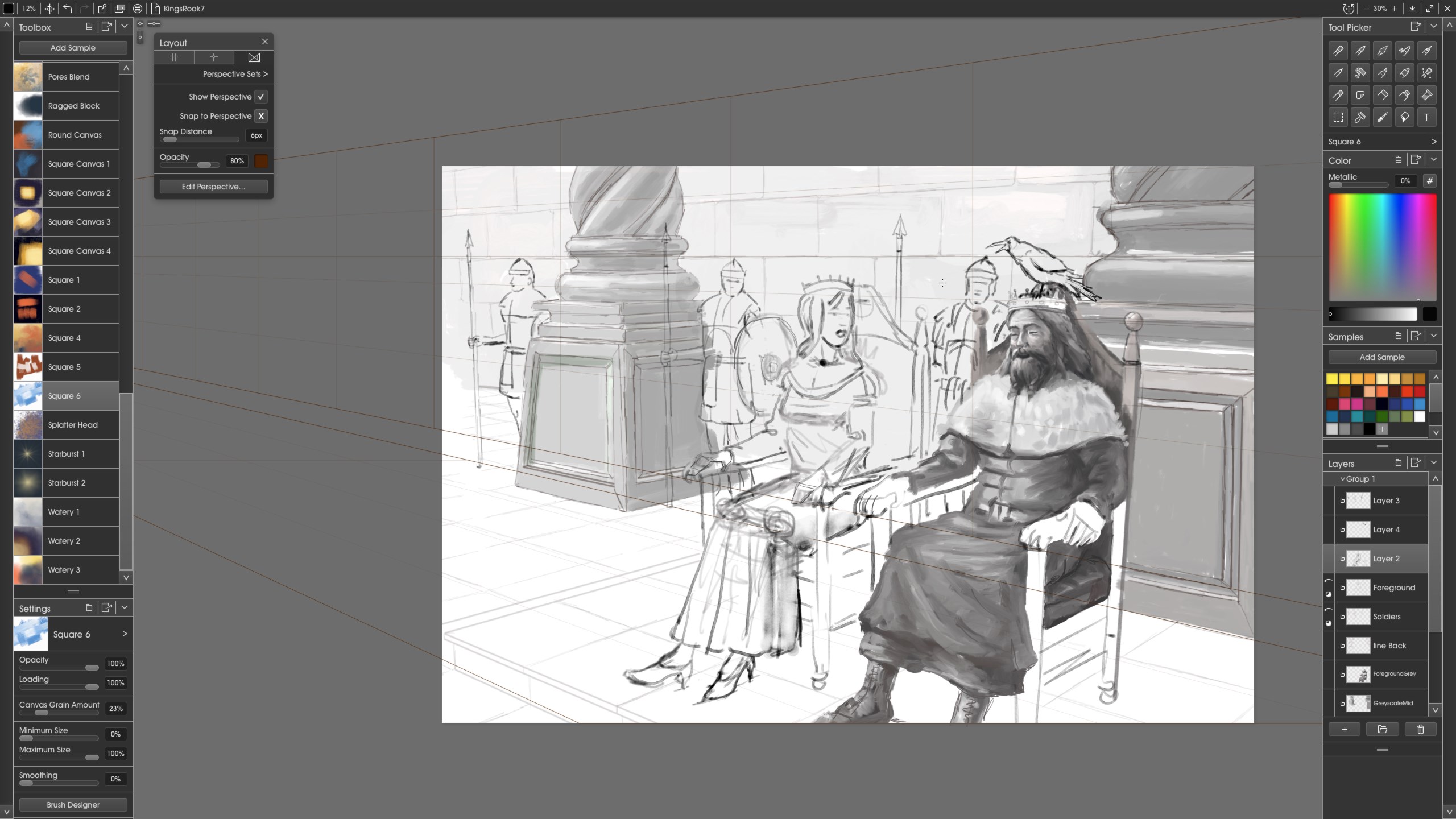
The user interface strikes a lovely balance—simple enough for newcomers yet rich with features for seasoned artists. It's akin to having a neatly organized art studio at your fingertips, where every tool has its place. The learning curve is gentle, particularly for users familiar with traditional media, as Vitae's controls mirror physical art techniques. Performance-wise, the app is fluid, handling complex layers and high-resolution canvases without lag, an essential factor for professionals needing reliability during deadlines. Compared to other multimedia design tools, Vitae's focus on a natural artistic flow fosters a comfortable, inspiring environment for both drafting quick sketches and polishing elaborate artworks.
In summary, ArtRage Vitae is a thoughtfully designed digital painting app that excels in replicating genuine artistic textures and media. Its most distinctive features—rich, realistic media simulation paired with highly customizable brushes—make it a standout choice for artists craving authenticity in their digital workflow. Whether you're a seasoned painter seeking to experiment or a digital novice exploring new mediums, Vitae offers a gentle learning curve and reliable performance that can help turn your creative ideas into tangible artworks.
Based on its feature set and user-focused design, I would recommend Vitae as a solid tool for digital artists who prioritize realism and tactile control. It's particularly suited for those working on traditional-style illustrations, concept art, or personal projects where the feel of physical media enhances creative expression. If you're looking for a natural, immersive art experience that bridges traditional techniques with digital convenience, ArtRage Vitae deserves serious consideration.
Intuitive and user-friendly interface
High-precision brush tools with customizable settings
Supports pressure-sensitive stylus input
Extensive library of realistic textures and materials
Seamless layer management and blending modes
Performance can lag with large canvas sizes
Limited vector graphics support
Some features require internet connection for full functionality
Initial learning curve for advanced tools
Occasional stability issues with beta versions

for Windows
 4.8
4.8

for Windows
4.8

for Windows
4.7

for Windows
4.7

for Windows
4.6

for Windows
4.6

for Windows
4.6

for Windows
4.6

for Windows
4.5

for Windows
4.5

for Windows
4.5
for Windows
4.5

for Windows
5

for Windows
5

for Windows
5

for Windows
5

for Windows
5

for Windows
5

for Windows
5

for Windows
5

for Windows
5

for Windows
5