Entertainment
Playcus
PC
Windows 10 version 10240.0 or higher
Version 10
Integrated Mouse
Not specified
English (United States)
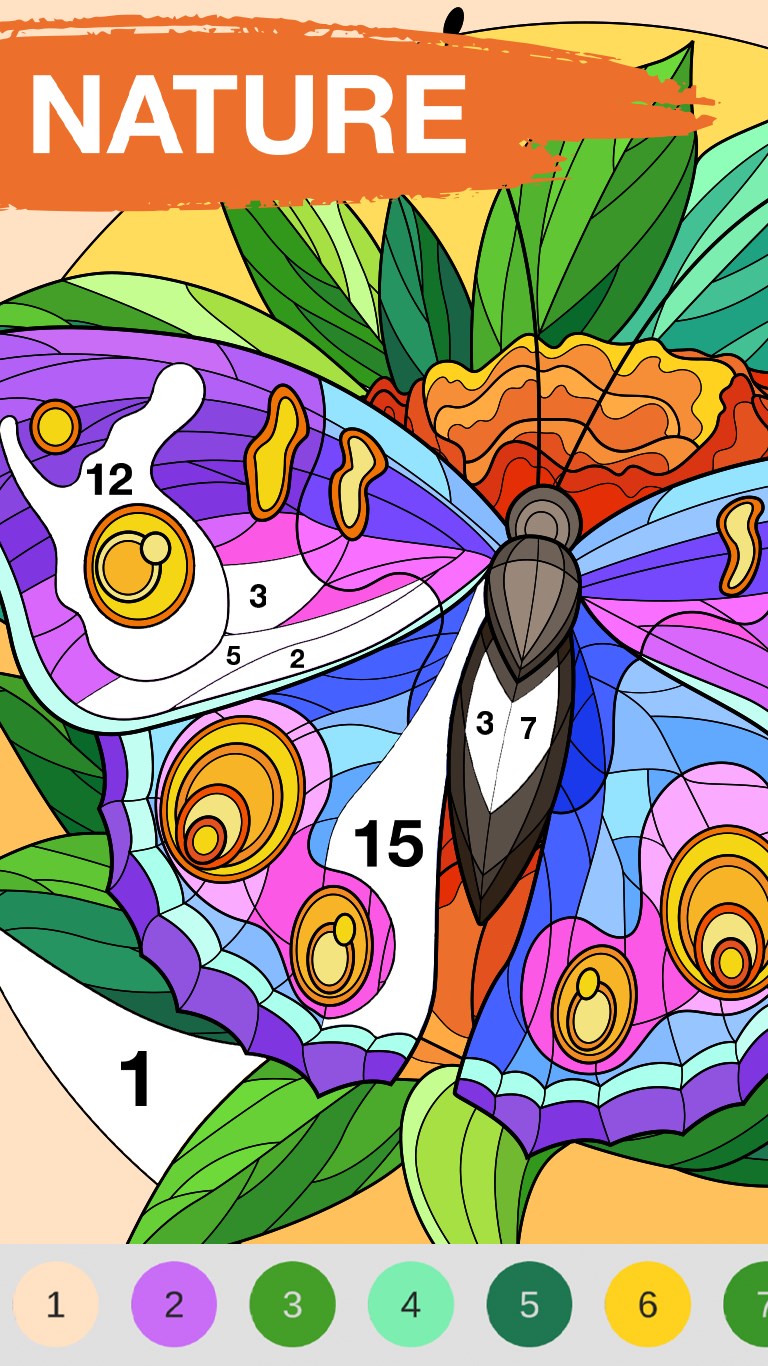
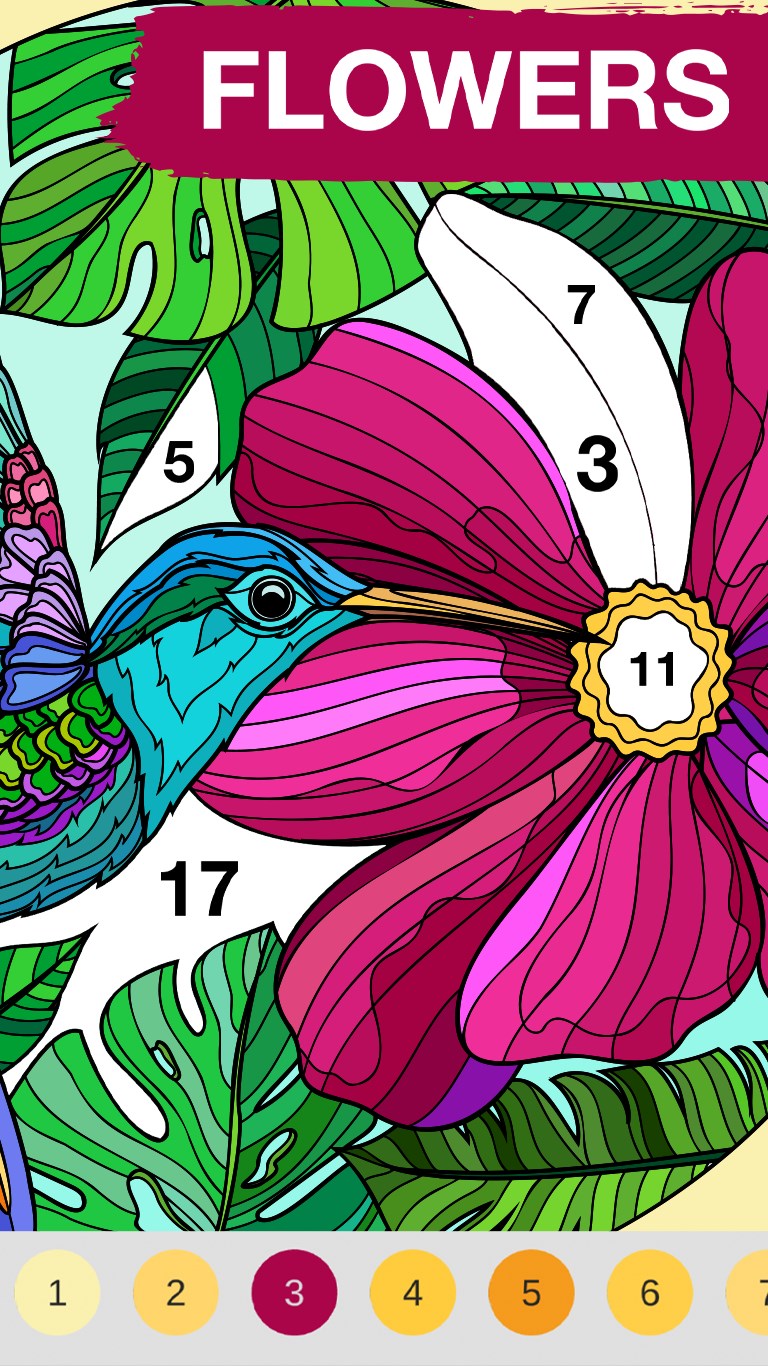
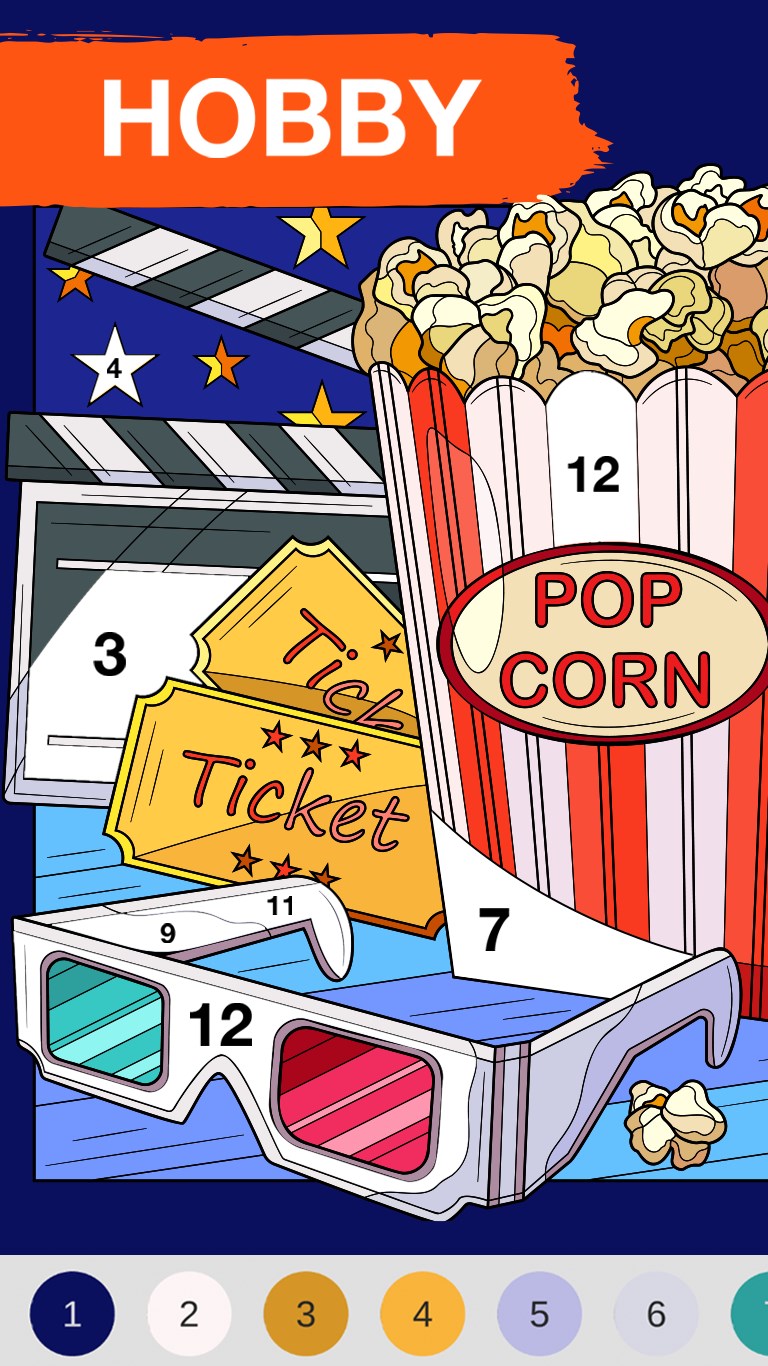
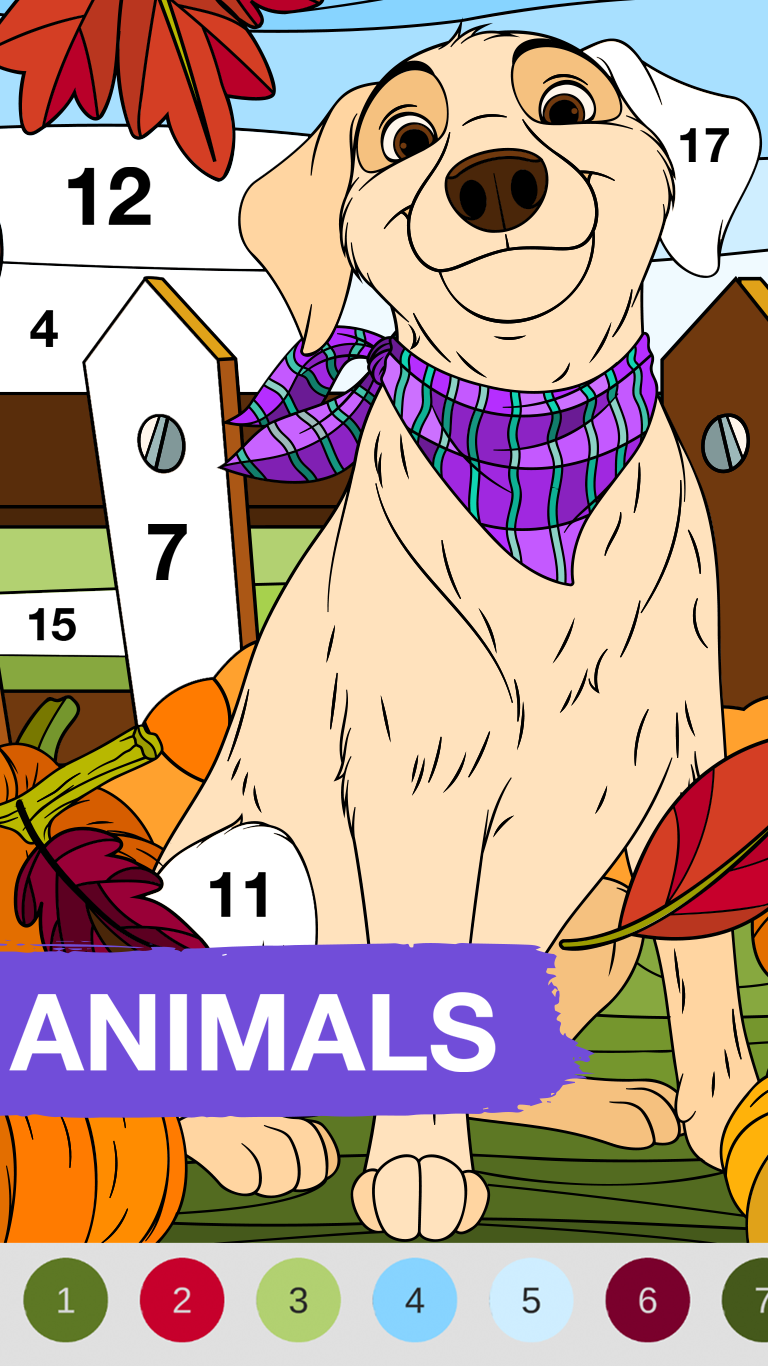
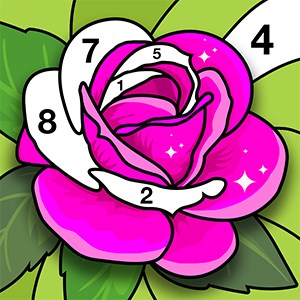
If you're someone who appreciates the calming rhythm of coloring, but prefers a pixel-perfect, mess-free experience, Art Book: Paint Color by Number for Windows offers a delightful escape into the world of digital artistry. With its soothing aesthetic and user-friendly approach, this app aims to turn your device into a virtual coloring haven. Developed by Playcus, a team known for creating engaging entertainment apps, this program stands out with its focus on stress-relief through color-by-number activities designed for all ages.
Leading with simplicity and enjoyment, Playcus emphasizes three main features: an extensive library of beautiful images ready for coloring, intuitive tools that make painting accessible, and motivational progress systems that encourage continuous creativity. These pillars combine to create a relaxing yet engaging experience that can easily captivate both beginners and seasoned color enthusiasts alike.
The app's interface is thoughtfully crafted, resembling an organized artist's notebook — clean, colorful, and inviting. Navigation is intuitive; icons intuitively guide the user through selecting images, customizing colors, or zooming in on intricate details. The responsiveness is crisp, with minimal load times, enhancing the flow of the coloring process. The learning curve is gentle, making it accessible for children, seniors, or anyone seeking a moment of tranquility. Additionally, the app offers touch-friendly controls—perfect for Windows tablets or touchscreen laptops—allowing users to paint with the ease of holding a brush.
Compared to its peers in entertainment coloring apps, Art Book excels with its intelligent color-by-number matching system, which ensures that each colored section corresponds precisely to the intended hue, creating stunning, harmonious visuals with minimal effort. One of its standout features is the "Auto-fill" option — a brilliant tool that enables users to quickly fill in large sections, making the process faster and more satisfying. Moreover, the app provides personalized image recommendations based on your previous choices and coloring habits, thanks to its refined content discovery algorithm, which tailors the experience without overwhelming the user with irrelevant suggestions. This personalized touch enhances engagement, making every session feel like a thoughtful journey rather than a random activity.
Overall, Art Book: Paint Color by Number for Windows presents a balanced mix of relaxation, artistic satisfaction, and easy usability. Its most unique selling point is the smart, adaptive content recommendation system combined with precise color-matching tools that reduce frustration and increase enjoyment. For anyone looking to unwind with digital art or develop their coloring skills without the mess, this app is a worthy choice. I'd recommend it especially to beginners, casual colorers, and those who enjoy a serene, guided creative experience. It's not just an app—it's a peaceful retreat at your fingertips, ready whenever you need a break from everyday hustle.
Intuitive User Interface
Vibrant Color Palette
Variety of Artwork
Progress Saving Feature
Color-by-Number System
Limited Custom Colors
Occasional App Crashes
Limited Artwork Selection in Free Version
Inconsistent Color Fill Boundaries
Lack of Advanced Editing Tools

for Windows
 5
5

for Windows
4.8

for Windows
4.8

for Windows
4.8

for Windows
4.7

for Windows
4.6

for Windows
4.6

for Windows
4.6

for Windows
4.6

for Windows
4.6

for Windows
4.6

for Windows
4.6

for Windows
5

for Windows
5

for Windows
5

for Windows
5
for Windows
5

for Windows
5

for Windows
5

for Windows
5

for Windows
5

for Windows
5