Books & reference
Optimilia Studios
PC, Mobile, Xbox console, Surface Hub, HoloLens
Windows 10 version 17763.0 or higher
Not specified
Not specified
Chinese (Simplified), English (United States), Hindi, Hungarian, Portuguese (Brazil), Ukrainian
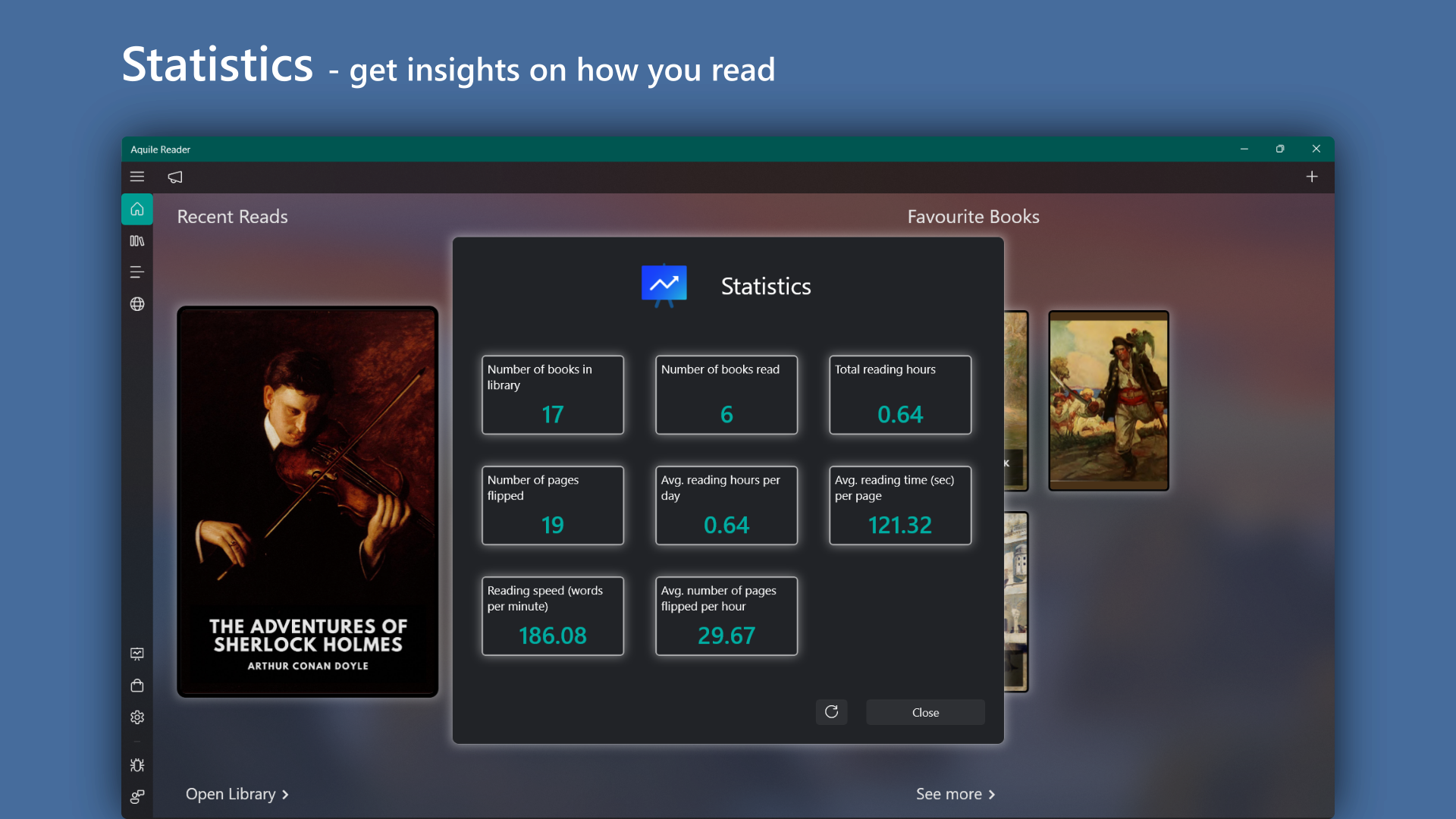
Aquile Reader by Optimilia Studios is a sleek and efficient ebook reader designed to optimize your digital reading experience on Windows. With its focus on simplicity and versatility, it aims to serve readers who prefer a clutter-free, customizable interface for various ebook formats, including EPUB and PDF.
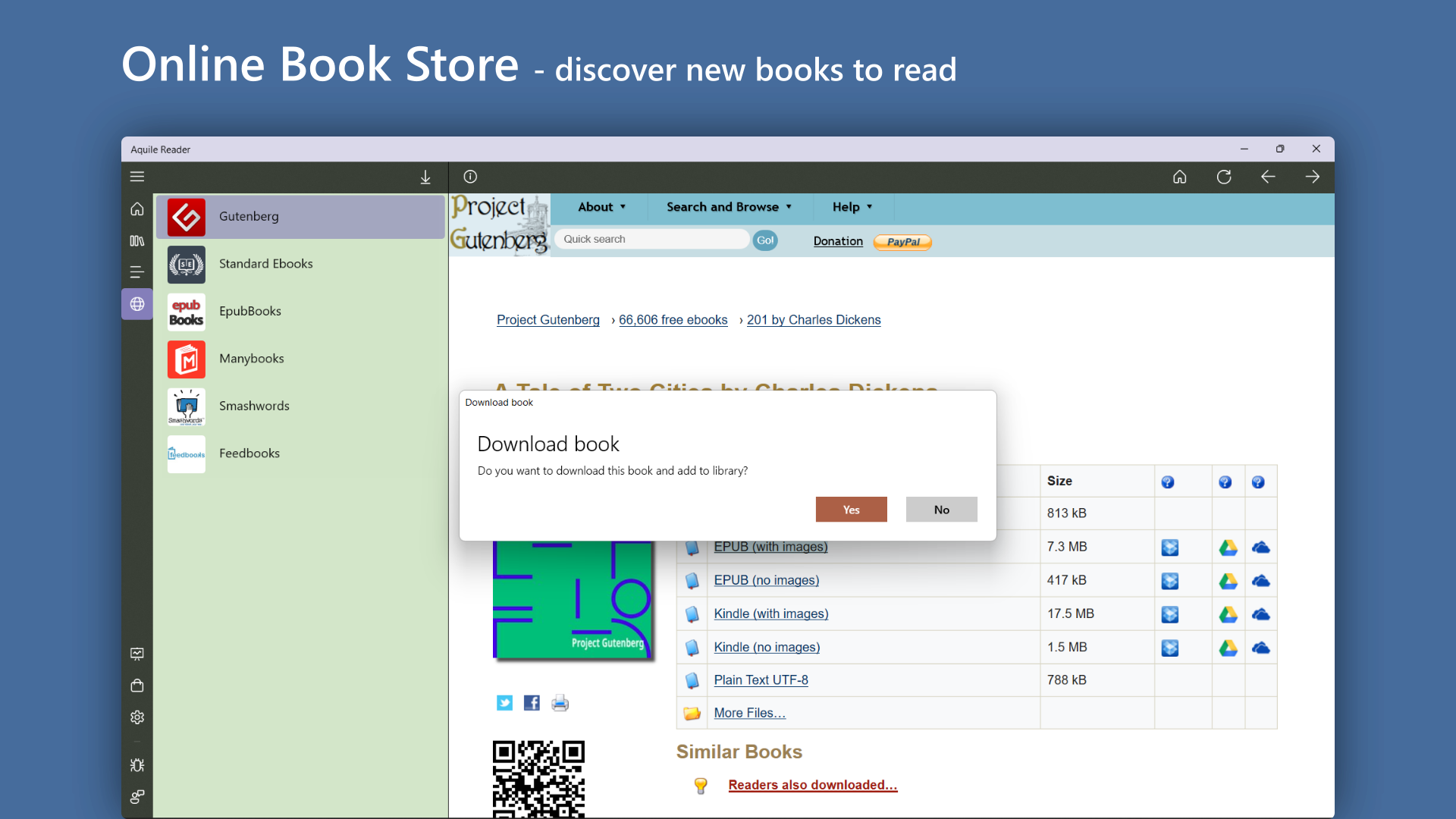
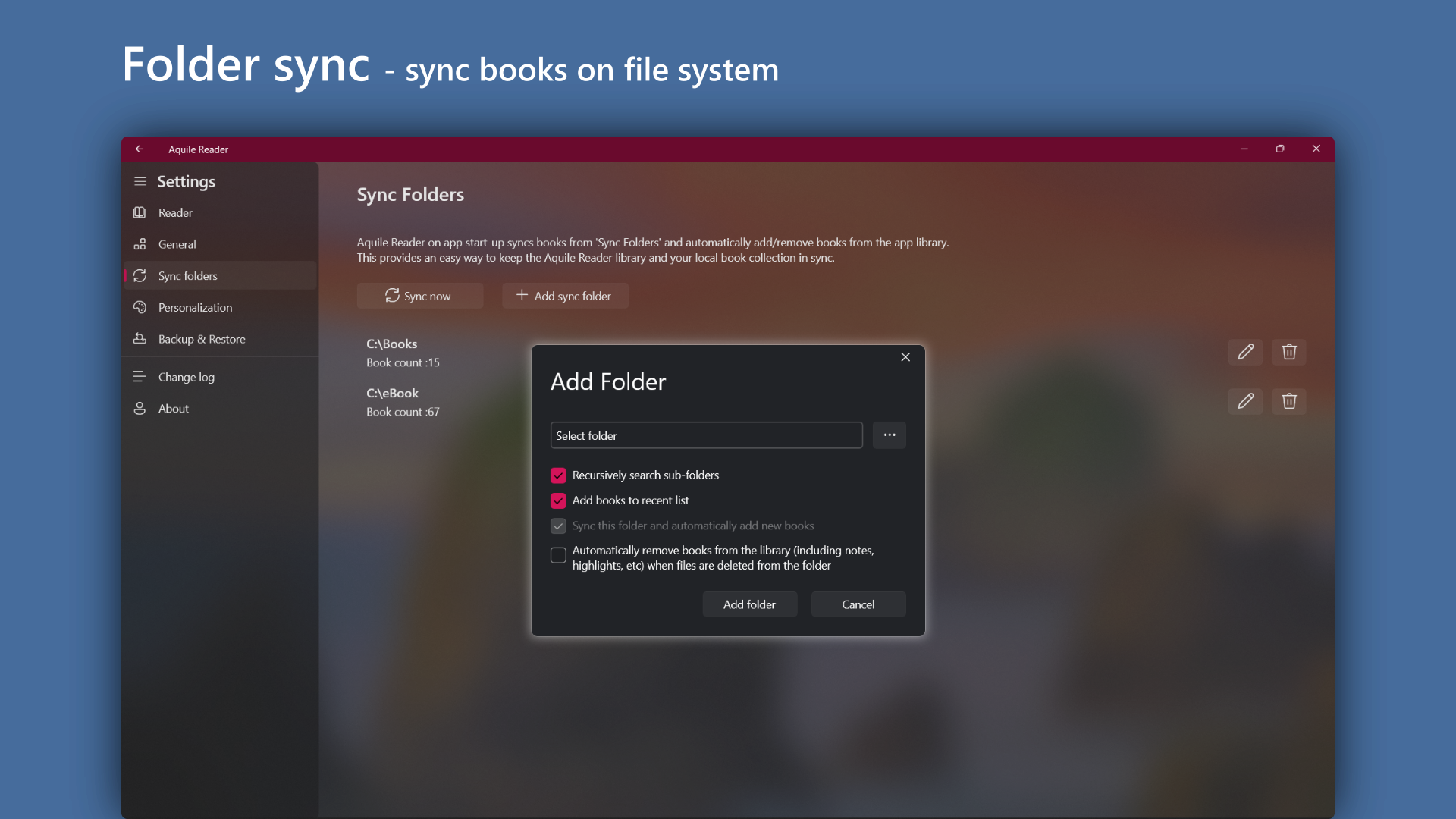
This application is developed and published by Optimilia Studios, a team dedicated to crafting user-friendly digital reading tools. Aquile Reader's main highlights include fast and smooth PDF and EPUB rendering, a highly customizable reading environment, and robust library management capabilities. Its intuitive design makes it accessible for both casual readers and serious enthusiasts looking to organize extensive collections seamlessly.
Imagine cozying up on a rainy afternoon, your favorite book in hand—only now, that book is on your computer, perfectly tailored to your preferences. That's the promise of Aquile Reader: transforming your Windows device into a personal library where every page turn feels just right. Its straightforward yet elegant interface invites users to dive into their collections without distraction, making it an ideal tool for those seeking both simplicity and powerful features.
One of Aquile Reader's standout qualities is its ability to seamlessly open multiple formats, especially EPUB and PDF. Its rendering engine is optimized for clarity and speed—say goodbye to sluggish scrolling or distracting lag. Whether you're reading a detailed academic PDF or a beautifully formatted EPUB novel, Aquile Reader handles it with ease. The layout adapts dynamically to different document structures, ensuring your reading is smooth and visually pleasing.
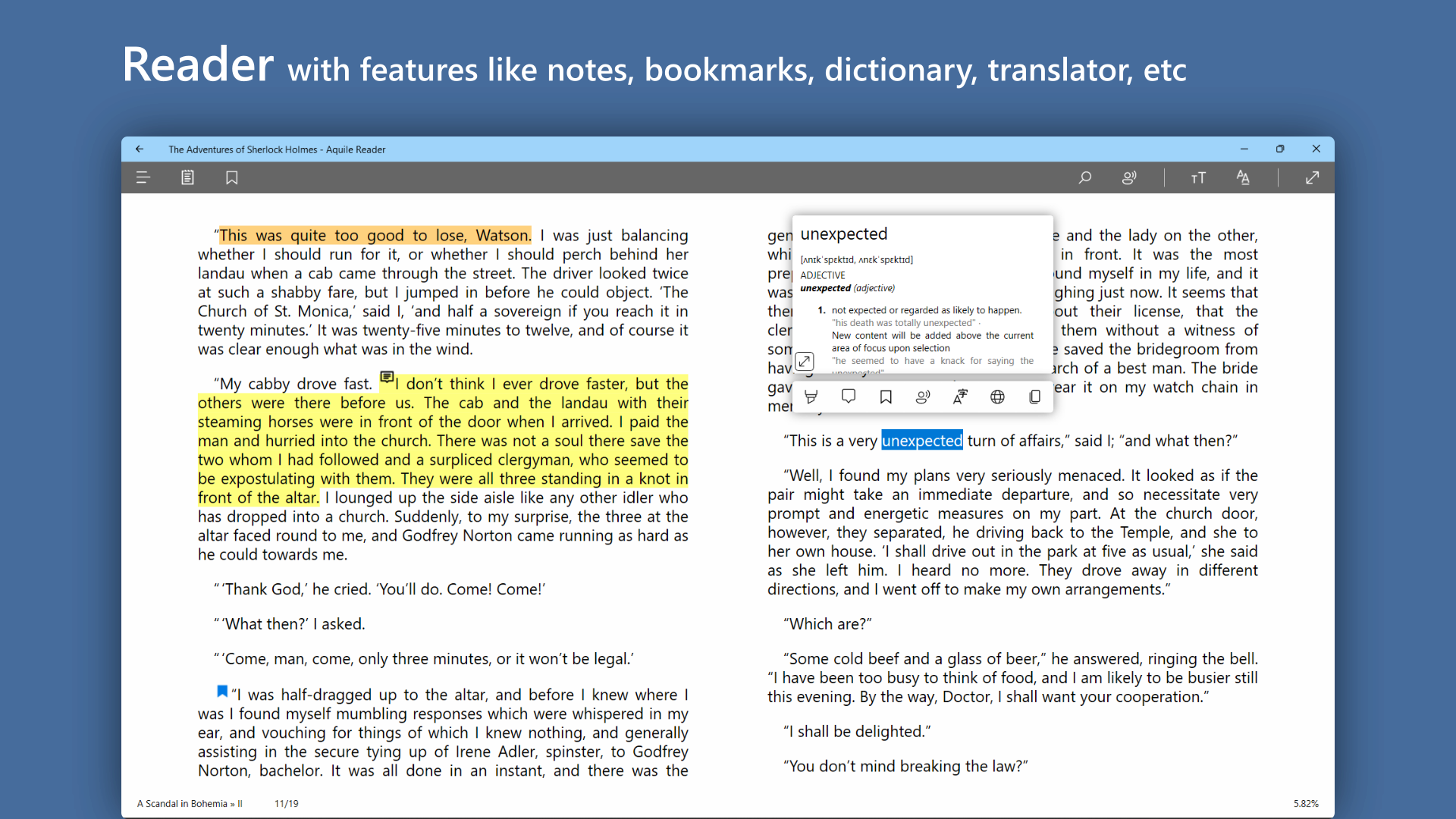
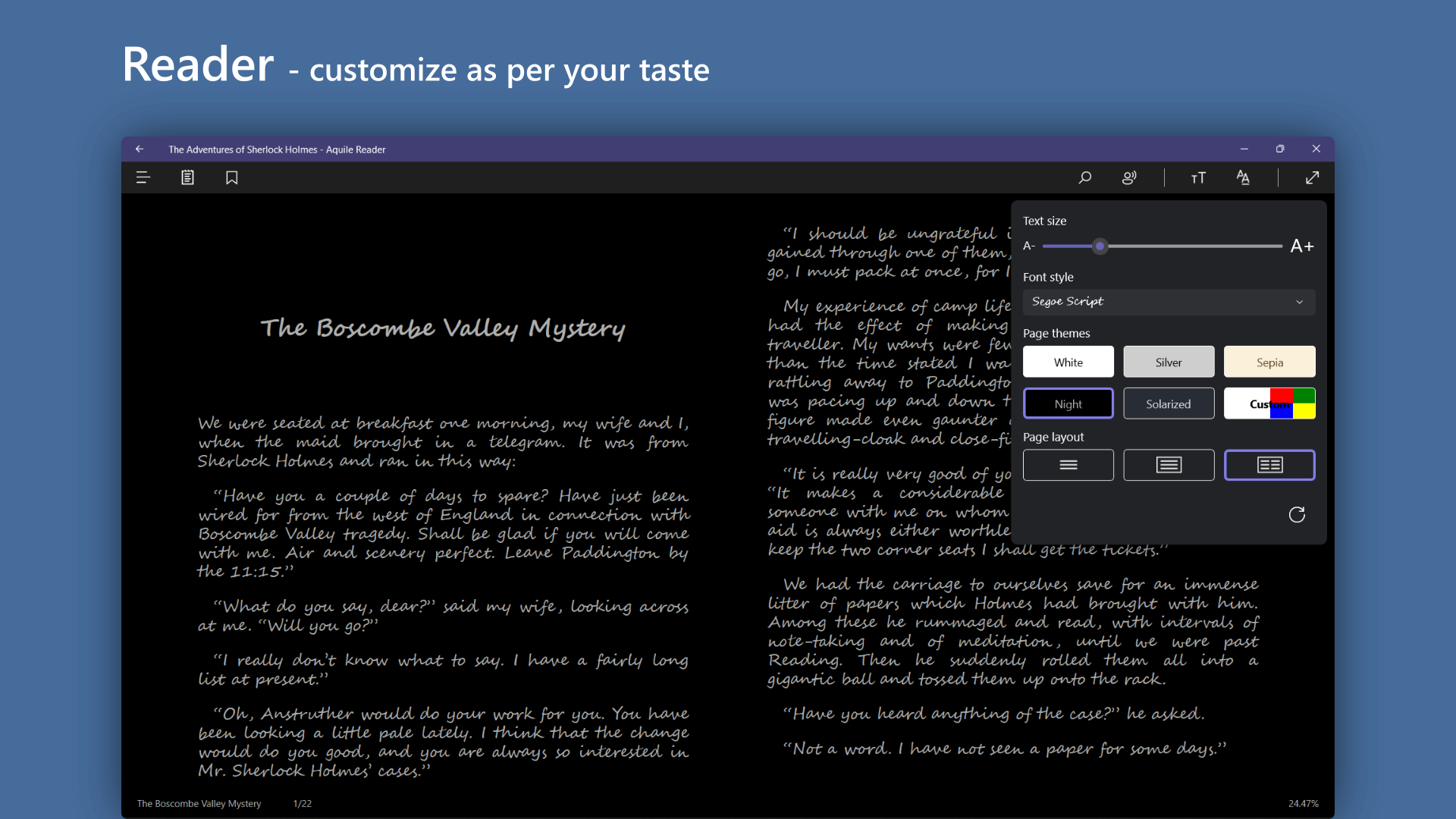
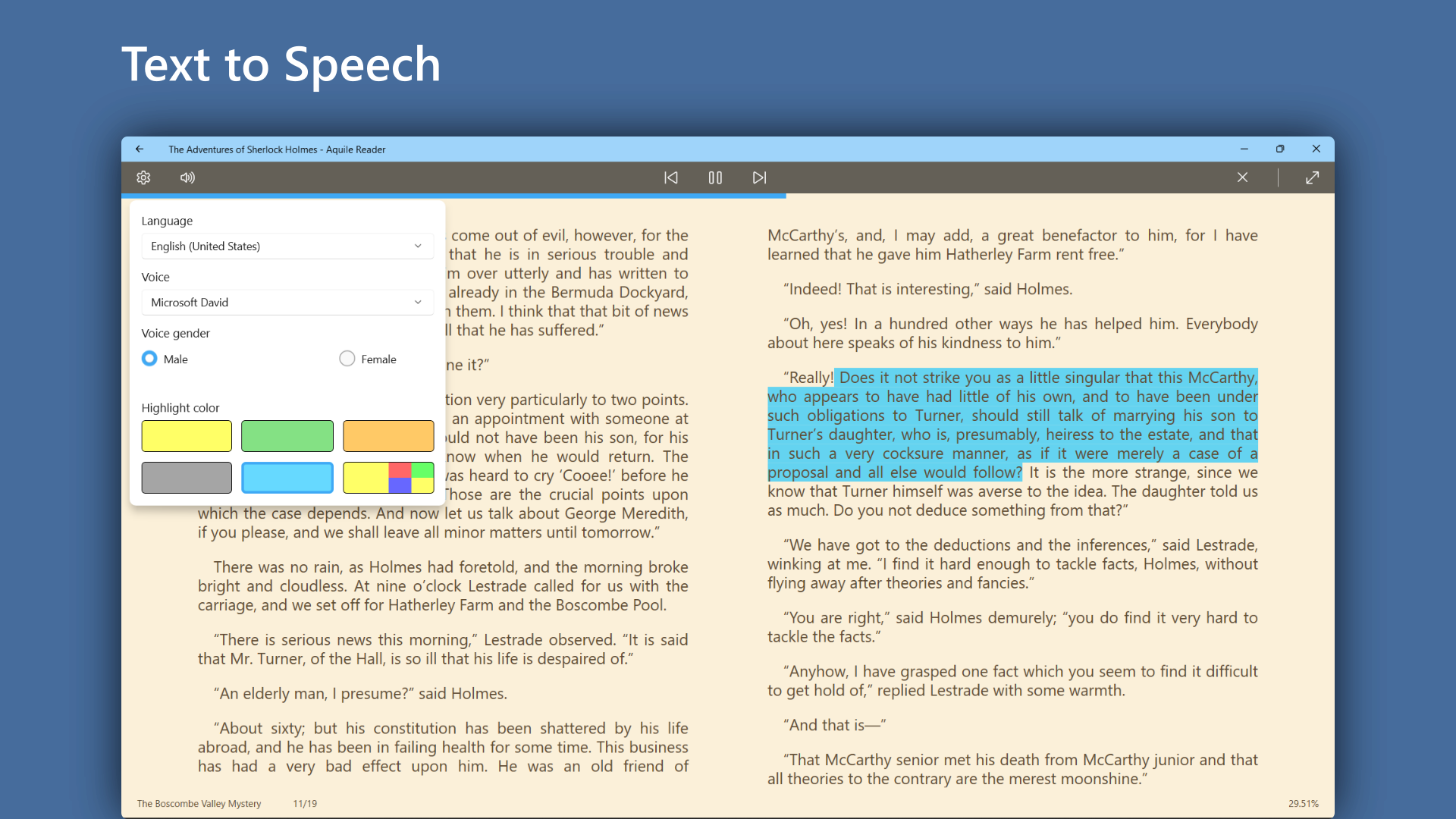
This is where Aquile Reader really shines as a tailored experience. Users can easily switch between light and dark modes, adjust font sizes, select different fonts, and tweak margins—all with intuitive controls. Picture adjusting a vintage radio's dials until you find your perfect listening—and here, it's your perfect reading—combination. These features make long reading sessions comfortable and customizable, reducing eye strain and enhancing overall enjoyment.
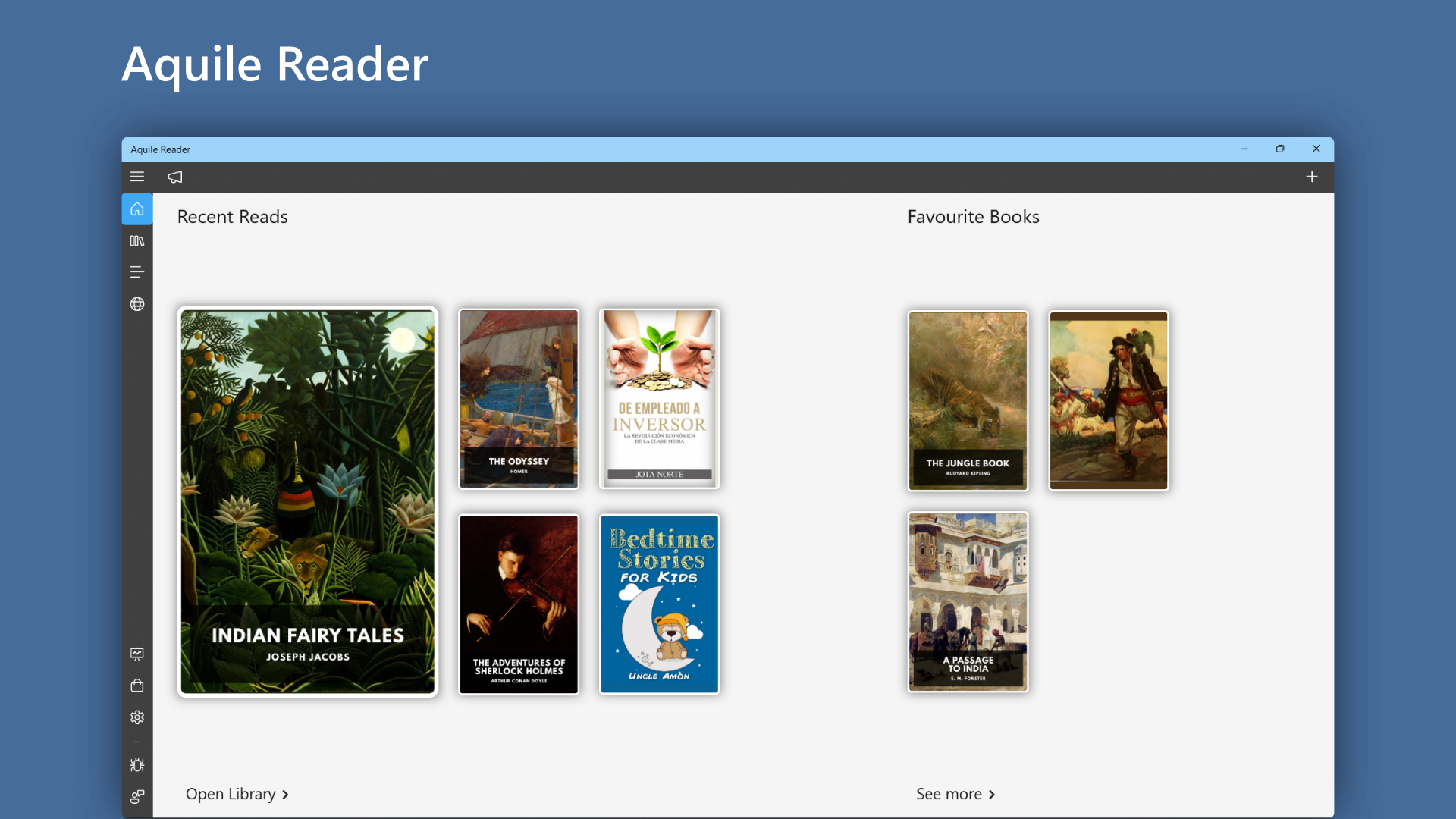
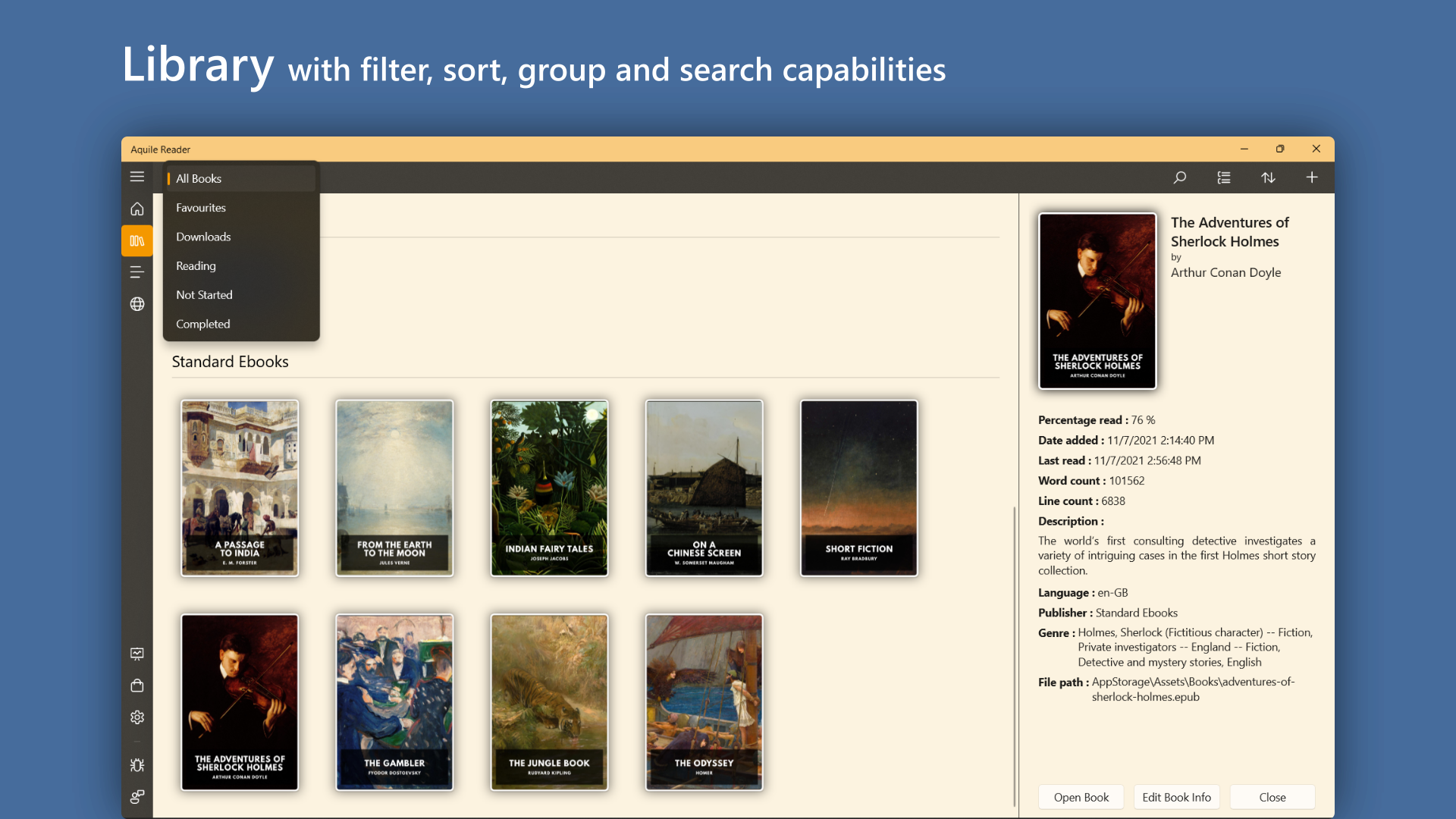
The interface of Aquile Reader exudes minimalism yet packs a punch in usability. Navigation feels natural, with straightforward menus and a clear library view. The app's responsiveness is impressive—clicking a book opens it almost instantly, and transitions are buttery smooth. Its learning curve is gentle; even new users can pick up its features quickly thanks to well-organized options and no unnecessary clutter. Overall, Aquile Reader offers a pleasant, distraction-free environment comparable to flipping through a well-bound notebook, just in digital form.
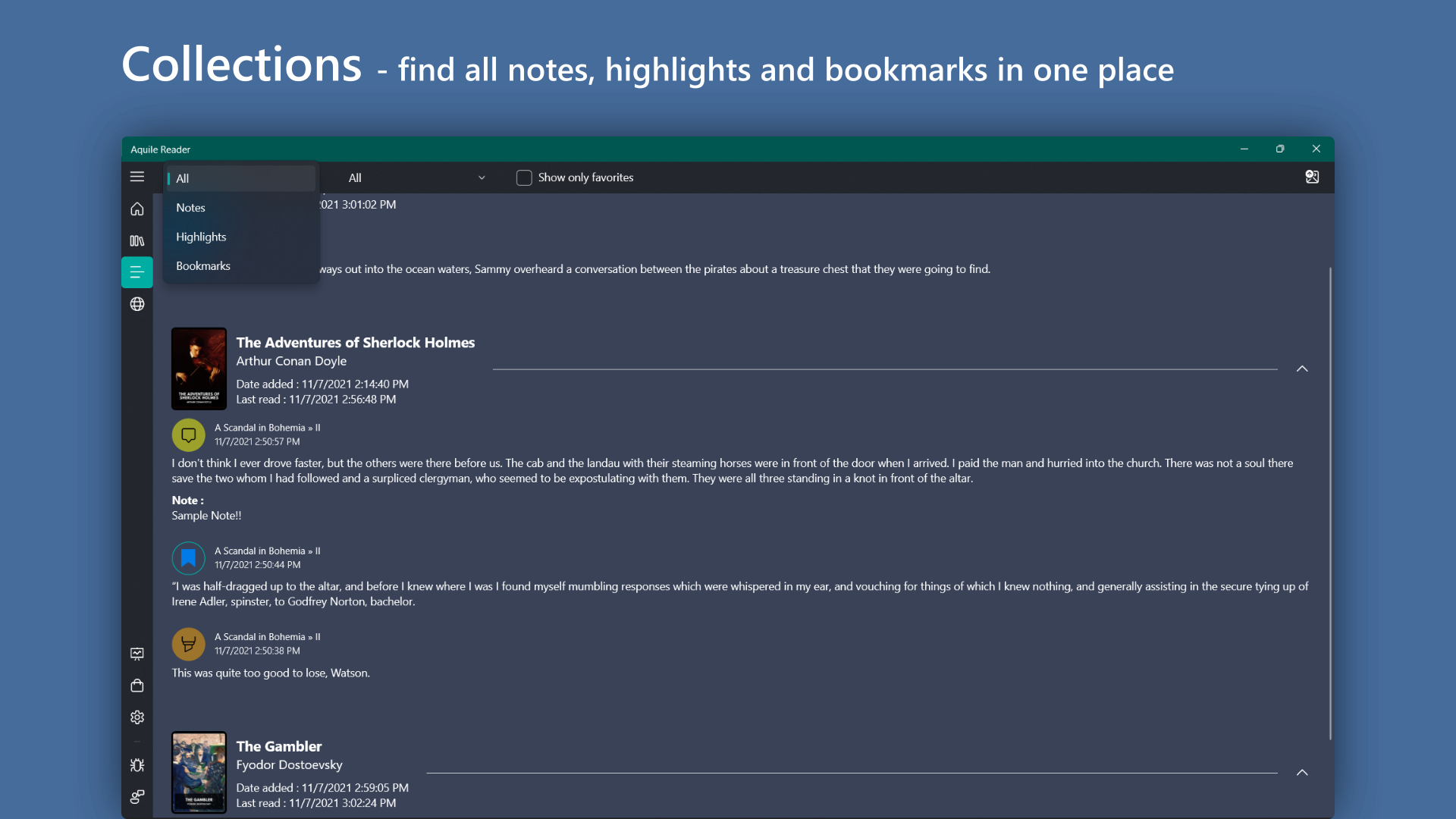
Unique among many ebook readers, Aquile Reader emphasizes clean design coupled with powerful formatting flexibility—especially in PDF handling. Many apps struggle with PDF annotation or display, but Aquile Reader's rendering engine preserves layout integrity and offers annotation features that are intuitive. Its focus on format fidelity and effortless library organization creates a distinct niche—combining the best aspects of dedicated PDF viewers and EPUB readers. Moreover, its lightweight nature means it won't bog down your system, making it a reliable companion for portable, everyday use.
If you're searching for an unobtrusive, efficient, and customizable ebook reader on Windows, Aquile Reader deserves your attention. It's especially recommended for users who often read PDFs and EPUBs on their PC and value a clutter-free interface with high-quality rendering. While it may not have all the advanced features of premium competitors, its core strengths lie in speed, simplicity, and versatility. For casual readers, students, or professionals managing large document collections, this app offers a straightforward solution with no fuss.
Overall, I'd rate Aquile Reader as a highly recommended tool—especially if you're looking for a lightweight, modern reader that treats your documents with care and offers a cozy, well-designed environment for your digital reading moments.
Intuitive User Interface
Wide Format Support
Customizable Reading Experience
Offline Access to Books
Integrated Library Management
Limited Annotation Tools
Slow Search Functionality
Minimal Kobo Integration
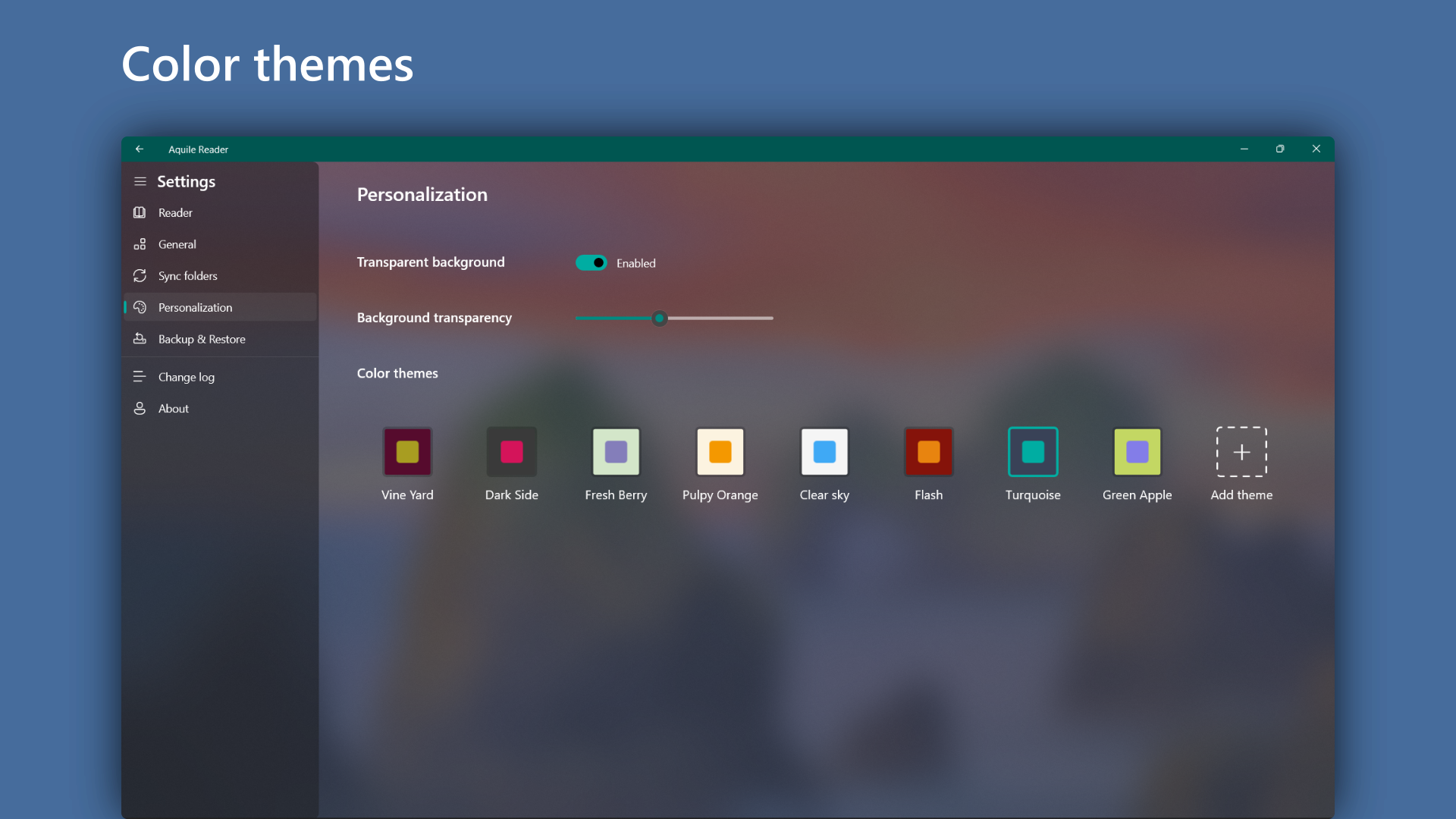
Few Custom Themes
Occasional App Crashes

for Windows
 4.9
4.9

for Windows
4.8
for Windows
4.8

for Windows
4.8

for Windows
4.1

for Windows
4

for Windows
2.7

for Windows
1.4

for Windows
0

for Windows
5

for Windows
5

for Windows
5

for Windows
5

for Windows
5

for Windows
5

for Windows
5

for Windows
5

for Windows
5

for Windows
5