Music
PC
Windows 11 version 26100.0 or higher
Version 11
Arabic, Catalan, Chinese (Simplified), Chinese (Traditional), Chinese (Traditional, Hong Kong SAR), Croatian, Czech, Danish, Dutch, English (Australia), English (United Kingdom), English (United States), Finnish, French, French (Canada), German, Greek, Hebrew, Hindi, Hungarian, Indonesian, Italian, Japanese, Korean, Malay, Norwegian (Bokmål), Polish, Portuguese (Brazil), Portuguese (Portugal), Romanian, Russian, Slovak, Slovenian, Spanish, Spanish (Latin America), Swedish, Thai, Turkish, Ukrainian, Vietnamese
Apple Music for Windows offers a dedicated desktop experience that brings the vast world of Apple's music ecosystem directly to Windows users, ensuring effortless access and enjoyment of your favorite tunes.
Apple Music for Windows is a robust music streaming client designed to integrate Apple's extensive catalog into the Windows environment, providing an intuitive and reliable music listening experience.
Developed by Apple Inc., leveraging its proprietary ecosystem and expertise in digital music services.
Windows users who are already embedded in the Apple ecosystem, audiophiles seeking high-quality streaming, and casual listeners craving an intuitive and integrated music platform.
Imagine settling into your cozy corner with a steaming cup of coffee — now, with Apple Music for Windows, your favorite tracks are just a click away, harmonizing seamlessly with your digital lifestyle. This app transforms your desktop into a personal concert hall, allowing music to flow smoothly without the chaos of juggling multiple devices or complicated interfaces.
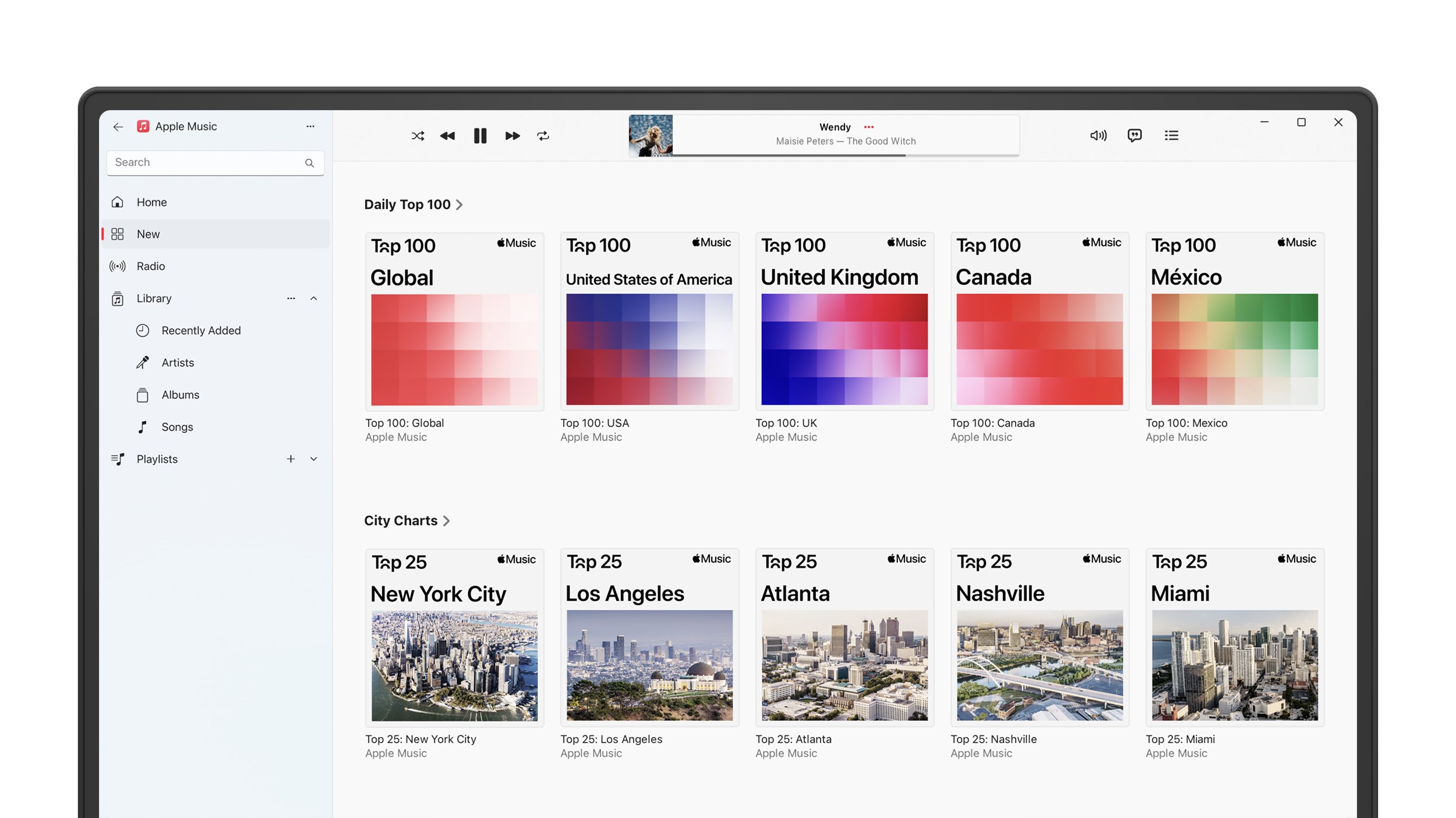
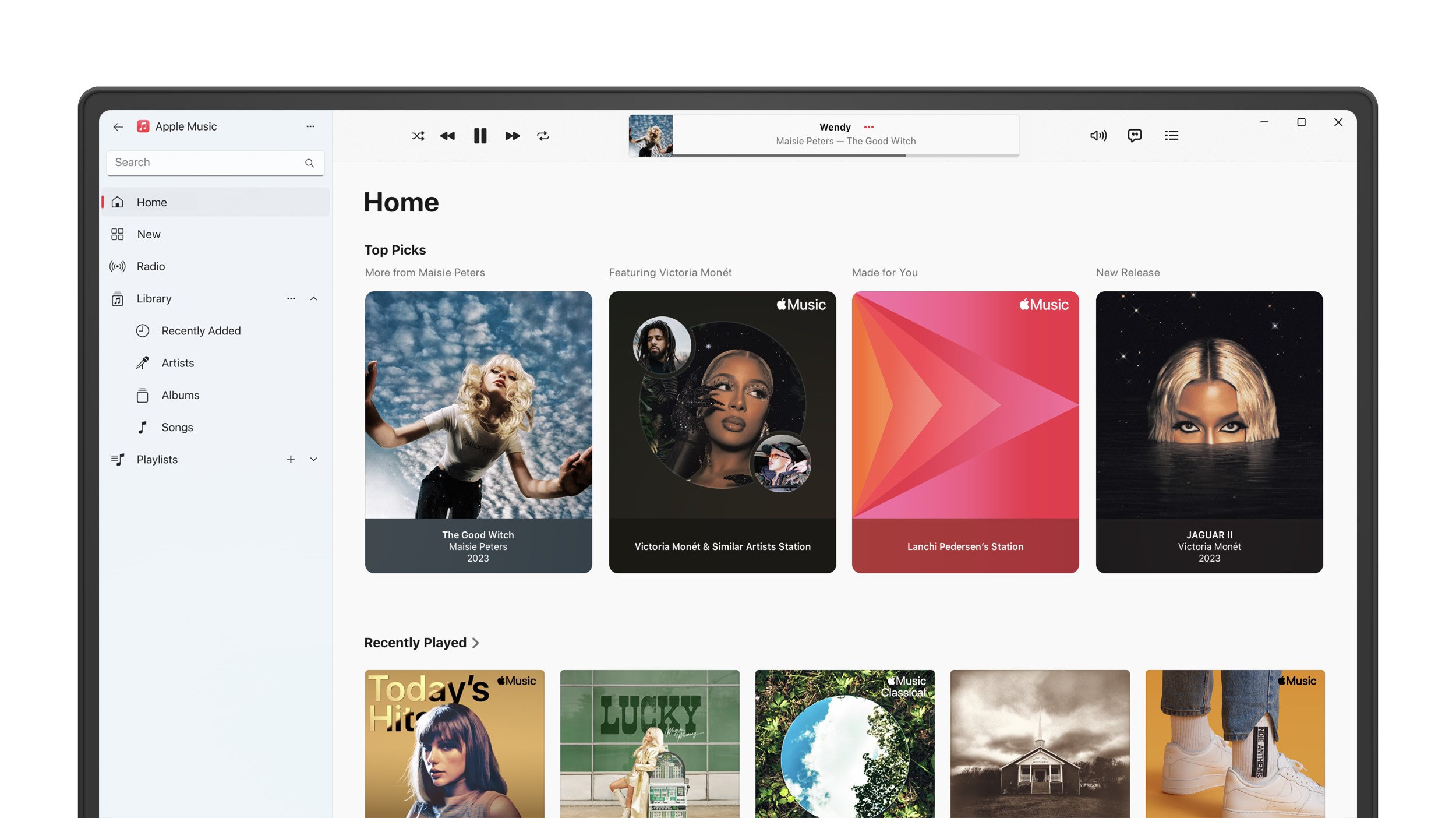
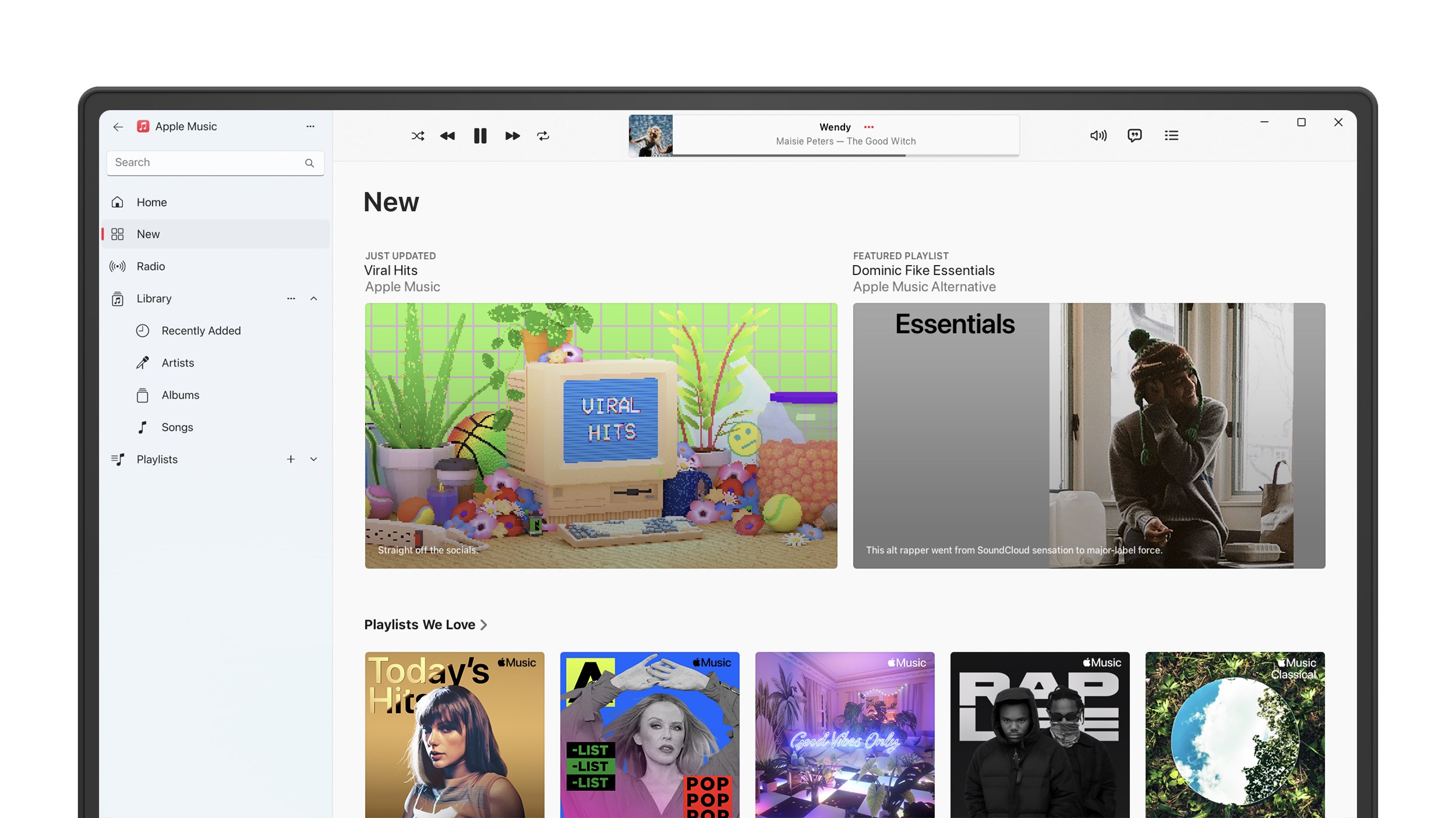
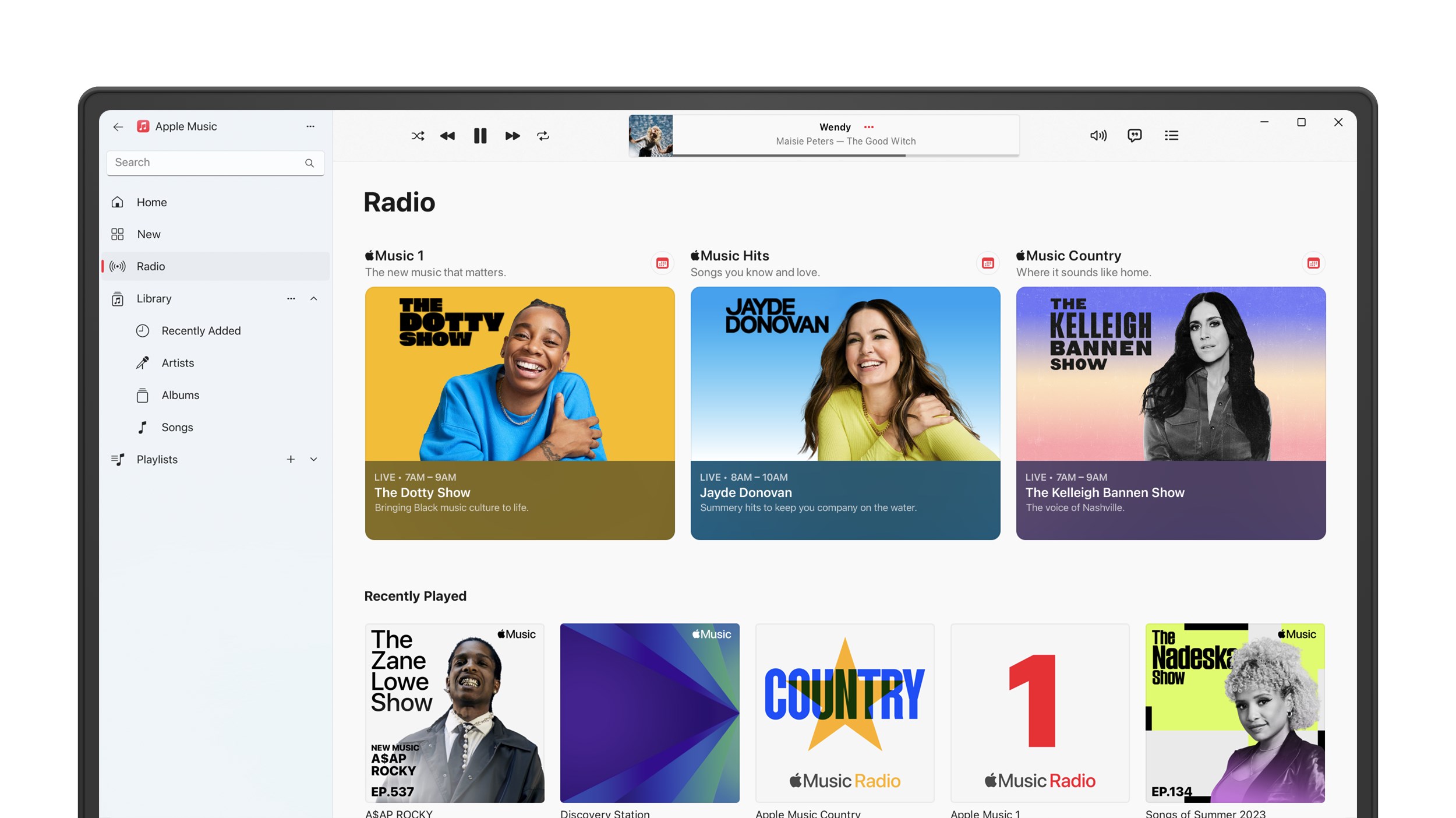
Designed with a sleek, modern aesthetic, Apple Music for Windows offers an interface that feels both familiar and inviting. The clean layout groups essential functions logically: browse, search, library, and now playing. Transitioning between playlists, albums, or recommendations is as simple as flipping through pages in a well-loved book, making the user experience both fluid and enjoyable. Despite its elegance, however, learning to navigate some of the deep customization options might take a little time for new users.
The standout feature is its impressive latency tolerance during playback. Songs start almost instantly, minimizing delays that can disrupt the mood — akin to having a DJ who anticipates your next move. Moreover, the app maintains stable streaming even under variable network conditions, ensuring consistent sound quality. The app also assesses rhythm pattern variety effectively, supporting dynamic playlists that adapt to different listening contexts, from relaxed background music to energizing workout sessions.
Compared to other music apps like Spotify or Tidal, Apple Music for Windows offers remarkable integration with the broader Apple ecosystem, but it shines most through its focus on rhythm pattern assessment and latency management. While many streaming platforms might stumble over complex or tempo-changing tracks, this app intelligently interprets rhythm variability, providing a listening experience that feels natural and true to the original recording. These features position Apple Music as a reliable companion for both casual listeners and more discerning audiophiles.
All in all, Apple Music for Windows earns a solid recommendation for users deeply integrated into the Apple environment or those seeking a dependable, high-quality streaming app. Its strengths lie in seamless synchronization with other Apple devices and its proficient handling of rhythm and latency, making it a particularly good choice for dynamic, rhythm-heavy genres like jazz or electronic music. For newcomers, the intuitive interface eases onboarding, although a bit of patience might be needed to explore its full customization potential.
Whether you're a dedicated Apple user or a Windows enthusiast craving a refined music streaming experience, this app offers a compelling blend of reliability, quality, and ecosystem synergy. Just imagine your playlist effortlessly adapting to every beat — now that's music to your ears.
Seamless integration with Apple ecosystem
High-quality audio streaming
Extensive music library
Personalized recommendations
Offline listening capability
Limited cross-platform support
Subscription cost is relatively high
Interface can be complex for new users
Limited social sharing options
Some features are region-specific

for Windows
 4.9
4.9

for Windows
4.9

for Windows
4.8

for Windows
4.8

for Windows
4.7

for Windows
4.7

for Windows
4.6

for Windows
4.6
for Windows
4.5

for Windows
4.5

for Windows
4.5

for Windows
4.5

for Windows
5

for Windows
5

for Windows
5

for Windows
5

for Windows
5

for Windows
5

for Windows
5

for Windows
5

for Windows
5

for Windows
5