Developer tools
wherewhere
PC, Surface Hub
Windows 10 version 17763.0 or higher
Afrikaans, Arabic, Catalan, Chinese (Simplified), Chinese (Traditional), Czech, Danish, Dutch, English (United States), Finnish, French, German, Greek, Hebrew, Hungarian, Indonesian, Italian, Japanese, Korean , Norwegian (Nynorsk), Persian, Polish , Portuguese (Brazil), Portuguese (Portugal), Romanian, Russian, Spanish (Spain), Swedish, Turkish, Ukrainian, Uyghur, Vietnamese
App Installer (Mobile) - WinUI 3 is a modern, sleek tool designed to simplify the process of installing and managing applications on Windows, leveraging the latest UI framework to enhance user experience.
Crafted by the team at WhereWhere, this app exemplifies their commitment to creating intuitive and efficient utilities for Windows users. Their focus on clean design and smooth performance shines through in this lightweight app that aims to make app installation effortless.
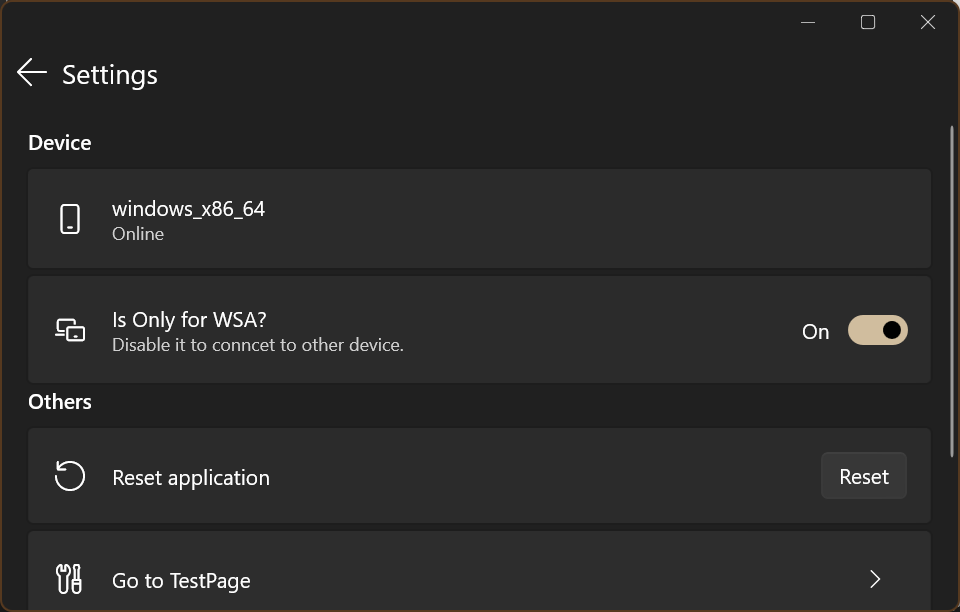
Imagine this app as your friendly digital concierge, guiding you smoothly through the maze of Windows app management. The interface adopts a clean, modern aesthetic with vibrant icons and logical menu arrangements, making navigation feel like a breeze. Setting up and installing apps feels akin to a skilled technician swiftly handling your requests—simple, swift, and satisfying.
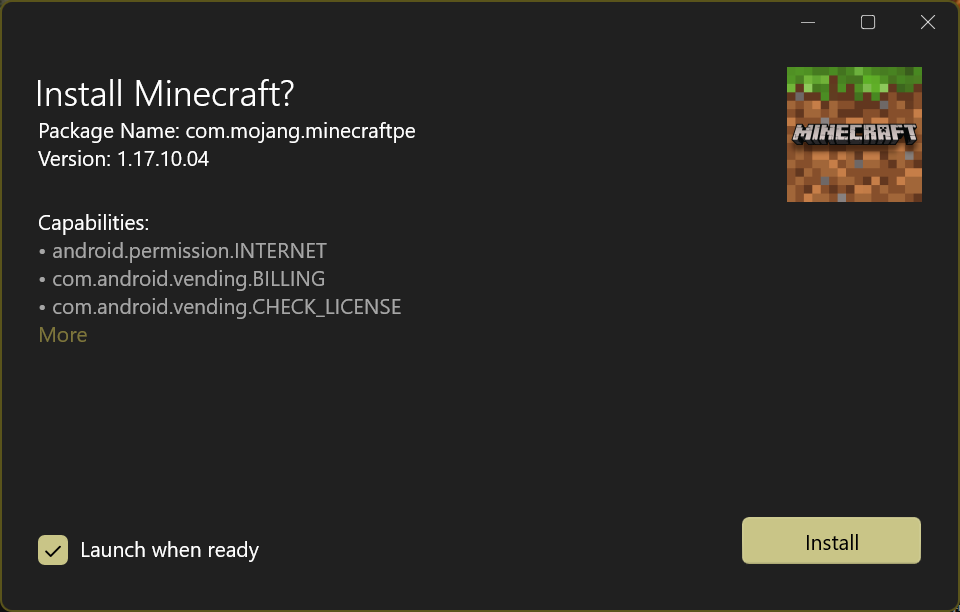
First, the installation process itself is notable for its simplicity. Instead of navigating multiple dialogs or command lines, users can just select a package or input a URL, and the app meticulously handles the rest. Its intelligent dependency resolution means fewer errors and smoother installs, akin to a GPS that reroutes you around traffic jams.
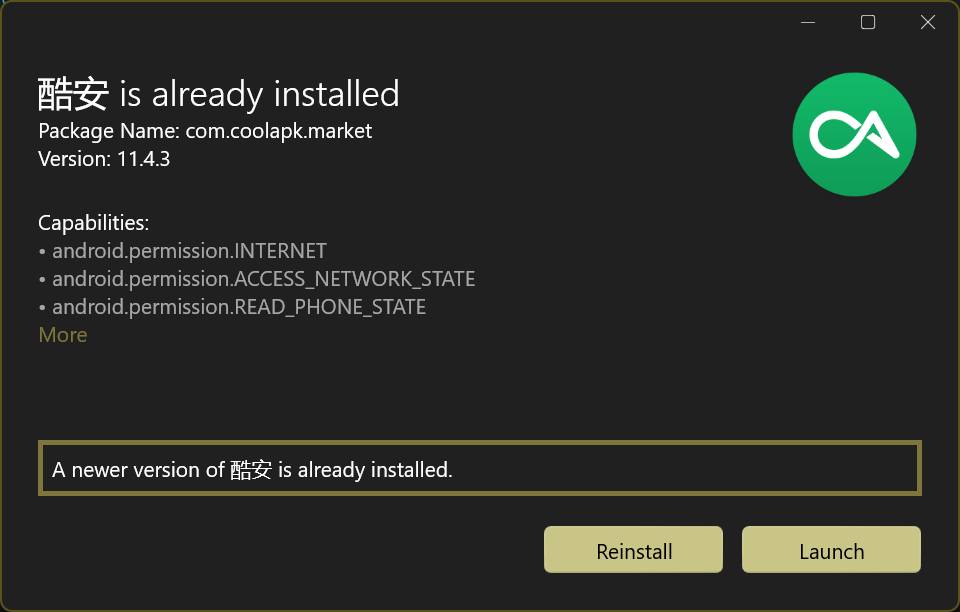
Second, the app's management dashboard offers a centralized hub to monitor all installed applications, check for updates, and uninstall programs. This holistic view saves time and reduces frustration, especially compared to traditional Windows app installers that scatter control across various menus.
The third highlight lies in its use of WinUI 3 for the UI layer, providing a modern, fluid, and adaptive experience. The interface reacts swiftly to inputs with minimal lag, and the design feels polished—much like browsing an app in a high-end showroom, rather than a cluttered warehouse.
Unlike many existing app installers or package managers, where complexity or outdated designs hinder usability, WhereWhere's App Installer embraces the latest Windows UI standards, making it approachable for both novices and power users. Its smart dependency handling and seamless experience give it a markedly more refined touch compared with traditional Windows Store or third-party installers, which can sometimes be clunky or inconsistent.
If you're someone who regularly initializes or manages applications on Windows, this app offers a fresh, streamlined experience. It's especially beneficial for developers or power users who need quick, reliable tool management without the clutter of legacy software. While it may still have some room for growth in advanced features, its core functionalities and elegant design make it a commendable addition to your toolkit. I would comfortably recommend giving it a try—especially if you value a clean, modern UI that makes routine tasks feel a little less routine.
Seamless WinUI 3 integration
Easy installation process
Regular updates and support
Lightweight and fast
Enhanced security features
Limited app catalog
Occasional installation failures
Requires Windows 10/11 with WinUI 3 support
Minimal customization options
Lacks detailed troubleshooting guidance

for Windows
 5
5
for Windows
4.6

for Windows
4.6

for Windows
4.6

for Windows
4.5

for Windows
4.4

for Windows
4.4

for Windows
4.3

for Windows
4.3

for Windows
4.3

for Windows
4.3

for Windows
4.2

for Windows
5

for Windows
5
for Windows
5

for Windows
5

for Windows
5

for Windows
5

for Windows
5

for Windows
5

for Windows
5

for Windows
5