Security
AnywaySoft, Inc.
PC, Mobile, Surface Hub, HoloLens
Windows 10 version 17763.0 or higher
Not specified
Not specified
Not specified
English (United States)
In the vast realm of VPN applications, Any VPN for Windows positions itself as a user-friendly yet versatile tool that aims to blend security, speed, and simplicity into one package. Developed by AnywaySoft, Inc., this app promises to make browsing safer and more open, whether you're tackling geo-restricted content or safeguarding your personal data.
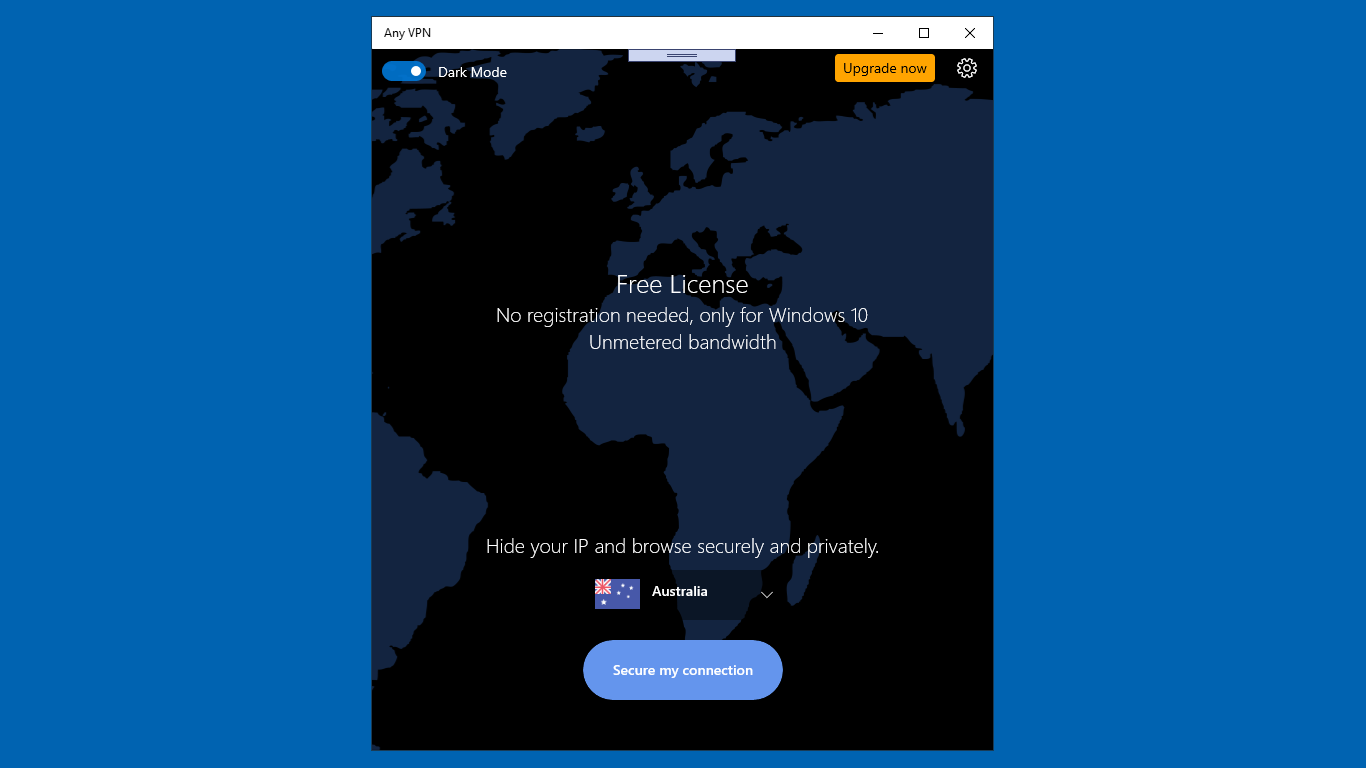
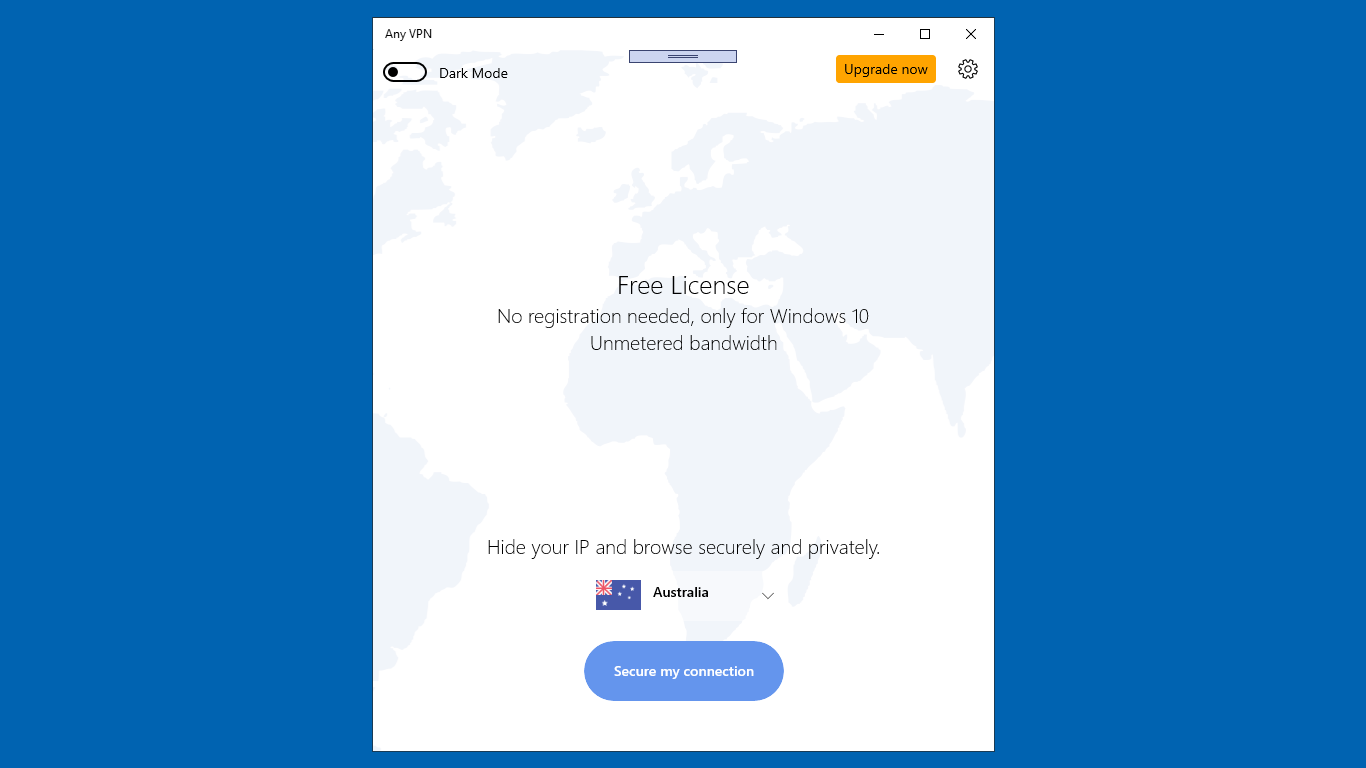
Opening Any VPN for Windows feels like stepping into a sleek control room, simple yet thoughtfully designed. The interface is intuitive, with large, clearly labeled buttons that guide you seamlessly through the connection process. Setting up your VPN profile or switching servers is just a matter of a few clicks—no technical jargon, no clutter—making it accessible even for first-time users. The learning curve is gentle; within minutes, you'll be navigating like a pro.
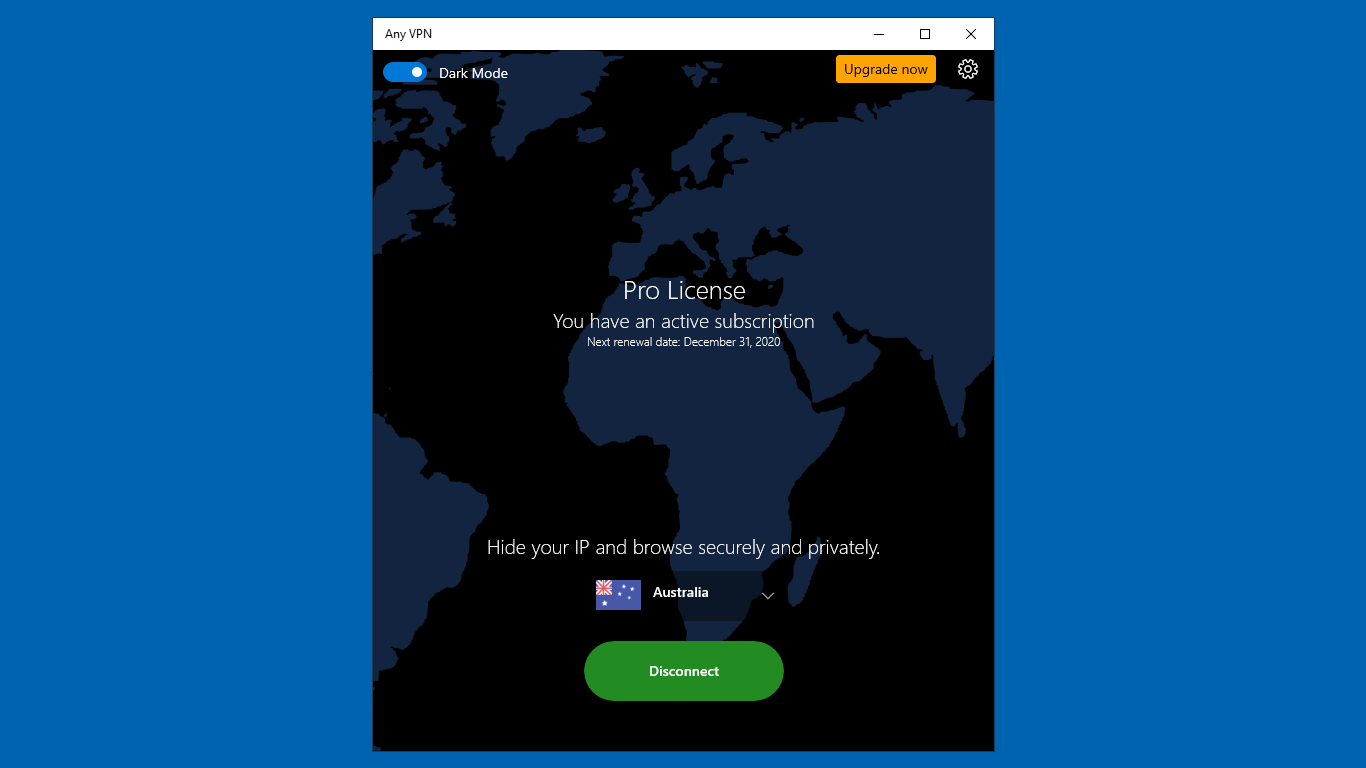
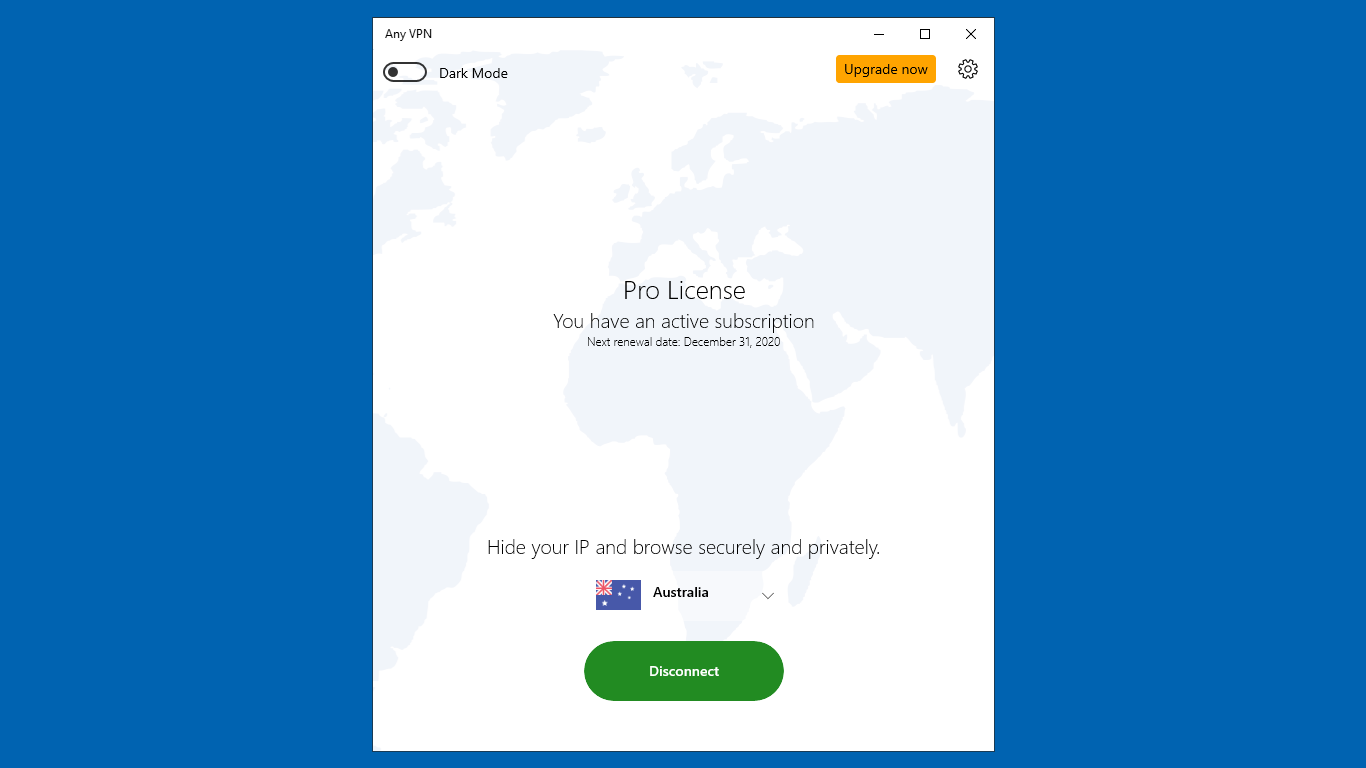
The primary feature, its "one-click" connection, works flawlessly. Tap the big button, select your preferred server location from a clean list, and you're ready to go. This simplicity is a game-changer when you need quick access—for instance, unblocking streaming content while on the go. The server network is impressive, with numerous locations that help not just with accessing geo-restricted sites but also with balancing connection speeds optimally. The automatic kill switch operates silently in the background, providing peace of mind, especially when using unsecured networks like coffee shop Wi-Fi.
Compared to many traditional VPNs that may feel bulky or confusing, Any VPN strikes a balance between sophistication and simplicity. Its interface employs a minimalistic design—think of it as the dashboard of a well-crafted vehicle rather than a cluttered cockpit. The app responds swiftly, with almost no lag when switching servers or adjusting settings. For users concerned about security, the automatic kill switch and encrypted protocols provide reassurance without overwhelming, making it suitable for both tech-savvy individuals and everyday users.
What truly sets Any VPN apart is its focus on speed optimization combined with reliable security features packaged in a straightforward interface. Unlike some competitors that bombard you with options and settings, this app prides itself on doing a few things well and making those features accessible to all.
Based on its features, ease of use, and reliability, I would recommend Any VPN for Windows especially to users who prioritize quick setup, minimal fuss, and dependable performance. It's an excellent choice for casual browsing, streaming, or even occasional work-from-home needs. While it might not have the extensive customization options of premium VPN services, its core strengths lie in delivering secure, fast, and user-friendly protection. If you're looking for a VPN that feels like a trustworthy digital companion—steady, simple, and effective—this might just be your new go-to.
User-Friendly Interface
Multiple Server Locations
Fast Connection Speeds
Strong Encryption Protocols
Unblocking Geographically Restricted Content
Limited Free Version
Occasional Connection Drops
Billing and Subscription Management Complexity
Server Load Periodically High
Limited Customer Support Channels

for Windows
 4.8
4.8

for Windows
4.7

for Windows
4.7

for Windows
4.7

for Windows
4.6
for Windows
4.6

for Windows
4.5

for Windows
4.4

for Windows
4.4

for Windows
4.3

for Windows
4.3

for Windows
4.3

for Windows
5

for Windows
5

for Windows
5

for Windows
5

for Windows
5

for Windows
5

for Windows
5

for Windows
5

for Windows
5

for Windows
5