Music
AnywaySoft, Inc.
PC, Mobile, Surface Hub, HoloLens
Windows 10 version 17134.0 or higher
Not specified
Not specified
Not specified
English (United States)
In an era where capturing life's moments through audio has become essential, the Any Sound Recorder app aims to make recording effortless and versatile for Windows users. But does it live up to expectations? Let's delve into this tool's features and see how it stacks up in the crowded landscape of audio recording apps.
At its core, Any Sound Recorder positions itself as an intuitive, reliable tool for quick and high-quality voice and audio recording on Windows PCs. Developed and published by AnywaySoft, Inc., a company dedicated to creating user-friendly multimedia applications, this app targets those who need a straightforward recording solution without complex editing fuss. Its main highlights include seamless recording with minimal latency, versatile file management options, and easy sharing capabilities. This makes it especially appealing to podcasters, students, journalists, or anyone who needs a simple yet effective recording app.
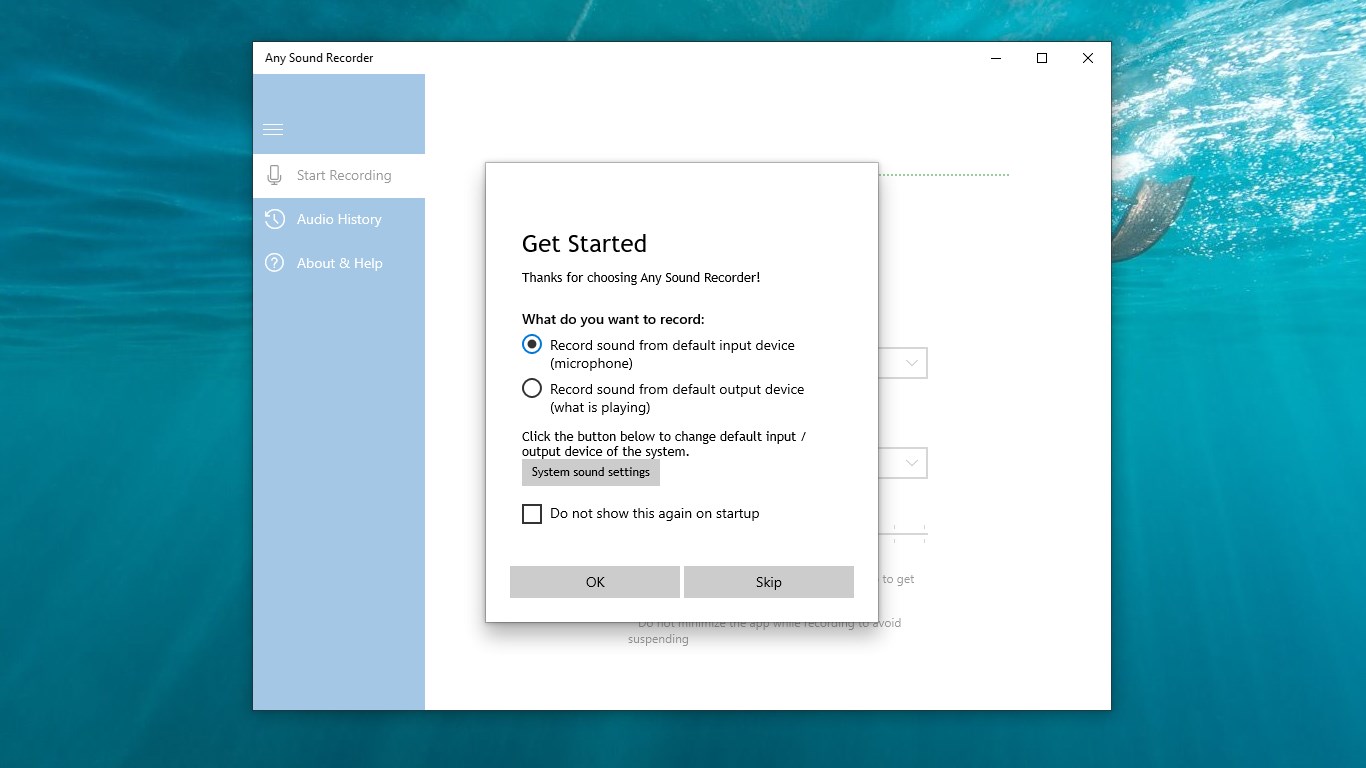
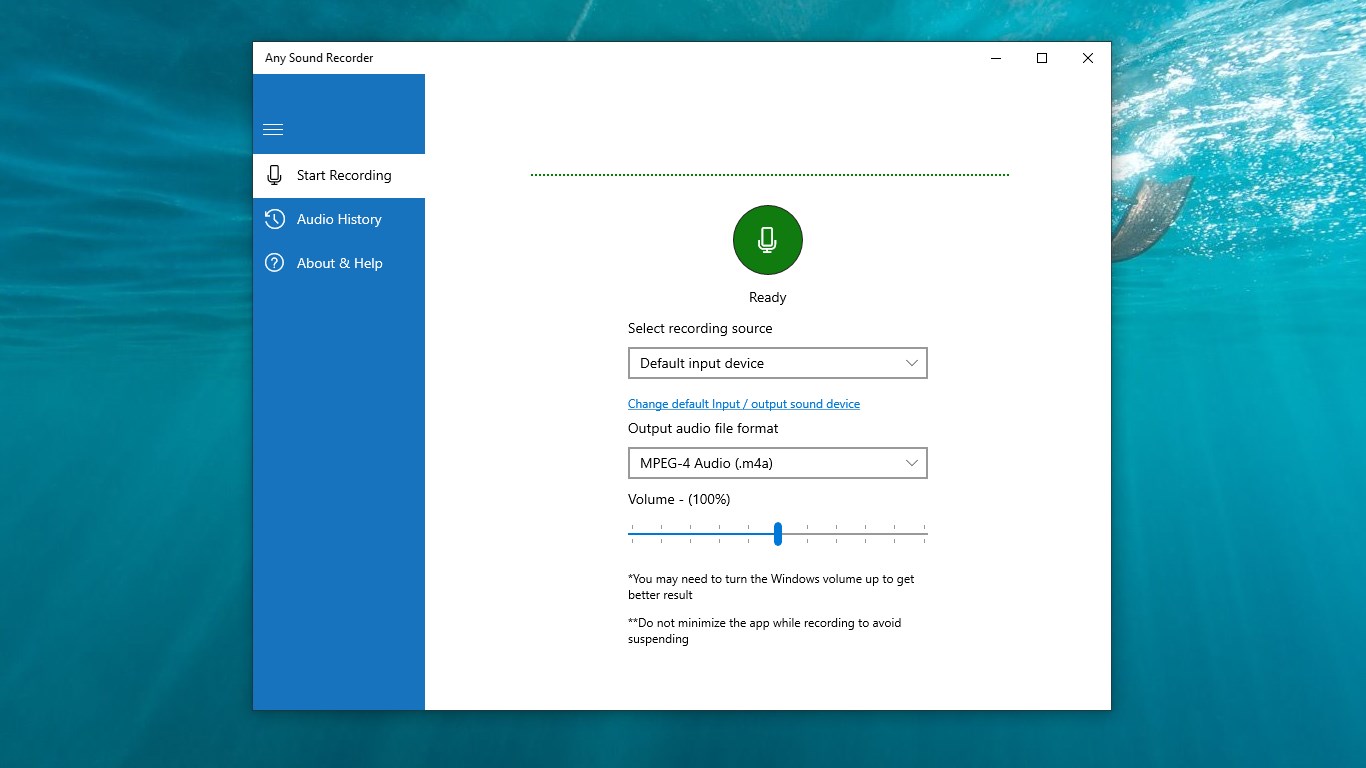
Imagine sitting at your desk, your favorite song softly humming in the background, and suddenly an idea strikes—perfect for a quick memo or a creative project. With Any Sound Recorder open, capturing that spark feels as natural as jotting down notes—smooth, unobstructed, and almost effortless. The interface exudes a clean, uncluttered design that invites users of all experience levels to jump right into recording. The app's responsiveness is notable; recordings start without delay, which is especially critical when capturing unpredictable moments. The straightforward layout, with clearly labeled buttons and minimal menus, reduces the learning curve, making it approachable even for Windows novices.
The standout feature of Any Sound Recorder lies in its ability to record audio with minimal latency, a crucial aspect for musicians, voice-over artists, or anyone needing precise timing. It ensures that what you hear during playback closely matches your real-time input, preserving rhythm and tempo integrity. When comparing to similar apps, this attribute makes it particularly suited for capturing rapid speech or musical phrases where timing is everything, setting it apart from more lag-prone competitors.
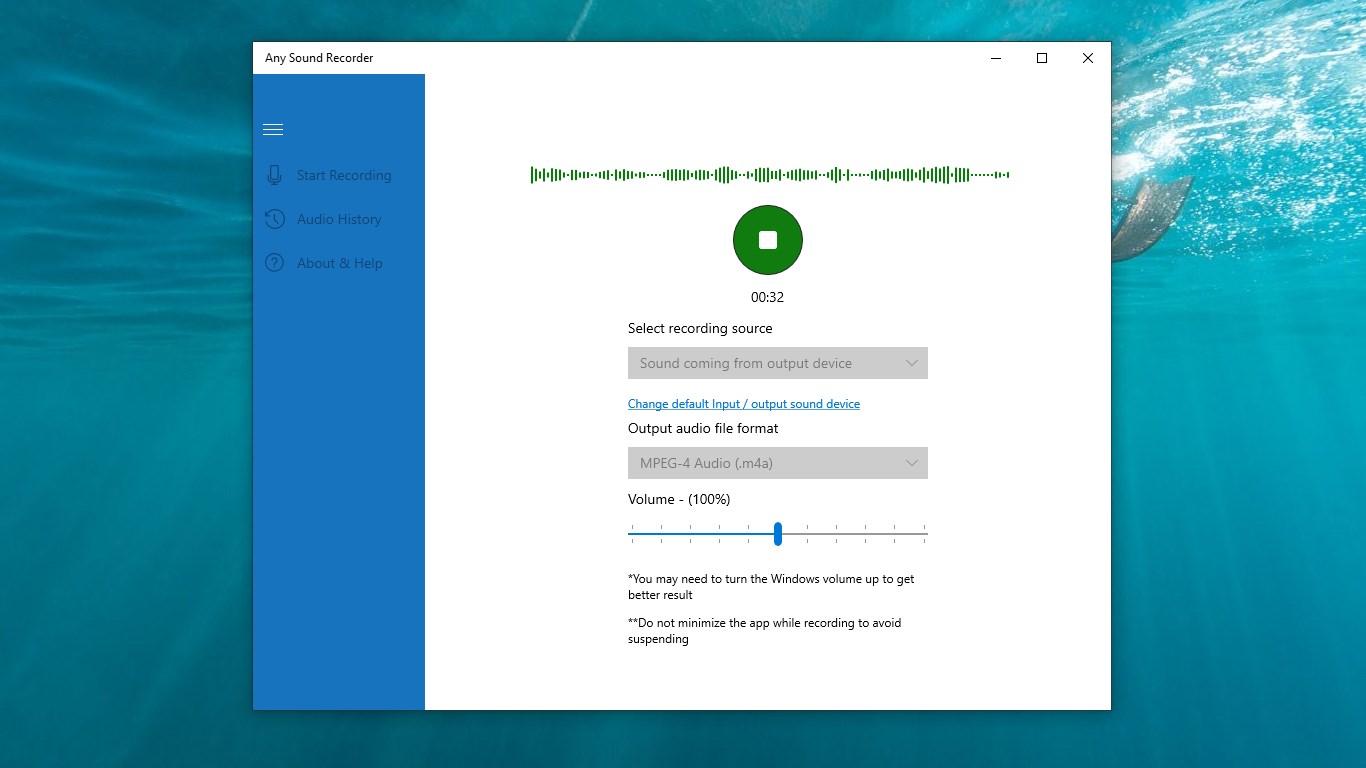
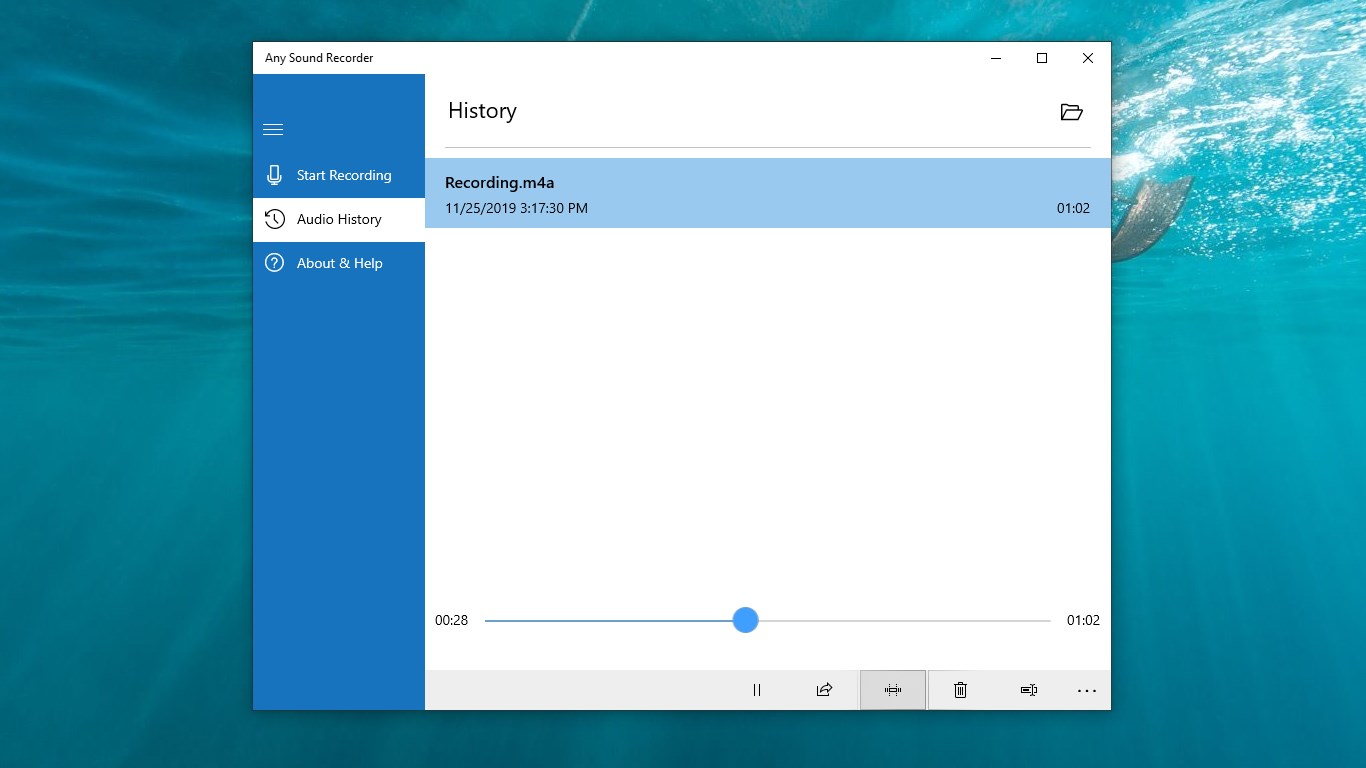
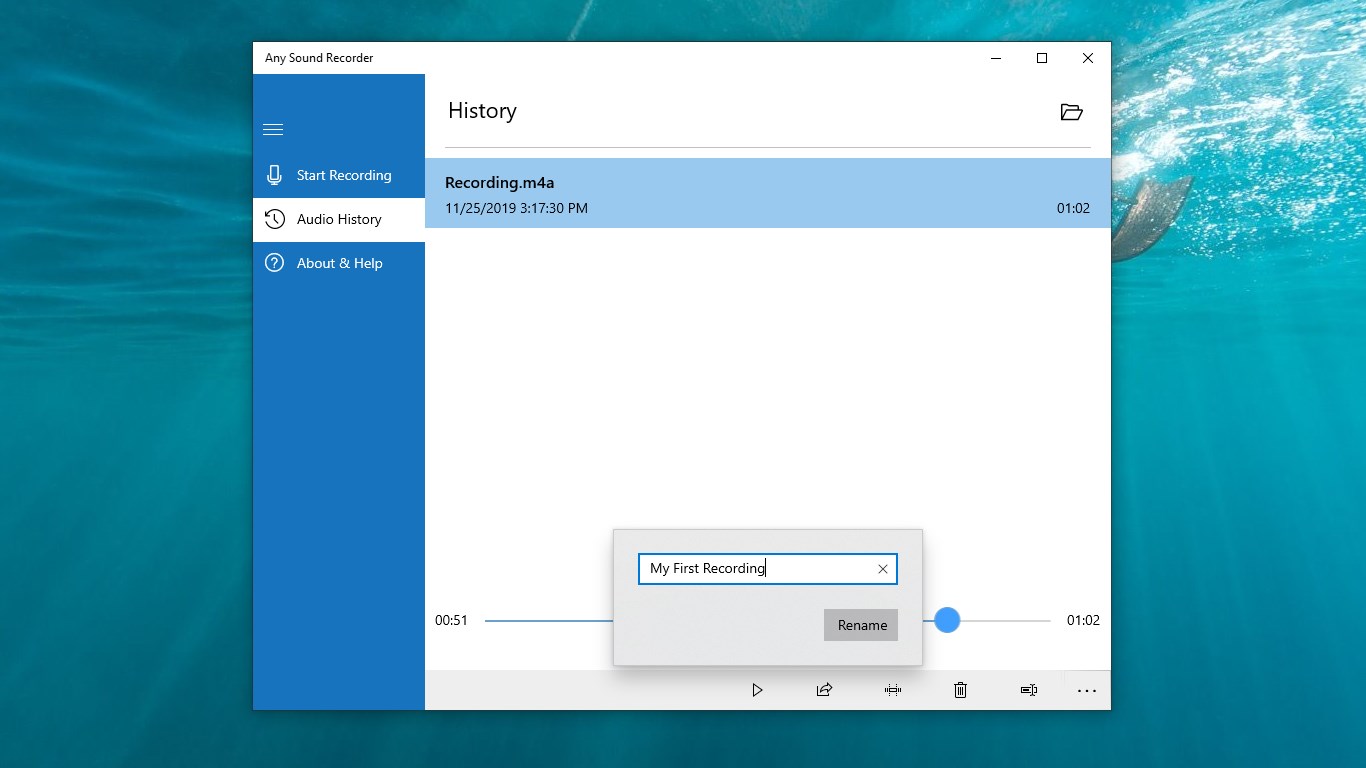
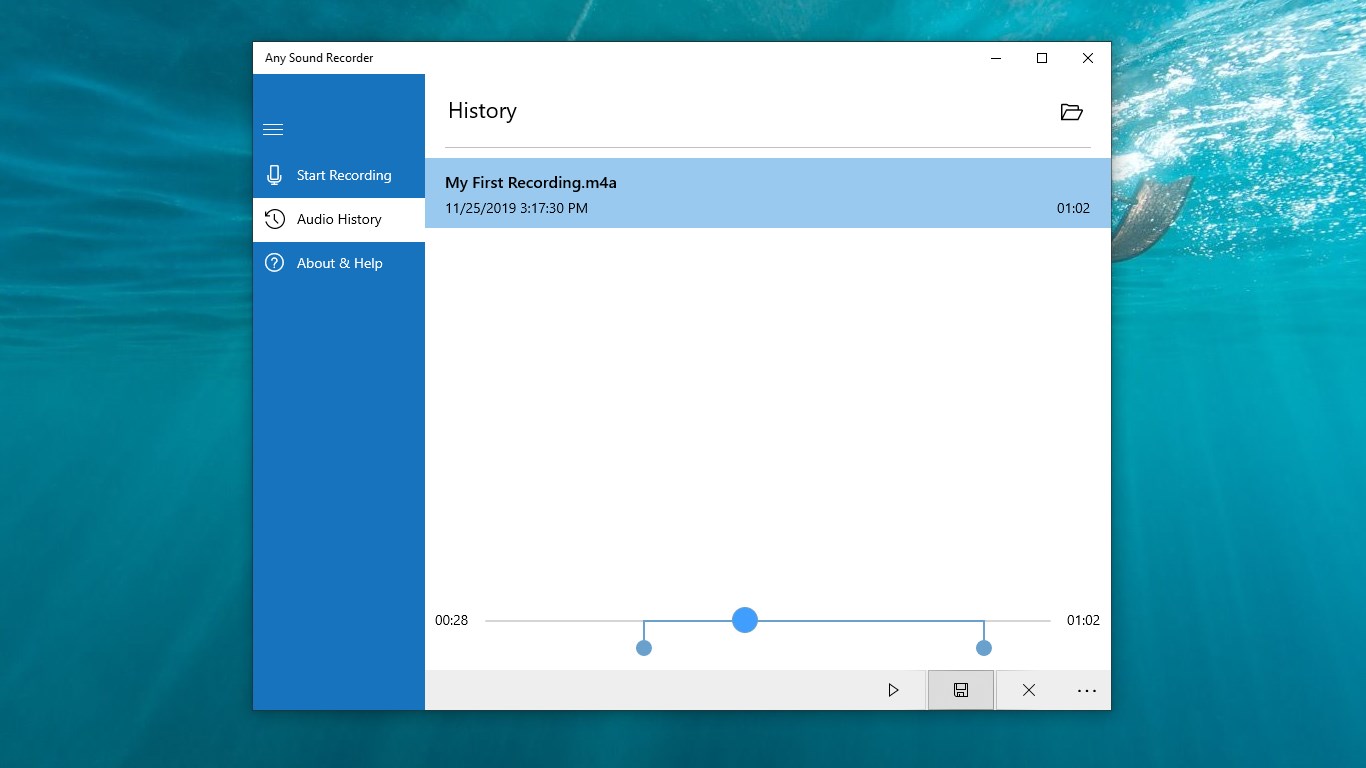
The second pillar of its appeal is its simple yet functional interface. Users can start, pause, and stop recordings with a single click, and the files are automatically organized within intuitive folders. Easy options for renaming, trimming, or sharing recordings directly through email or cloud services make the app a convenient hub for audio management. This smooth workflow makes repeated use feel natural, cutting down the time spent fiddling with settings and letting users focus on capturing or listening to their recordings.
While many audio recorders aim to serve as multi-purpose tools, Any Sound Recorder hones in on “accuracy in rhythm pattern capture,” a feature highlighted by its low tolerance for input lag. This allows it to assess rhythm pattern variety and preserve subtle timing details—ideal for musicians or performers. Unlike some apps that sacrifice fidelity for simplicity, this app ensures the nuance of your recordings remains intact, making it a unique choice within its niche.
If you're seeking a straightforward, reliable, and precise audio recorder for Windows, Any Sound Recorder deserves serious consideration. Its core strengths—low latency, ease of use, and effective file handling—make it a dependable companion for daily recording needs. For professional use, such as podcasting or musical rehearsals, its rhythm pattern accuracy can be a decisive advantage. However, if you require advanced editing or mixing features, you might find this app somewhat limited.
Overall, I recommend giving it a try, especially if you value clarity, minimal lag, and simplicity. It's like having a trusty voice memo gadget that's always ready to catch your ideas right when they strike—reliable, straightforward, and efficient.
User-friendly interface
High-quality audio recording
Multiple recording formats supported
Auto-save and cloud backup features
Additional editing tools
Limited advanced editing options
Occasional app stability issues
Restrictive file size limit for recordings
Limited customization options for interface
Lack of advanced noise reduction settings

for Windows
 4.9
4.9

for Windows
4.9

for Windows
4.8

for Windows
4.8

for Windows
4.7

for Windows
4.7

for Windows
4.6

for Windows
4.6

for Windows
4.5

for Windows
4.5

for Windows
4.5

for Windows
4.5

for Windows
5

for Windows
5

for Windows
5

for Windows
5

for Windows
5

for Windows
5

for Windows
5

for Windows
5

for Windows
5

for Windows
5