Multimedia design
AnywaySoft, Inc.
PC, Mobile, Surface Hub, HoloLens
Windows 10 version 17134.0 or higher
Not specified
Not specified
Not specified
English (United States)
Any Audio Cutter by AnywaySoft, Inc. is a straightforward yet effective application tailored for Windows users needing quick audio editing solutions. It promises to cut, trim, and manage your audio files with simplicity, making it suitable for various casual or semi-professional tasks.
Developed and published by AnywaySoft, Inc., this company focuses on creating accessible multimedia tools that streamline common audio editing processes. Their focus on user-centric design aims to reduce the learning curve, allowing users to accomplish tasks efficiently without delving into complex software features.
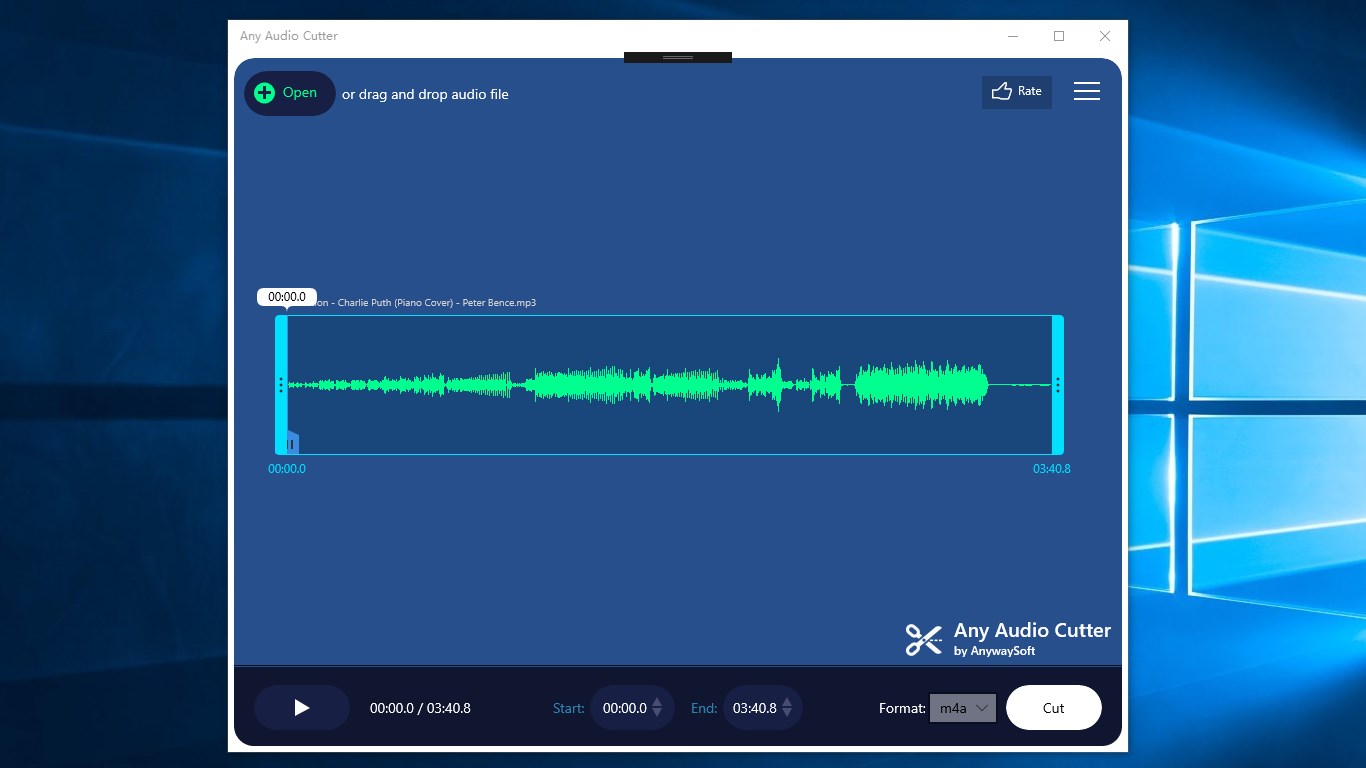
Imagine sitting back with your favorite playlist, only to realize a segment needs to be snipped out — Any Audio Cutter makes this scenario effortless, like having a trusty pair of scissors at your fingertips. Its clean, minimalistic interface showcases the core functions upfront, reducing the search for tools and allowing you to focus on your audio editing needs.
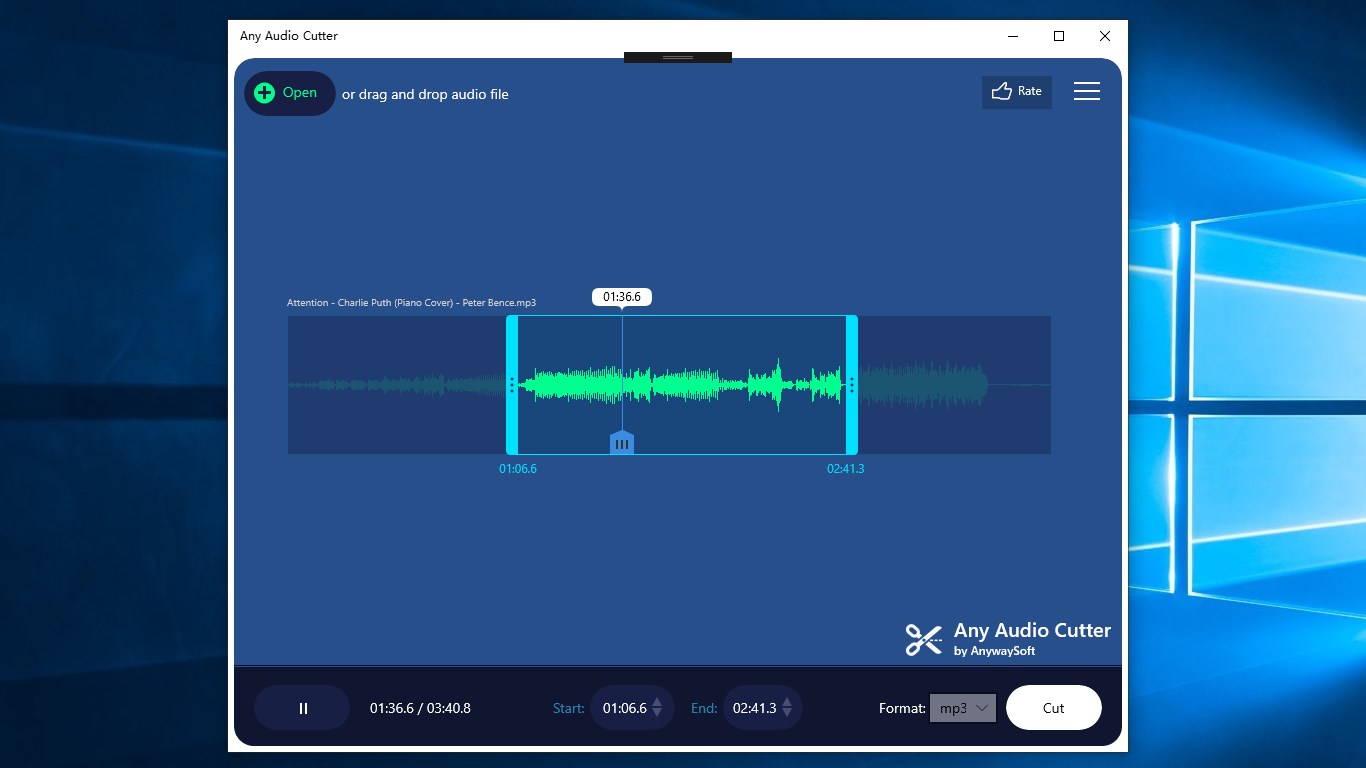
The heart of Any Audio Cutter lies in its precision trimming capability. The app allows you to visually select the start and end points of your audio clip using straightforward sliders. This feature feels akin to turning a dial to get that perfect snippet, whether you're trimming a podcast episode or removing unwanted silence from a song. The real-time preview function is particularly handy, enabling you to listen to the selected segment before finalizing, ensuring accuracy and satisfaction with the output.
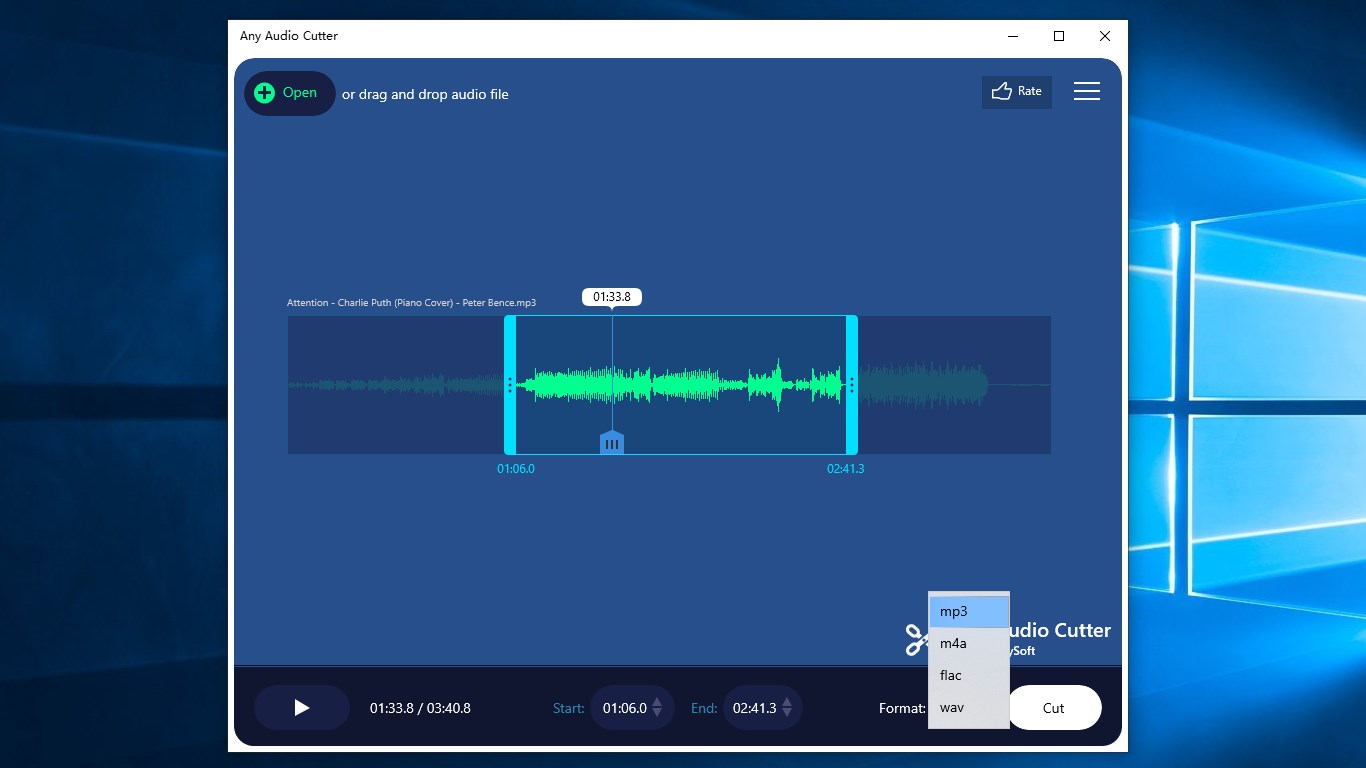
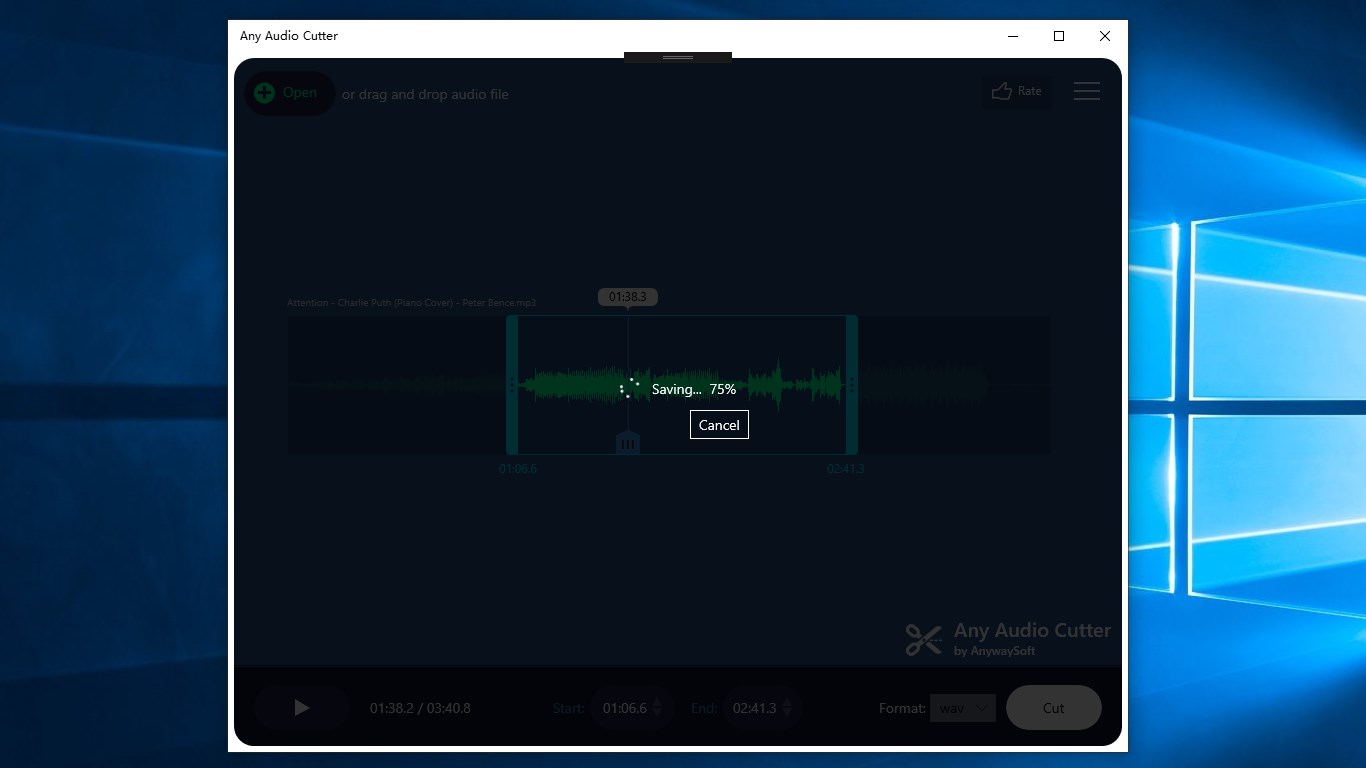
Supporting a broad spectrum of audio formats—MP3, WAV, WMA, AAC, and more—Any Audio Cutter ensures versatility, accommodating most media files you encounter. The batch processing feature is a game-changer, especially for users with multiple files needing similar edits. It's like having an assembly line for audio editing—set your parameters once, and let the app do the heavy lifting across all selected files. This not only saves time but also maintains consistency across your project.
The app's interface resembles a friendly workshop rather than a complicated laboratory, with intuitive controls that anyone can pick up within minutes. Navigation is smooth; operations flow naturally without lag or confusing menus. Even users new to audio editing will find the learning curve gentle, thanks to clear labels and straightforward functionalities. Overall, the experience is akin to having a helpful assistant guiding you step-by-step, making the process less intimidating and more accessible.
Compared to more layered multimedia tools, Any Audio Cutter emphasizes simplicity and efficiency. Its standout feature is the combination of high precision with a minimal learning curve—think of it as the Swiss Army knife of basic audio trimming tools, but without the clutter. The batch processing function, in particular, offers a significant time-saving advantage, especially for users handling multiple files regularly. This focus on ease of use combined with robust support for various formats makes it distinct in a crowded marketplace.
For casual users, students, podcasters, or musicians who need a straightforward way to trim or cut audio files without diving into complex software, Any Audio Cutter offers a reliable, simple solution. Its clean design and focus on core features ensure a pleasant user experience. While it may not replace full-featured digital audio workstations for professional editing, it excels as a quick and dependable tool for everyday audio trimming tasks.
In summary, if your primary need is to cut or trim audio efficiently and with minimal fuss, this app is worth trying out. Its unique combination of precision, format support, and batch processing makes it a practical tool — much like having a reliable pair of scissors that's always sharp and ready when you need it.
User-Friendly Interface
Supports Multiple Audio Formats
Fast Processing Speeds
Preview Functionality
No Watermarks or Ads
Limited Editing Features
File Size Limitations
Lack of Batch Processing
Limited Export Options
No Cloud Storage Integration

for Windows
 4.8
4.8

for Windows
4.8

for Windows
4.7

for Windows
4.7

for Windows
4.6

for Windows
4.6

for Windows
4.6

for Windows
4.6

for Windows
4.5

for Windows
4.5

for Windows
4.5

for Windows
4.5

for Windows
5

for Windows
5

for Windows
5

for Windows
5

for Windows
5

for Windows
5

for Windows
5

for Windows
5

for Windows
5

for Windows
5