Entertainment
PC
Windows 10 version 18362.0 or higher
Chinese (Simplified), Chinese (Traditional), English (United States), French, German, Italian, Japanese, Russian, Spanish (Spain)
Animation Desk – Draw GIF & Cartoon for Windows is a versatile animation tool designed for aspiring artists and animators to craft lively GIFs and playful cartoons seamlessly. It aims to democratize animation creation, making it accessible and fun for users of all skill levels.
Developed by Kdan Mobile Software Ltd., a well-established company known for creating innovative productivity and entertainment apps, the team behind Animation Desk has a solid reputation for delivering user-friendly digital creative tools.
While the app's core is geared toward animation enthusiasts, it's also practical for educators, students, and content creators eager to add dynamic visuals to their projects.
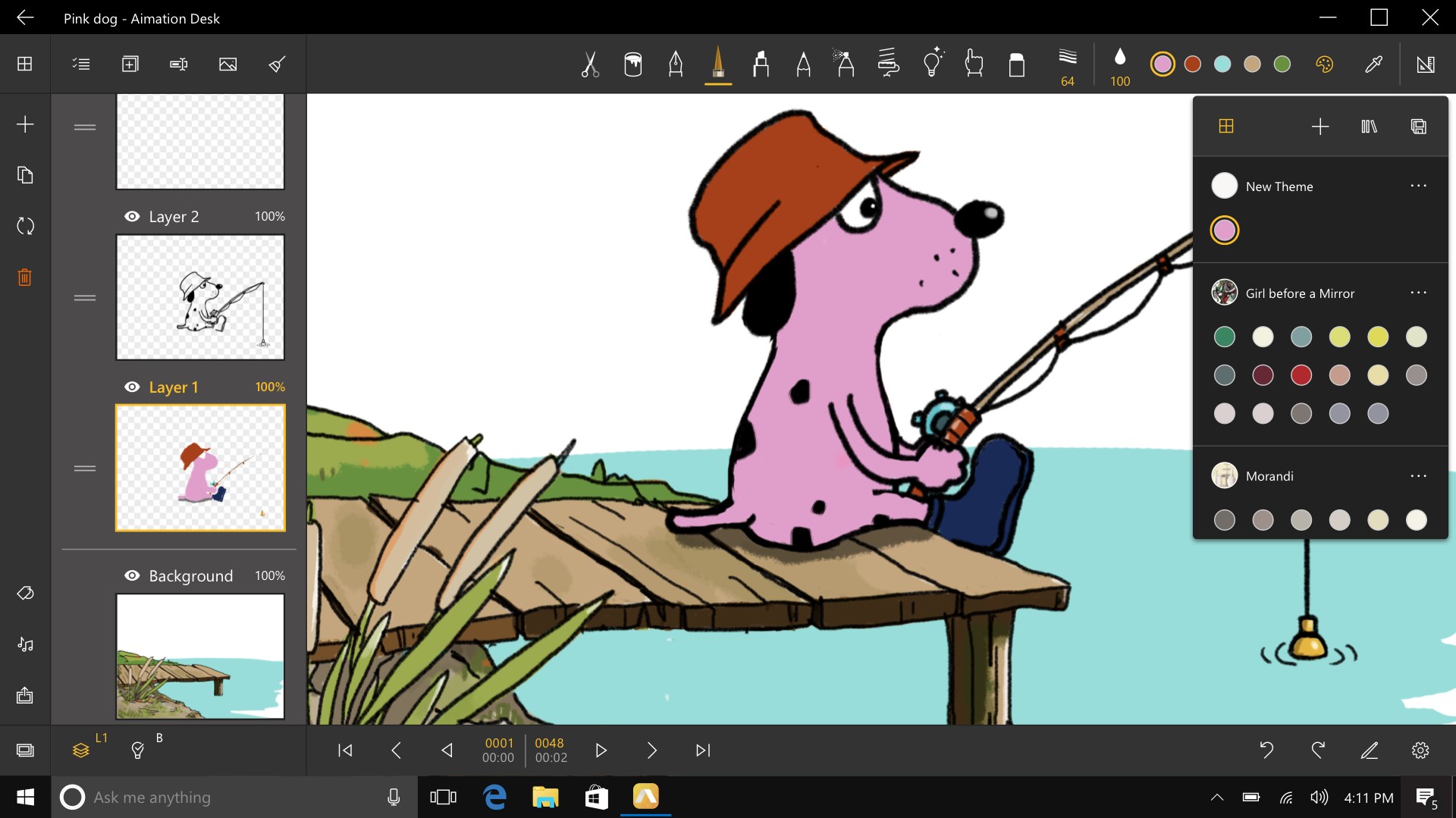
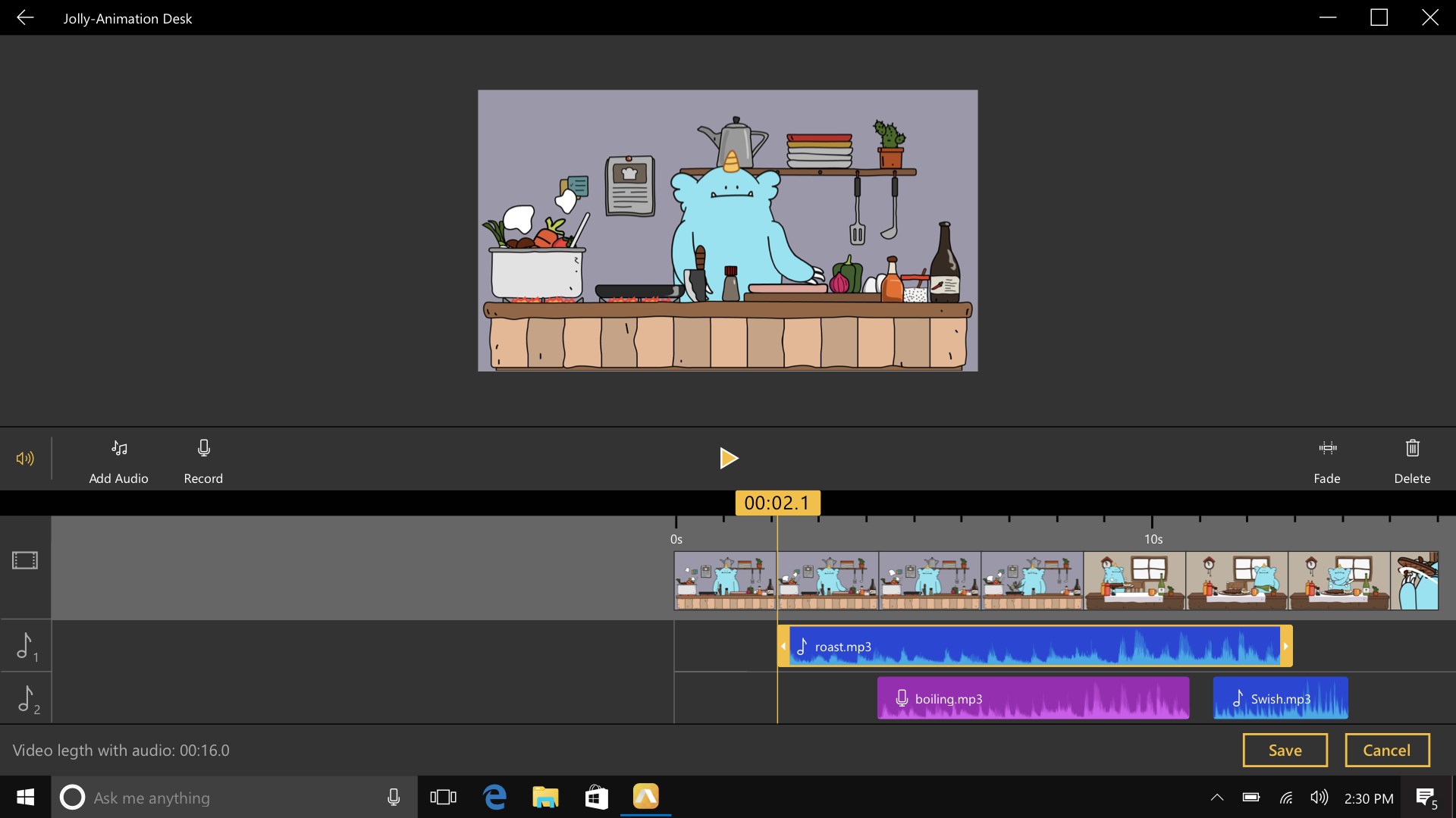
Imagine stepping into a digital artist's workshop filled with colorful tools and endless possibilities—that's what Animation Desk offers. Its clean, modern interface feels akin to opening a well-organized art studio, where everything you need is within arm's reach. Navigating through layers and timeline controls is smooth, akin to flipping through pages of a well-illustrated comic book. The learning curve is gentle enough for beginners, yet robust enough to satisfy seasoned creators eager to explore detailed animations.
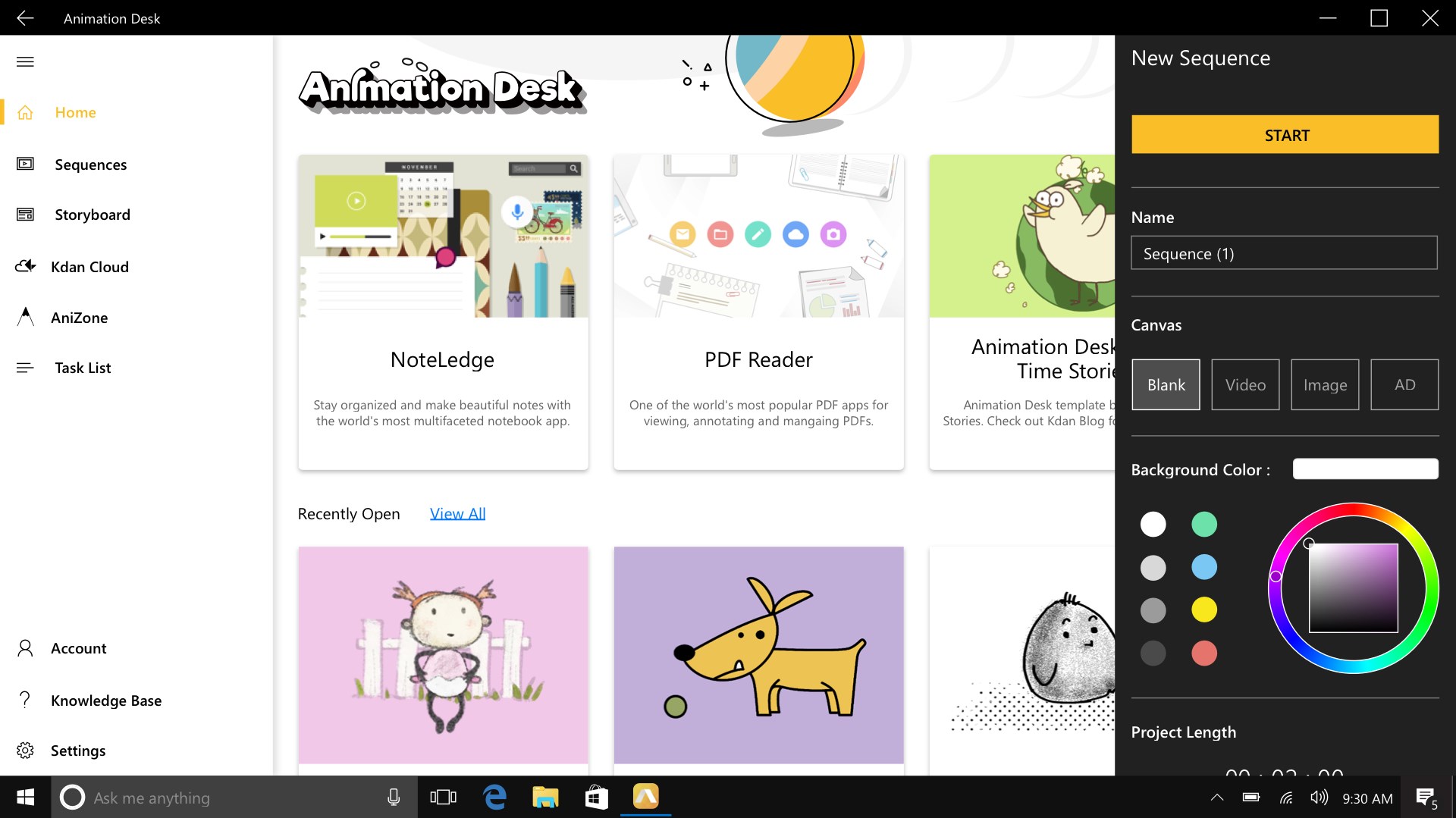
The interface balances simplicity and functionality beautifully. Menus are intuitively organized, with a palette of tools that resemble traditional art supplies but in digital form. Users can quickly access drawing, coloring, and editing tools without feeling overwhelmed. This thoughtful design ensures that even newcomers can start sketching animations without lengthy tutorials.
The app runs smoothly on Windows machines, with minimal lag during drawing or playback. The fluidity of drawing and real-time previewing makes the creative process feel natural, like sketching directly on paper but with the added magic of digital editing. The app handles multiple layers and high-resolution exports efficiently, which is crucial for those working on detailed projects.
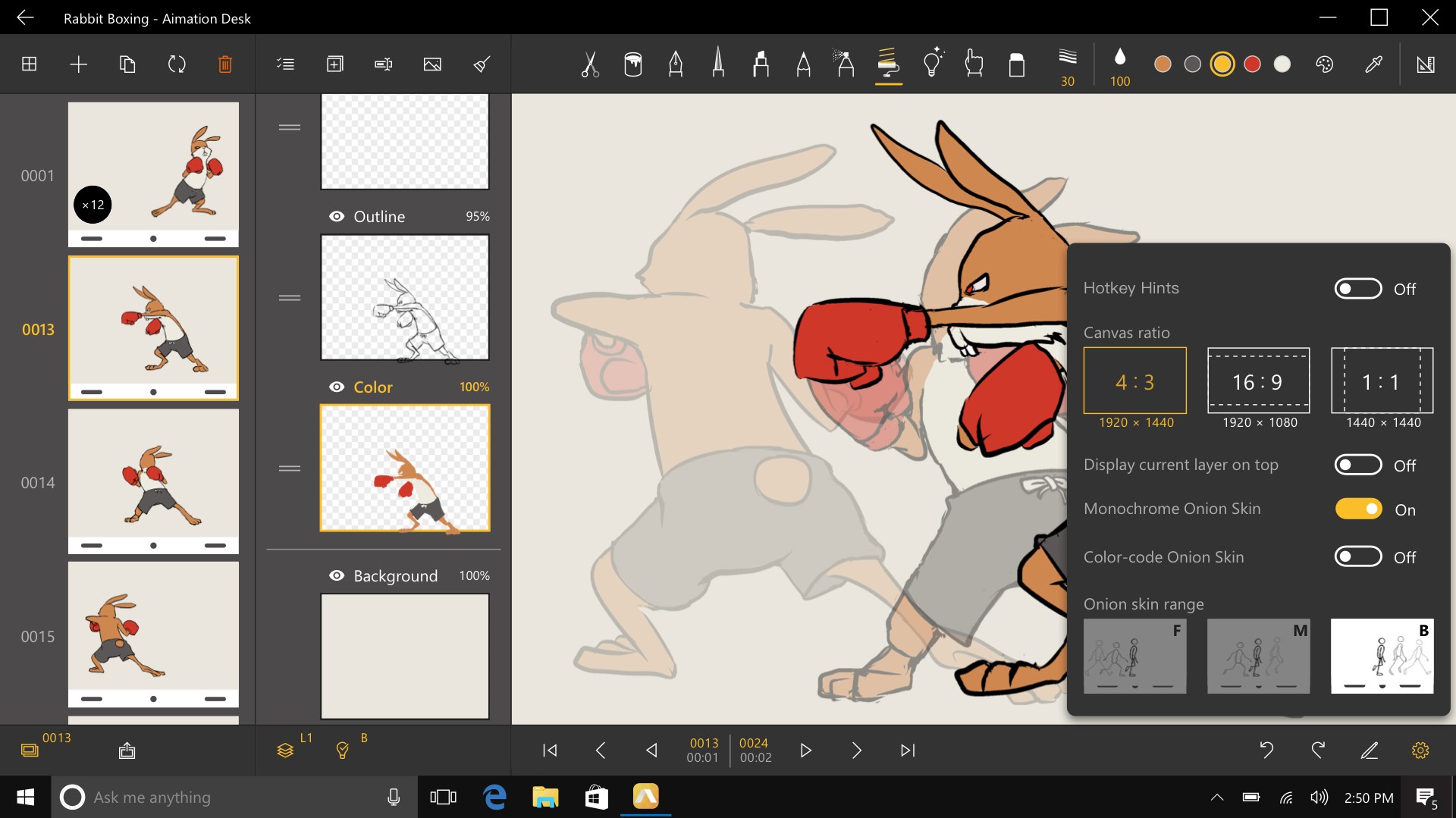
One of the most striking aspects of Animation Desk is its focus on providing a seamless animation experience tailored for storytelling. Unlike many entertainment-focused animation apps, this platform's strength lies in its content creation algorithms that do not just suggest templates or random content but enhance user control over their artistic expression. Its intelligent layering system ensures that users can isolate, edit, and fine-tune each element as if they're working on an animated comic book.
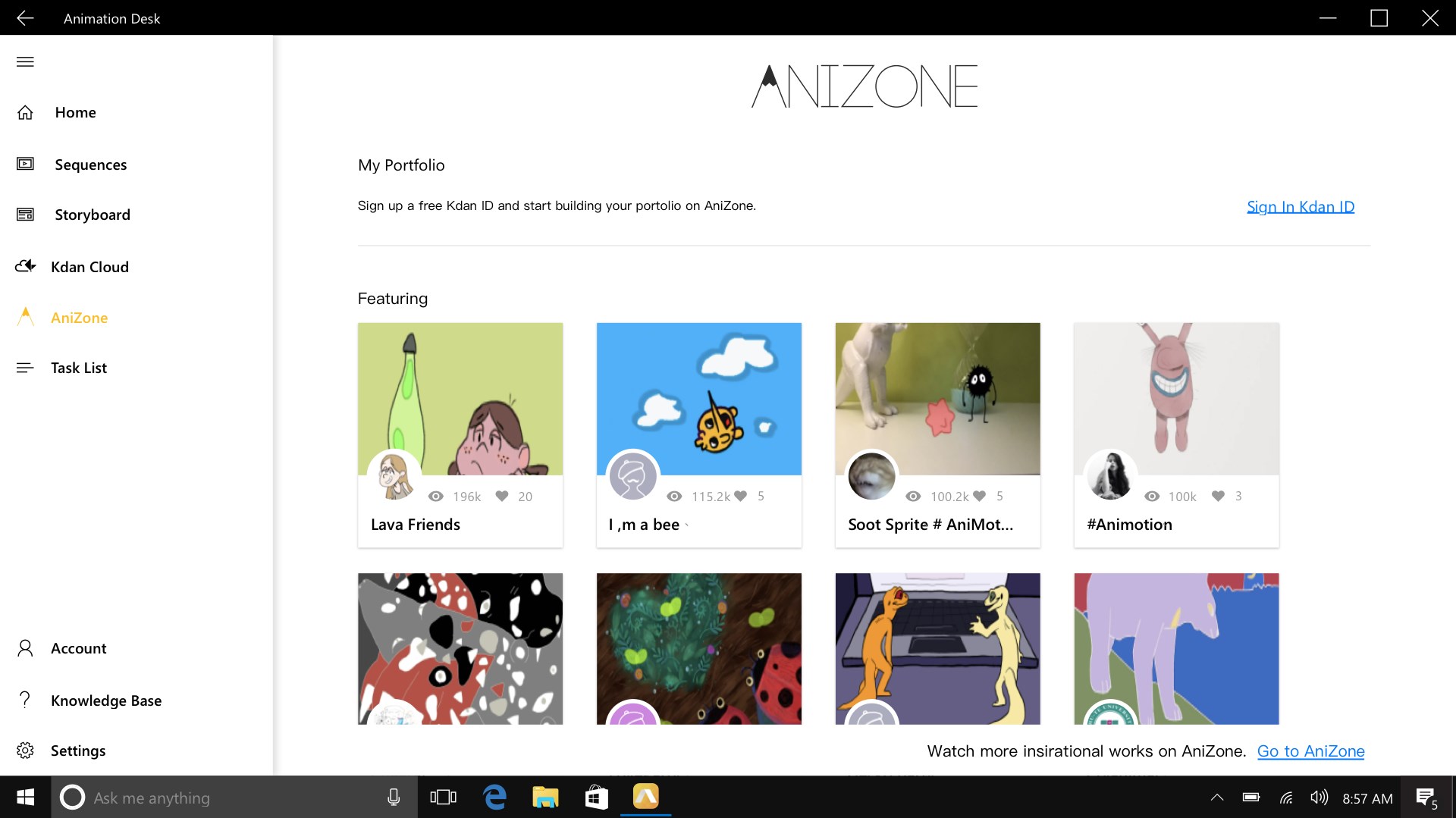
Compared to other entertainment-oriented animation apps, Animation Desk emphasizes a creator-centered experience, empowering users to craft unique animations rather than just assembling clips. Its straightforward export options mean ideas can be shared instantly across social media, making it an excellent tool for content creators and educators alike.
All in all, Animation Desk – Draw GIF & Cartoon stands out as a practical, user-friendly application that unlocks the animator inside everyone. It's best suited for hobbyists, students, and educators looking to experiment with animation without a steep learning curve. The app's two most compelling features—the intuitive layer management and high-quality export options—make it particularly appealing for those wishing to produce professional-looking gifs and cartoons quickly.
While it's not a substitute for advanced animation software used by professionals, its balance of power and simplicity offers a delightful creative playground. I recommend giving it a try if you're interested in storytelling through animation, especially if you value an interface that feels more like a digital sketchbook than a complex editing studio. Whether for casual fun or educational projects, Animation Desk provides a solid platform to bring your cartoons and GIFs to life.
Intuitive Drawing Interface
Wide Range of Drawing Tools
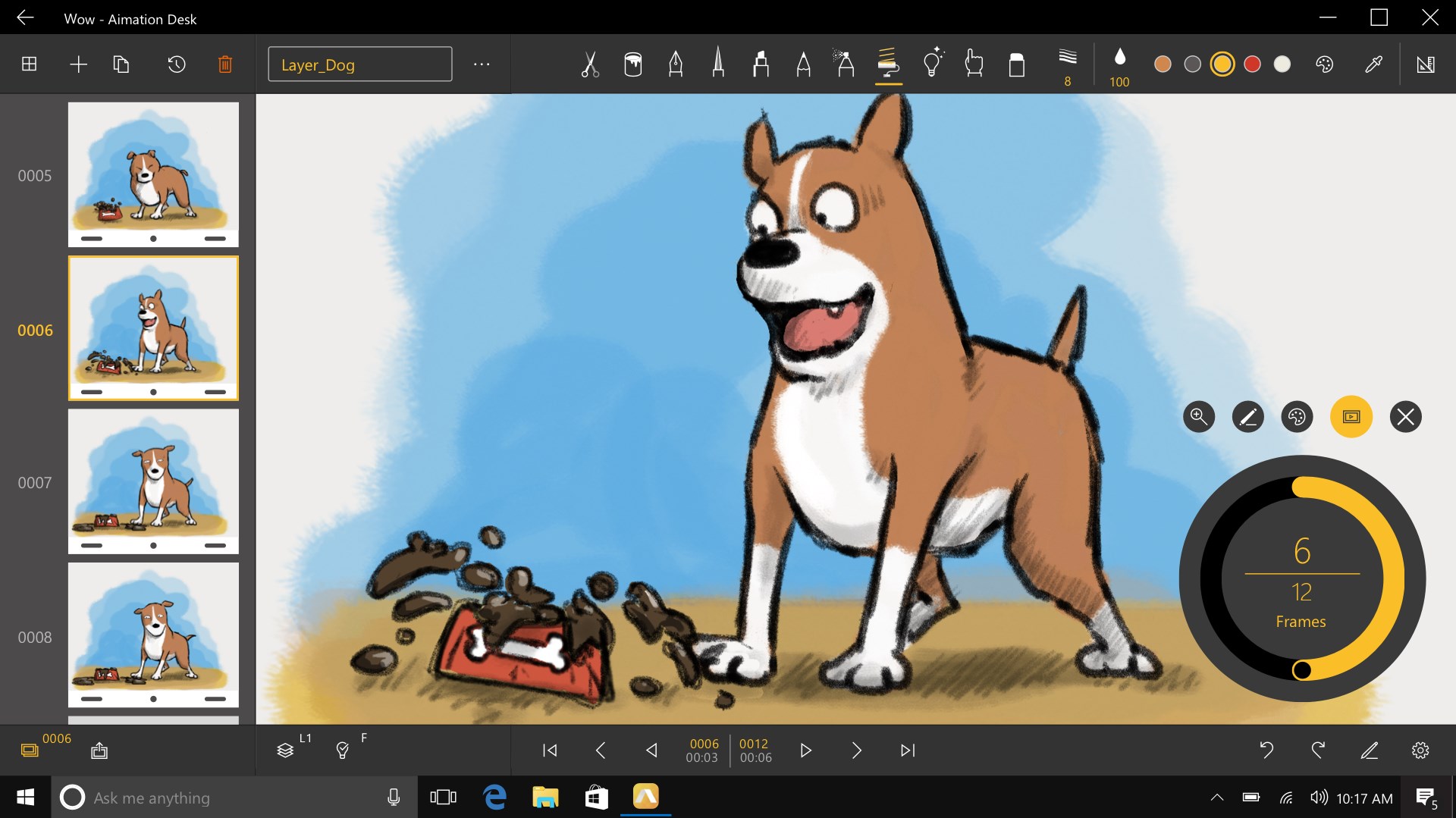
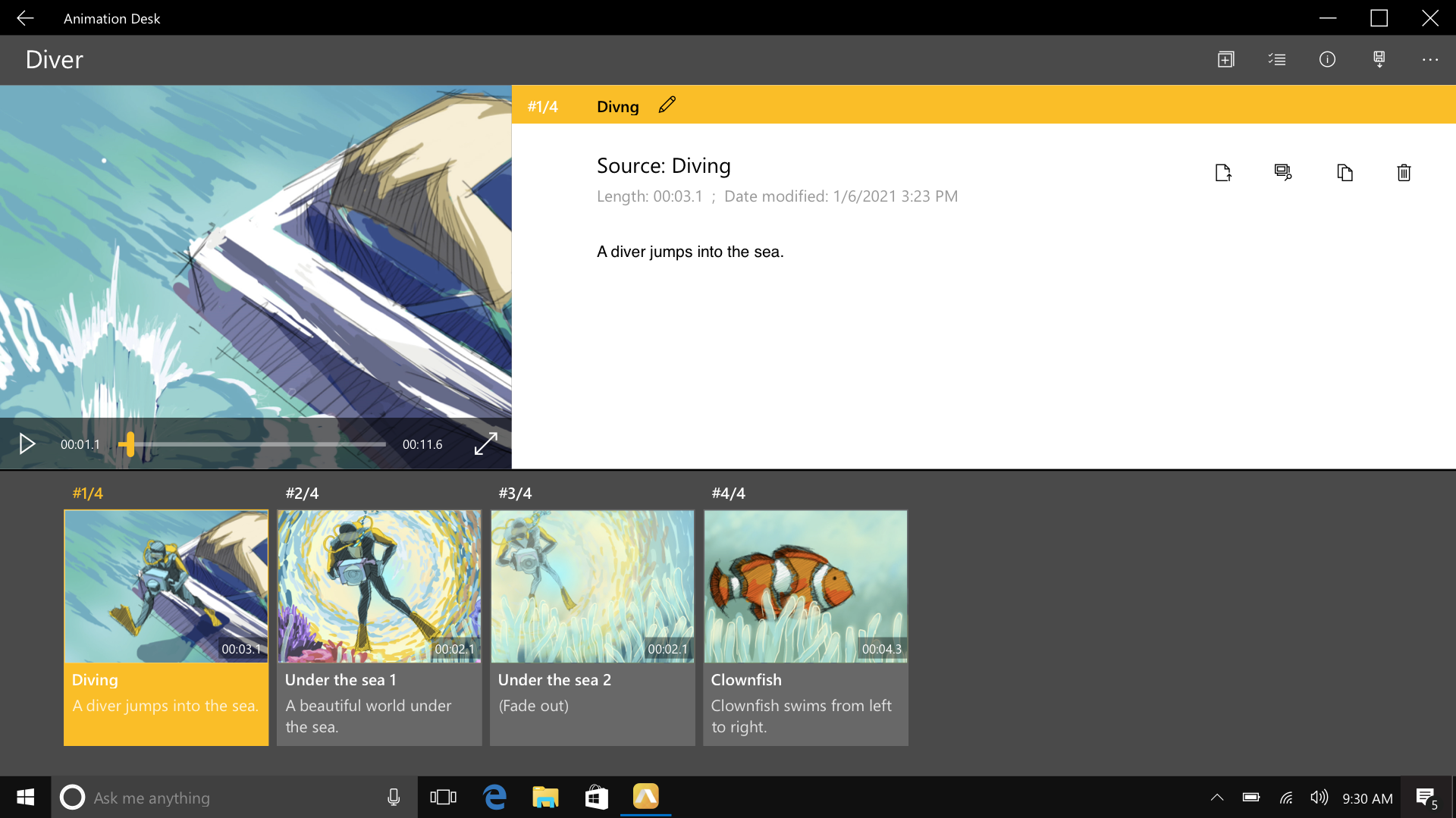
Easy Frame Management
Support for Importing and Exporting
Built-in Tutorials and Templates
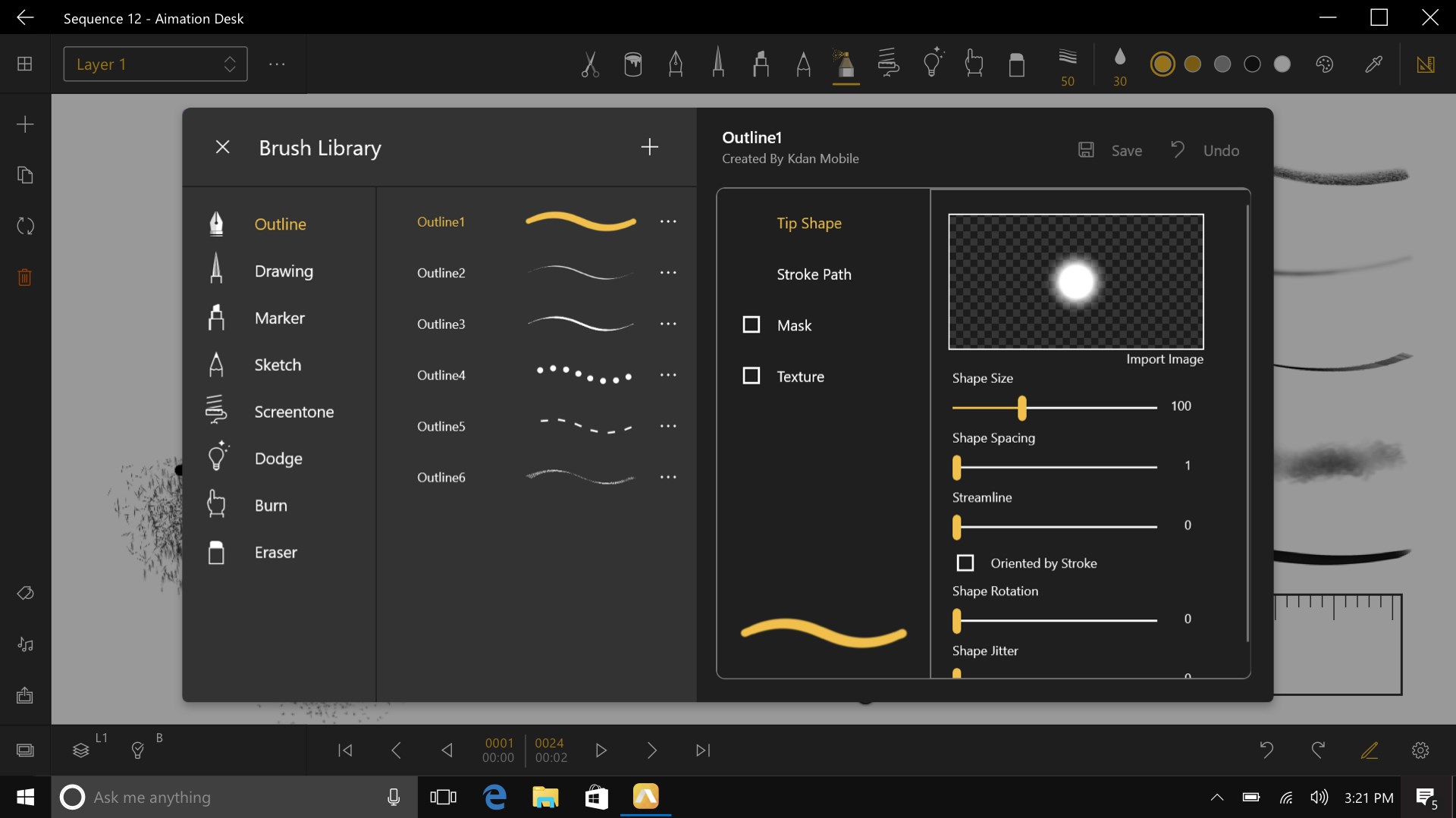
Limited Brush Customization
Occasional Performance Lag
Watermark on Exports in Free Version
Limited Layer Functionality
Small User Community

for Windows
 5
5

for Windows
4.8

for Windows
4.8

for Windows
4.8

for Windows
4.7

for Windows
4.6

for Windows
4.6

for Windows
4.6

for Windows
4.6

for Windows
4.6

for Windows
4.6

for Windows
4.6

for Windows
5

for Windows
5

for Windows
5

for Windows
5
for Windows
5

for Windows
5

for Windows
5

for Windows
5

for Windows
5

for Windows
5