Action & adventure
Rovio Entertainment Oy
PC
Windows 10 version 16299.0 or higher
Version 10
Integrated Keyboard
Integrated Mouse
English (United States)
Imagine yourself stepping into a lively bird-infused battlefield where strategic sling-shotting meets adorable chaos—welcome to Angry Birds 2 for Windows, a delightful evolution of the beloved puzzle game franchise. Developed by Rovio Entertainment, this game seamlessly marries classic gameplay with new twists, offering endless entertainment on your PC.
Rovio Entertainment Oy, a Finnish game development powerhouse renowned for creating the iconic Angry Birds universe, is behind this title. Their expertise shines through in crafting engaging, well-polished mobile and PC games that appeal to a broad audience.
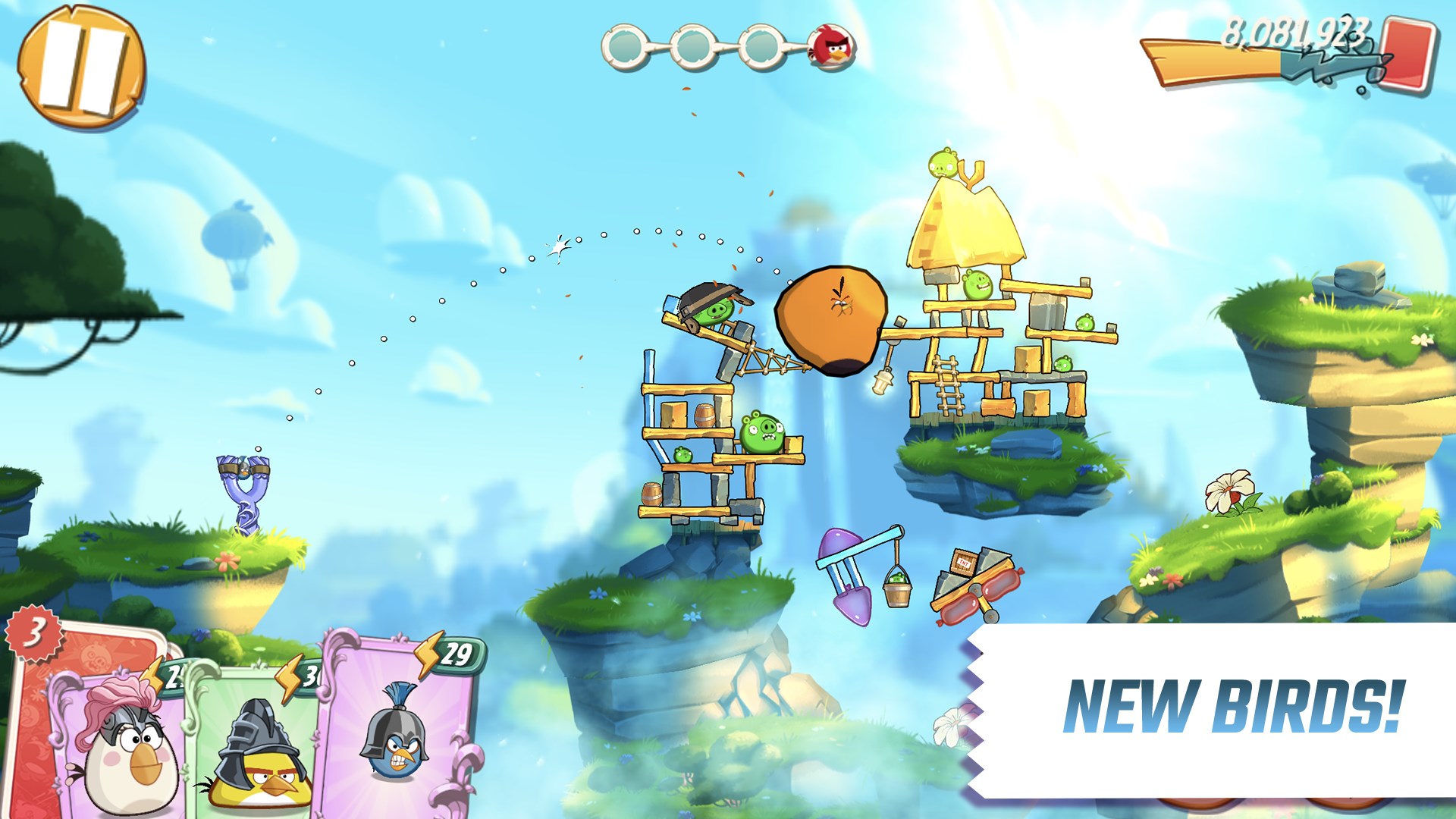
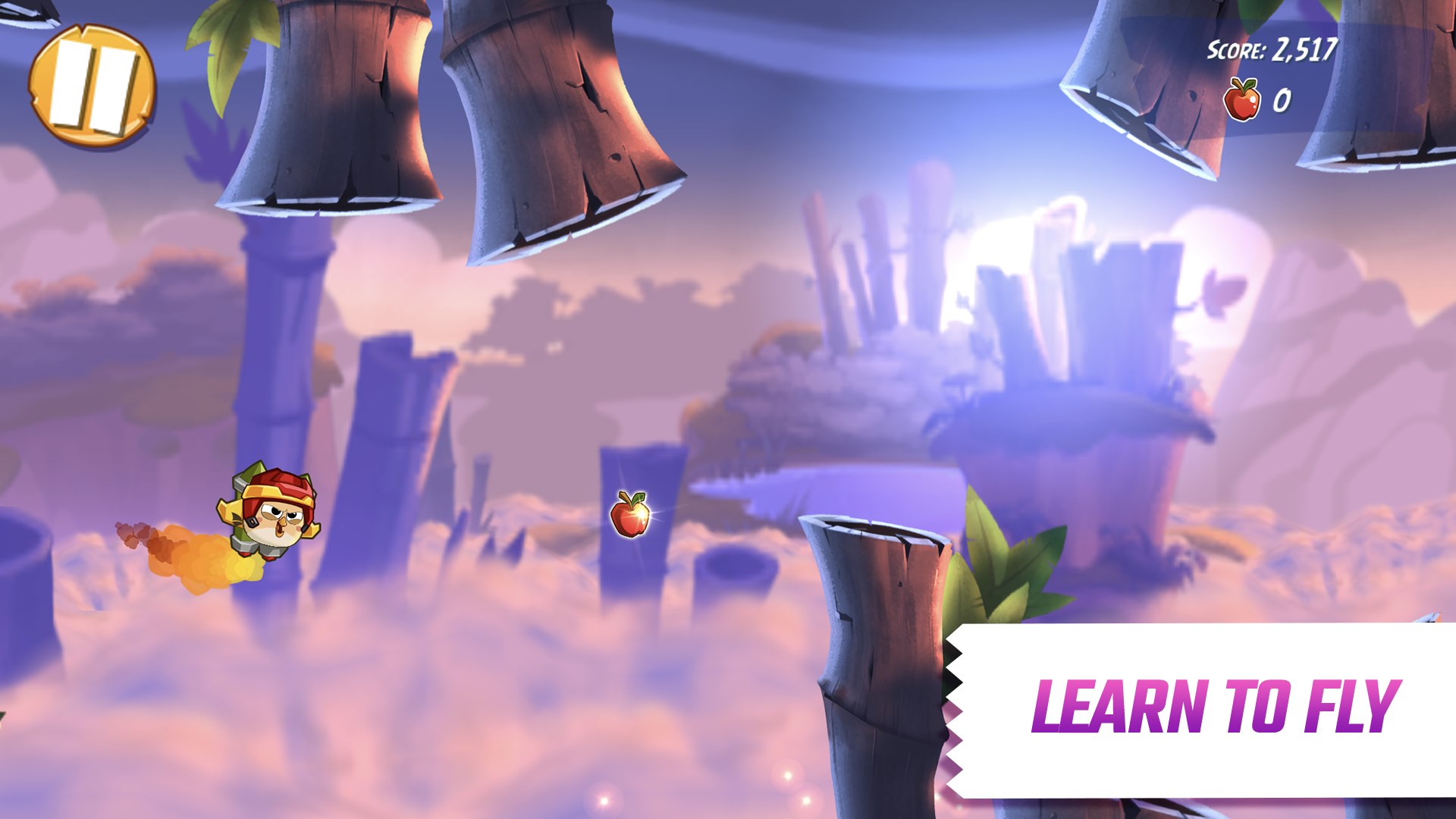
Imagine bursting into a colorful world where birds with cheeky grins and explosive powers await your command. The game's whimsical art style draws you in instantly, punctuated by lively sound effects that add an extra bounce to your step. Navigating through the levels feels intuitive and compelling—like orchestrating a lively bird symphony with a few flicks of your mouse or keyboard.
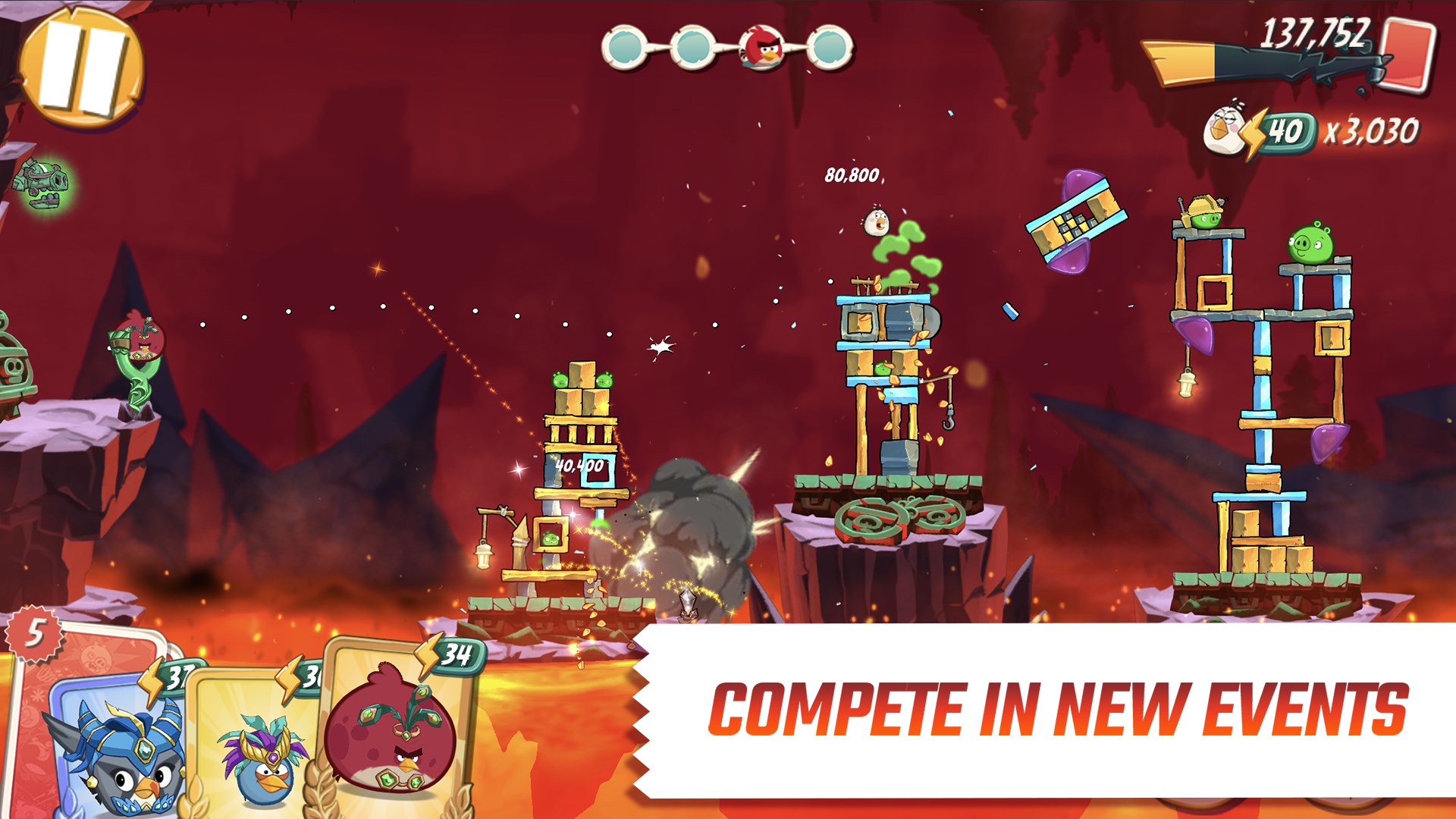
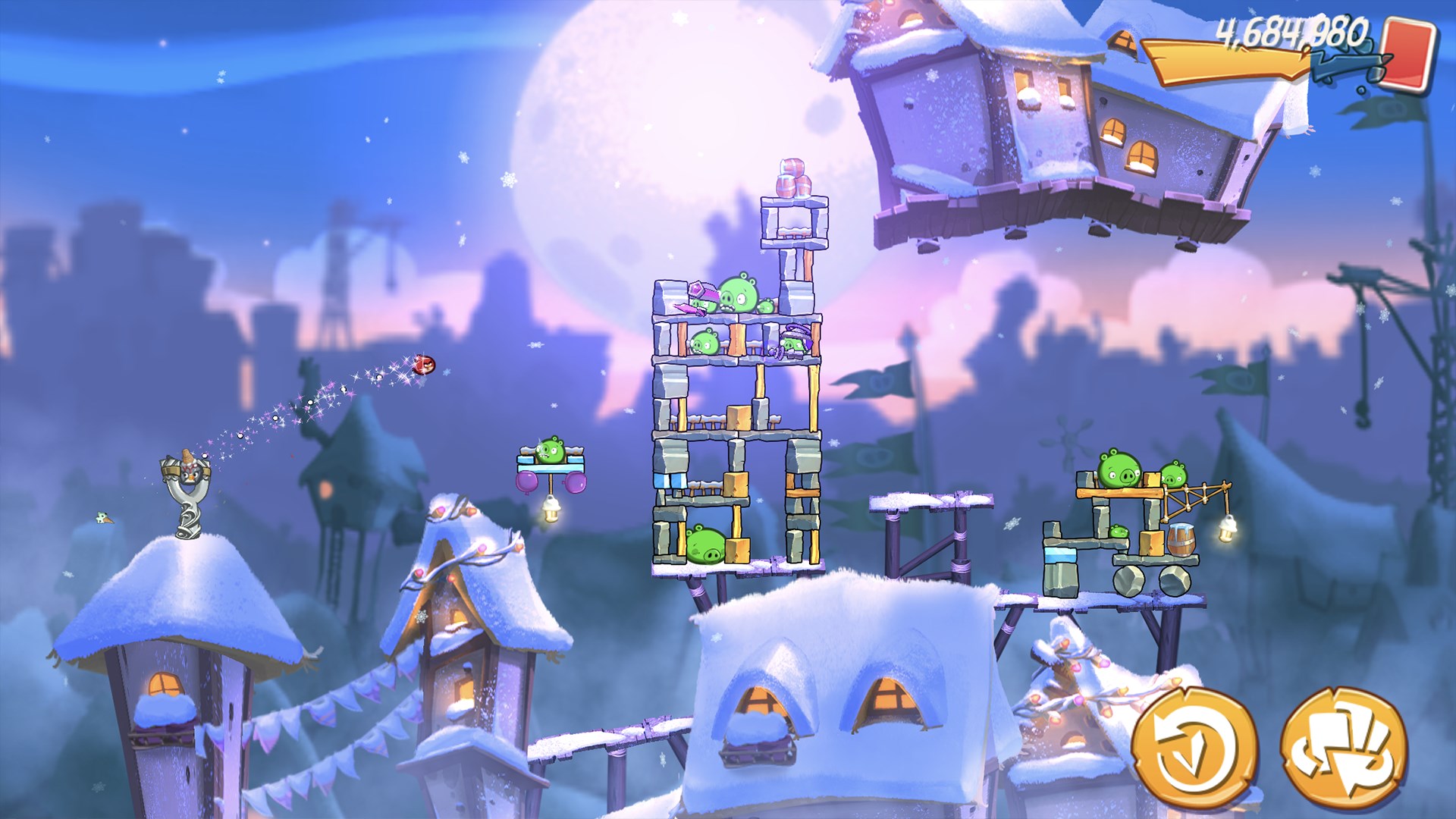
The core gameplay revolves around launching birds at structures to topple pig-driven contraptions. Each level is meticulously crafted, blending simple objectives with strategic depth. The introduction of multi-stage levels and dynamic obstacles keeps each attempt fresh, akin to solving an ever-evolving puzzle on a lively gameboard. The difficulty ramps up gradually, making it welcoming for newcomers yet challenging enough for seasoned players.
This game particularly shines with its innovative use of unique bird abilities—like splitting, bouncing, or explosive charges—that require players to think creatively. The upgrade system adds another layer of depth, letting players customize their birds' powers and appearances—think of it as tuning a favorite sports car for peak performance. This personalized aspect encourages strategic experimentation and longer engagement.
The interface boasts a vibrant, colorful design that's both charming and easy to navigate. The controls are fluid, with smooth animations that make aiming and shooting a natural experience, similar to shooting hoops in a friendly game. The game maintains excellent performance on mid-range systems, with no lag, ensuring a buttery-smooth experience. The learning curve is gentle; new players quickly grasp the mechanics, yet mastery takes finesse, rewarding dedicated players with a satisfying sense of achievement.
What truly sets Angry Birds 2 apart from its action and adventure peers is its blend of strategic depth and colorful casual charm. Unlike traditional puzzle games, it incorporates a dynamic, physics-based approach that feels interactive and lively. The inclusion of boss battles and multi-stage levels elevates it beyond simple matching or pattern recognition, offering a more immersive challenge. Moreover, its customization options and cross-device save functionality cater to long-term engagement, making it feel less like a puzzle game and more like a personal playground.
Overall, Angry Birds 2 for Windows is an engaging and polished title that strikes a commendable balance between accessible gameplay and strategic depth. Its vibrant visuals, fun mechanics, and innovative features—especially the bird abilities and multi-stage challenges—make it a standout choice among casual action puzzles. I would recommend this game to fans of puzzle and strategy genres, as well as newcomers looking for a game that's easy to pick up but difficult to master. For those seeking a lively, colorful game with layers of complexity, Angry Birds 2 is definitely worth a try—think of it as a delightful, explosive feast that keeps you coming back for more.
Engaging Gameplay
High-Quality Graphics
Frequent Updates
Intuitive Controls
In-App Purchases
Limited Offline Accessibility
Invasive Ads
High Battery Consumption
Occasional Level Repetition
In-App Purchase Pressure

for Windows
 5
5

for Windows
4.9

for Windows
4.8

for Windows
4.8

for Windows
4.8

for Windows
4.8

for Windows
4.8

for Windows
4.8

for Windows
4.8

for Windows
4.8

for Windows
4.8

for Windows
4.8

for Windows
5

for Windows
5

for Windows
5

for Windows
5

for Windows
5

for Windows
5

for Windows
5
for Windows
5

for Windows
5

for Windows
5