Music
Acoustic Scientists
PC, Mobile, Xbox console, Surface Hub, HoloLens
Windows 10 version 10240.0 or higher
English (United States)
Airyware Tuner for Windows, developed by Acoustic Scientists and published by Airyware, aims to bring professional-grade tuning capabilities directly to your PC, making instrument calibration a seamless and accurate experience. Whether you're a musician, music teacher, or audio enthusiast, this application promises to elevate your tuning accuracy through intelligent analysis and user-friendly design.
The developer behind Airyware Tuner is Acoustic Scientists, a dedicated team known for crafting tools that blend scientific precision with practical usability. Their focus lies in delivering accurate, reliable audio analysis applications that cater to both professional and hobbyist users. The publisher, Airyware, has established a reputation for producing innovative audio tools that are accessible through platforms like the Microsoft Store, ensuring broad accessibility and support.
Designed mainly for musicians, music educators, and audio engineers eager to refine their instrument's pitch and rhythm accuracy, Airyware Tuner provides a versatile platform that adapts to different expertise levels and musical contexts.
Imagine sitting in your cozy home studio or on stage, ready to perfect your guitar's intonation or double-check your violin's pitch. Airyware Tuner acts like a smart musical companion, transforming your PC into a precision tuning device. Its sleek interface and straightforward workflow make tuning feel almost like a dialogue with your instrument, instead of a chore. The app's real-time feedback feels akin to having a knowledgeable tuner standing right beside you, guiding every adjustment with clarity and confidence.
One of the standout features of Airyware Tuner is its aggressive pursuit of accuracy. Leveraging sophisticated algorithms, it minimizes latency and tolerates minor noise interference, ensuring the pitch detection remains reliable even in less-than-ideal environments. This is particularly beneficial for performers who need swift, dependable readings during live rehearsals or recordings. Compared to other tuners, it offers a notable edge in "test input latency tolerance," making real-time adjustments smooth and frustration-free.
Beyond static pitch detection, Airyware Tuner's ability to assess rhythm pattern variety sets it apart. It can analyze temporal consistency and rhythmic nuances, helping musicians align with complex timing structures. Imagine practicing a jazz improvisation or mastering intricate percussion patterns—this feature gives you detailed insights into your timing accuracy, which most standard tuners overlook. Such depth makes this app a truly differentiated tool in the crowded audio analysis space.
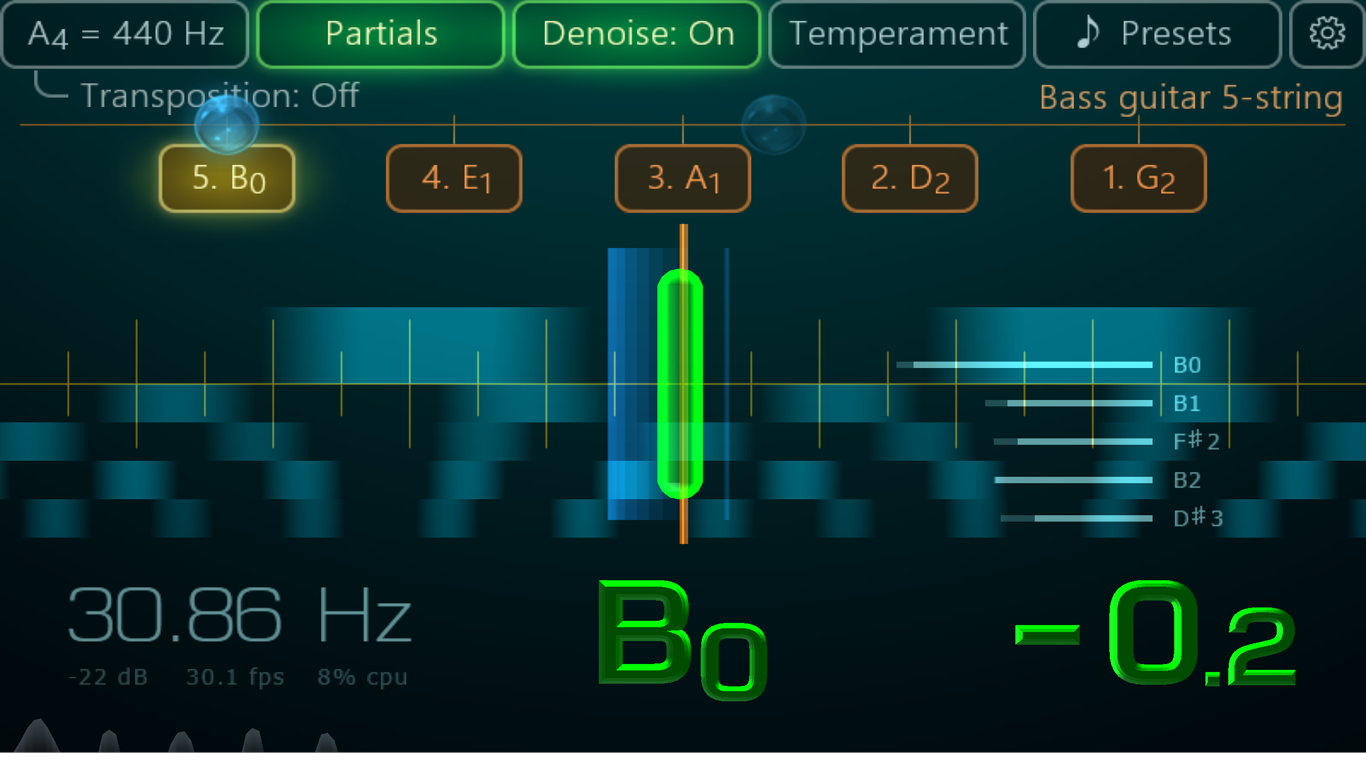
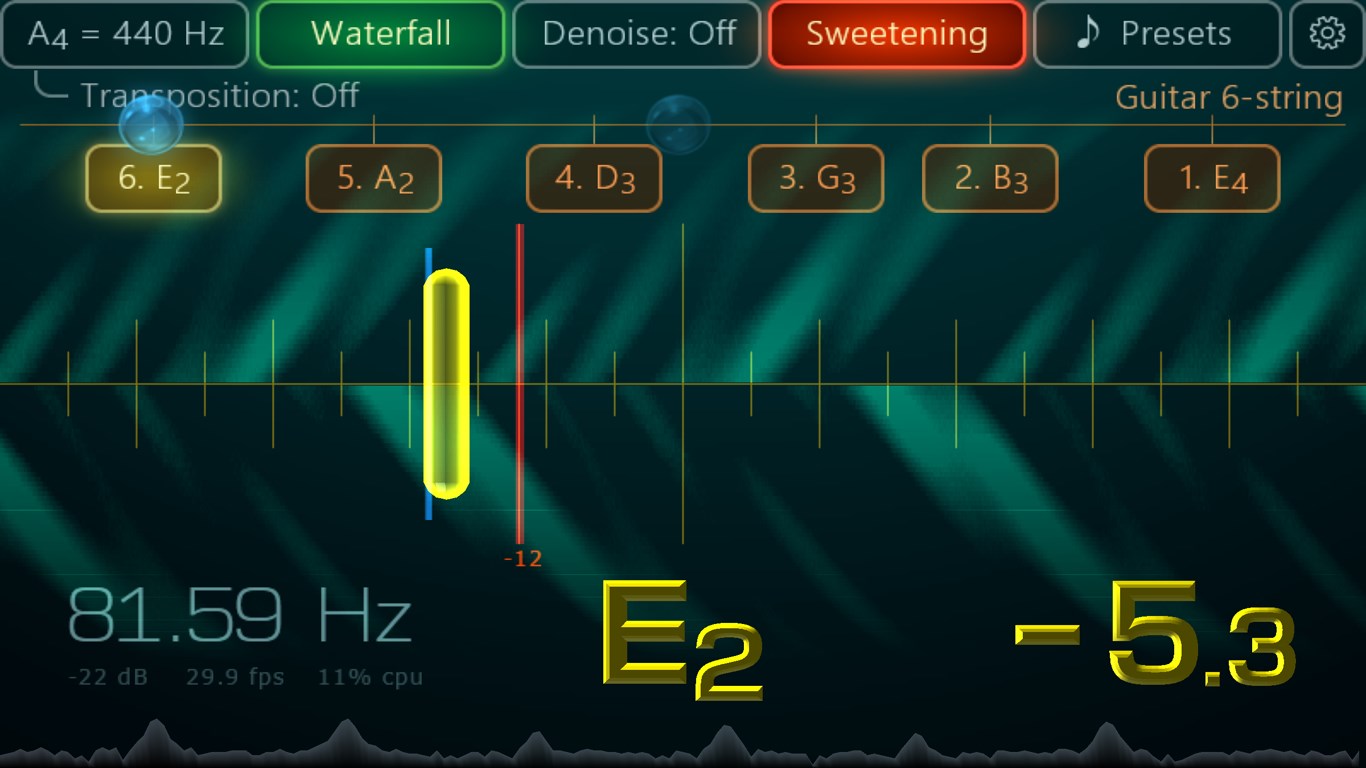
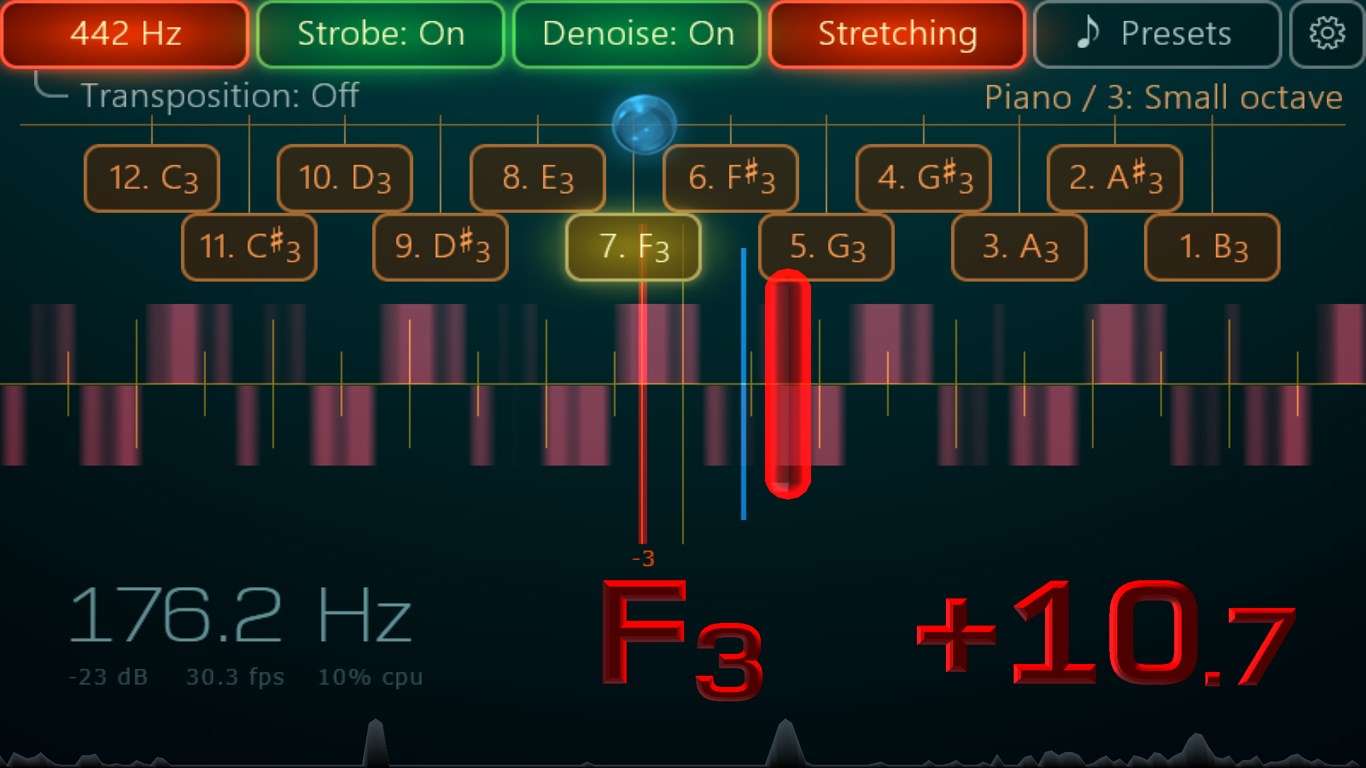
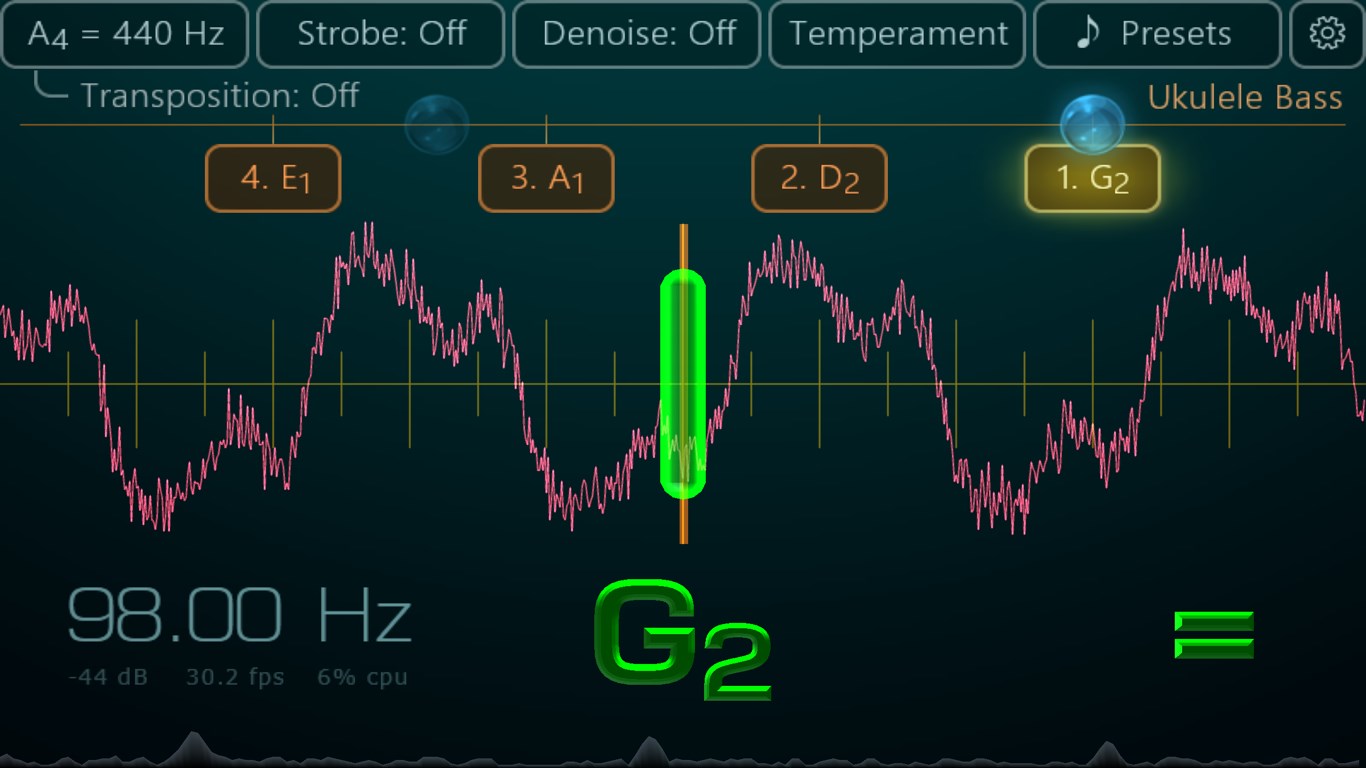
The interface is intuitively designed, with clear visual indicators that simplify the tuning process. Navigating between settings or tuning modes feels seamless, akin to flipping through a well-organized toolbox. The app's responsiveness and fluid interaction contribute to a positive user experience, even for those new to digital tuning tools. The learning curve is gentle; most users can become proficient within minutes, thanks to straightforward instructions and helpful prompts.
Considering its precise detection, rhythm assessment, and user-friendly interface, Airyware Tuner for Windows stands out among comparable music tuning applications. Its unique ability to evaluate both pitch accuracy and rhythmic pattern variation makes it a valuable tool not just for tuning, but also for honing overall musical performance. It's especially recommended for musicians who value detailed feedback and consistency, whether in practice or live settings.
In conclusion, if you're looking for a reliable, insightful, and easy-to-use tuner that goes beyond basic pitch detection, Airyware Tuner is worth trying. It turns your computer into a professional tuning assistant, helping you sound your best every time you play.
Accurate pitch detection
User-friendly interface
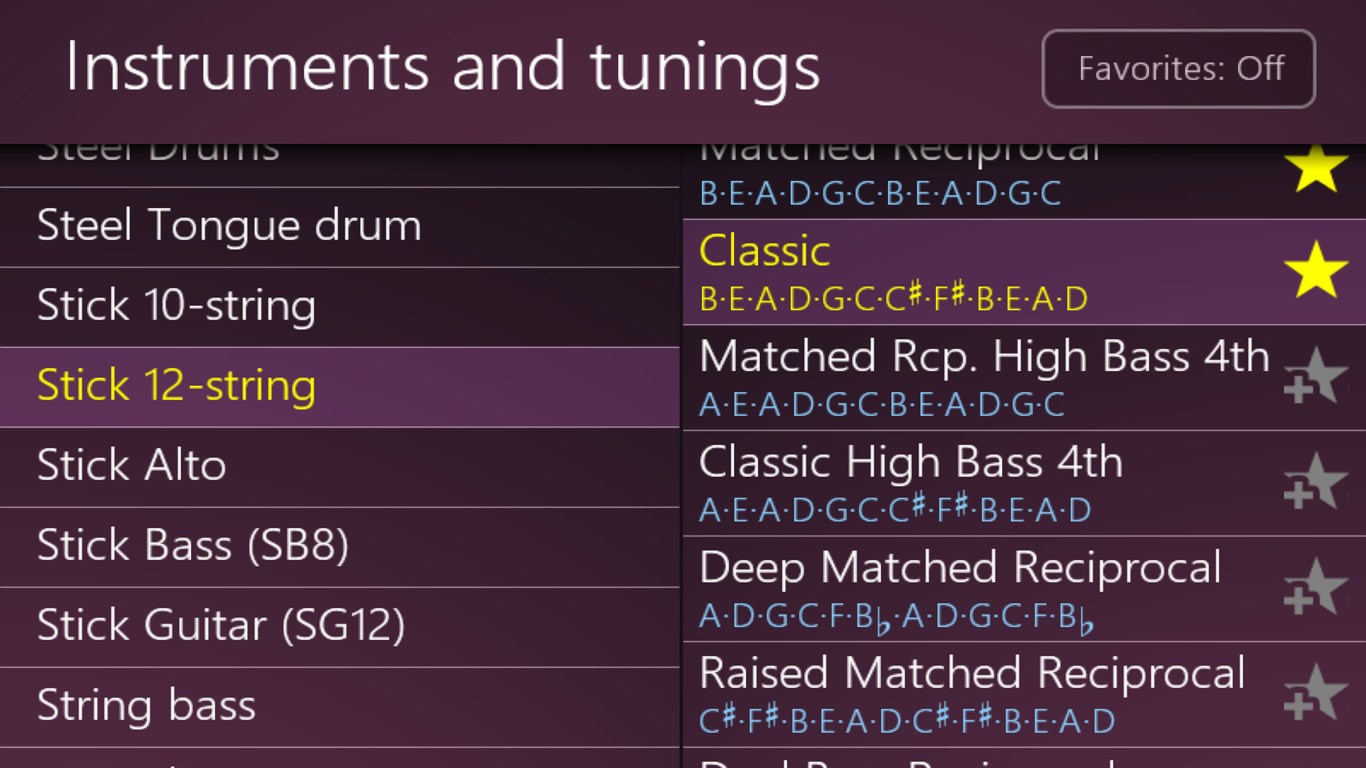
Supports multiple instruments
Real-time feedback
Lightweight and fast
Limited advanced features
Occasional connectivity issues
No built-in metronome
Limited customization options
Help and tutorial resources are basic
for Windows
 4.9
4.9

for Windows
4.9

for Windows
4.8

for Windows
4.8

for Windows
4.7

for Windows
4.7

for Windows
4.6

for Windows
4.6

for Windows
4.5

for Windows
4.5

for Windows
4.5

for Windows
4.5

for Windows
5

for Windows
5

for Windows
5

for Windows
5

for Windows
5

for Windows
5

for Windows
5

for Windows
5

for Windows
5

for Windows
5