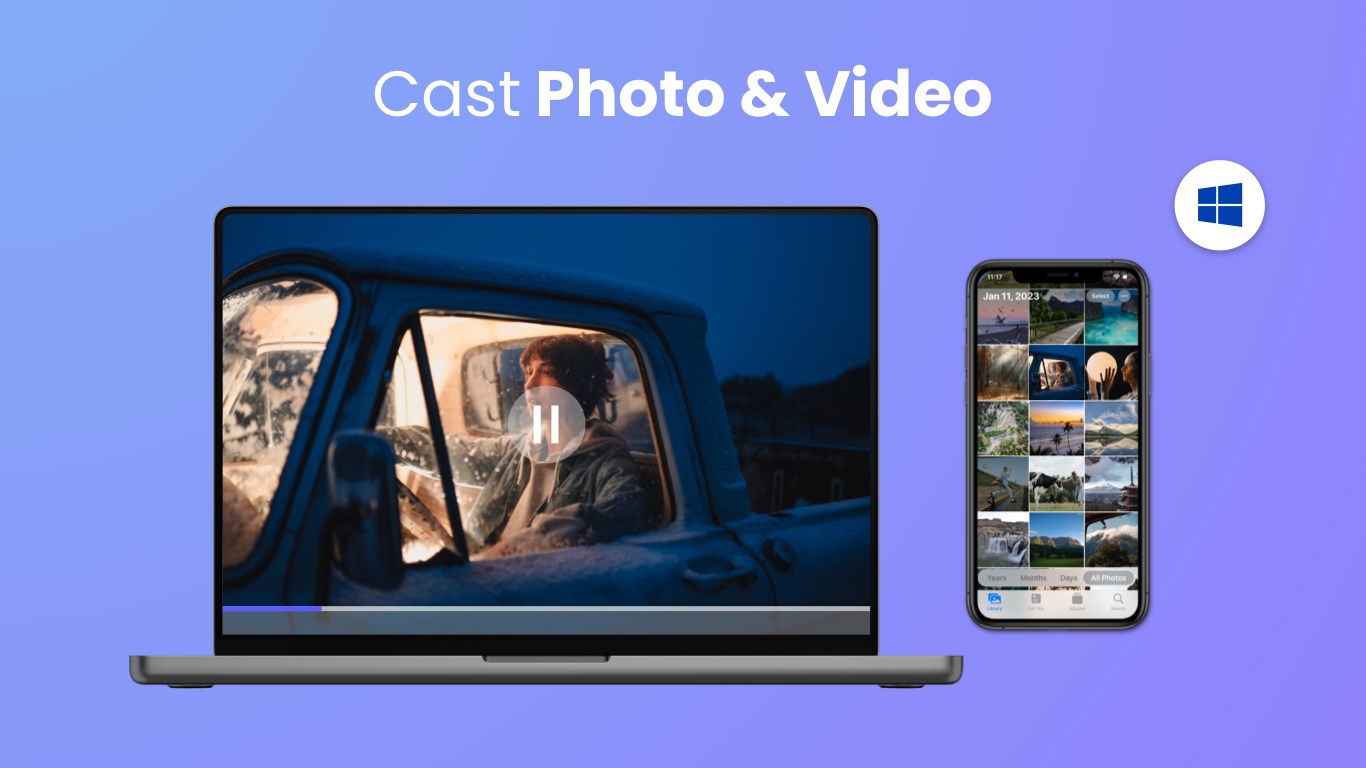
Photo & video
Chengdu BoostVision Technology Co., Ltd
PC
Windows 10 version 17763.0 or higher
Chinese (Simplified), Chinese (Traditional Chinese), English, French, German, Japanese, Portuguese, Spanish
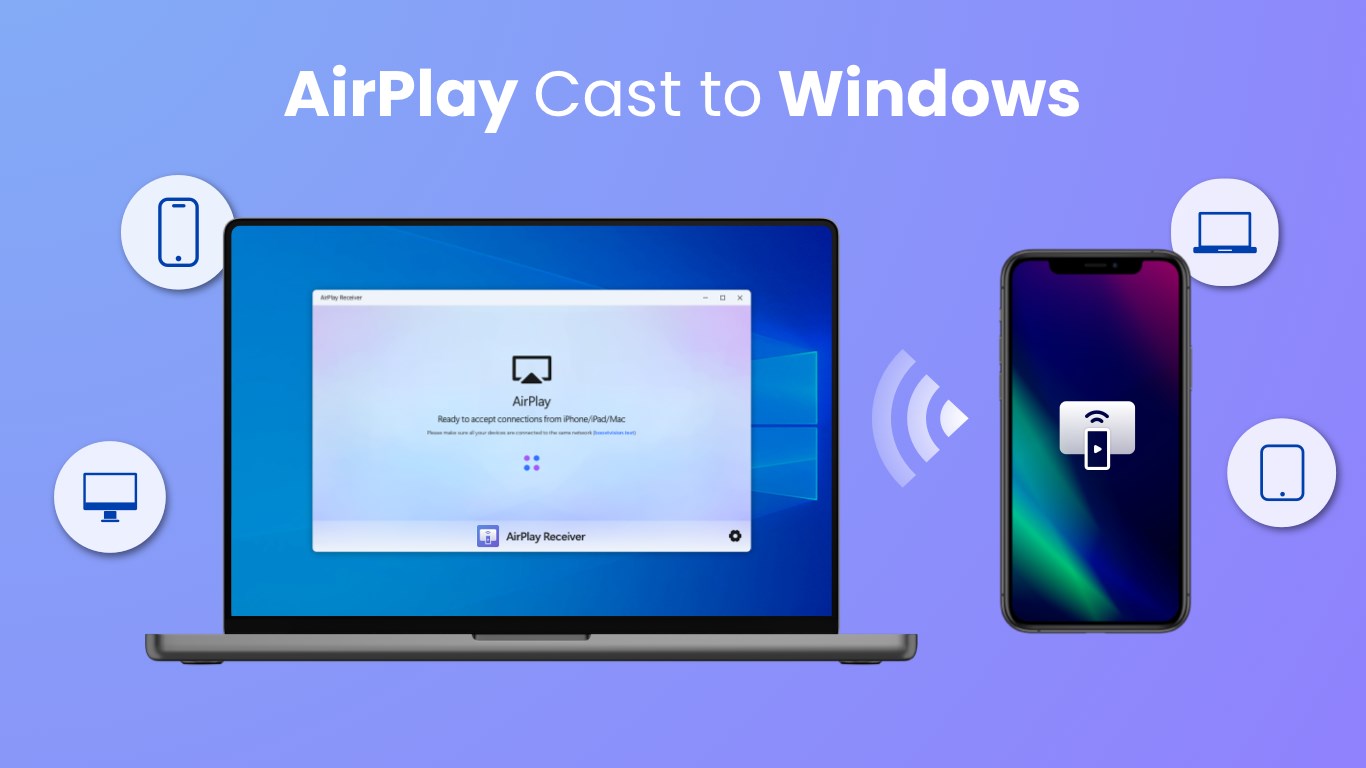
AirMirroring - Screen Mirroring & Cast for Windows is a versatile screen sharing tool that transforms your Windows device into a powerful media hub, allowing you to cast content effortlessly to various screens. Developed by Chengdu BoostVision Technology Co., Ltd., this application aims to bridge your devices smoothly with state-of-the-art mirroring capabilities, ideal for presentations, entertainment, or remote collaboration.
The target users include professionals needing quick screen sharing during meetings, educators delivering interactive lessons, and entertainment enthusiasts streaming content effortlessly to bigger displays.
Imagine sitting in a cozy conference room or your living room, looking to showcase your latest presentation or favorite video on a larger screen. AirMirroring simplifies this experience—the miracle of wirelessly projecting your Windows screen feels as natural as flipping the switch on a lamp. Its setup process is straightforward enough for tech novices yet robust enough for power users, making your transition into screen casting smooth and hassle-free. The app's flow is thoughtfully designed, with clear instructions guiding you from installation to casting, avoiding any confusing detours.
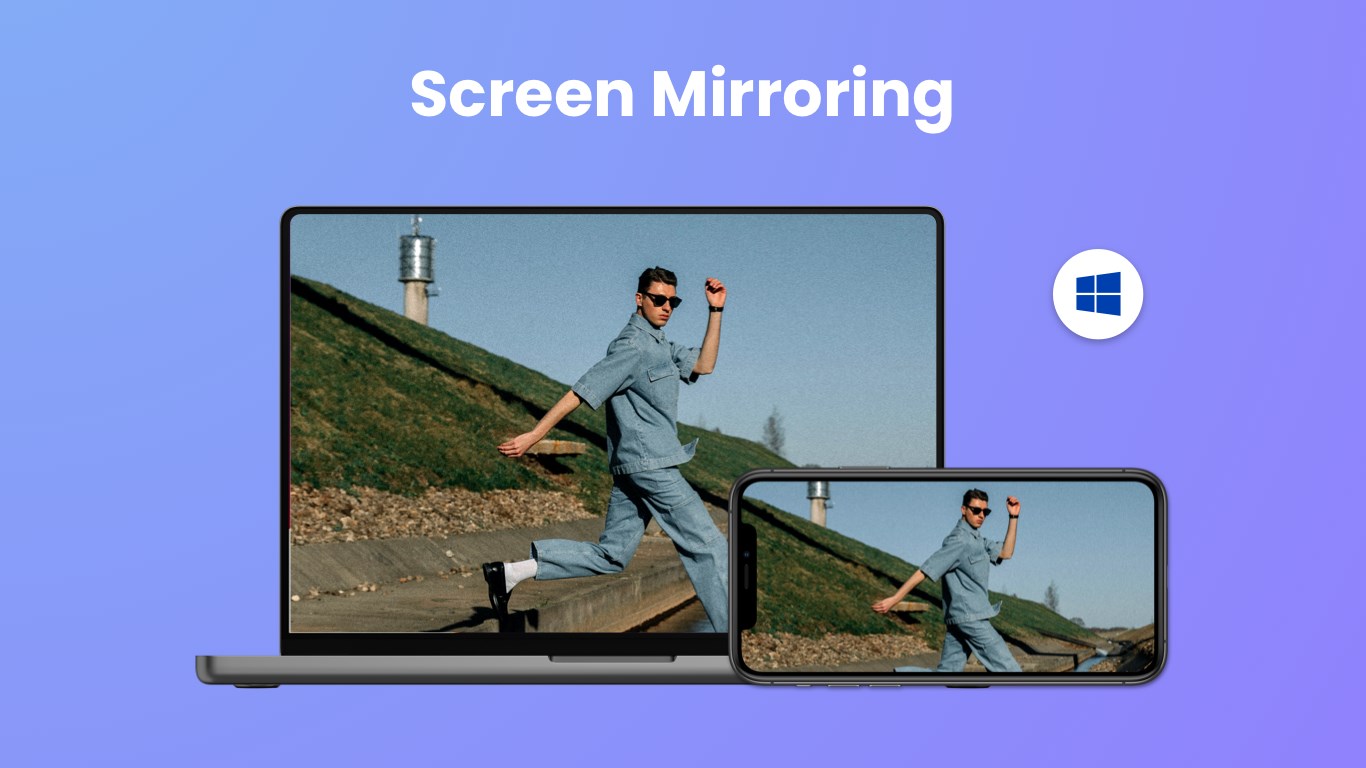
The standout feature here is its ability to mirror your Windows display onto external screens seamlessly. Once connected, the app provides real-time, lag-free transmission that feels almost like magic—your screen contents appear on the bigger display as if by telepathy. Whether you're streaming a presentation or sharing photos, the clarity and stability are impressive, especially considering the wireless transmission constraints. This functionality is especially useful in business or educational settings, where live demonstrations are needed without the clutter of cables.
AirMirroring isn't just about mirroring—it offers a suite of adjustable settings, allowing users to optimize the viewing experience. Adjust resolution, aspect ratio, or toggle between mirrored and extended display modes. Such flexibility makes it adaptable for various scenarios, from high-resolution media playback to simple screen previews. The app's controls are unobtrusive but accessible, empowering users to fine-tune their sessions without overwhelm.
Supporting multiple device types and casting scenarios, AirMirroring proves to be a reliable companion for those who need versatility. Its stability over Wi-Fi connections minimizes interruptions, a critical factor when delivering important content. The app also intelligently detects compatible devices within the network, reducing setup time and making the whole process feel almost automatic.
The interface of AirMirroring strikes a fine balance between simplicity and functionality—clean icons, logical menu layout, and minimal steps to start casting. Navigation is smooth, and the learning curve is gentle, ensuring even first-time users can get up to speed quickly. Compared to similar applications, its standout feature is its stability combined with high-quality video output, making it a preferred choice for serious users who value consistency over flashy gimmicks.
Unlike many competitors that may offer basic mirroring with occasional lag, AirMirroring emphasizes a stable, high-performance experience. Its ability to handle multiple device types and its straightforward setup process gives it a distinct edge, turning what could be a cumbersome task into a simple tap-and-cast routine.
Based on the evaluation, I would recommend AirMirroring for users seeking a reliable, easy-to-use screen casting solution on Windows. Its particularly strong points are stable performance and user-oriented controls—making it suitable for professional presentations, classroom teaching, or casual media sharing. As long as your Wi-Fi connection is solid, you'll likely find this app a trustworthy companion for all your casting needs.
In summary, AirMirroring provides an effective balance of quality, simplicity, and adaptability, earning a solid spot in the toolkit of anyone frequently working with screen sharing. Give it a try if you're looking for a hassle-free way to project your Windows content wirelessly with confidence.
User-friendly interface
Wide device compatibility
High-quality streaming
Easy connection setup
Supports multiple casting options
Occasional connectivity interruptions
Limited customization options
Sound occasionally lags behind video
Performance may vary across devices
Limited free features

for Windows
 5
5

for Windows
4.9

for Windows
4.8

for Windows
4.8

for Windows
4.8

for Windows
4.7

for Windows
4.7

for Windows
4.7

for Windows
4.7

for Windows
4.7
for Windows
4.7

for Windows
4.7

for Windows
5

for Windows
5

for Windows
5

for Windows
5

for Windows
5

for Windows
5

for Windows
5

for Windows
5

for Windows
5

for Windows
5