Racing & flying
Xombat Development
PC, Mobile, Surface Hub, HoloLens
Windows 10 version 17763.0 or higher
Version 9
2 GB
Not specified
English (United States)
Stepping into the shoes of an airline tycoon, Airline Manager offers a compelling blend of management strategy and immersive simulation, perfect for aviation enthusiasts and aspiring business moguls alike.
Developed by Xombat Development and published by Trophy Games ApS, this application aims to deliver a realistic airline management experience optimized for Windows users. Its standout features include comprehensive route planning, fleet customization, and financial management tools, all woven into a user-friendly interface. Designed to appeal to both casual players and dedicated simulation fans, its intuitive controls make complex operations approachable even for newcomers.
Imagine stepping into an airport terminal with the hum of activity all around, but instead of passengers and luggage, you're orchestrating a global airline empire. From the first click, Airline Manager draws you into a world where every decision can elevate your airline to the skies or send it crashing to the ground. Its colorful yet sleek interface makes navigation a breeze, inviting players to delve into a simulation that feels both challenging and rewarding. Think of it as arranging a symphony where each aircraft, route, and financial detail must harmonize perfectly—you're the conductor.
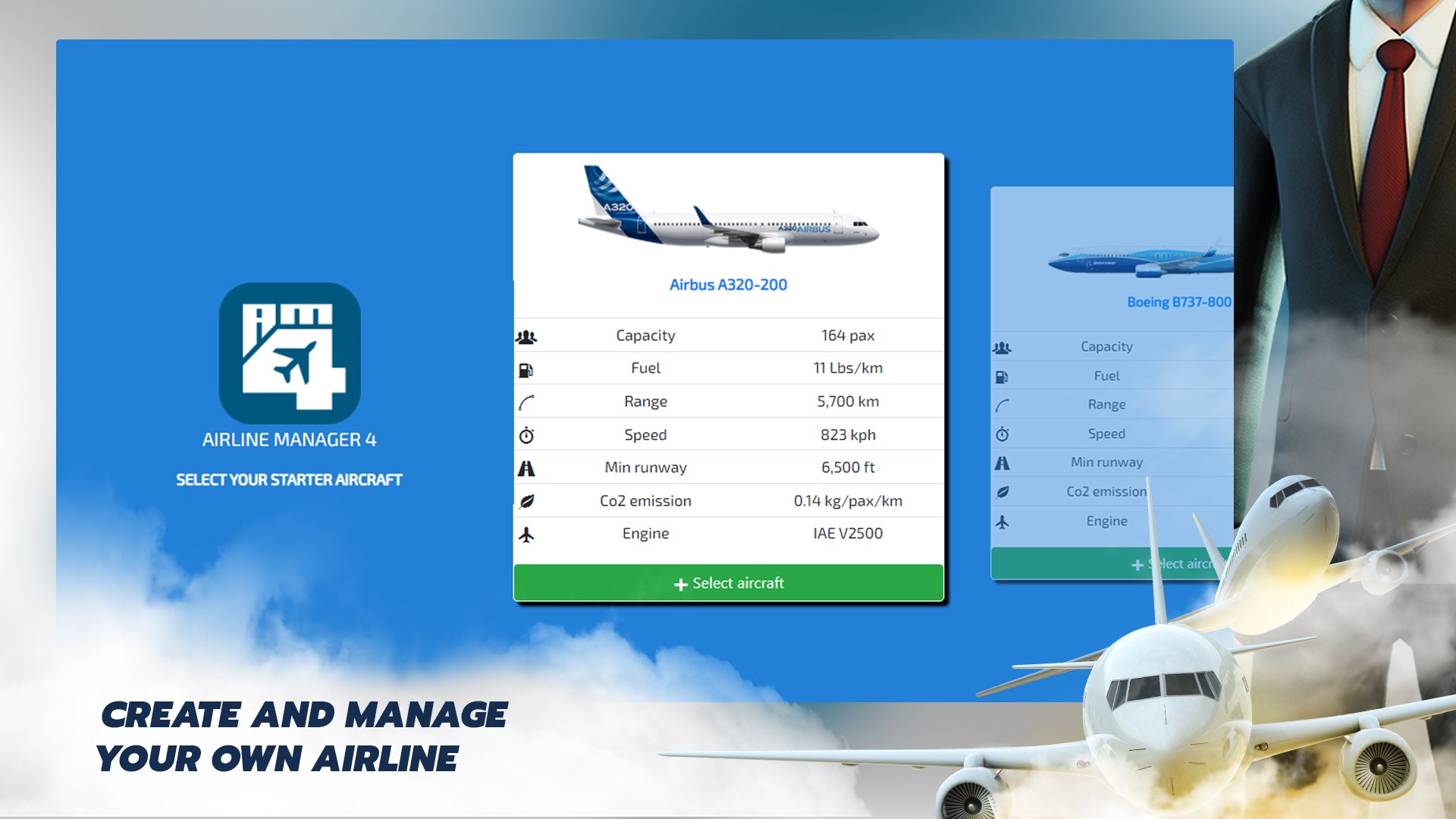
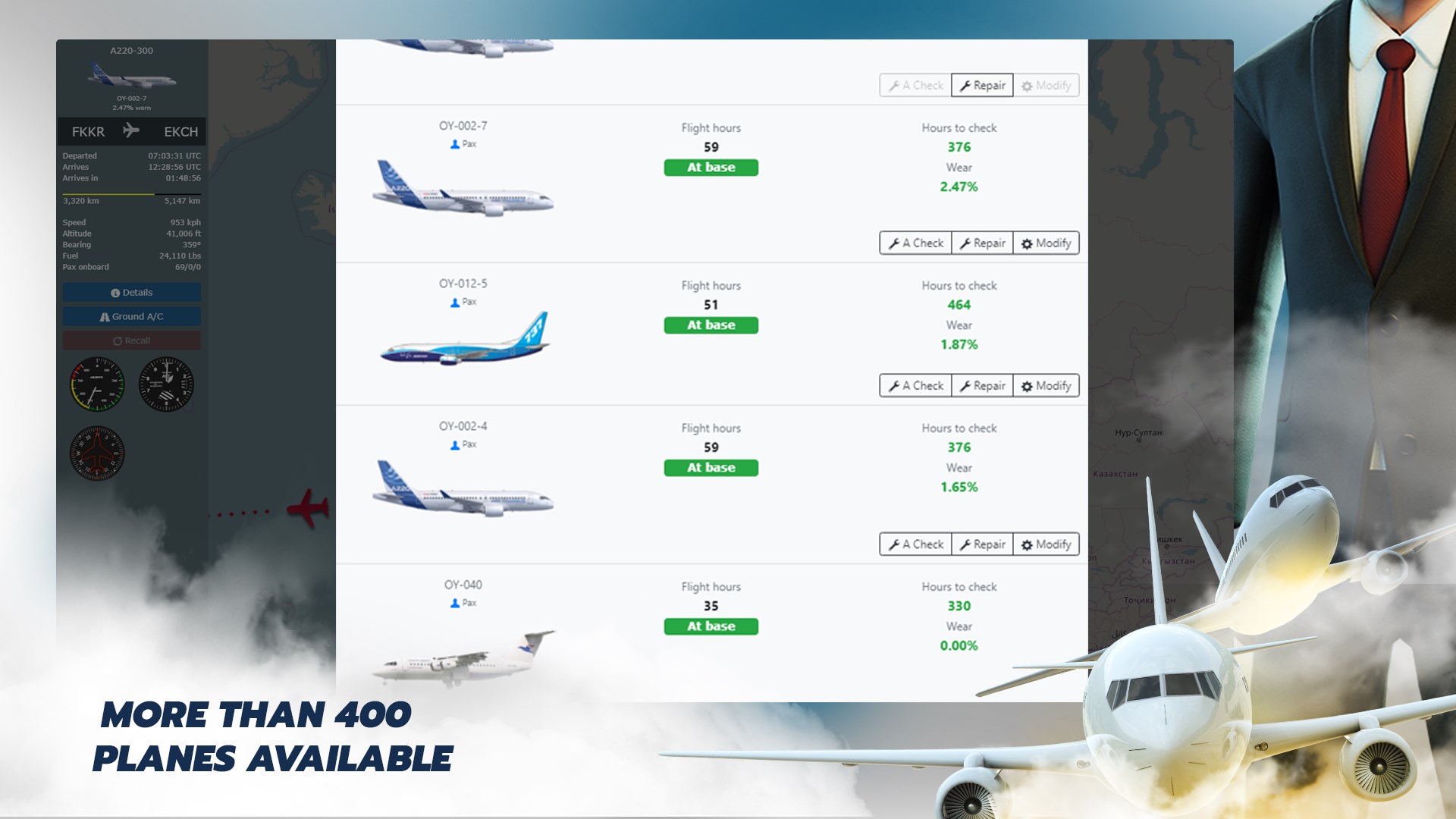
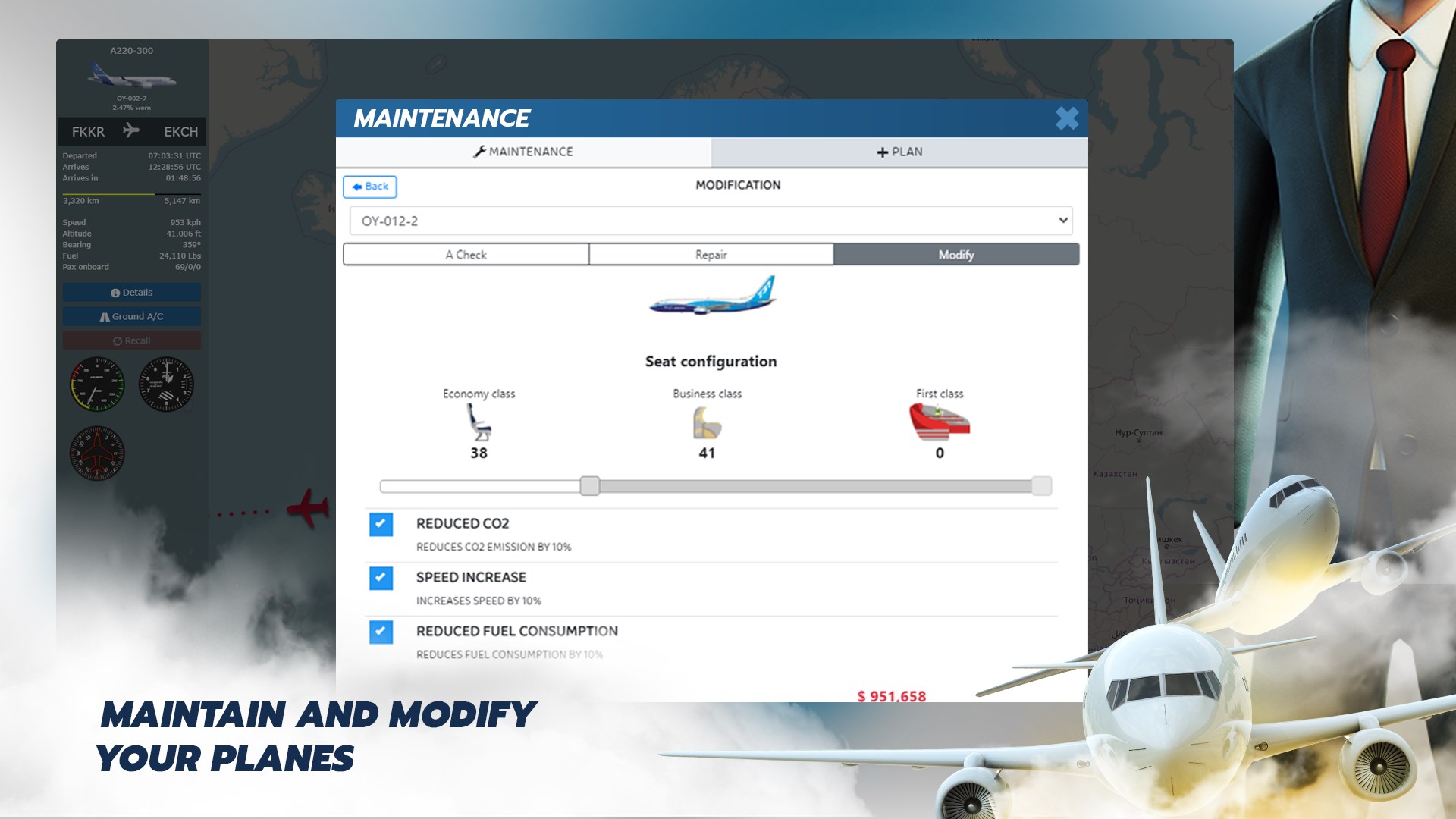
The core gameplay revolves around designing efficient routes and managing your fleet. Airline Manager excels here by providing a detailed map interface where players can visualize their network in real-time. You can select airports around the world, consider factors like passenger demand and competition, and then assign aircraft accordingly. The fleet management system is particularly notable for its depth—players can customize plane models, upgrade engines, and manage maintenance schedules, akin to fine-tuning a fleet of racing cars for optimal speed and endurance. This level of granularity allows for strategic planning that can significantly impact profitability and growth.
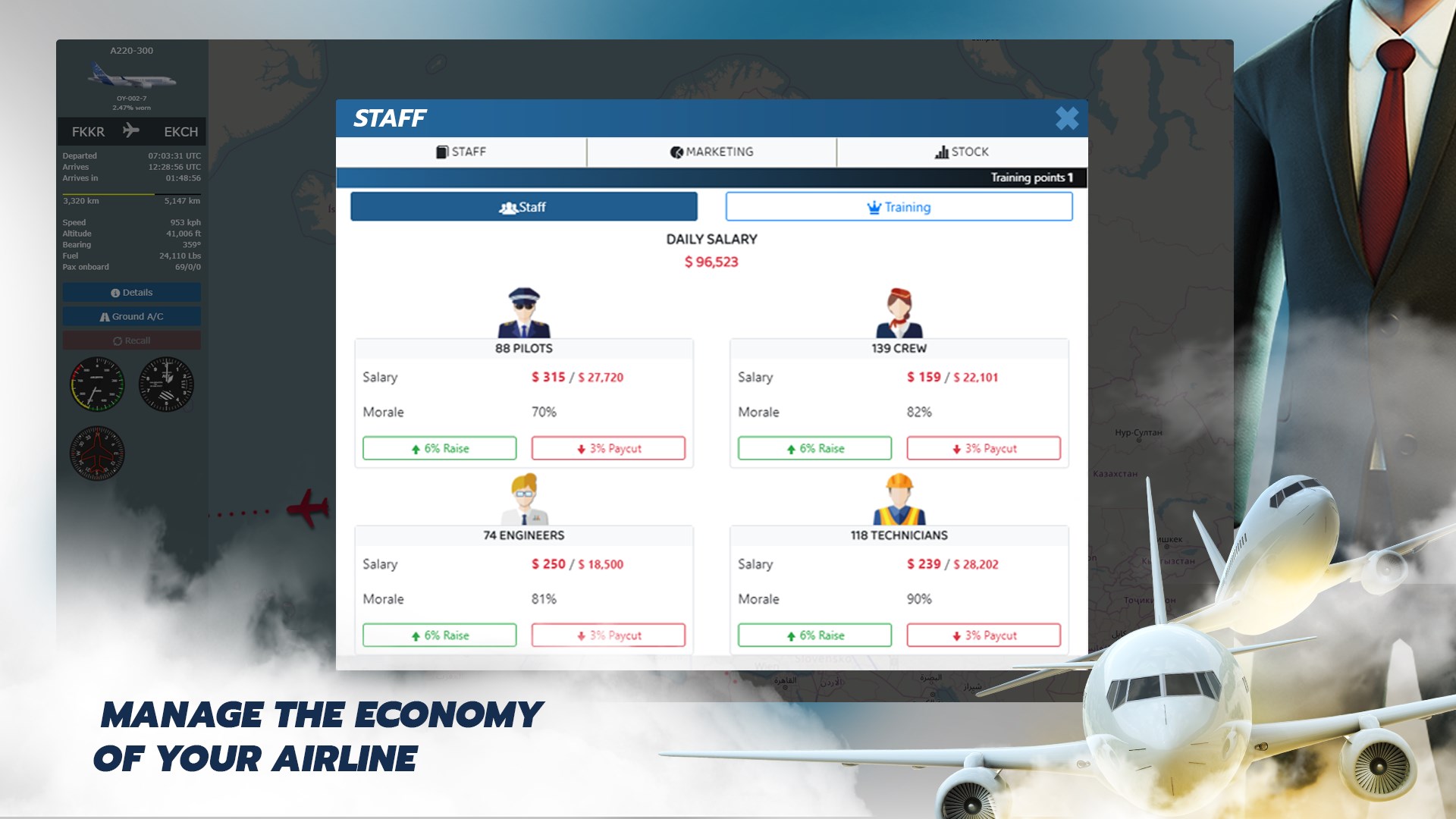
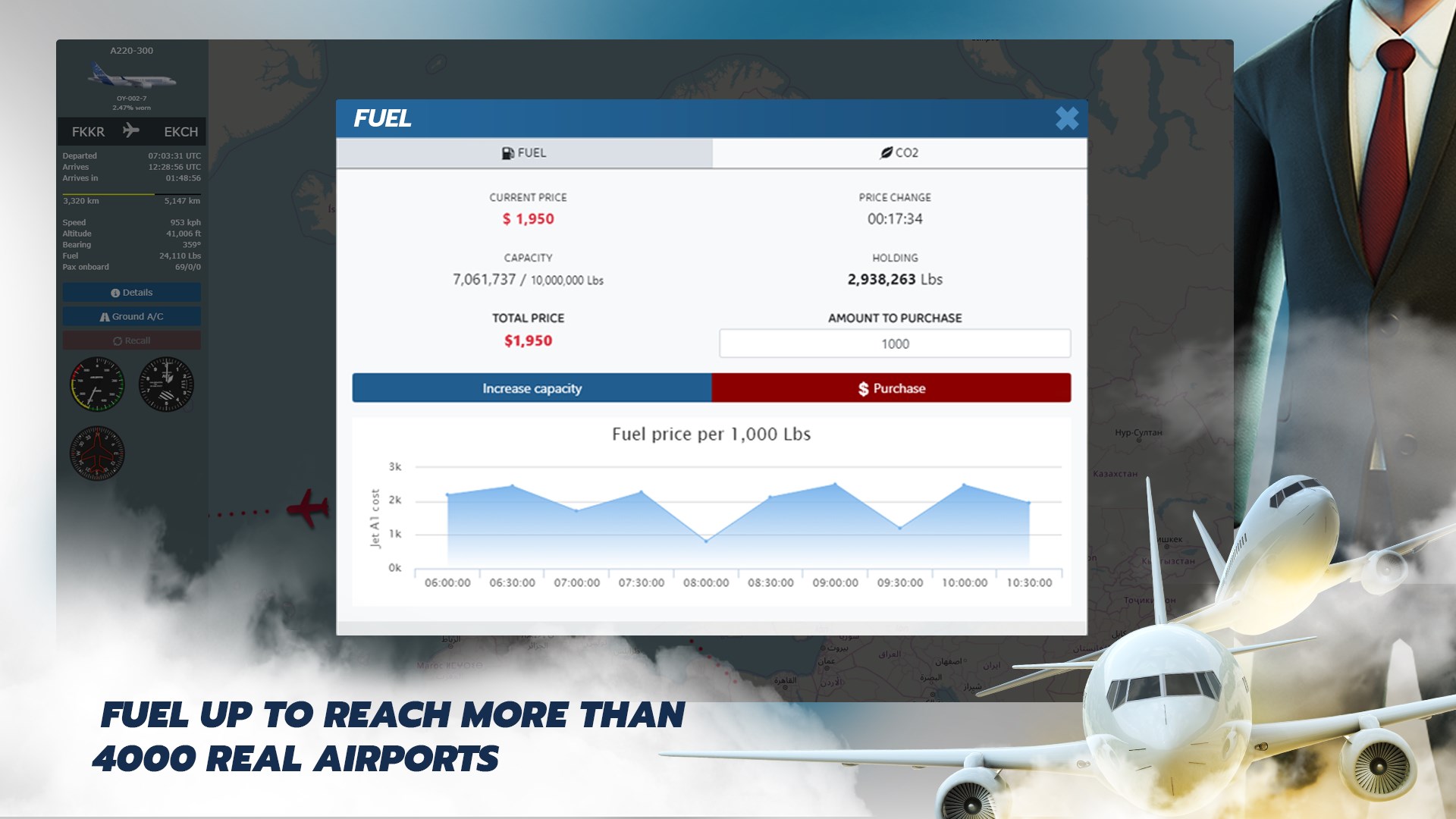
Beyond just flying planes, the game emphasizes the financial backbone of running an airline. Balancing ticket prices, fuel costs, staffing, and airport fees creates a complex puzzle that keeps players engaged. The financial dashboard provides real-time insights, making it easier to adjust strategies on the fly. What sets Airline Manager apart is its realistic economic simulation—think of it as running a stock market for airlines, where careful investments and strategic route expansions can multiply your profits while missteps can lead to losses. The game encourages players to think like entrepreneurs, integrating operational choices with financial outcomes seamlessly.
The user interface strikes a great balance—clean, colorful, and intuitive, it reduces the learning curve without sacrificing depth. Controls are smooth; menus respond swiftly, and the overall flow feels natural, akin to a well-orchestrated airline schedule. Compared to other racing and flying simulations that often focus solely on piloting skills, Airline Manager places greater emphasis on strategic management, making it stand out. Its unique selling point lies in its holistic approach—integrating route planning, fleet customization, and financial management—crafting a comprehensive airline simulation experience that feels both realistic and deeply engaging.
If you enjoy simulations that challenge your strategic thinking and love the idea of building an airline empire from scratch, Airline Manager is a solid choice. It's particularly suitable for players who appreciate detailed management and economic decision-making. However, those seeking high-speed action or arcade-style flying might find this more laid-back and strategic than adrenaline-fueled. Overall, I'd recommend giving it a try, especially if you enjoy simulation games that blend management with a touch of realism.
Intuitive User Interface
Realistic Airline Management
Progressive Unlocks
Performance Optimization
Regular Updates
Limited Tutorial Guidance
Occasional In-App Purchases
Minor Graphical Glitches
Limited Community Interaction
Battery Consumption

for Windows
 4.8
4.8

for Windows
4.8

for Windows
4.7

for Windows
4.7

for Windows
4.6

for Windows
4.6

for Windows
4.6

for Windows
4.5

for Windows
4.3

for Windows
4.2

for Windows
4.2
for Windows
4.2

for Windows
5

for Windows
5

for Windows
5

for Windows
5

for Windows
5

for Windows
5

for Windows
5

for Windows
5

for Windows
5

for Windows
5