Security
IObit
PC
Windows 10 version 0.0 or higher
Arabic, Bulgarian, Chinese (Simplified), Chinese (Traditional Chinese), Croatian, Czech, Danish, Dutch, English, Finnish, French, Georgian, German, Greek, Hebrew, Hungarian, Indonesian, Italian, Japanese, Korean, Malay, Norwegian, Polish, Portuguese (Brazil), Portuguese (Portugal), Romanian, Russian, Serbian (Cyrillic), Serbian (Latin), Slovak, Slovenian, Spanish, Swedish, Turkish, Ukrainian, Vietnamese
Designed to streamline your PC's performance while ensuring robust security, Advanced SystemCare Ultimate combines system optimization and antivirus protection into one handy package. Developed by IObit, this tool aims to be the go-to solution for users seeking both speed and safety without juggling multiple apps.
Developed and published by IObit, a well-respected name in the system utility industry, Advanced SystemCare Ultimate benefits from years of experience in enhancing and safeguarding Windows PCs. Both Talent International Limited, the publisher, and IObit bring a wealth of expertise, ensuring reliable updates and a user-focused approach.
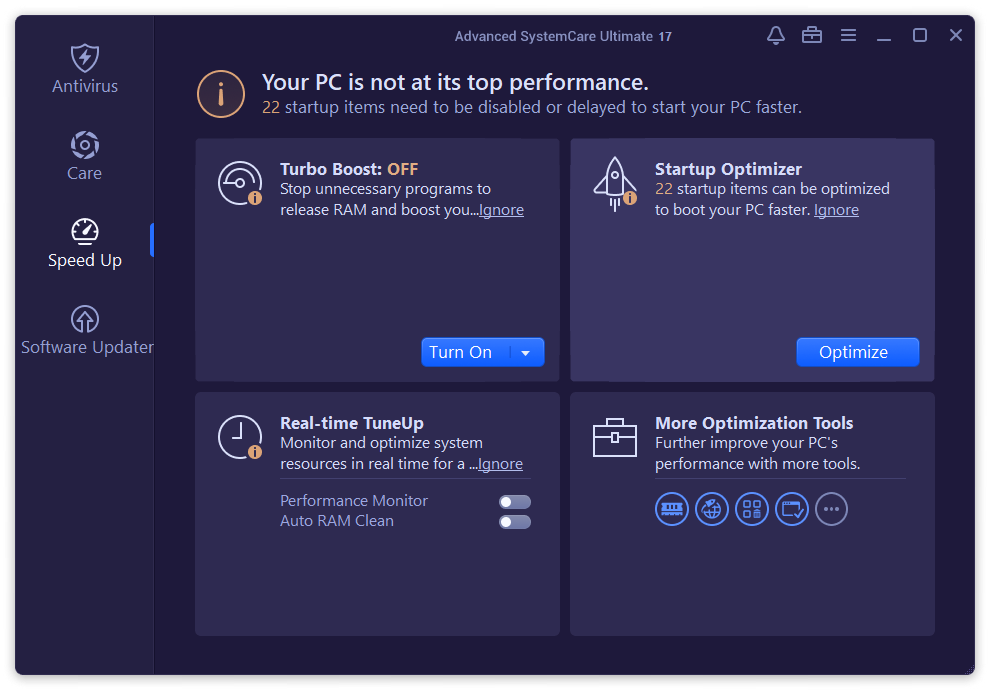
Imagine your Windows PC as a diligent but slightly sluggish car. Advanced SystemCare Ultimate acts as a turbo boost and security patrol, ensuring your machine not only runs faster but also stays protected against unseen threats. It's akin to having a personal mechanic who doubles as a security guard—worry-free and efficient.
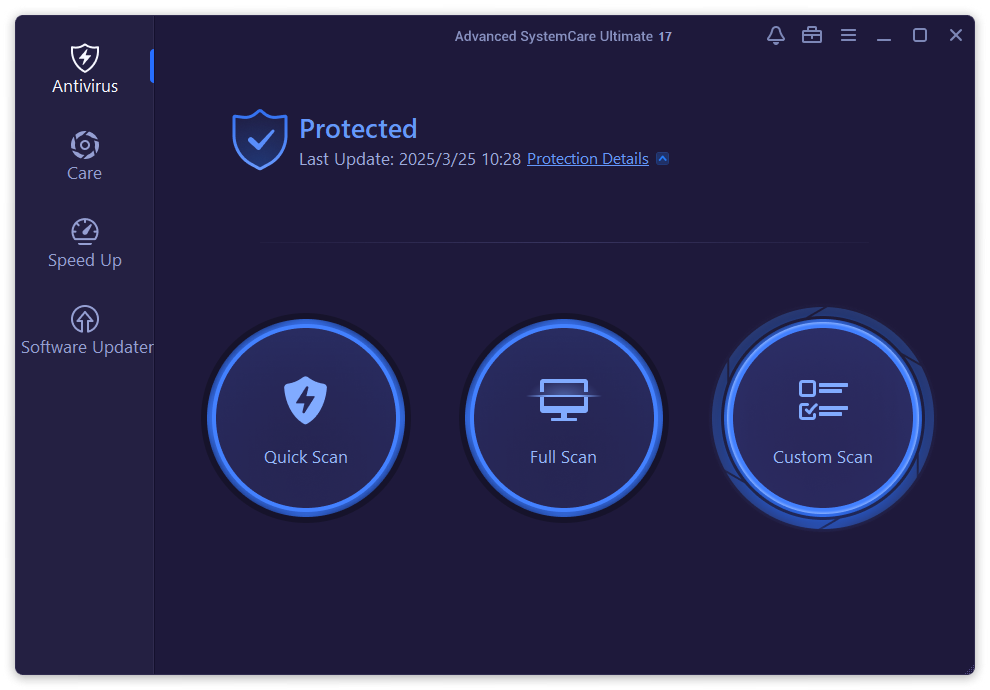
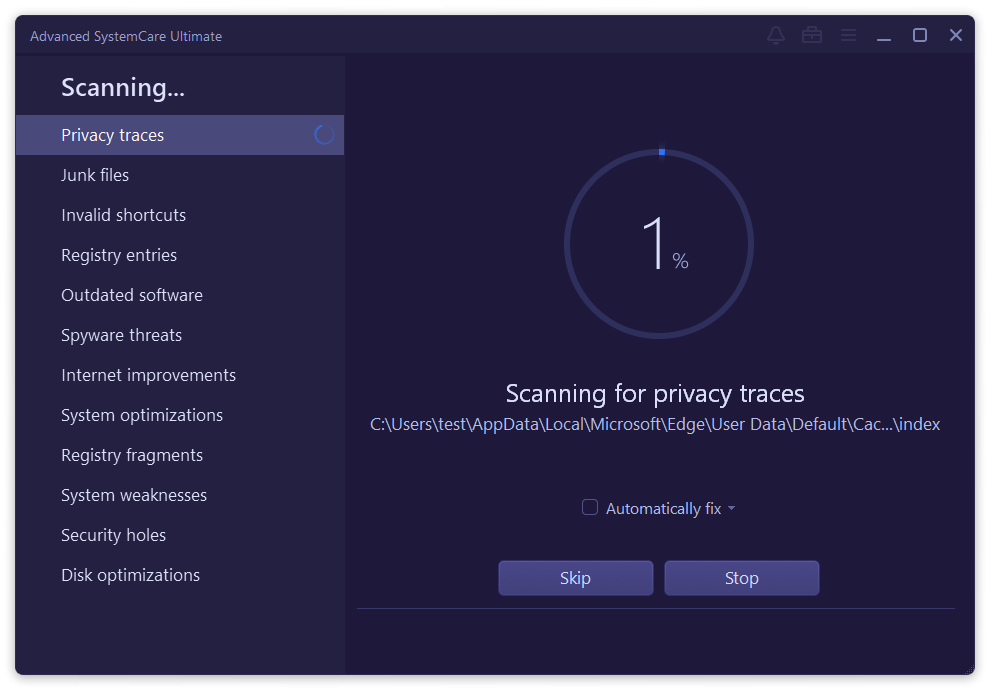
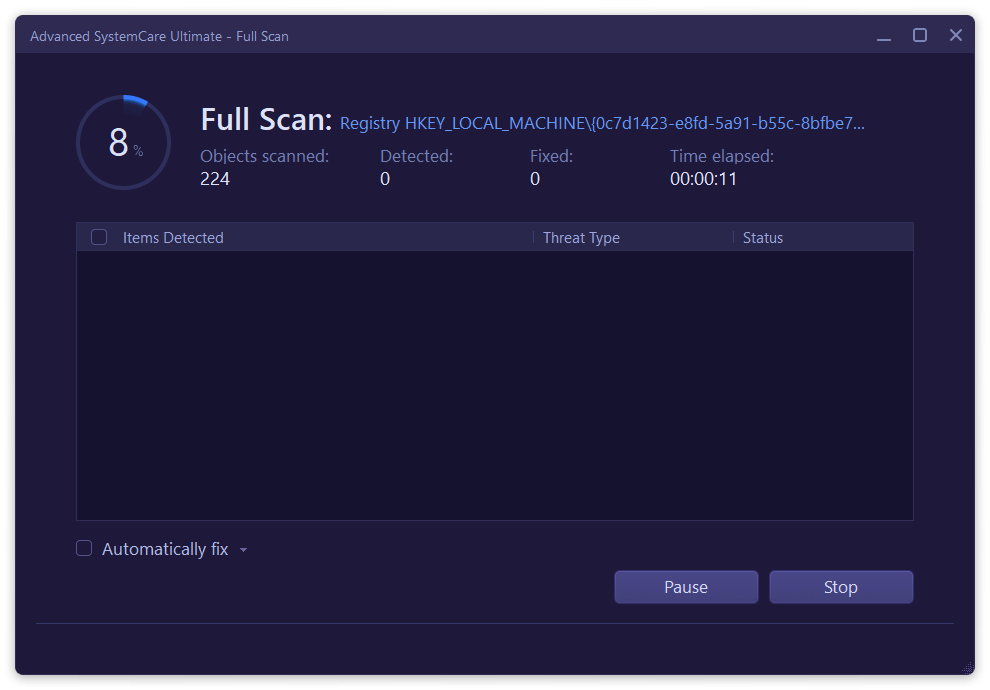
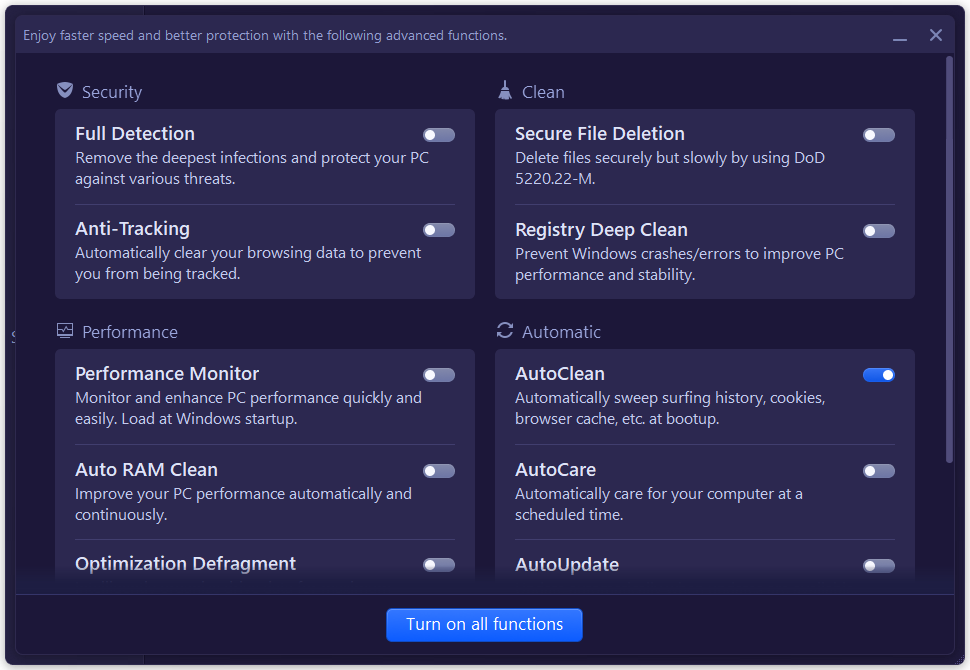
The core appeal of Advanced SystemCare Ultimate lies in its dual capacity to optimize and secure. The cleanup module intelligently detects and removes unnecessary files, residual registry entries, and potential privacy leaks—much like decluttering your workspace for better efficiency. Meanwhile, its integrated antivirus engine offers real-time protection, scanning downloads, or unexpected pop-ups, alerting you as if a vigilant security guard is on 24/7 patrol.
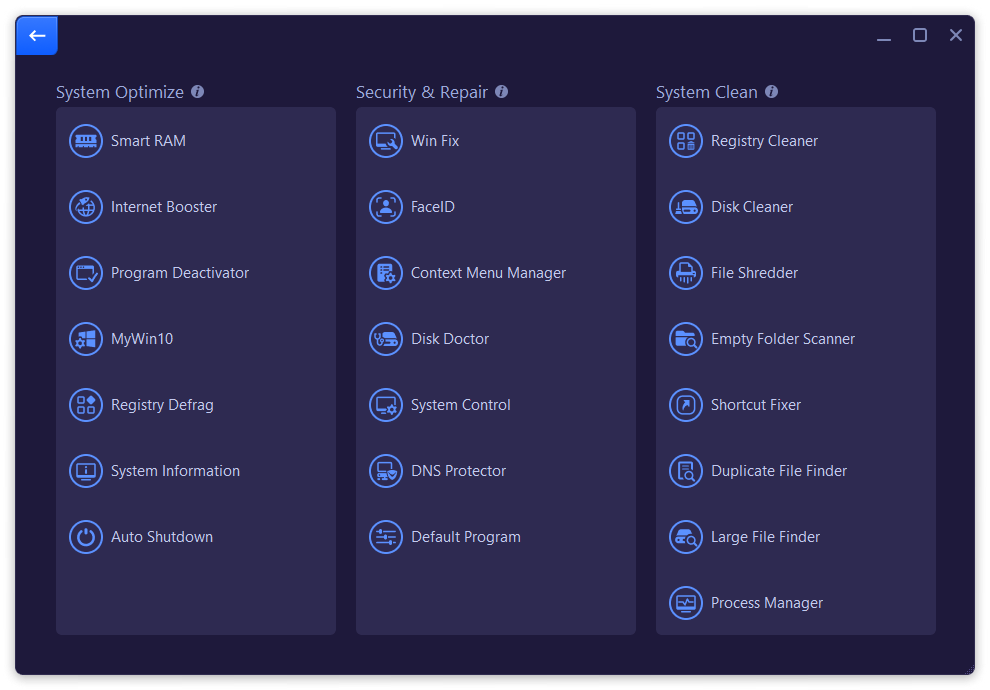
The interface adopts a clean, modern look—think of it as a well-organized digital dashboard. The layout is user-friendly, making navigation feel like flipping through a well-laid map rather than decoding a complex maze. Operation flows effortlessly; even a computer novice can initiate a system scan or security check with a single click. The learning curve is gentle, providing an accessible experience for casual users while offering advanced tools for power users.
Compared to other security suites, Advanced SystemCare Ultimate stands out by seamlessly integrating optimized performance tools directly with security features—saving users from the hassle of multiple apps. Its standout feature is the “Deep Cleanup” combined with "Real-time Antivirus," a powerful duo that works in harmony to keep your PC not just protected but also peak performing. Moreover, its AI-driven detection updates aim for fewer false positives—a significant edge over some competitors that tend to cry wolf too often.
All in all, Advanced SystemCare Ultimate presents a trustworthy and user-friendly package that caters to users looking for an all-in-one PC maintenance and protection tool. It's especially suited for those who prefer simplicity without sacrificing depth—think of it as a Swiss Army knife for your Windows system. I'd recommend giving it a try if you want a lightweight but effective guardian that's easy to manage and doesn't overload your system with unnecessary fluff.
Comprehensive Security Features
Automatic System Optimization
Real-time Malware Detection
User-Friendly Interface
Regular Updates and Support
High System Resource Usage
False Positives
Limited Free Features
Occasional Software Glitches
Automatic Cleanup Risks

for Windows
 4.8
4.8

for Windows
4.7

for Windows
4.7

for Windows
4.7

for Windows
4.6

for Windows
4.6

for Windows
4.5

for Windows
4.4

for Windows
4.4

for Windows
4.3

for Windows
4.3

for Windows
4.3

for Windows
5

for Windows
5

for Windows
5

for Windows
5

for Windows
5

for Windows
5

for Windows
5

for Windows
5

for Windows
5

for Windows
5