Photo & video
Adobe
PC
Windows 10 version 0.0 or higher
Integrated Keyboard
Integrated Mouse
8 GB
DirectX 12 API, Hardware Feature Level 12
Arabic, Chinese (Simplified), Chinese (Traditional Chinese), Czech, Danish, Dutch, English (United Kingdom), English (United States), Finnish, French, French (Canada), German, Hebrew, Hungarian, Italian, Japanese, Korean, Norwegian, Polish, Portuguese (Brazil), Russian, Spanish, Swedish, Swedish (Finland), Turkish, Ukrainian
Adobe Photoshop for Windows continues its long-standing legacy as the go-to tool for professional and amateur artists alike, delivering an expansive suite of editing features wrapped in a sleek, modern interface. Whether you're retouching photographs, designing stunning graphics, or exploring digital art, this application promises to elevate your creative endeavors with precision and versatility.
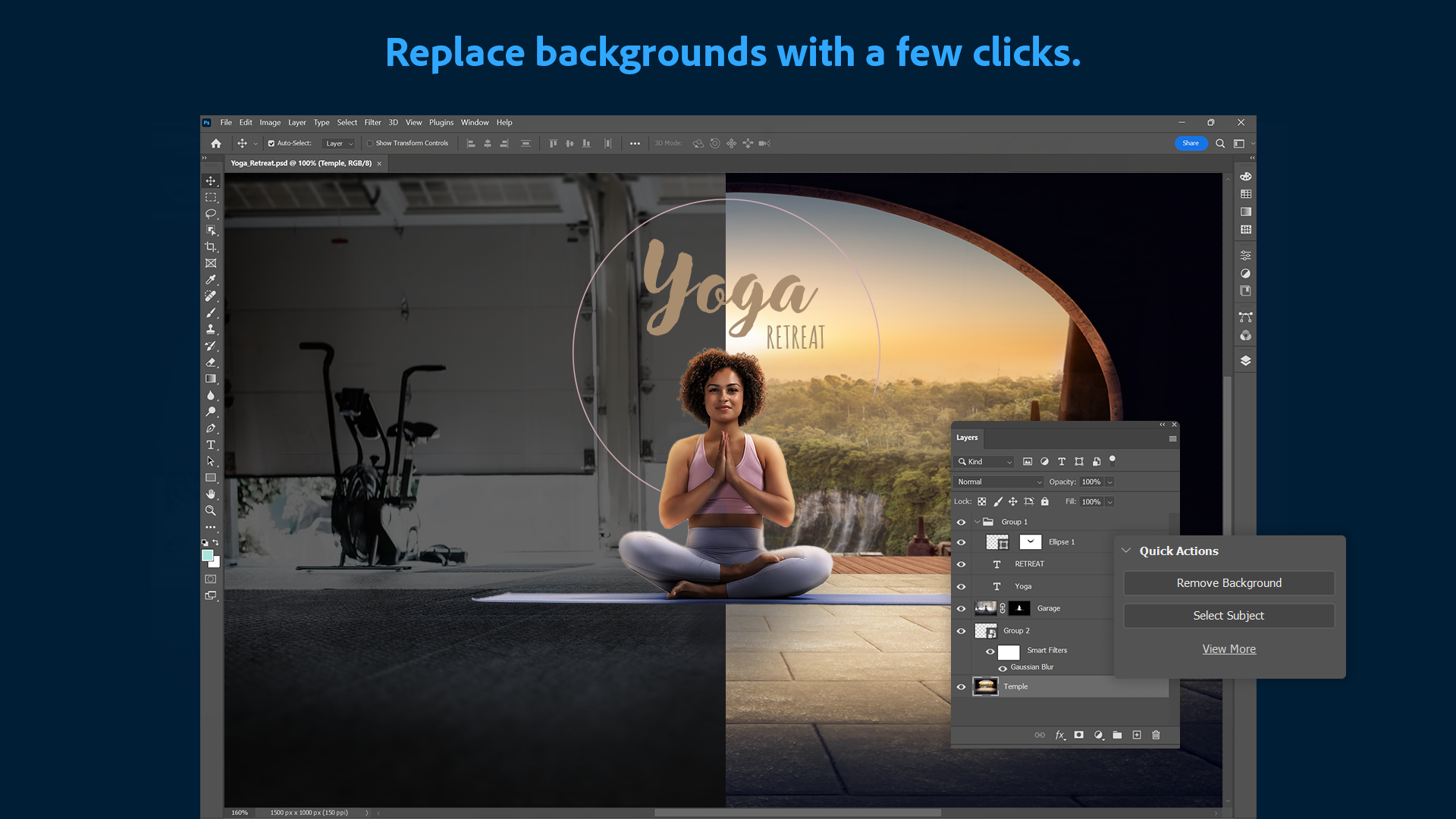
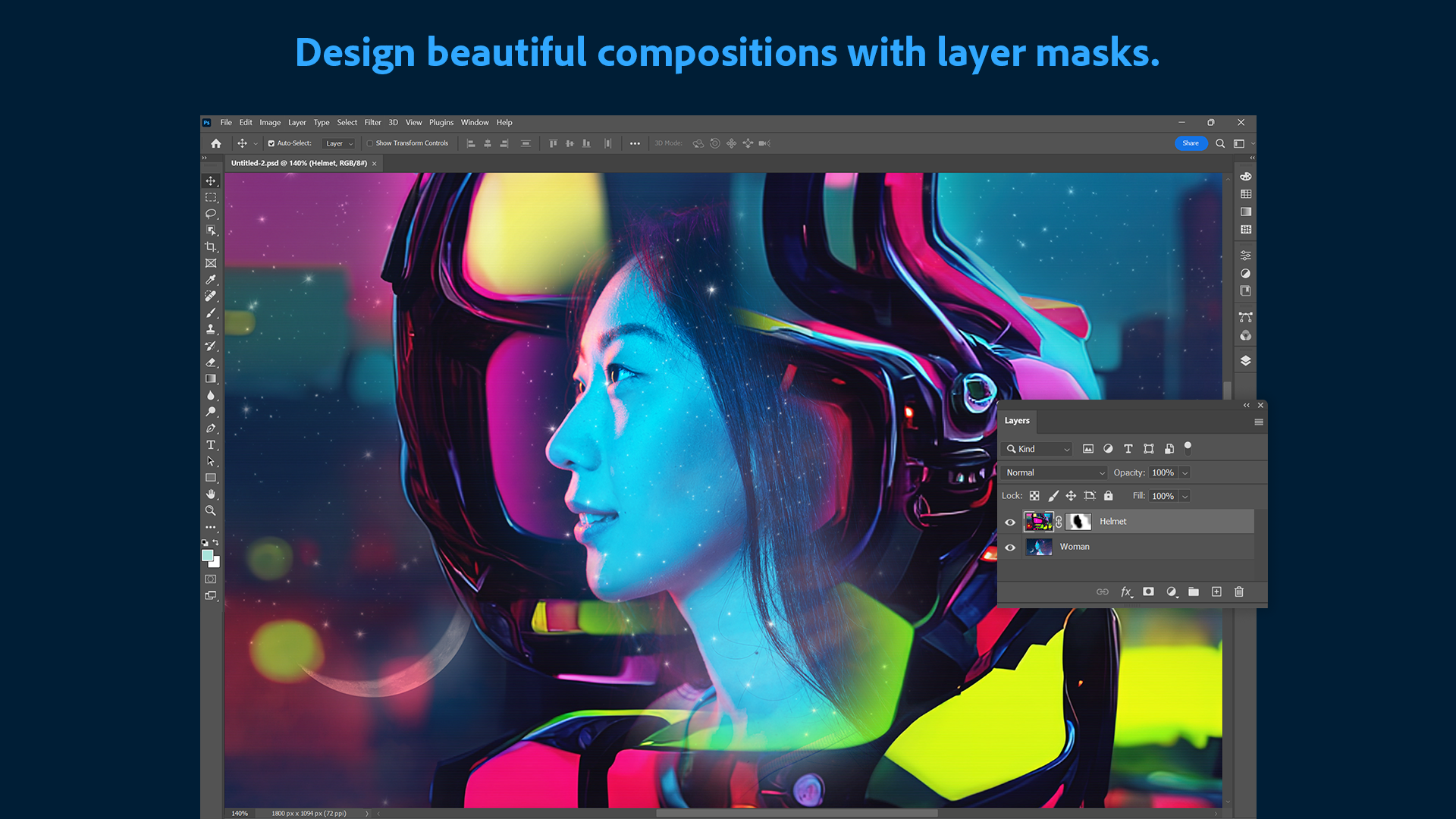
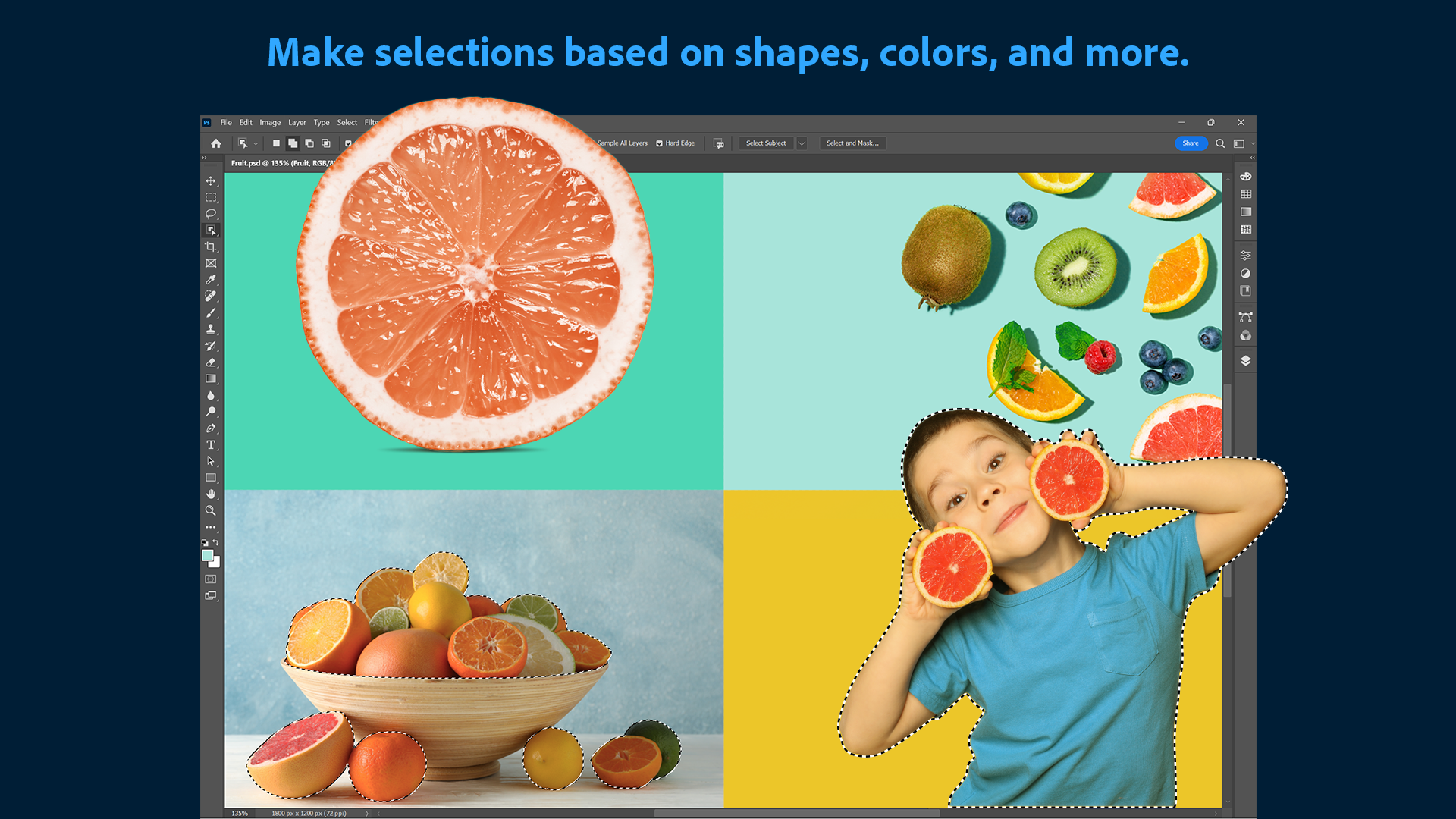
At the heart of Photoshop lies its legendary layer system, allowing users to build complex compositions with ease. The inclusion of refined masking tools enables precise control over specific areas, facilitating intricate edits like seamless background removals or detailed composite images. This feature is akin to having a digital canvas where every element can be manipulated independently—giving creators freedom and flexibility to breathe life into their ideas.
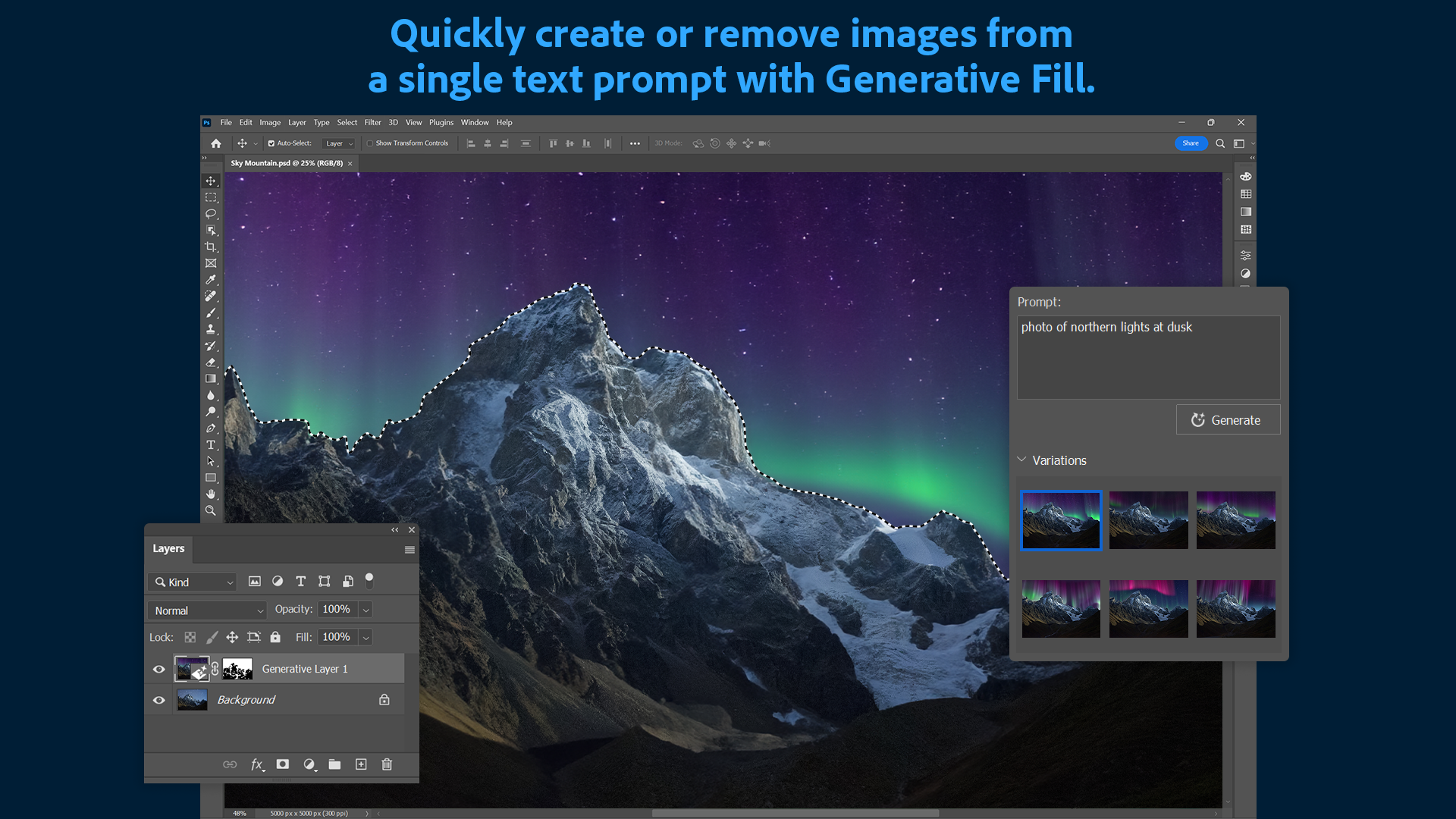
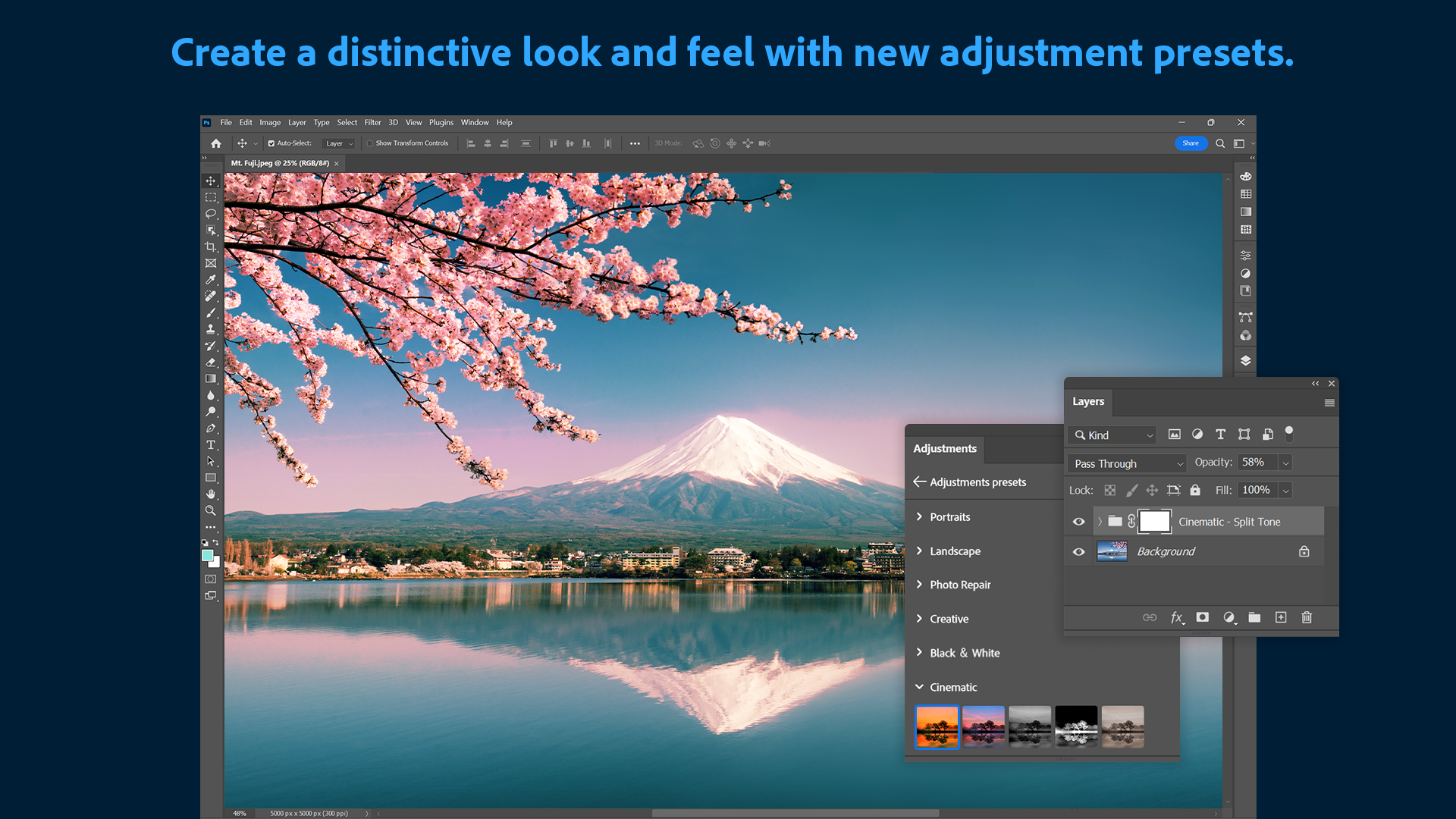
One of the most groundbreaking additions is its AI-powered filters, which include skin smoothing, style transfer, and even colorization. Imagine turning a black-and-white photo into a vibrant, modern masterpiece or daylight scene into a moody twilight—all with just a few clicks. These intelligent tools streamline complex editing tasks, dramatically reducing processing time and empowering users to experiment without being bogged down by technical complexity.
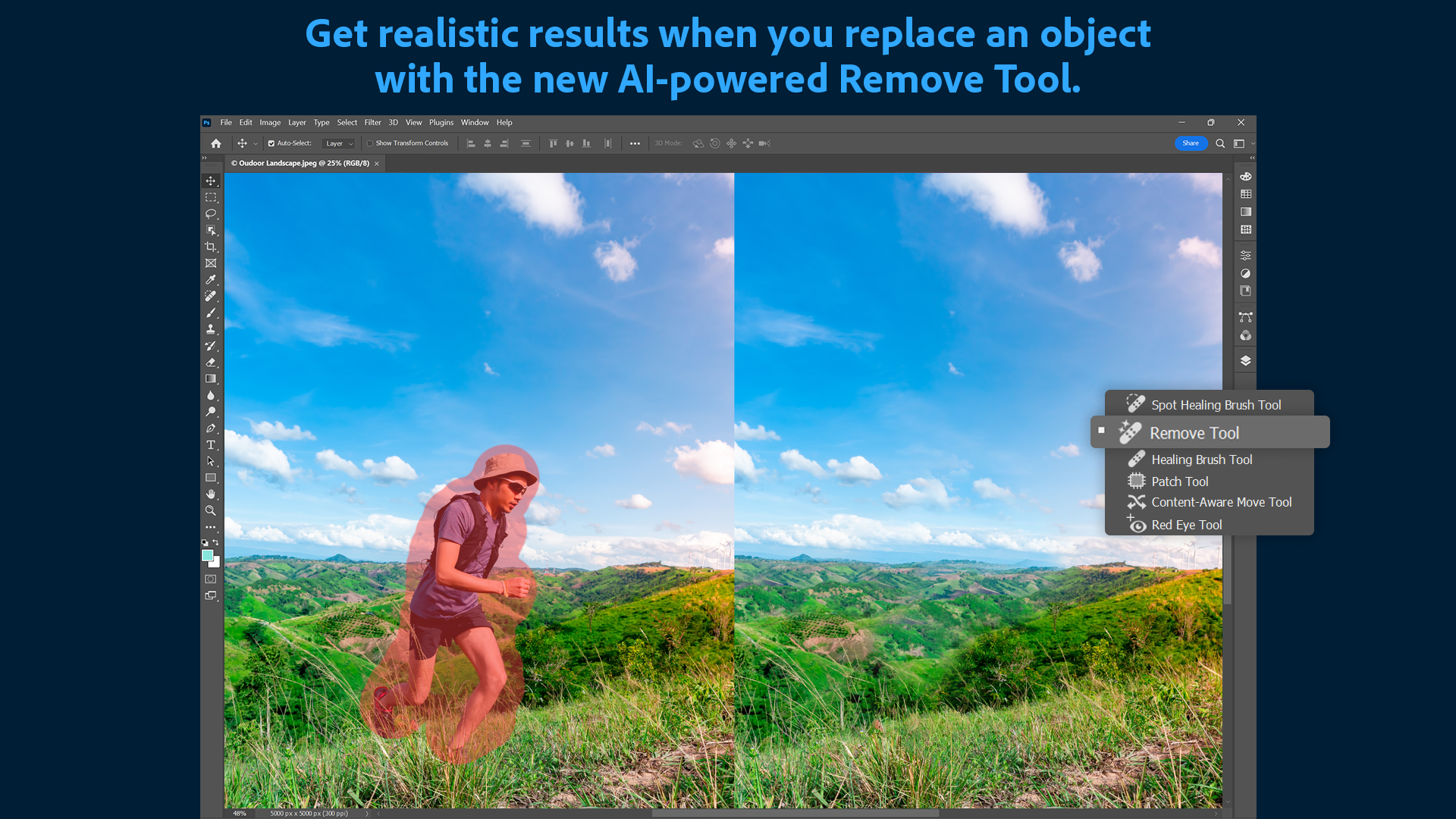
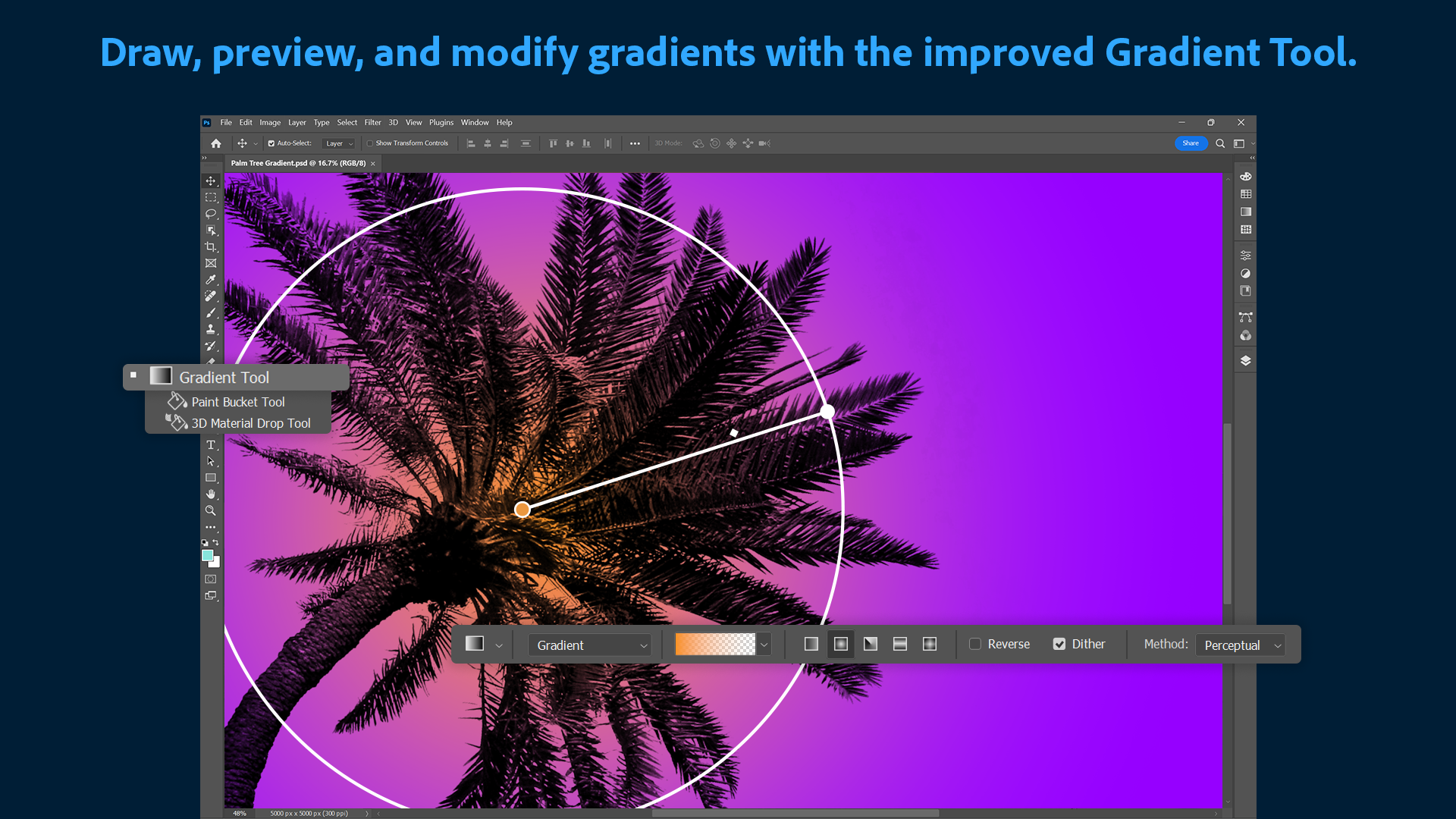
Photoshop offers an extensive library of customizable brushes that mimic real-world textures and effects, perfect for adding artistic flair or detailed textures. Complemented by Content-Aware Fill, which intelligently fills selected areas with surrounding content, users can perform sophisticated edits like removing objects or repairing damaged images effortlessly. These features blend creativity with practical problem-solving—making Photoshop a reliable partner in every editing scenario.
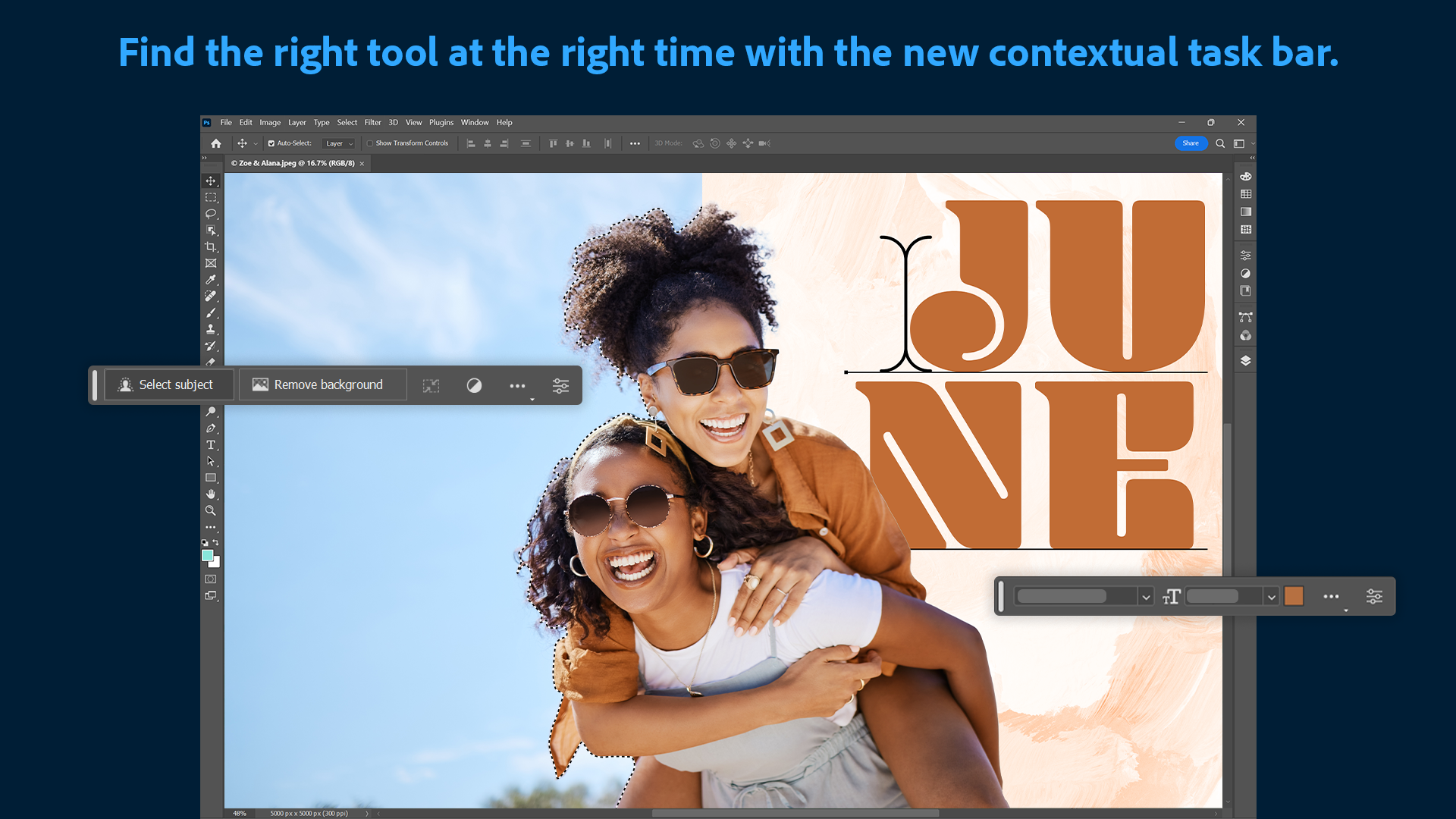
From the moment you open Adobe Photoshop, its interface strikes a balance between sophistication and accessibility. The workspace is clean and thoughtfully organized, akin to a well-stocked artist's studio where everything is within reach. Navigation feels smooth, with quick response times that keep your flow uninterrupted—whether you're zooming into fine details or switching tools. While some advanced features may require a learning curve, tutorials and contextual tips help users get up to speed quickly, making the learning process engaging rather than intimidating.
Compared to other photo and video editing applications, Photoshop's biggest strength is its unmatched depth of tools and flexibility—acting like a digital Swiss Army knife. Its integration of AI-driven features, such as Neural Filters and Adobe Sensei-powered automation, distinguishes it from more straightforward editors by offering intelligent, sophisticated editing options. Moreover, the breadth of supported formats and seamless integration with other Adobe Creative Cloud apps creates a cohesive ecosystem for professional workflows. Unlike some competitors that focus solely on quick fixes or social media graphics, Photoshop emphasizes craftsmanship, precision, and creative freedom in every pixel.
Overall, Adobe Photoshop for Windows is a highly recommended choice for users who need a comprehensive, professional-grade image editing tool. Beginners willing to invest some time will find its extensive features incredibly empowering, while seasoned designers will appreciate the depth and precision it offers. If your priority is detailed retouching, intricate compositing, or art creation—this app is a strong contender. However, due to its complexity, casual users may want to explore simpler applications first or take advantage of Adobe's tutorials to master its capabilities.
Powerful editing tools
Seamless integration with Adobe Creative Cloud
Regular updates with new features
Extensive plugin and resource support
Customizable workspace
High system requirements
Subscription-based pricing
Learning curve for beginners
Occasional performance lag with large files
Limited vector editing capabilities

for Windows
 5
5

for Windows
4.9

for Windows
4.8

for Windows
4.8

for Windows
4.8

for Windows
4.7

for Windows
4.7

for Windows
4.7

for Windows
4.7

for Windows
4.7

for Windows
4.7

for Windows
4.7

for Windows
5

for Windows
5

for Windows
5

for Windows
5

for Windows
5

for Windows
5

for Windows
5

for Windows
5

for Windows
5

for Windows
5