Photo & video
PC, Mobile
Windows 10 version 17763.0 or higher
2 GB
Bangla (India), Chinese (Simplified), Chinese (Traditional), Danish, Dutch, English (United States), Filipino, Finnish, French, German, Greek, Hindi, Indonesian, Italian, Japanese, Korean , Malay, Norwegian (Bokmål), Polish , Portuguese (Brazil), Romanian, Spanish (Spain), Swedish, Tamil, Thai, Turkish
Adobe Express Photos (formerly Photoshop Express) for Windows is a streamlined yet powerful photo editing app designed to bring professional-quality edits within easy reach for users of all levels. With its intuitive interface and robust features, it seeks to bridge the gap between novices and seasoned editors alike, making photo enhancement both accessible and enjoyable.
Developed by Adobe Inc., a global leader in creative software, Adobe Express Photos benefits from the company's extensive experience in image processing and user-centered design. Its main features include versatile editing tools like quick filters, advanced adjustments such as noise reduction, a built-in library of creative templates, and direct sharing options—ideal for social media enthusiasts, hobbyists, and professionals looking for a fast editing solution.
This app caters primarily to casual photographers, social media users, and small-business owners needing swift, high-quality edits. Its user-friendly design suits beginners, while its powerful features may also appeal to those seeking a more efficient workflow without the steep learning curve of larger, more complex editing programs.
Launching Adobe Express Photos feels like walking into a well-organized craft room—colors are inviting, options are neatly arranged, and everything exudes a sense of approachable professionalism. Whether you're snapping a quick shot or refining a cherished memory, the app's interface is designed to keep you engaged without overwhelming. The layout uses clear icons and minimal clutter, making navigation feel like a friendly chat rather than an intimidating chore. For beginners, the onboarding tips and tutorials are like friendly guides whispering, “You've got this,” helping you to quickly grasp the essentials.
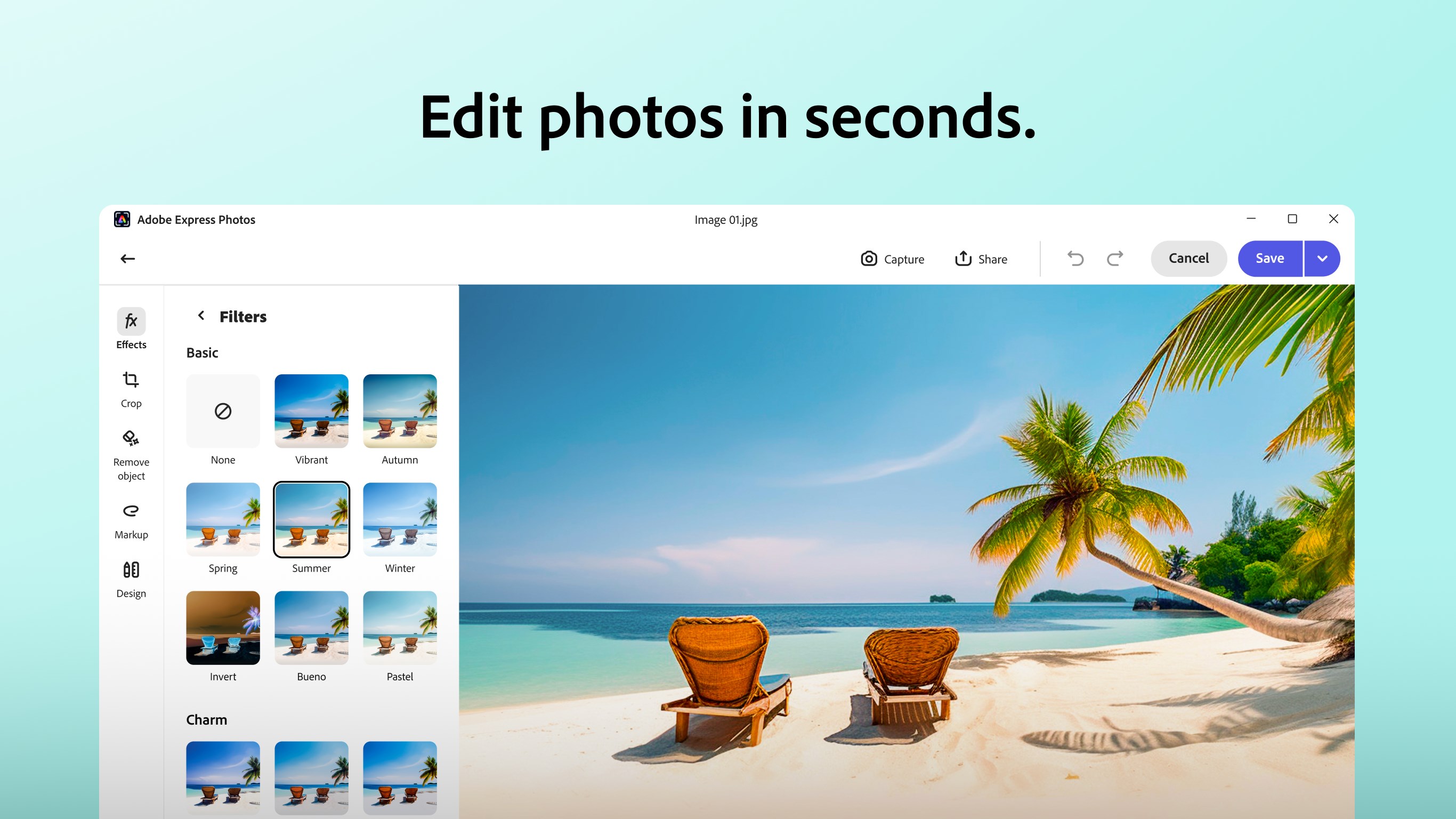
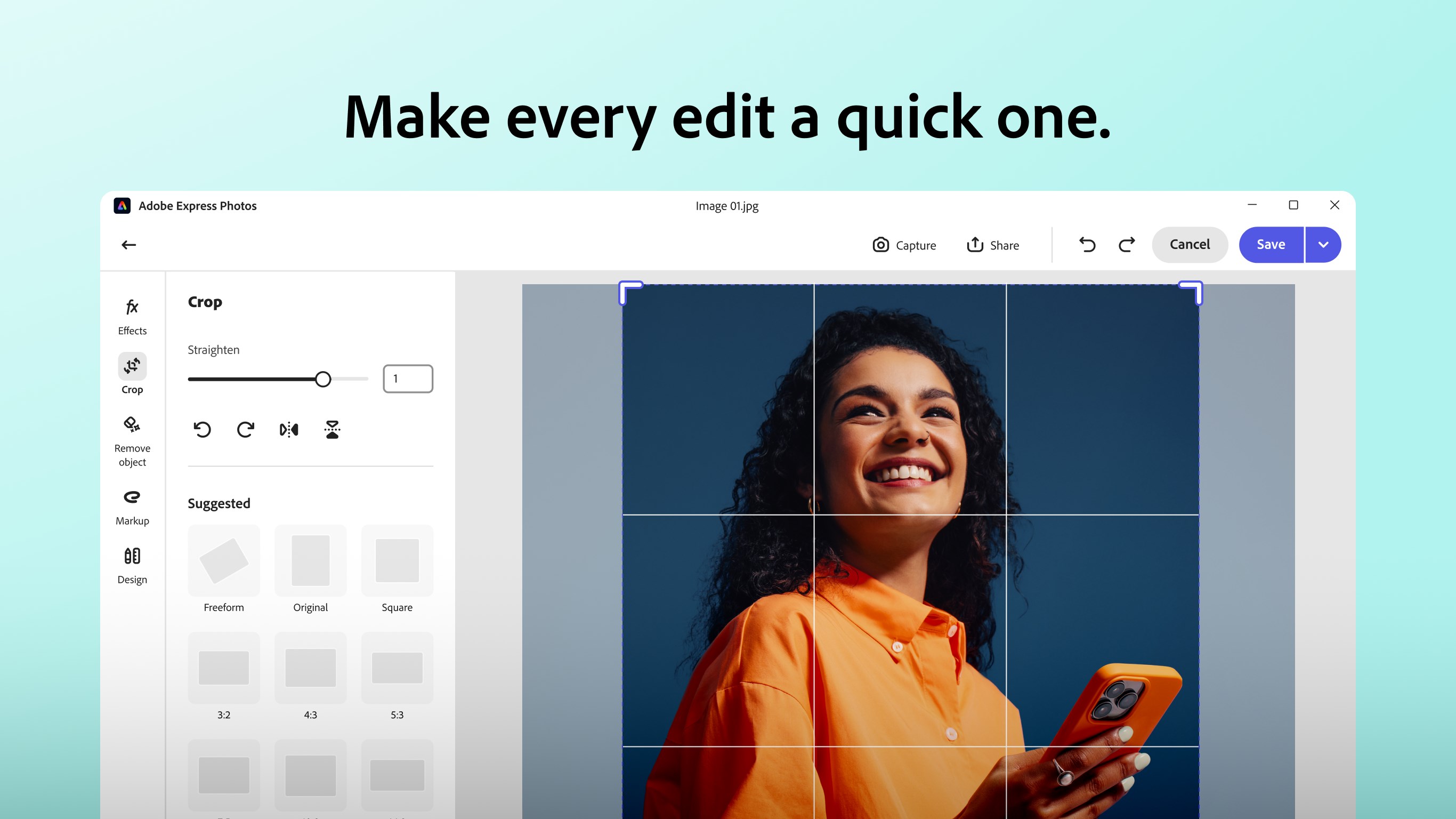
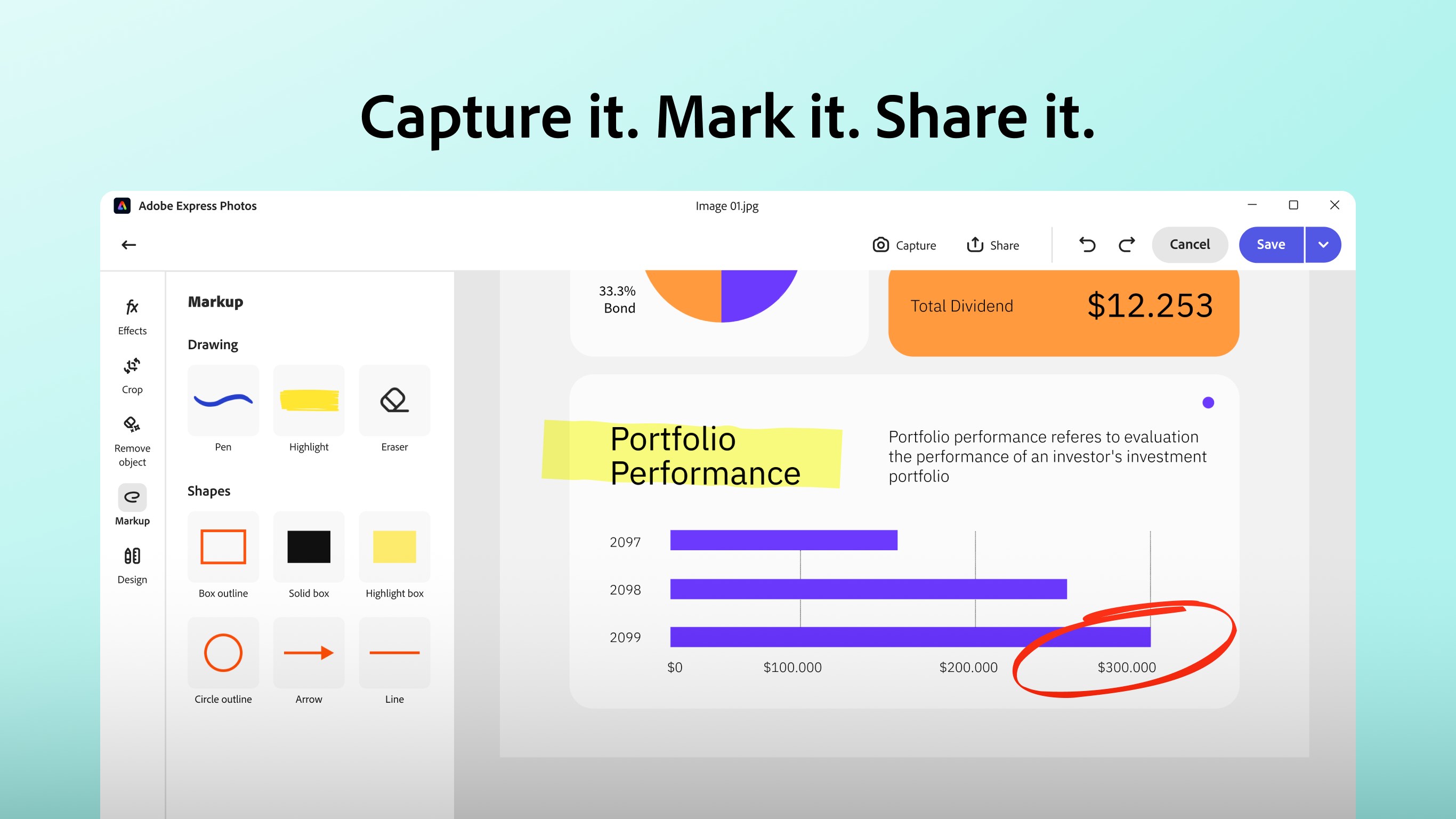
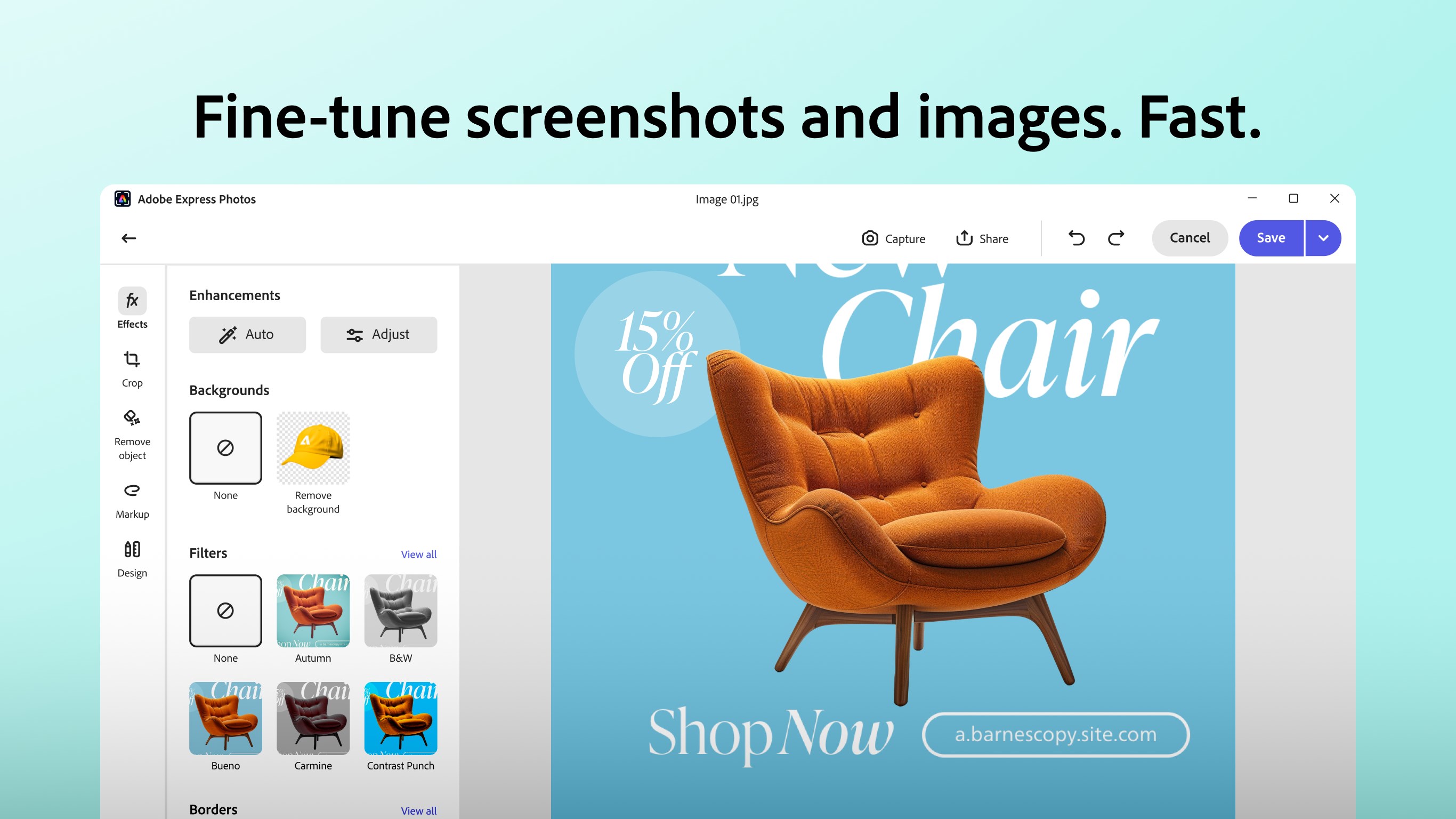
The core of Adobe Express Photos lies in its rapid editing capabilities. A standout feature is its comprehensive array of filters and one-tap adjustment options—think of them as a set of magic wands that instantly elevate your photo. From vintage looks to modern presets, there's a style for everyone. Beyond aesthetics, the app provides precise controls such as brightness, contrast, sharpness, and noise reduction, allowing users to fine-tune their images with scientific precision. The real magic, however, is how seamlessly these tools work together, enabling you to convert a dull shot into a vibrant masterpiece in just a few clicks.
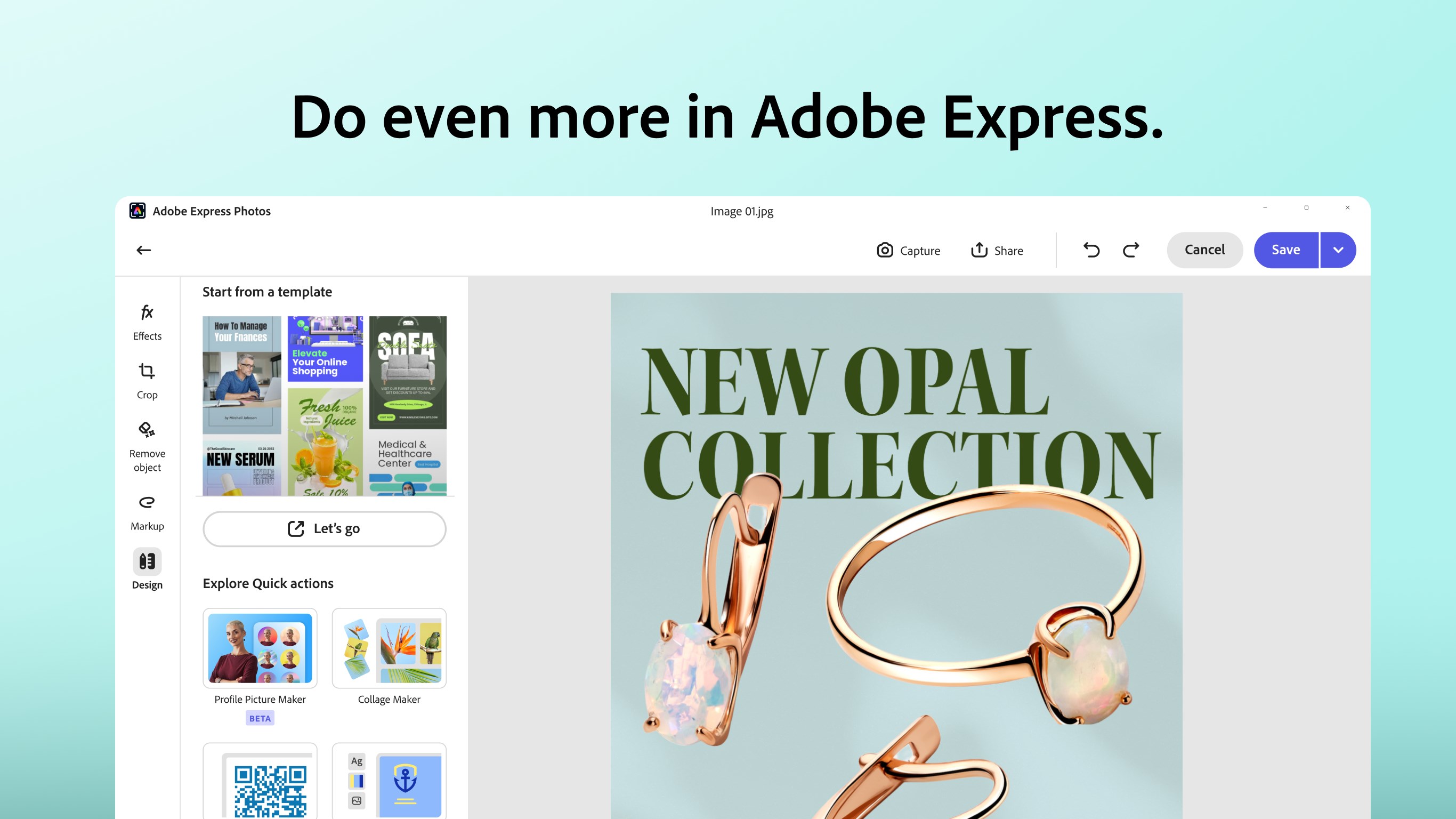
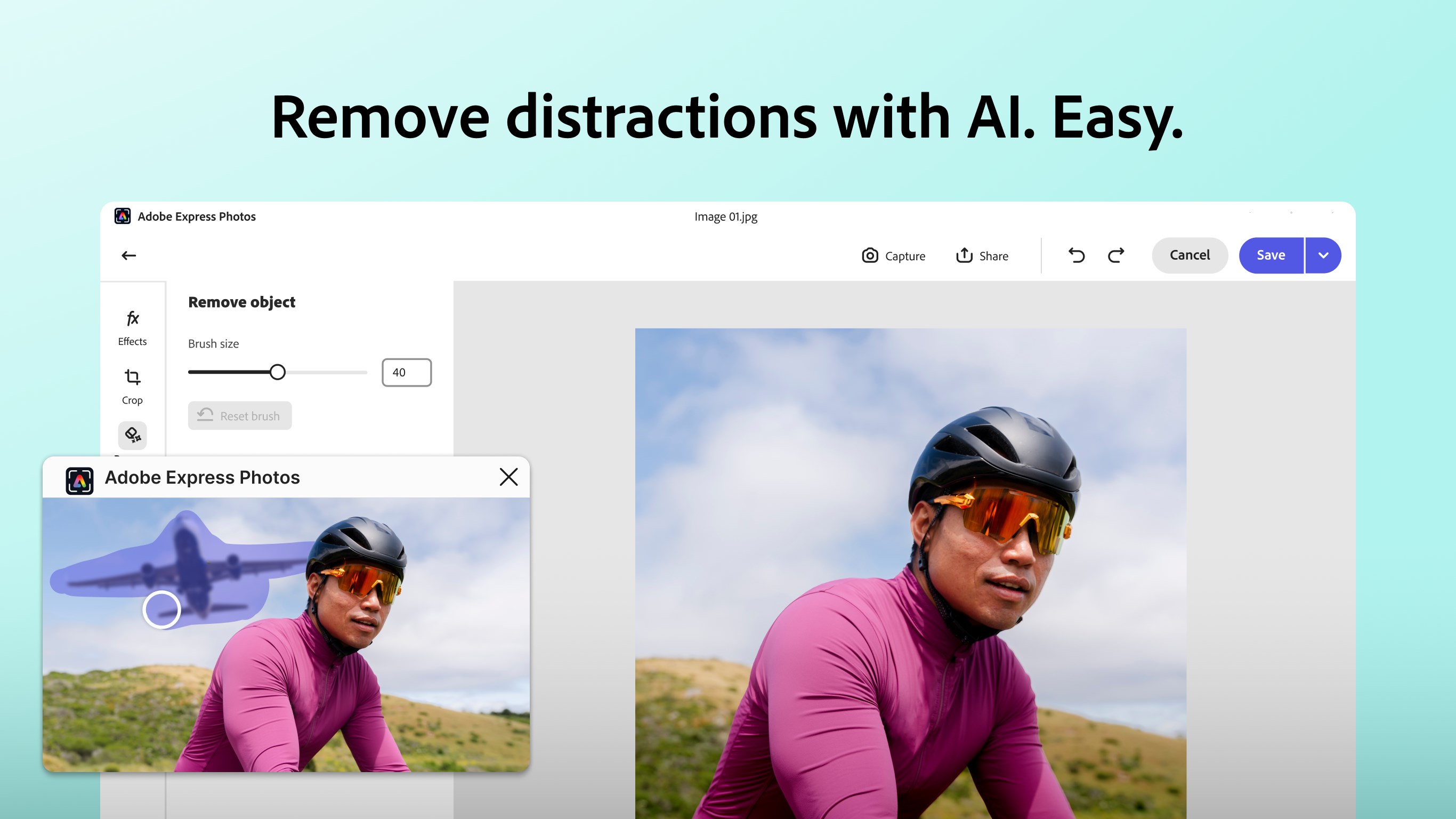
What truly sets Adobe Express Photos apart is its integration of intelligent automation and ready-to-use templates. With a few taps, the app can analyze your photo and suggest optimal adjustments—a lifesaver for users pressed for time or uncertain about their editing skills. Moreover, the vast library of templates—ranging from social media banners to collages—acts as a springboard for your creativity. Imagine having a professional designer's toolkit at your fingertips; this is particularly useful for small businesses or social media managers aiming to produce polished content quickly.
Using Adobe Express Photos for Windows feels like working with a trusted friend who's always ready with handy tools and helpful suggestions. The interface's clean design minimizes distractions, while the sleek operation ensures edits are smooth—almost as if the program anticipates your next move. The smart automation feature stands out as a particularly innovative aspect, making high-quality editing accessible without requiring extensive knowledge. Compared to other photo editing apps, its tight integration with Adobe's ecosystem and the focus on speed and ease make it a compelling choice for users who want quick, professional results without the fuss.
All in all, Adobe Express Photos for Windows offers a balanced mix of simplicity and power. Its standout features—especially the intelligent automation and diverse template library—make it uniquely capable of transforming everyday photos into engaging visuals in minutes. I would recommend it to anyone seeking an intuitive yet capable editing app, particularly those who prioritize speed and ease of use. For seasoned editors craving advanced control, it might feel a bit limited; however, for most casual users and small-business owners, it's an excellent, reliable tool worth exploring.
User-Friendly Interface
Wide Range of Editing Tools
Free to Use with Basic Features
Cloud Sync and Storage Options
Fast Performance with Smooth Workflow
Limited Advanced Editing Options
Occasional App Crashes or Freezes
Watermark on Export in Free Version
Limited File Format Support
Inconsistent Filter Quality and Effects

for Windows
 5
5

for Windows
4.9

for Windows
4.8

for Windows
4.8

for Windows
4.8

for Windows
4.7

for Windows
4.7

for Windows
4.7

for Windows
4.7

for Windows
4.7

for Windows
4.7

for Windows
4.7

for Windows
5

for Windows
5

for Windows
5

for Windows
5

for Windows
5

for Windows
5

for Windows
5

for Windows
5

for Windows
5

for Windows
5