Security
AdAvoid Ltd
PC, Mobile, Surface Hub, HoloLens
Windows 10 version 15063.0 or higher
English (United States)
If you're tired of intrusive ads disrupting your browsing experience, AdBlocker Ultimate for Windows promises a streamlined, ad-free journey—delivering what it claims with a straightforward approach. Developed by AdAvoid Ltd, this extension aims to silence ads across your Windows environment, promising simplicity and efficiency. But does it genuinely stand out in a crowded marketplace? Let's dive into the details and see how it performs behind the scenes.
This app employs a constantly updated filter list that effectively blocks banners, pop-ups, and video ads across multiple platforms. Its intelligent filtering not only reduces unwanted distractions but also decreases page load times, making browsing faster and less cluttered. Unlike some competitors that struggle with embedded or native ads, AdBlocker Ultimate claims to identify and suppress these with remarkable accuracy.
If you encounter a website that breaks due to ad blocking or simply want to support your favorite sites, the app offers an intuitive whitelist feature. Users can easily add or remove sites from the exception list. Additionally, advanced users can define custom filters, tailoring their browsing experience to their preferences—a feature akin to having a personalized gatekeeper for each website.
Designed to run quietly in the background, AdBlocker Ultimate is notable for its low CPU and memory footprint. Its seamless operation ensures that browsing remains smooth without noticeable lag or stutter, even when multiple tabs are open. This lightweight nature makes it suitable for devices with modest configurations, avoiding the common pitfall of resource-hungry ad blockers.
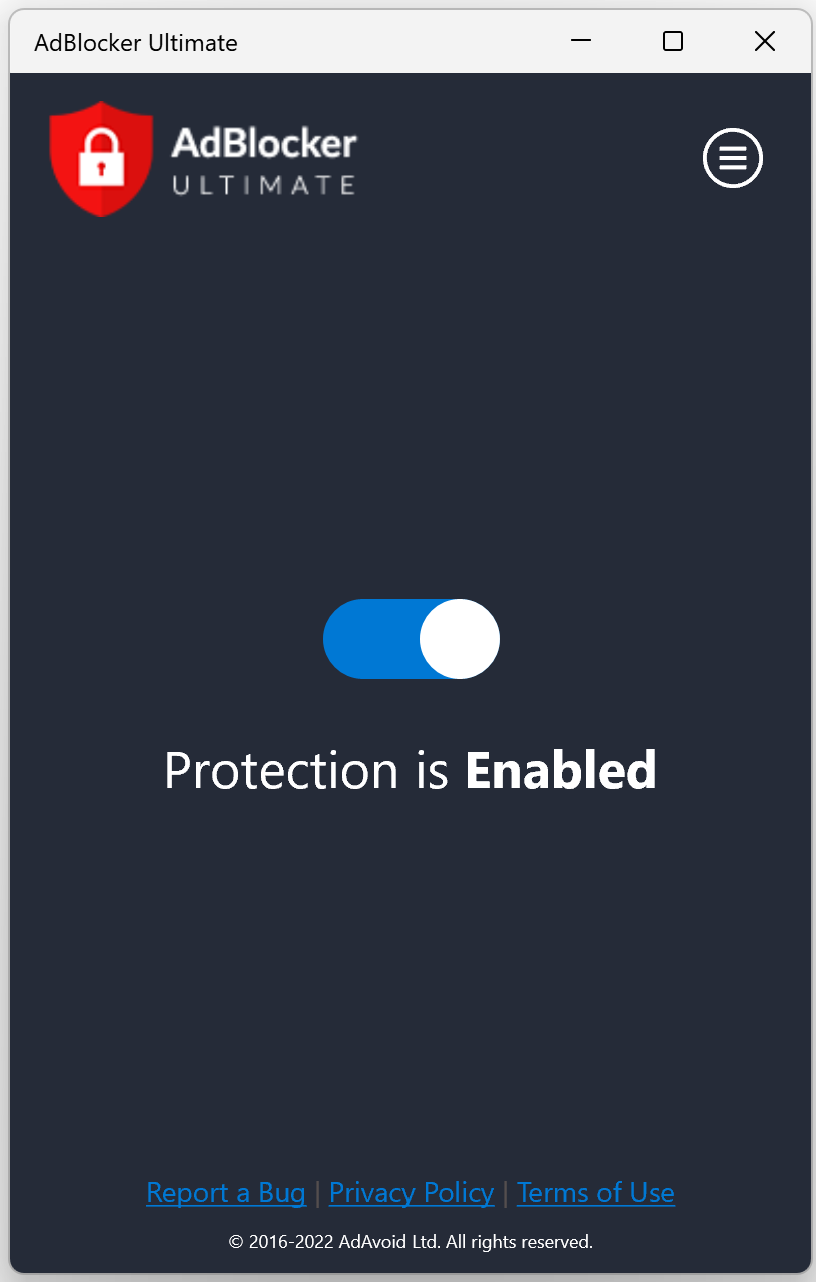
The interface adopts a clean, modern layout—think of it as the dashboard of a well-organized control room. It's designed with user-friendliness in mind: minimal buttons, clear options, and straightforward controls. Navigation is a breeze, and even those new to ad blocking will find it easy to set up and customize.
Operation speed is impressive; switching modes or updating filters happens instantly. Learning to use advanced features may take a little effort, but overall, the app's gentle learning curve ensures that even tech novices can feel empowered rather than overwhelmed, turning what could be an intimidating tool into a helpful companion during your browsing adventures.
While many ad blockers rely solely on pre-existing filter lists, AdBlocker Ultimate's most striking feature is its dynamic filtering system, which learns and adapts to new ad tactics. Its ability to efficiently block native and embedded ads without affecting website functionality is particularly noteworthy. Furthermore, its focus on minimal system impact and ease of use makes it more than just a traditional ad blocker—it's a smooth, integrated experience.
Compared to broader security tools that bundle ad blocking as a feature among many, AdBlocker Ultimate zeroes in on one core mission: delivering an ad-free browsing environment without bogging down your system or complicating setup. This specialization ensures a more reliable performance and a cleaner, faster browsing experience.
In conclusion, AdBlocker Ultimate for Windows stands out thanks to its effectiveness, user-focused design, and behind-the-scenes intelligence. If your main aim is a clean, distraction-free browsing experience without sacrificing speed or system resources, this app deserves a spot in your digital toolkit. It's particularly recommended for casual users and those seeking an unobtrusive yet powerful ad blocking extension.
While it may not boast the flashy marketing of some counterparts, its straightforward approach and focus on core functionality make it a dependable choice. Just picture it as the loyal guard at your browser's gate—quiet, efficient, and always ready to keep unwanted ads at bay.
Effective ad blocking across multiple websites
Easy-to-use interface
Lightweight and fast performance
Regular updates and filter improvements
Additional custom filter options available
Limited customization on mobile browsers
Occasional false positives blocking website content
Requires browser restart after updates
No separate extension for some browsers
Potential impact on website functionality with aggressive filter settings

for Windows
 4.8
4.8

for Windows
4.7

for Windows
4.7

for Windows
4.7

for Windows
4.6

for Windows
4.6

for Windows
4.5
for Windows
4.4

for Windows
4.4

for Windows
4.3

for Windows
4.3

for Windows
4.3

for Windows
5

for Windows
5

for Windows
5

for Windows
5

for Windows
5

for Windows
5

for Windows
5

for Windows
5

for Windows
5

for Windows
5