Education
PC, Mobile, Surface Hub, HoloLens
Windows 10 version 17763.0 or higher
English (United States)
Developed by GoldKey Corporation, Acellus for Windows positions itself as a comprehensive educational platform aimed at delivering tailored and authoritative learning experiences through a user-friendly interface. With its blend of advanced content delivery and adaptive pathways, it's shaping up to be a noteworthy choice for learners seeking personalized education solutions.
GoldKey Corporation, the brain behind Acellus for Windows, is known for its commitment to creating impactful educational technologies. Their focus is on combining rigorous academic content with intuitive digital tools to foster an engaging and effective learning environment.
One of Acellus's standout features is its ability to tailor coursework to individual students. Using sophisticated algorithms, the platform assesses learners' strengths and weaknesses, dynamically adjusting content difficulty and pacing. This personalization helps keep students challenged but not overwhelmed, fostering a sense of progress and confidence.
Unlike many educational apps, Acellus emphasizes content accuracy and authority, offering courses crafted by expert educators and aligned with standardized curricula. This ensures that learners aren't just absorbing information but engaging with reliable, vetted knowledge—crucial for both students and educators who prioritize academic integrity.
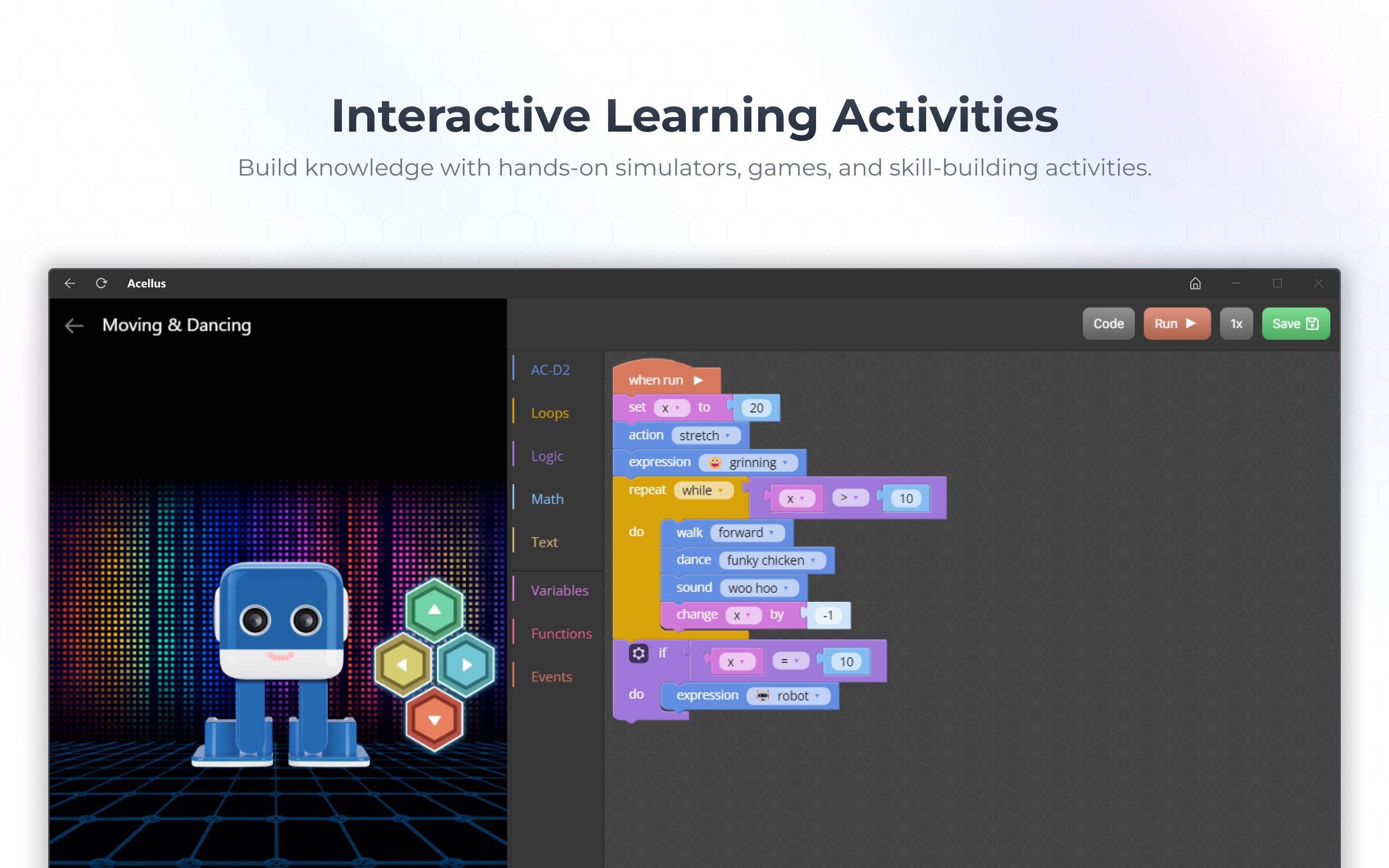
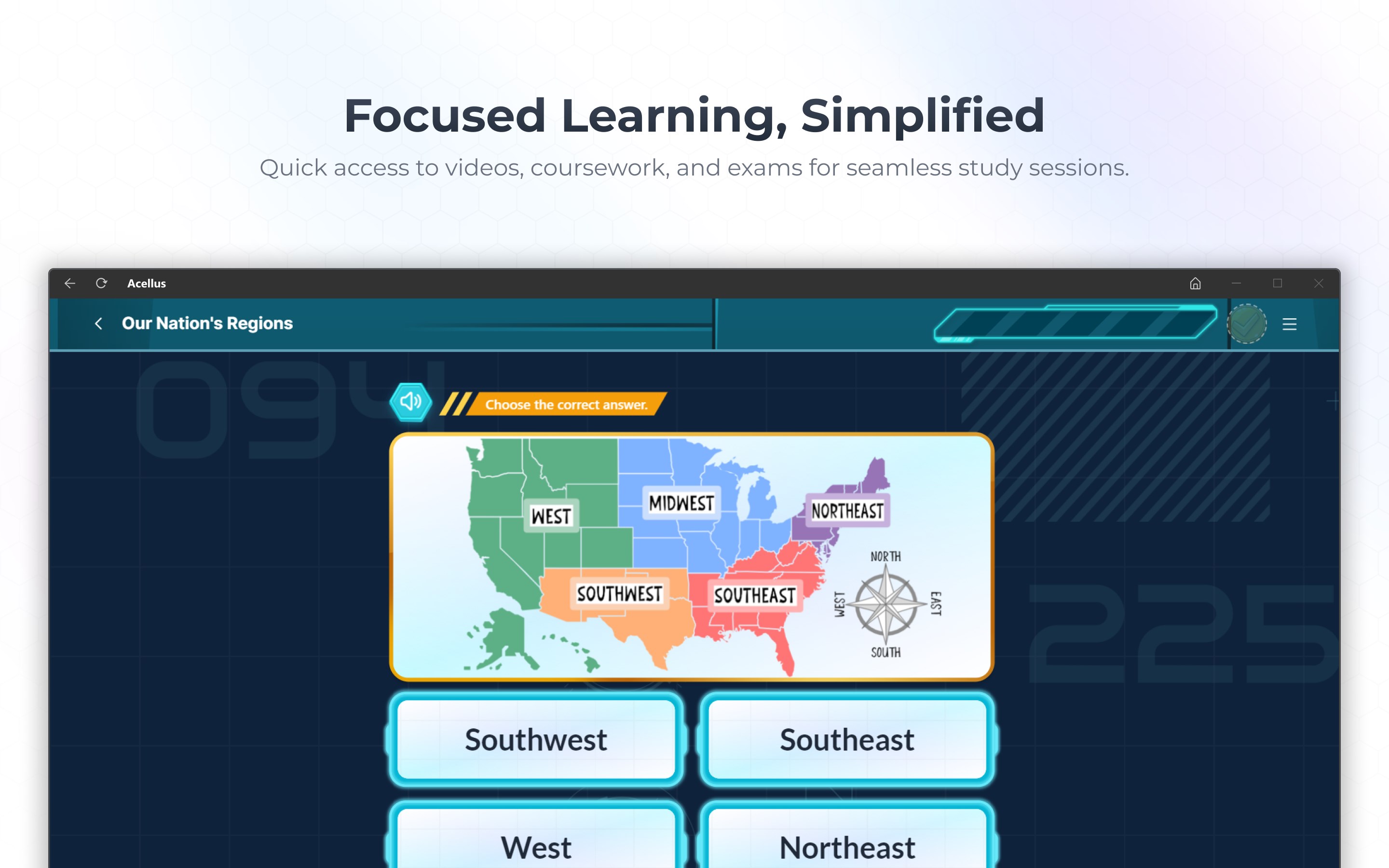
Instead of static textbooks, Acellus integrates videos, animations, and interactive quizzes into its lessons, transforming learning into an immersive experience. Imagine a science lesson where students can visualize chemical reactions or explore historical events through interactive timelines—the platform's multimedia elements turn abstract concepts into tangible understanding.
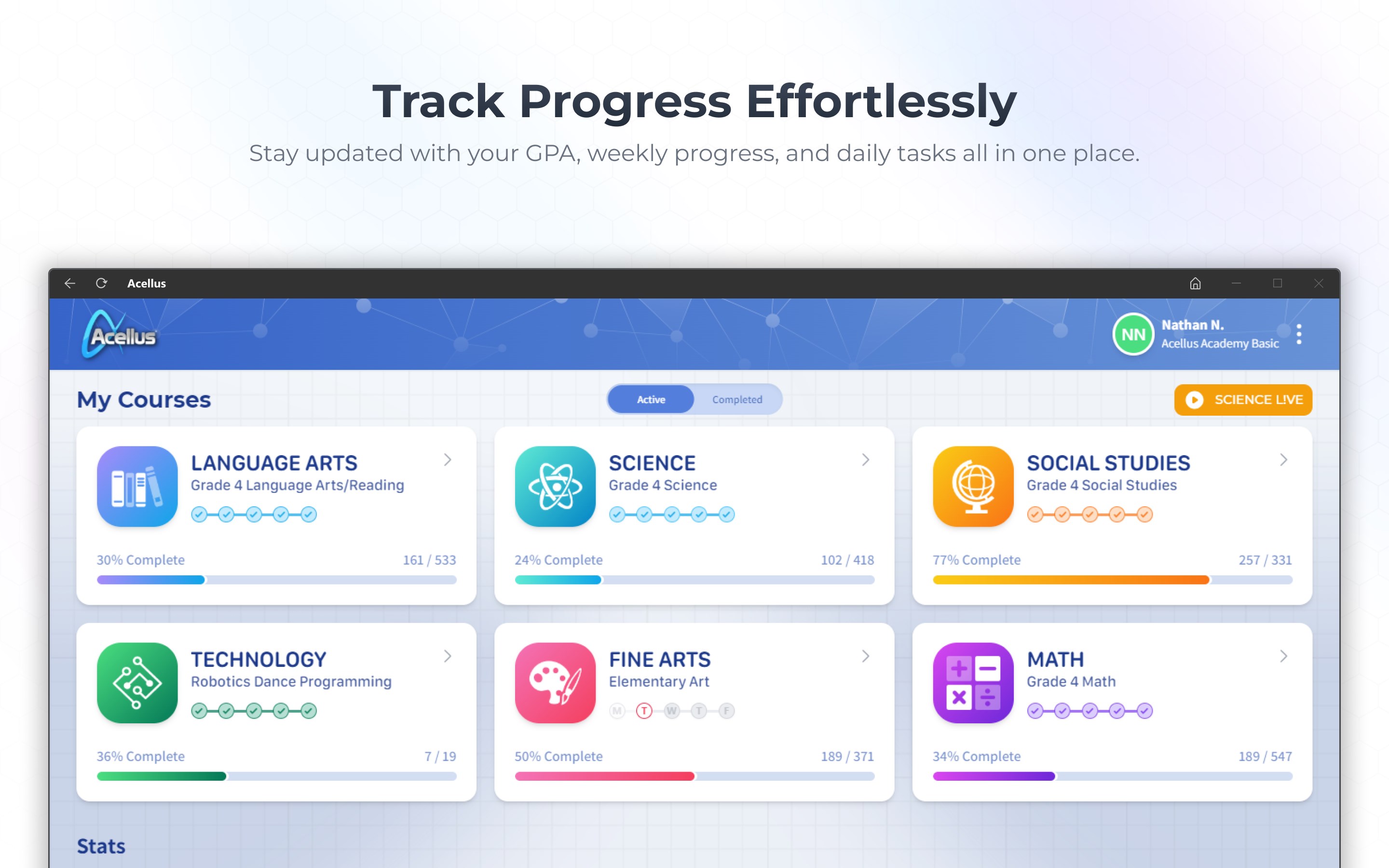
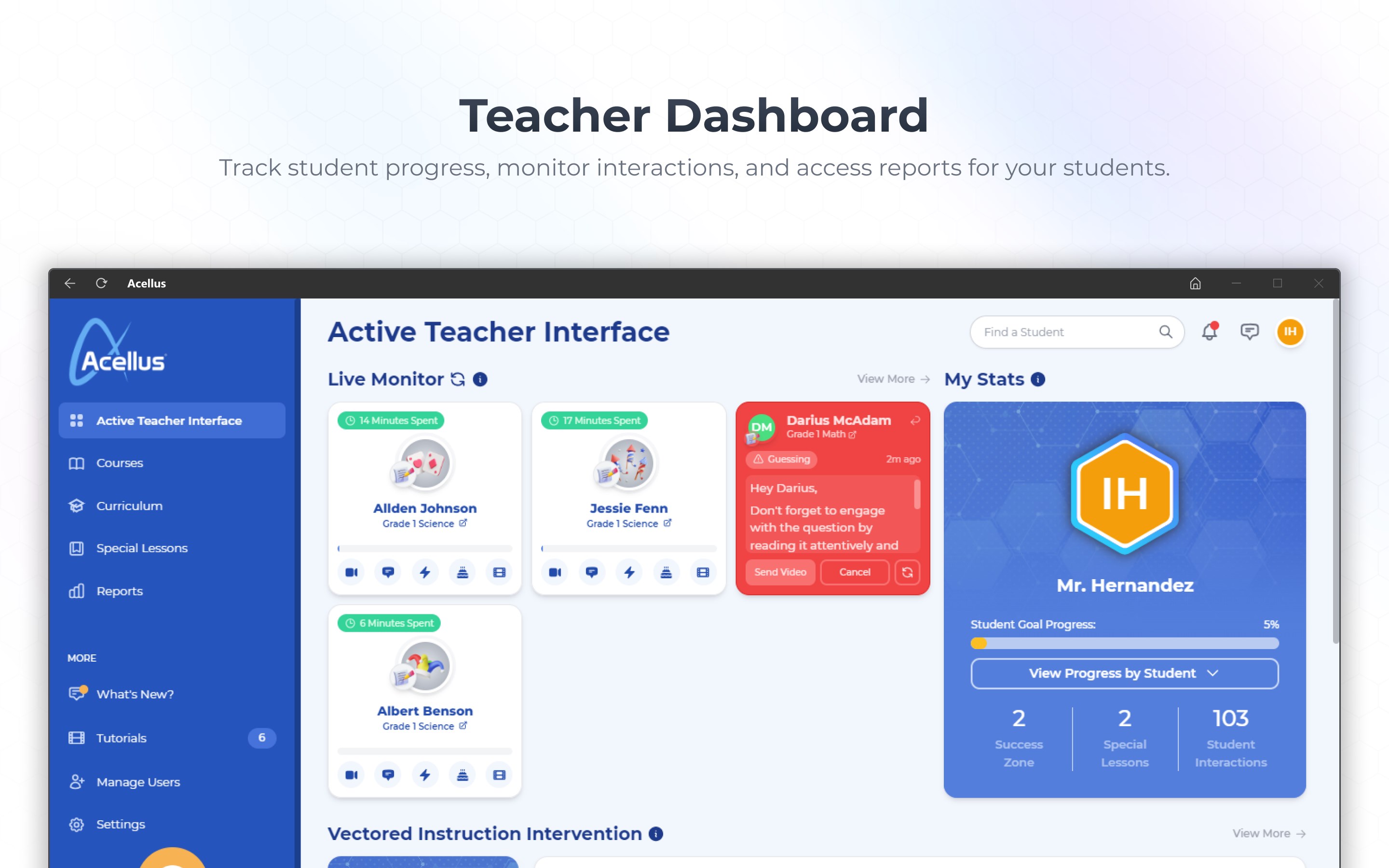
From the moment you open Acellus for Windows, the interface greets you with a clean, organized layout that feels more like navigating a well-designed dashboard than a traditional learning app. The navigational flow is smooth, with minimal lag, making it easy for users of all ages to find what they need without frustration. The learning curve is pleasantly shallow—once set up, students quickly adapt to the system's logical structure, enabling self-directed learning with minimal guidance.
Many educational platforms claim to customize learning, but Acellus's integration of content authority with AI-driven personalization distinctively elevates it. Its ability to provide specific, research-backed content tailored to individual progress is a notable advantage. Unlike apps that rely on generic content or limited adaptability, Acellus's algorithms intelligently adjust to each learner's trajectory, ensuring learners receive the most relevant material at the right time.
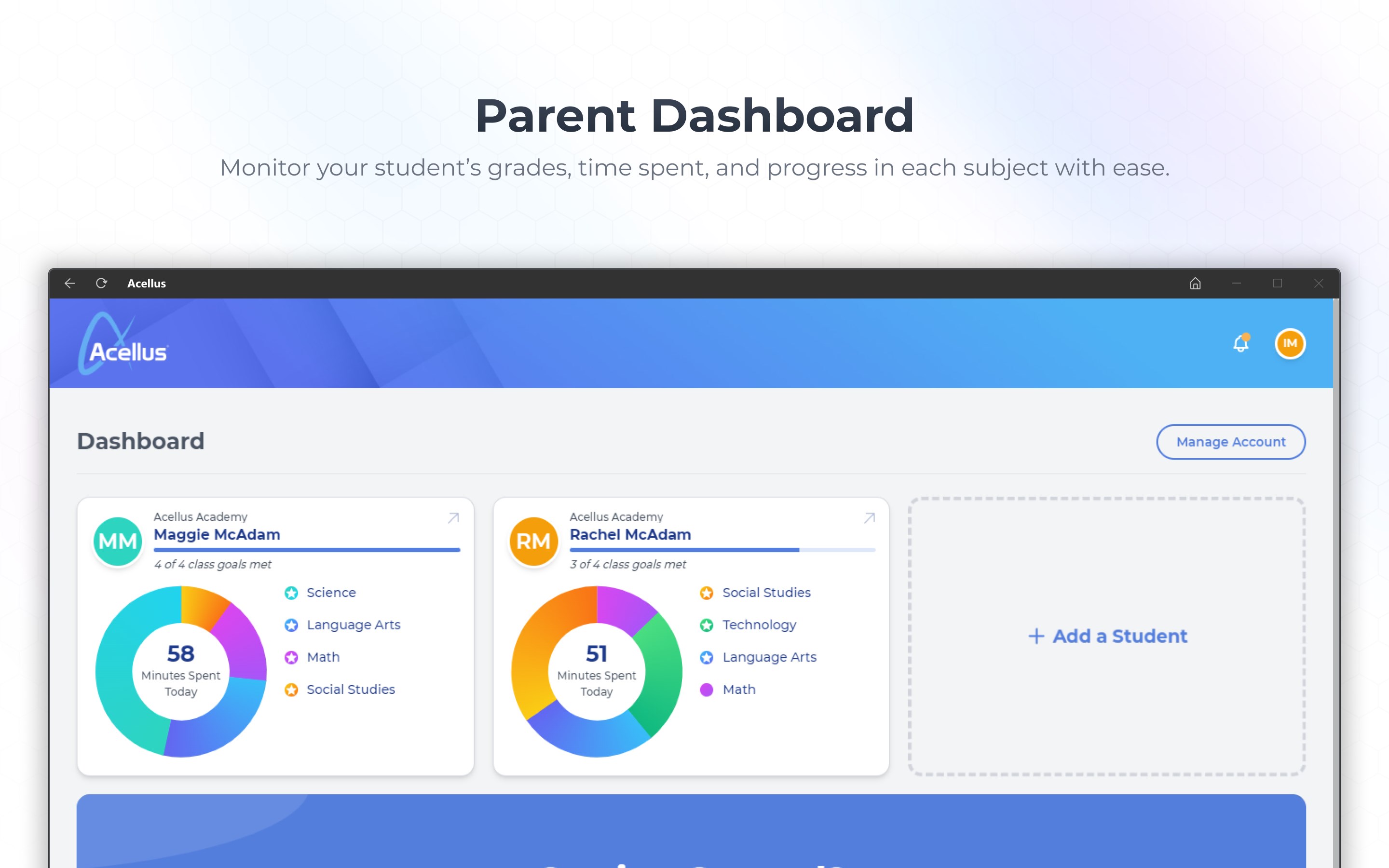
Given its strengths, Acellus for Windows is highly recommended for homeschoolers, educators seeking a supplementary tool, or students aiming for a structured yet adaptable learning process. It's especially effective for those who value content credibility and personalized pathways. However, users should be prepared to invest some time into initial setup and profile customization to unlock its full potential. For best results, pairing it with a regular check-in to review progress can help sustain motivation and boost learning outcomes.
In conclusion, Acellus for Windows offers a thoughtfully designed, content-rich, and adaptable educational experience that stands out in the landscape of digital learning tools. Its focus on authority and personalization makes it a compelling choice for learners and educators striving to navigate the evolving terrain of modern education.
Comprehensive Curriculum Content
Interactive Learning Features
Personalized Learning Paths
Offline Access Capability
User-Friendly Interface
Limited Content Depth in Some Subjects
Occasional Syncing Issues with Progress Data
Navigation Could Be More Intuitive for Younger Users
Offline Download Restrictions for Certain Content
Customer Support Response Times Vary

for Windows
 4.8
4.8

for Windows
4.7

for Windows
4.7

for Windows
4.6

for Windows
4.6

for Windows
4.6

for Windows
4.5

for Windows
4.5

for Windows
4.4

for Windows
4.4

for Windows
4.4

for Windows
4.4

for Windows
5

for Windows
5

for Windows
5

for Windows
5

for Windows
5

for Windows
5

for Windows
5

for Windows
5

for Windows
5

for Windows
5