Card & board
Absolute Games
PC, Mobile, Surface Hub
Windows 10 version 10240.0 or higher
Version 10
English (United States)
Discover a lively digital version of the beloved game that combines tradition with modern convenience, perfect for casual players seeking fun and straightforward gameplay. Abradoodle Bingo for Windows, developed by Absolute Games and published by Abradoodle, offers an engaging bingo experience crafted for entertainment on your PC.
Built with user-friendly design and smooth performance, Abradoodle Bingo brings the familiar joy of bingo into the digital realm with a few notable enhancements. Its strongest features include customizable game modes, a vibrant and intuitive interface, and a social aspect that makes multiplayer sessions lively and interactive. Whether you're new to bingo or seasoned player, this app aims to make each game feel fresh and accessible.
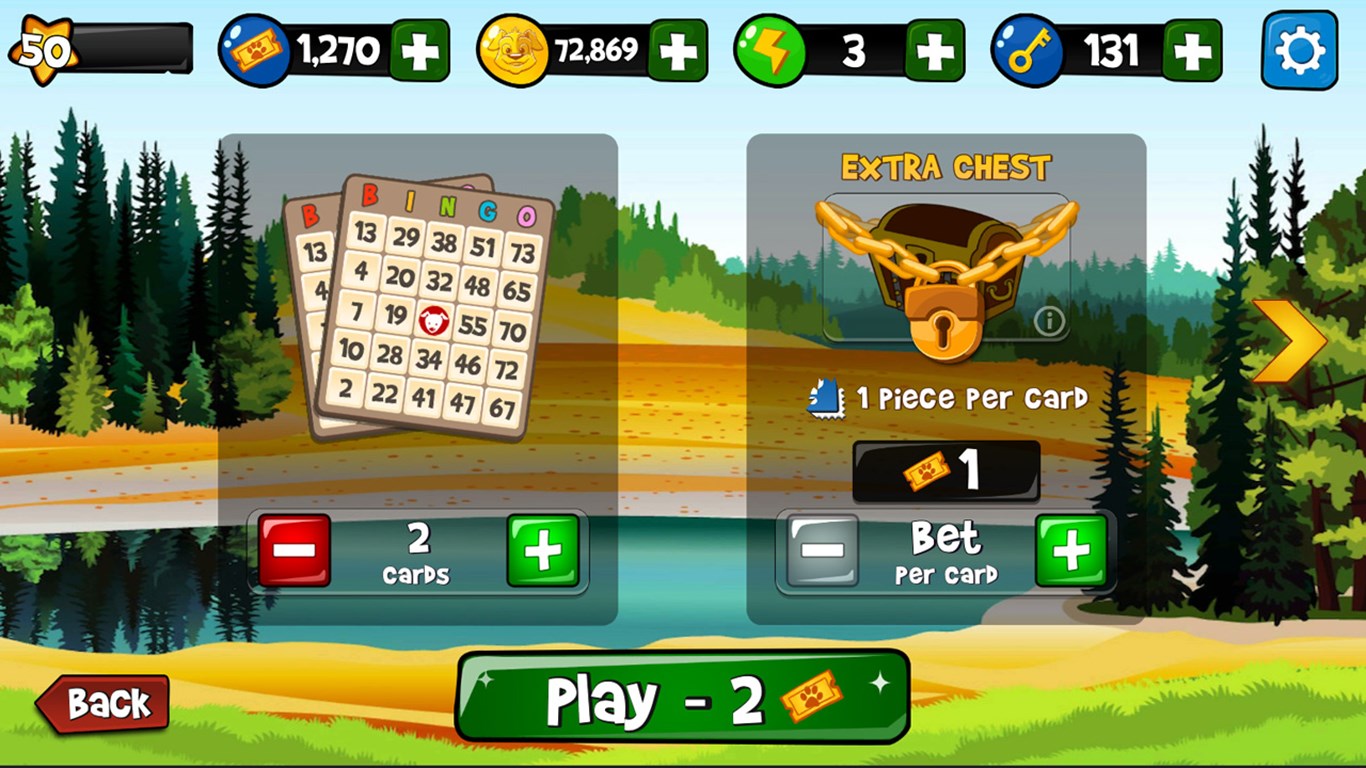
Abradoodle Bingo doesn't just offer a standard bingo experience; it allows you to tweak the game settings to suit your mood. Choose between traditional patterns or explore themed variants that add a touch of novelty—think holiday motifs or funky backgrounds. This flexibility ensures that each game can feel new and engaging, preventing the usual monotony of identical rounds.
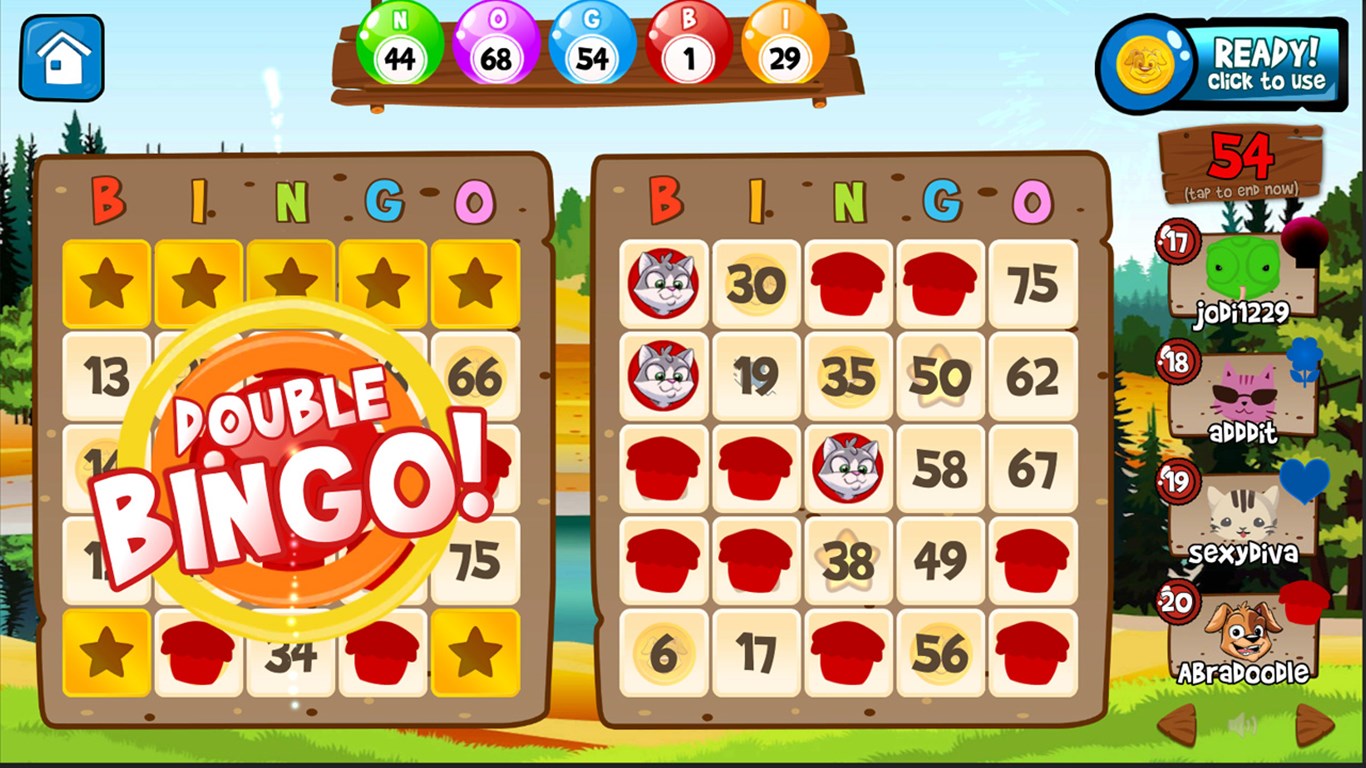
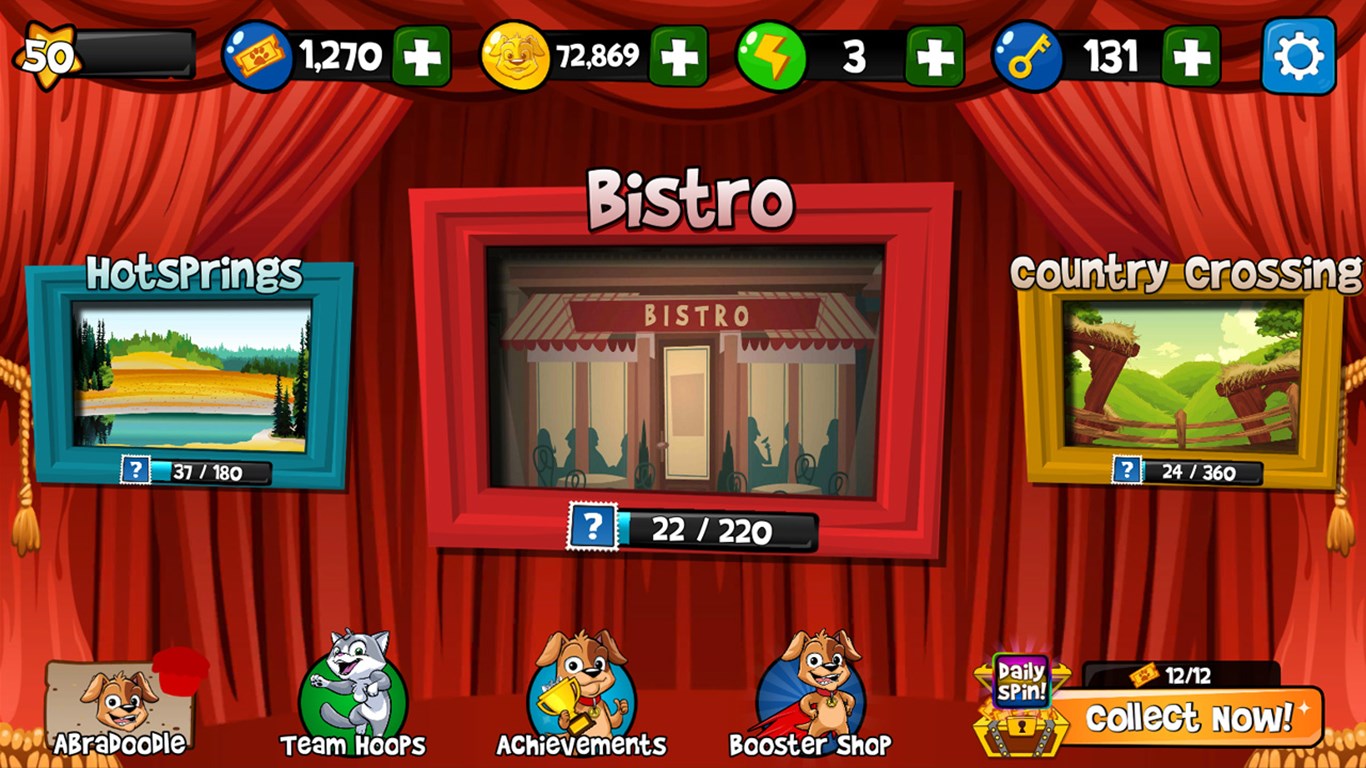
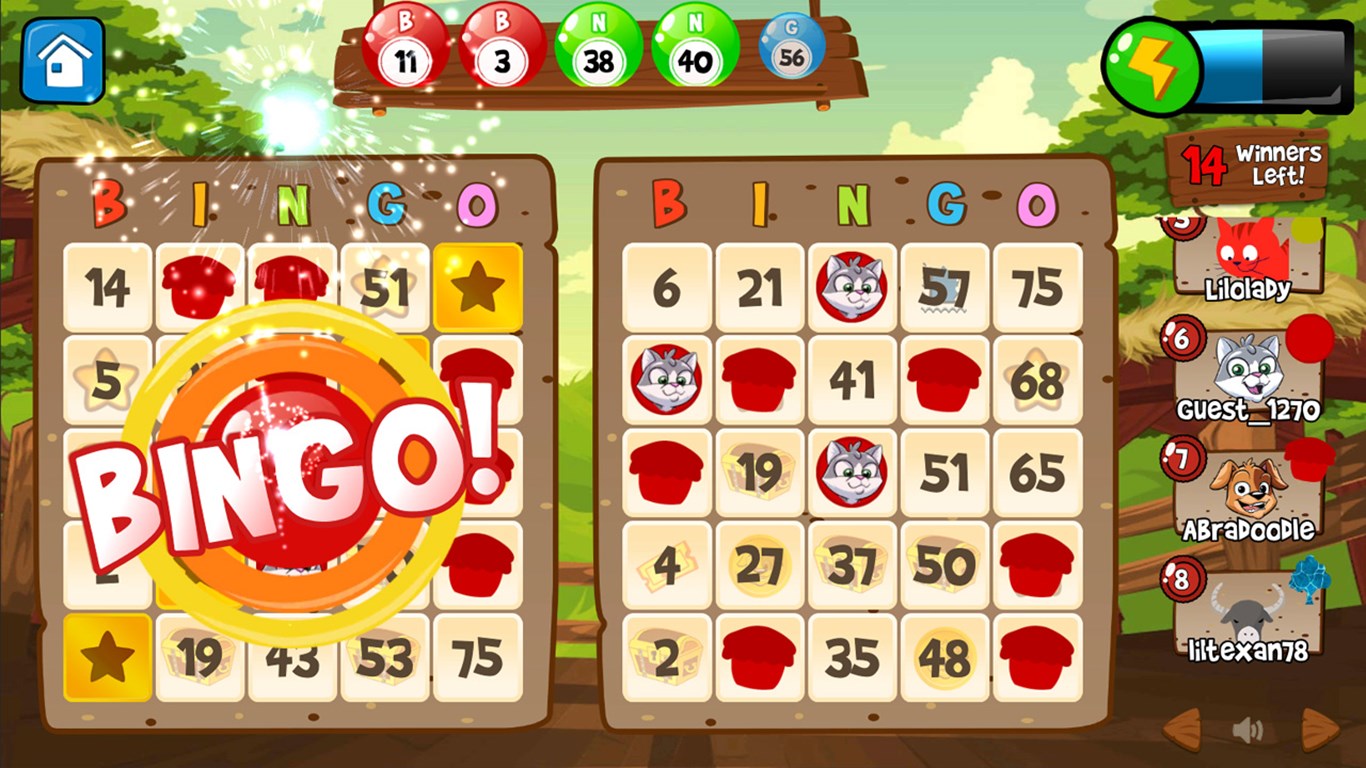
The app sports a colorful and lively interface that mimics a cheerful bingo hall—but with a modern touch. The visuals are vibrant yet clean, making it easy to identify your cards and numbers at a glance. Navigating through menus feels seamless, thanks to a well-organized layout that invites both seasoned players and newcomers to start playing without delay. The responsive design ensures that the game runs smoothly, even during rapid draw sessions.
One of the app's most compelling features is its multiplayer mode, allowing you to compete against friends or other online players in real time. The social aspect is baked right into the experience, creating a lively atmosphere comparable to a community bingo night. This feature makes Abradoodle Bingo much more than a solo pastime; it becomes an interactive event you can enjoy with others, adding a layer of excitement and competition.
The game is crafted with players' comfort in mind, offering a straightforward learning curve that even beginners can master within minutes. The controls are intuitive—clicking and tapping feel fluid, and the game responds quickly to inputs, reducing lag or frustration. The interface's cheerful aesthetics keep the mood light and inviting, perfect for relaxing or passing the time. The app's performance is reliable, with minimal crashes and seamless gameplay, even on modest hardware.
What truly distinguishes Abradoodle Bingo from other card and board game apps is its emphasis on customization and social play. Unlike more generic bingo apps, this version emphasizes theme-based variance and active player interaction—making each game session feel fresh and communal. Its customizable game modes open up possibilities for themed events or family game nights, enhancing its appeal beyond just a quick casual game. These features, combined with a polished interface, give Abradoodle Bingo a unique edge in the crowded digital bingo landscape.
For fans of classic bingo looking for a modern twist or newcomers eager for an interactive, lively Bingo experience, Abradoodle Bingo for Windows is definitely worth trying out. Its ease of use, coupled with its engaging social features and customization options, makes it suitable for casual gaming sessions or small gatherings with friends. While it remains straightforward and uncluttered—no unnecessary gimmicks—it delivers a solid, enjoyable bingo experience that's both approachable and fun.
In summary, if you're searching for a cheerful, reliable bingo app that combines simplicity with social interaction and a touch of personalization, Abradoodle Bingo is a commendable choice. I recommend giving it a whirl during your next relaxing afternoon or online game night—it might just become your new favorite pastime.
Engaging Bingo Gameplay
Educational Content
User-Friendly Interface
Variety of Themes
Regular Updates
Limited Customization Options
Occasional Latency During Load
Ads Interface Distraction
Limited Multiplayer Functionality
No Parental Controls

for Windows
 4.9
4.9

for Windows
4.8

for Windows
4.8

for Windows
4.8

for Windows
4.8

for Windows
4.8

for Windows
4.8

for Windows
4.7

for Windows
4.7

for Windows
4.7

for Windows
4.7

for Windows
4.7

for Windows
5

for Windows
5

for Windows
5

for Windows
5

for Windows
5

for Windows
5

for Windows
5

for Windows
5

for Windows
5

for Windows
5