Educational
RV AppStudios LLC
PC
Windows 10 version 10240.0 or higher
Version 10
Afrikaans, Bangla, English (United States), Finnish, French, German, Greek, Gujarati, Hindi, Hungarian, Indonesian, Italian, Kannada, Malay, Malayalam, Marathi, Nepali, Polish, Punjabi, Romanian, Russian, Spanish, Telugu, Turkish, Ukrainian, Vietnamese
As a dedicated tech reviewer with a passion for educational tools, I've had the pleasure of exploring ABC Kids - Tracing and Phonics for Windows. This app aims to make early reading skills accessible and engaging for young learners, blending fun activities with foundational literacy practice.
ABC Kids - Tracing and Phonics is an interactive educational application designed to help preschool and early elementary children develop essential reading skills through tracing and phonics exercises.
Developer: RV AppStudios LLC
Main Features:
Target Audience: Children aged 3-7, their parents, and educators seeking a fun, structured approach to early literacy.
Imagine a lively digital playground where each letter springs to life—colorful, inviting, and full of promise. That's exactly what ABC Kids - Tracing and Phonics offers. Its intuitive design and cheerful soundscape make children eager to pick up their digital crayon and start their learning adventure. The app successfully balances educational objectives with engaging gameplay, transforming what could be a static drill into a joyful exploration of words and sounds. Here's a closer look at what makes this app stand out.
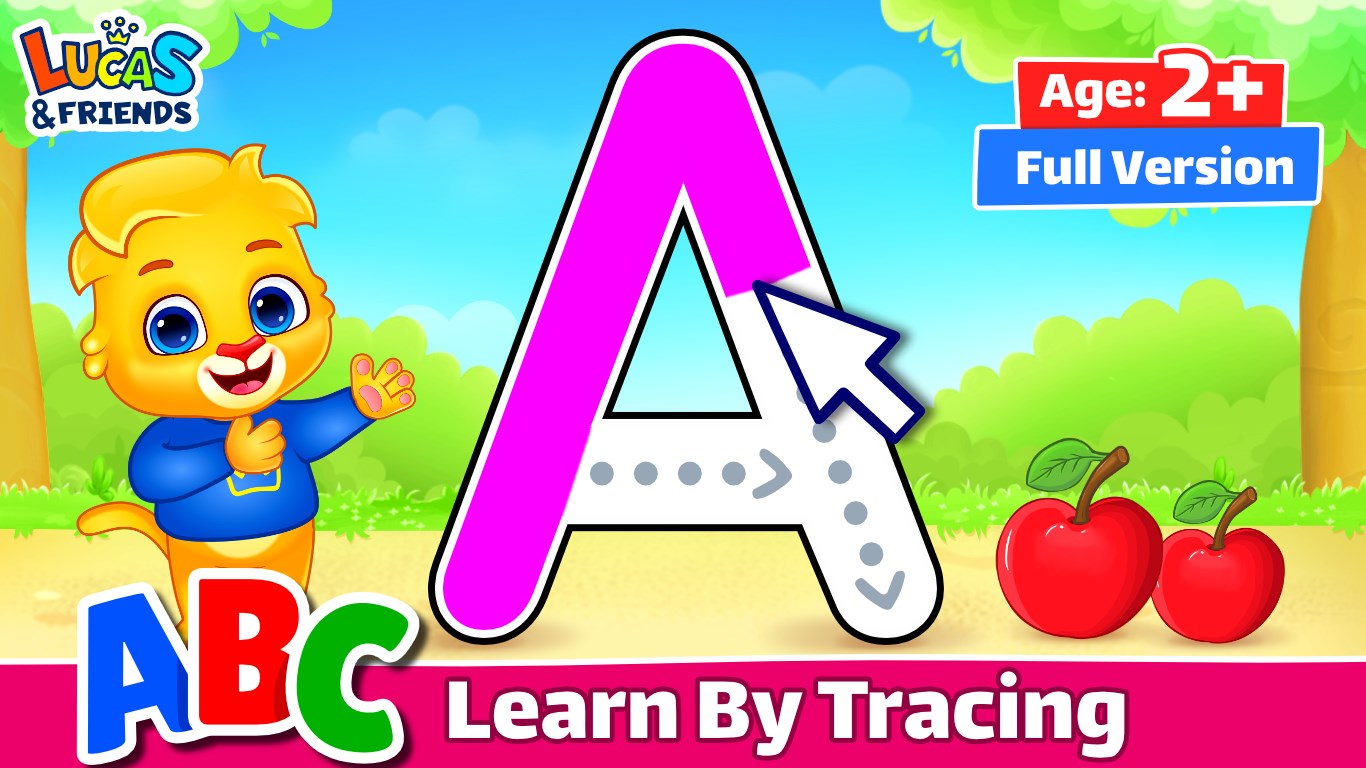
The tracing feature acts like a friendly tutor guiding little hands along the path of each letter. Using animated strokes and animated guides, children learn proper letter formation while enjoying visual cues that turn writing into a game. The app's feedback system encourages correct tracing without frustration, gently nudging children toward mastery. The seamless interface allows children to effortlessly select letters, switch colors, and replay tracing tasks, making it feel like playing with a favorite digital coloring book that doubles as a handwriting coach.
The app's design emphasizes clarity and simplicity, minimizing distractions and maximizing focused practice. The smooth operation ensures that children can navigate from letter to activity smoothly, fostering confidence and independence.
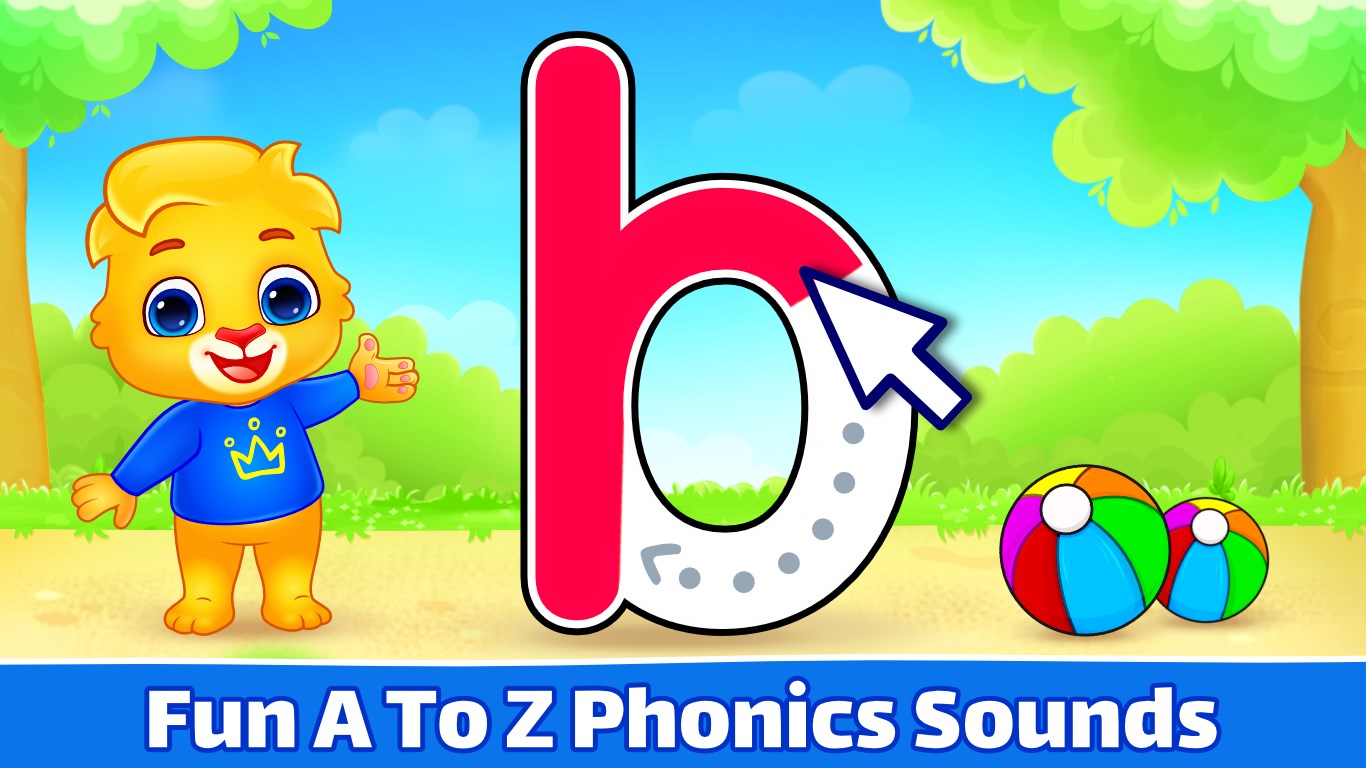
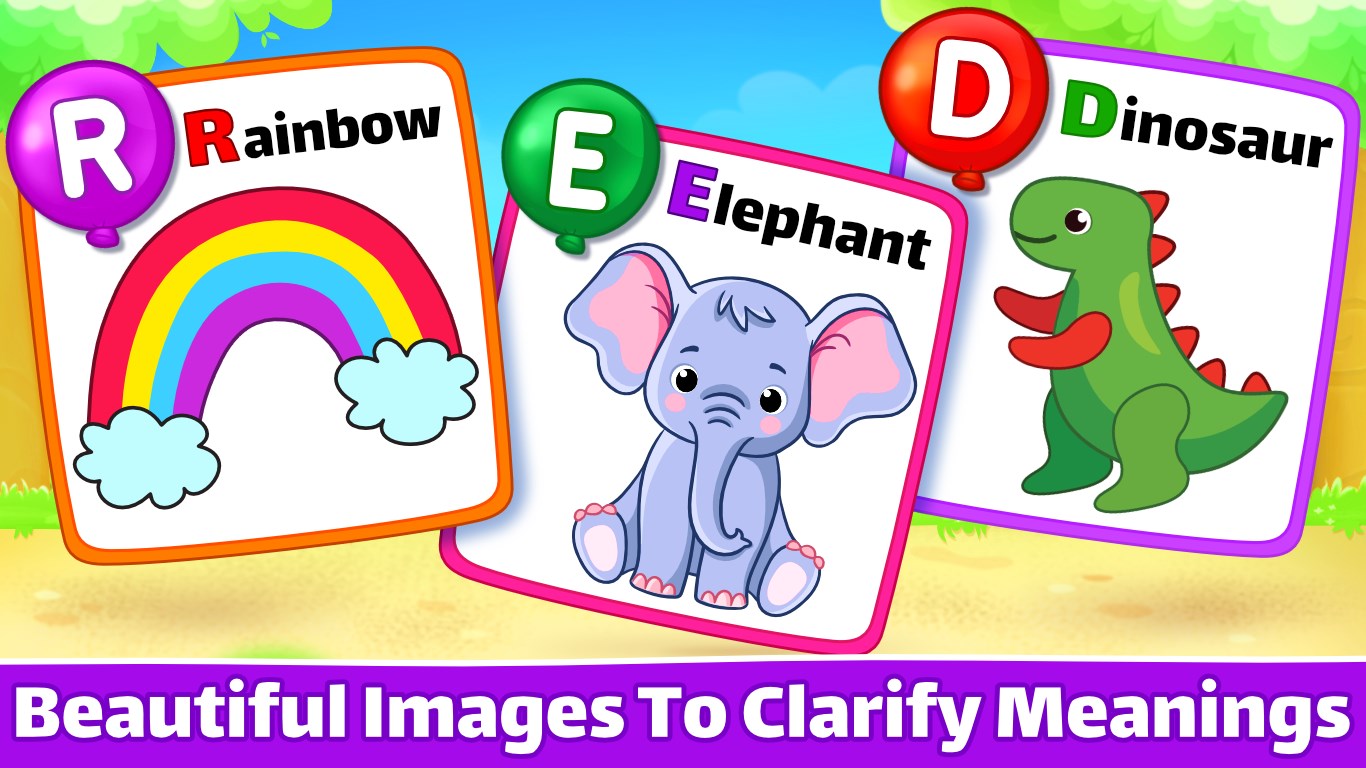
Listening is learning, and ABC Kids leverages this principle brilliantly. The phonics section presents each letter with a lively voiceover and illustrative images, helping children associate sounds with corresponding words. For example, hearing “B” accompanied by a bouncing ball and the word “ball” creates a memorable learning moment. The app gradually introduces more complex sounds, building a solid phonemic foundation. Its playful quizzes reinforce this process, asking children to select pictures matching sounds or spell simple words, thus integrating listening, recognition, and recall skill sets.
This multi-sensory approach encourages active engagement and improves retention. Rather than passive drills, children are invited to participate in a lively, interactive experience that fuels their curiosity and confidence in sounding out words.
From a user experience perspective, ABC Kids - Tracing and Phonics excels in its clean, bright interface that appeals to young children. The minimalistic layout reduces cognitive load, allowing children to concentrate on learning tasks. Interactive elements respond quickly, ensuring no frustration hampers the learning flow. The learning curve is gentle; even tech novices find it easy to navigate and explore. My own tests indicated that children quickly grasped how to use the app independently, which is crucial for fostering early autonomy in learning.
What sets this app apart from other early literacy tools is its intelligent balance of learning objectives and engagement. Unlike some apps that prioritize either game-like fun or rote memorization, ABC Kids integrates phonics with tracing in a way that naturally promotes retention. Its ability to measure progress through detailed metrics enables parents and educators to see real improvements over time. This feature means the app isn't just fun—it's a valuable teaching assistant that adapts to children's progress and helps guide instruction effectively.
Overall, ABC Kids - Tracing and Phonics proves to be a reliable and engaging educational tool for early literacy development. Its two most distinctive features—the precise, guided tracing activities and the comprehensive phonics lessons—are thoughtfully implemented to foster both handwriting skills and sound recognition. The app's friendly interface and responsive performance make it suitable for children as young as three, while its progress tracking helps parents and teachers stay informed.
I recommend this app to parents seeking a balance of educational content and playful interaction that encourages independent learning. It's particularly well-suited for classroom settings or homeschool environments where a structured, yet engaging learning aid is valuable. Given its thoughtful design and focus on foundational skills, ABC Kids - Tracing and Phonics is a commendable choice for nurturing early readers with patience and fun.
Engaging and colorful interface
Interactive tracing activities
Effective phonics lessons
Progress tracking feature
Suitable for early learners
Limited variety of exercises
Audio controls can be inconsistent
No offline access for some features
Navigation may be confusing for very young children
Lack of diverse content beyond phonics and tracing

for Windows
 4.8
4.8

for Windows
4.7

for Windows
4.6

for Windows
4.5

for Windows
4.4
for Windows
4.4

for Windows
4.4

for Windows
4.4
for Windows
4.3
for Windows
4.2
for Windows
4.2
for Windows
1.5

for Windows
5

for Windows
5

for Windows
5

for Windows
5

for Windows
5

for Windows
5

for Windows
5

for Windows
5

for Windows
5

for Windows
5