Classics
PC, Mobile, Surface Hub, HoloLens
Windows 10 version 14393.0 or higher
English (United States)
Imagine stepping into a sleek, virtual billiard hall where the cue ball glides smoothly across a polished table, epitomizing precision and fun. 8 Ball Billiards - Super Challenge for Windows by Lissy Woo Inc offers players an engaging digital pool experience that captures the essence of classic billiards while introducing innovative gameplay features. Whether you're a casual gamer looking for a quick shot or a billiards enthusiast aiming to sharpen your skills, this app promises an entertaining online and offline billiards journey.
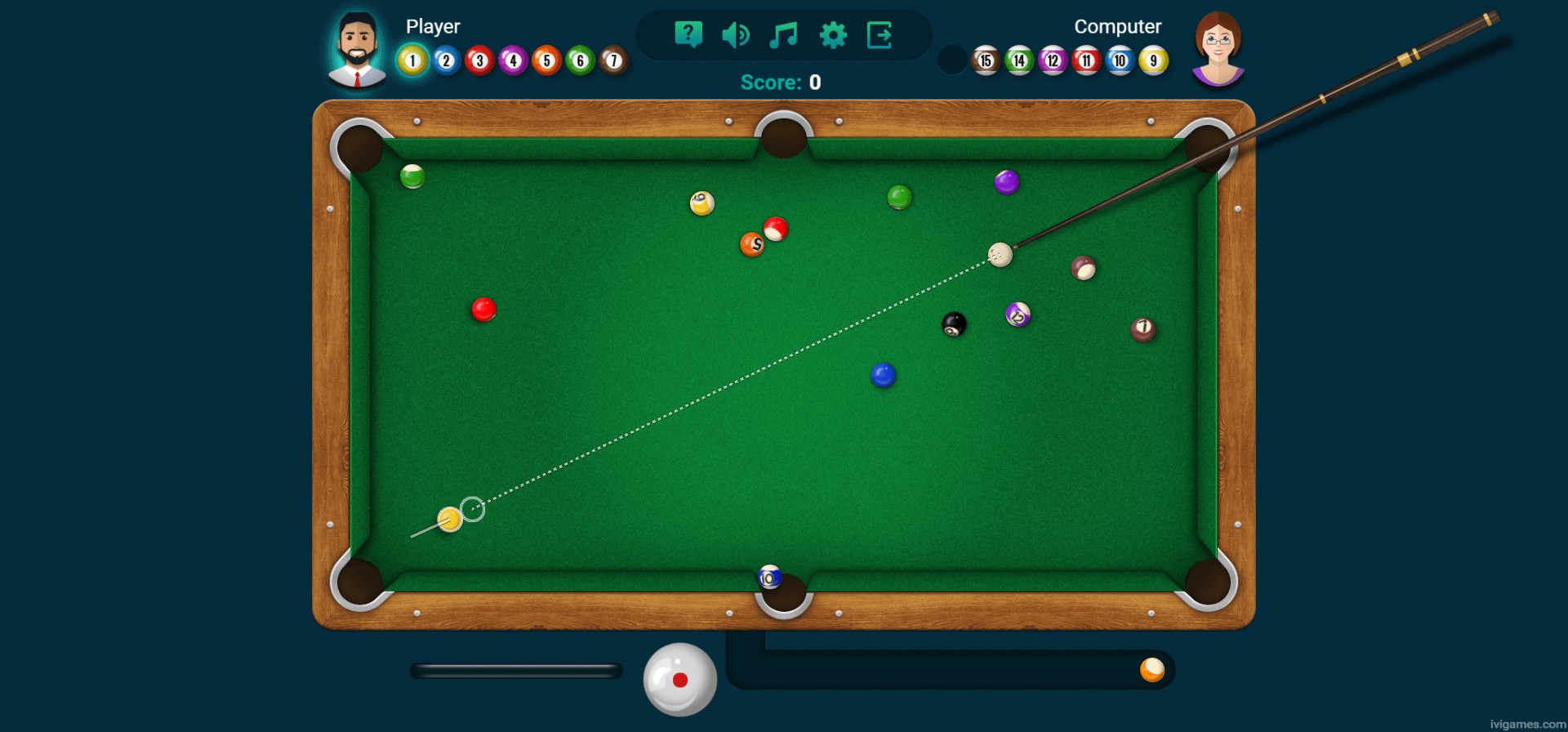
One of the most impressive aspects of this app is its commitment to realistic physics. The balls roll, collide, and spin with convincing accuracy, giving players a feeling akin to real table action. The seamless gameplay ensures minimal lag or stuttering, creating an immersive experience that feels natural and satisfying—like playing on a well-maintained physical table. This fluidity is crucial for those who value precise control and a realistic feel.
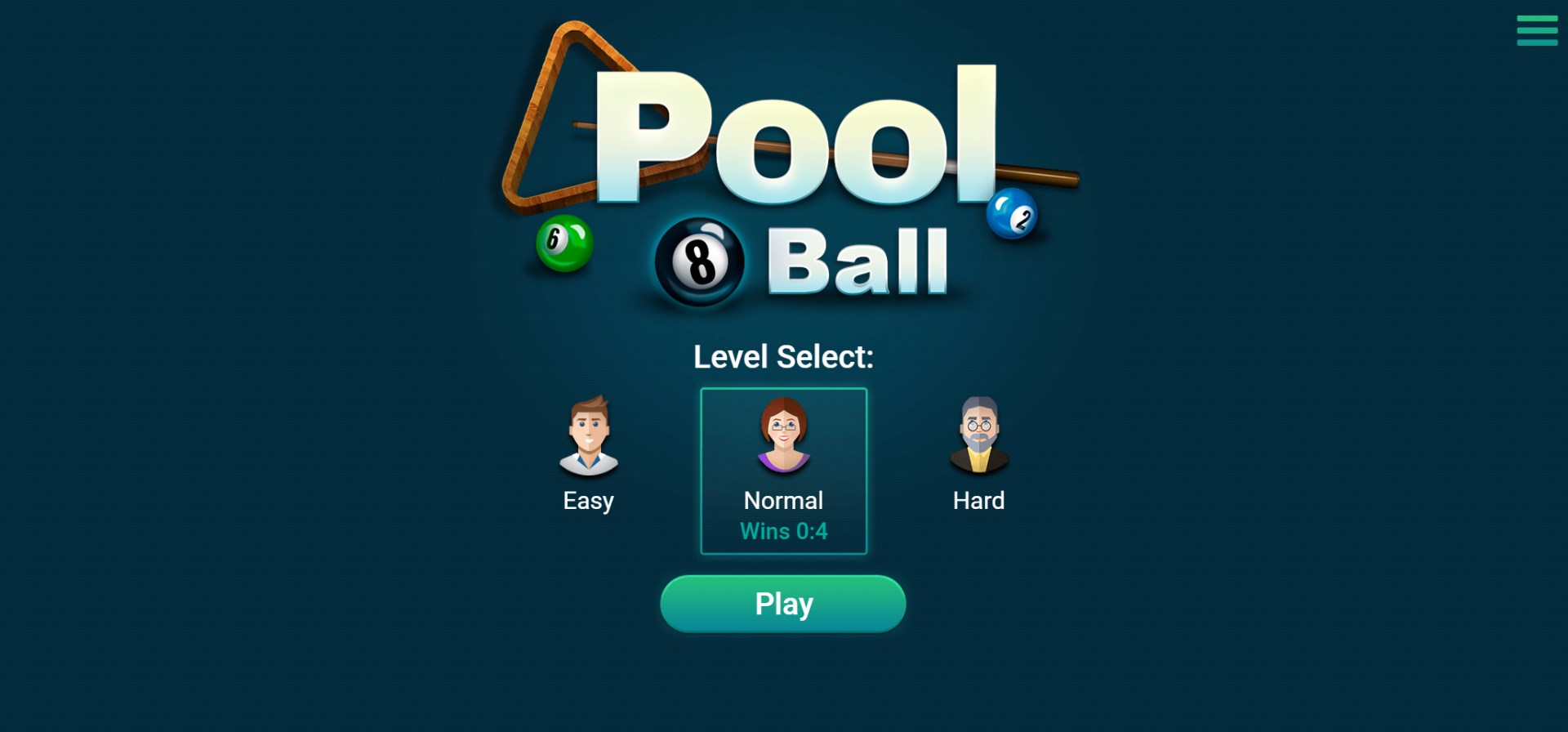
Whether you're into quick casual matches or challenging solo campaigns, the app offers a variety of game modes. From classic 8-ball pool to various challenge modes, players can select levels that match their skill and mood. The difficulty tiers actively engage players by gradually increasing complexity, making it suitable for beginners to seasoned players seeking a test of finesse and strategy. This versatility keeps gameplay fresh and encourages repeated play.
The user interface is clean, simple, and thoughtfully designed—think of it as the well-organized layout of a professional billiards hall, but in digital form. The controls are intuitive, with touch-based aiming and shot power adjustments that feel natural. Onboarding is straightforward, with helpful tutorials and hints that reduce the learning curve, allowing new players to dive right into the fun without frustration.
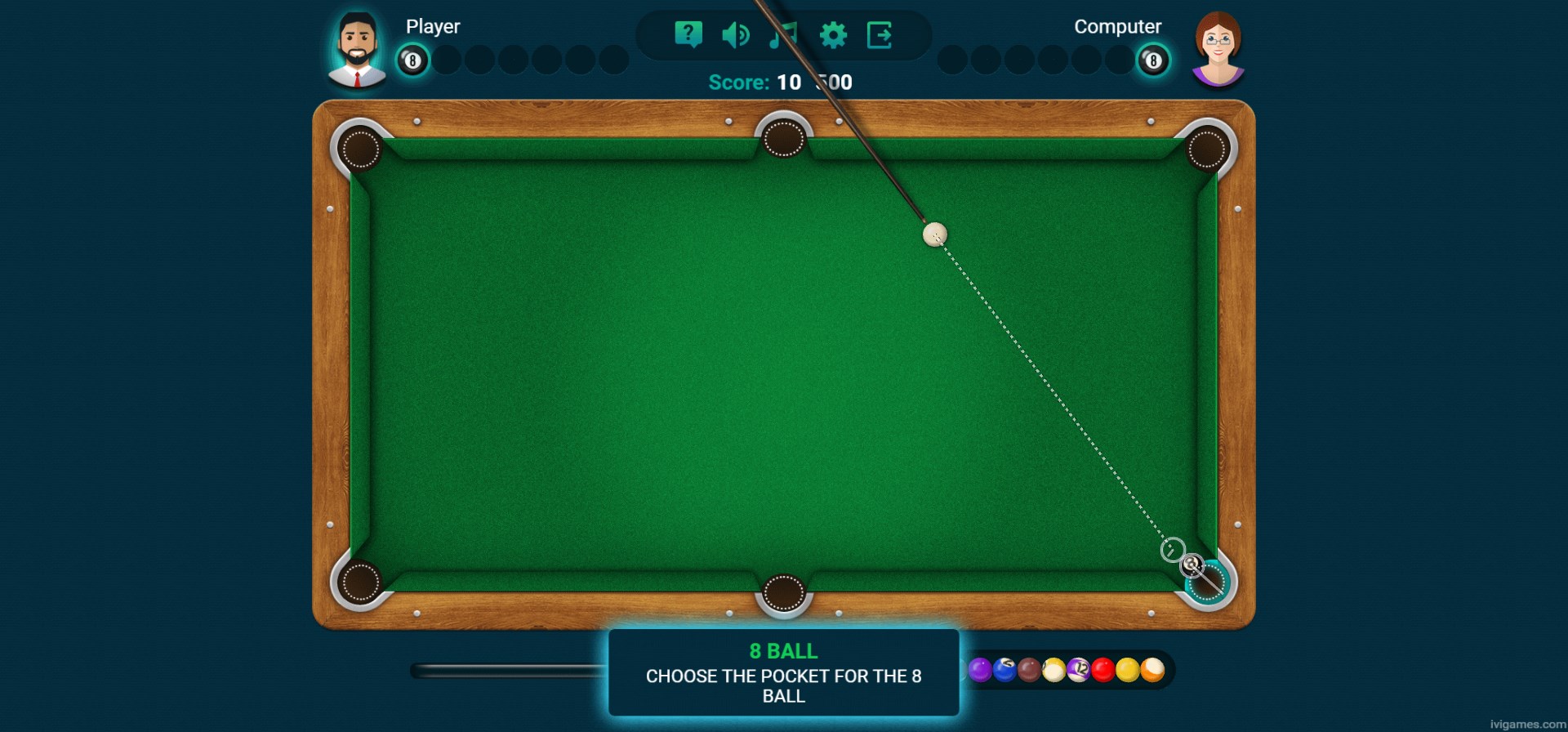
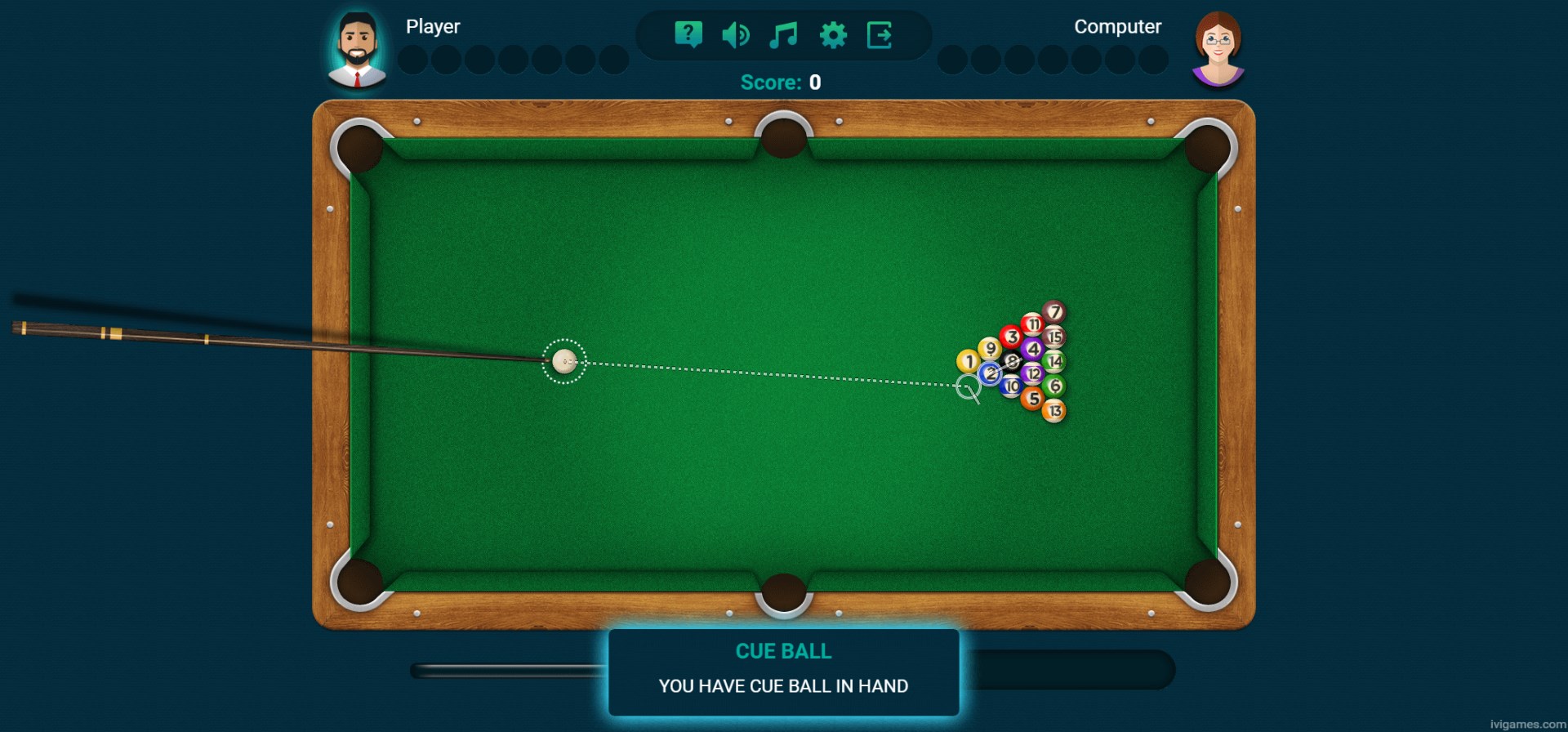
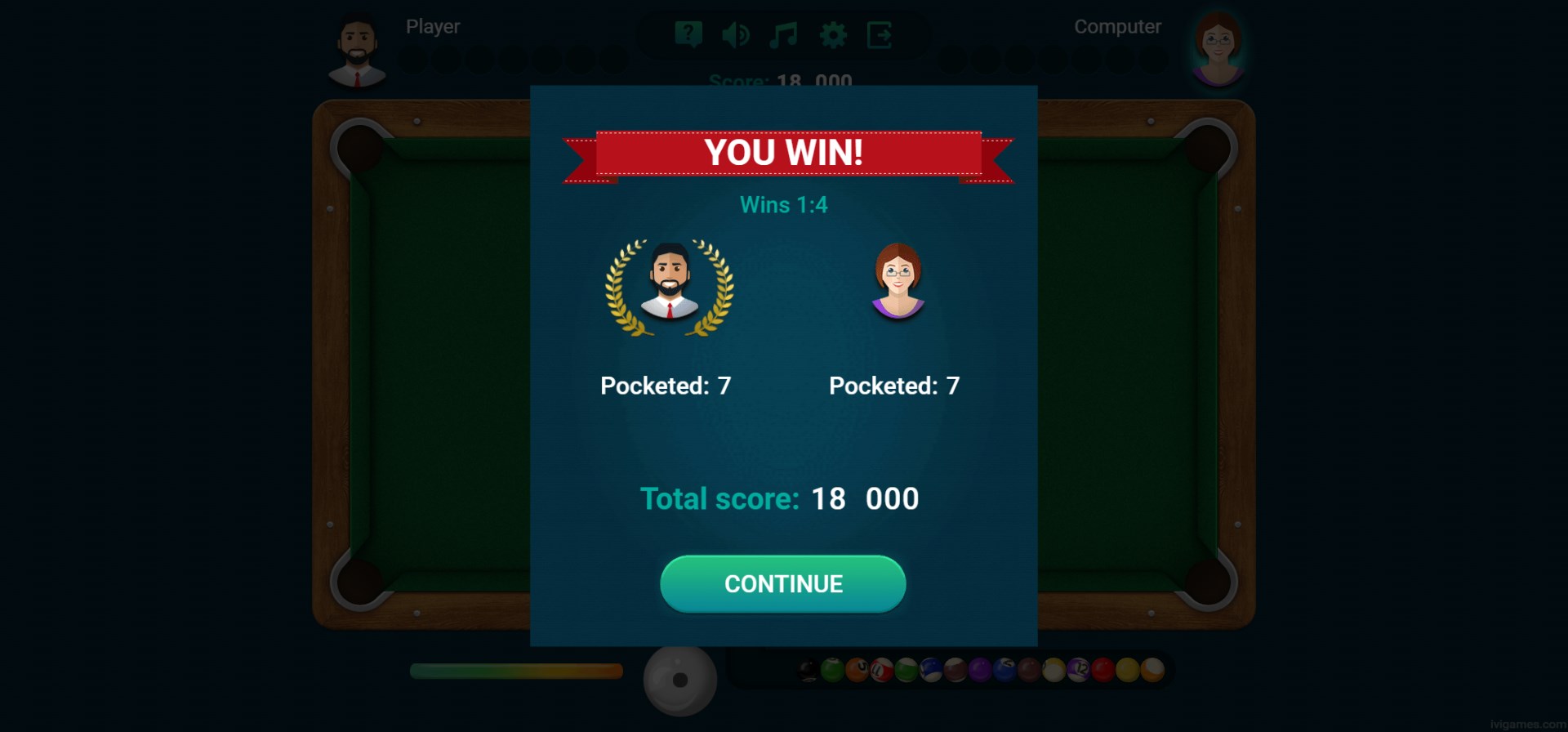
The aesthetic of 8 Ball Billiards - Super Challenge is modern yet accessible, with vivid graphics that mimic the appearance of real billiard tables and balls. The game's visual clarity enhances precision, making shot alignment easier and more satisfying. Navigating menus and game options is effortless, even for less tech-savvy users, thanks to a well-organized layout.
Performance-wise, the app demonstrates excellent responsiveness and stability, whether you're playing on a high-end PC or a modest system. The learning curve is gentle; novices can quickly understand the game's mechanics, while seasoned players will appreciate the depth in shot control and strategy that the physics engine offers.
One of the most distinguished features of this app is its multiplayer capability. Unlike many casual billiards apps, which mainly focus on solo modes, Super Challenge emphasizes online play against friends or global opponents, adding a social dimension to the game. This feature transforms an individual pastime into a competitive experience, providing a certain thrill that keeps players coming back.
Compared to other billiards apps, 8 Ball Billiards - Super Challenge shines with its realistic physics and engaging multiplayer options, offering a pool experience that feels both authentic and socially interactive. While some competitors might excel in graphics or gimmicks, this app's strength lies in its balance of playability and strategic depth, making it suitable for serious and casual players alike.
Overall, I recommend this app for anyone looking to enjoy high-quality virtual billiards without complicated controls. Its smooth gameplay, realistic physics, and social features make it a game best enjoyed with friends or as a relaxing solo pastime. Whether you're practicing your shot or competing in championships, this app provides a polished platform to enhance your billiards skills.
Intuitive touch controls
Realistic physics engine
Variety of game modes
Clean and user-friendly interface
Regular updates and bug fixes
Limited customization options
Occasional ads interrupt gameplay
Learning curve for advanced shots
Battery consumption is relatively high
Difficulty finding multiplayer matches at peak times

for Windows
 4.9
4.9

for Windows
4.9

for Windows
4.9

for Windows
4.8

for Windows
4.8

for Windows
4.8

for Windows
4.8

for Windows
4.7

for Windows
4.7

for Windows
4.7

for Windows
4.7

for Windows
4.7

for Windows
5

for Windows
5

for Windows
5

for Windows
5

for Windows
5

for Windows
5

for Windows
5

for Windows
5

for Windows
5

for Windows
5