Strategy
PC, Mobile, Surface Hub, HoloLens
Windows 10 version 10240.0 or higher
English (United States)
Imagine blending the timeless strategic depth of chess with a captivating 3D visual experience—this is exactly what 3D Chess Game Plus offers for Windows users seeking both fun and challenge in a virtual board game environment.
This game is developed by A Trillion Games Ltd., a team dedicated to delivering visually engaging and thoughtfully designed digital board games that cater to chess enthusiasts and casual players alike.
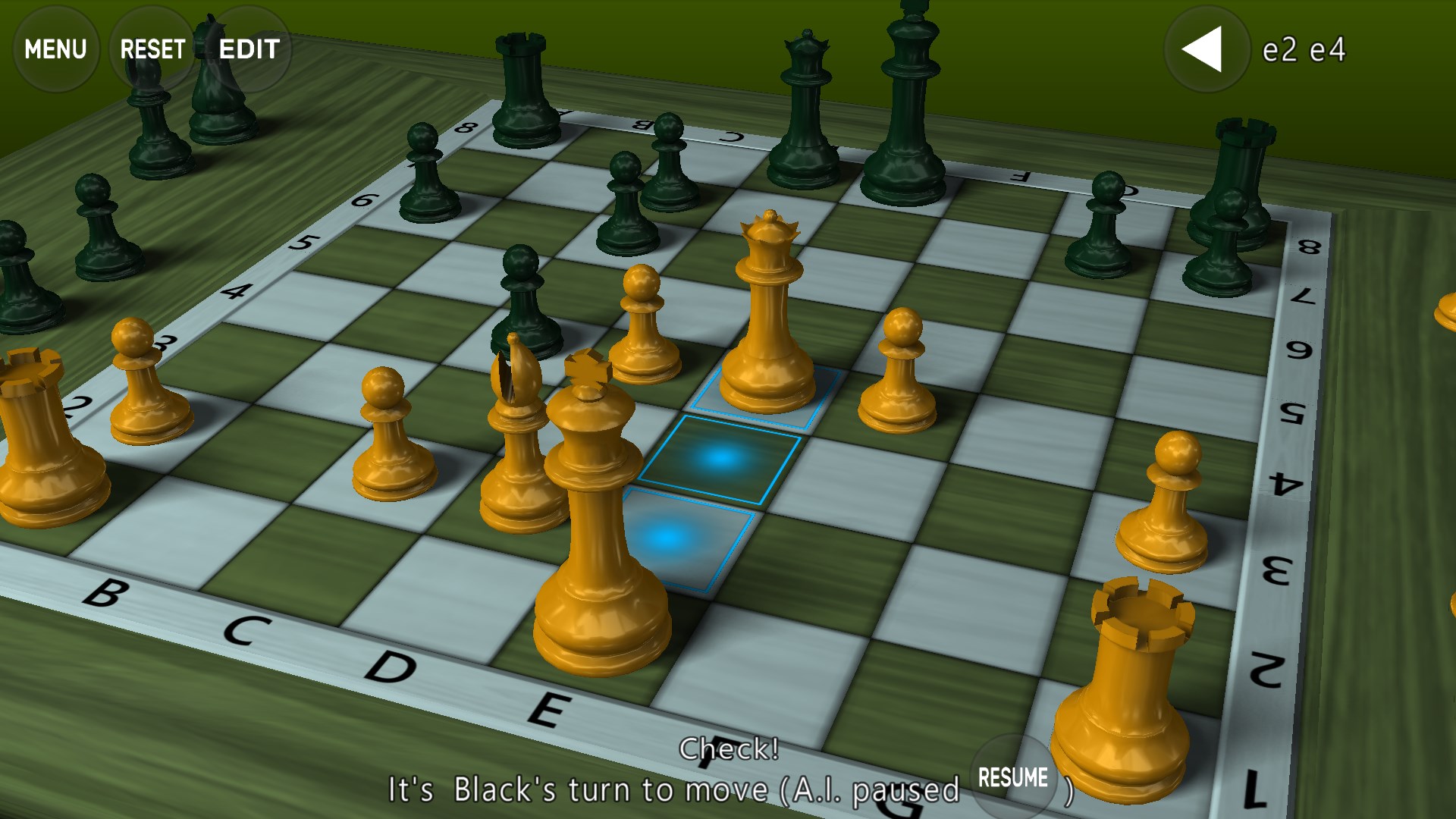
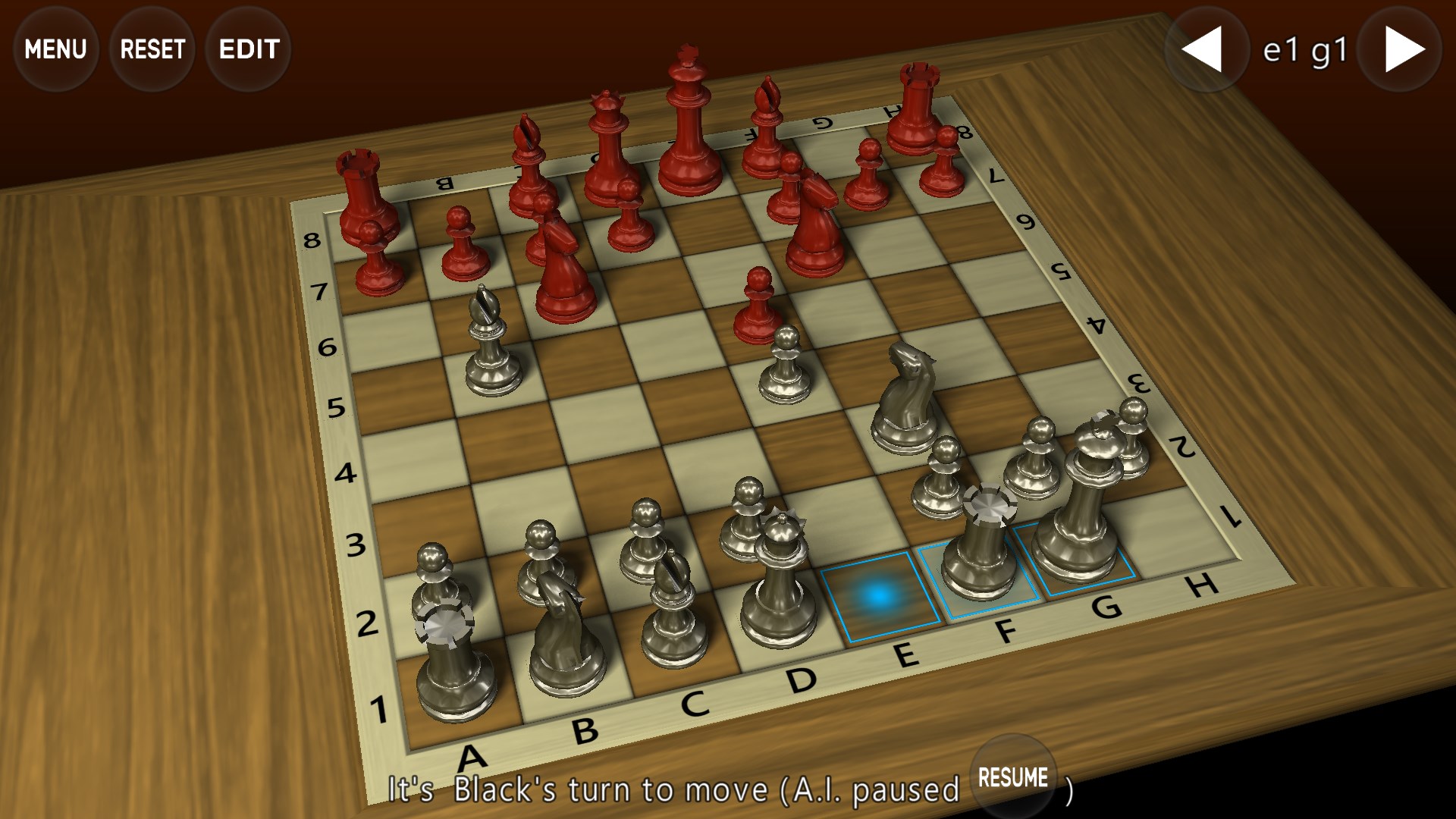
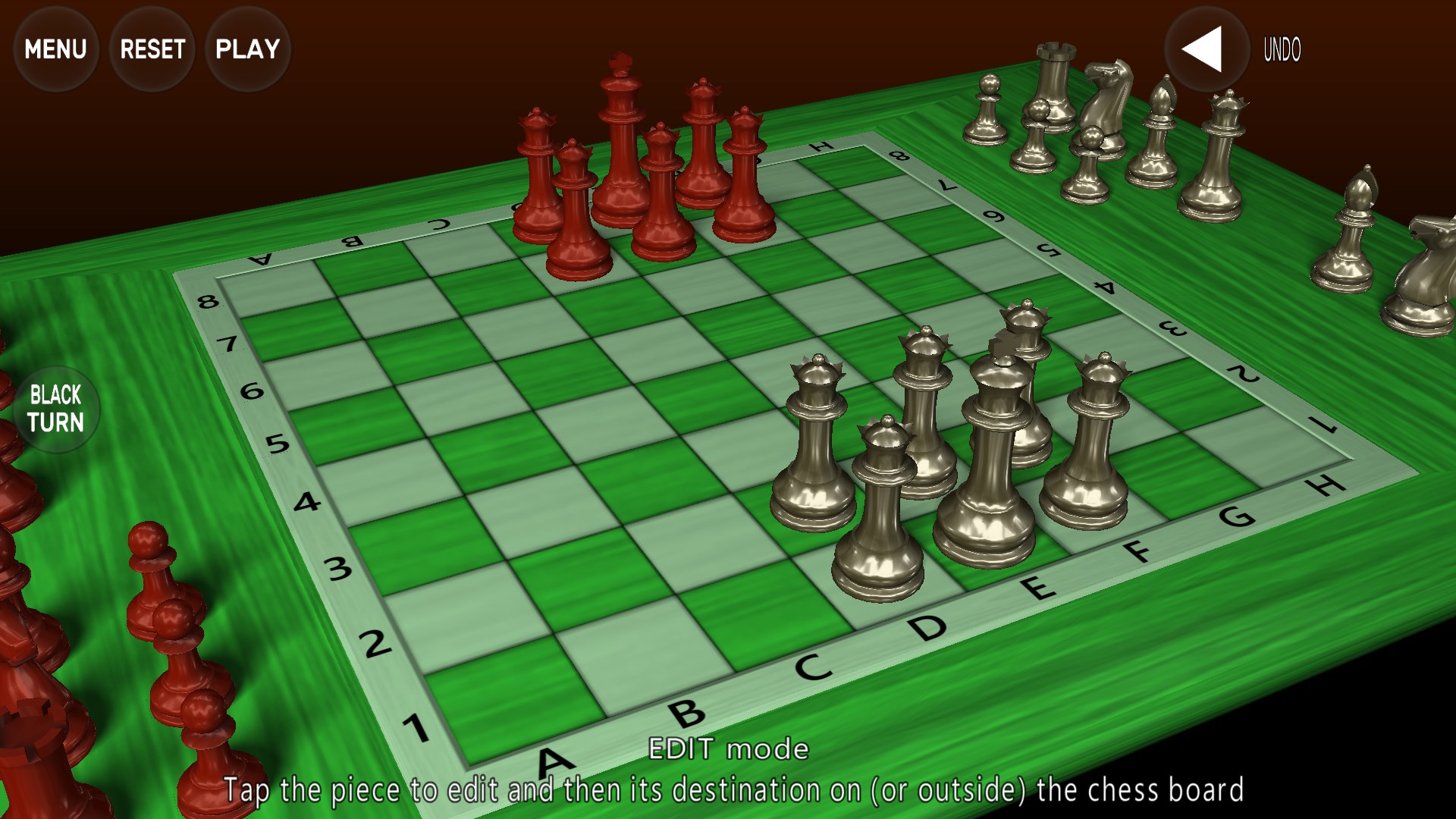
From the moment you launch 3D Chess Game Plus, you're greeted with a vibrant, meticulously rendered 3D environment that feels like hosting a match in a high-end chess studio. The rotating board provides multiple viewing angles, immersing you deeply into the game environment. The design strikes a fine balance—detailed enough to captivate visually, yet unobtrusive for focused gameplay. Animations are smooth and natural, adding a layer of elegance to the movement of pieces, akin to graceful ballet on a polished stage. Whether playing solo or competitive matches, this lively visualization keeps the experience fresh and engaging.
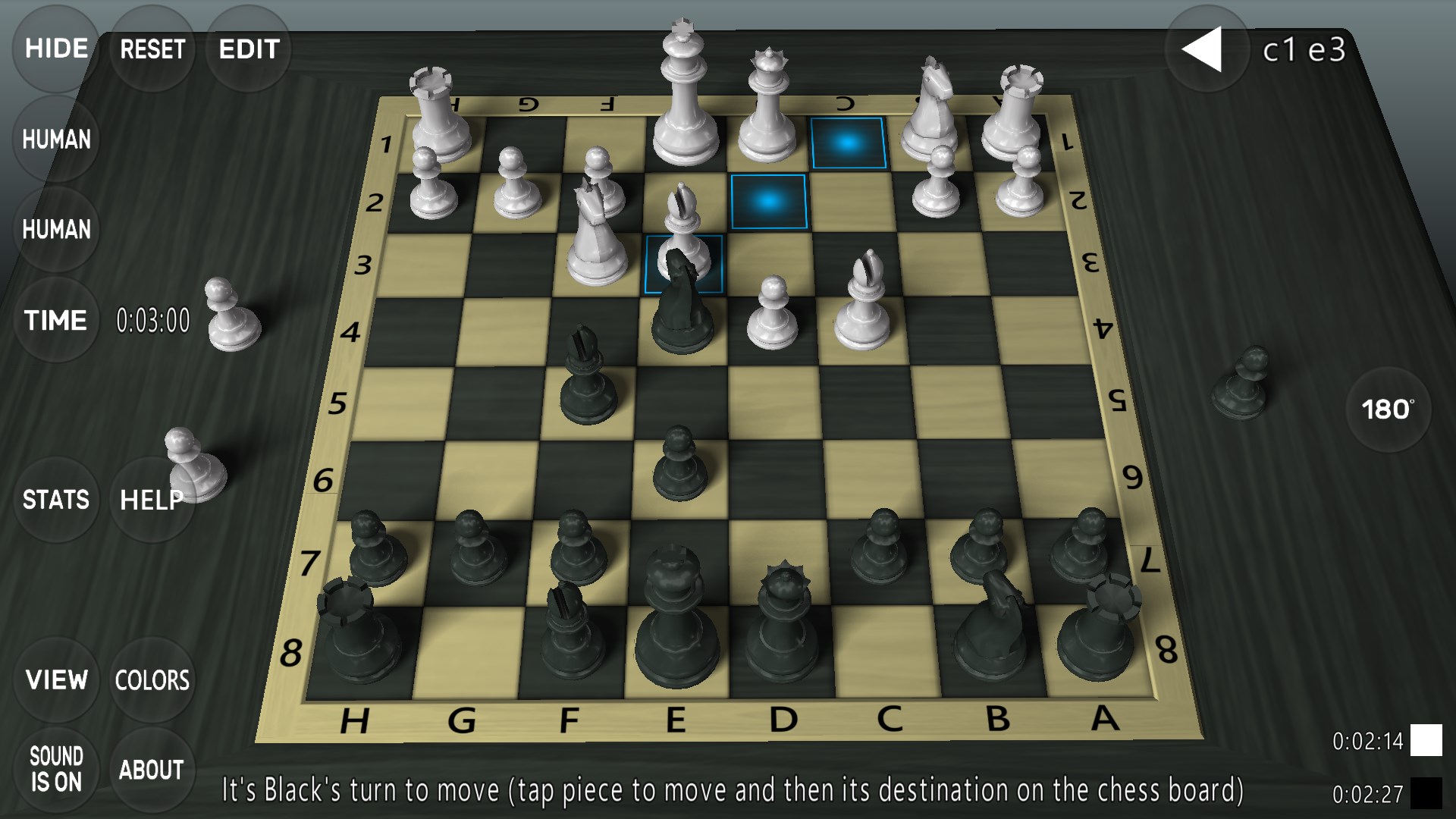
One of the standout features is the game's capacity to clearly display potential move consequences, helping players understand the impact of each decision. When planning your next move, the game highlights possible outcomes, akin to having a wise mentor whispering advice in your ear. This visual clarity aids players in grasping strategic positions without getting lost in complex calculations, making it friendly for newcomers yet valuable for experts refining tactics.
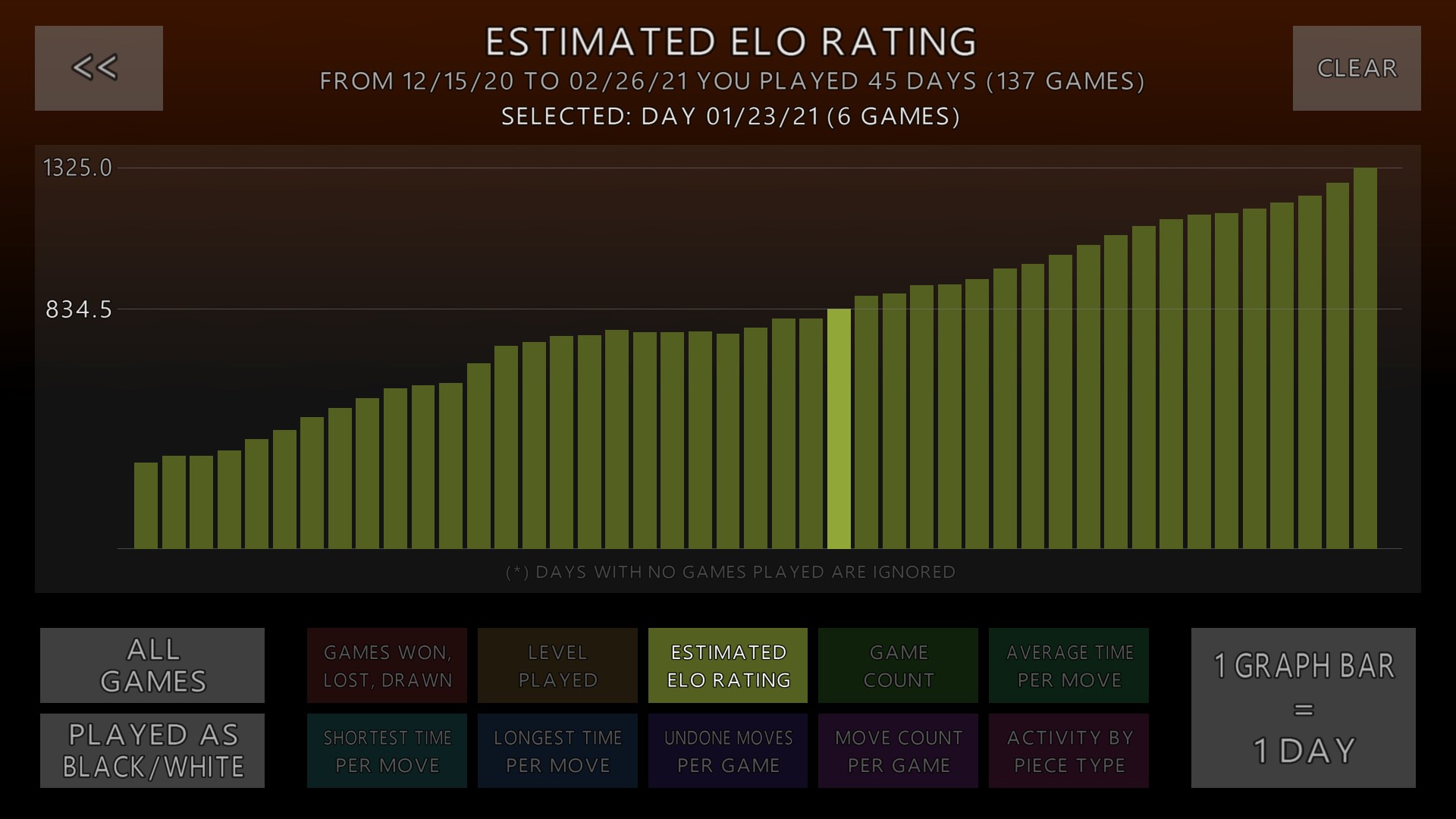
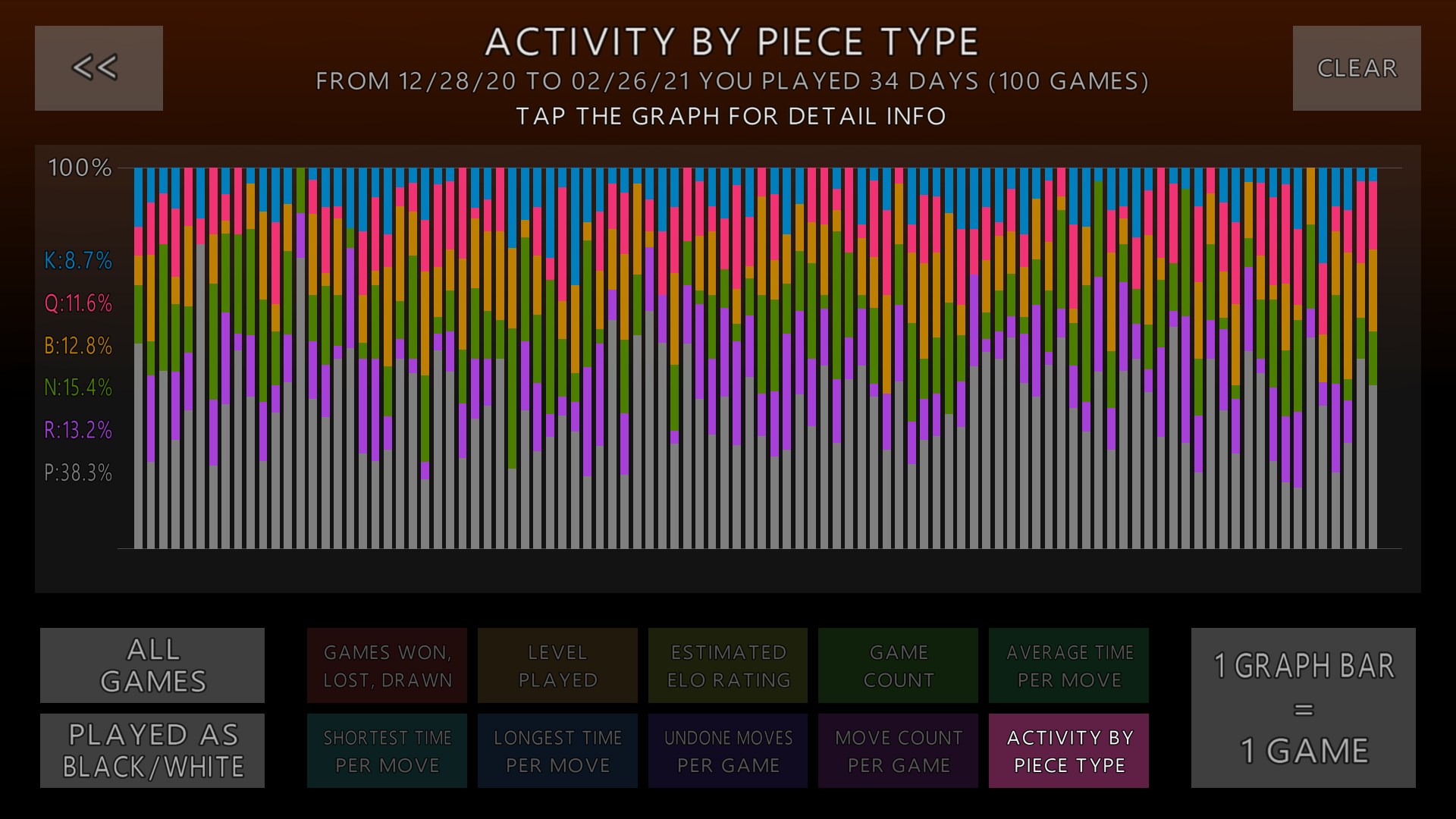
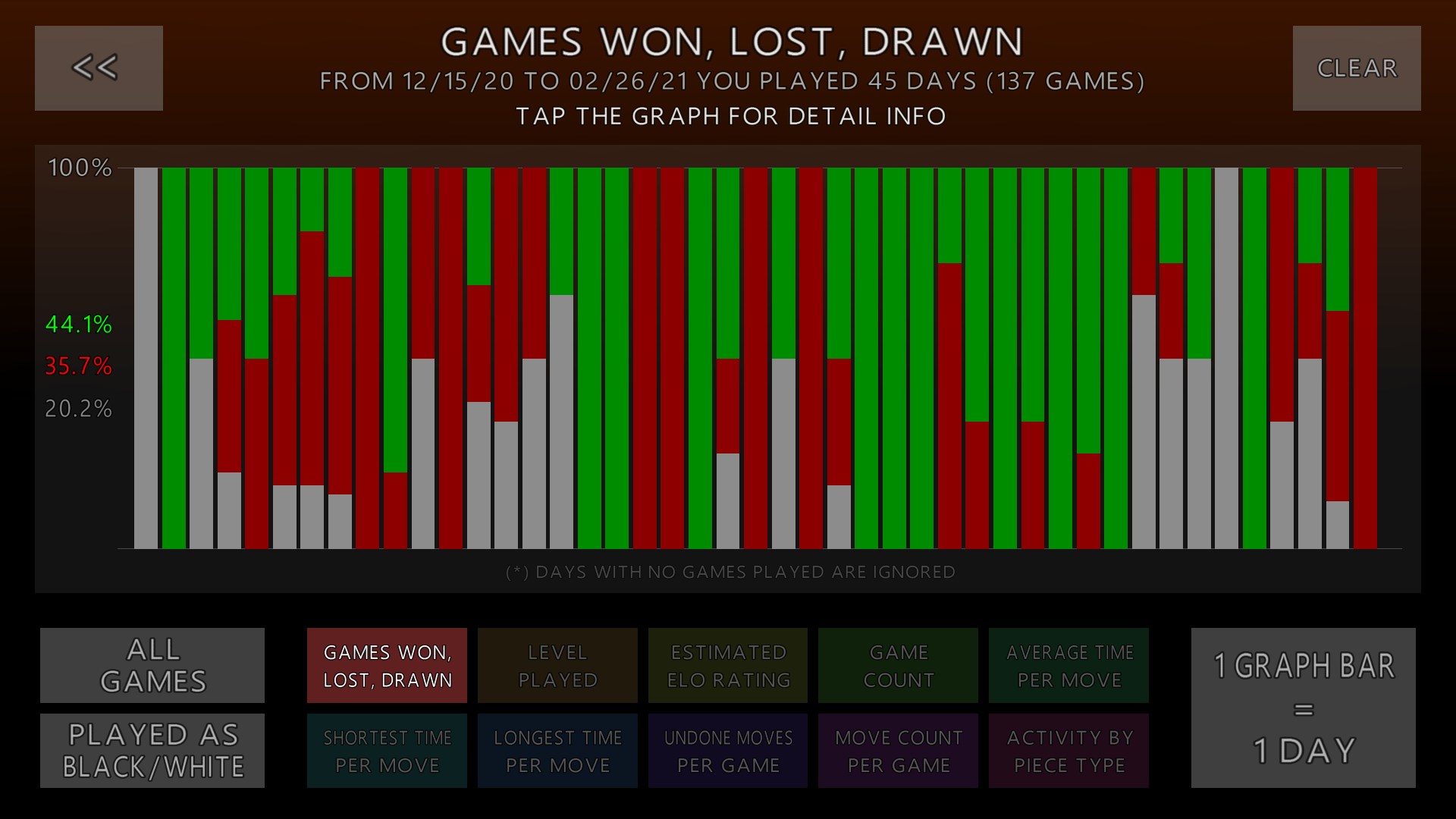
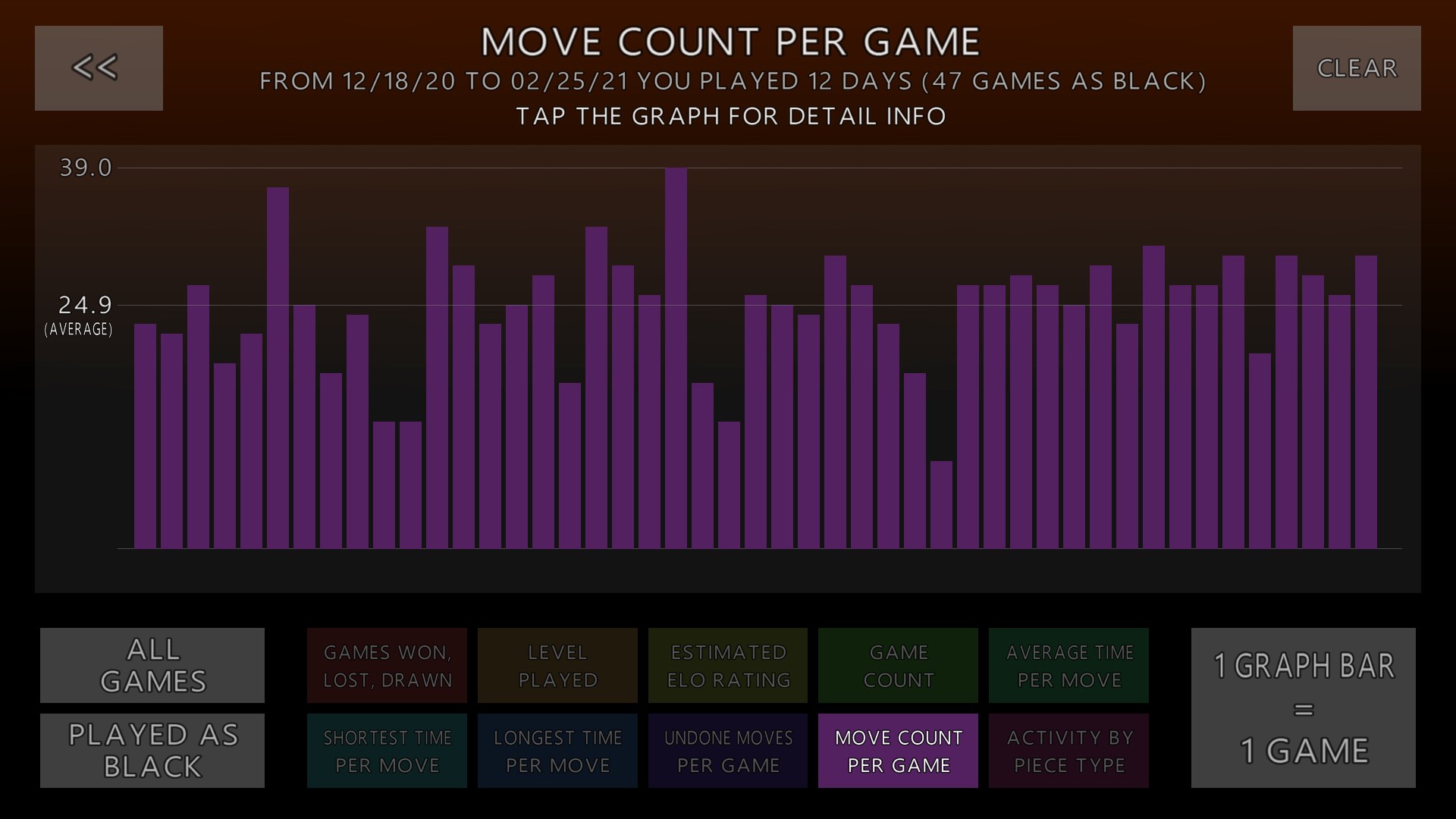
The game also excels at managing information overload. Unlike overly cluttered strategy apps, 3D Chess Game Plus keeps the interface clean, presenting only pertinent data—such as move history, captured pieces, and available options—organically integrated into the visual design. This approach allows players to evaluate their own choices and anticipate opponent responses clearly and comfortably, much like viewing a well-organized chess clipboard without unnecessary distraction.
While there are numerous digital chess apps out there, few combine immersive 3D visuals with comprehensive decision consequence visibility as effectively as 3D Chess Game Plus. Its emphasis on visualizing move outcomes and offering manageable information layers sets it apart from more cluttered or purely abstract strategy games. This unique approach helps players evaluate options systematically, fostering better decision-making rather than just reacting blindly—an essential trait in serious strategic thinking. The game's smooth control scheme and appealing aesthetics also position it favorably among casual players looking for both quality visuals and functional depth.
Overall, 3D Chess Game Plus for Windows is a thoughtfully crafted app that successfully elevates traditional chess into a dynamic 3D experience without sacrificing clarity or ease of use. Its standout features—such as visualizing decision impacts and managing information flow—make it not only entertaining but also educational for those seeking to sharpen their chess skills. I recommend it to players who appreciate visual finesse and strategic transparency, especially if you're keen to experiment with move analysis in a visually engaging environment. Whether you're just starting out or a seasoned strategist, this game offers an approachable yet insightful way to enjoy chess digitally.
Intuitive and user-friendly interface
Multiple game modes and difficulty levels
High-quality 3D graphics with realistic chess pieces
Offline gameplay available
Regular updates adding new features and bug fixes
Limited tutorial features for beginners
Some advanced features are locked behind in-app purchases
Occasional minor graphic glitches on lower-end devices
Sound effects can be repetitive
Limited multiplayer options beyond matchmaking

for Windows
 4.9
4.9

for Windows
4.8

for Windows
4.8

for Windows
4.7

for Windows
4.7
for Windows
4.7

for Windows
4.6
for Windows
4.6

for Windows
4.6

for Windows
4.6
for Windows
4.6

for Windows
4.6

for Windows
5

for Windows
5

for Windows
5

for Windows
5

for Windows
5

for Windows
5

for Windows
5

for Windows
5

for Windows
5

for Windows
5