Business
In A Day Development
PC, Mobile
Windows 10 version 17763.0 or higher
English (United States)
Imagine having a powerful financial calculator right at your fingertips that can handle complex calculations with ease and clarity—10bii Financial Calculator for Windows aims to be just that. Designed to serve students, professionals, and financial enthusiasts alike, this application transforms your Windows device into a portable powerhouse for financial analysis. Developed by In A Day Development, this tool combines core financial functions with modern usability, making it a go-to app for quick, accurate computations.
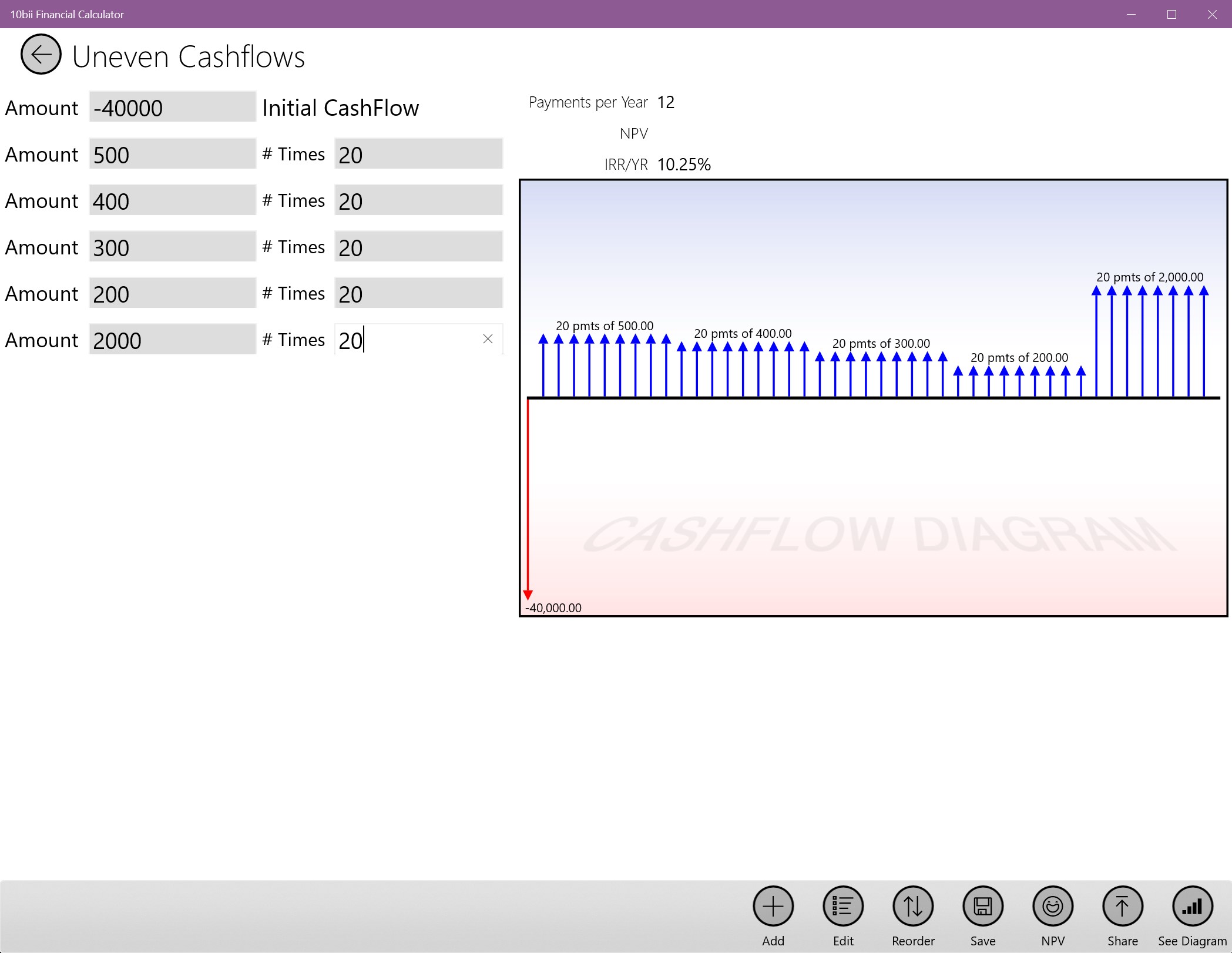
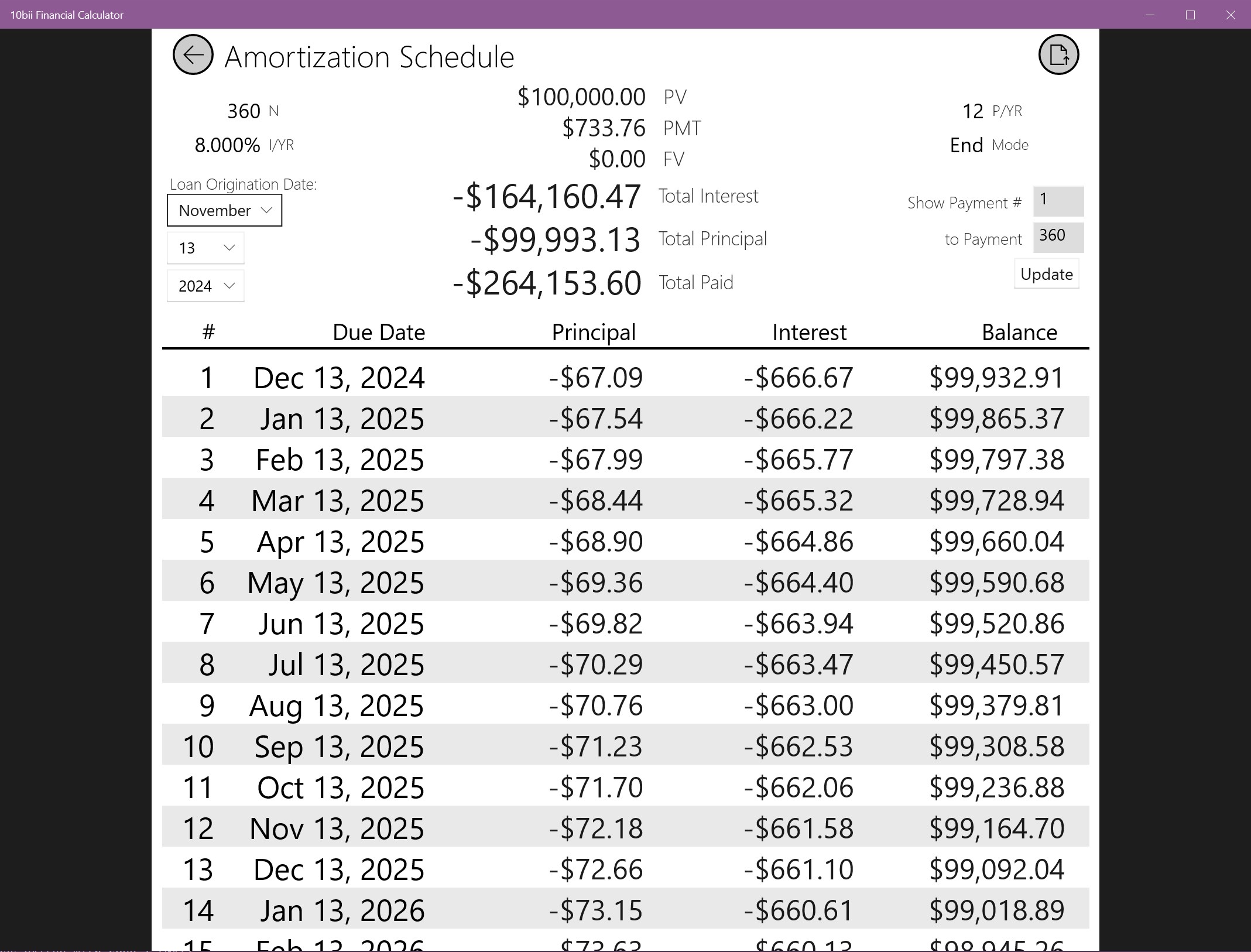
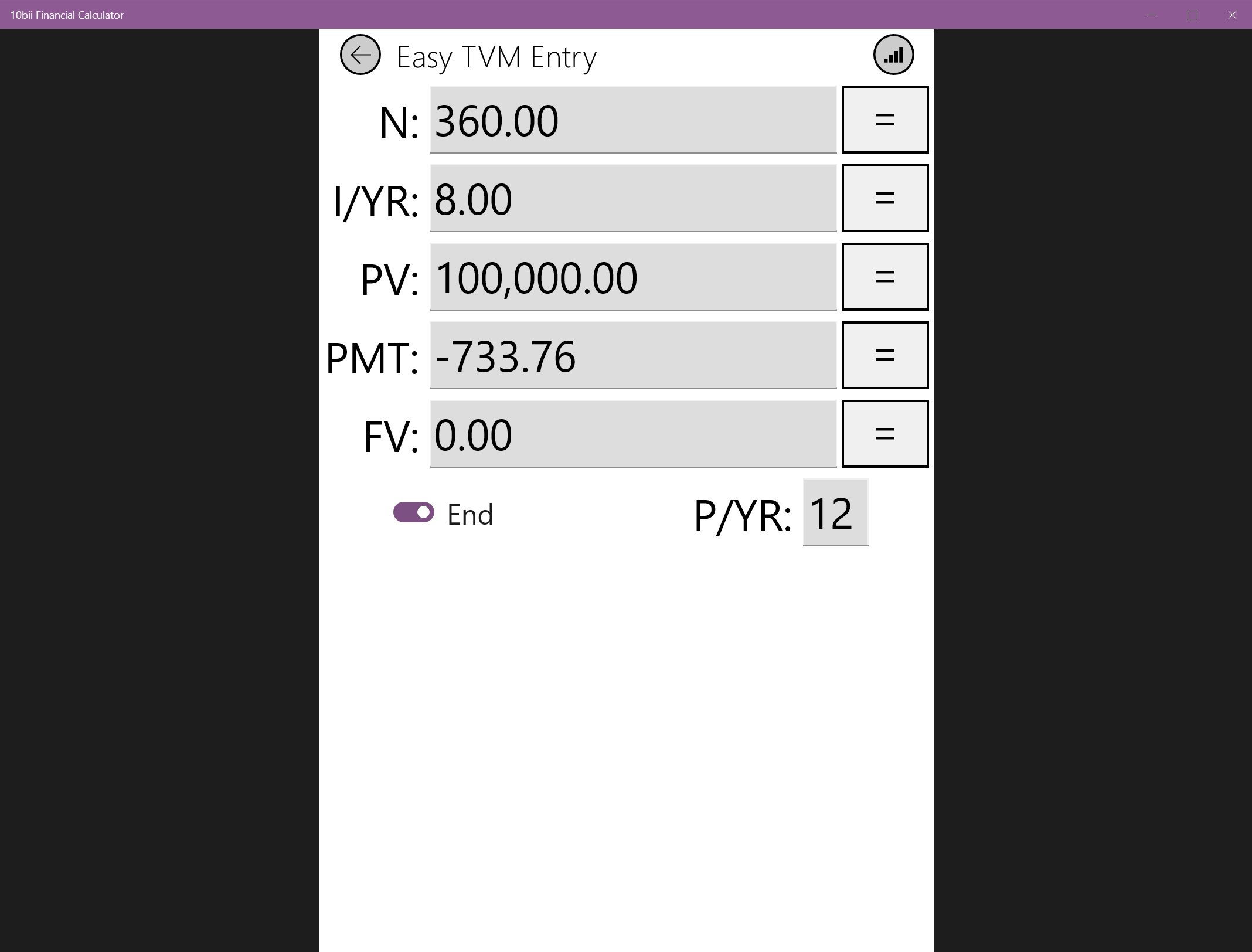
The app boasts a wide array of essential financial calculations, including time value of money (TVM), cash flow analysis, amortization schedules, bond prices, and more. Whether you're evaluating investment opportunities or planning a mortgage, 10bii provides precise, instant results, eliminating the need for manual formulas or separate calculators. Its built-in calculator-like interface feels familiar yet robust, making complex calculations feel effortless.
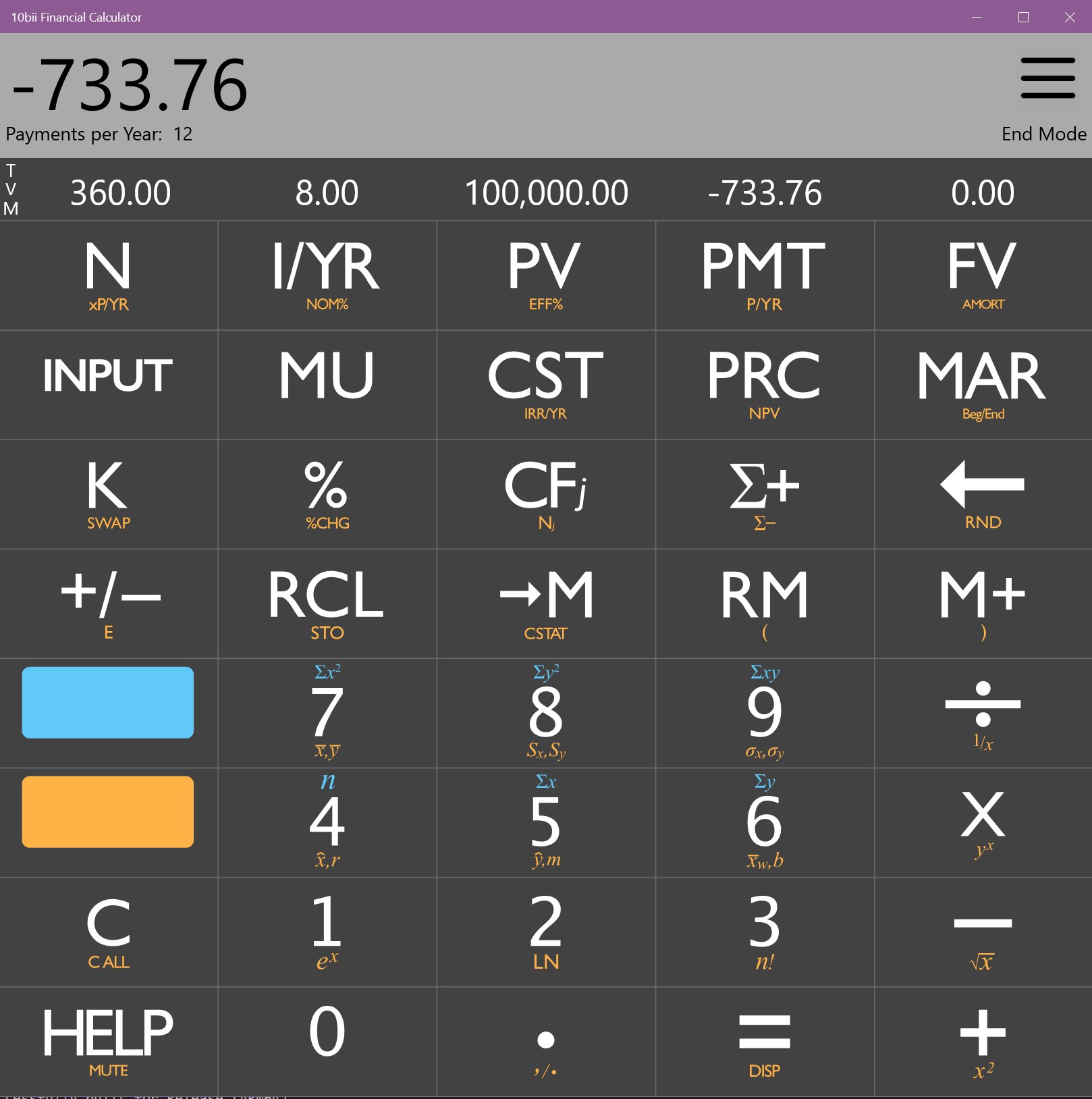
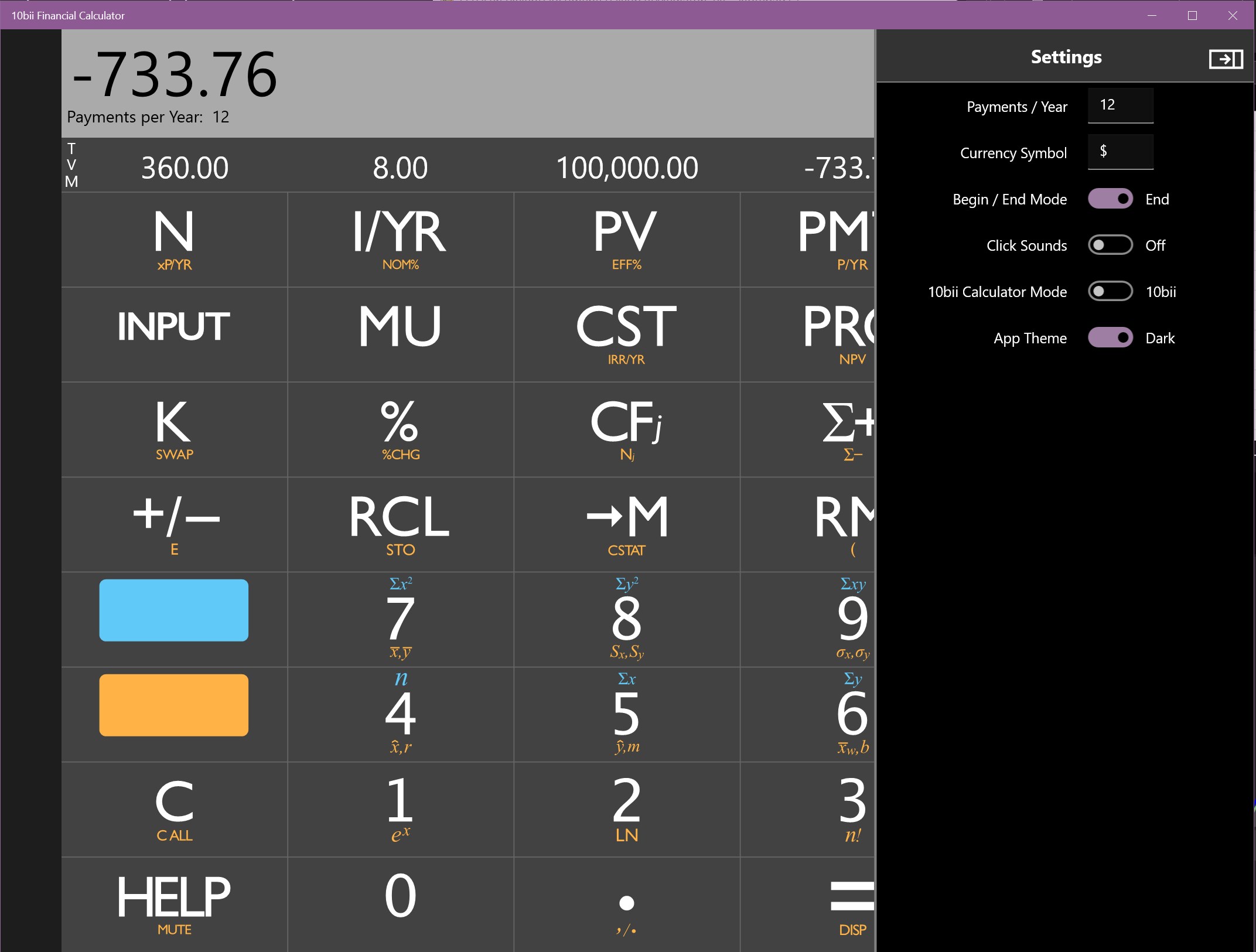
The interface keeps things clean and straightforward, with clearly labeled buttons and organized categories. Think of it as a well-organized toolbox—everything you need is logically arranged so that even beginners can find what they're looking for quickly. The app's interface adapts well to different screen sizes, and the intuitive navigation minimizes the learning curve, allowing users to jump right into calculations without a steep onboarding process.
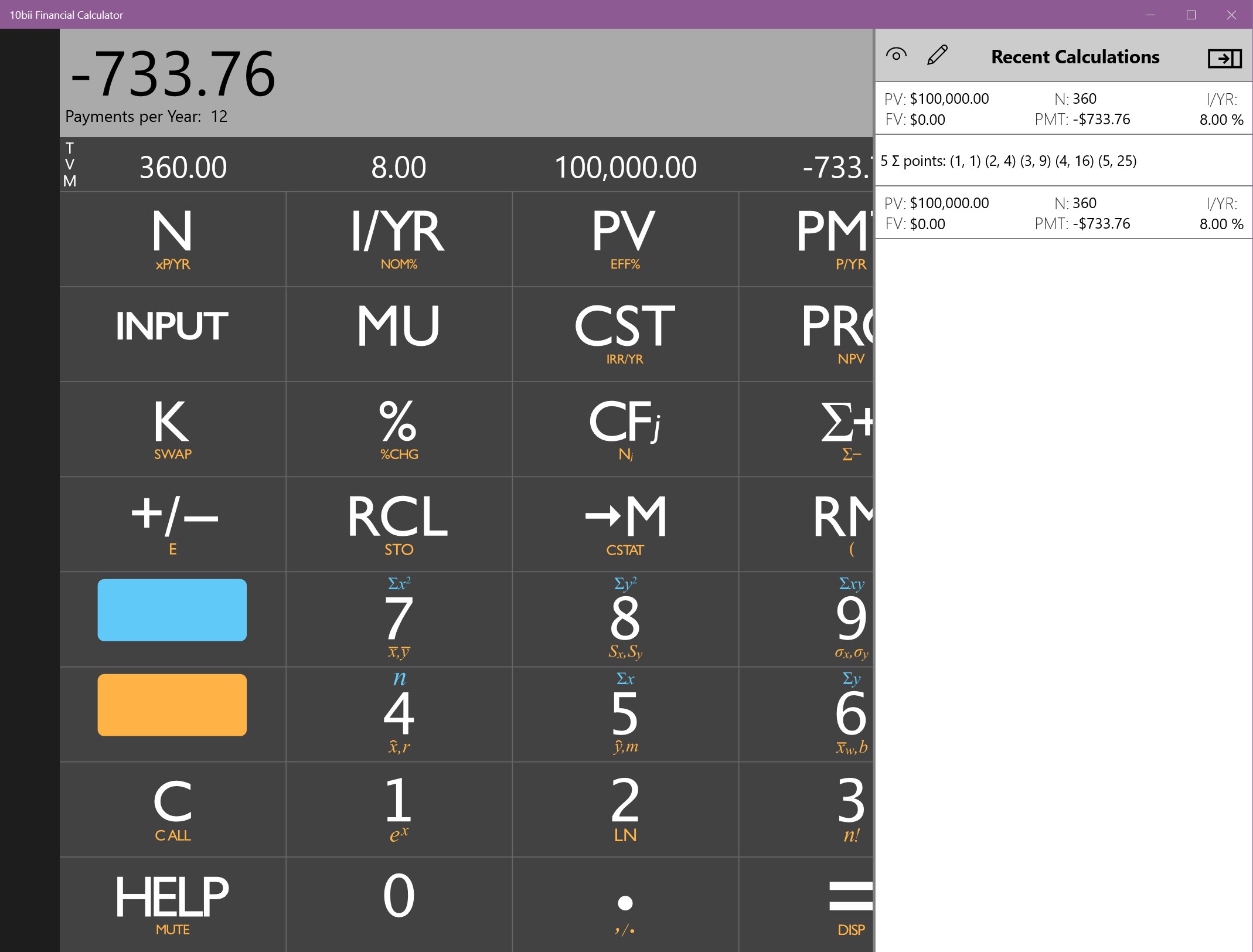
What sets 10bii apart from other financial apps is its focus on collaborative work functionalities. While most calculators operate as solo tools, 10bii offers features that facilitate sharing results, saving custom templates, and even exporting data for team review. This makes it particularly valuable for small teams or educators who need to prepare and distribute financial models easily. The app's ability to manage multiple calculation scenarios concurrently adds a layer of productivity that's often missing in similar applications.
Upon launching 10bii, you're greeted with a crisp, professional layout that balances functionality and visual appeal. The response time for calculations is swift, giving users the feeling of handling a high-end calculator. Navigating between functions is seamless, with minimal lag or confusion. The learning curve for basic features is gentle—almost like riding a bike once you get the hang of it—making the app accessible to both students just starting out and seasoned professionals who need quick, accurate data.
One strength of the app is its clarity in presenting results, with pop-up explanations and options for detailed views. This transparency helps users understand the calculations, fostering trust and confidence in the tool. The customization options, such as saving frequently used scenarios or creating personalized templates, further enhance the user experience by tailoring the app to individual workflows.
Unlike many financial calculators that focus solely on individual computations, 10bii introduces collaborative features that are rare in this market segment. Its ability to export data and share scenarios makes it more of a team-friendly utility rather than just a standalone calculator. This emphasis on collaboration and task management positions it as a hybrid between a calculator and a lightweight financial project manager—helping users not only crunch numbers but also organize and communicate insights effectively.
Furthermore, the app's intuitive interface and reliable performance mean that it stays accessible without sacrificing advanced capabilities. For users who often need to prepare reports or collaborate with colleagues, 10bii offers a streamlined experience rarely matched by similar tools.
For those seeking a robust, easy-to-use financial calculator with the added bonus of collaboration features, 10bii Financial Calculator for Windows is a solid choice. Its balance of core functions, user-friendly design, and unique sharing capabilities makes it stand out among business applications. While it may not replace dedicated spreadsheet software for complex models, it excels as a quick, reliable companion for everyday financial tasks.
Recommendation: If you are a student, financial analyst, or small team member looking for a practical yet versatile tool that can handle calculations and facilitate sharing, this app is highly recommended. Simply put, it's like having a well-organized financial assistant right on your desktop.
Intuitive User Interface
Comprehensive Financial Functions
Real-Time Calculations
Customizable Settings
Offline Access
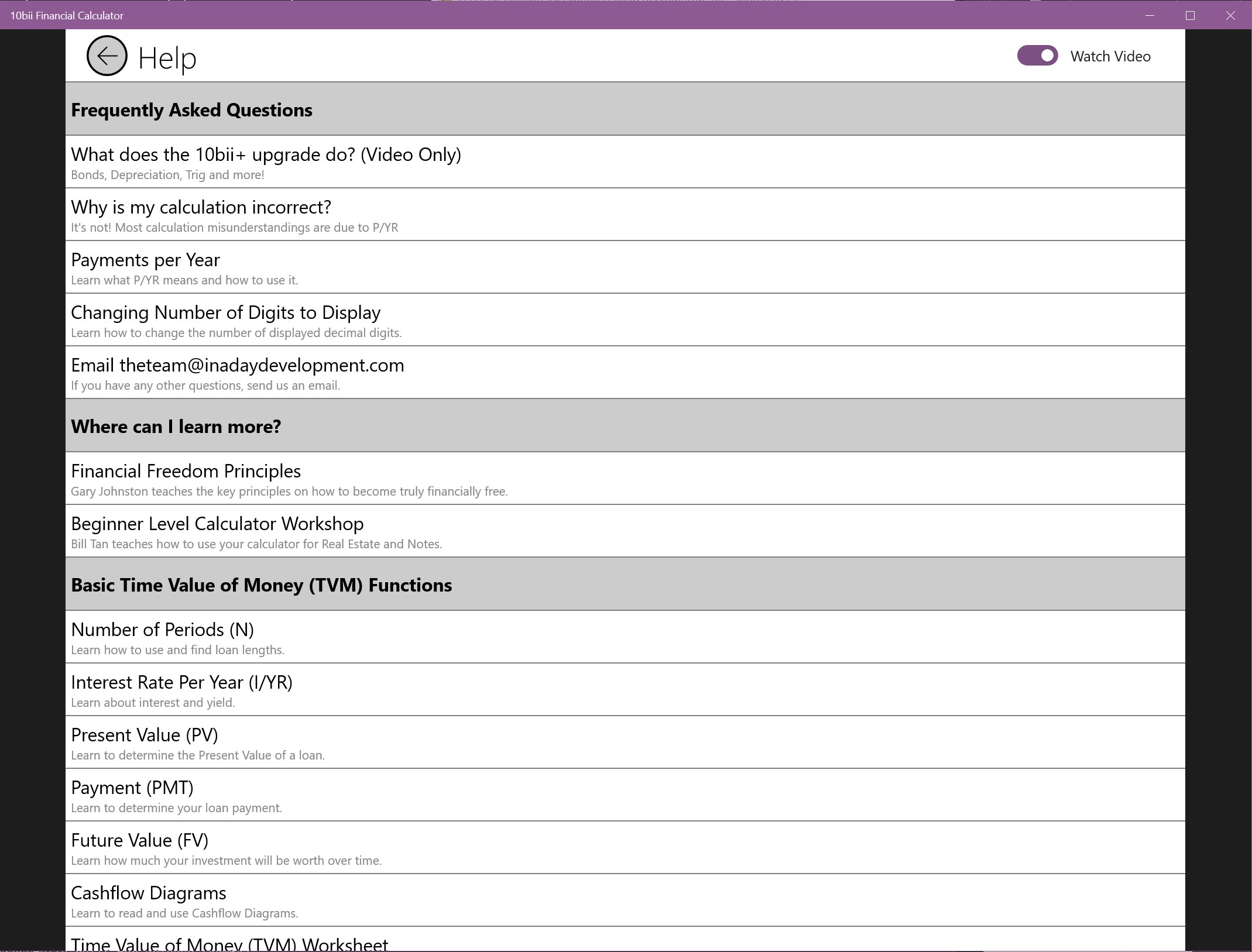
Limited Tutorial Content
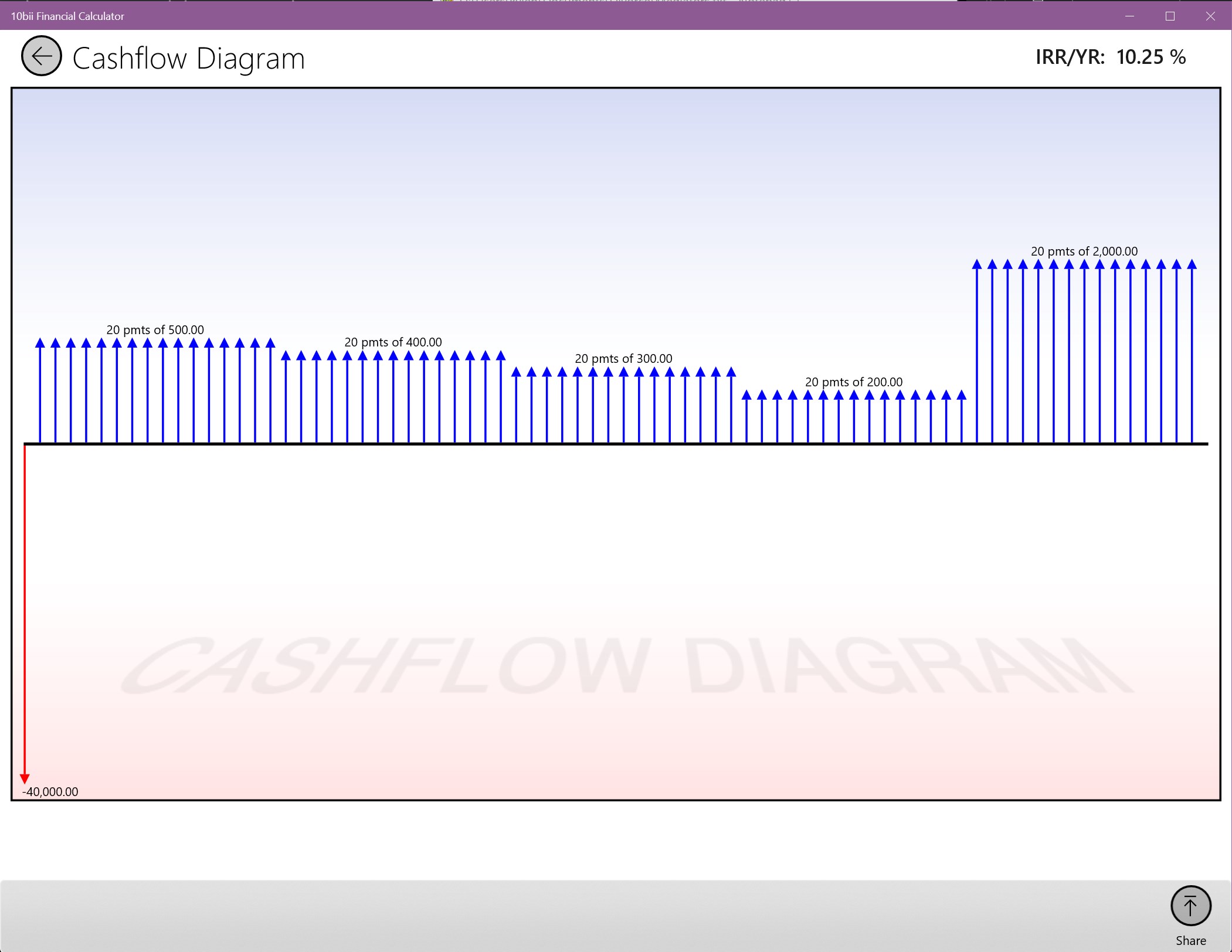
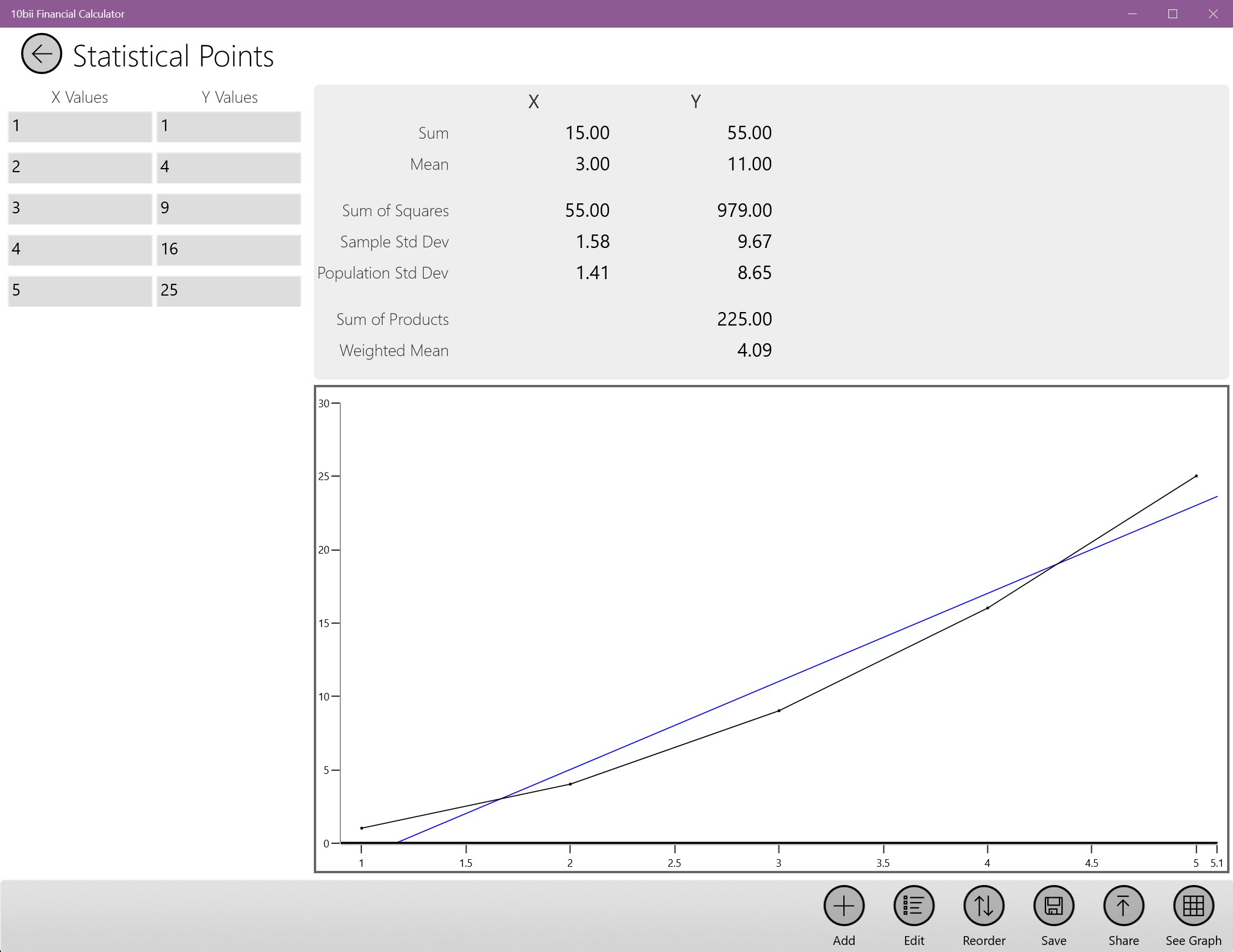
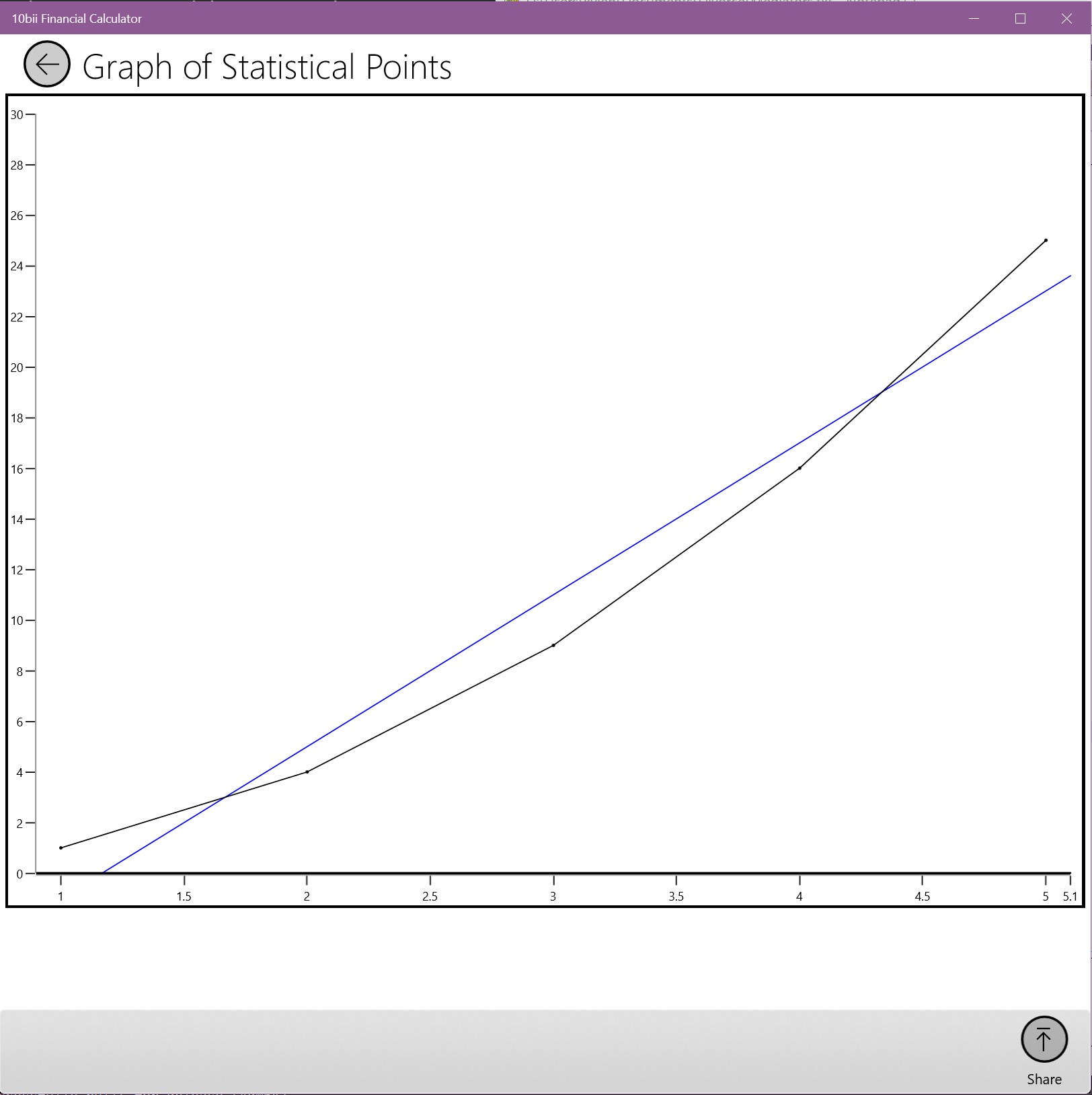
Basic Graphing Capabilities
Occasional Calculation Lag
No Cloud Sync
Interface Customization Limited

for Windows
 5
5

for Windows
5

for Windows
4.9

for Windows
4.9

for Windows
4.9

for Windows
4.9

for Windows
4.8

for Windows
4.8

for Windows
4.8

for Windows
4.8

for Windows
4.7

for Windows
4.7

for Windows
5

for Windows
5

for Windows
5

for Windows
5

for Windows
5

for Windows
5
for Windows
5

for Windows
5

for Windows
5

for Windows
5