Social
KAKAO Corp
PC
Windows 10 version 0.0 or higher
Integrated Keyboard
Integrated Mouse
4 GB
English, Japanese, Korean
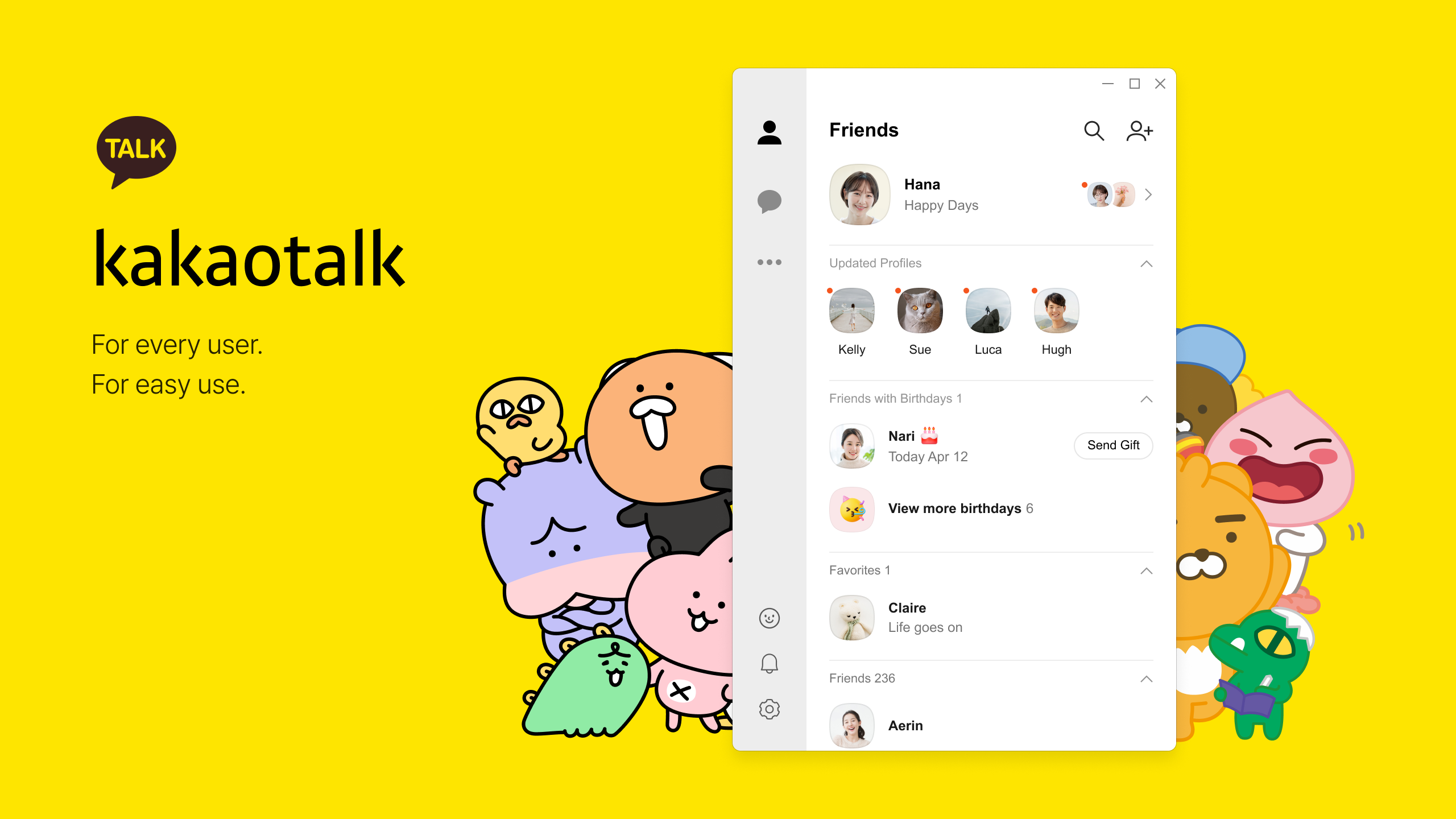
Imagine a familiar messaging app now seamlessly integrated into your Windows desktop—KakaoTalk for Windows aims to bring the lively, intimate world of KakaoTalk to your PC, making chatting more accessible and efficient than ever before. Whether you're a casual user or someone who relies heavily on instant communication for work or social life, this app promises to bridge the gap between mobile convenience and desktop productivity.
KAKAO Corp, a pioneering South Korean tech company renowned for its innovative mobile services, has crafted this desktop version to extend their beloved messaging platform beyond smartphones. With their experience in social media, gaming, and content services, KakaoTalk for Windows benefits from a strong ecosystem of features designed to enrich user interaction across devices.
Opening KakaoTalk for Windows feels akin to stepping into a digital lounge—clean, inviting, and intuitive. The interface adopts a modern aesthetic with smoothly animated transitions and clear icons, making navigation a breeze even for first-time users. Setting up your profile, managing chats, or exploring new contacts is straightforward, thanks to a thoughtfully designed layout that emphasizes ease of use.
Operation flows silently, with minimal lag or stutter—your messages arrive in real time, fostering an experience that resembles a lively conversation rather than a sluggish exchange. The learning curve is gentle; even casual users can navigate the app without fuss, thanks to well-organized menus and helpful tooltips.
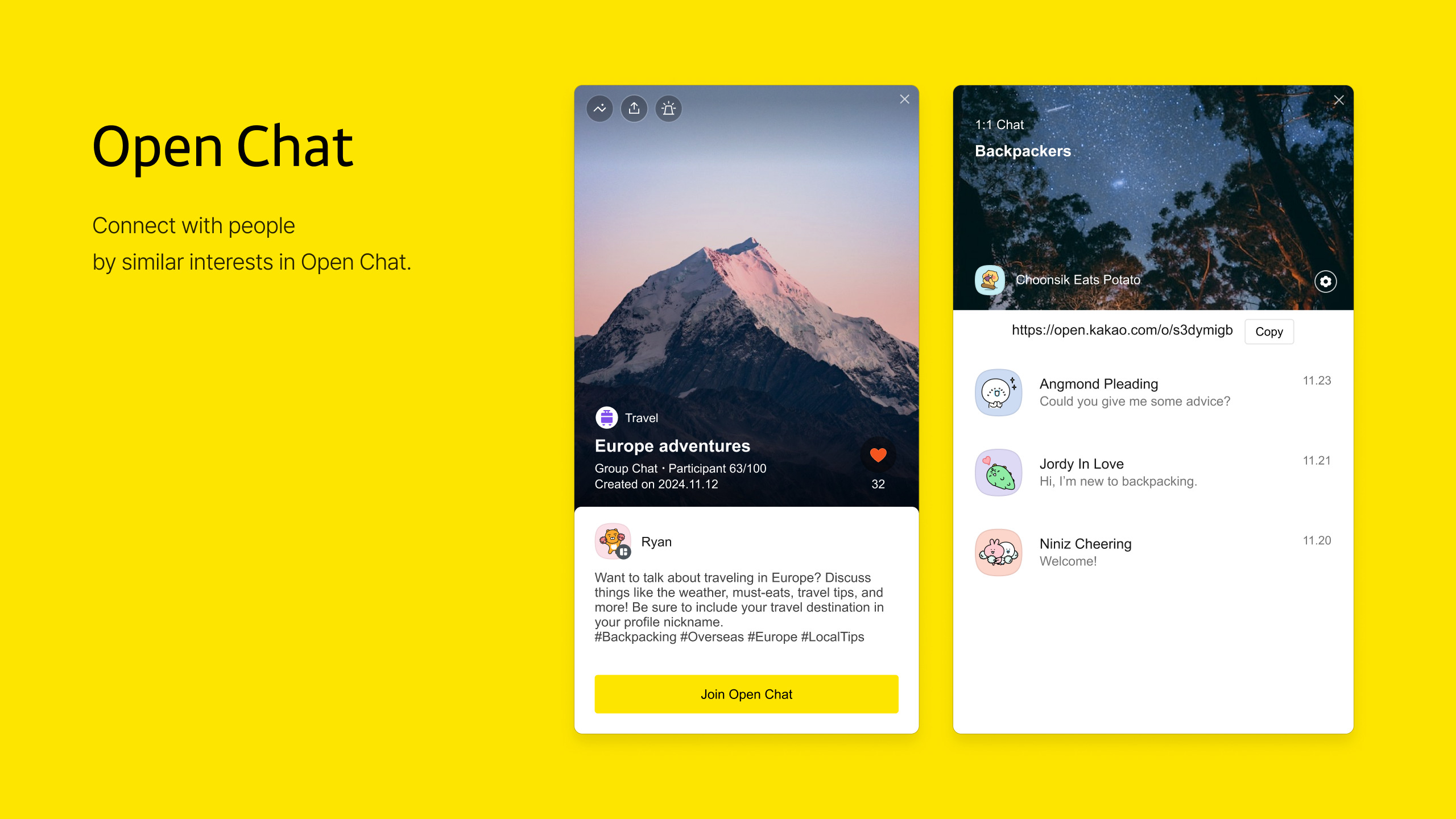
This feature transforms the traditional friend list into a dynamic social map. Whether you're at a coffee shop or attending a conference, KakaoTalk can suggest nearby contacts based on your mutual connections or location, making spontaneous meetups easy. The platform verifies user identities, so you're less likely to encounter impersonators or spam, creating a safer environment—important for personal chats and business communications alike.
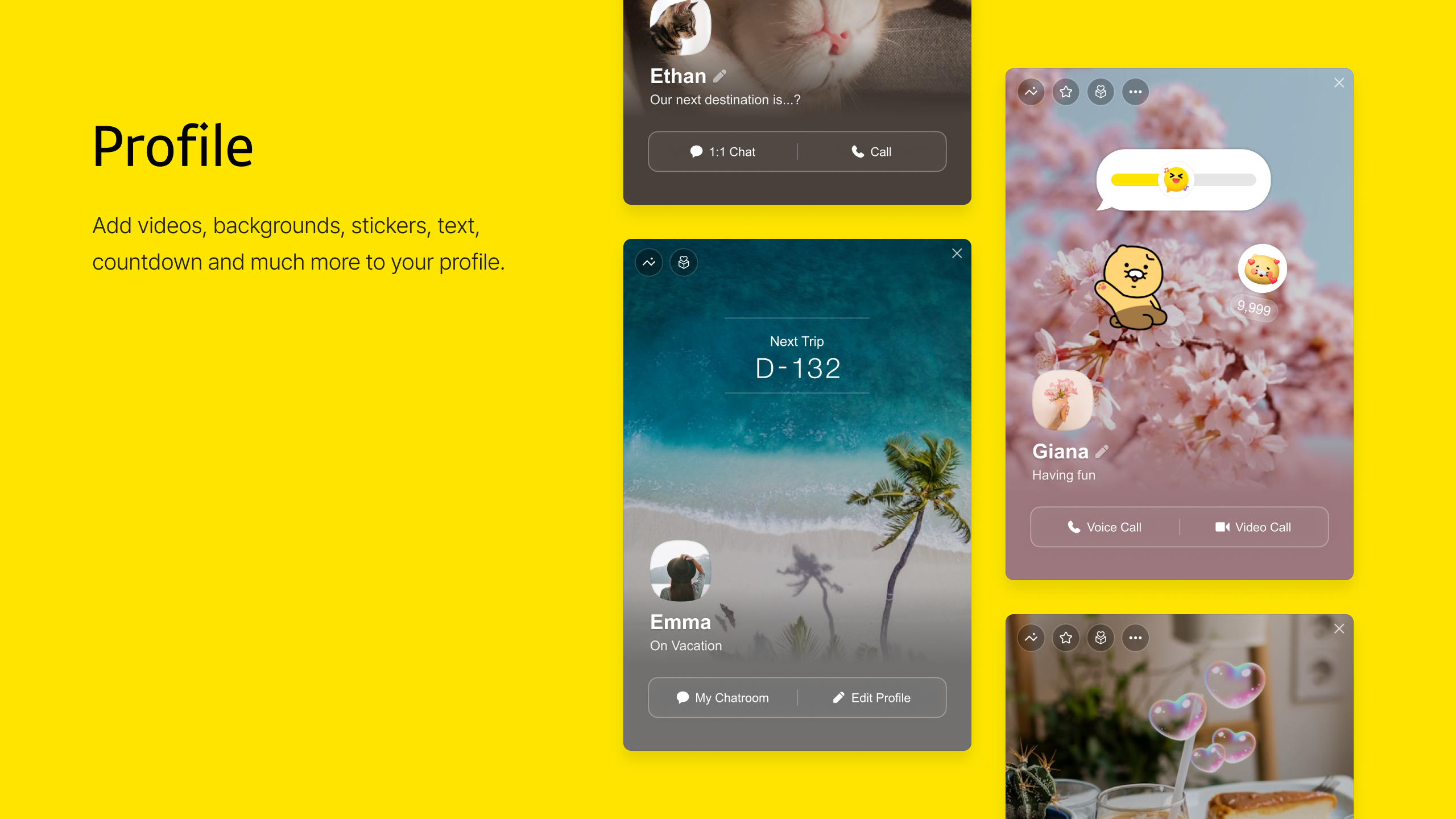
Expressing your individuality is simple on KakaoTalk for Windows. You can upload custom avatars, set status messages, and even choose themes to reflect your mood or personality. This level of personalization makes your digital space feel authentic and alive, fostering genuine interactions with friends and colleagues.
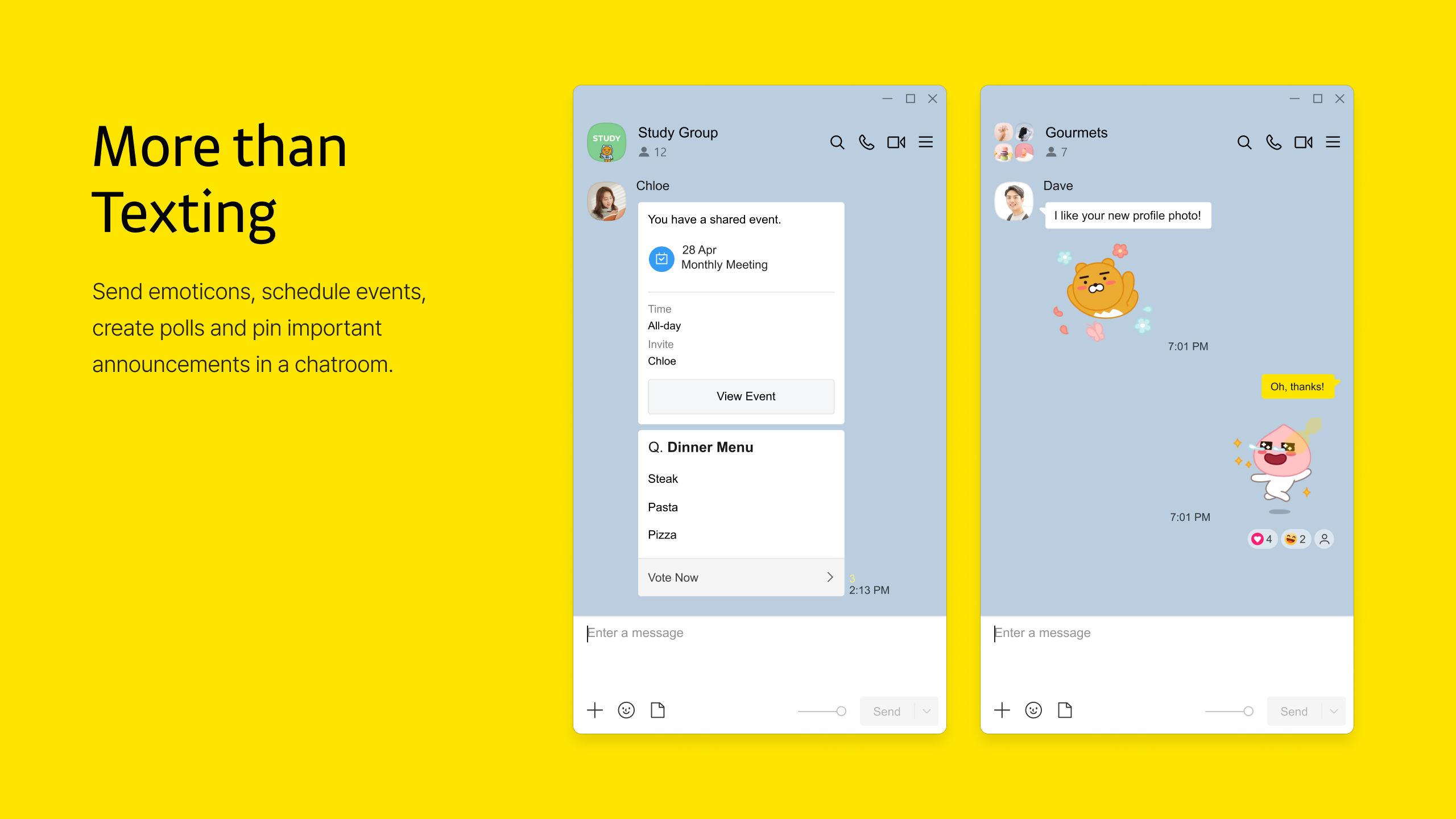
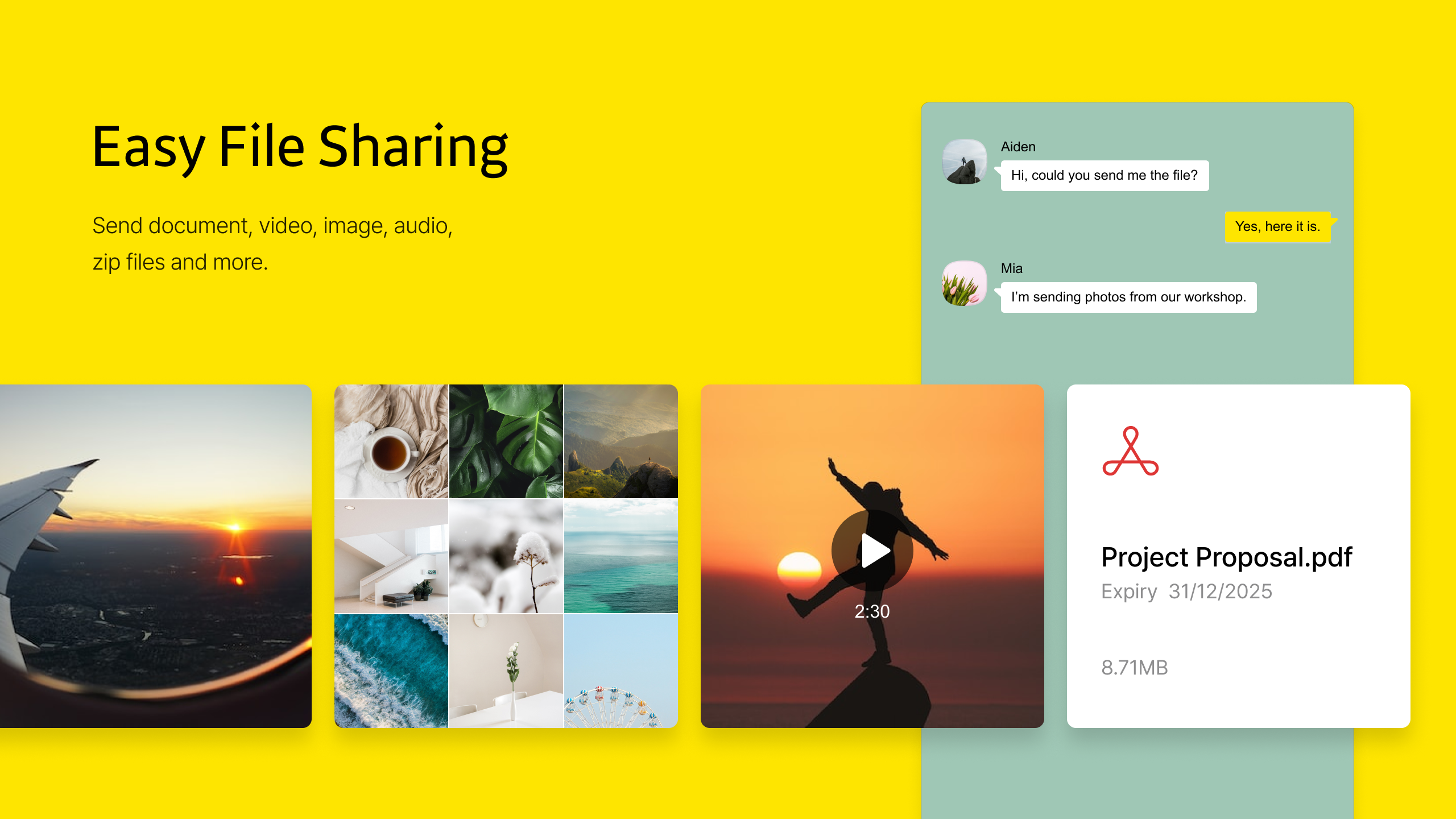
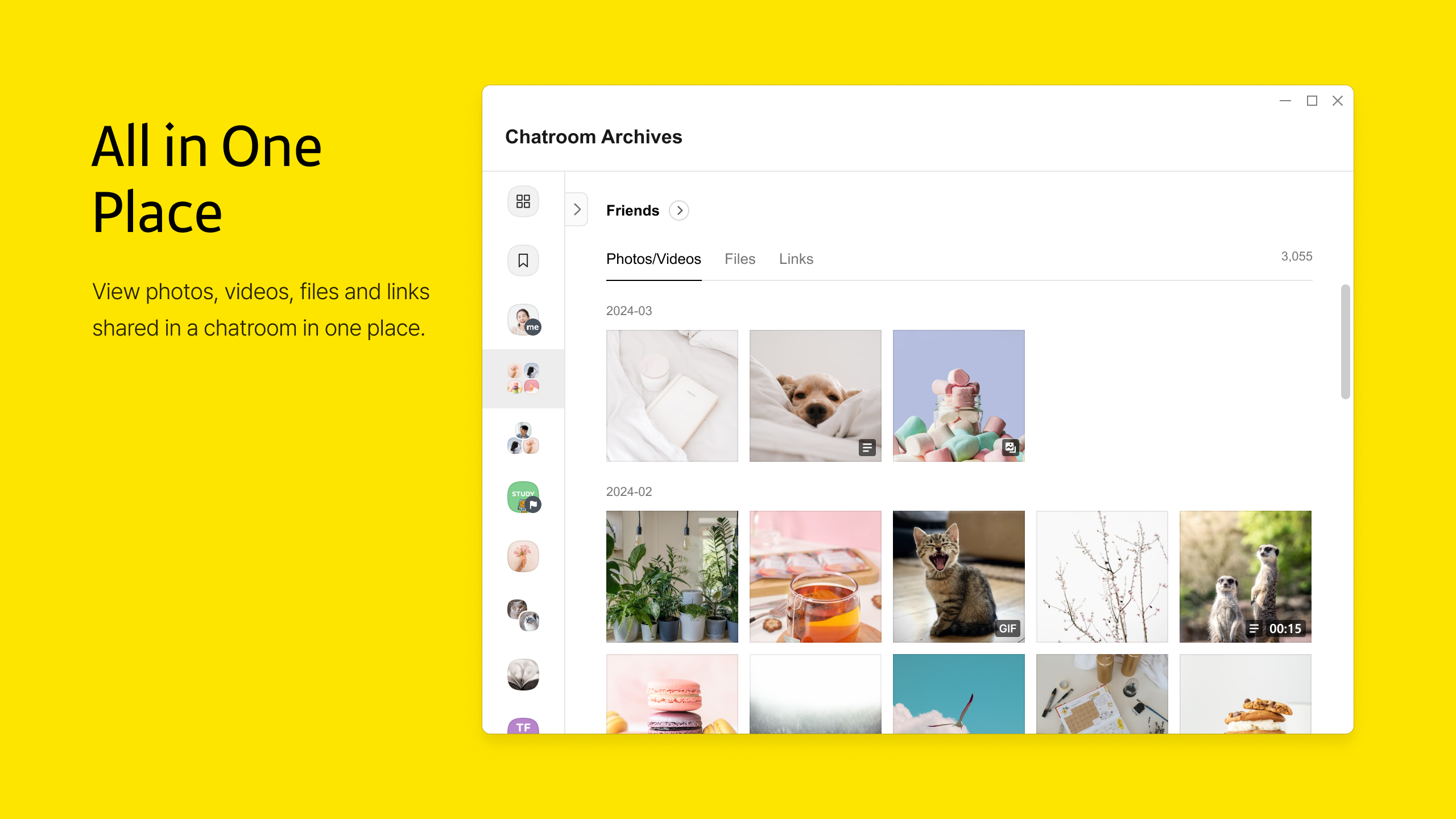
The synchronization ensures that whether you're replying to a message on your phone or your PC, the conversation flows naturally. Media sharing is swift—drag photos into chats, send voice memos, or share files—all without disrupting your workflow. This tight integration offers a fluid user experience that enhances productivity and connectivity.
While several social messaging apps like WhatsApp, LINE, or Facebook Messenger operate across devices, KakaoTalk's distinctive edge lies in its robust connection discovery tailored for local proximity and community engagement, plus its user authenticity verification—features particularly appealing in Southeast Asian markets and South Korea. These allow users to find and interact with new contacts confidently and organically, setting it apart from competitors focused solely on digital identities.
Moreover, its deep integration with Kakao's ecosystem (gaming, content, and transportation services) enriches the user experience, making it more than just a messaging app—it's a social hub.
All in all, KakaoTalk for Windows emerges as a reliable, feature-rich messaging desktop client that maintains the core strengths of its mobile counterpart. Its emphasis on connection discovery and user authenticity makes it particularly appealing for users who value genuine interactions and local community building. The interface and performance are mature, making the transition from mobile to desktop natural and hassle-free.
For users already embedded in the Kakao ecosystem or those seeking a secure, customizable chat platform with innovative features, this app is a strong contender. I recommend giving it a try if you want your messaging experience to extend seamlessly from your smartphone to your PC—especially if discovering nearby contacts or verifying user authenticity are priorities for you. Casual users and professionals alike will find value here, making it a worthwhile addition to your desktop toolkit.
User-friendly Interface
Seamless Messaging Experience
Cross-Platform Compatibility
Rich Media Support
Frequent Updates and Bug Fixes
Limited Customization Options
Occasional Connectivity Issues
Small File Upload Limits
Notification Management Needs Improvement
Some Features Restrictive on Free Version

for Windows
 5
5

for Windows
4.9

for Windows
4.8

for Windows
4.7

for Windows
4.7

for Windows
4.6

for Windows
4.6

for Windows
4.5

for Windows
4.5

for Windows
4.5

for Windows
4.5

for Windows
4.4

for Windows
5

for Windows
5

for Windows
5

for Windows
5

for Windows
5
for Windows
5

for Windows
5

for Windows
5

for Windows
5

for Windows
5