

Simulation
0.0
0.05B
4.4
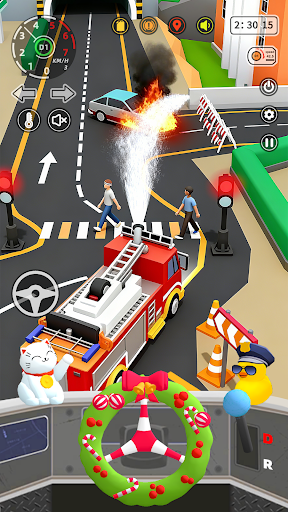
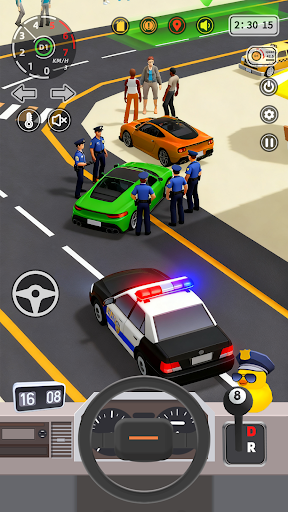
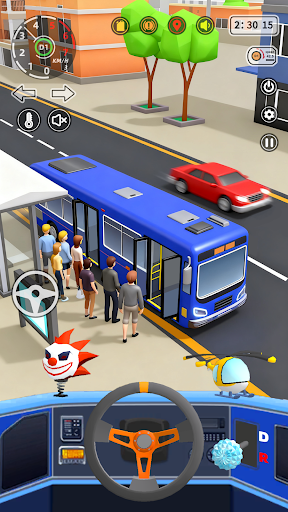
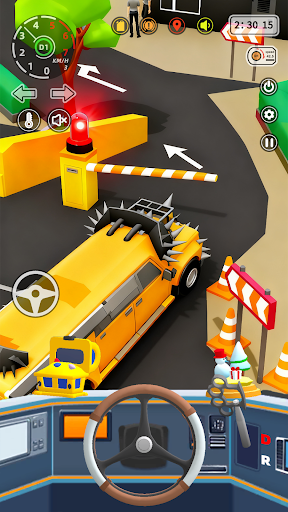
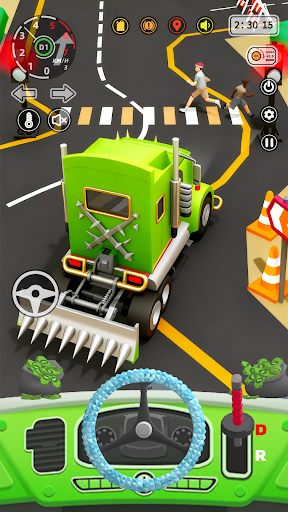
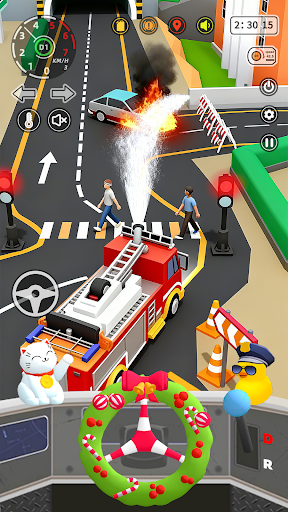
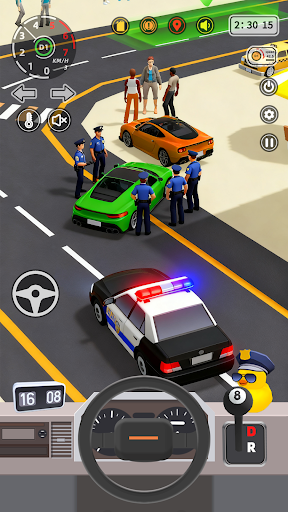
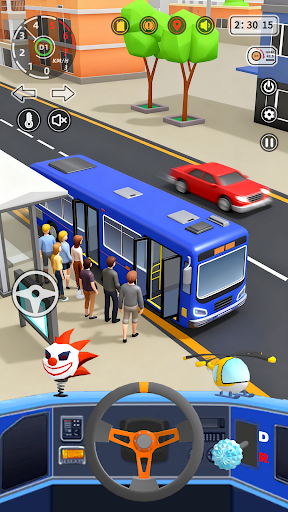
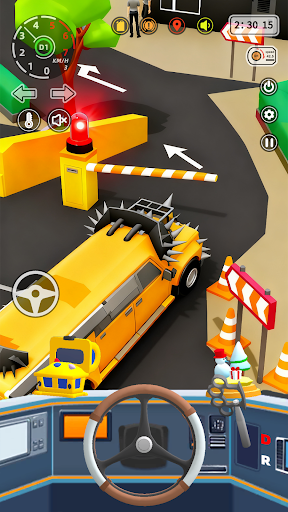
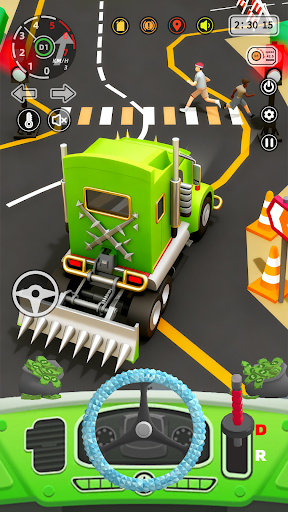
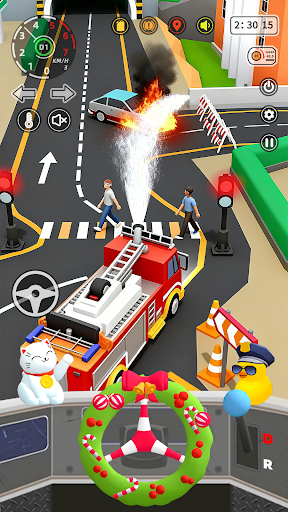
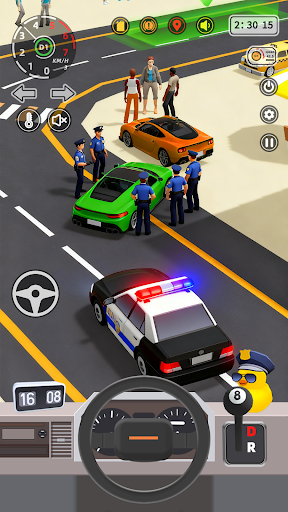
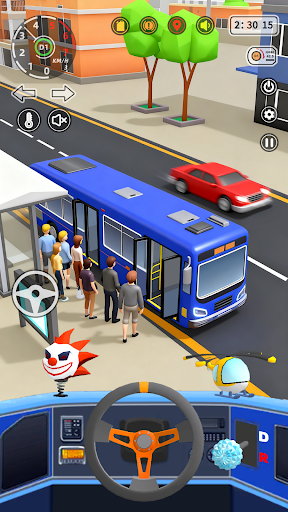
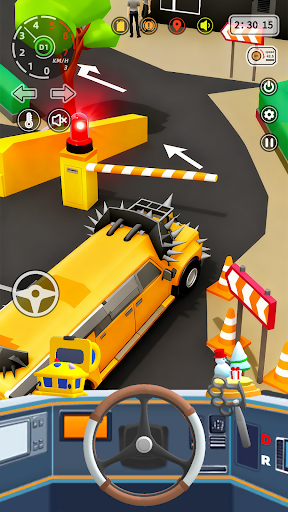
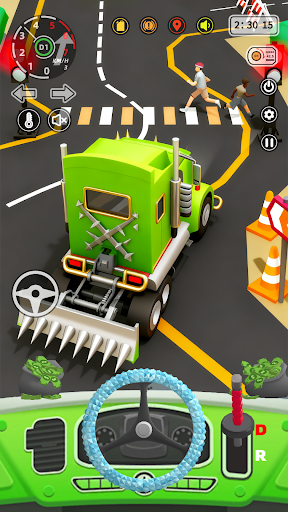
Vehicle Masters:Car Driver 3D is an engaging simulation mobile app designed for car enthusiasts and gamers who enjoy driving and vehicle customization. Available on the Android platform, this app offers a realistic and immersive experience that lets you virtually operate a variety of cars in a 3D environment. Whether you're a casual player or someone who appreciates detailed vehicle models, Vehicle Masters:Car Driver 3D provides an entertaining way to explore your passion for automobiles through your mobile device.
The main purpose of Vehicle Masters:Car Driver 3D is to deliver a comprehensive car driving simulation that emphasizes realistic handling, detailed graphics, and an intuitive user interface. As a well-rounded app experience, it features multiple cars to choose from, customizable controls, and various driving scenarios. This app serves as an app-based solution for those looking to enjoy car simulation on the go, offering an authentic feel that appeals to both casual players and dedicated sim enthusiasts alike.
This mobile app is perfect for car enthusiasts and simulation game lovers across a wide age range, typically from teenagers to adults in their 30s and 40s. Those who enjoy realistic driving experiences, vehicle customization, and immersive gameplay will find Vehicle Masters:Car Driver 3D particularly appealing. Whether you're a casual gamer or someone seeking a detailed driving simulator, this Android app offers a great way to relax and have fun.
Individuals who prefer an app-based solution for improving their driving skills or simply want a fun, engaging way to pass time will benefit from this app. It suits users who enjoy exploring different vehicle types, practicing driving in a safe virtual environment, or testing their skills in various challenges. The app experience is designed to cater to both casual players and dedicated gamers seeking a high-quality simulation without complicated setups or online dependencies, making it a versatile choice for a wide audience.
When choosing a simulation app, many users look for a reliable and engaging experience that offers realistic physics and diverse features. Vehicle Masters:Car Driver 3D stands out by providing an authentic 3D environment, realistic sound effects, and a user-friendly interface that makes navigating through the app features effortless. Its offline mode adds to its appeal by allowing play anytime, anywhere, without requiring an internet connection, which is a big advantage for many users.
This Android app delivers a well-rounded simulation experience by combining advanced app features like vehicle customization, multiple camera angles, and varied challenges. Unlike other similar apps, Vehicle Masters emphasizes user experience, offering smooth gameplay, detailed graphics, and feature-rich content that appeals to both casual gamers and more serious simulation enthusiasts. Its comprehensive tutorials and intuitive controls build trust and demonstrate its commitment to delivering a trustworthy, high-quality app-based solution for driving simulation and entertainment.
Realistic 3D vehicle models
Intuitive control system
Wide variety of vehicles to choose from
Engaging driving missions
Good graphics optimization
Limited game modes
Occasional AI vehicle glitches
In-app ad frequency
Lack of customization options
Battery consumption

Simulation
4.3

Simulation
4.6

Simulation
3.9

Simulation
4.8

Simulation
4.5

Simulation
4.4

Simulation
4.8

Simulation
4.1

Simulation
4.6

Simulation
4.7

Simulation
4.6

Simulation
4.4

Social
4.7

Shopping
4.7

Social
4

Personalization
3.9

Productivity
4.9

Video Players & Editors
4.6

Social
4.3

Communication
4.7

Entertainment
4.7

Communication
4.5