

Educational
0.0
0.05B
3.9
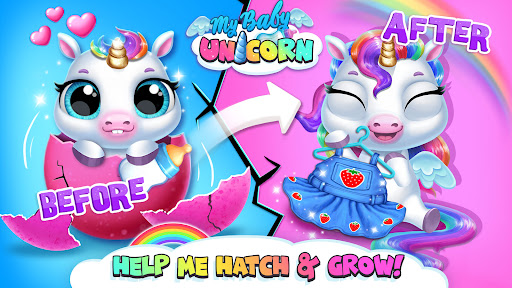
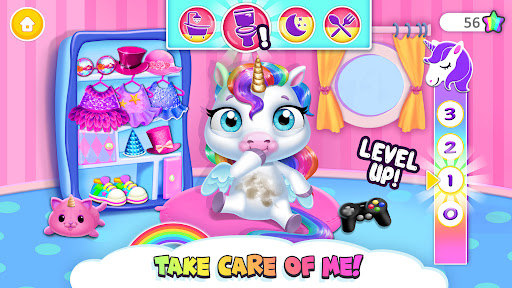
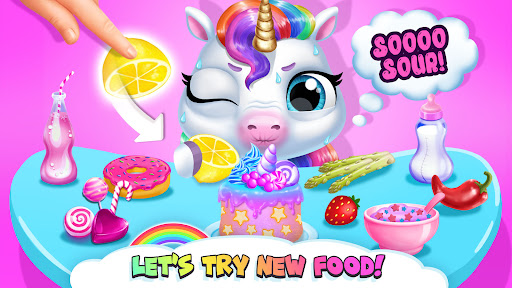
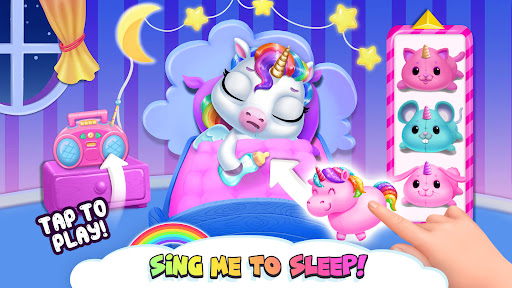
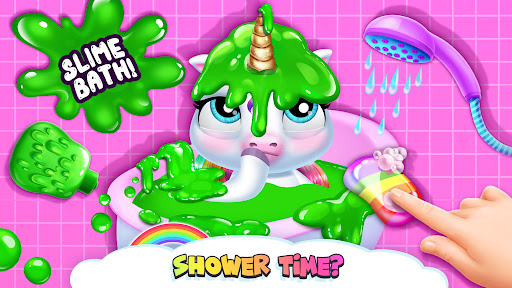
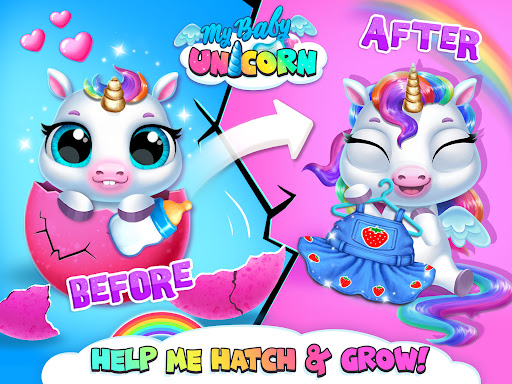
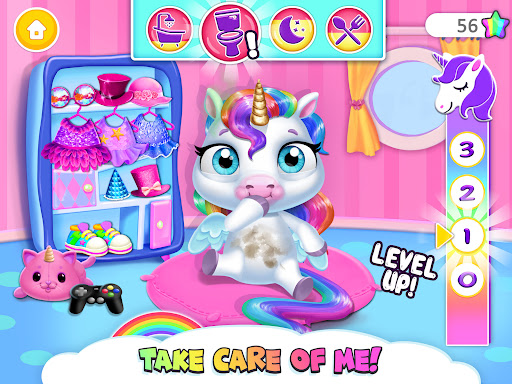
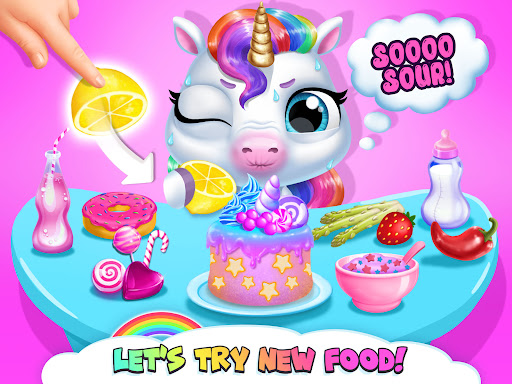
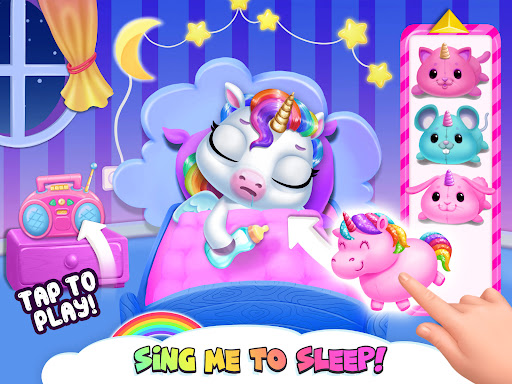
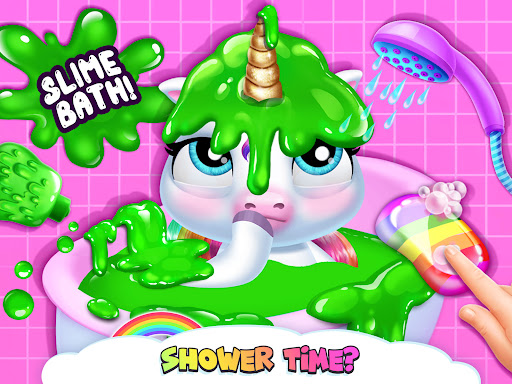
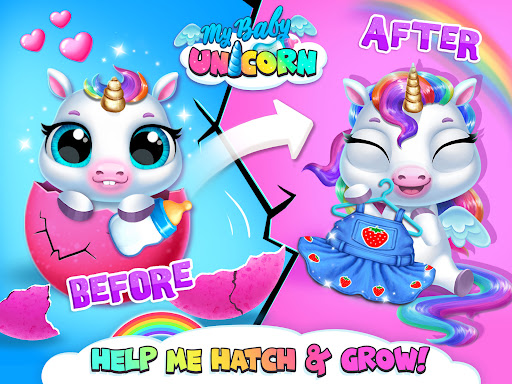
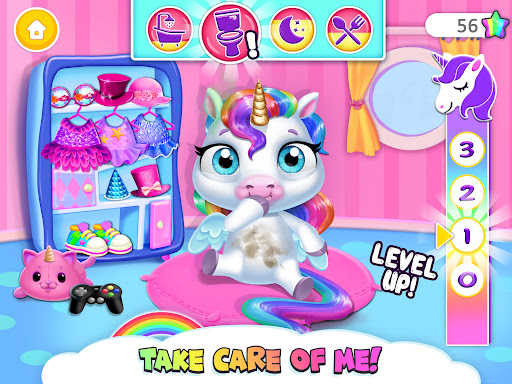
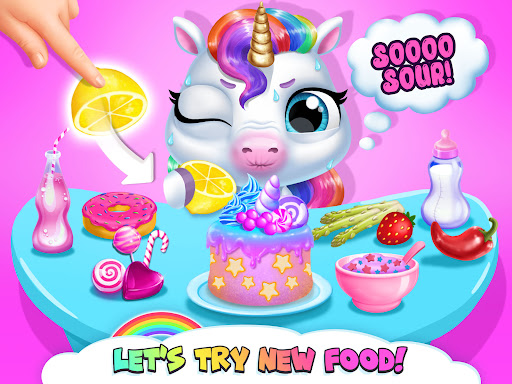
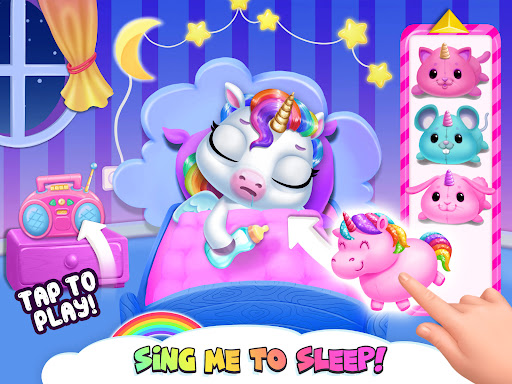
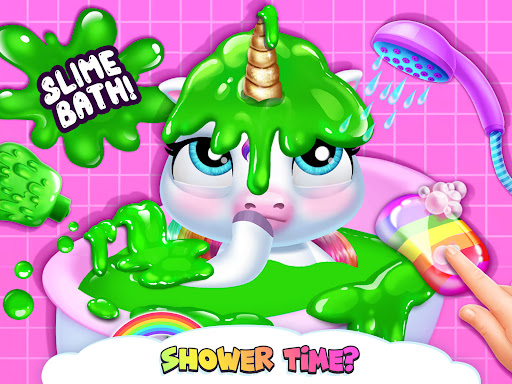
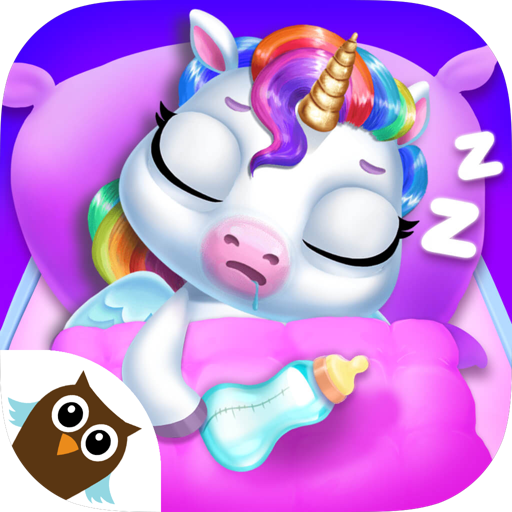
My Baby Unicorn - Pony Care is an engaging educational mobile app designed specifically for young children who love animals and fantasy characters. As a versatile Android app, it offers a safe and friendly environment for kids to learn about caring for unicorns and ponies through interactive activities. The app aims to combine entertainment with learning, making it a popular choice among parents seeking enriching content for their children.
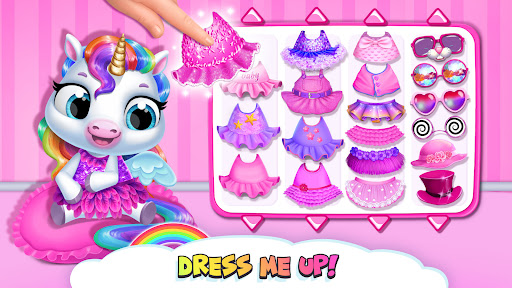
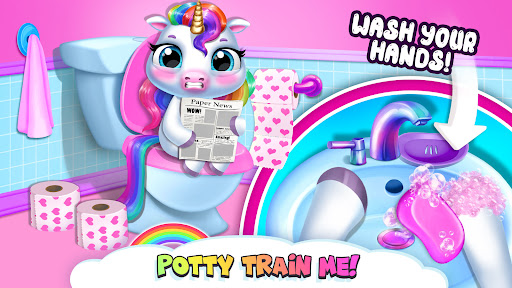
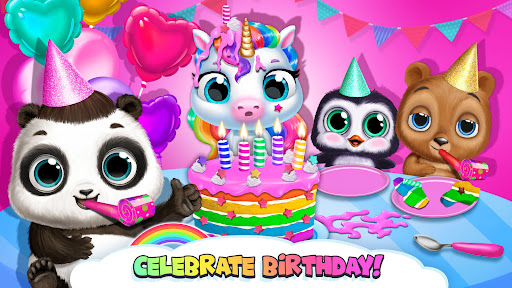
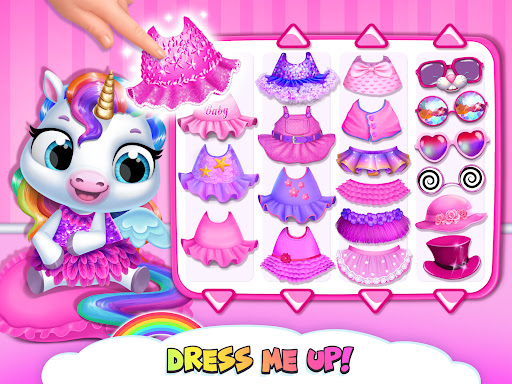
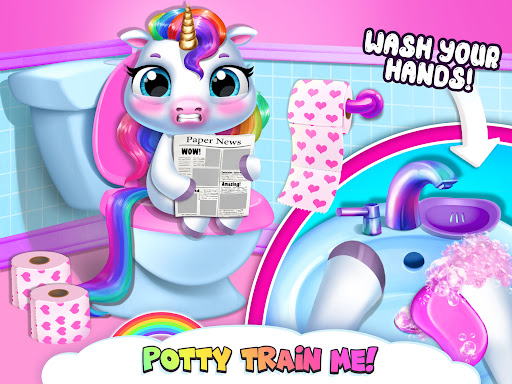
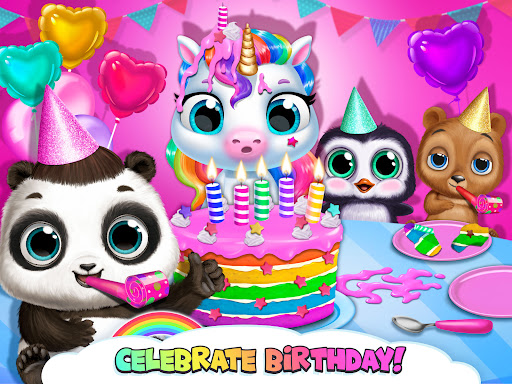
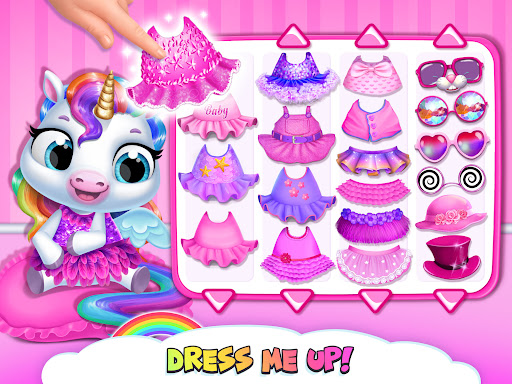
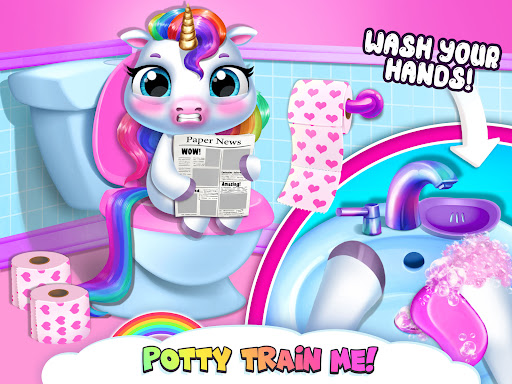
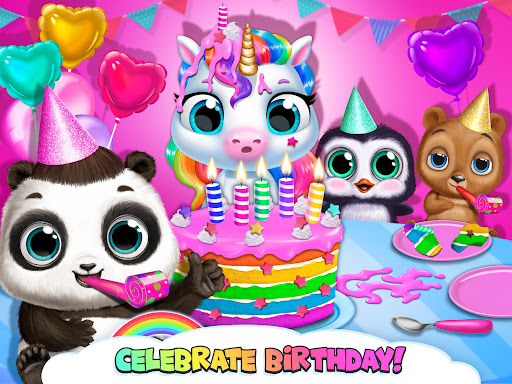
This app features a variety of activities that teach kids about the responsibilities involved in caring for ponies and unicorns. From feeding and grooming to playing mini-games, My Baby Unicorn - Pony Care provides an immersive app experience that promotes creativity and nurturing skills. Its user-friendly interface ensures that children can navigate the app easily, allowing them to enjoy the app-based solution at their own pace while parents can rest assured about its educational value and safety.
This educational mobile app is perfect for parents, guardians, and caregivers seeking engaging and age-appropriate content for children aged 3 to 8. It appeals especially to young kids who are interested in animals, caregiving, and virtual pet games, providing a wholesome and educational experience that promotes responsibility and developmental skills. As an app-based solution, it offers a safe and user-friendly platform for early learning centered around nurturing behavior, making it an ideal choice for kids who enjoy interactive stories and caring activities.
Whether you're looking for a fun activity to keep children occupied during travel or an educational app to reinforce lessons about empathy and responsibility, My Baby Unicorn - Pony Care fits well into daily routines. It's also suitable for parents who want to introduce their kids to basic animal care concepts through a trustworthy Android app. The app's intuitive interface and engaging app features help children develop fine motor skills and understanding of caregiving, all while having fun with their virtual unicorn companions. This makes it a valuable addition to any early childhood education toolkit.
What sets My Baby Unicorn - Pony Care apart from other apps in the educational category is its thoughtful combination of entertainment and learning. Its well-designed app features focus on nurturing empathy, responsibility, and fine motor skills, making it not just a game but an influential app experience supporting child development. The app is built with a clear understanding of what young learners need, ensuring that children stay engaged without being overwhelmed by ads or intrusive elements, thus providing a trustworthy and high-quality app experience.
Moreover, this Android app offers a comprehensive caregiving simulation that introduces children to animal care routines in a fun and interactive way. Its offline mode adds to its appeal as a launcher app for busy families who want consistent access regardless of internet connectivity. What truly makes My Baby Unicorn - Pony Care stand out is its balance of educational value and engaging gameplay, making it an appealing choice for parents who want an app that is both fun and beneficial for their children's growth. Trustworthy and easy to navigate, it exemplifies a reliable app-based solution that combines entertainment with meaningful learning.
Engaging and colorful graphics
Interactive gameplay features
Educational content included
User-friendly interface
Encourages creativity
Limited gameplay variety
High in-app purchase options
Occasional glitches in animations
Limited age range guidance
No offline mode available

Educational
4.4

Educational
4.2

Educational
4.5

Educational
3.9

Educational
4.5

Educational
3.7

Educational
4.5

Educational
4

Educational
4.4

Educational
4.5

Educational
4.3

Educational
3.6

Social
4

Shopping
4.5

Social
4

Personalization
3.9

Productivity
4.8

Video Players & Editors
3.4

Social
4.3

Communication
4.7

Entertainment
3.9

Communication
4.2