

Simulation
0.0
0.05B
4.6
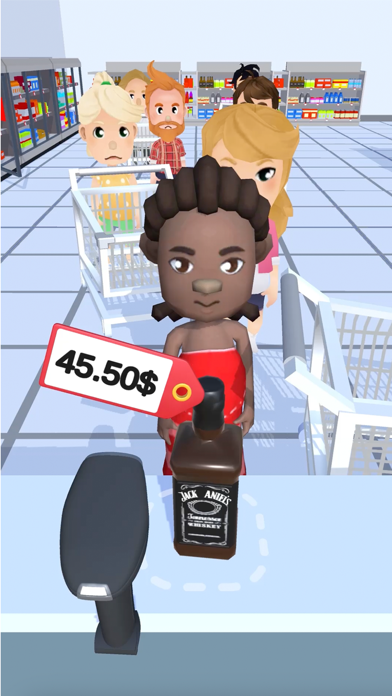
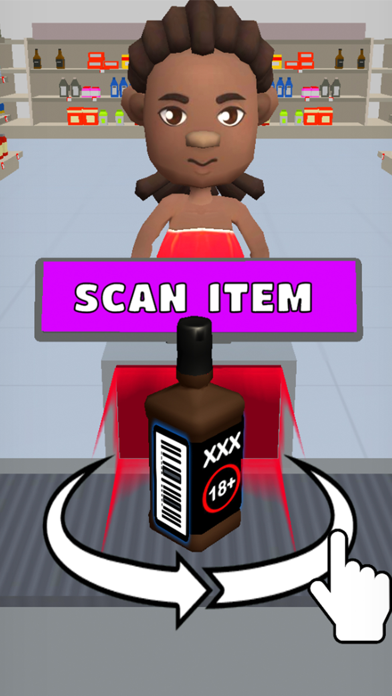
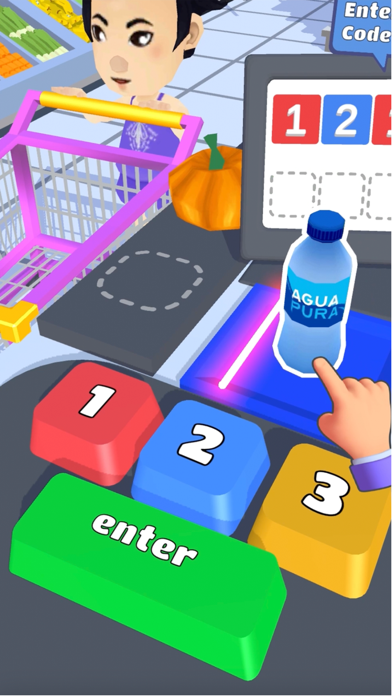
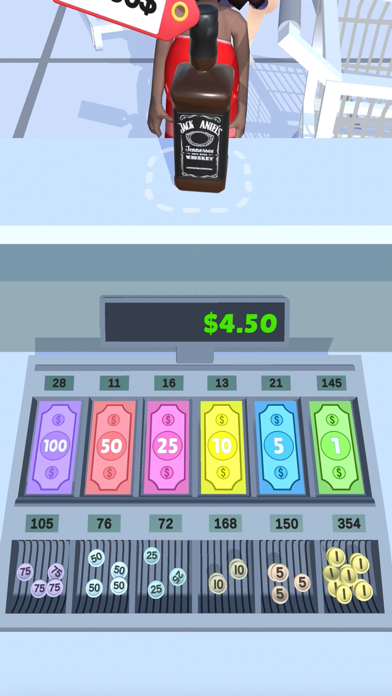
Hypermarket 3D: Store Cashier is a vibrant and engaging mobile app designed for fans of simulation games. This Android app puts you in the role of a supermarket cashier, where you manage transactions, organize shelves, and serve customers in a bustling virtual store. As a simulation game, it offers a fun and interactive way to experience the fast-paced environment of a retail store without leaving your home. The app's colorful visuals and intuitive controls make it accessible for players of all ages who enjoy casual gaming experiences. Whether you're a simulation enthusiast or just looking for a new way to pass the time, Hypermarket 3D: Store Cashier provides a lively digital shopping environment for entertainment.
The primary purpose of Hypermarket 3D: Store Cashier is to deliver an immersive app experience that combines simple gameplay with realistic store management features. The app features include managing cashier duties, organizing inventory, and serving waiting customers efficiently. Because it functions as a launcher app with various simulation elements, it also highlights the importance of speed and accuracy in a retail setting. This app-based solution not only entertains but also offers a practical glimpse into the daily operations of a supermarket, making it a popular choice for casual players seeking a relatable and engaging simulation experience on their Android devices.
This mobile app is perfect for fans of simulation games, particularly those who enjoy managing virtual stores or running their own supermarkets. It appeals to a wide age range, from teenagers to adults who find joy in strategic and creative gameplay, or who are interested in store operations. Whether you're a casual gamer looking for fun or someone interested in store management, this app offers a compelling experience for users wanting an engaging app-based solution.
People who appreciate detailed simulation with realistic app features will find Hypermarket 3D: Store Cashier appealing. It's especially suitable for users seeking a versatile Android app that combines casual entertainment with strategic planning. Its intuitive design makes it easy for beginners to pick up, while offering enough complexity to keep more experienced players challenged. This app caters to anyone wanting to immerse themselves in a virtual shopping world, whether for entertainment, stress relief, or learning about retail management scenarios.
Hypermarket 3D: Store Cashier stands out as a top choice when you're searching for a high-quality simulation app that offers a rich app experience rooted in realistic store management. Its comprehensive app features allow you to simulate a supermarket environment with functions like stocking, cashier operations, and customer service, all within an engaging and user-friendly interface. This app-based solution provides an authentic feeling of running a store, making it a compelling alternative to more generic management games.
What makes Hypermarket 3D especially trustworthy and value-packed is its emphasis on realism and smooth gameplay. The app combines detailed graphics, functional features, and offline accessibility to ensure users can enjoy uninterrupted app experience. Developers have crafted this Android app with attention to detail, ensuring stability and ease of use, which builds confidence among users. Whether you're managing a small store or expanding into larger markets, this app's features help you learn, experiment, and have fun in a safe, reliable environment. That's why it remains a preferred app solution for simulation enthusiasts and casual players alike.
Realistic Store Experience
Intuitive User Interface
Educational Element
Multiple Store Environments
Good Performance
Limited Realism in Transactions
Minor Graphics and Sound Quality Issues
Limited Customization Options
Occasional Interface Glitches
Lack of Multiplayer Features

Simulation
4.6

Simulation
3.1

Simulation
4.4

Simulation
4.8

Simulation
4.4

Simulation
4.6

Simulation
4.6

Simulation
4.7

Simulation
4.6

Simulation
4.1

Simulation
4.7

Simulation
3.9

Social
4.7

Shopping
4.7

Social
4

Personalization
3.9

Productivity
4.9

Video Players & Editors
4.6

Social
4.3

Communication
4.7

Entertainment
4.7

Communication
4.5