

Simulation
0.0
0.05B
4.5
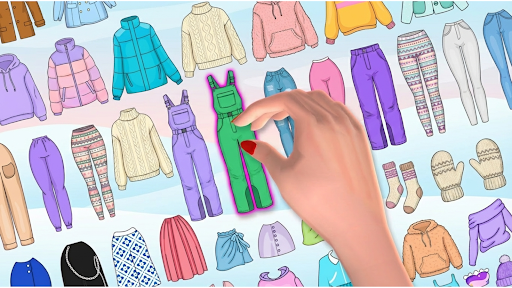
DIY Paper Doll is a creative simulation mobile app designed for users who enjoy crafting and customizing virtual paper dolls. Whether you're a hobbyist or someone looking for a fun way to pass the time, this Android app offers a simple yet engaging platform to explore your artistic side. The app features an intuitive interface that makes creating and dressing up paper dolls accessible for all ages, from beginners to experienced enthusiasts. As a popular launcher app within the simulation category, DIY Paper Doll has garnered positive reviews for its ease of use and extensive customization options.
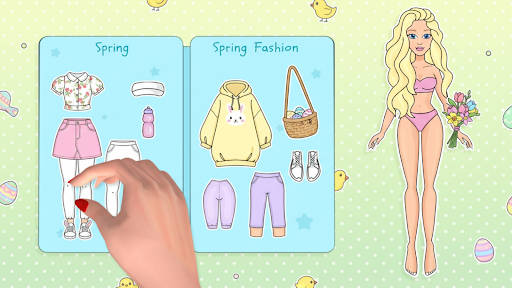
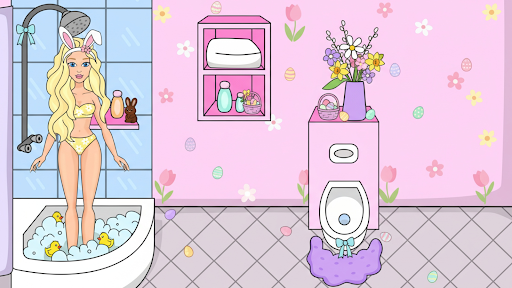
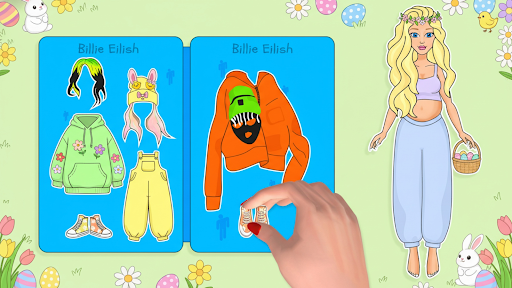
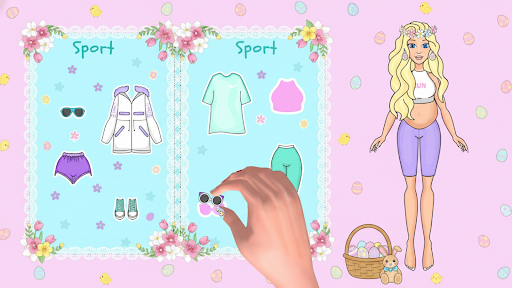
The primary purpose of DIY Paper Doll is to provide an interactive app experience where users can design unique paper characters by selecting different outfits, hairstyles, and accessories. The app features a wide variety of templates and themes to choose from, allowing for endless creative combinations. With its focus on detailed customization and smooth performance, DIY Paper Doll serves as an excellent app-based solution for both entertainment and artistic expression. Its well-designed app features ensure a satisfying experience that keeps users engaged for hours, making it stand out among other simulation apps on Android devices.
This mobile app is ideal for children, teenagers, and animation enthusiasts who love creative activities and crafting. Its simple design makes it accessible for both beginners and more experienced users who enjoy designing characters and storytelling through digital paper dolls. Parents seeking a safe, educational, and entertaining app for their kids will also appreciate the app's user-friendly interface and engaging features.
If you're someone who enjoys DIY projects, character development, or simply want an app-based solution for fun and relaxation, DIY Paper Doll offers a versatile platform. Whether you want to create characters for personal use, educational purposes, or social sharing, this Android app provides the tools and flexibility to bring your ideas to life. Its intuitive features and offline mode ensure that you can develop and explore your creativity anytime, anywhere.
DIY Paper Doll stands out as a compelling choice among similar apps because it combines a rich set of app features with an approachable design tailored to a broad audience. Its focus on customization, ease of use, and offline capabilities creates a seamless app experience that appeals to both casual users and dedicated fans of simulation games. Furthermore, the app's regular content updates and community-sharing options foster ongoing engagement and creative growth.
What truly makes this Android app a top contender is its emphasis on providing an app-based solution that caters to the needs of creative individuals. Unlike many other doll-making apps, DIY Paper Doll offers extensive personalization options without clutter or complexity. Its safety features and reliable performance build trust, ensuring users feel confident exploring their artistic potential. Ultimately, its combination of practical app features, user experience design, and commitment to quality makes it a preferred choice for those looking to indulge in creative digital activities.
Intuitive and user-friendly interface
Rich customization options
High-quality graphics and animations
Regular updates with new templates and features
Supports sharing and exporting creations
Limited free content
Occasional app crashes on older devices
Basic editing tools lack advanced features
Learning curve for complex designs
Limited language options

Simulation
4.6

Simulation
3.1

Simulation
4.4

Simulation
4.8

Simulation
4.4

Simulation
4.6

Simulation
4.6

Simulation
4.7

Simulation
4.6

Simulation
4.1

Simulation
4.7

Simulation
3.9

Social
4.7

Shopping
4.7

Social
4

Personalization
3.9

Productivity
4.9

Video Players & Editors
4.6

Social
4.3

Communication
4.7

Entertainment
4.7

Communication
4.5