Educational
0.0
0.05B
4.2
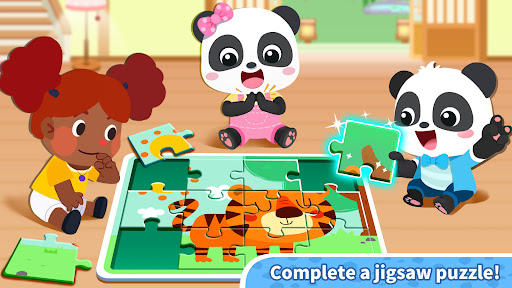
Panda Games: Town Home is an engaging educational mobile app designed for young children. It offers a safe and colorful environment where kids can explore various interactive activities that promote learning through play. As an educational app developed specifically for early childhood development, Panda Games: Town Home aims to foster creativity, problem-solving, and basic skills in a fun, approachable way. The app is available on Android devices and provides a user-friendly experience that both parents and children can enjoy without confusion or excessive complexity.
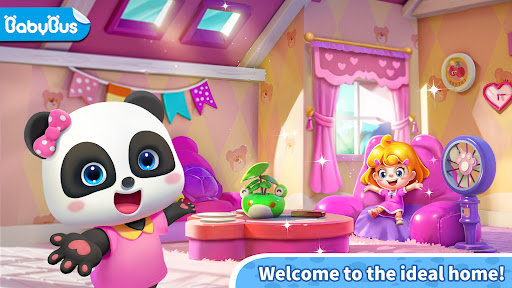
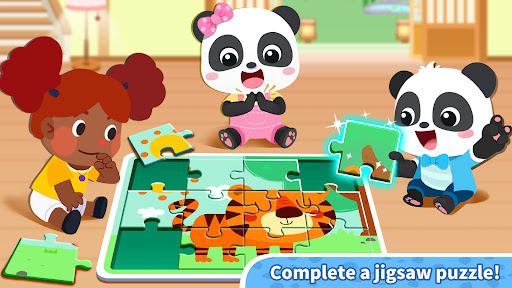
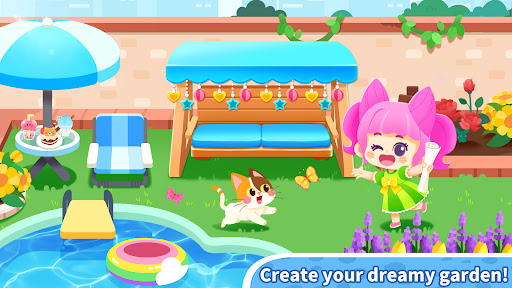
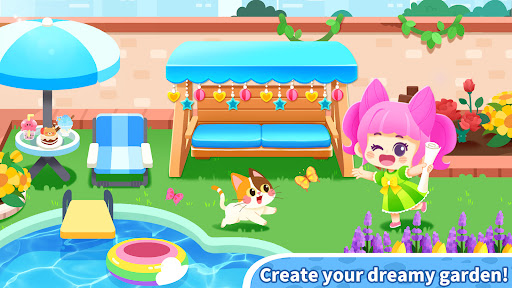
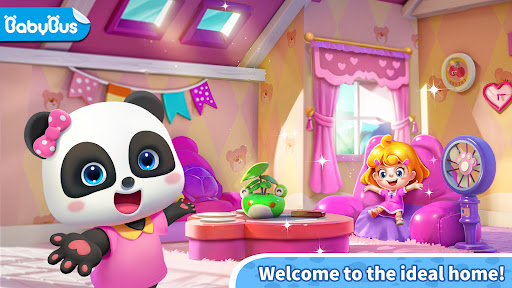
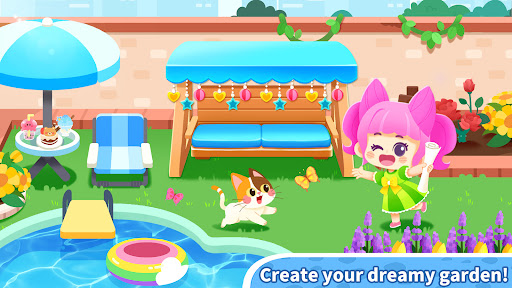
With Panda Games: Town Home, children can participate in a variety of activities such as building homes, customizing characters, and completing educational mini-games. Its primary purpose is to serve as an app-based solution that combines entertainment with learning, encouraging curiosity while helping youngsters develop foundational skills. The app features an intuitive design tailored to young users, making it easy for children to navigate and explore at their own pace. Overall, Panda Games: Town Home offers a well-rounded app experience that supports early developmental needs through engaging, educational content on a trusted Android app platform.
This educational mobile app is ideal for parents and caregivers seeking a reliable, safe app-based solution to support early childhood development. It caters mainly to children within the age range of 3 to 8 years old, providing a platform where kids can learn through interactive play while parents feel confident about the content.
If you're looking for a versatile Android app that keeps children engaged and nurtures their learning in a fun way, Panda Games: Town Home is perfect for use at home, in preschool settings, or during travel. Its thoughtful design and educational app features help kids build foundational skills in a secure environment, making it a great choice for busy families aiming to turn screen time into productive learning moments.
Choosing Panda Games: Town Home means investing in an educational app that combines quality content with a seamless app experience. Unlike many other apps in its category, this Android app emphasizes safe, age-appropriate learning activities that are backed by educational expertise. Its intuitive interface ensures young learners can navigate independently, fostering confidence and curiosity.
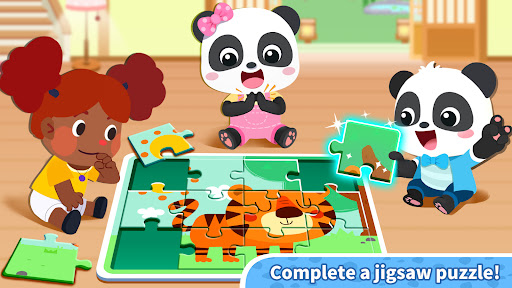
What sets Panda Games: Town Home apart is its focus on engaging app features that support diverse learning styles. Whether children enjoy puzzles, storytelling, or creative tasks, this app offers a rich variety of content aligned with early education standards. With parental controls and offline functionality, it delivers a trustworthy and flexible app experience for families seeking a comprehensive educational solution that is both enjoyable and effective.
Engaging graphics and vibrant art style
User-friendly interface and simple navigation
Variety of customization options for homes and characters
Regular updates introduce new content and activities
Free to play with optional in-app purchases
Limited gameplay depth compared to more complex simulation games
Ads can interrupt gameplay, especially for free users
Some customization options are locked behind in-app purchases
Resource management can be slow without premium currency
Occasional app stability issues on certain devices

Educational
4.4

Educational
3.5

Educational
4.2

Educational
4.5

Educational
3.9

Educational
4.5

Educational
3.7

Educational
4.5

Educational
4.3

Educational
4

Educational
4.4
Educational
4.2

Social
4.7

Shopping
4.7

Social
4

Personalization
3.9

Productivity
4.9

Video Players & Editors
4.6

Social
4.3

Communication
4.7

Entertainment
4.7

Communication
4.5