

House & Home
0.0
5.00M
4.4
WiZ Connected is a versatile mobile app designed to help you manage and customize your smart home lighting system with ease. As a user-friendly Android app, it serves as the central hub for controlling your WiZ smart bulbs and fixtures, making home automation accessible to everyone. Whether you're just starting out or looking to expand your smart home setup, WiZ Connected provides a seamless way to integrate your lighting into your daily routines.
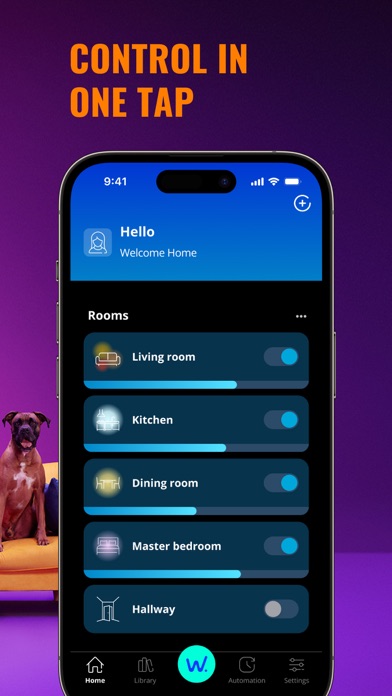
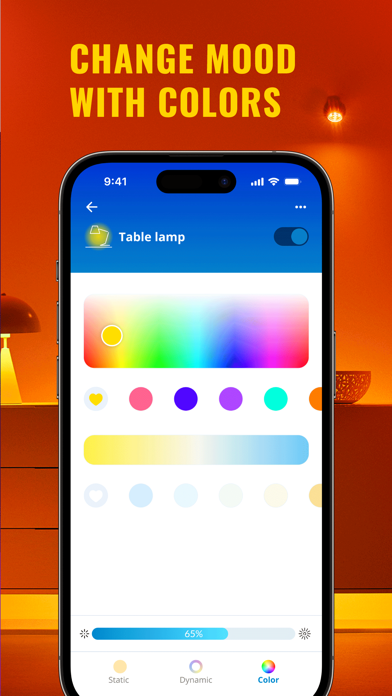
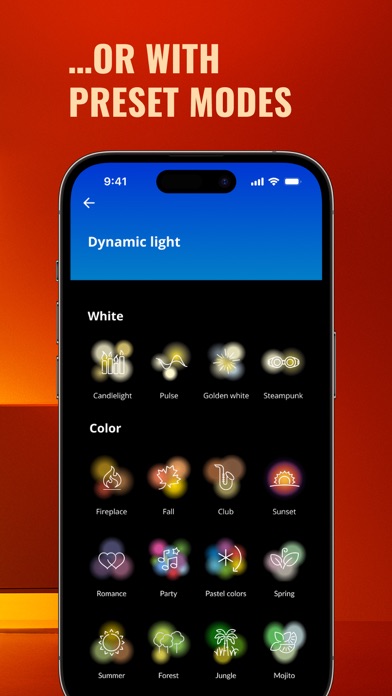
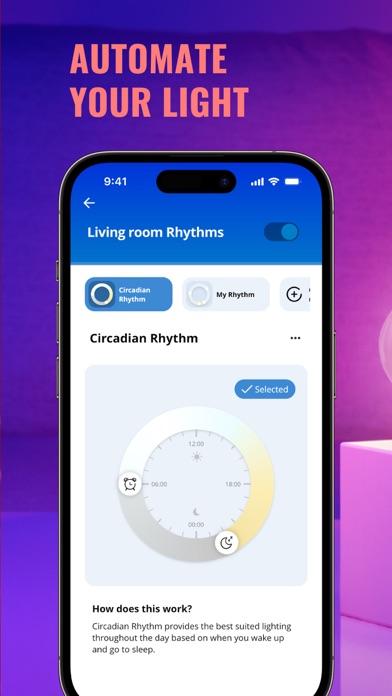
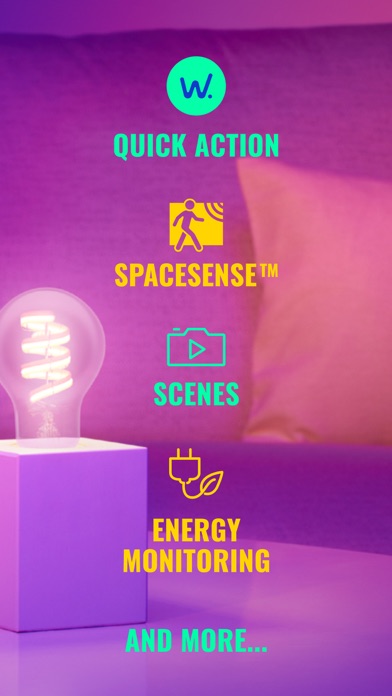
The app features intuitive controls that allow you to turn lights on or off, adjust brightness, change colors, and set schedules with just a few taps. WiZ Connected is an app-based solution that offers full control over your lighting environment, whether you're at home or away. Its main purpose is to enhance your app experience by offering reliable, real-time synchronization between your devices and connected lights. This Android app also supports voice commands and automation features, making smart lighting more accessible and efficient for everyday use.
This mobile app is ideal for homeowners and tech enthusiasts who want to optimize their smart home experience. Whether you're an early adopter of smart lighting or just beginning your journey into home automation, the app offers a user-friendly platform to control your devices with ease. It's particularly well-suited for people who prefer smartphone management over traditional switches and want a reliable app-based solution to streamline their lighting control.
If you're someone who values convenience and customization, this Android app is perfect for managing multiple smart lights simultaneously — whether you're adjusting brightness for a cozy evening or setting vibrant colors for a gathering. Its intuitive design makes it accessible for users of all ages, and its seamless integration into your existing smart home setup ensures that you can enjoy a personalized app experience without hassle.
Choosing WiZ Connected means opting for a smart lighting app that combines ease of use with powerful features. Its well-designed app features enable you to customize your lighting environment effortlessly, improving your overall home ambiance. Plus, the app offers real-time control and scheduling options that adapt to your daily routines, providing an enhanced app experience that fits your lifestyle perfectly.
What sets WiZ Connected apart from other apps is its robust compatibility across platforms and its focus on user security, making it a trustworthy app-based solution for home automation. The app's reliable performance and thoughtful feature set reduce the complexity often found in smart device management, making it a top choice for anyone looking to elevate their smart home. With its mix of innovative features and user-centric design, WiZ Connected provides a straightforward way to harness the full potential of your smart lighting system, truly standing out among many similar apps in the market.
Intuitive User Interface
Wide Compatibility
Advanced Scheduling Features
Voice Control Integration
Reliable Connectivity
Limited Customization Options
Occasional App Crashes
Lack of Multi-User Support
Limited Remote Access
Inconsistent Notification Alerts

House & Home
4.8

House & Home
4.5
House & Home
4.7

House & Home
4.8

House & Home
4.8
House & Home
4.7

House & Home
4.5

House & Home
4.8
House & Home
4.7
House & Home
4.8

House & Home
4.8
House & Home
4

Social
4.7

Shopping
4.7

Social
4

Personalization
3.9

Productivity
4.9

Video Players & Editors
4.6

Social
4.3

Communication
4.7

Entertainment
4.7

Communication
4.5