Communication
0.0
10.00B
4.7
WhatsApp Messenger is a widely used mobile app that falls under the communication category. It allows you to send text messages, make voice and video calls, share photos, videos, and documents with friends, family, and colleagues all over the world. As an Android app, WhatsApp has become a go-to choice for millions seeking a reliable way to stay connected through their smartphones, regardless of location or device type.
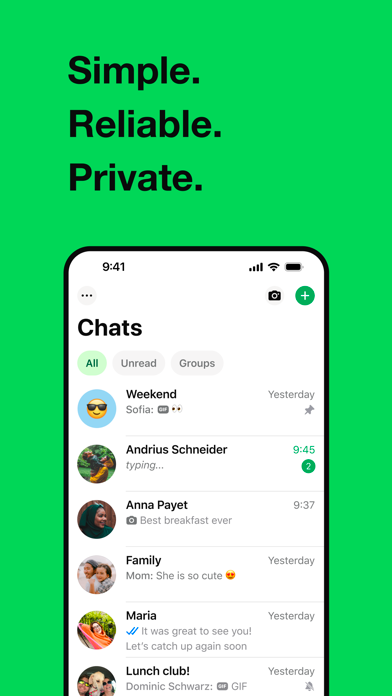
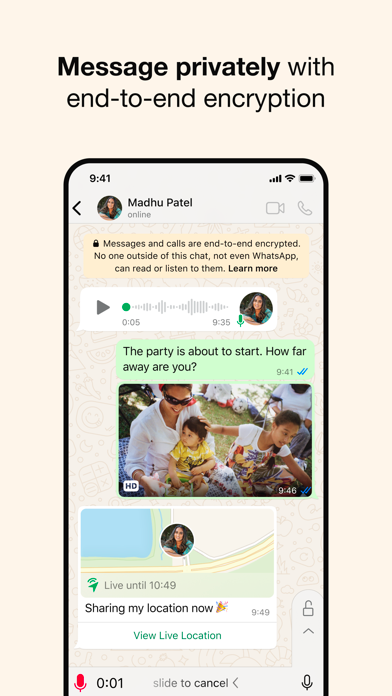
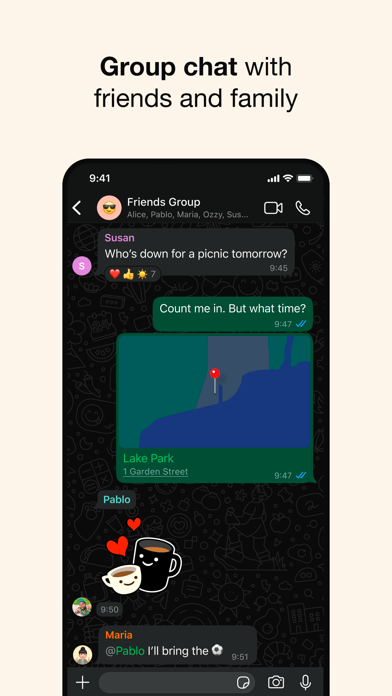
This app-based solution offers a simple yet powerful user experience, with an interface that's easy to navigate. WhatsApp's primary features include instant messaging, group chats, multimedia sharing, and voice calling, making it a comprehensive launcher app for everyday communication. Its end-to-end encryption ensures your conversations remain private, which builds trust and confidence among users. Whether you're using it for personal chats or business communication, WhatsApp Messenger provides a seamless app experience that's regularly updated to include new features and security enhancements to meet users' evolving needs.
WhatsApp Messenger is ideal for a broad range of users, especially those who rely heavily on mobile communication. Whether you're a professional looking to stay connected with colleagues, a student coordinating with classmates, or a family member keeping in touch with loved ones, this mobile app caters to all age groups and lifestyles. Its intuitive design and reliable app experience make it particularly appealing to users who prefer simple, straightforward messaging solutions without sacrificing advanced features.
People who frequently switch between devices or need a versatile app-based solution will find WhatsApp Messenger particularly useful. It's perfect for scenarios such as international communication, organizing group events, or sharing media files during travels. Additionally, its compatibility with Android app devices and availability on the App Store ensures broad accessibility, making it a dependable choice for anyone seeking a comprehensive communication platform that fits seamlessly into everyday life.
WhatsApp Messenger stands out among other messaging apps because of its blend of robust app features, security measures, and ease of use. As a trusted app-based solution, it offers a comprehensive communication experience that combines real-time messaging, multimedia sharing, and voice/video calls, all integrated into an intuitive interface. Its end-to-end encryption assures users that their conversations remain private, fostering a sense of trust and safety that's often lacking in lesser-known alternatives.
What truly sets WhatsApp Messenger apart is its ability to deliver a seamless app experience across different devices, including Android app smartphones and tablets. Its optimized app features ensure quick responsiveness and efficient data management, even under varying network conditions. By continuously updating with new features and improvements, this mobile app maintains its relevance and reliability, making it a preferred choice for those seeking a secure, feature-rich communication solution that adapts to everyday needs. Its popularity and strong user base are testaments to its quality and effectiveness as a leading communication tool.
End-to-end encryption ensures user privacy
User-friendly interface with minimal learning curve
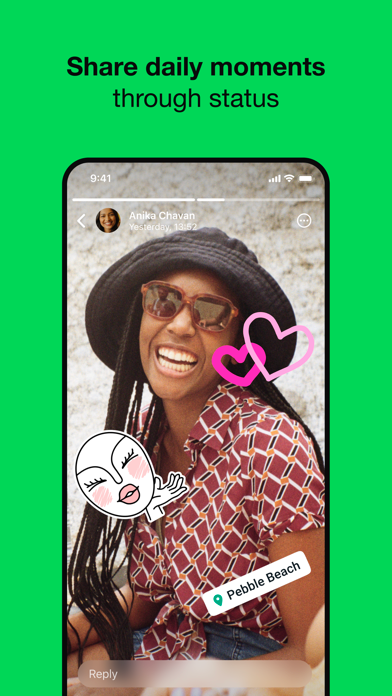
Supports a wide range of multimedia sharing features
Cross-platform compatibility
Rich group chat functionalities
Limited message customization options
Lack of integrated in-app shopping or payment features
Occasional delays in message delivery due to server issues
Limited options for message editing and deleting after sending
No native scheduling for messages or automated replies

Communication
3.5

Communication
4.2

Communication
4.7

Communication
4.6

Communication
4.7

Communication
4.7

Communication
4

Communication
4.3

Communication
4.7

Communication
3.8

Communication
4.4

Communication
4.6

Social
4.7

Shopping
4.7

Social
4

Personalization
3.9

Productivity
4.9

Video Players & Editors
4.6

Social
4.3
Communication
4.7

Entertainment
4.7

Communication
4.5