Menu
Vehicleinfo - RTO Information

Vehicleinfo - RTO Information

4.3
Advertisement
Advertisement

Information

Category:

Auto & Vehicles

Price:

0.0

Downloads:

0.05B

Rating:

4.3

Overview

About Vehicleinfo - RTO Information

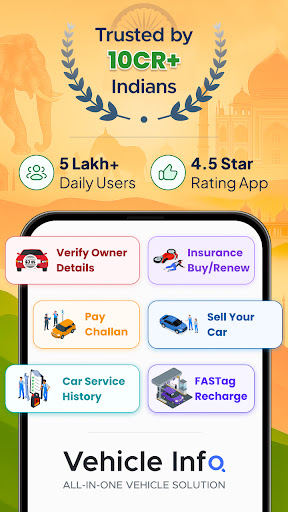
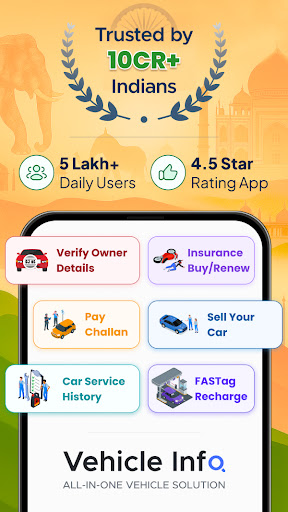
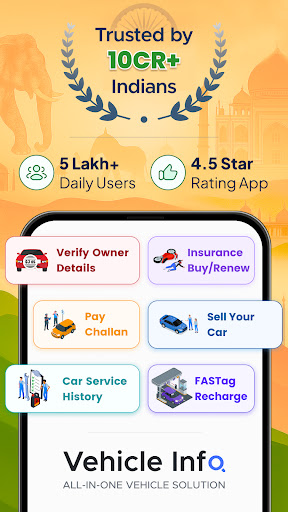
Vehicleinfo - RTO Information is a practical mobile app designed for vehicle owners and enthusiasts who need quick access to Regional Transport Office (RTO) details. As an Android app, it provides a straightforward way to check vehicle registration details, RTO codes, and other important transportation-related information. This app combines ease of use with comprehensive data, making it a valuable tool for everyday vehicle management and verification processes.

The app features an intuitive interface that allows users to find information about vehicle registration, vehicle owner details, and RTO locations effortlessly. It is an essential app-based solution for those seeking quick and reliable access to vital vehicle data and RTO services right from their mobile device. Whether you are a vehicle owner, checking registration status, or a transport professional, Vehicleinfo - RTO Information offers an efficient app experience tailored to your needs.

Core Features

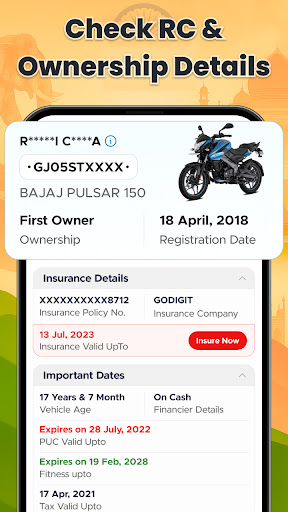
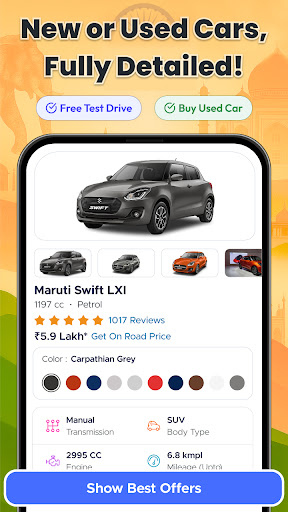
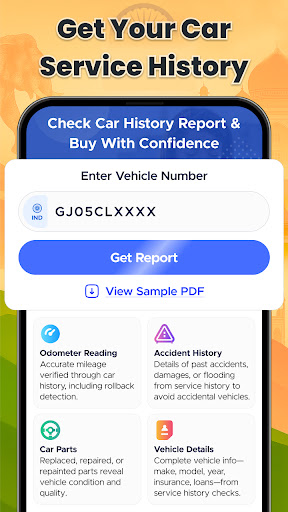
  • The app features a comprehensive RTO (Road Transport Office) information database, providing users with quick access to vehicle registration details, license status, and vehicle history reports. It consolidates essential data into a user-friendly interface.
  • With real-time data synchronization, Vehicleinfo - RTO Information ensures you receive the most updated vehicle details, making it a reliable app-based solution for vehicle owners, drivers, and transport professionals.
  • The app includes a license renewal reminder feature, helping users stay compliant with legal requirements without the need for manual follow-up, enhancing the overall app experience.
  • Its easy navigation and simple search options make it accessible for users of all ages, whether you're checking your own vehicle or looking up someone else's vehicle details for verification purposes.
  • Designed as an Android app, Vehicleinfo offers an offline mode that allows access to stored data even without internet connectivity, making it a practical launcher app for vehicle-related queries on the go.
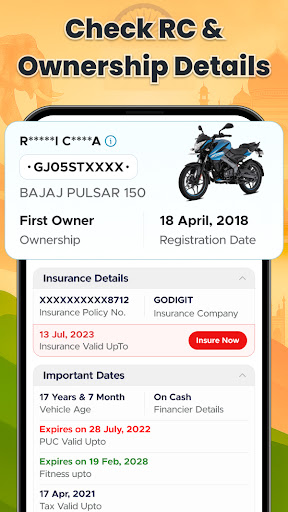
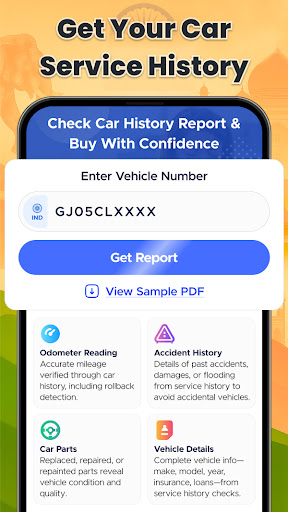
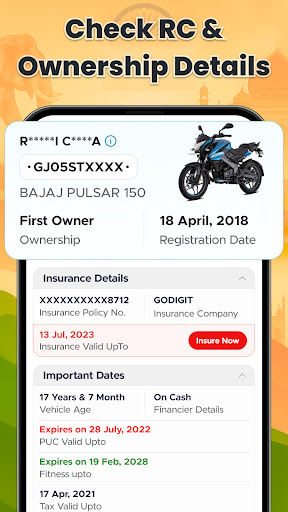
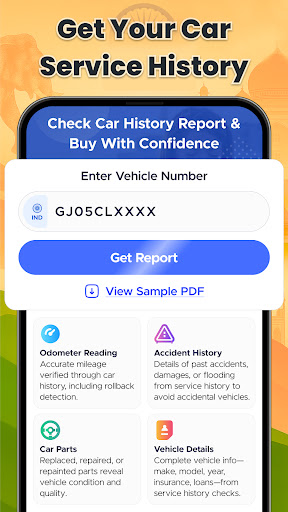
  • The app provides detailed vehicle registration history, including registration date, expiry, and ownership transfer details, which are crucial for transactions and vehicle verification.
  • It also features a user-friendly interface that ensures a smooth app experience, with minimal hassle when navigating through app features and accessing critical RTO information.

Who This App Is For

This mobile app is particularly beneficial for vehicle owners, drivers, car dealers, and transport companies who need quick and reliable access to vehicle and license information. Its straightforward design and real-time data updates make it ideal for users aged 18 and above who are looking for an efficient way to manage vehicle-related details.

If you often find yourself needing to verify vehicle registration status or renew licenses, this app-based solution caters well to those in the automobile industry or individuals managing fleet operations. Whether you're checking vehicle history before a purchase or handling legal compliance, Vehicleinfo simplifies these tasks, saving you time and effort in everyday scenarios.

Why Choose This App

Vehicleinfo - RTO Information stands out as a trusted Android app because it offers accurate, real-time data that's critical for vehicle verification and management. Unlike other apps in the same category, this app focuses on delivering precise information through a simple, intuitive interface, making it accessible even to first-time users.

What sets Vehicleinfo apart is its commitment to providing a comprehensive app experience with features like offline data access and timely reminders, ensuring users can rely on the app regardless of their location or network issues. As an app-based solution tailored specifically for India's RTO system, it addresses the practical needs of vehicle owners, drivers, and professionals, making vehicle management more transparent and stress-free. Its reliable, user-centric approach demonstrates industry expertise and builds trust among its users, making it a preferred choice for those seeking efficient vehicle information management.

pros

Comprehensive RTO Data

User-Friendly Interface

Real-Time Updates

Search Flexibility

Additional Vehicle Info

Cons

Limited Data Coverage

Occasional Data Lag

Free Version Restrictions

App Stability Issues

Limited Offline Access

Advertisement

Frequently Asked Questions

How do I check my vehicle's RC details using Vehicleinfo?

Open the app, go to 'Vehicle Details,' enter your vehicle number or scan the plate for instant results. You can also use the RC search feature for quick access.

Is Vehicleinfo free to use for basic vehicle information?

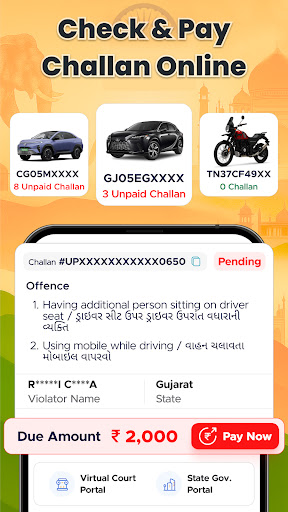
Yes, most basic features like RC lookup and challan status are free. Some advanced services may require registration or payment; check app prompts for details.

How can I pay my traffic challan through the app?

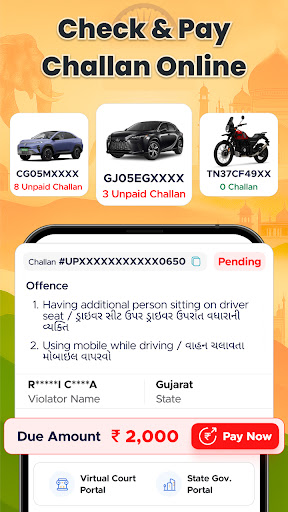
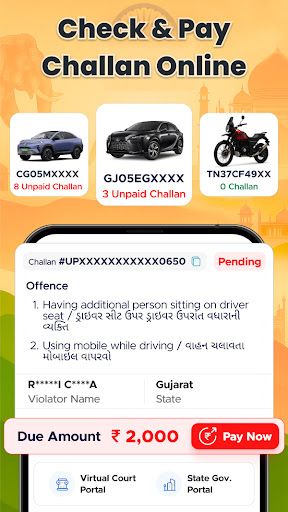
Navigate to 'Challan Check & Pay' from the main menu, enter your registration or license number, review fines, and proceed with online payment options.

Can I renew my vehicle insurance within Vehicleinfo?

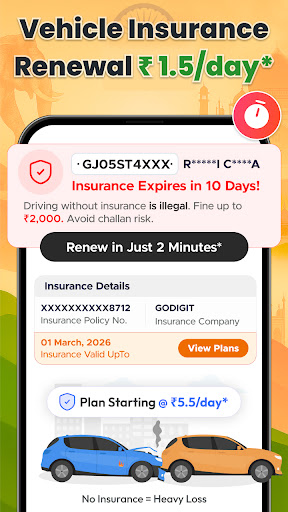
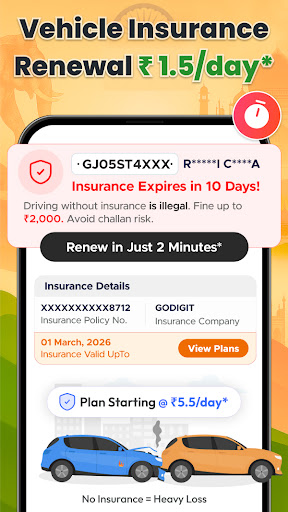
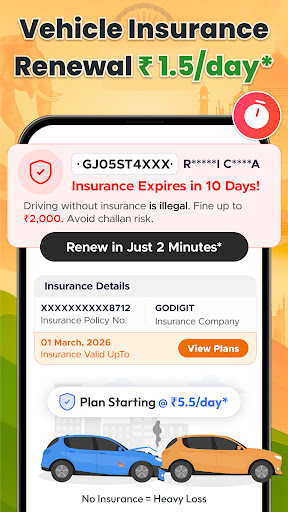
Yes, go to 'Insurance Services,' select your vehicle, compare policies, and renew or purchase insurance directly through partnered providers.

How do I locate RTO offices across India?

Select 'RTO Office Locator' from the menu, then search by region or city to view contact details and addresses of nearby RTO offices.

Does Vehicleinfo provide vehicle resale value estimates?

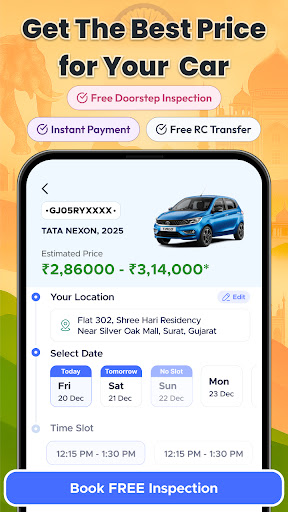
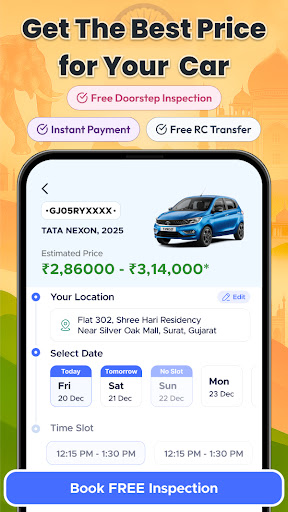
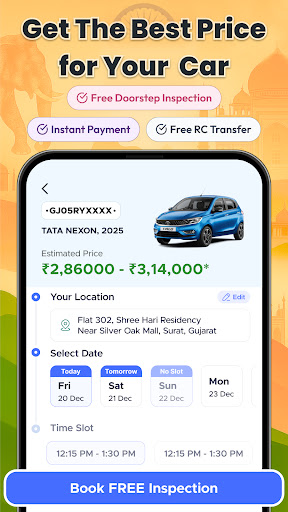
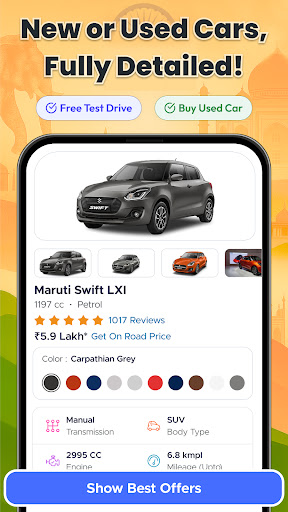
Yes, access 'Vehicle Sale & Resale' features, input your vehicle details, and compare quotes or check resale values from top providers.

Are there any subscription fees to access all features?

Some premium features may require a subscription or in-app purchases. Check 'Settings > Account > Subscription' to view available plans.

How do I set reminders for insurance renewal or PUC expiry?

Go to 'Vehicle Management,' select your vehicle, and enable reminders for insurance renewal and PUC expiry in the notification settings.

What should I do if the app is not showing correct vehicle details?

Ensure your internet connection is stable, update the app to the latest version, and try re-entering your vehicle information. Contact support if needed.

Can I prepare for my RTO driving test with Vehicleinfo?

Yes, access 'Exam Preparation,' practice traffic sign tests, and review exam tips right within the app to help prepare for your driving test.
Show more