Weather
0.0
0.05B
4.2
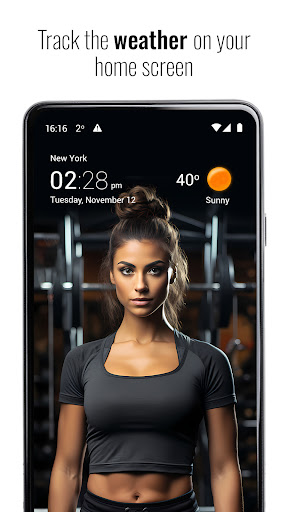
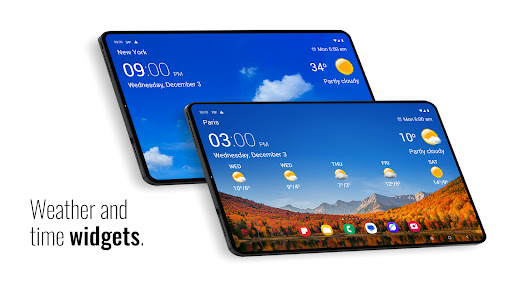
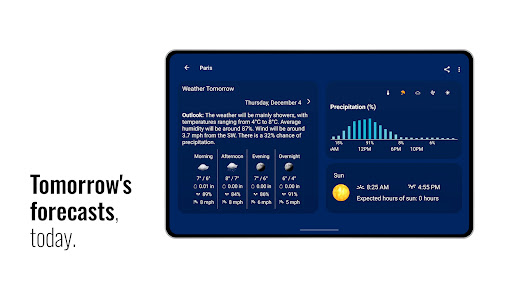
Transparent Clock and Weather is a popular mobile app designed to deliver accurate weather updates and useful clock features directly on your Android device. It's a versatile app that combines real-time weather data with a sleek clock display, making it a handy tool for everyday use. Whether you're planning your day, traveling, or just curious about the weather forecast, this Android app provides a comprehensive and visually appealing solution. Its intuitive interface allows users to access essential weather information at a glance, making it a great addition to any launcher app or home screen setup.
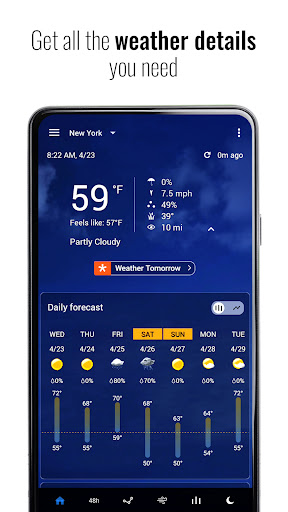
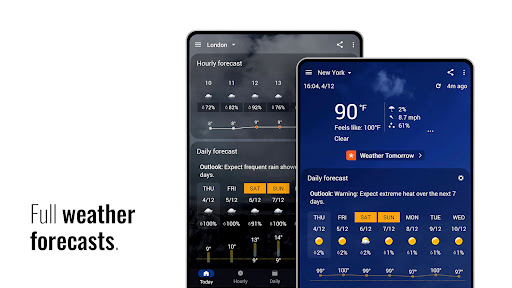
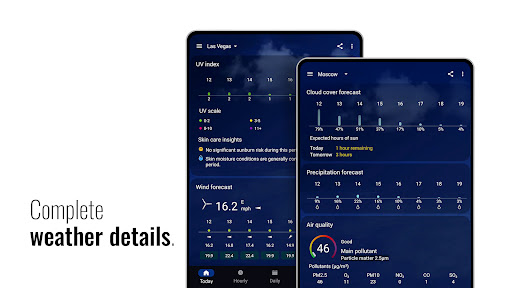
The primary purpose of Transparent Clock and Weather is to improve your app experience by integrating weather forecasts with clock functionalities seamlessly. The app features include customizable weather widgets, precise temperature readings, humidity levels, wind speed, and forecast details. Additionally, it offers a range of options for personalizing the display to suit your preferences, such as widget transparency, clock style, and location settings. As an app-based solution, it ensures you'll always stay informed about current weather conditions, providing value for users seeking reliable information through their preferred launcher app or on-the-go with their mobile device.
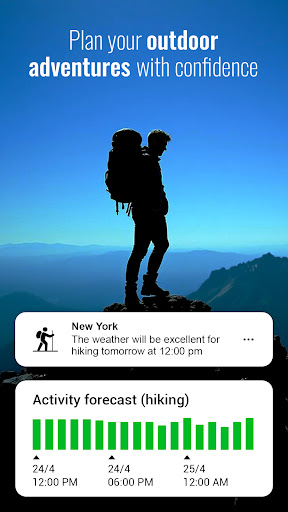
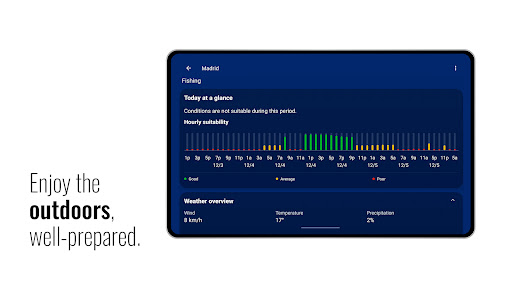
This weather app is ideal for anyone who relies on accurate and timely weather information, whether you're a daily commuter, outdoor enthusiast, or simply someone who wants to stay prepared. Its user-friendly interface appeals to a wide age range, from teenagers to seniors, and is especially useful for users seeking a reliable app experience on their Android devices.
If you're someone who prefers an all-in-one app that combines clock and weather functionalities, this mobile app offers that convenience. It fits well into daily routines for individuals planning outdoor activities, traveling, or managing a busy schedule, providing a straightforward app-based solution for weather updates and time management in one place.
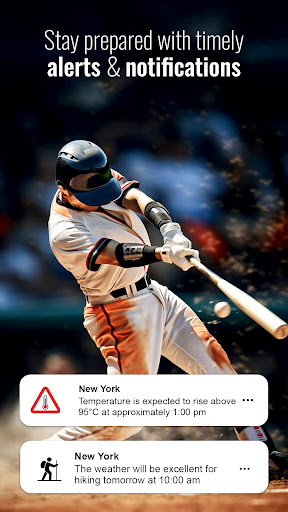
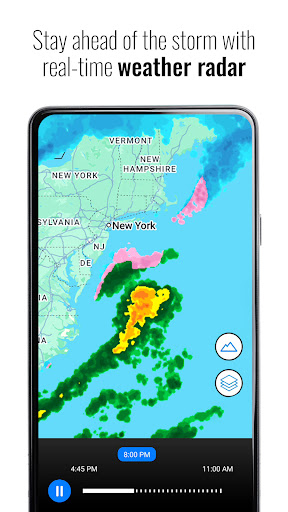
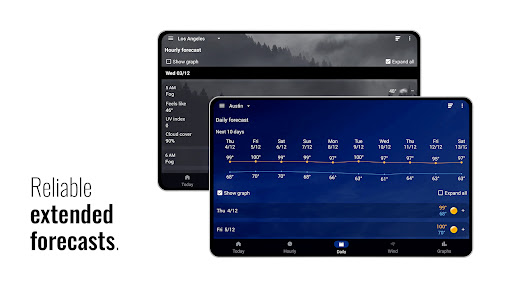
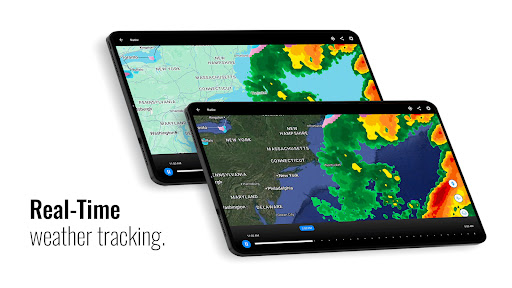
Choosing Transparent clock and weather means opting for a comprehensive app that combines essential weather app features with a clean and customizable interface. Unlike many other Android apps that only provide basic forecasts, this app offers detailed weather data, real-time alerts, and a highly personalized user experience, making it stand out among launcher app options.
What makes this app the preferred choice is its focus on accuracy, reliability, and user control. It delivers precise weather updates and a seamless app experience that integrates well with your device's home screen and notifications. For users seeking a trusted app-based solution to monitor weather conditions and manage their time efficiently, Transparent clock and weather delivers on these needs while maintaining a trustworthy reputation through consistent updates and dependable performance.
Accurate and real-time weather updates
Customizable Widget Design
Intuitive user interface
Multiple alarm and notification options
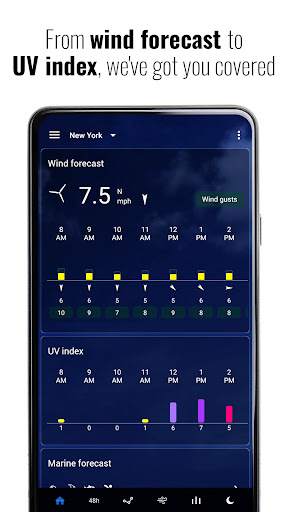
Additional features like moon phase and UV index
Battery consumption can be high on some devices
Limited customization options for some widgets
Minor inaccuracies in certain weather data sources
Requires internet connection for real-time updates
Some advanced features may be unavailable on older OS versions

Weather
4.7

Weather
3.1

Weather
4.2
Weather
4.2

Weather
4.8

Weather
4.4

Weather
4.4

Weather
4.6

Weather
4.4

Weather
4.7

Weather
4.2

Weather
4.7

Social
4.7

Shopping
4.7

Social
4

Personalization
3.9

Productivity
4.9

Video Players & Editors
4.6

Social
4.3

Communication
4.7

Entertainment
4.7

Communication
4.5