Photography
0.0
0.05B
4.8
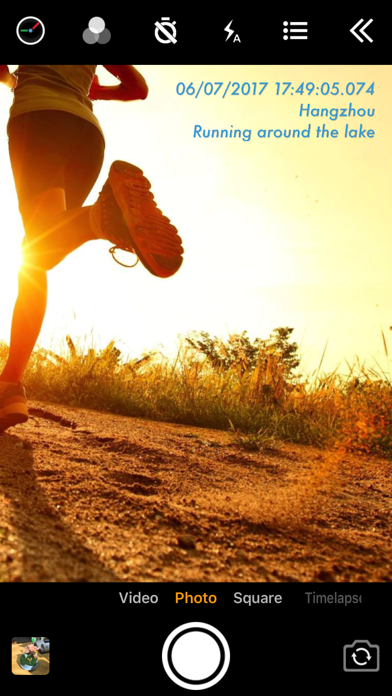
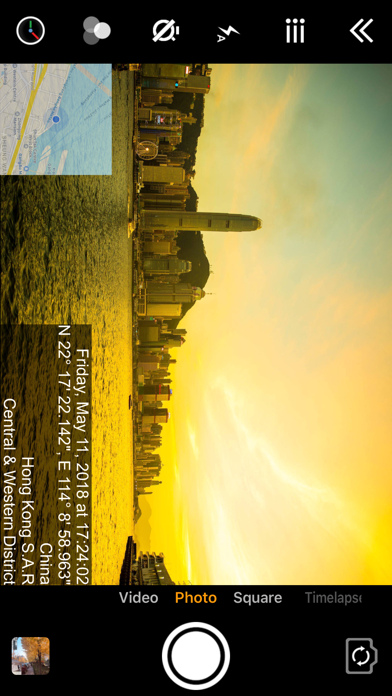
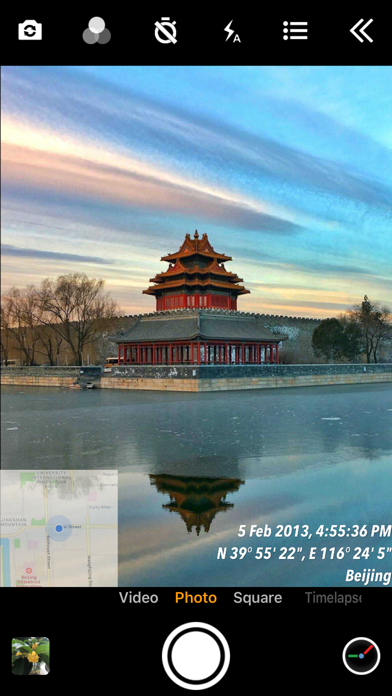
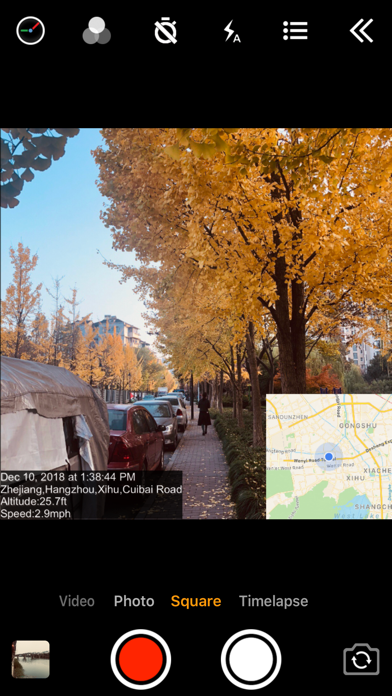
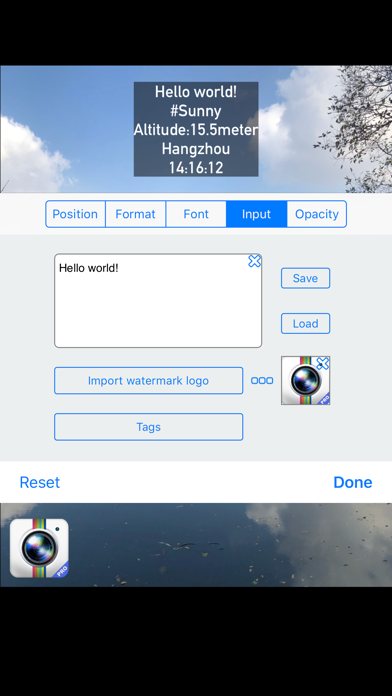
Timestamp Camera is a popular mobile app designed specifically for photography enthusiasts and content creators. It allows users to add real-time timestamps, location tags, and custom watermarks to photos and videos, making it a valuable tool for capturing moments with context and authenticity. Whether you're documenting daily life, creating social media content, or working on professional projects, this app enhances your camera experience by providing useful overlays directly on your media as you shoot.
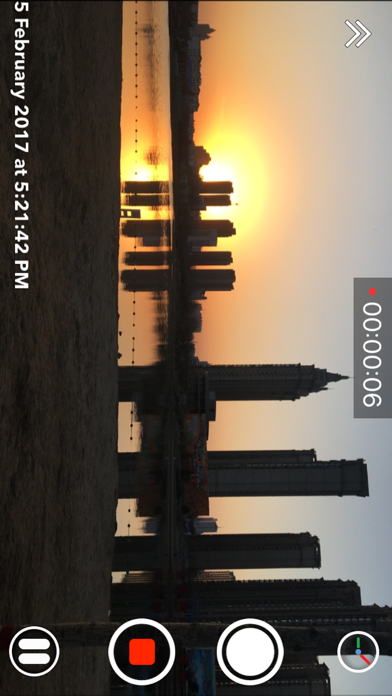
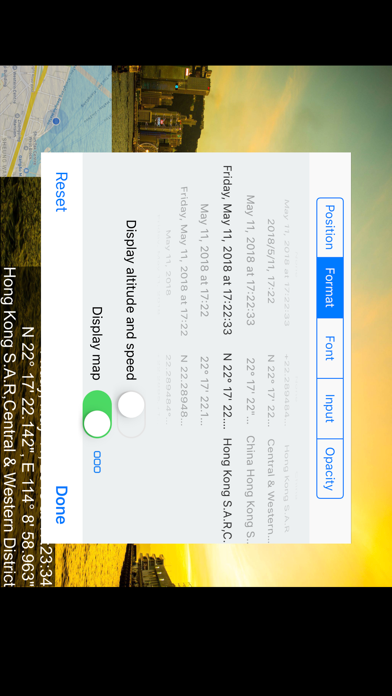
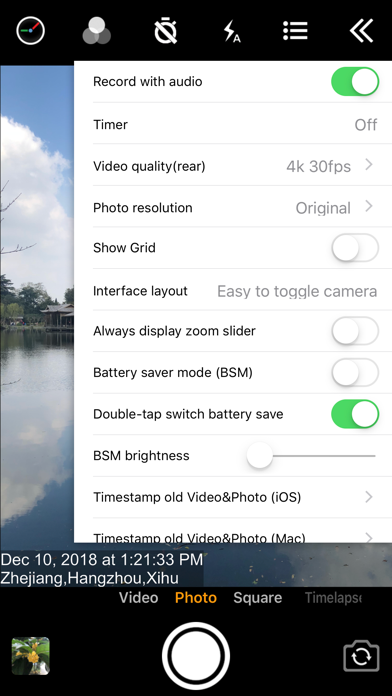
The app features an intuitive interface that makes it easy for anyone to incorporate timestamps, draw over images, or add scenic location details quickly. It works seamlessly with your device's camera, offering a range of customizable options such as font styles, sizes, and overlay positions. Designed as a versatile app-based solution, Timestamp Camera supports both still images and videos, making it suitable for a variety of creative needs. Its functionality is optimized for Android and iOS platforms, providing a reliable and user-friendly app experience for all users seeking to enhance their photography or video projects.
Timestamp Camera is particularly well-suited for individuals who often need to document their activities with precise date and time annotations. This makes it an ideal tool for professionals in fields like security, law enforcement, or journalism, where accurate time-stamped media is essential. Additionally, amateur and professional photographers looking for a reliable launcher app that enhances their photo and video recordings will find this app highly beneficial. Its user-friendly design ensures that even users new to photography apps can easily navigate its features, making it accessible to a broad age range from teens to seniors.
People who frequently share content on social media or need to produce media evidence for legal or official purposes can leverage the app's core features to create timestamped photos and videos efficiently. For example, field workers capturing site progress, event organizers recording moments, or travelers documenting their journeys will appreciate the clarity and accuracy provided by Timestamp Camera. This app-based solution seamlessly fits into daily workflows, whether you're using it for casual snapshots or professional documentation, reliably supporting your needs with an intuitive interface and versatile features.
If you're seeking a dependable Android app that offers precise timestamping and an array of customizable app features, Timestamp Camera stands out among other photography apps. Its focus on clarity and functionality delivers a smooth user experience that combines professionalism with simplicity. Whether you're using it for personal projects, security, or social media content, the app's real-time effects and high-resolution export options make it a versatile tool to enhance your photography experience. Unlike many apps that offer limited or overly complex features, Timestamp Camera provides a straightforward solution tailored to meet the needs of everyday users and professionals alike.
What truly sets this app apart is its dedication to delivering an app experience rooted in reliability and usability. Its offline mode allows users to operate without internet access, and the easy-to-use interface ensures quick access to key features. The integrated app features serve as an effective app-based solution for various scenarios, from documenting personal memories to professional documentation. Overall, Timestamp Camera offers a comprehensive package that combines accuracy, customization, and convenience—making it a smart choice for anyone wanting a dependable launcher app for capturing timestamped media efficiently and confidently.
Accurate timestamp overlay with customizable formats
Real-time timestamp display during photo capture
Support for multiple camera modes and aspect ratios
User-friendly interface with straightforward controls
High-quality output with minimal lag
Limited customization options for timestamp fonts and colors
Occasional lag when switching between camera modes
No built-in editing tools for timestamp placement after capture
Battery consumption may be higher due to real-time overlay processing
Limited support for exporting images in RAW format

Photography
4.6

Photography
4.7

Photography
4.8

Photography
4.5

Photography
4.8

Photography
4.8

Photography
4.7

Photography
4.7

Photography
4.7

Photography
4.6

Photography
0
Photography
4.8

Social
4.7

Shopping
4.7

Social
4

Personalization
3.9

Productivity
4.9

Video Players & Editors
4.6

Social
4.3

Communication
4.7

Entertainment
4.7

Communication
4.5