
Communication
8.25
5.00M
4
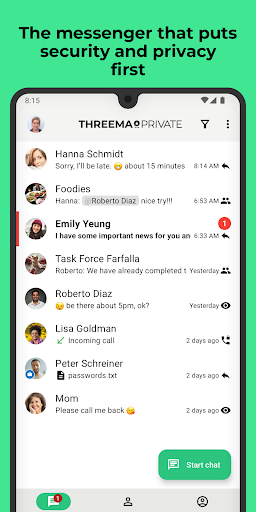
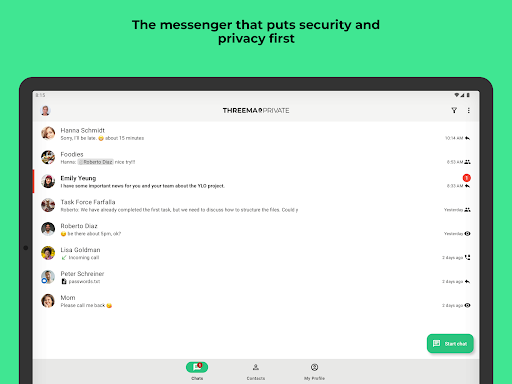
Threema is a highly secure mobile app designed for private messaging and communication. As a popular communication app, Threema offers an alternative to mainstream messaging platforms by prioritizing user privacy and data security. It's available as an Android app and also works on iOS devices, making it accessible to a broad user base. Many users turn to Threema when they need a reliable and confidential way to stay connected without compromising their personal information.
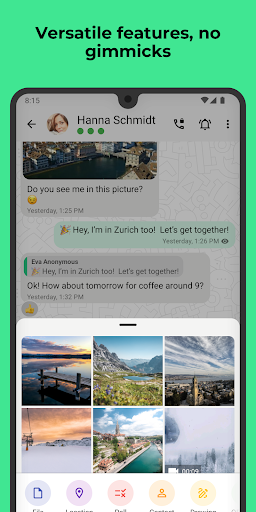
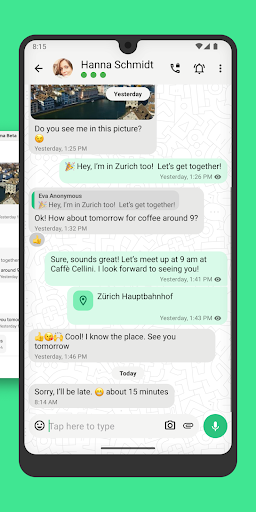
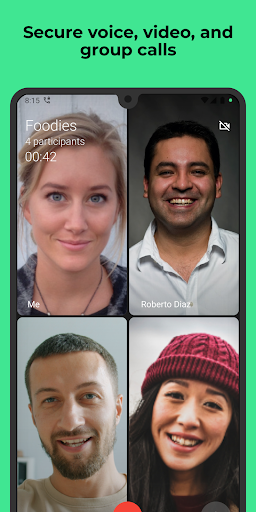
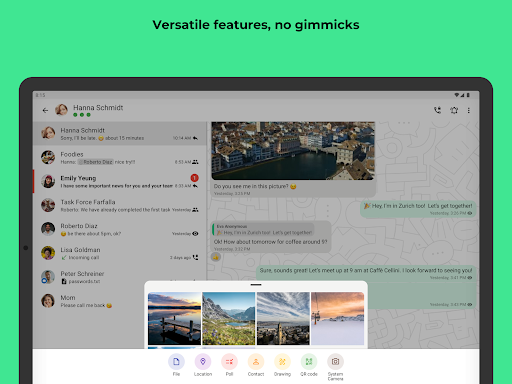
The primary purpose of Threema is to provide a safe app experience where your conversations remain private. The app features end-to-end encryption, ensuring that only you and the person you're chatting with can access your messages. Threema also supports various app features like voice calls, file sharing, and group chats, all integrated into a user-friendly interface. Whether you need a secure app-based solution for personal or professional contact, Threema offers a comprehensive approach to secure communication on your mobile device, making it a trusted choice among privacy-conscious users.
If you value privacy and security in your communication, Threema is ideal for a wide range of users including professionals, journalists, activists, and everyday individuals who want a trustworthy mobile app for secure messaging. Its focus on data protection and anonymous usage makes it especially attractive to those conscious about digital privacy or operating in sensitive environments.
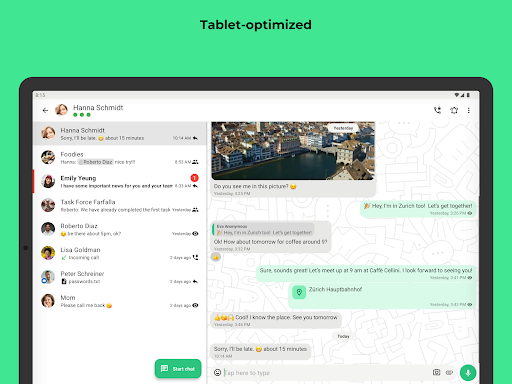
Whether you're commuting, working remotely, or simply prefer private conversations, Threema serves as a reliable app-based solution for secure messaging and calls. It's perfect for users who need a straightforward app experience that prioritizes confidentiality, without the distractions of ads or unnecessary features. Its compatibility with Android app platforms helps ensure you get a seamless, efficient experience whether you're using it on your phone or tablet for personal or business communication.
Choosing Threema means opting for a mobile app that combines strong security with ease of use. Unlike many other communication apps, Threema provides end-to-end encryption by default, ensuring that all your messages, voice calls, and shared files are kept private. Its design emphasizes user privacy without sacrificing functionality, making it a trusted app-based solution for safe communication. The app features an intuitive interface and robust app features that cater to casual users and professionals alike, delivering a high-quality app experience.
What sets Threema apart is its commitment to data confidentiality and user control. Unlike many free messaging apps that monetize user data, Threema's approach guarantees minimal data collection, giving users peace of mind. Its compatibility with Android app standards ensures smooth performance on various devices, and its role as a launcher app provides quick access to conversations. Overall, Threema stands out as a reliable, responsible choice for those seeking an app that combines good app features, security, and ease of use for secure communication in today's digital world.
End-to-end encryption ensures high privacy
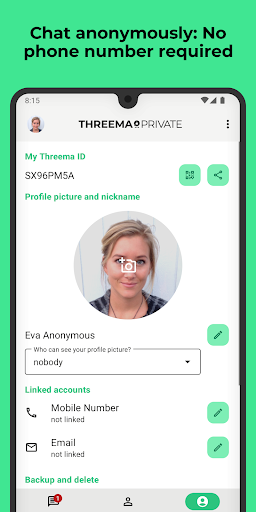
No phone number required for registration
Strong data security and privacy policies
Open-source cryptographic algorithms
Self-destructing messages available
Limited free usage
Smaller user base compared to mainstream apps
Lack of seamless multimedia sharing features
Limited integration with other apps
User interface may seem less intuitive for new users

Communication
3.5

Communication
4.2

Communication
4.7

Communication
4.6

Communication
4.7

Communication
4.7

Communication
4

Communication
4.3

Communication
4.7

Communication
3.8

Communication
4.4

Communication
4.6

Social
4.7

Shopping
4.7

Social
4

Personalization
3.9

Productivity
4.9

Video Players & Editors
4.6

Social
4.3

Communication
4.7

Entertainment
4.7

Communication
4.5