

House & Home
0.0
0.50M
4.7
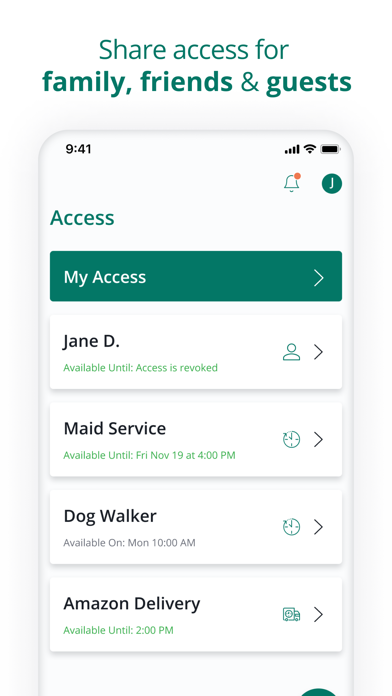
SmartRent is a comprehensive house and home management mobile app designed to make tenant and property management more efficient. Unlike traditional methods, this app provides a centralized platform where property managers and residents can interact seamlessly. Whether you're handling maintenance requests, rental payments, or communication, SmartRent simplifies these tasks by consolidating them into a user-friendly mobile app experience. Its intuitive design ensures that both tenants and property owners can navigate the features with ease, making property management less stressful and more organized.
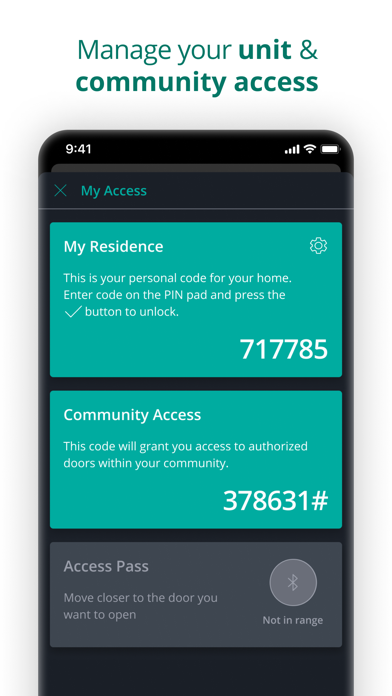
Primarily targeted at property management professionals, SmartRent offers a variety of app features that streamline operations and enhance communication. The app for Android devices and iOS provides real-time updates, automation options, and secure access to property information. As an app-based solution, SmartRent helps users manage multiple properties effortlessly from their smartphones. Its focus on reliability and security helps establish trust, ensuring users feel confident in the app's ability to handle sensitive information. Overall, SmartRent elevates the app experience by integrating efficient tools into a single, easy-to-use platform for better property management.
If you're a property owner, landlord, or property management professional, SmartRent is designed to streamline your rental operations and enhance tenant satisfaction. This mobile app appeals to those who seek an efficient, app-based solution to manage multiple properties without the hassle of traditional methods. Whether you're managing a few units or a large portfolio, the app's features help keep everything organized and accessible from your Android device or iOS device.
For tenants and residents, SmartRent offers a convenient way to interact with their living space, from paying rent to requesting maintenance. This app is especially useful for busy individuals who prefer performing property-related tasks on the go. It works well for people who appreciate automation and want a connected home experience that integrates with their lifestyle. Overall, SmartRent provides a practical app experience that simplifies property management and enhances communication between residents and managers.
SmartRent stands out among other house and home apps by offering an integrated, user-centered experience that emphasizes both ease of use and comprehensive management capabilities. The app's features are tailored to meet the needs of property professionals and tenants alike, providing reliable access to essential information wherever you are. Its app-based solution is built with security and data privacy in mind, ensuring users can trust the platform for sensitive data like rent payments and personal details.
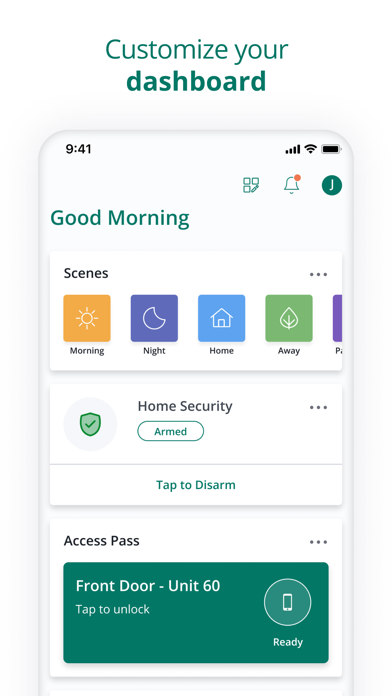
What truly makes SmartRent a better choice is its focus on delivering a seamless app experience through intuitive navigation and smart automation. The app features include advanced controls for property automation, real-time synchronization of data, and customizable alerts that improve operational efficiency and tenant satisfaction. For anyone looking for an Android app that combines functionality with reliability, SmartRent offers an effective, trusted way to manage properties and improve overall living experiences. Its versatility and thoughtful design set it apart from many competing solutions in the house and home category.
User-friendly interface
Comprehensive device integration
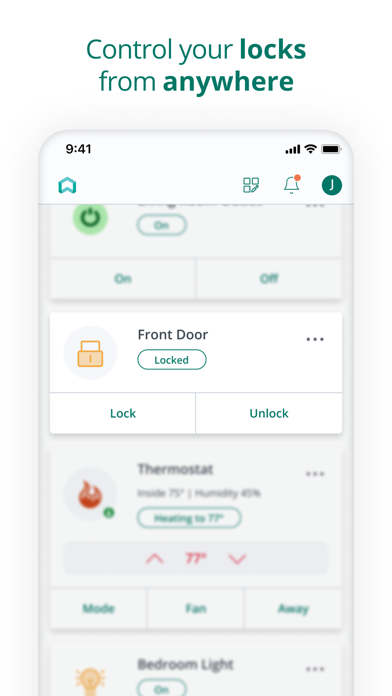
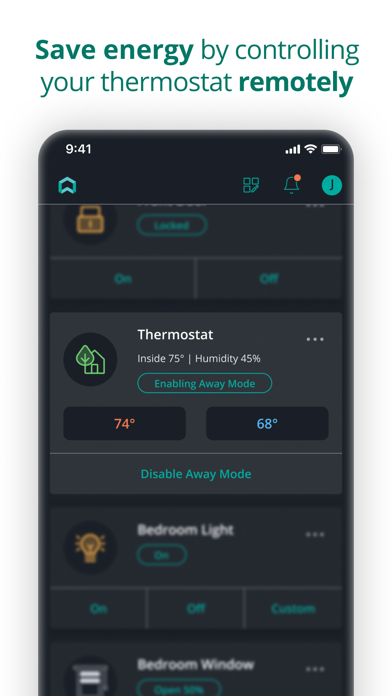
Real-time remote control
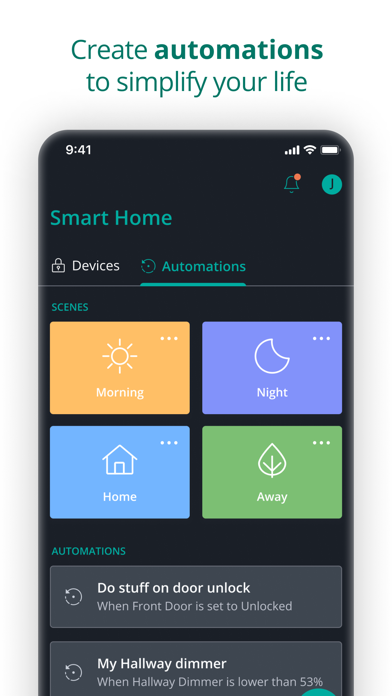
Automated routines and scheduling
Secure data protection
Limited device compatibility outside popular brands
Occasional app crashes during updates
Slow customer support response times
Limited customization options for routines
Battery consumption during continuous use

House & Home
4.8

House & Home
4.8

House & Home
4.2

House & Home
4.6

House & Home
4.8

House & Home
4.7

House & Home
4.7

House & Home
4.5

House & Home
4.8

House & Home
4.8

House & Home
4.7

House & Home
4.8

Social
4.7

Shopping
4.7

Social
4

Personalization
3.9

Productivity
4.9

Video Players & Editors
4.6

Social
4.3

Communication
4.7

Entertainment
4.7

Communication
4.5